-
-
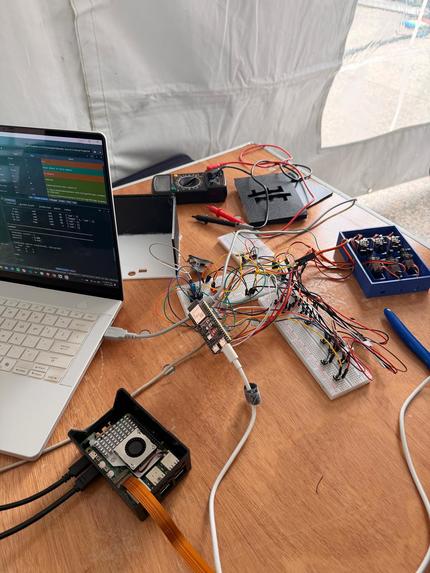
Setup
-
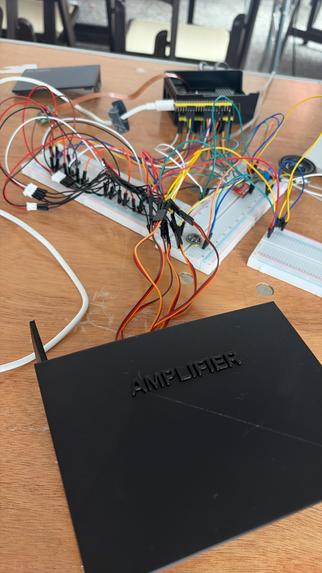
Setup
-
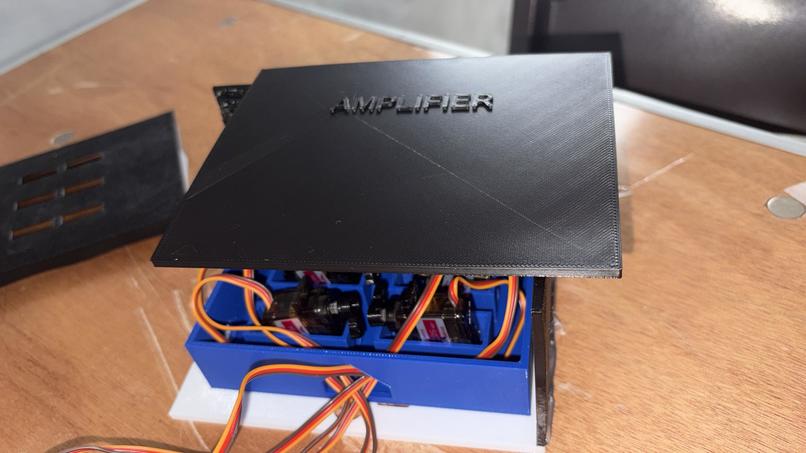
Our Product
-
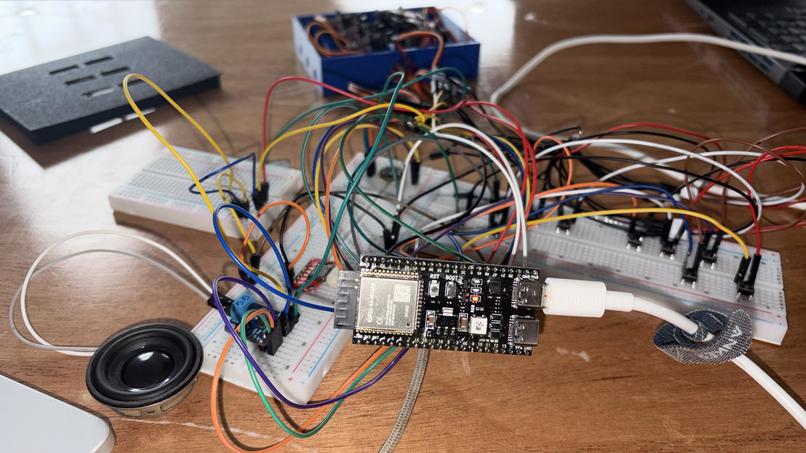
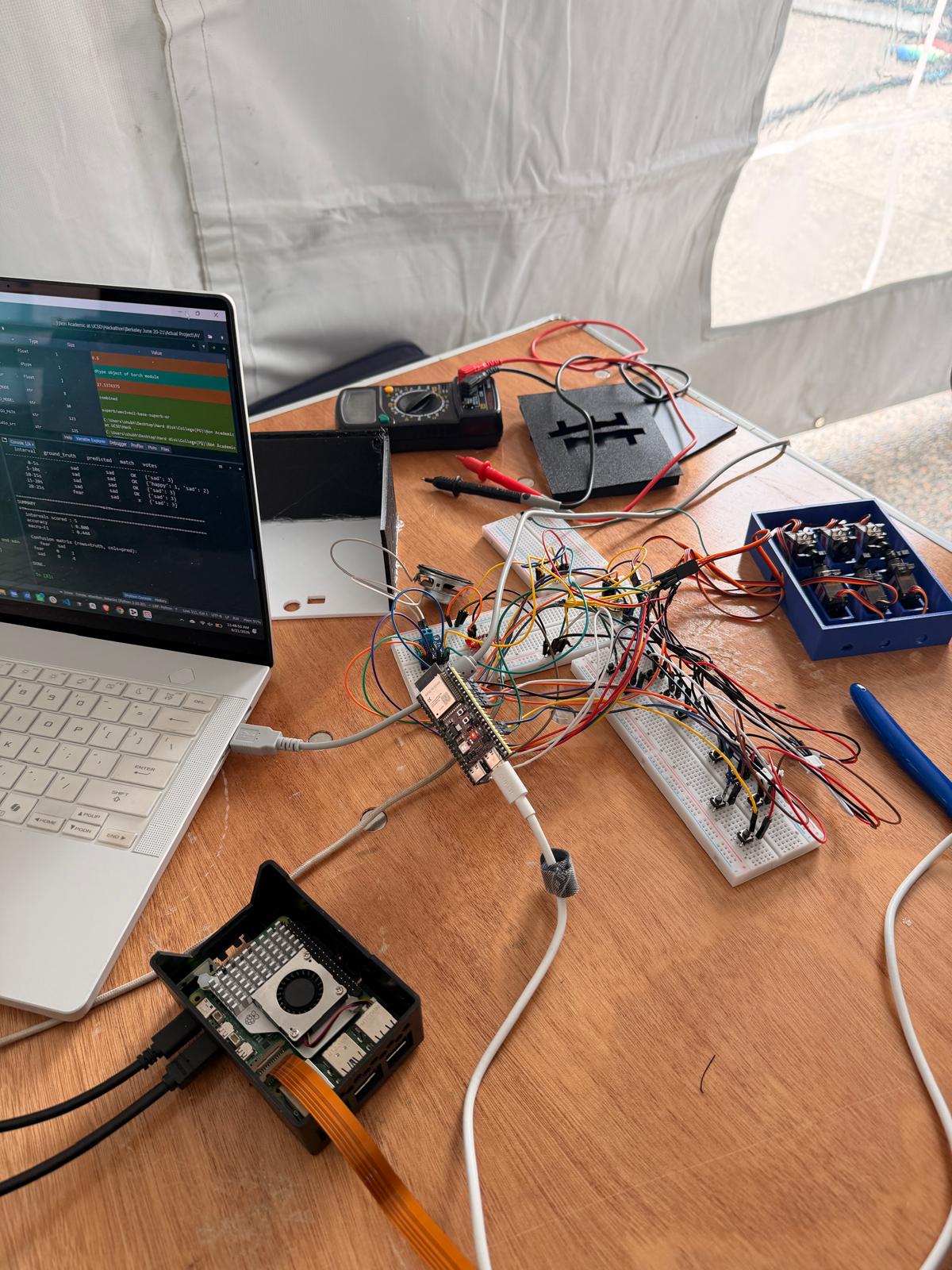
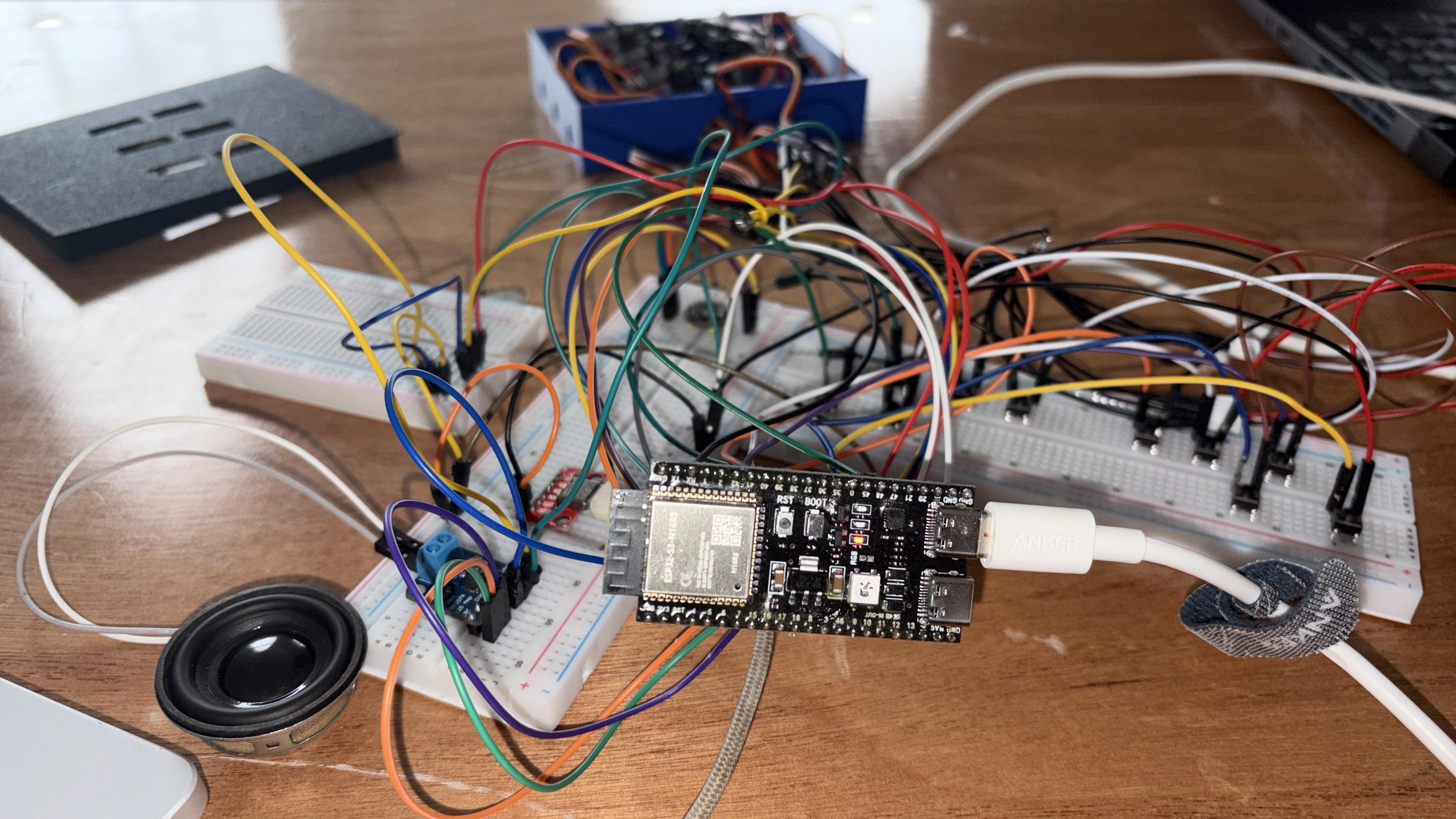
ESP32 for speech recognition
-
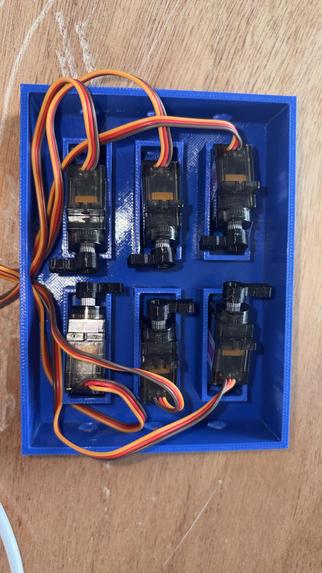
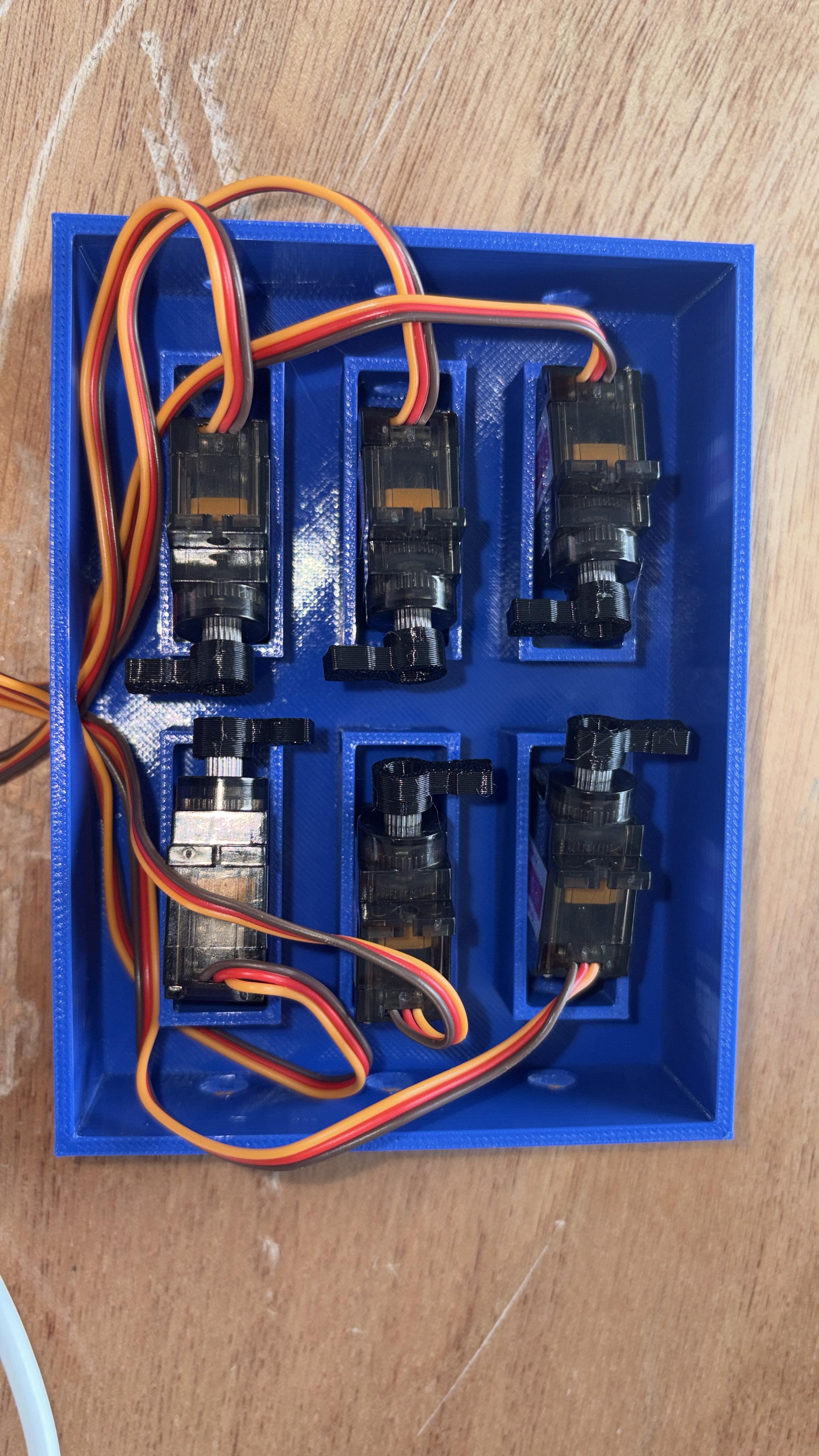
Refreshable Braille
-
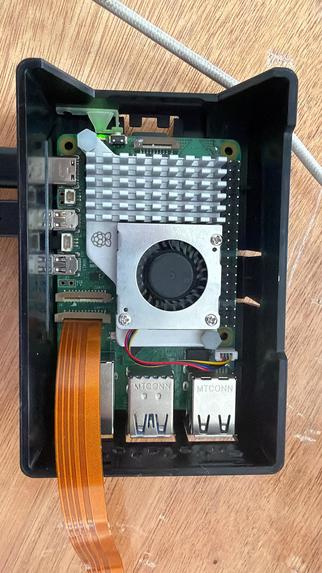
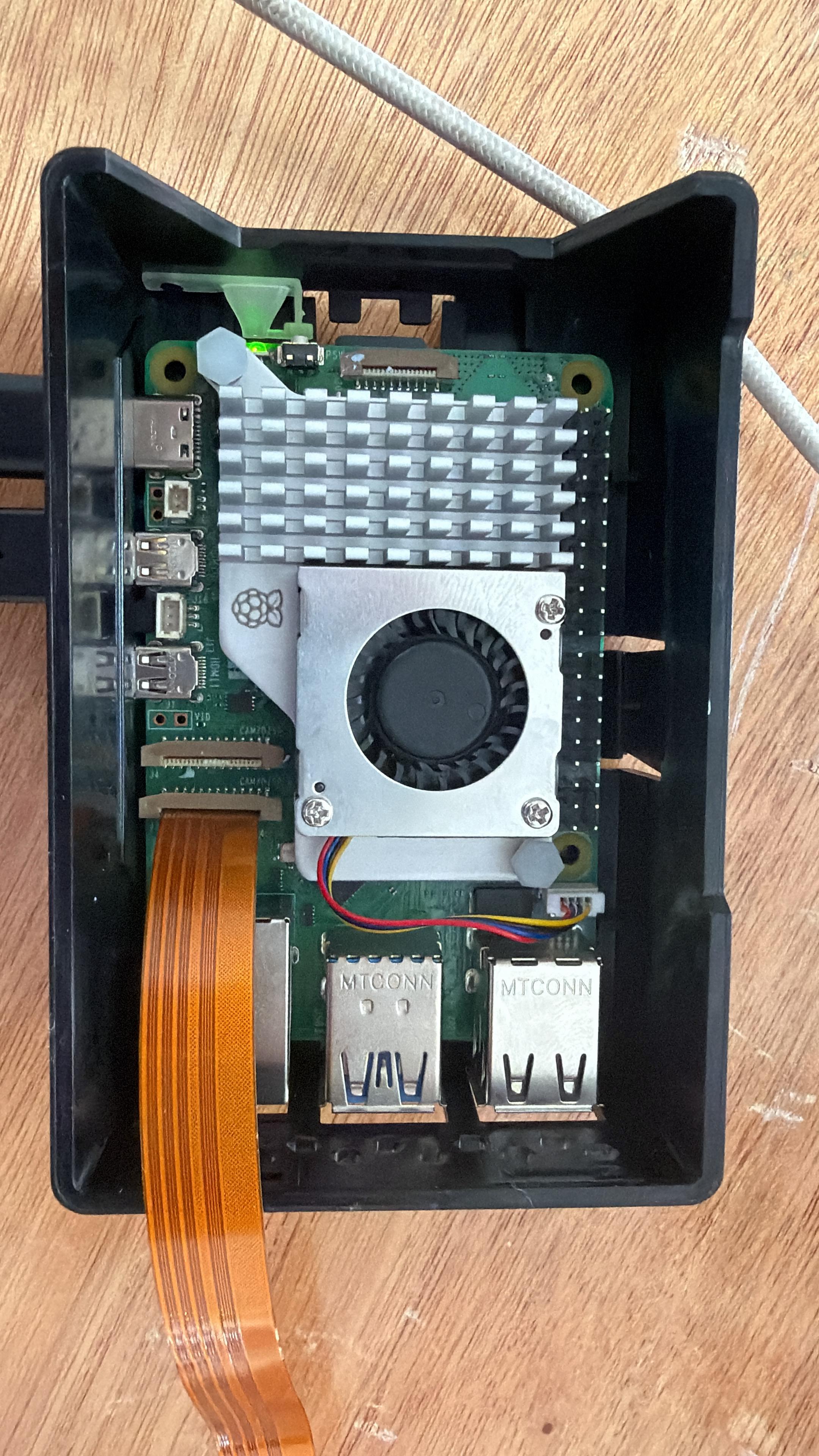
Qnx Rashberry Pi for face recognition
Inspiration
Imagine wanting to say something as simple as "I'm hungry" or "I love you" — but not being able to. For many DeafBlind people, every conversation depends on having another person there to interpret. The tools that could help, called refreshable Braille displays, can cost thousands of dollars. That price tag locks too many people out of something the rest of us take for granted: the freedom to talk.
We didn't think that was fair. So we set out to build one small, affordable device that could be a voice, a teacher, and a friend — all controlled by touch.
What it does
BrailleAI lets a DeafBlind person have a real, two-way conversation with anyone.
- Talk to anyone: You type with your fingers in Braille, and the device speaks your words out loud.
- Feel the reply: When someone answers, the device listens, shortens their words with AI, and raises them as Braille dots you can feel.
- Feel the emotion too: AI senses whether the speaker sounded happy, worried, or excited — and adds a small symbol so you don't just read the words, you feel the feeling behind them.
- Learn Braille: A patient AI tutor gives practice and instant feedback.
- Ask an AI: A quiet, touch-only assistant that answers your questions privately.
How we built it
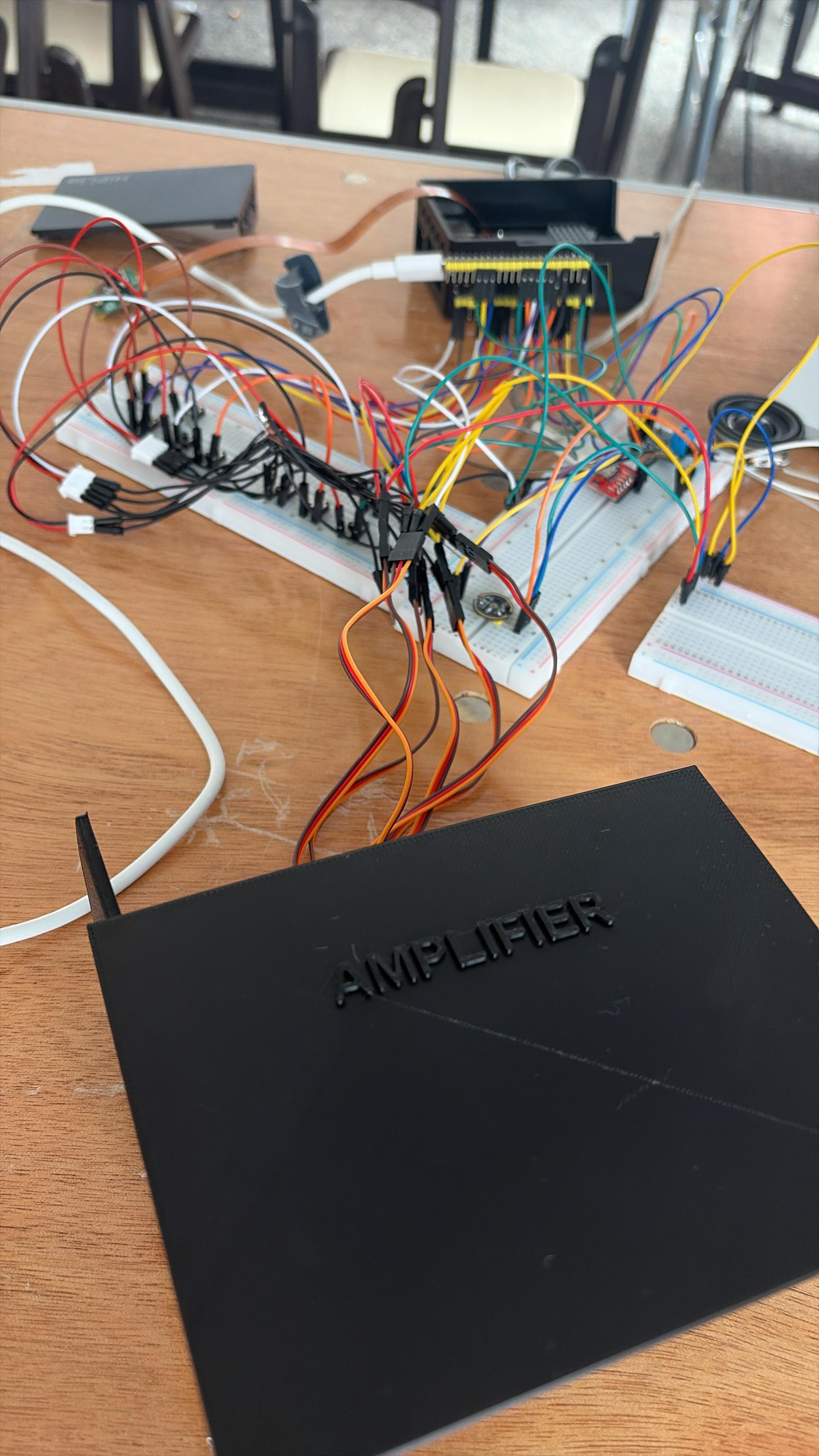
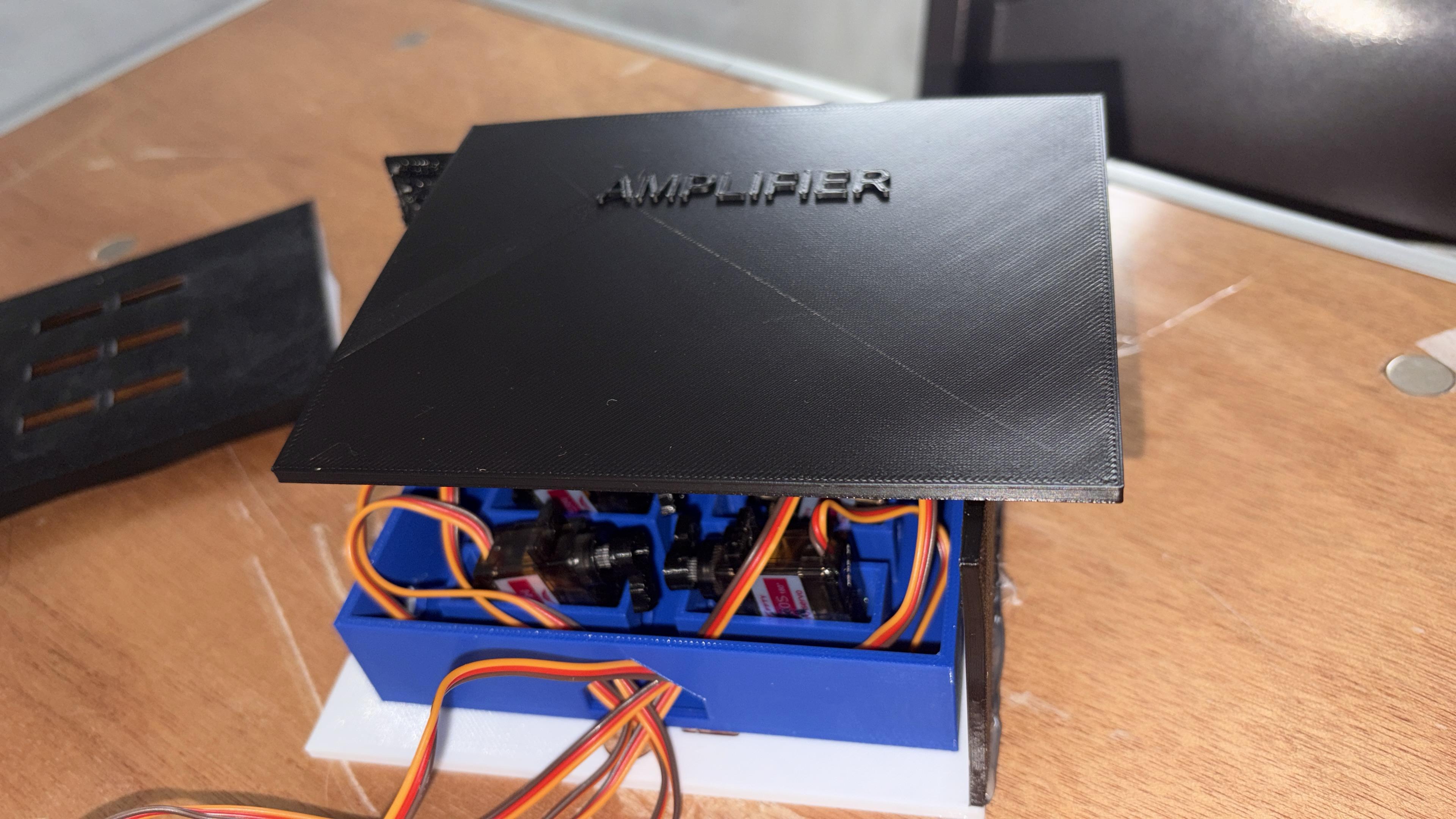
An ESP32-S3 chip handles voice input and output, while a Raspberry Pi running QNX (a rock solid real time operating system) powers on-device face recognition so the product knows who it's talking with. Two Braille cells are driven by just four small servo motors and 3D-printed sliding parts — the dots stay raised on their own, using almost no power. You type using a simple chord keyboard, like the ones blind students already know. We used AI for everything that makes it feel human. Deepgram/Whisper lets it hear speech, Google's voice lets it speak, and Anthropic's Claude understands tone, summarizes replies, and teaches. For fast, private on-device inference, we ran a neuron model trained on AWS Annapurna (Trainium/Inferentia) silicon from the workshop — so the core intelligence runs right on the product. This was as much an AI-assisted build as it was a hardware build. We used Sai by Simular as our end-to-end automation agent to drive the whole workflow, and Devin as our lead multi-agent partner for hardware–software co-design — helping us shape the circuitry, firmware, and code together instead of in silos. Alongside them we leaned on tools like Cognition, Orkes, Unify, Groq, and ngrok to move fast.
Challenges we ran into
The hardest part was making Braille affordable. Real Braille displays use tiny, expensive motors. We replaced them with cheap servos and clever 3D printed sliders, which meant a lot of trial, error, and re-printing until each dot rose perfectly. Teaching the AI to turn emotion into a single touchable symbol took many tries to get right.
What we learned
We learned that good technology isn't about being complicated; it's about removing a wall between people. We also learned a lot about hardware timing, AI speech processing, and how small design choices can make a big difference in someone's daily life.
What's next
More Braille cells so users can read full sentences at once, support for shorthand Braille, and an offline mode so BrailleAI works anywhere, no internet needed.
Built With
- 3d-printing
- annapurna
- anthropic-claude
- c++
- cognition
- deepgram
- devin-cloud-agent
- devin-desktop
- embedded
- esp32
- google-cloud
- google-cloud-tts
- groq
- ngrok
- orkes
- python
- qnx
- raspberry-pi
- sai
- simular
- unify


Log in or sign up for Devpost to join the conversation.