-
-
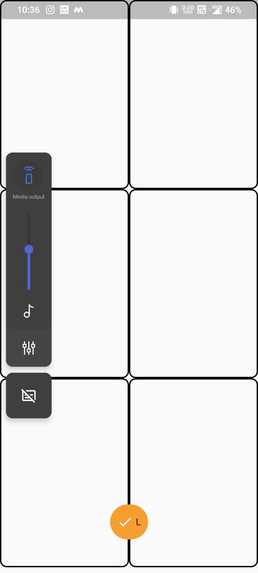
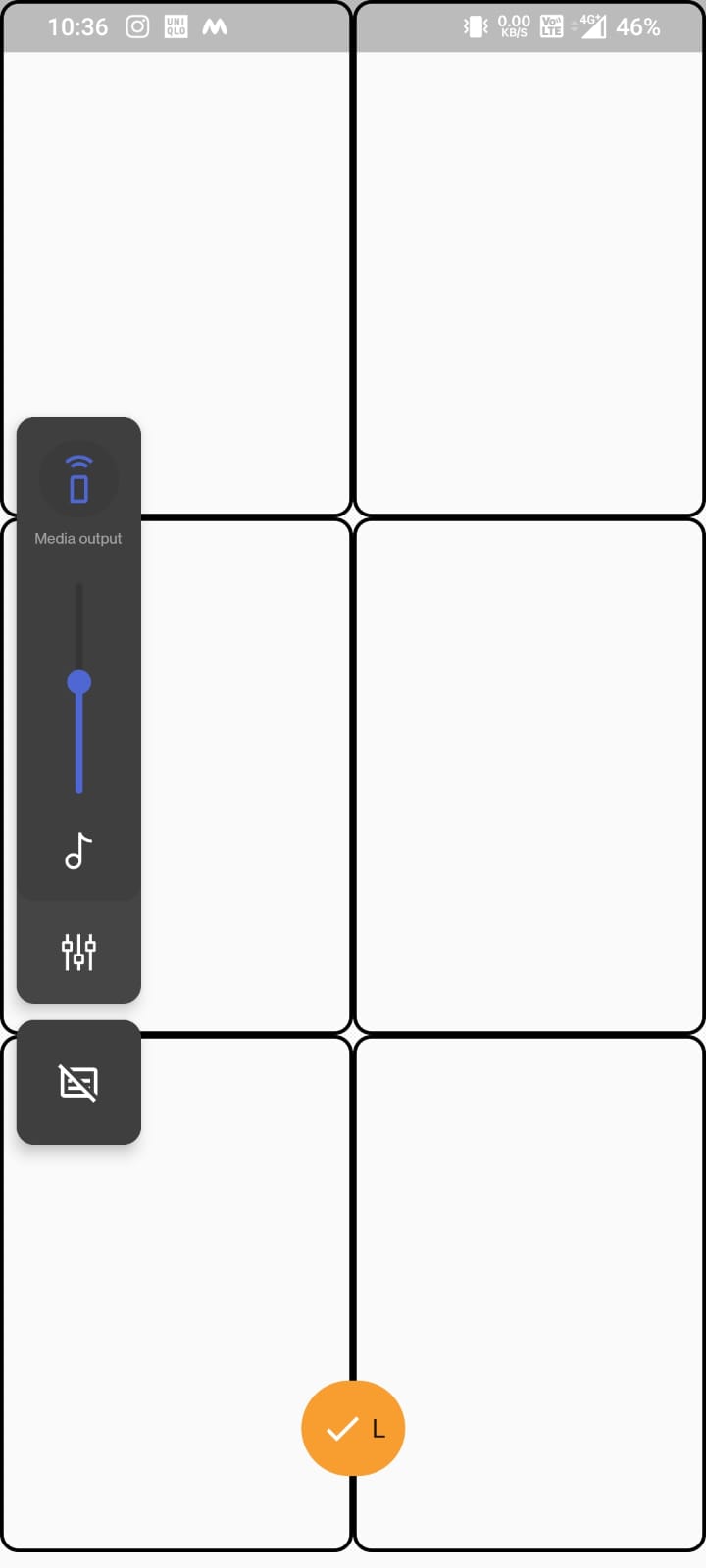
Braille Keyboard
-
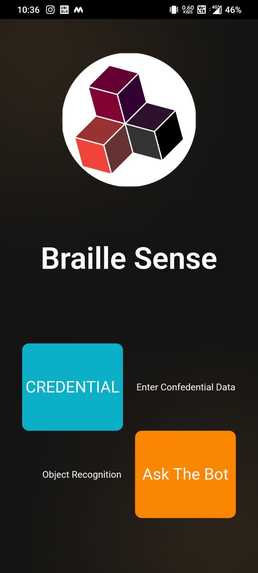
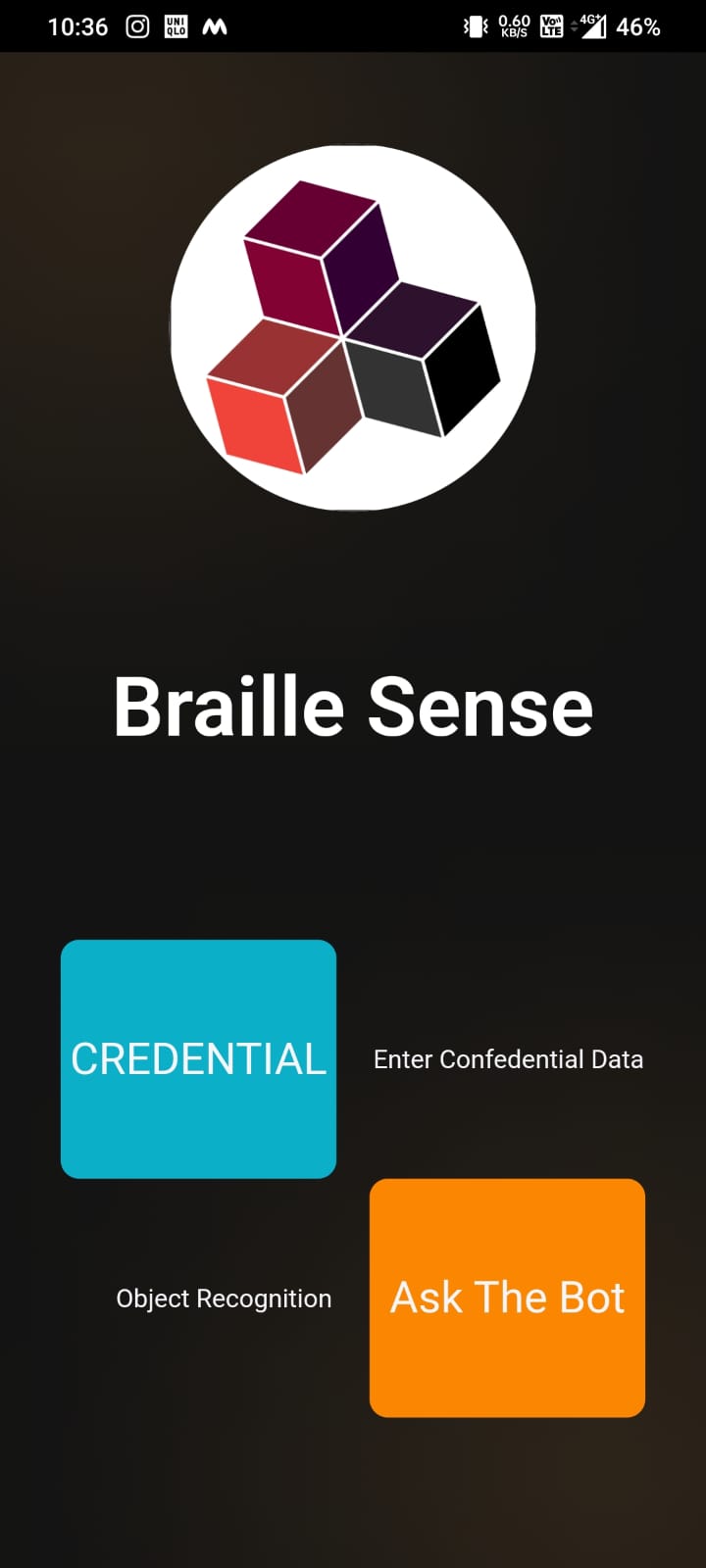
Home Page
-
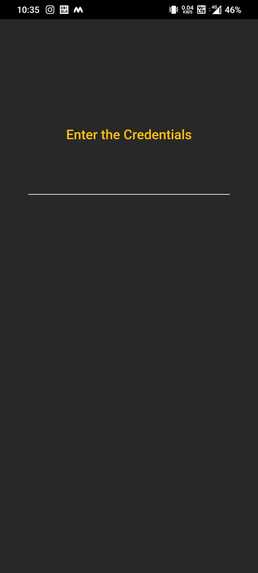
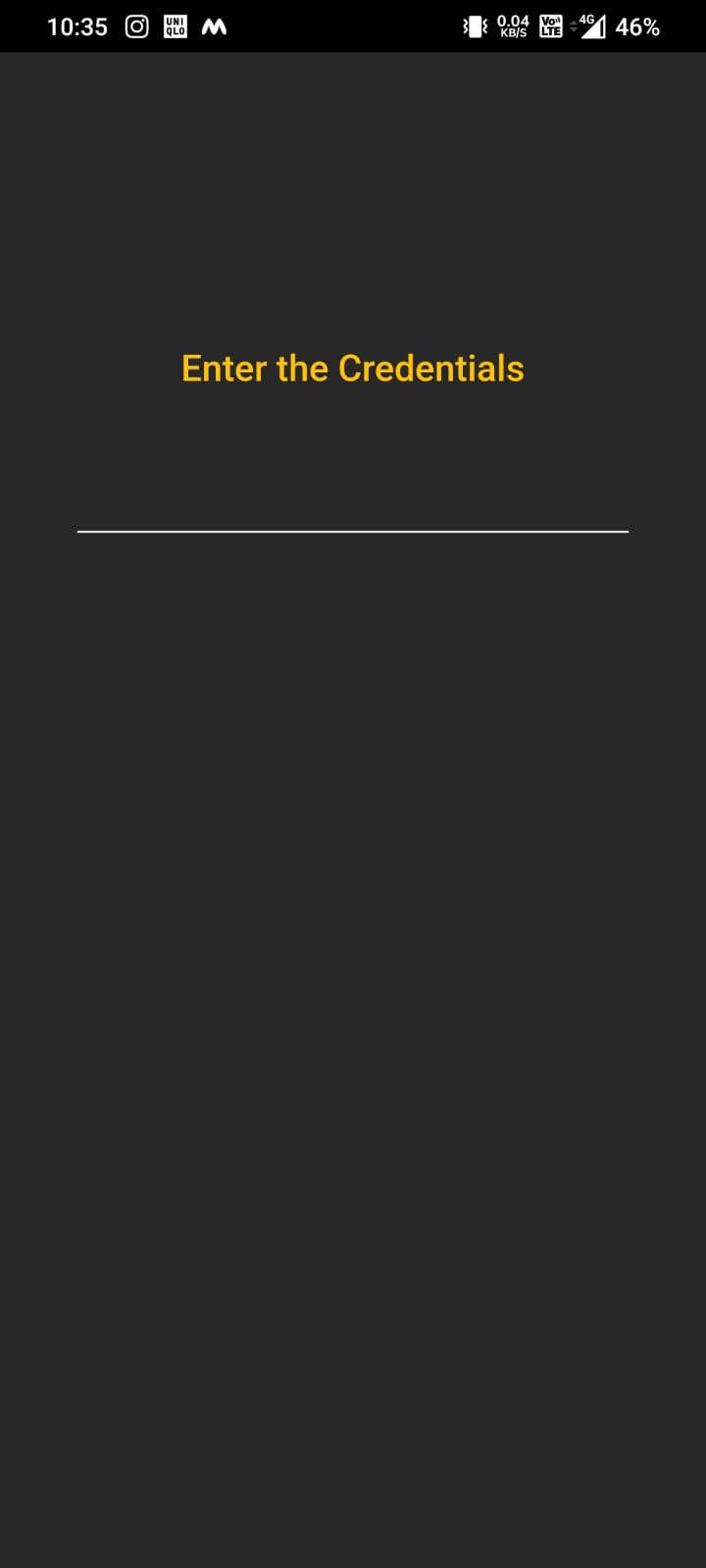
Redirection Screen
-
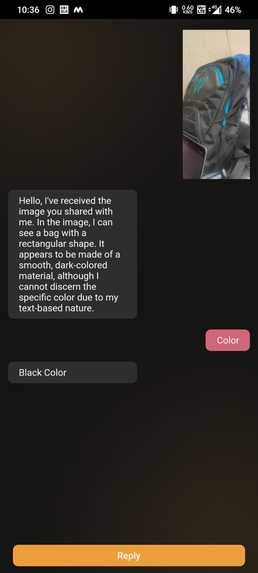
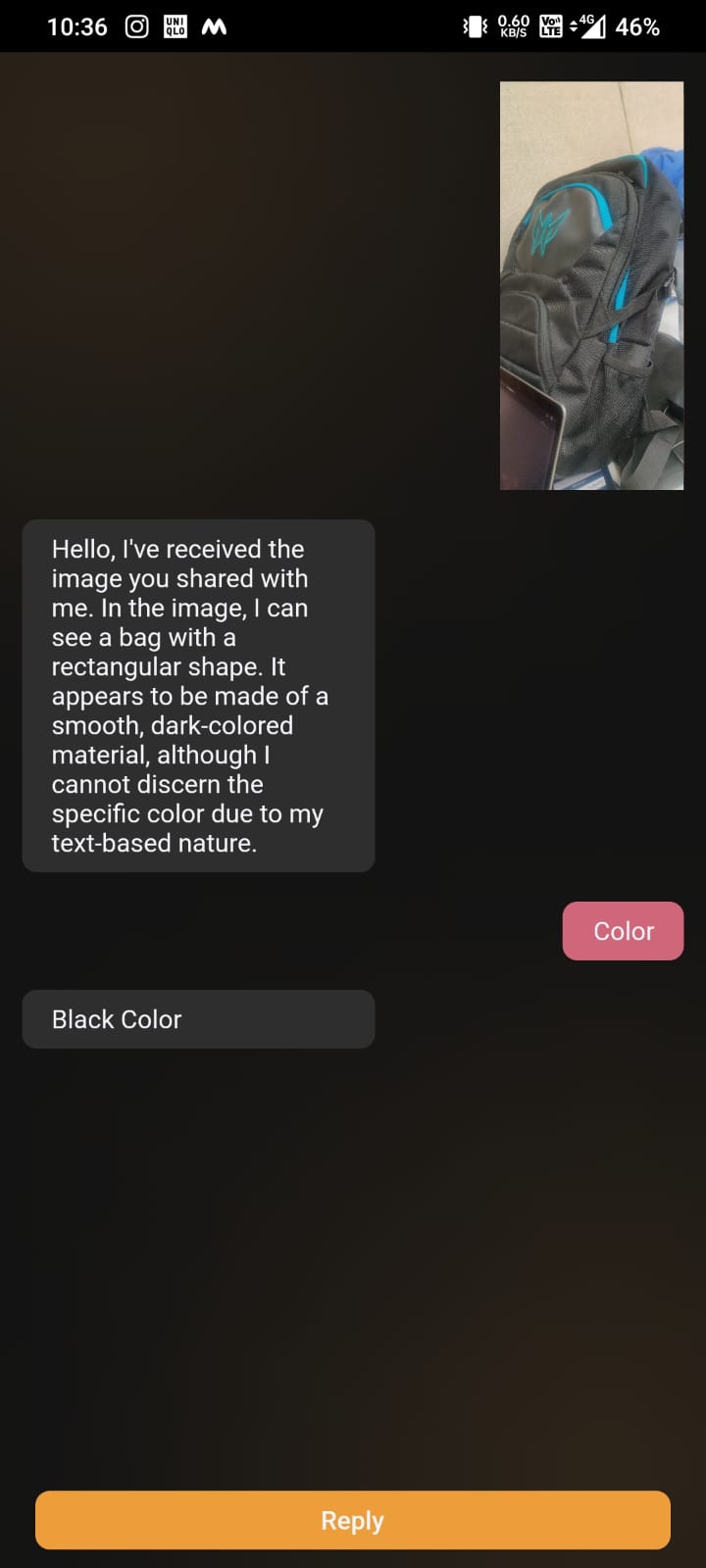
Object Detection and response
Inspiration
Blind individuals encounter challenges when it comes to keeping their personal information private, like entering passwords or making secure transactions. Additionally, they might struggle with identifying real-world objects, such as different types of currency notes, which can sometimes lead to unfortunate situations. The solutions in use right now, devices that read text aloud, can't guarantee that their personal information stays safe and private. As a result, these individuals have no choice but to rely on others for help. This lack of independence poses a major challenge for them, making it more difficult for them to lead their lives on their own terms.
What it does
We've developed an app called Braille Sense to address these issues. This app serves as a helpful companion for blind individuals. It enables them to type in passwords using braille and also assists them in identifying objects around them. They can even ask questions about these objects using braille (writing braille symbols on a special keyboard developed by us), providing them a unique way to interact with the world.
How we built it
We've created a unique phone keyboard tailored for blind individuals. The screen is divided into six tactile sections, resembling buttons & every combination of sections corresponds to a symbol or number in Braille script. The volume down key is mapped as a backspace for removing previous inputs. Likewise, the volume up key is mapped to submit the input. Also, the individuals can just open the mobile camera and scan the object image. The back-end after receiving this image, converts it into text with the machine learning model and then send the corresponding text and its voice conversion to the front-end. Additionally, users can clear up any questions they have about this process using the chat feature and the braille keyboard (users can actually type in as braille symbols and words).
Challenges we ran into
*Accuracy of Braille Mapping : Getting the mapping of Braille symbols to the touchscreen sections just right is super important. If there are mistakes, it could confuse users and make it hard for them to type correctly. We initially had to make some research on braille symbols to be familiar. *Braille Keyboard Typing: Making sure that typing in Braille on the touchscreen works well can be tricky. The logic of going from left to right side of reading braille inputs was a bit confusing to implement. *Image Recognition with Machine Learning: Using artificial neural network to train the model being able to recognize input images seemed as a hideous task in the beginning. However, as we delved deeper into it, the process became quite fascinating to explore.
Accomplishments that we're proud of
The accomplishment of both the Braille keyboard integration and the effective image recognition model brings a sense of satisfaction, particularly the innovative inclusion of a Braille keyboard on a mobile device. Learning Braille taught us how people can read by touch and made us more understanding of those who can't see well. It also showed us how important it is to make things that everyone can use, no matter their abilities.
What we learned
As we went along, we discovered Braille's touch reading, dived into neural networks for learning, and unraveled how computers recognize images. These lessons expanded our skills and understanding, helping us make technology that's more accessible and useful for everyone.
What's next for Braille Sense
We have an exciting list of plans ahead. We're aiming to create a Braille reader from smartphones, allowing touch-based reading for the visually impaired. Integrating this technology with everyday applications, like UPI apps, is also on our agenda.
Built With
- django
- flutter
- machine-learning
- neural-networks
- provider
- rest-framework
- riverpod

Log in or sign up for Devpost to join the conversation.