-
-
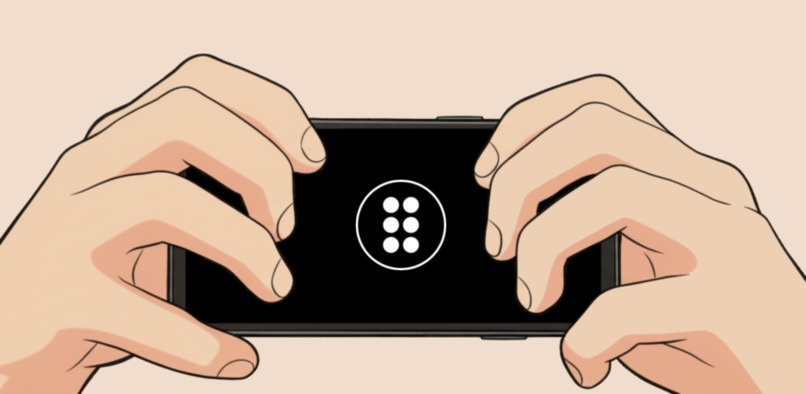
Turn your fingers into Braille
Inspiration
Braille literacy is astonishingly low. Only 7% of people with visual impairments in the UK use Braille.
And yet, we know that literacy is essential for enabling people to reach their full potential. In the US, only 30% of blind adults are employed. However, if you can read Braille, that figure suddenly increases to 85%.
Despite this, many people remain unconvinced about the value of Braille. Existing Braille learning methods often have a high barrier to entry, requiring expensive equipment and high effort. This scepticism, combined with the necessary investment, puts many people off learning.
Braille learning apps can be a solution to this, but the ones that already exist require some level of sight. The tragedy is that the people who would benefit most from such apps are often unable to use them.
What it does
Braille by Ear makes Braille education accessible for everyone, regardless of their level of sight.
It is not the world's first Braille learning app. But it is the first designed specifically for blind users.
Braille by Ear significantly lowers the threshold for learning Braille, requiring nothing but a standard smartphone, providing everyone with a free and easy way to start learning.
Using a novel combination of audio-based instruction and kinetic learning, it teaches Braille in a fun and effective way. It lets users learn independently, via:
Guided lessons, which teach Braille at a comfortable pace
Customisable and infinitely replayable games, which use intelligent algorithms to help the user focus on what they struggle with
How we built it
Braille by Ear was designed from the ground up to provide the best experience for non-sighted users. In most apps, visually impaired users have to settle for an inferior user experience, but Braille by Ear's design is blind-first.
Through an extensive design process, we developed a novel user interface that enables users to quickly and easily navigate the app without needing to look at the screen.
Technical details
Braille by Ear is an Android app built using:
- Kotlin
- Coroutines for concurrency
- SQL and Room for data persistence
- Koin for DI
- Media3 Exoplayer for media playback
- RevenueCat for billing
The app has no visual UI, but we used Compose for lifecycle management.
The codebase is architected around MVVM; however, since the entire user experience is audio-based, the 'View' component is not a traditional visual UI, but rather an audio narrator.
We used the fantastic LibLouis library for Braille translations. We wrote custom NDK bindings to interface with the C libraries from Android.
Challenges we ran into
Design - Teaching Braille
The very concept of this app is an enormous challenge. How can we teach Braille to blind students using only a standard phone?
There are traditionally two ways to learn Braille.
- By Sight: Sighted users can memorise dot patterns by seeing them
- By Touch: Blind users can memorise dot patterns by feeling them printed on physical objects
Sight
Many existing Braille apps work by teaching through sight. They work well for a few target groups, such as sighted students training to become Braille transcribers, and partially sighted users who have enough vision to see dot patterns. These apps are also valuable for individuals experiencing gradual sight loss.
The main advantage of such apps is that they enable users to learn Braille using their regular phones. They can practise Braille anywhere, at any time. Such apps also often utilize gamified learning, creating an engaging experience that's easy to get into.
Crucially, however, these apps are not designed for the blind students who stand to gain the most from them. At best, these apps are slow and painful to use with a screen-reader. At worst, they are entirely useless.
Touch
For blind users, therefore, the only option is often to learn through touch.
There are several courses that teach Braille in this manner. They require a set of physical objects embossed with Braille, along with instructions on how to use them. The downsides of such courses are obvious: they have a very high barrier to entry. They require specialist equipment, which is often expensive and bulky, and typically do not allow students to learn independently.
A new approach
Braille by Ear combines the best of these existing options into a new concept: audio-based Braille learning. Hence the name, Braille by Ear.
However, we realised that audio-based teaching is not enough by itself. It is not possible to memorise dot patterns just by hearing someone describe them to you.
The principle of kinetic learning through continuous testing is therefore crucial - we realised that users only truly learn a dot pattern when they type it for themselves. The initial audio description is necessary to tell the user what to type, but the knowledge is only internalised by actually moving your fingers.
Technical
Before starting this project, we had never built an iOS app. We had hoped to ship both an Android and iOS app via Kotlin multiplatform, but we encountered issues with getting the LibLouis C library to run on iOS. It requires native bindings that use the NDK on Android, and we lacked the expertise to get it to work on iOS. We therefore decided to focus solely on creating the best Android app possible.
Accomplishments that we're proud of
We're immensely proud to have published an app that will be valuable, and potentially even life-changing, to many people.
Not only have we built an app that makes Braille education truly accessible to everyone, but we've also designed a completely novel user interface specifically for blind users. We believe this interface represents a significant improvement over traditional screen-reader-based systems, allowing users to navigate the app with confidence and at great speed. We're hopeful that this interface can be adopted for other blind-first apps in the future.
At the same time as teaching users how to read Braille, Braille by Ear also teaches users how to type it. By building the app around the same concept as the system Braille keyboards on both Android and iOS, the app empowers users to effortlessly switch to the system Braille keyboard and start using Braille in their everyday lives. Such a change enables users to type significantly faster than with traditional keyboards.
What we learned
Much of the learning came from experimenting with the app's unique design.
Finger Position
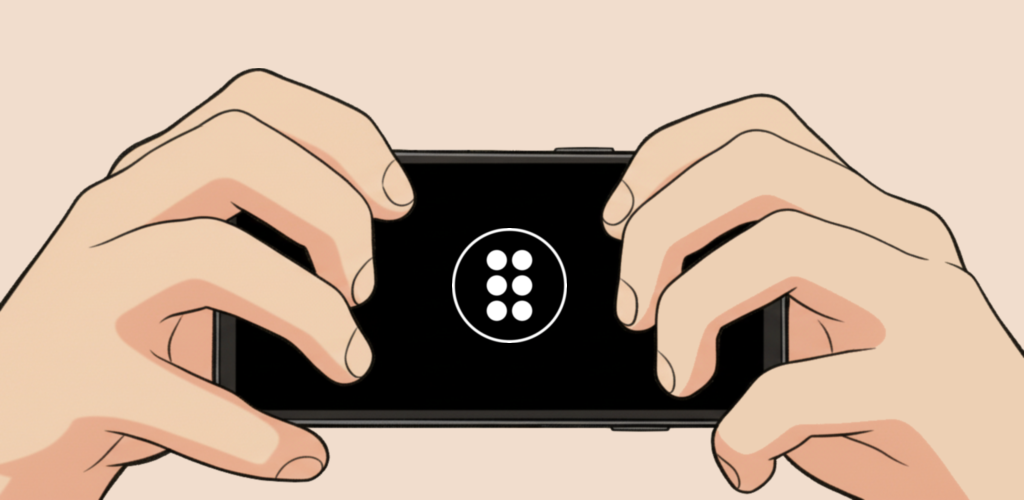
To type Braille, the user needs six fingers ready to tap the screen, potentially simultaneously.
After much experimentation, we managed to find a way of holding a phone that is both comfortable and allows six fingers to hover over the screen freely. However, we learnt that it is very annoying as a user to have to constantly switch in and out of this position to perform different tasks.
We therefore realised that the user experience would be much smoother if this holding position could be used for the entire app, not just while typing. To accommodate this, we needed to design a completely novel user interface, where the whole app can be navigated using a 6-finger grid.
For menus, this setup works quite naturally, with six buttons corresponding to six options. For lists, we eventually found an elegant solution involving swiping up and down to select items.
We learnt that consistency in the actions available was crucial to allow the user to get where they were going quickly. For example, 'Start' actions are always in the same place, creating a predictable way to continue to the next page.
In general, we curated a deliberately restricted set of actions. The same gesture from the user triggers the same kind of action, regardless of their location within the app.
We learnt that after using the app for just a short while, users had often built up an extensive mental map of the app, allowing them to navigate through pages extremely rapidly - faster than sighted users can navigate through most traditional apps.
Sound Effects
All the polish in Braille by Ear is in the sound effects.
We learnt quickly how much of a difference the right sound effect makes - it provides satisfying feedback when performing actions. This is especially important in an app with no visual UI. Sound effects immediately let the user know, often unconsciously, what is happening.
Unlike other gamified apps, we cannot reward the user with fun animations or fancy new app skins - all rewards must be audible. Finding satisfying sound effects that keep the user engaged was crucial, and we ultimately created many bespoke sound effects ourselves.
The Voice
Braille by Ear is a purely audio-based experience - all information is communicated to the user through speech. We quickly learnt the importance of the voice used for the narrator.
Early versions of the app relied on the system Text-to-Speech engine, but we soon learned that this does not lead to a pleasant experience. The system TTS produces low-quality speech, and the resulting voice is grating and unnatural. It is tough to listen to, especially for long periods.
We found that people really struggled to follow the Braille lessons when they were read in this voice. Users learn much more easily and are much more focused when they have a pleasant voice to listen to. The voice we ultimately chose helps promote learning while also making the user experience feel more premium.
What's next for Braille by Ear
Braille by Ear currently offers a complete course of basic English Braille. It teaches the user the whole alphabet and the numbers, which is more than enough to get by in daily life.
However, Braille goes much deeper than that. Braille by Ear doesn't currently teach punctuation, capital letters, mathematical symbols, contractions, or shortforms. Contractions in particular are a true game-changer for efficiency, allowing users to type significantly faster.
And that's just English Braille! Braille is used worldwide and has been adapted for over 130 languages. Millions of people around the world also stand to benefit from the unique learning experience of Braille by Ear.
In addition, Braille by Ear is currently optimised for phones. It works fine on tablets, but doesn't take advantage of the increased screen space. The larger screens of tablets are perfect for a virtual Braille typewriter, which we plan to offer in a future update.
And of course, it would be great to get an iOS version of Braille by Ear!
Built With
- android
- android-studio
- compose
- liblouis
- ndk
- sql

Log in or sign up for Devpost to join the conversation.