-
-
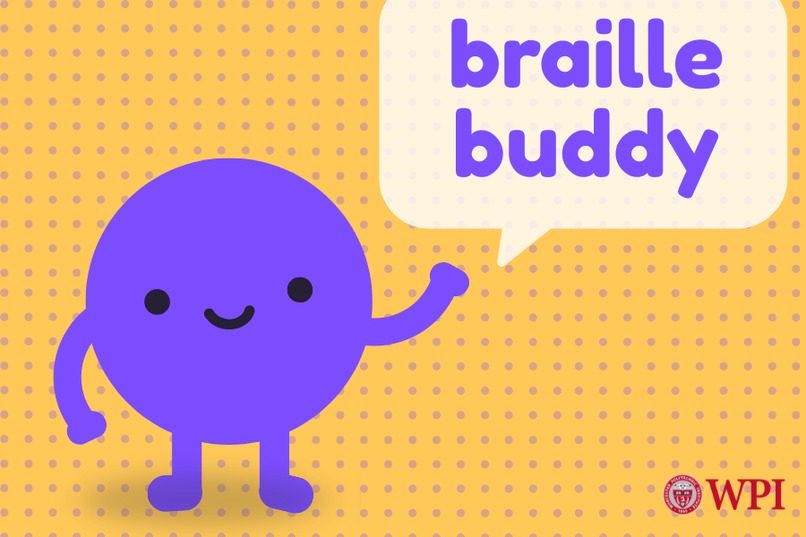
Dotty!
-
App Icon
-
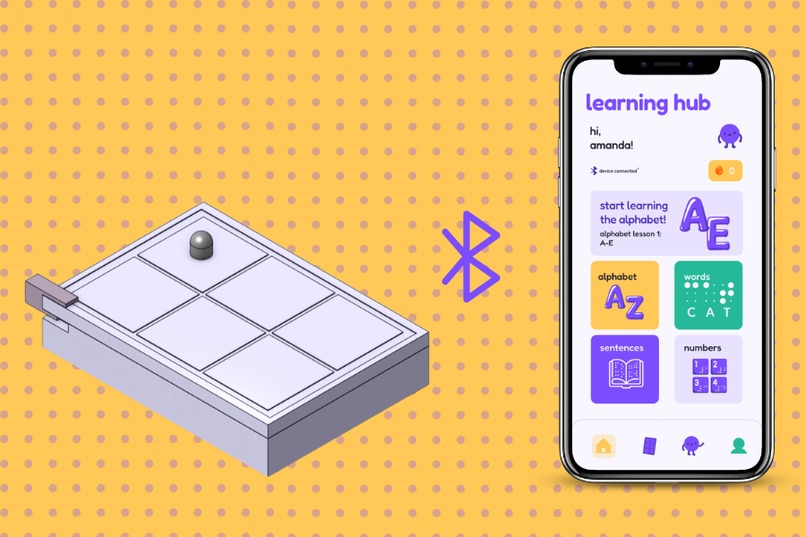
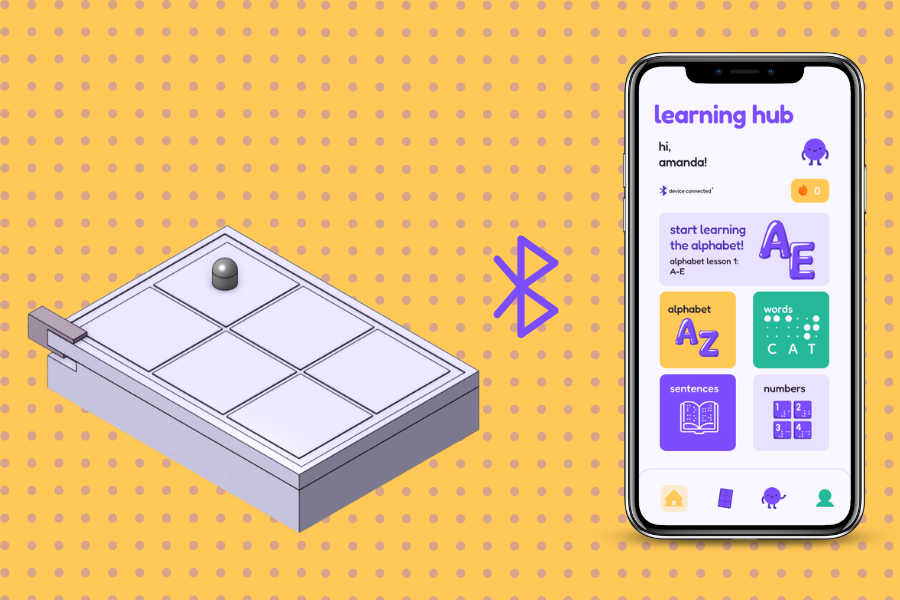
Product & Application
-
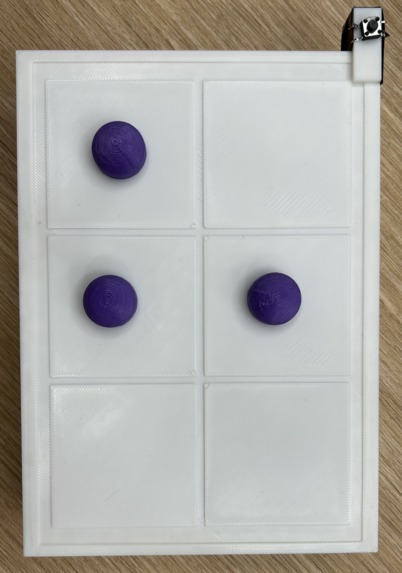
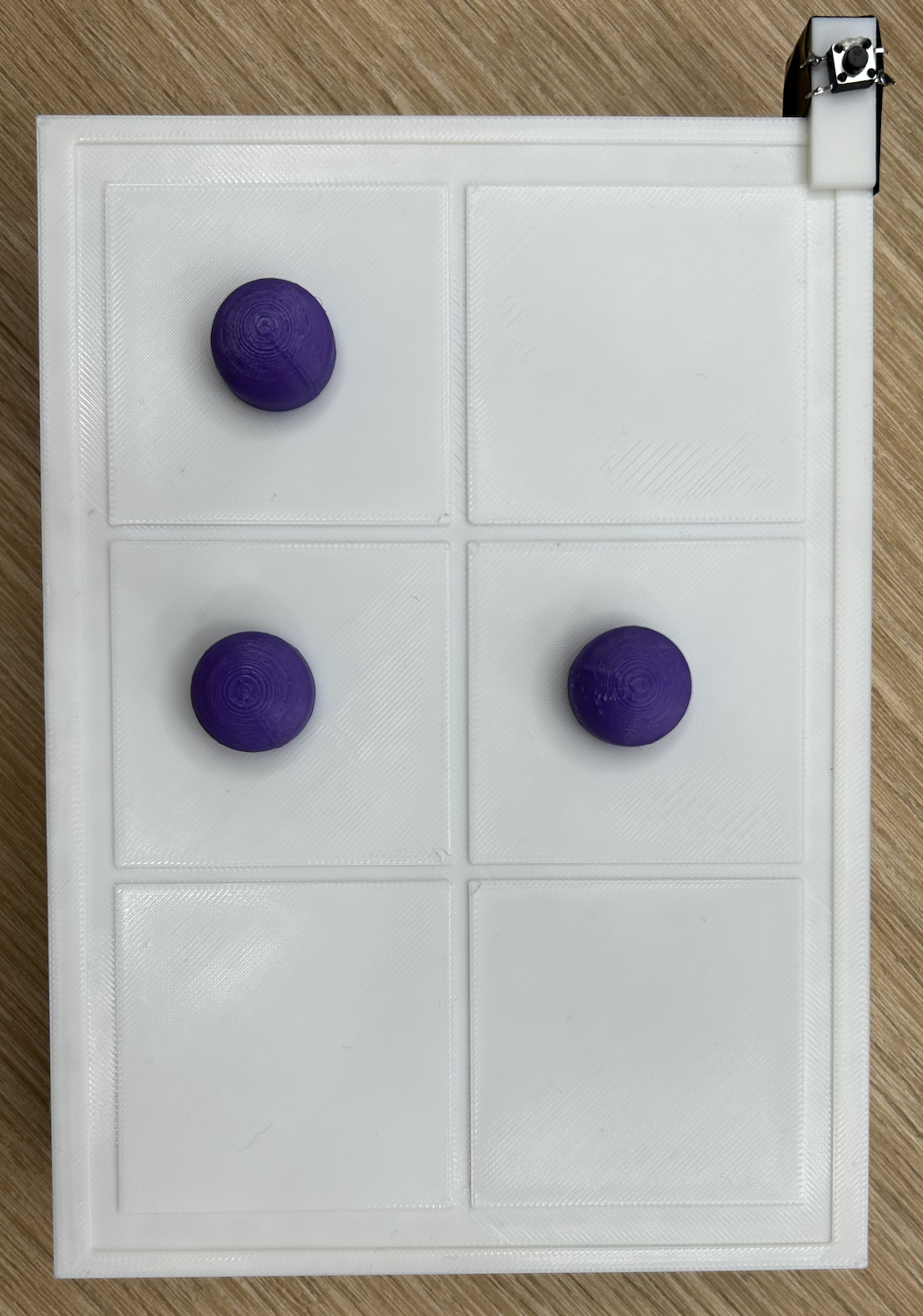
Top View of Braille Board
-
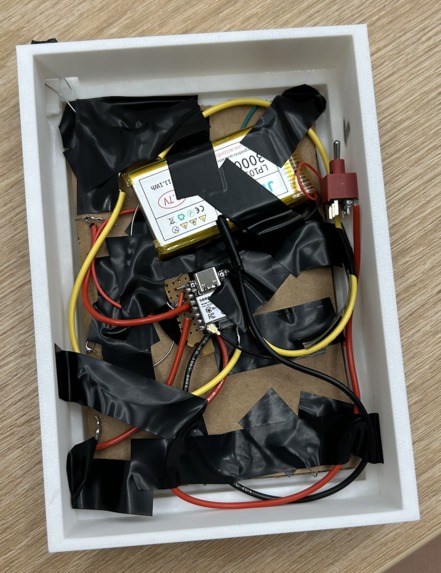
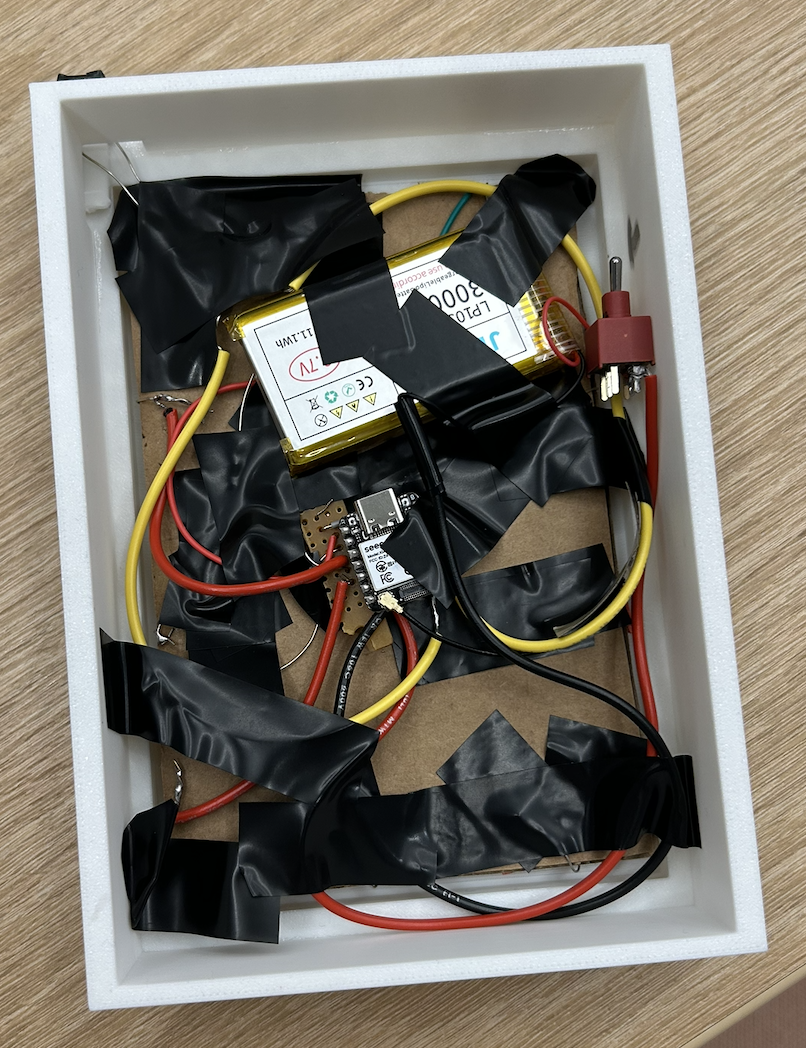
Bottom View of Braille Board
-
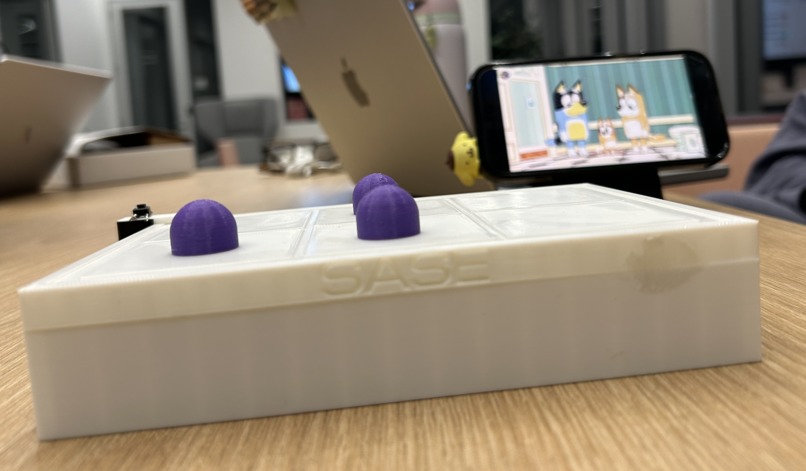
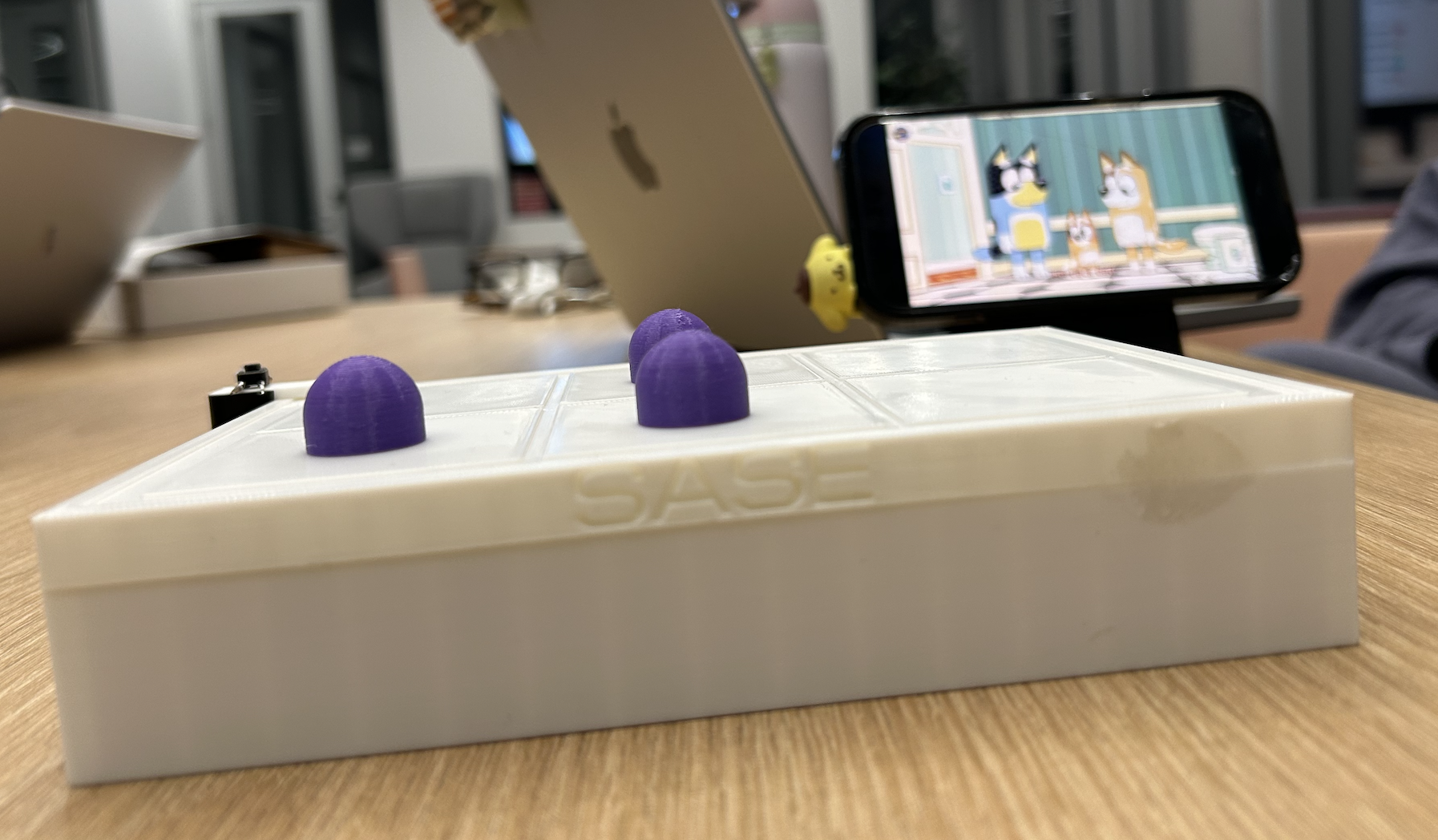
Side View of Braille Board
Inspiration
Braille is an essential skill that gives blind and visually impaired individuals greater independence through reading and writing. However, learning Braille at a young age can be challenging, especially when interactive educational tools are expensive or difficult to access.
We wanted to create a fun, affordable, and accessible way for children to learn Braille through hands-on play. Inspired by the engaging, game-based learning experience of Duolingo, we envisioned a product that combines physical interaction with digital learning.
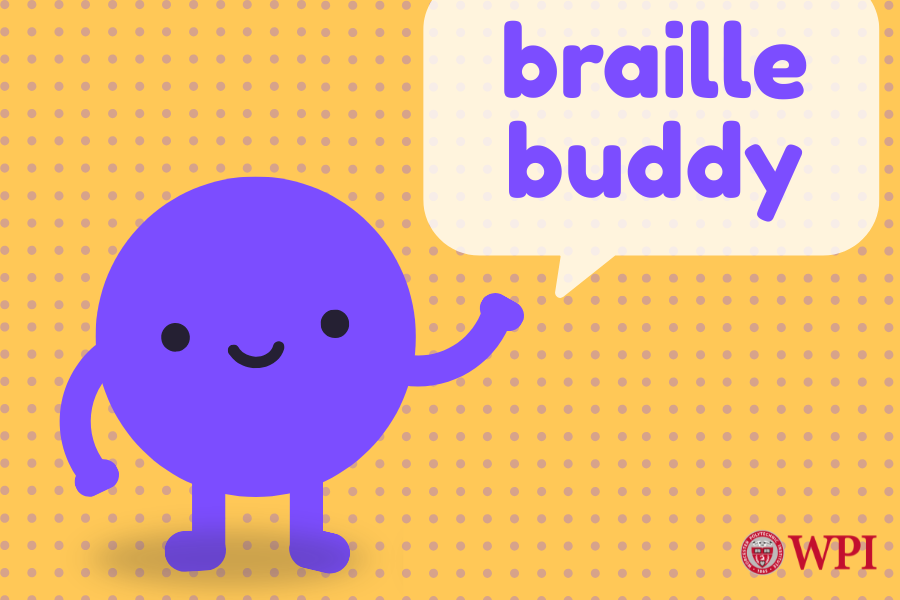
That's how Braille Buddy was born! With the help of our friendly mascot, Dotty, we aim to make learning Braille an exciting and rewarding experience for young learners.
What it does
Braille Buddy is an interactive educational tool designed to teach children ages 3–10 Braille through a combination of physical hardware and a connected mobile app.
Children use a tactile 3x2 Braille board with magnetic domes to construct letters using their hands. Through the app, Dotty provides audio instructions, guiding children through different learning activities. This product is meant to have guardian supervision to help setup, and be able to track their kids progress on the app.
The learning process follows four simple steps: Listen: Dotty asks the child to create a specific Braille letter, word, sentence. Build: The child places domes on the physical board to form the corresponding Braille pattern. Check: The child presses a button to submit their answer to the connected app. Learn: Dotty provides audio feedback, letting the child know whether their answer is correct.
Our goal is to introduce children to Braille through a progressive learning experience, starting with the alphabet and advancing to numbers, words, and eventually full sentences. By combining tactile learning with interactive audio feedback, Braille Buddy allows children to practice Braille without relying on visual instructions.
How we built it
Hardware: We designed a custom 3D-printed Braille board using CAD software, onShape. The board features a 3x2 matrix representing the six dots of a standard Braille cell. Its magnetic domes allow children to construct different Braille characters and physically feel the patterns they create.
Electrical engineering and firmware: Our hardware design incorporates magnetic reed switches and diodes in a matrix formation to pinpoint where a magnet is placed. We also included a button to signal a state on the board to the python server to interpret and convert into a letter.
Software: We developed a companion app featuring Dotty, our friendly mascot, who guides children through Braille exercises. The app is designed around audio instructions, interactive lessons, and immediate feedback to create an accessible, game-based learning experience. The backend was developed with python, while the front end is focused on a Figma Mockup to navigate through interaction flow.
Challenges we ran into
One of our biggest design challenges was creating an interactive learning experience for children who may not be able to see a traditional app interface. We had to rethink how users would navigate lessons, receive instructions, and understand whether their answers were correct without depending on visual feedback. This led us to prioritize audio instructions and tactile interaction throughout the learning experience.
Another challenge was designing a physical Braille board. The quick turn around for the hackathon made resources very limited and we couldn't implement our original design with pistons to be a reading tool rather than a writing tool. Additionally, 3d print times and lack of access to one meant we only had 2 iterations of our board design when we had many more ideas to implement (ex. grooves for the dome in each tile). The battery didn't arrive until Sunday at 7pm so we were just waiting for that to show up. The wires we had access to were skinny and partially uninsulated, so we had to re-solder multiple times and wrap with electrical tape.
The main problem with implementing the software was the hardware being finicky. The magnetic diode switches would debounce often and would give weird signals to the software. The solution instead of reading the individual switches was to maintain a state so that debounce would go undetected. The next major technical challenge was finding a free suitable voice, to match the theme of BrailleBuddy. We ended up finding a package to freely get access to the Microsoft preset voices and found the right one.
Accomplishments that we're proud of
We are proud of bringing together our backgrounds in computer science, electrical engineering and UI/UX design to develop a product that combines physical hardware with an interactive educational app.
One of our biggest accomplishments was designing a custom 3D-printed Braille board that allows children to physically construct different Braille patterns. We are also proud of creating Dotty, our mascot, and building a playful, child-friendly identity around a product designed to make learning more accessible.
We are also proud of the hardware working given the limited amount of materials we had access to.
Most importantly, we developed a concept that goes beyond a traditional educational app by incorporating physical touch, audio guidance, and interactive feedback into the learning experience.
What we learned
Throughout this project, we learned that accessibility must be considered from the very beginning of the design process rather than added as an afterthought. Designing an educational product for blind and visually impaired children encouraged us to think differently about traditional app interactions and explore how audio and tactile feedback can work together.
We also gained experience in interdisciplinary collaboration, combining hardware development, electronics, firmware, software & design into a single product. This project reinforced the importance of designing technology around the needs of its users and showed us how engineering can help make educational opportunities more accessible.
What's next for braille buddy
Our next steps focus on improving both the app and hardware to create a more accessible and engaging learning experience.
For the app, we plan to continue development by incorporating haptic vibration feedback, interactive audio cues, and voice recognition so children can speak directly to the app. These features will allow users to navigate lessons and receive feedback without relying on visual interactions. Navigating through more user flows for accessibility and then translating that into a fully functioning full stack app. Allowing for responsiveness for phone and tablet.
For the hardware, we aim to add divots that allow domes to slide into the board, creating a smooth, tactile surface that children can feel to recognize completed Braille letters. We also plan to make the board smaller and more portable, enlarge the submission button for easier accessibility, and refine the overall design to better accommodate young learners.


Log in or sign up for Devpost to join the conversation.