-
-
-
Demo
Inspiration
Sometimes, you just want to be able to know what the little dots underneath building signs really say (and how often they're misspelled!). Learning Braille, whether as a tool for navigating daily life as a blind person or just for fun, is more complicated than just memorizing the dot patterns. A tool to help users learn Braille in a tactile manner would help the visually impaired learn faster in a way catered to them.
What it does
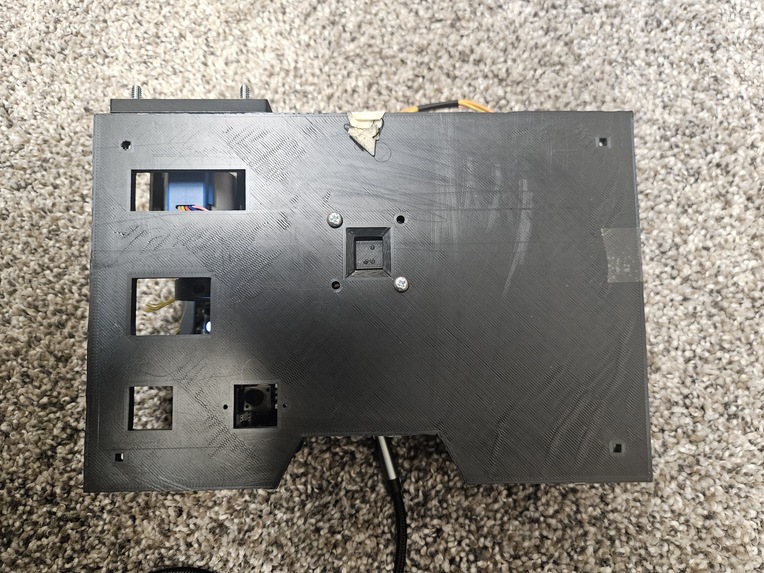
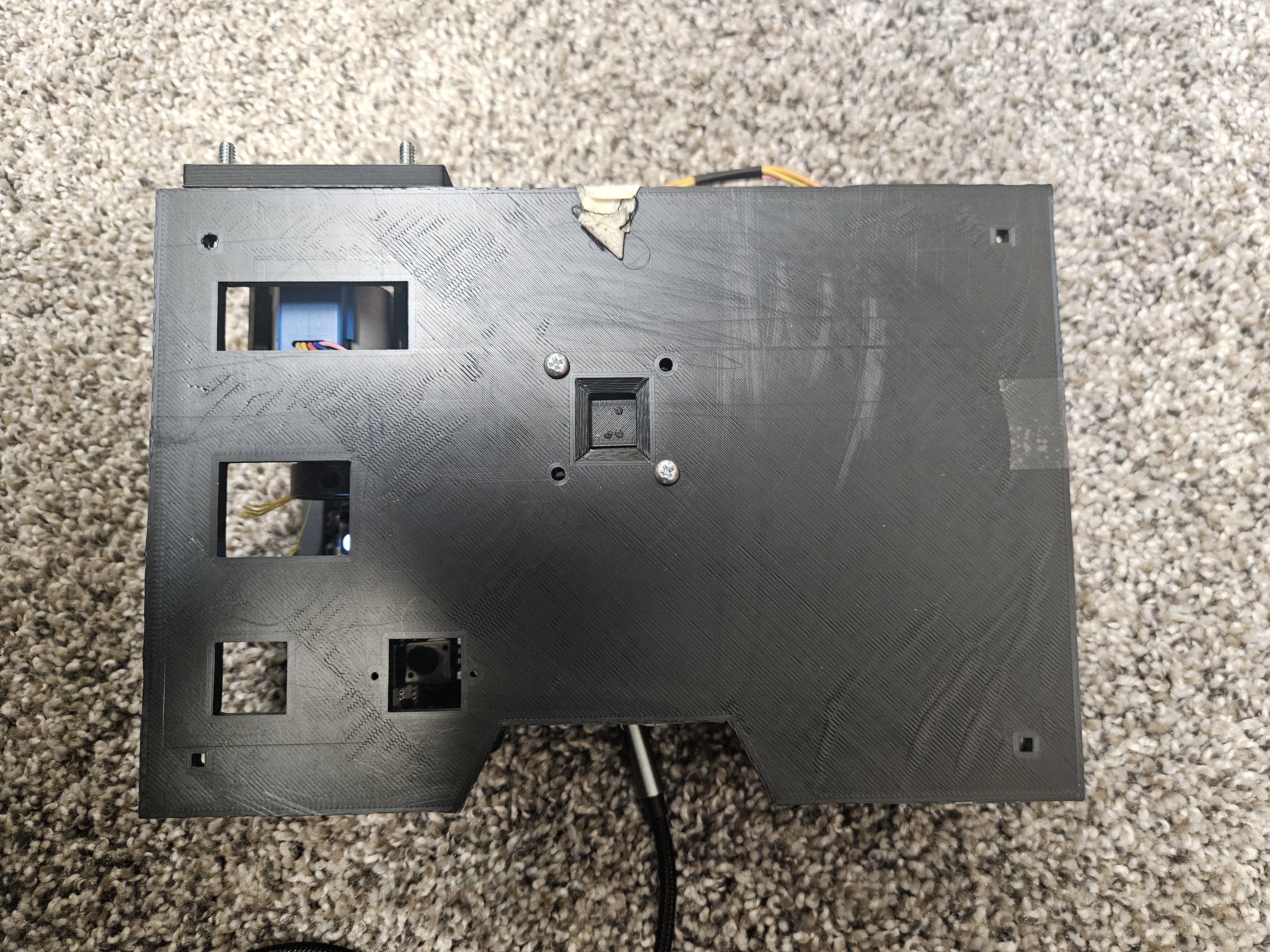
The Braille Bananza Box is a self-contained Braille quiz with no visual cues needed to help the user learn. A random Braille letter is centered in the window, and after several seconds where the user can guess what letter it is. The Braille Bananza Box uses audio output to tell the user the correct letter, and the user clicks one of two buttons if their answer was right or wrong. The quiz continues with more randomly generated letters until the user feels confident in their ability to read Braille!
How we built it
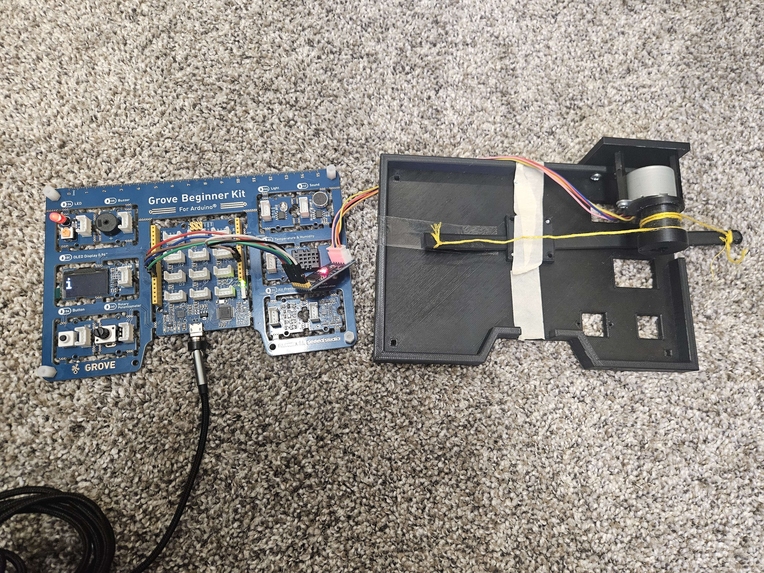
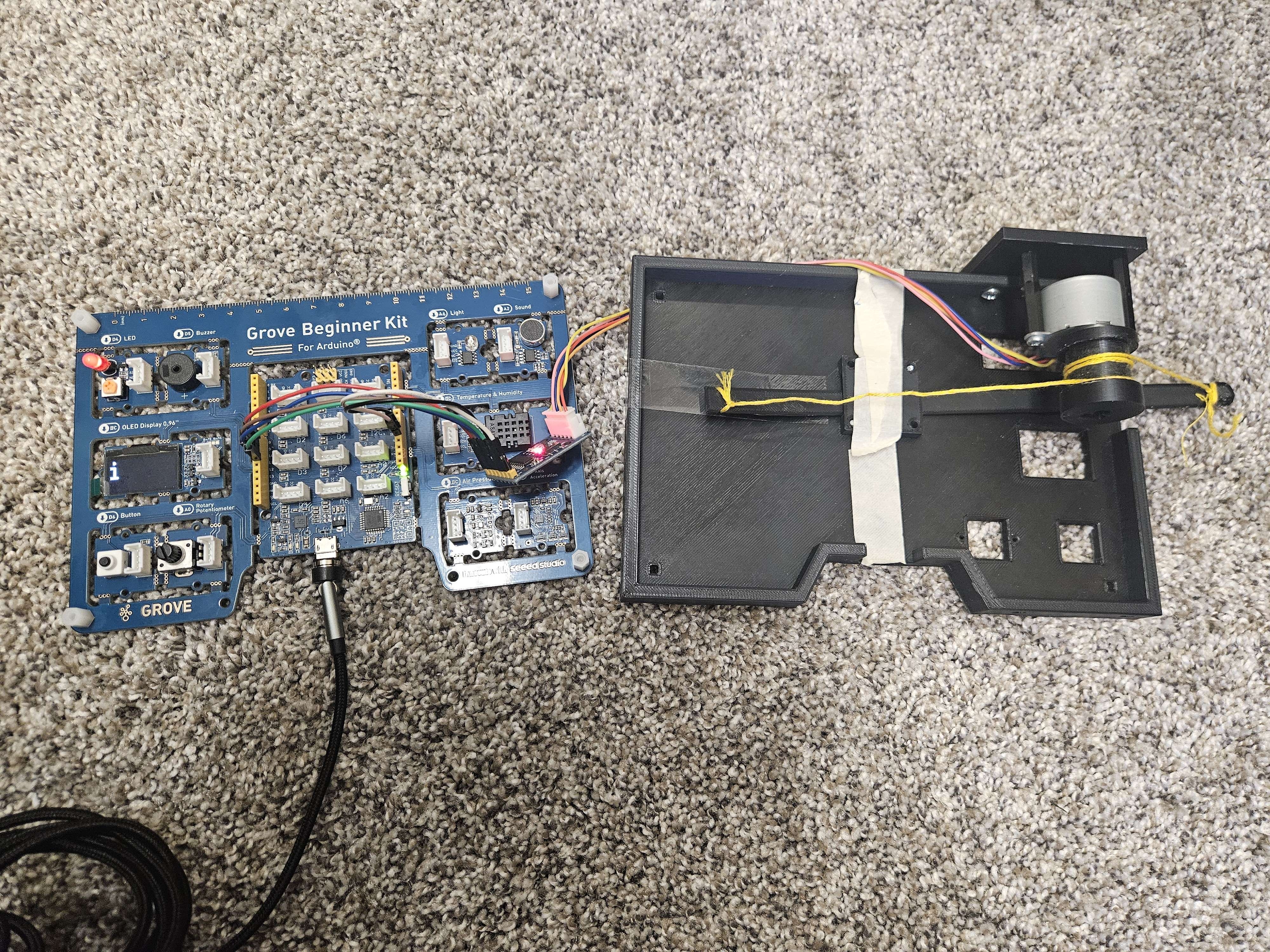
We used a Seeduino Lotus and its associated Grove sensors for output and feedback and a stepper motor for accuracy in the Braille Bananza Box. In addition, we 3D modeled and printed the case for the box to reduce 'distraction' on the surface like particulates that could impair the tactile sensation.
Challenges we ran into
On the mechanical side, we had some difficulty starting to use the hardware initially, as we did not have experience with the stepper motor we used. We also changed plans for how the Braille rack would slide across halfway through the design, so our final proof of concept doesn't move as effectively as we would've liked. Finally, we wanted to play a recording of each letter, but struggled with and were ultimately unable to use the Seeduino together with an SD card with audio files recorded.
Accomplishments that we're proud of
As a team, we put together a relatively significant project in a short period of time! We learned a lot and came up with a project that we thought was useful, challenging, and beneficial to a significant community of people.
What we learned
As members of our team focused on different areas, we had different things we learned. One member of our team refined her 3D modeling skills and found an easier way to separate large bodies to print in separate pieces. Another member of our team looked into audio output using different speakers. The third member of our team learned how to interface with Arduino components, and spent a lot of time researching the physics behind stepper motors.
What's next for Braille Bananza
The first next step would be to polish up some of the things that were unable to come entirely to fruition for the demonstration; an improved slider and spoken letter audio output being the two most important. However, we had several other ideas to improve upon it as well. First, we would make the learning process more effective by utilizing a spaced repetition system, where the microcontroller would remember what letters the user has memorized well and reviews them less than the more commonly incorrect letters. In a future iteration, we would also like for the Braille Bananza Box to have a second mode for intermediate to advanced learners, where it would display a sentence one letter at a time. Ultimately, this might also be able to be used as an alternative to text-to-speech.


Log in or sign up for Devpost to join the conversation.