-
-
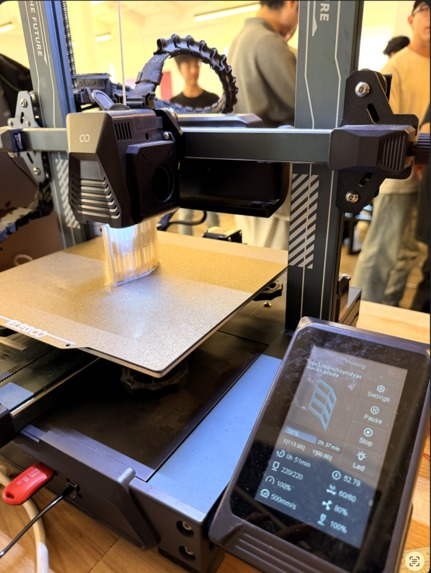
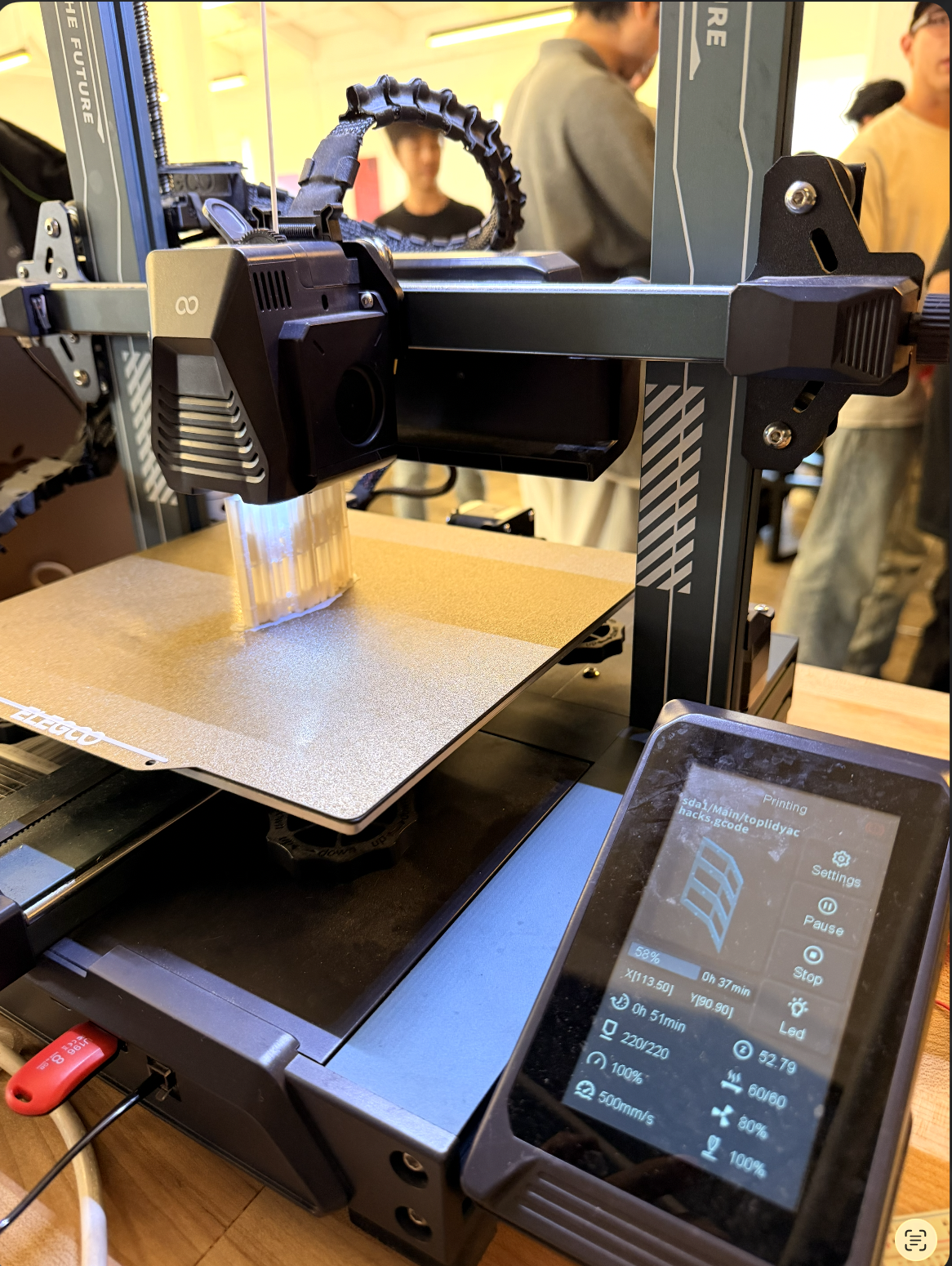
3d printing the case
-
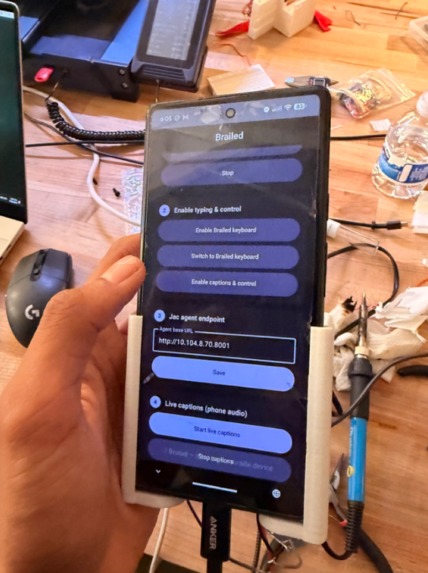
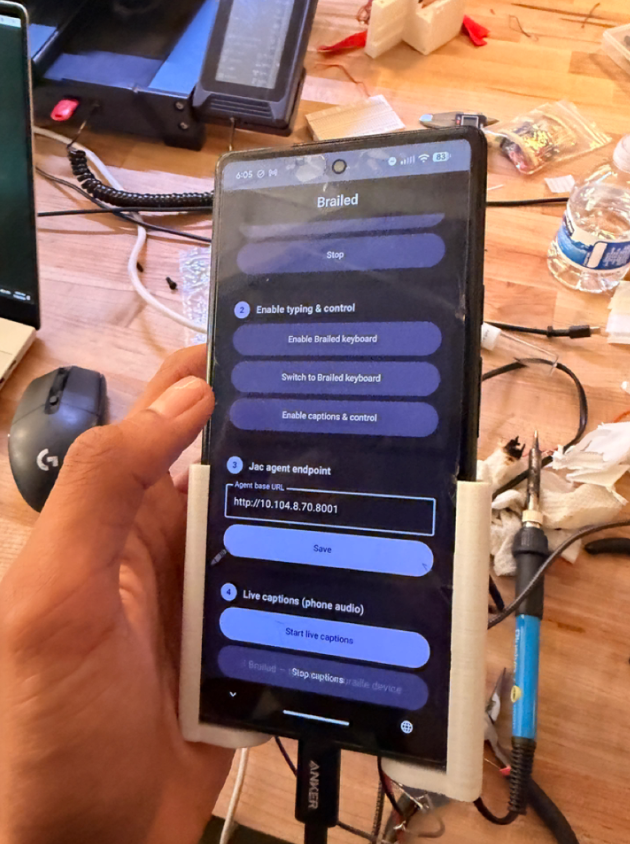
the app
-
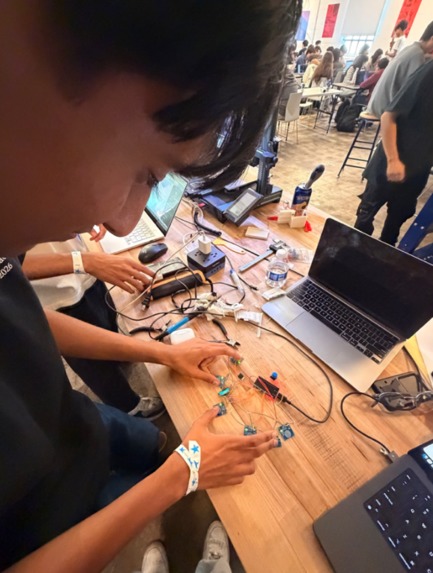
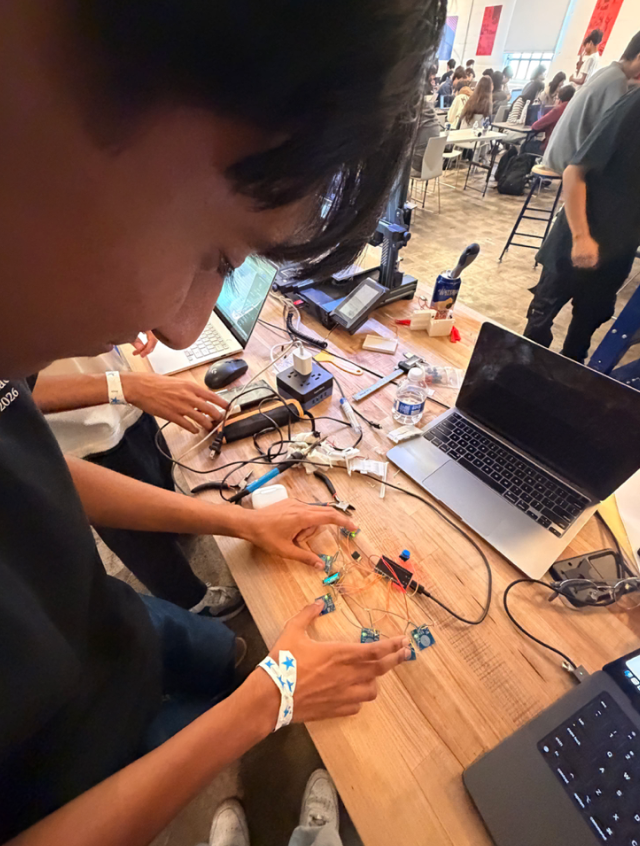
the keyboard
-
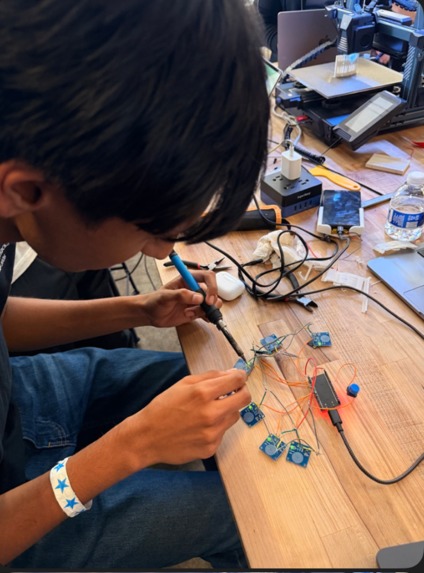
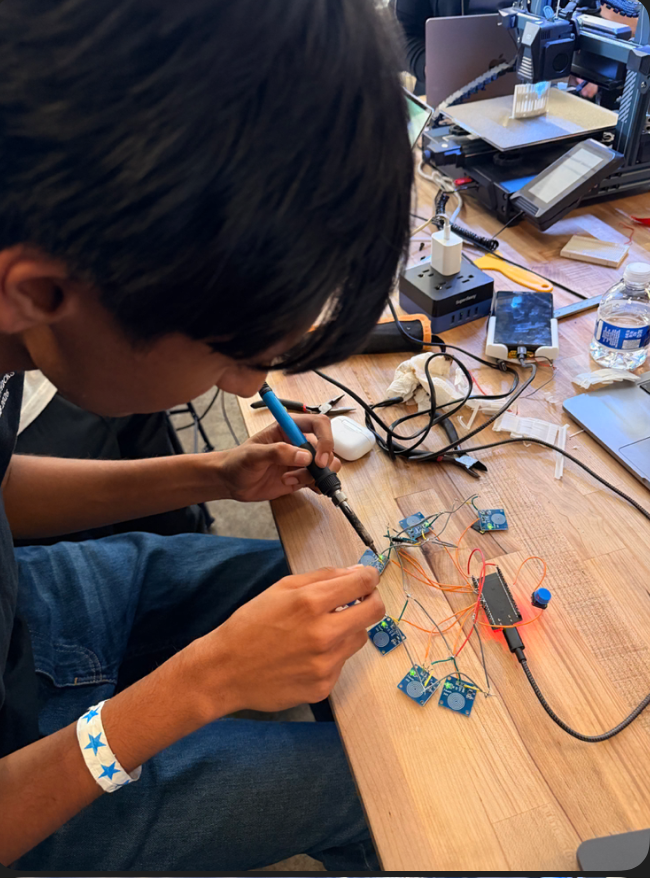
sodering the keyboard together
Inspiration
Smartphones are the gateway to modern life: messaging, banking, navigation. Yet blind and deaf users often can't use one privately. A blind user relying on a screen reader broadcasts every message out loud. A deaf user misses every voice message and call. Deafblind users are frequently locked out entirely unless a human assistant is present.
Refreshable braille displays solve part of this, but they cost $1,000+ because each tactile cell needs high-voltage piezo actuators. We asked: what if we could deliver the independence (private typing, private reading, full phone control) using ~$15 of commodity hardware?
What it does
Brailed is a pocket-sized device that pairs with a smartphone over Bluetooth Low Energy and gives the user three capabilities:
Braille input: a 6-key chorded keypad (Perkins-style, one key per braille dot) lets the user type Grade 1 braille. Press a chord, release, and the character is decoded and sent to the phone. Live captions out: the phone streams transcribed audio and incoming messages back to the device, rendered as text on an OLED, so a deaf user can "read" what the phone is saying. Agentic control: the user types a natural-language command in braille ("text mom I'm running late"), and an LLM interprets it and executes the phone action.
One device serves blind, deaf, and deafblind users.
How we built it
Hardware: an ESP32 dev board, 6 capacitive touch sensors as the braille keys, a dedicated 7th push button for Send, and an I2C OLED display. Firmware: the ESP32 treats the six sensors as a 6-bit chord and decodes on release, not on press. A state machine accumulates dots while any key is held, then looks up the final bitmask in a braille table once all keys lift, making chording forgiving of imperfect finger timing. BLE protocol: a custom GATT service with an input characteristic (decoded characters/commands to phone) and an output characteristic (transcript text to OLED). Phone side: the companion app handles speech-to-text and passes command-mode input through an LLM pipeline (built with Jac/byLLM) that maps free-form text to concrete phone actions.
Challenges we ran into
Brownout resets. Our hardest bug wasn't code, it was physics. When BLE radio bursts coincided with OLED refreshes, the supply voltage sagged and the brownout detector reset the ESP32 in a loop. We diagnosed it with a stripped-down BLE heartbeat sketch, then fixed it by cleaning up power delivery and lowering the CPU clock, not by disabling the brownout detector.
Send: chord or button? Our first design used "all six keys at once" as Send. In practice, landing six capacitive pads inside one debounce window is unreliable, and a silently failed Send is the worst failure mode for a user who can't visually confirm it. We re-derived a decision Perkins braillers made decades ago: frequent actions deserve dedicated keys. Hence the 7th button.
Chord debouncing. Capacitive sensors are twitchy. Tuning release windows so staggered finger lifts register as one chord took real iteration.
Accomplishments that we're proud of
A full bidirectional pipeline that works end to end: braille chord in, decoded character over BLE, live transcript back out to the OLED. Radical cost reduction: the core experience of a four-figure assistive device, rebuilt on roughly $15 of parts. Tracing a "software" crash to voltage sag and solving it properly at the hardware level. Designing for our users, not for us. We chose the dedicated Send button because silent failure is unacceptable for someone who can't glance at a screen.
What we learned
Assistive tech has asymmetric failure costs: a mistyped letter is a typo, but a silently dropped Send is a broken promise to someone who can't double-check the screen. Embedded debugging is often electrical, not logical. Reach for a minimal reproduction sketch before rewriting code. Classic accessible hardware (the Perkins brailler) encodes decades of validated UX decisions worth studying instead of reinventing. How to design a clean bidirectional BLE protocol and keep an LLM in the loop without adding latency to plain typing.
What's next for Brailed
An optional refreshable braille cell on the output path, so deafblind users can read replies tactilely. Grade 2 (contracted) braille support for faster typing. Expanding the agentic command set: calendar, navigation, and app control beyond messaging. A 3D-printed case-mount enclosure so the device rides on the back of the phone as one unit.

Log in or sign up for Devpost to join the conversation.