Inspiration
Managing multiple browser environments is often messy. Cookies, sessions, user-agent settings, and other preferences can become mixed together, making development, compatibility testing, and workspace organization difficult. I built Bowser Profile Browser to provide a simple desktop interface for creating consistent and isolated browser workspaces. The project focuses on privacy, reproducibility, productivity, and legitimate browser testing.
What it does
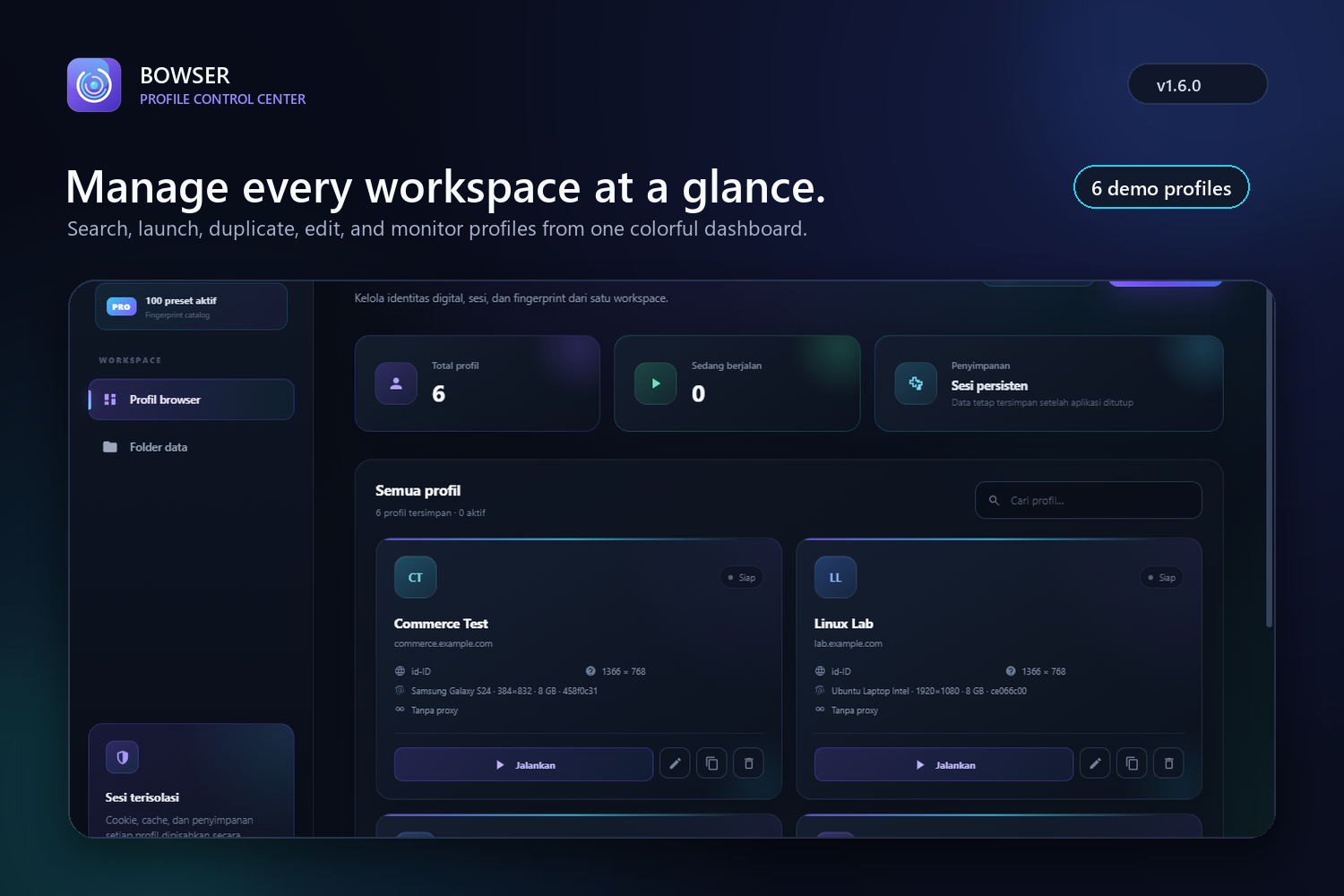
Bowser Profile Browser allows users to:
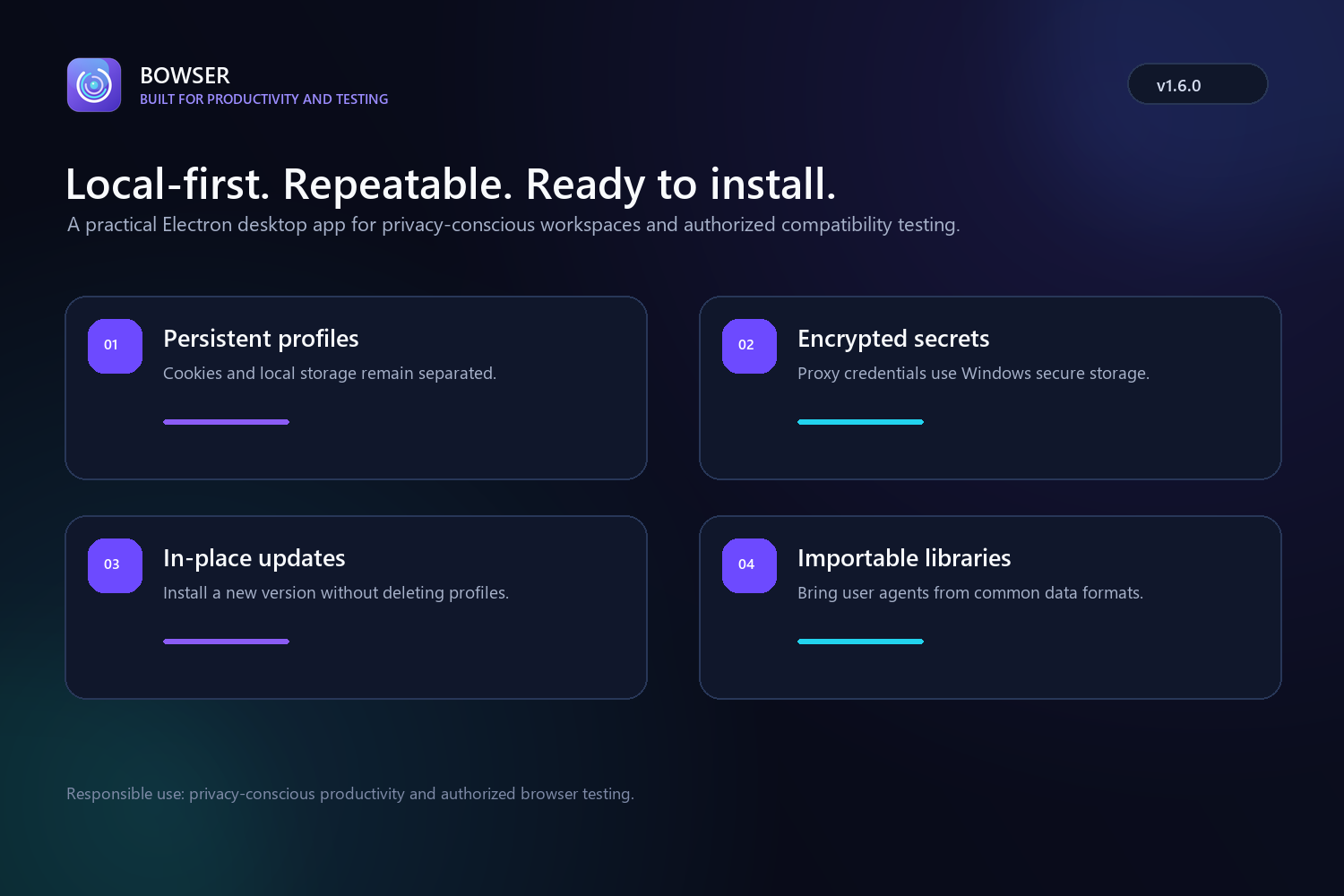
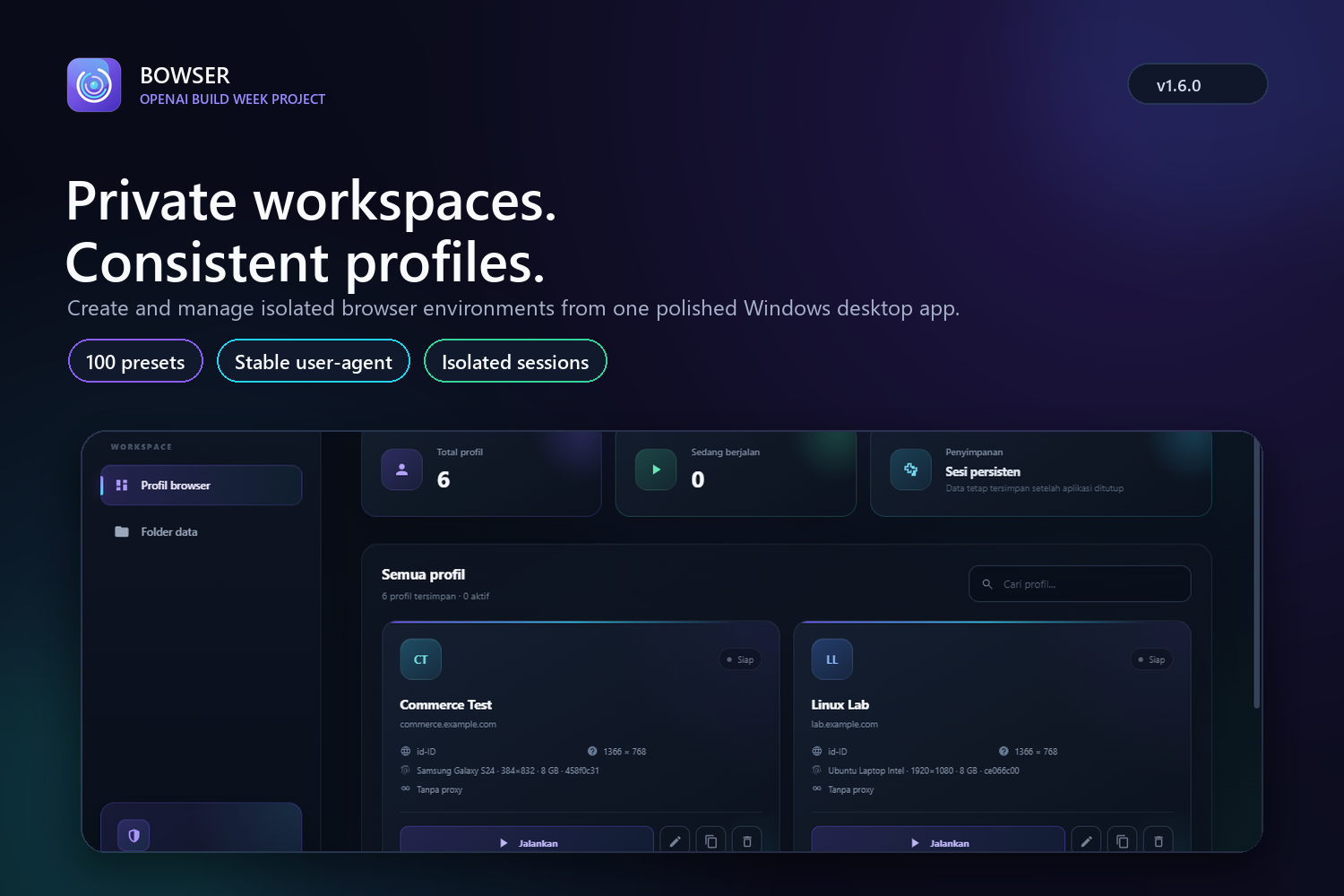
- Create and manage isolated browser profiles
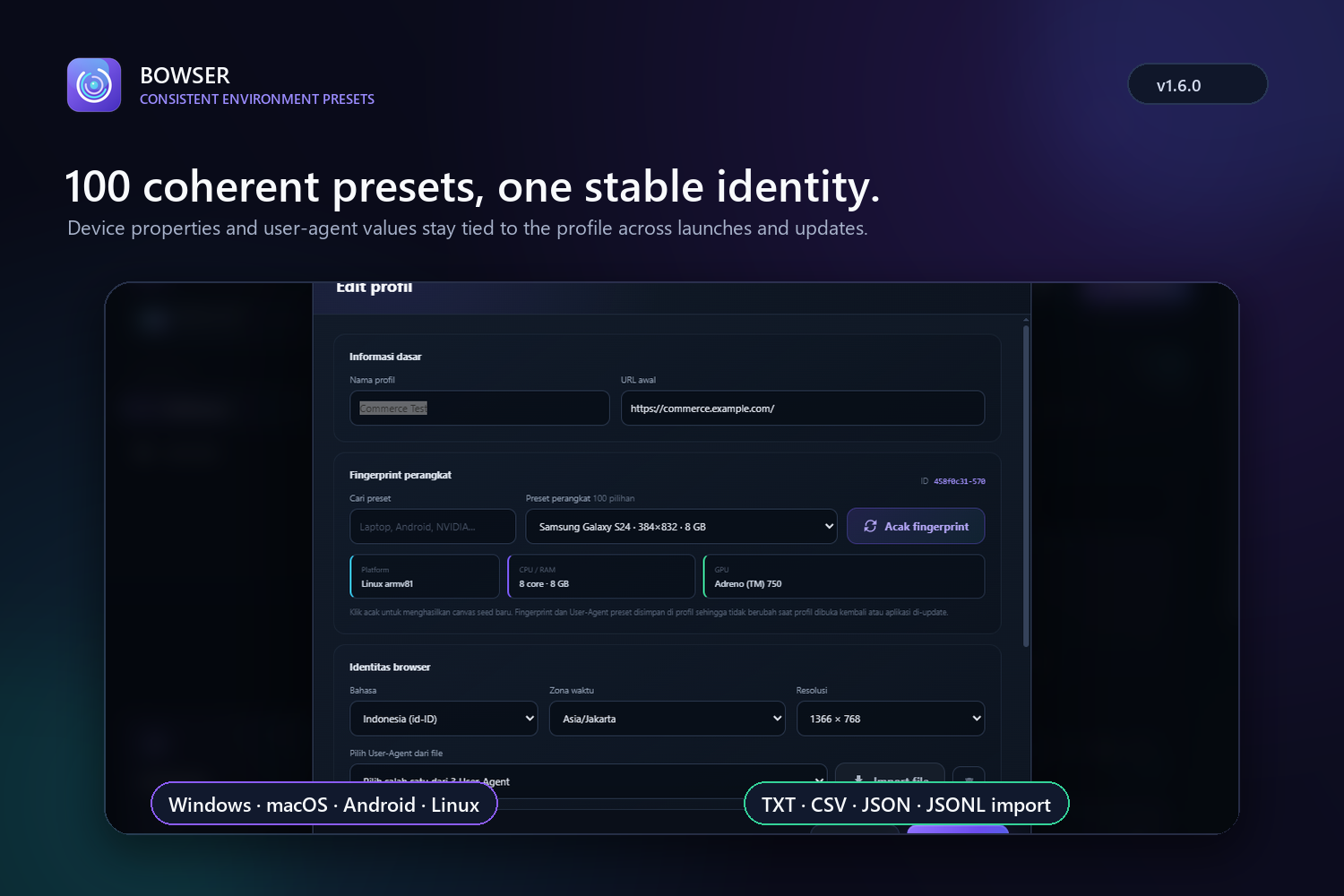
- Choose from 100 coherent environment presets
- Keep each profile's user agent and settings consistent
- Import user-agent lists from TXT, CSV, JSON, or JSONL files
- Preserve separate cookies and local storage for every profile
- Configure profile-specific proxy settings
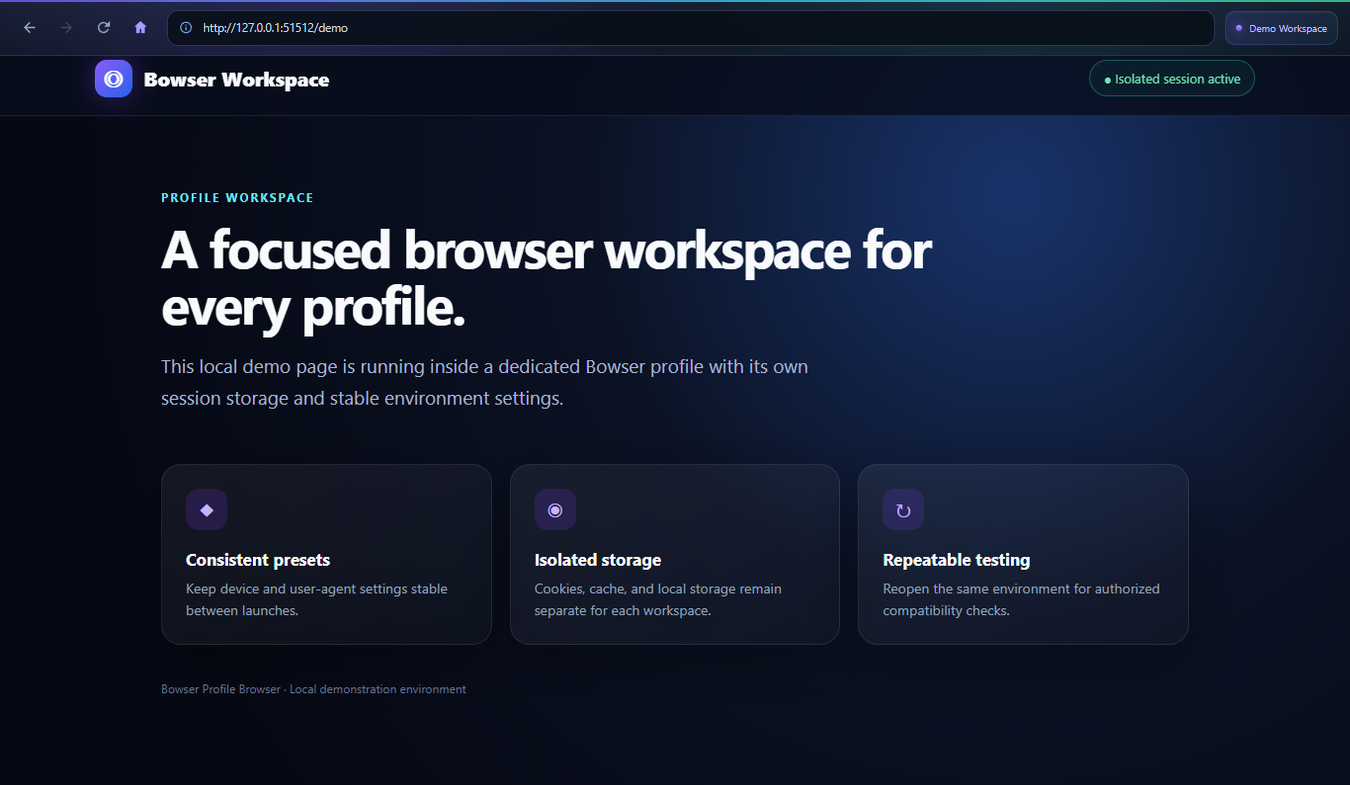
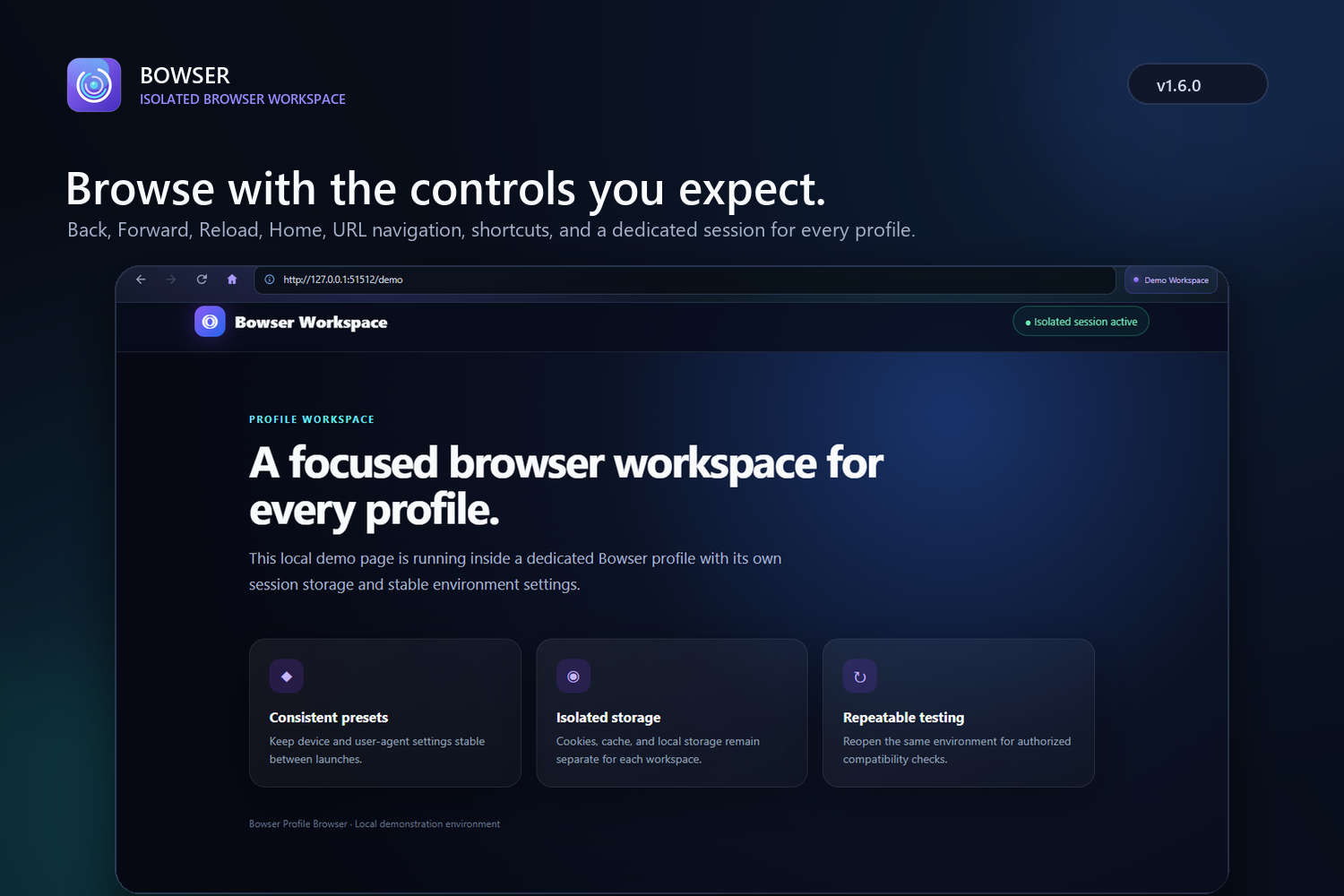
- Navigate using built-in Back, Forward, Reload, Stop, Home, and URL controls
- Update the application without manually uninstalling the previous version Sensitive proxy credentials are protected using the operating system's secure storage capabilities.
How we built it
I built the application with Electron, Node.js, JavaScript, HTML, and CSS. Electron's WebContentsView powers the browser workspace, while persistent storage keeps each profile isolated.
The preset system connects compatible operating-system properties, browser versions, screen settings, and user-agent values. Once a profile is created, its identity remains stable instead of changing every time the application starts.
I used OpenAI Codex and GPT-5.6 as engineering collaborators throughout development. They helped me inspect and restructure the original code, diagnose lifecycle bugs, design the profile architecture, improve the interface, create automated integration tests, generate application assets, and package the final Windows installer.
Challenges we ran into
One major challenge was maintaining consistency between a selected preset and its user agent. I had to ensure that saved profiles remained stable after restarting or updating the application.
Another challenge was integrating browser navigation into a custom Electron interface. The browser view needed to resize correctly while keeping Back, Forward, Reload, and URL controls responsive.
I also encountered a state-management bug where deleting a profile prevented fields in the new-profile form from being edited. Fixing it required carefully resetting the interface state and testing the complete delete-and-create lifecycle.
Packaging was another important challenge. I created an in-place Windows installer so users can install newer versions without removing the previous application or losing their profiles.
Accomplishments that we're proud of
This project taught me that browser-environment consistency involves many connected components rather than just changing a user agent. I also learned more about Electron security, isolated storage, application state management, automated desktop testing, installer creation, and professional UI design.
Most importantly, I learned how to collaborate effectively with Codex: defining requirements incrementally, validating generated changes, reporting bugs with context, and continuously testing the complete application rather than treating AI-generated code as automatically finished.
What's next
Next, I plan to add code-signed releases, expanded automated tests, improved accessibility, optional encrypted profile backup, and more tools for developers performing responsive and compatibility testing.
Bowser Profile Browser is intended for privacy-conscious productivity and authorized testing. It is not designed for fraud, bypassing platform protections, or other abusive activity.
What we learned
I learned that creating a consistent browser environment involves more than changing a user agent. Operating-system properties, screen settings, storage, navigation state, and profile persistence must work together.
I also gained practical experience with Electron security, isolated browser storage, application state management, integration testing, UI design, and Windows installer packaging. Working with Codex taught me how to iterate effectively: define clear requirements, validate generated code, report bugs with context, and test the complete user workflow.
What's next for Bowser Profile Browser
Next, I plan to add code-signed releases, accessibility improvements, expanded automated testing, encrypted profile backup and restore, and additional developer tools for responsive and compatibility testing.


Log in or sign up for Devpost to join the conversation.