-
-
-
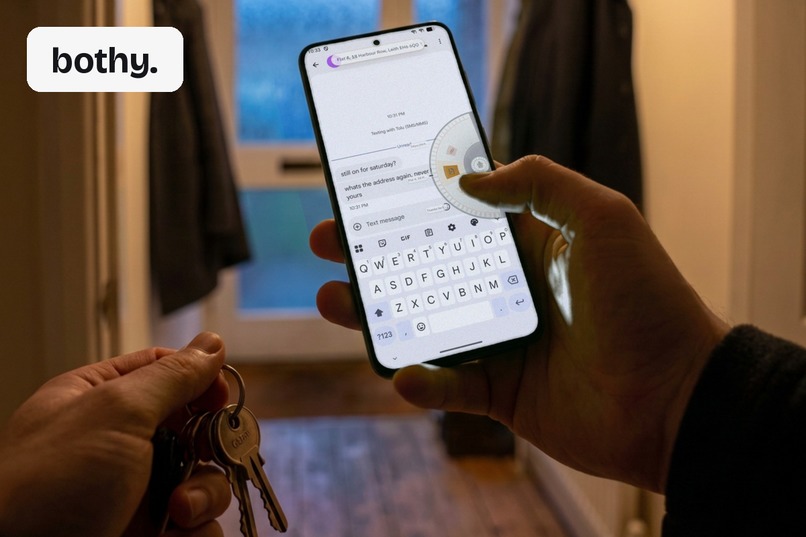
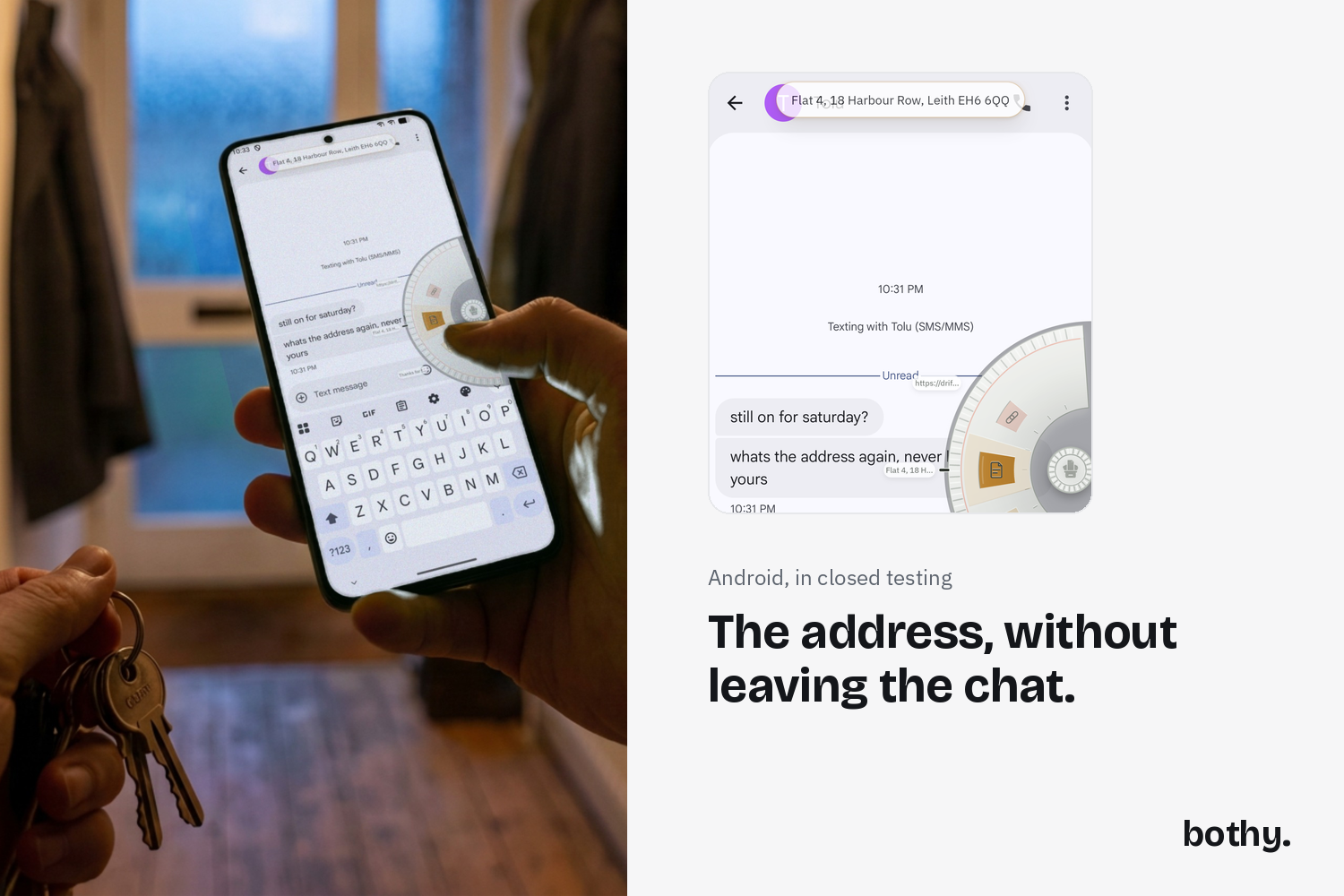
The ring, pulled out over another app on the way out the door. Android, in closed testing.
-
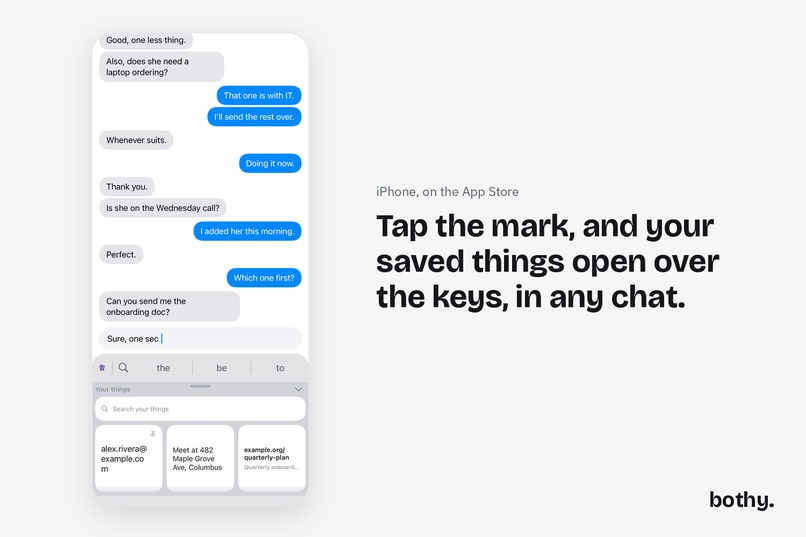
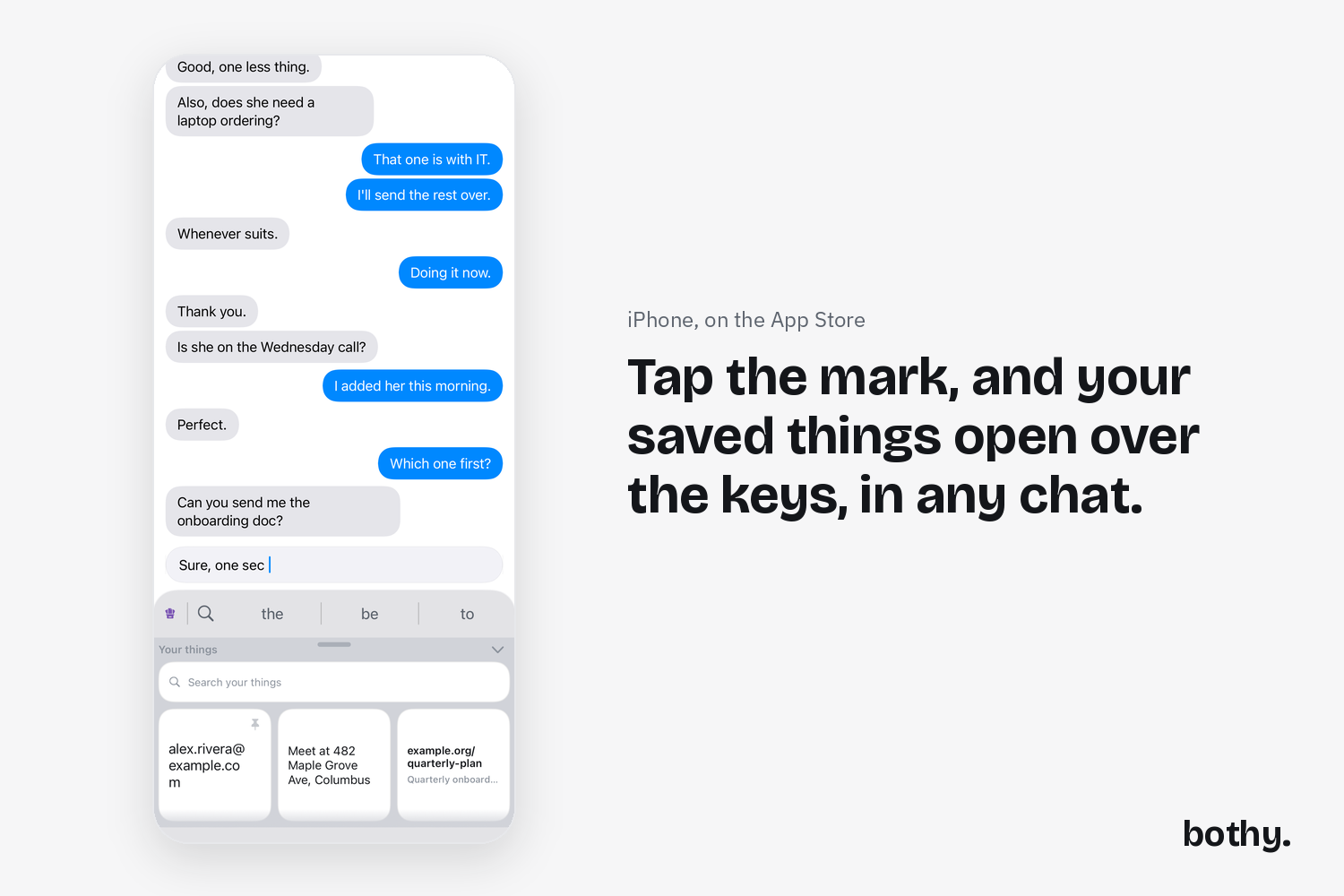
ap the mark, and your saved things open over the keys. iPhone, on the App Store.
-
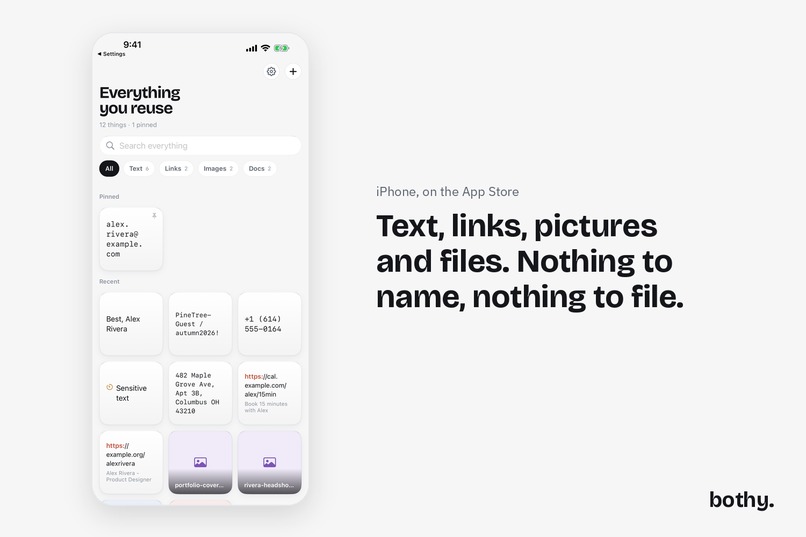
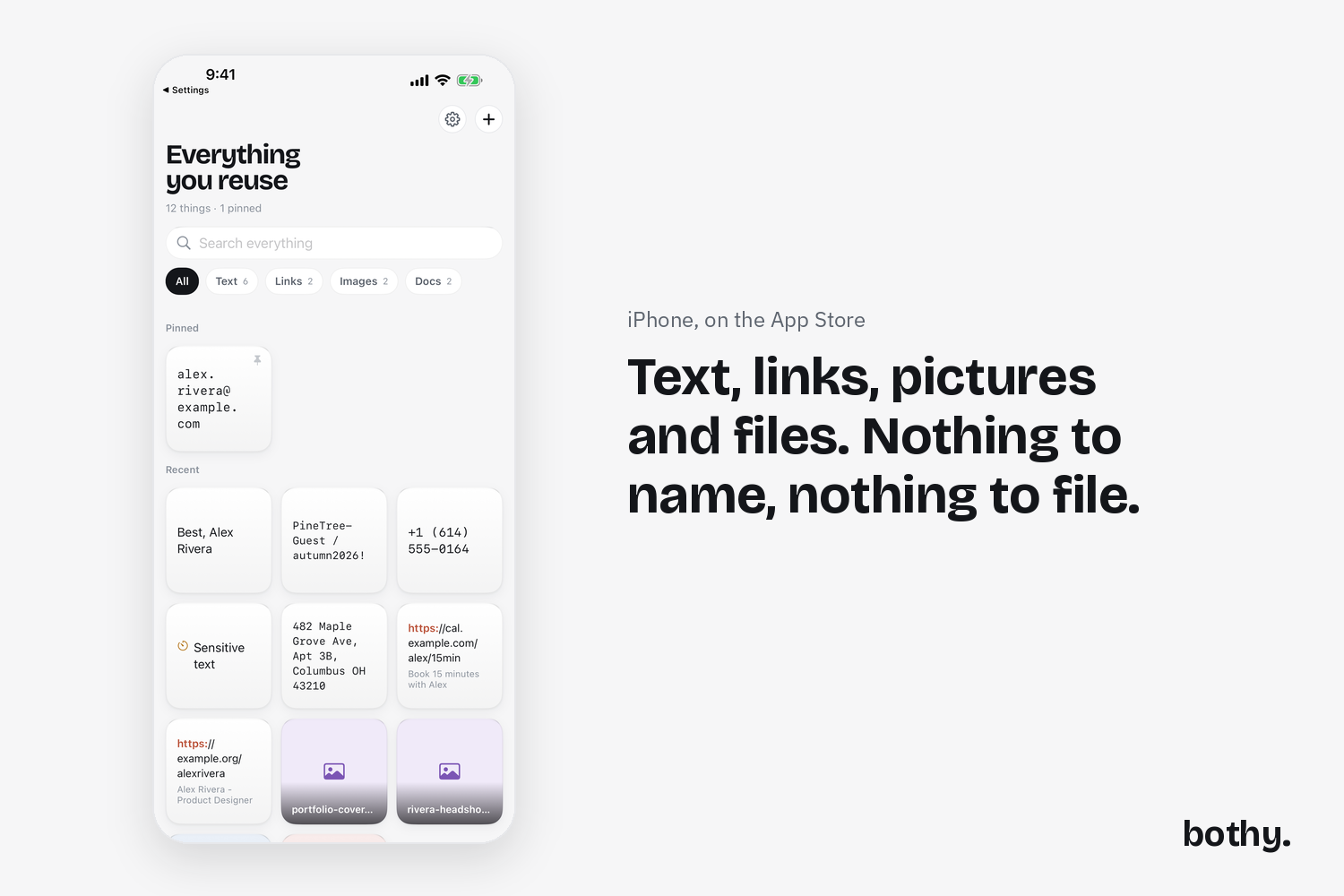
Text, links, pictures and files in one grid. Nothing to name, nothing to file. iPhone, on the App Store.
-
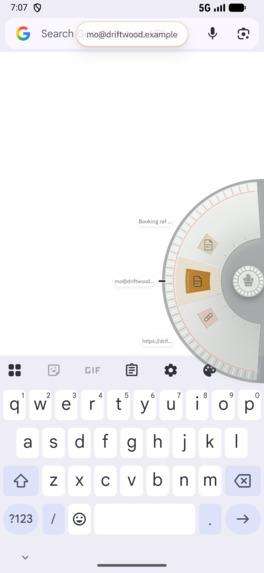
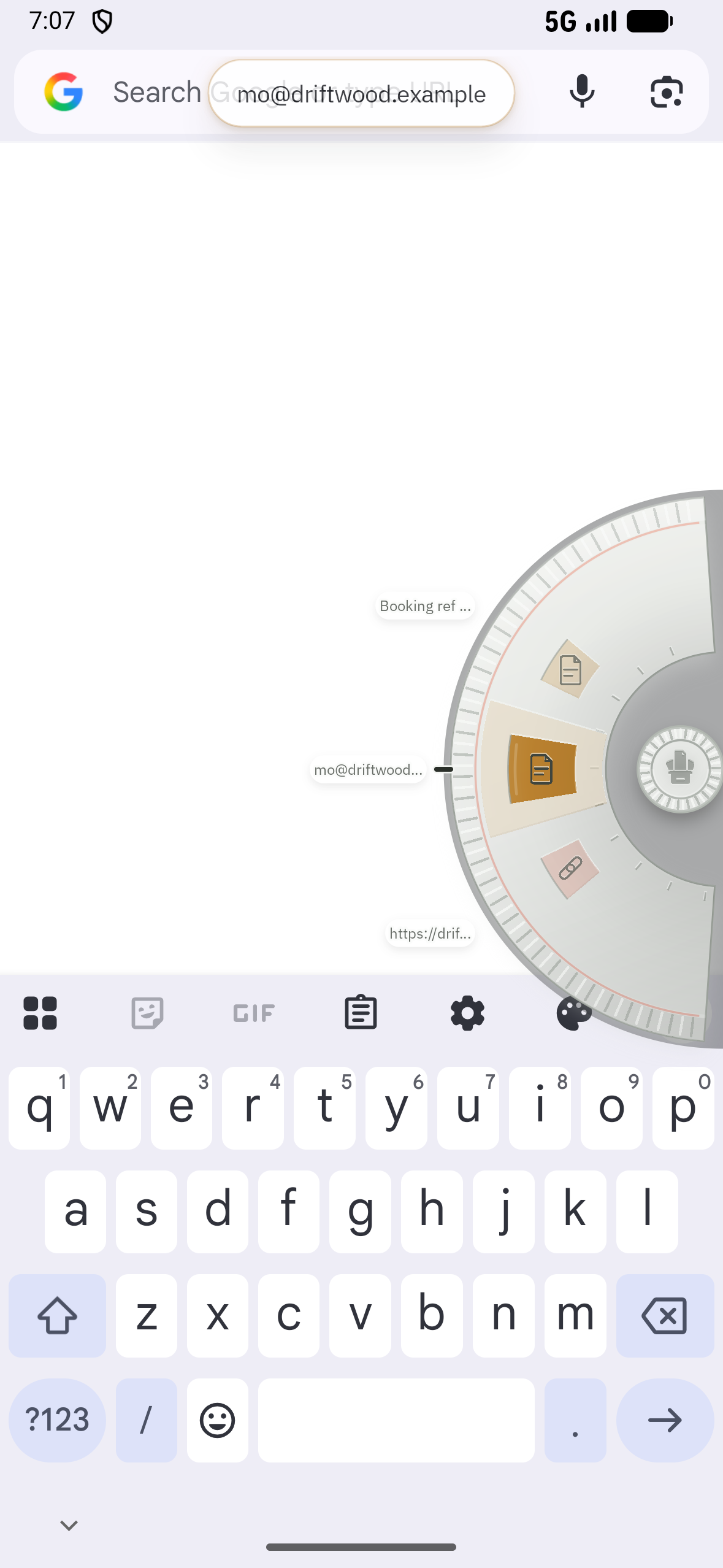
The ring, pulled out from the edge of the screen over any app. Android, in closed testing.
-
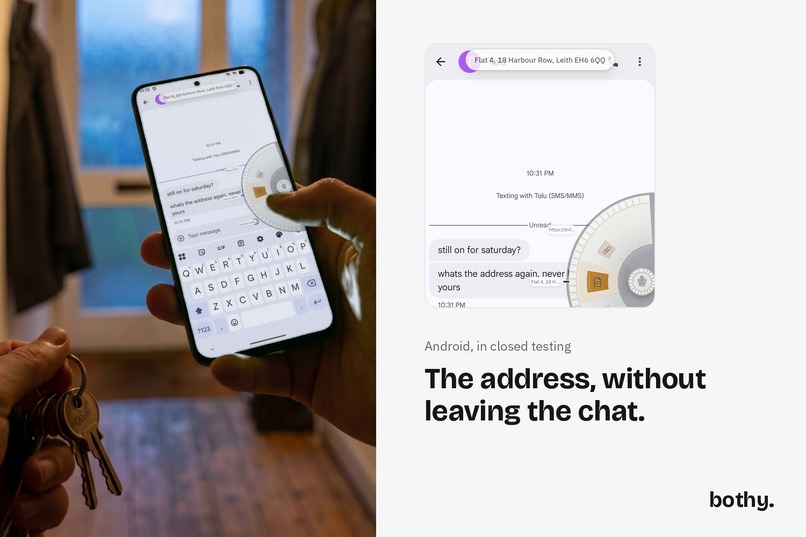
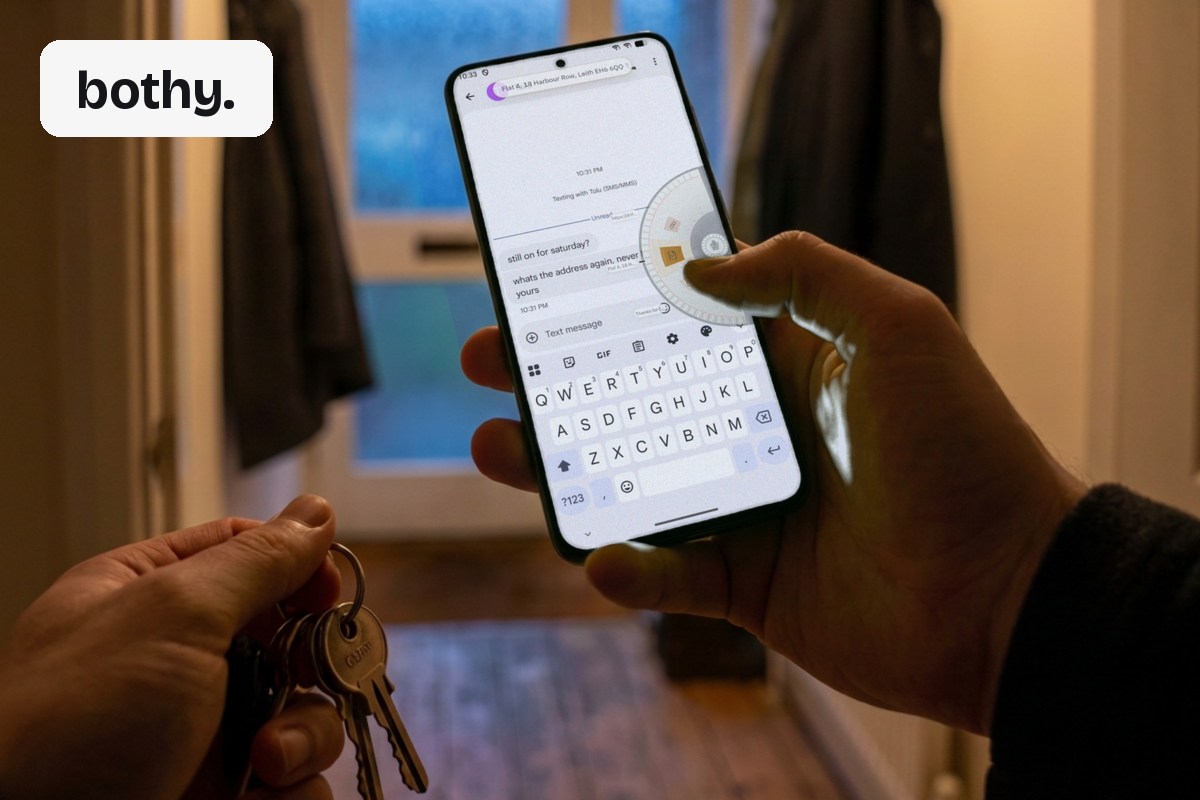
The address, without leaving the chat. Android, in closed testing.
I kept losing the same things. The address I type out twice a month, the reference from a booking, the paragraph I have written eighty times in slightly different words. They were scattered across notes, screenshots and messages to myself, and every one of them cost me a trip out of whatever I was doing.
So I built somewhere to put them, and then spent most of my time on the part that matters more, which is getting them back without leaving what you are doing.
On iPhone the way in is a keyboard. Tap the mark at the left of the bar above the keys and your saved things open over the keys, with a search, in the app you are typing in. Tap one and it lands in the sentence you are writing. Anything you save, apart from what you mark sensitive, is in the phone's own search the moment you save it, and tapping a result copies it instead of opening a screen. There is a Home Screen widget, Siri and Shortcuts can find your things by name, and on iPad you can drag an item straight out into another app. If something you saved has blanks in it, the keyboard fills them in with you.
On Android the way in is a ring you pull out from the edge of the screen, on top of whatever app you are using. Take what you need and carry on. There is a Quick Settings tile that keeps whatever you just copied in one tap, a Direct Share target, hardware keyboard shortcuts for a big screen, and you can drag a saved thing out of the grid into another app's window. It reads the words inside your screenshots, so searching for a word you only ever saw in a picture finds it.
Nothing is filed. There are no folders and the app never asks you to name a thing before it lets it in. It works out what a thing is, and the four kinds are lenses over one grid rather than folders you sort into.
No accounts. No servers of mine. Nothing you save is uploaded to me. Your phone's own backup includes the app, into your own account, under a setting you control, and that is the only place a copy goes.
Underneath, one shared Kotlin core is the only writer on both platforms, so a bug in how a thing is named, or in how a link is recognised, is fixed once, in the one place both apps call, rather than twice in two languages. Where the two languages genuinely had to diverge I wrote the rule down as a table and made both toolchains run it, so a change that would break the mirror breaks a test first.
And I measured the keyboard rather than guessing. I recorded a corpus of my own real typing on my own phone, mirrored the shipped decoder in Python, and ran one fixed stream of 797 simulated taps through my keyboard and through Samsung's keyboard on my Galaxy: mine committed 152 of 159 words correctly in the mirror and 151 on an iPhone 16 in Apple's simulator, and Samsung's, with its autocorrect on, committed 147. Then I ran 18,575 more word boundaries through it and found two whole classes of mistake I had never noticed. Both are written up with the numbers attached, including the ones that do not flatter me.
Inspiration
The trip out of the app. Every time I needed my own address, my own booking reference, my own paragraph, I left what I was doing to go and find it.
What it does
Keeps the text, links, pictures and files you reuse, and hands them back where you are typing: from the keyboard on iPhone, from the edge of the screen on Android.
How I built it
Kotlin Multiplatform, with the data layer shared and the surfaces native: SwiftUI and a custom keyboard extension on iOS, Jetpack Compose and a floating overlay service on Android. SQLDelight over SQLite with FTS5 for search. RevenueCat for the one purchase. The iOS keyboard cannot open the database at all, so the app writes a projection file the keyboard reads, and the keyboard writes small files back that the app drains when it wakes.
Challenges
No Mac. Every line of Swift in this project was written on Windows and compiled by a build machine I could not watch, which is why the iOS work is shaped around probes and named build steps that can be read from a check run. The keyboard extension's memory ceiling and its inability to hold the database drove the whole iOS architecture.
Accomplishments
A measured keyboard rather than a claimed one. A shared core both apps call, so a fix is made once, with two contract tables both toolchains run. And the habit of checking each sentence against the code: three claims were retired during development for being false.
What I learned
That the honest version of a sentence is usually the stronger one. "Nothing you save is uploaded to me" tells you who you are trusting; "never leaves your device" was not true, because the phone's own backup takes the app with it.
What's next
The Android version's public release, and bringing the iPhone app level with it: the theme picker, editing a saved thing in place, and the app's own typeface everywhere rather than the system one.

Log in or sign up for Devpost to join the conversation.