

Bot or Not
Inspiration
AI-generated media is becoming increasingly difficult to distinguish from authentic content. Images, voices, emails, and online messages can now be generated convincingly enough to mislead people, spread misinformation, impersonate trusted individuals, and support scams.
Although Bot or Not is designed to be an enjoyable game for users of all ages, its primary purpose is to help older adults develop the skills needed to distinguish real media from AI-generated or malicious content.
Older adults may not have grown up using modern digital platforms and may be less familiar with the warning signs of deepfakes, synthetic voices, phishing emails, and AI-generated images. As these technologies become more realistic, simply telling people to “be careful online” is no longer enough. Users need repeated exposure to realistic examples so they can build practical recognition skills.
Most AI-literacy resources rely on articles, lectures, or static checklists. We wanted to create something more accessible and engaging: a fast-paced educational game that allows users to learn through practice.
Bot or Not is the “GeoGuessr of AI detection.” Players examine different forms of digital content and decide whether each example is authentic or AI-generated. While the game includes scores, combos, lives, and progression, these mechanics support a larger mission: helping people navigate an internet increasingly shaped by generative AI.
What It Does
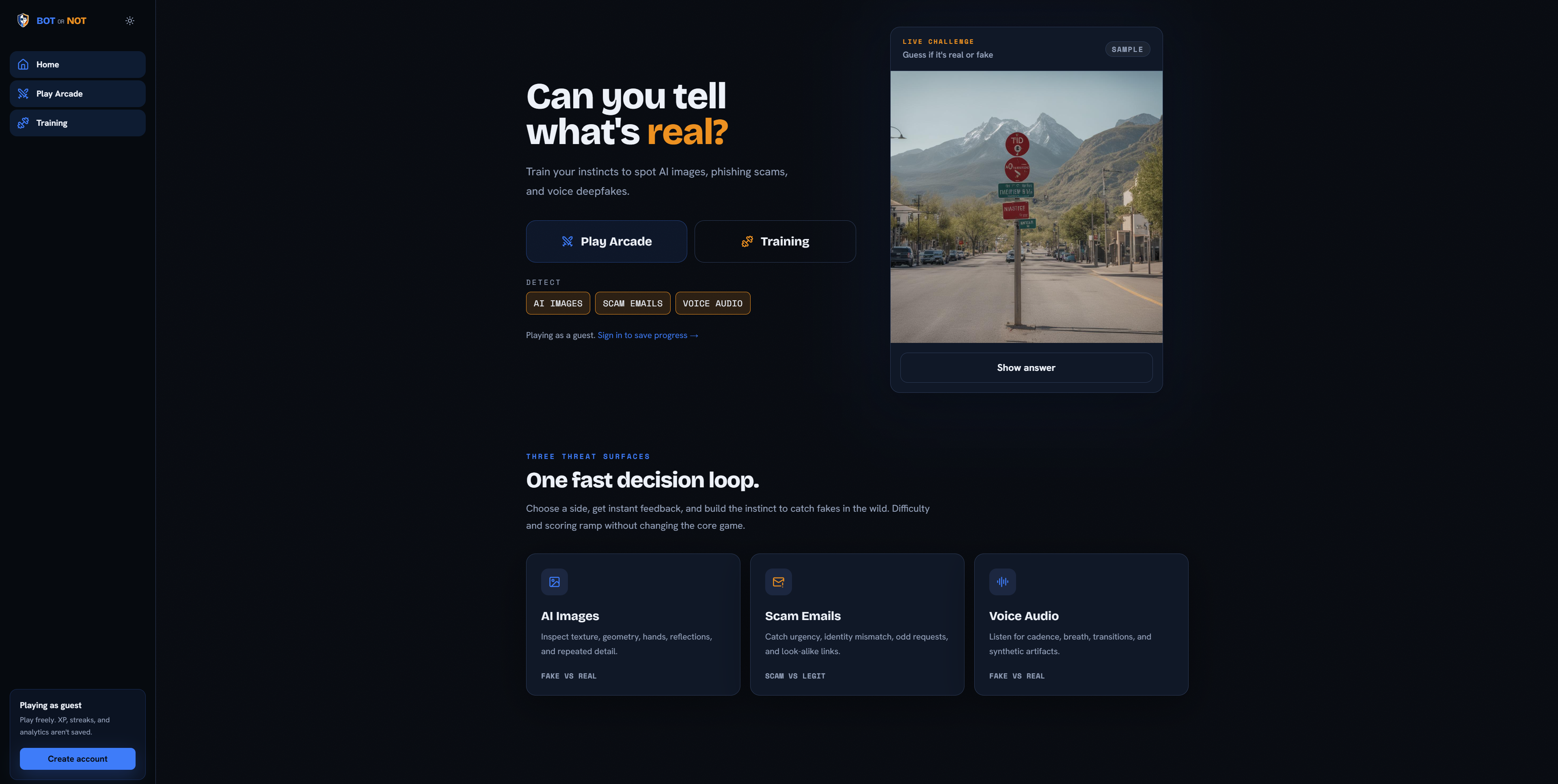
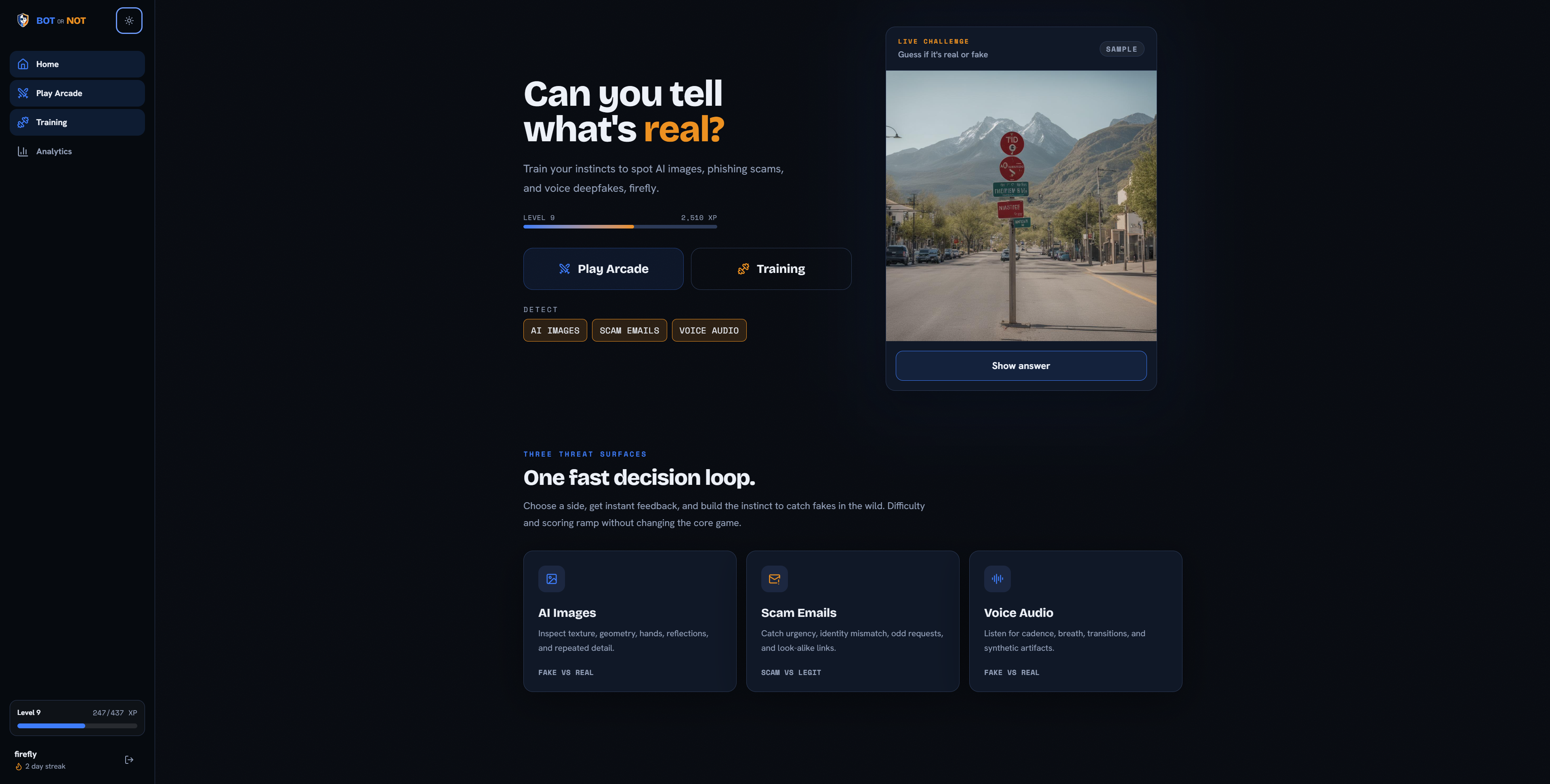
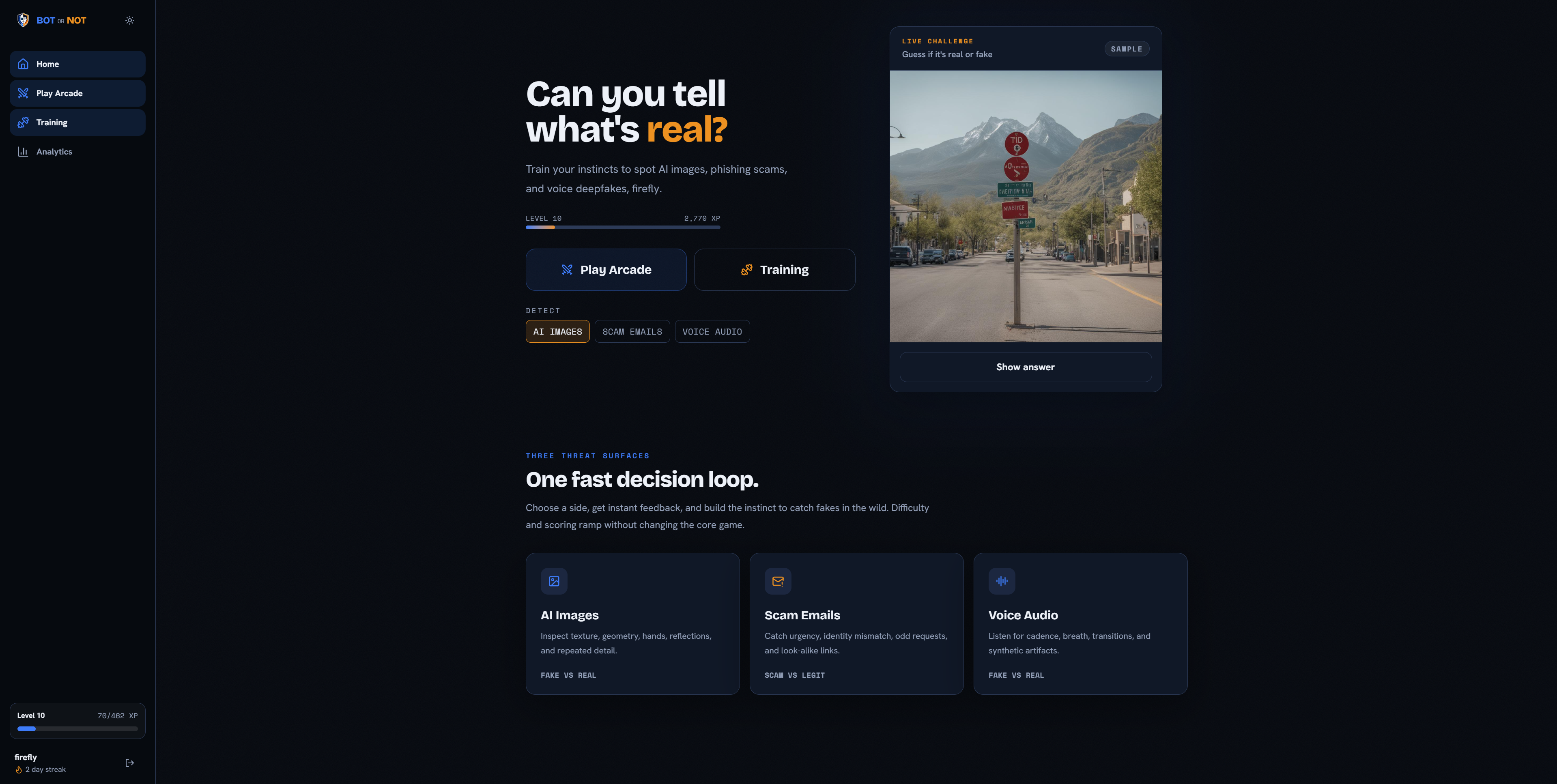
Bot or Not is a web-based educational game where users classify digital content as authentic, AI-generated, legitimate, or malicious.
The project currently supports three categories:
- AI Images: Determine whether an image was created by AI or captured by a real person.
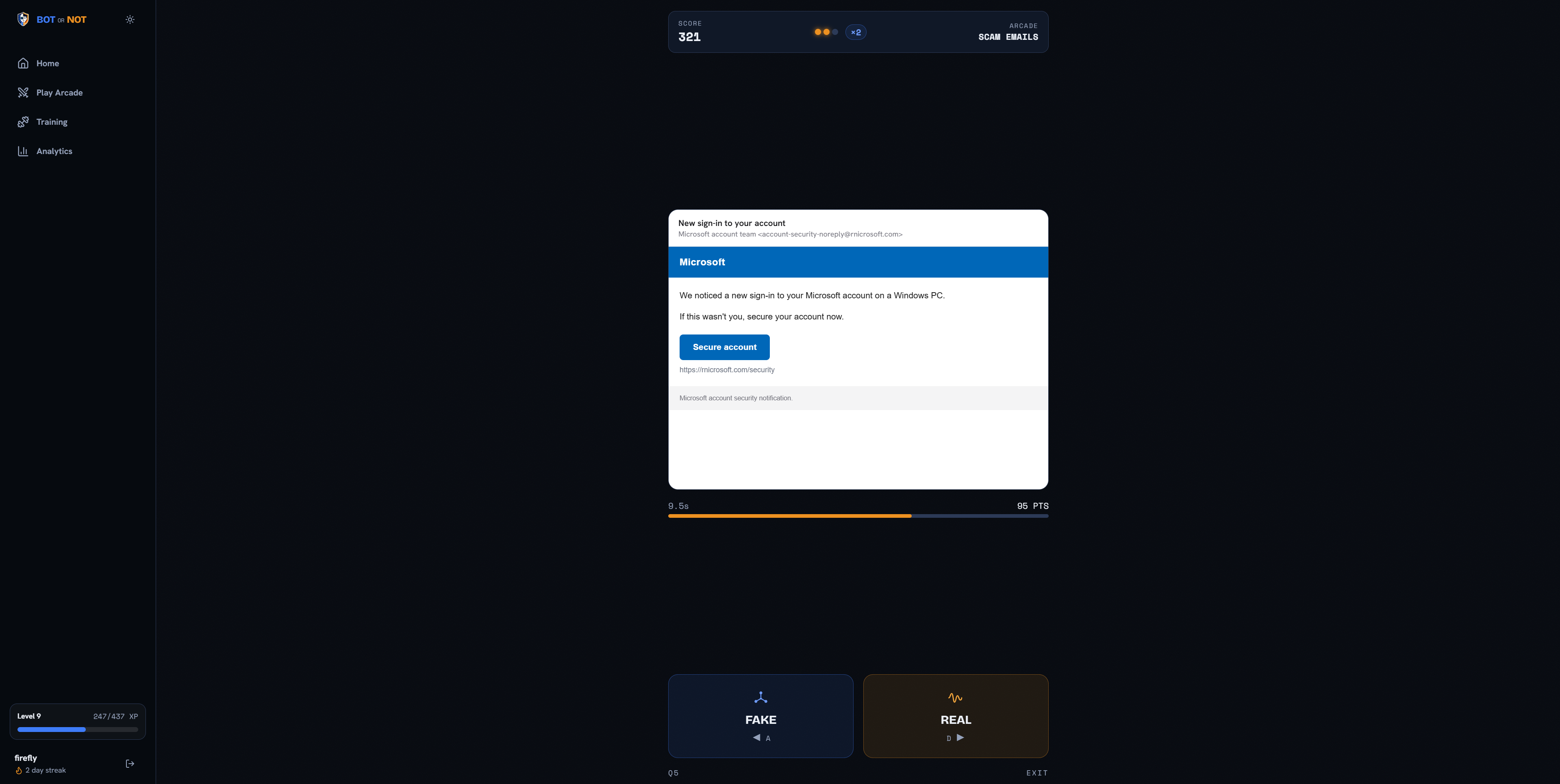
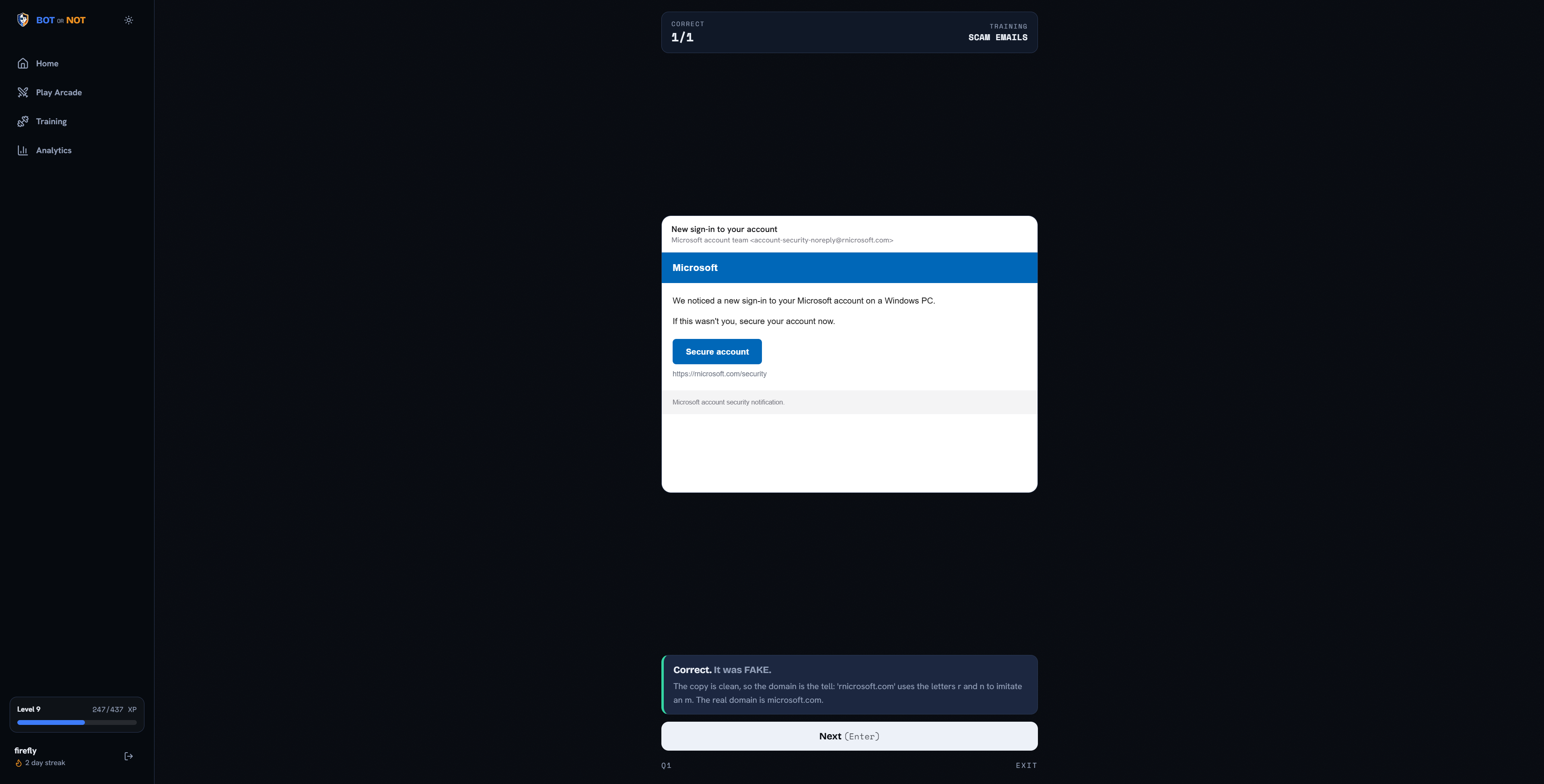
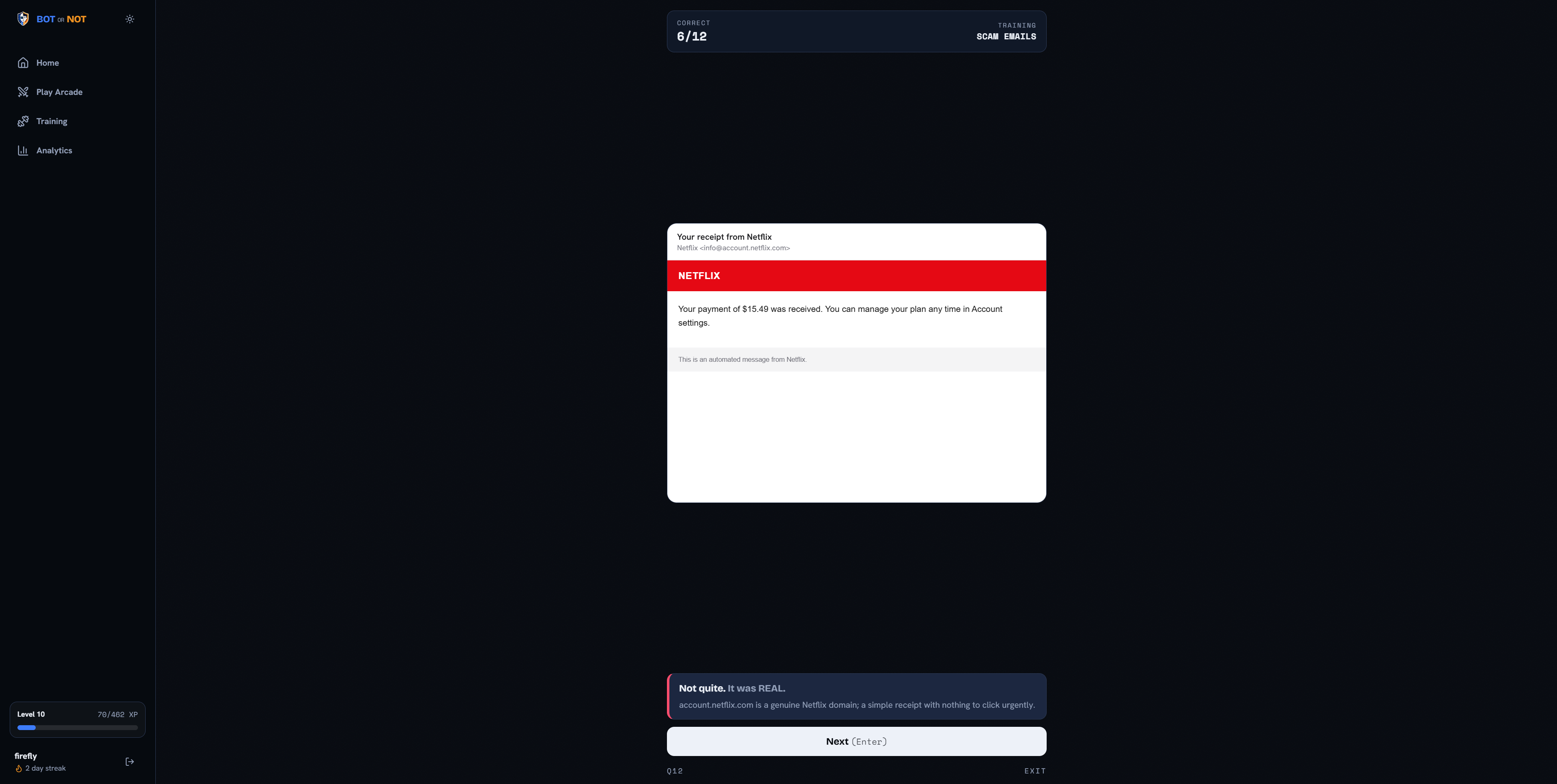
- Scam Emails: Decide whether an email is a scam or a legitimate message.
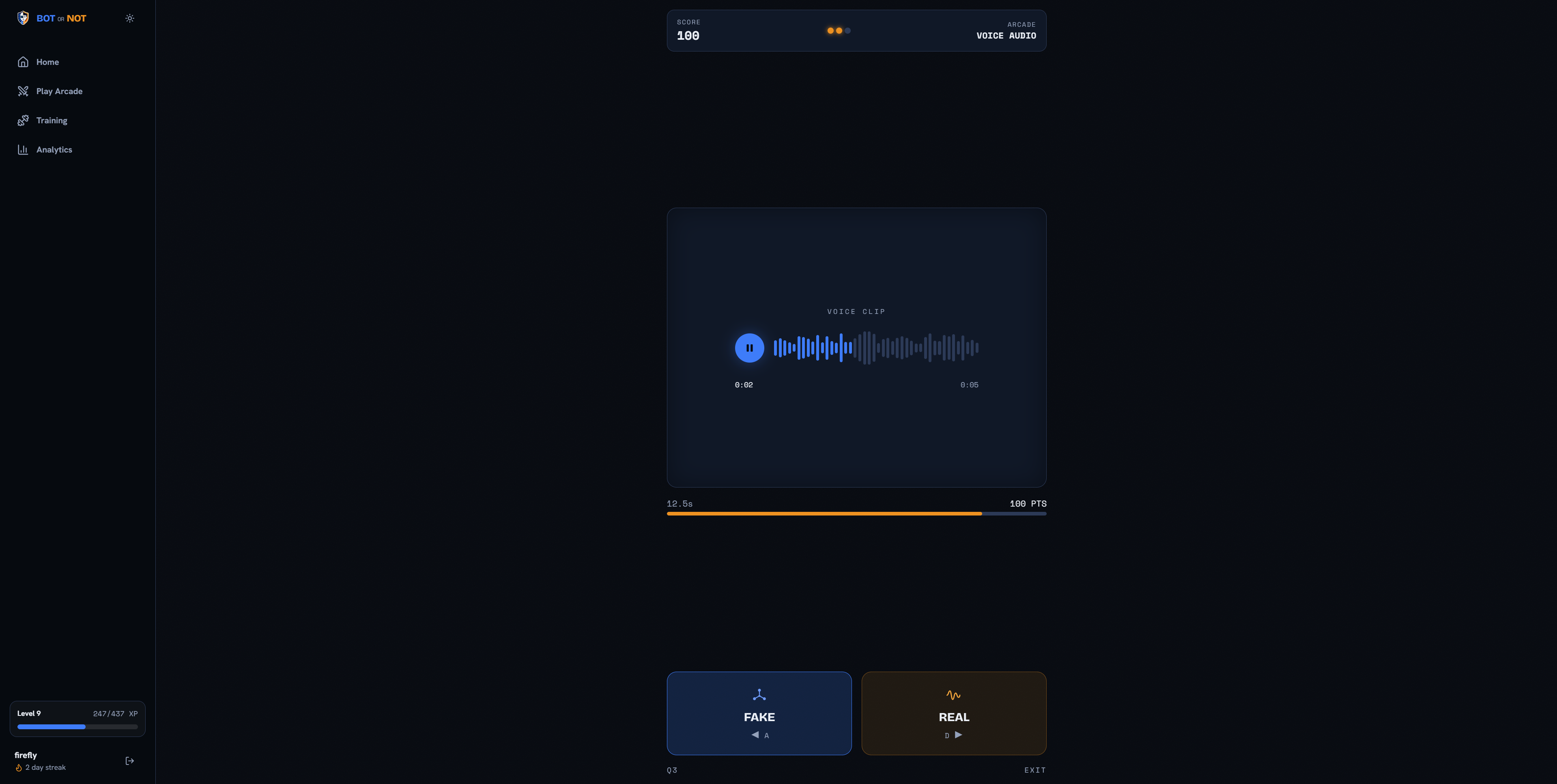
- AI Voice Audio: Listen to an audio clip and determine whether the voice is real or synthetically generated.
Users can practice one category at a time or select Mixed Mode.
The interface is intentionally straightforward, with large buttons, clear instructions, immediate feedback, and minimal visual clutter. These choices make the application approachable for older adults and users who may not be highly familiar with modern technology.
Arcade Mode
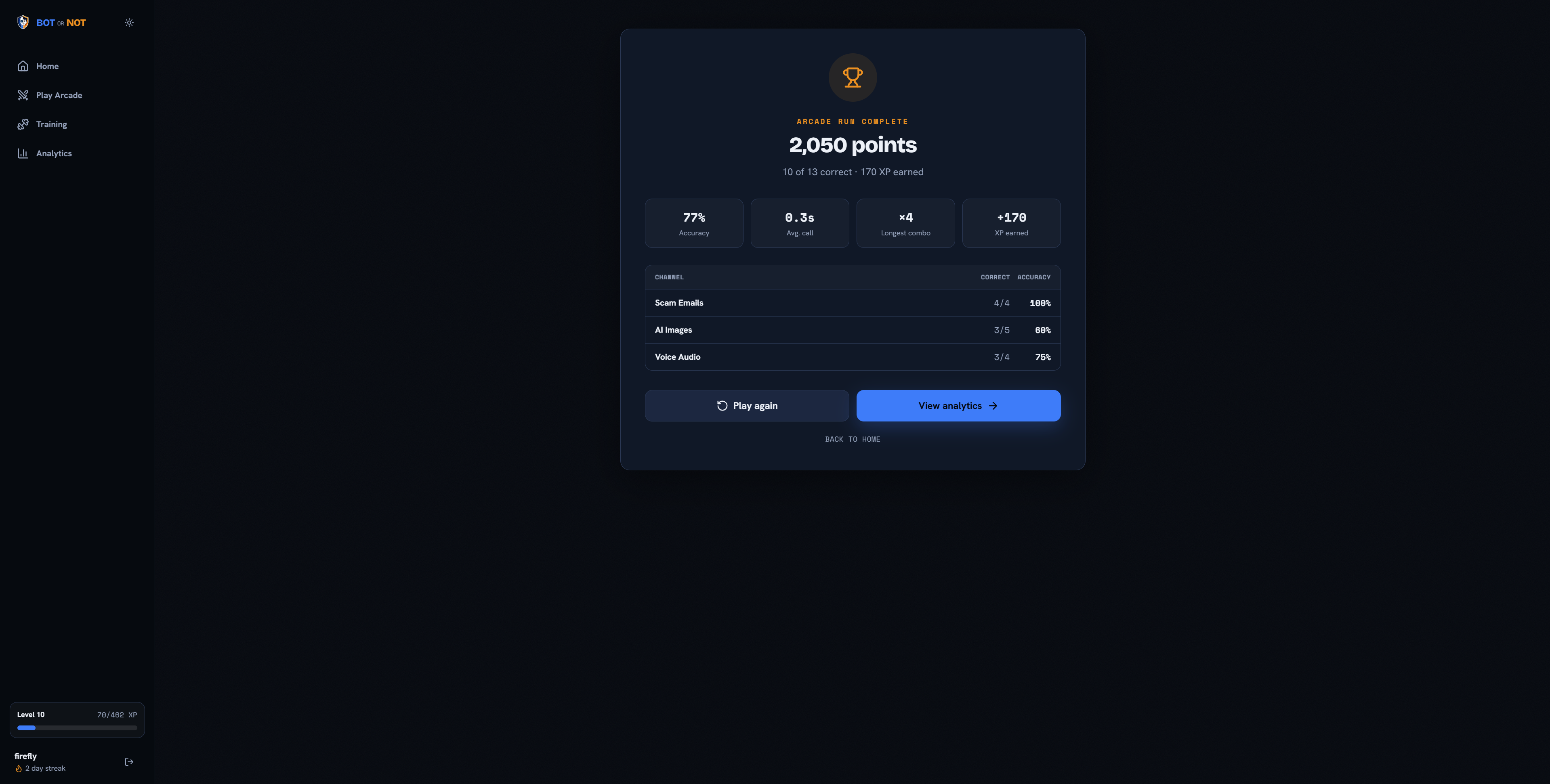
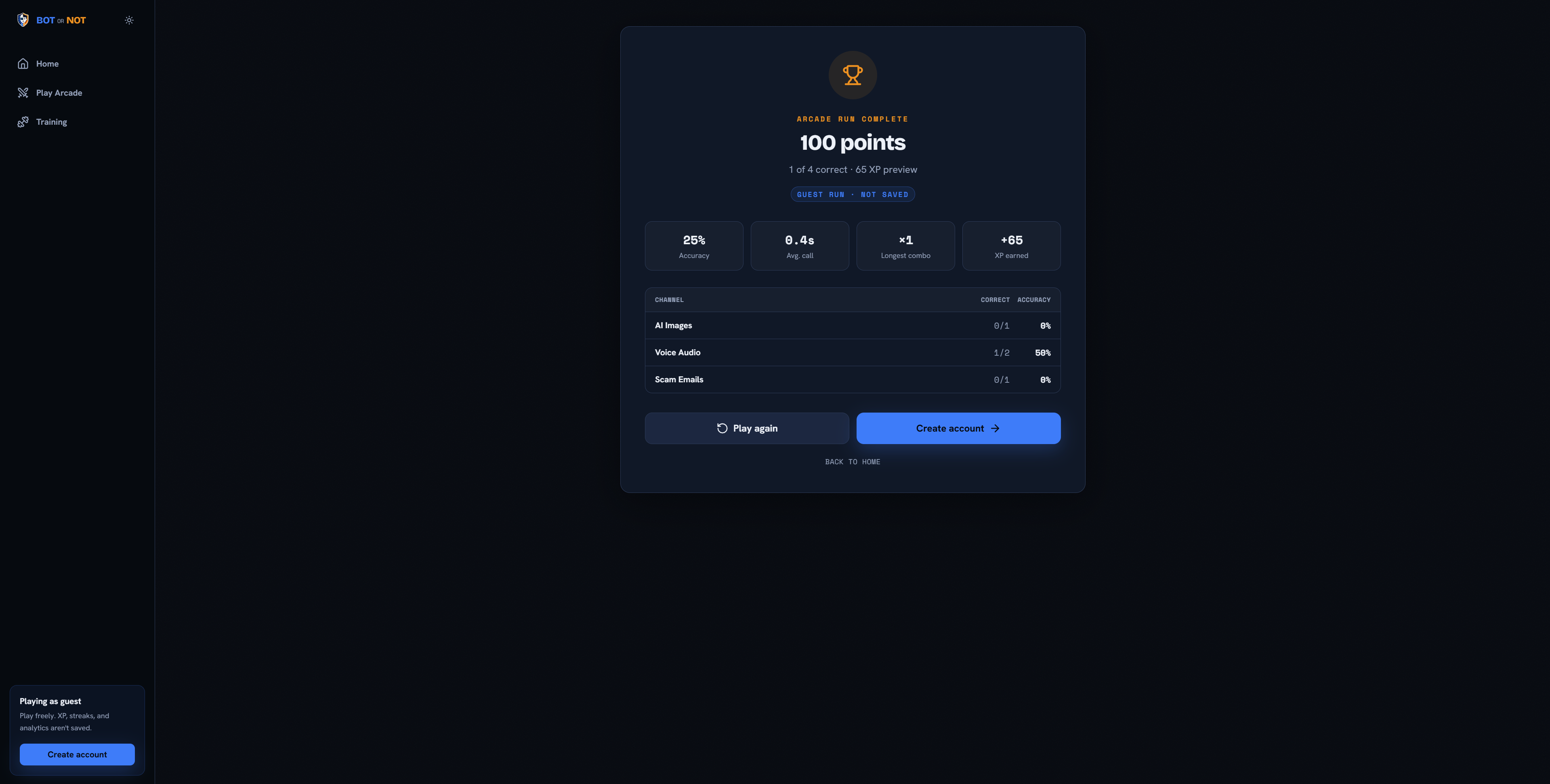
Arcade Mode makes AI-literacy training feel competitive and entertaining. Players begin with three lives and attempt to identify as many examples as possible.
Each correct answer:
- Increases the player’s score
- Builds the combo multiplier
- Awards experience points
- Contributes to long-term performance analytics
An incorrect answer removes one life and resets the player’s combo.
The number of available points decreases as the player takes longer to answer. However, each media category has a configurable grace period. Audio questions, for example, provide additional listening time before the score begins decreasing.
The obtainable score for each question is calculated using:
[ S(t)= \begin{cases} M, & t\leq t_p \ \max\left(0,M-\alpha(t-t_p)^\beta\right), & t>t_p \end{cases} ]
Here, (M) is the maximum number of points, (t_p) is the category’s grace period, and (\alpha) and (\beta) control how quickly the available score decreases.
This system rewards quick recognition without immediately punishing users who need a reasonable amount of time to inspect an image, read an email, or listen to an audio clip.
Training Mode
Training Mode removes the pressure of limited lives and competitive scores.
Users can answer an unlimited number of questions and receive immediate feedback after each decision. This mode is especially important for older adults who may prefer to learn at their own pace before entering the faster Arcade Mode.
Training Mode provides a safe environment where users can:
- Practice specific content categories
- Become familiar with common warning signs
- Learn through repeated exposure
- Build confidence using digital media
- Improve without worrying about losing a game
The architecture also supports adding detailed explanations in the future, allowing users to learn exactly which details made an email, image, or recording suspicious.
Analytics and Progression
Bot or Not measures improvement rather than only displaying a final score.
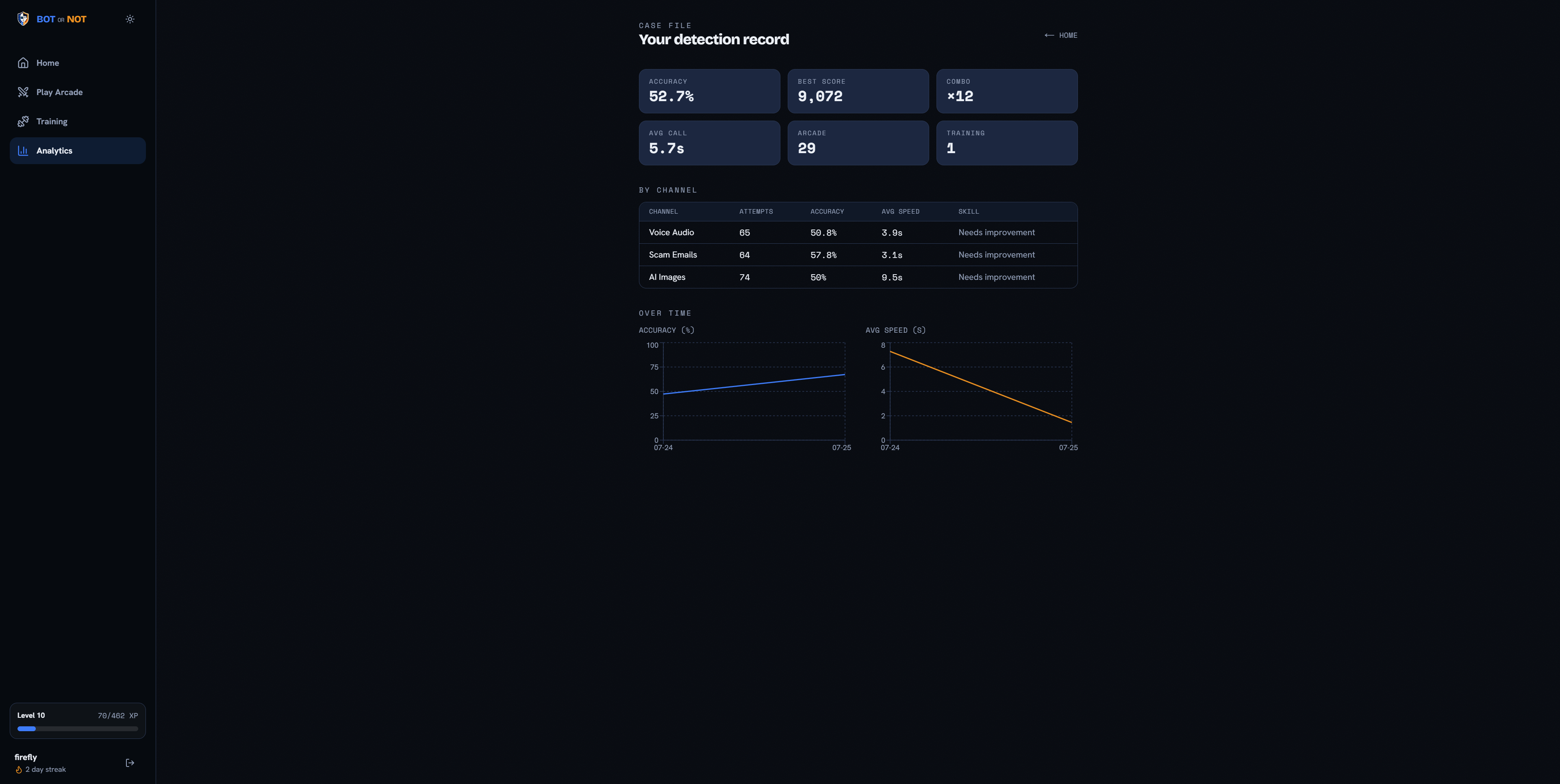
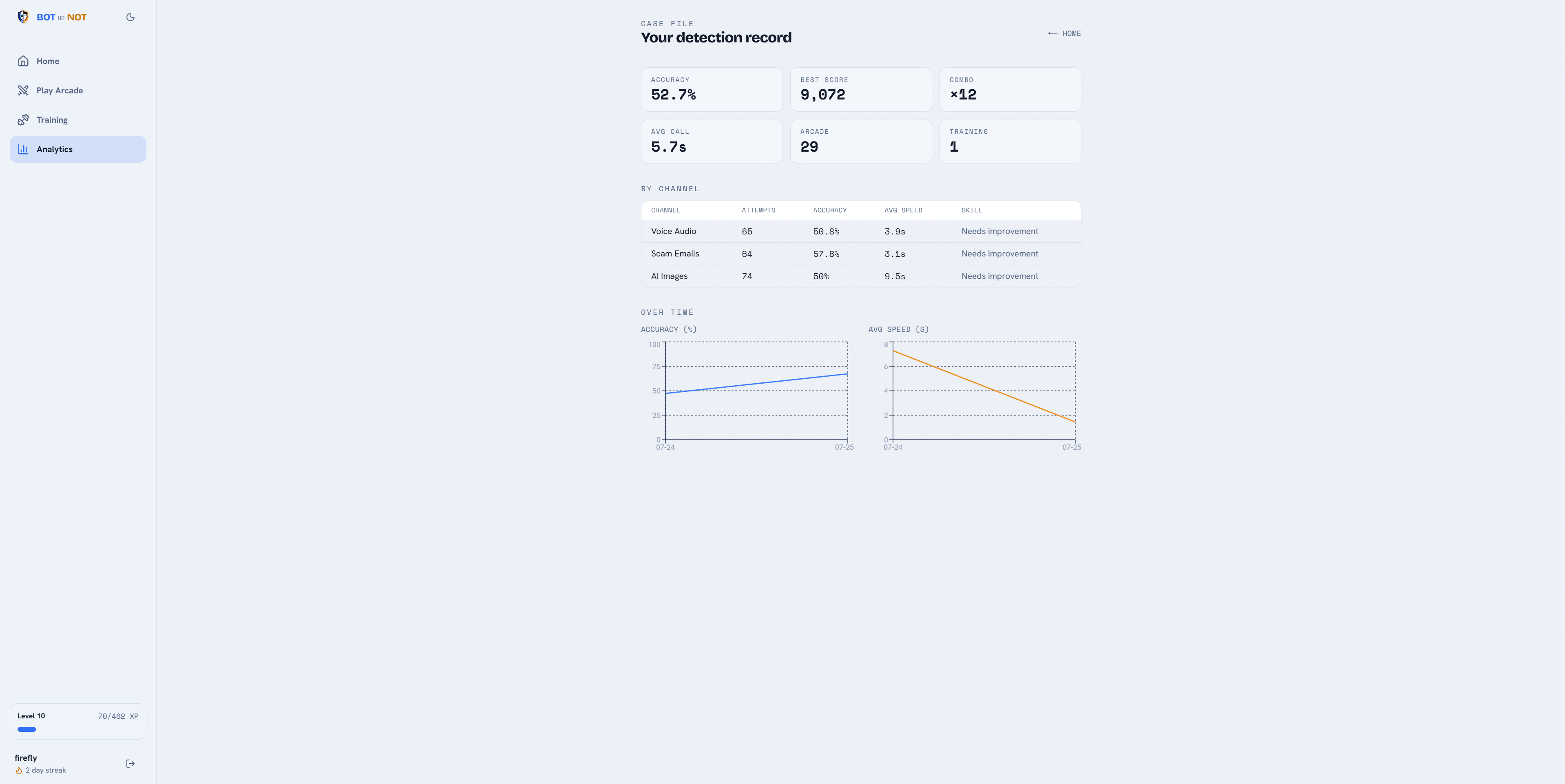
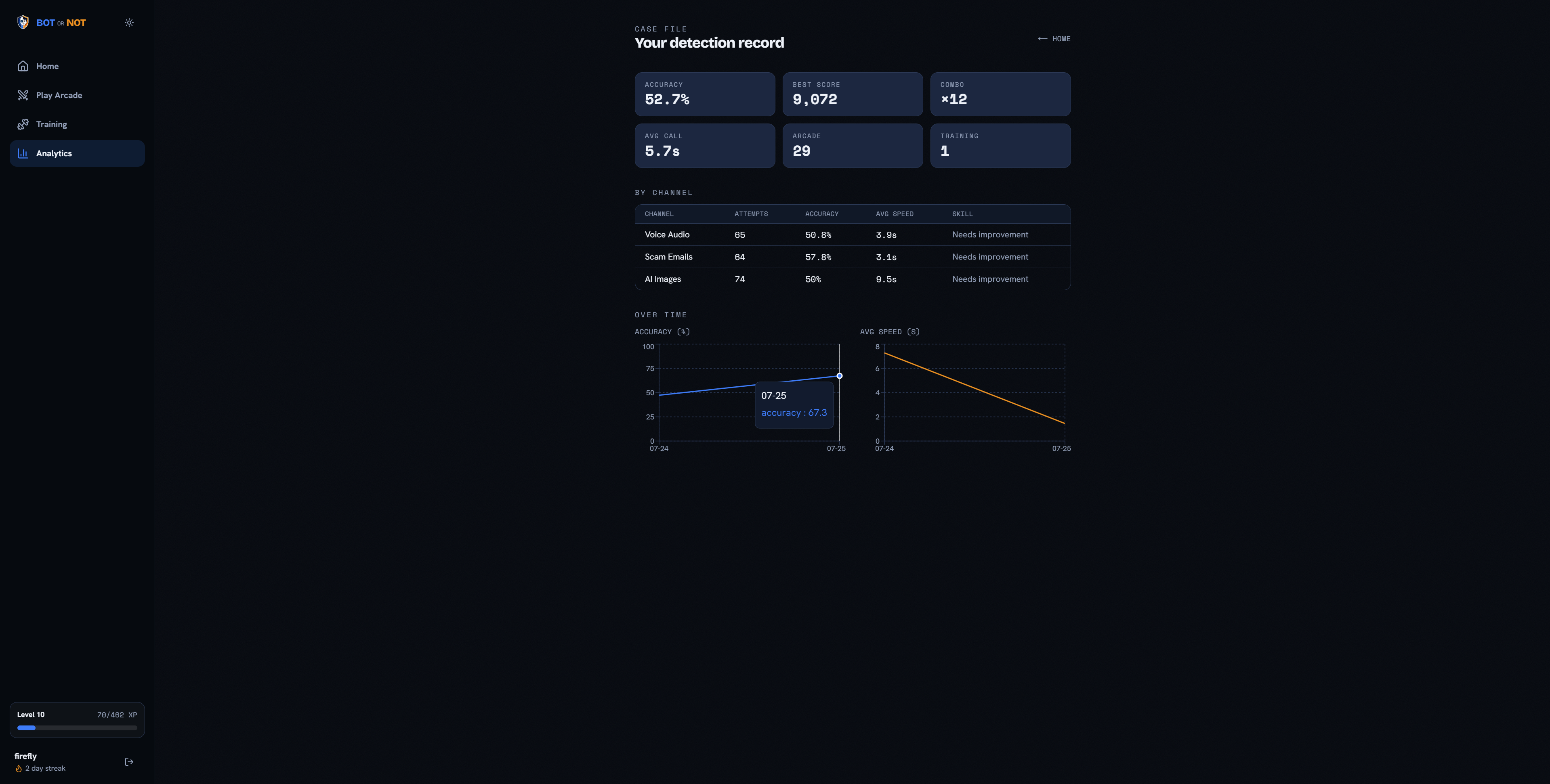
The analytics dashboard tracks:
- Overall accuracy
- Accuracy for each category
- Average response time
- Highest Arcade score
- Longest combo
- Total questions answered
- Games played
- Current level and total XP
- Strongest category
- Most difficult category
- Improvement across different sessions
These statistics allow users to identify where they are improving and which types of media still cause difficulty.
For example, a user may be skilled at recognizing AI-generated images but struggle with synthetic voices. The dashboard makes that weakness visible and encourages the user to practice more voice challenges.
This progress-based approach is particularly useful for older adults because it transforms a broad warning about online safety into specific, measurable skills.
How We Built It
We built Bot or Not as a modern full-stack web application using:
- Next.js and React for the frontend
- TypeScript for strong typing and maintainable code
- Tailwind CSS for responsive styling
- Supabase Auth for user authentication
- Supabase PostgreSQL for challenges, game sessions, attempts, XP, streaks, and analytics
- Supabase Storage for image and audio media
- Centralized state management for responsive gameplay
- Reusable category renderers for images, emails, and audio
We separated the game engine from the user interface. The engine independently handles:
- Timers
- Scoring
- Lives
- Combos
- Difficulty progression
- XP rewards
- Question selection
- Game completion
This separation allows Arcade Mode and Training Mode to share the same core gameplay system while applying different rules.
We also created dedicated configuration files for timing, scoring, difficulty, XP, animation, and category behavior. Important values are not scattered throughout the application, making it easy to rebalance the game without rewriting its logic.
To make gameplay feel immediate, the application retrieves challenges in batches and caches them on the client. Answers can be resolved instantly while the next set of questions loads in the background. This prevents users from waiting for a server response after every decision.
Designing for Older Adults
Accessibility and simplicity influenced many of our design decisions.
We prioritized:
- Large and clearly labeled answer buttons
- Strong visual contrast
- Consistent page layouts
- Minimal navigation complexity
- Clear correctness feedback
- Keyboard-accessible controls
- Fixed media containers that prevent layout shifts
- Adjustable sound and animation preferences
- A slower, pressure-free Training Mode
- Category-specific time allowances
We avoided filling the interface with technical terminology. Users do not need to understand machine-learning models or cybersecurity concepts before playing.
The goal is for someone to open the application, understand the task immediately, and begin developing safer online habits through practice.
Real Data
A major goal was to use realistic examples rather than relying entirely on fabricated placeholder content.
We designed an ingestion pipeline that can collect, validate, sanitize, and upload examples from public datasets. Each challenge can include:
- Original source
- Dataset name
- License
- Attribution
- Difficulty
- Correct classification
- Media type
- Additional metadata
Scam-email content is displayed in a protected format. Embedded scripts, forms, attachments, external links, and tracking pixels are never executed.
The ingestion process also uses validation and content hashes to identify broken, duplicated, or incorrectly formatted challenges.
Realistic data is essential for our target audience. Practicing with obvious or exaggerated examples would not adequately prepare users for the convincing AI-generated content they may encounter online.
Challenges We Faced
One of our largest challenges was creating a single gameplay system that worked consistently across images, emails, and audio.
Each format requires a different interaction. Images can be inspected immediately, emails require reading, and audio clips require listening time. We addressed this by developing category-specific renderers while keeping scoring and gameplay logic independent from the displayed media.
Another challenge was balancing entertainment with accessibility. A fast-paced game can motivate users, but excessive time pressure could discourage the older adults we primarily want to help. We addressed this by creating two complementary modes:
- Arcade Mode provides excitement and replayability.
- Training Mode allows unlimited, pressure-free practice.
We also needed a scoring system that rewarded fast recognition without being unfair. Simple linear decay reduced points too quickly during normal human reaction time. Our plateau-and-decay system gives users an initial grace period before the score begins decreasing more aggressively.
Working with real datasets introduced challenges involving licensing, inconsistent formats, missing files, personal information, duplicate content, and unsafe email elements. Building a reusable validation and sanitization pipeline allowed us to address these concerns systematically.
Finally, we had to balance speed with anti-cheat security. Sending every answer to the server before displaying feedback would introduce noticeable delays. Instead, challenges are loaded in batches and evaluated on the client, while completed sessions undergo server-side sanity checks before being saved. This is appropriate for an educational hackathon MVP, although stronger protections would be necessary for high-stakes global competitions.
What We Learned
We learned that educational software does not need to resemble traditional coursework. Game mechanics such as progression, repetition, immediate feedback, and measurable improvement can make an important subject more approachable.
We also learned that designing for older adults requires more than increasing the font size. It requires reducing unnecessary decisions, using familiar language, maintaining consistent layouts, offering pressure-free practice, and clearly explaining the result of every action.
Building the game engine separately from the interface taught us the value of modular software architecture. It made the system easier to test, configure, and reuse across multiple modes.
Working with Supabase gave us experience with:
- Authentication
- Relational database design
- Row Level Security
- Media storage
- Persistent user progression
- Analytics
- Secure user-owned data
Most importantly, we learned that AI detection cannot be reduced to a single checklist. As generative models improve, many traditional warning signs will become less reliable. People need repeated exposure to different examples and continuous opportunities to update their intuition.
Bot or Not provides that practice in a format that is enjoyable, accessible, and measurable.
What’s Next
Future versions of Bot or Not could include:
- Deepfake video challenges
- Fake websites and social-media posts
- Text-message and phone-call scams
- Detailed explanations after each answer
- AI-generated hints
- Adjustable difficulty and accessibility modes
- Guided lessons designed specifically for older adults
- Family accounts that allow relatives to help track progress
- Community-center and senior-living training programs
- Global and friend leaderboards
- Multiplayer games and tournaments
- Daily challenges and achievements
- Classroom and corporate training modes
- Custom datasets
- Personalized challenge recommendations
Our long-term vision is for Bot or Not to become more than a game. We want it to serve as an accessible digital-literacy platform that helps older adults and the wider public safely navigate a world where seeing and hearing something online no longer guarantees that it is real.
Built With
- css
- html
- next.js
- node.js
- postgresql
- supabase
- typescript


Log in or sign up for Devpost to join the conversation.