




Inspiration
We thought it would be fun to recreate a favorite childhood game of ours using the skills we’ve learned in ESE 190.
What it is
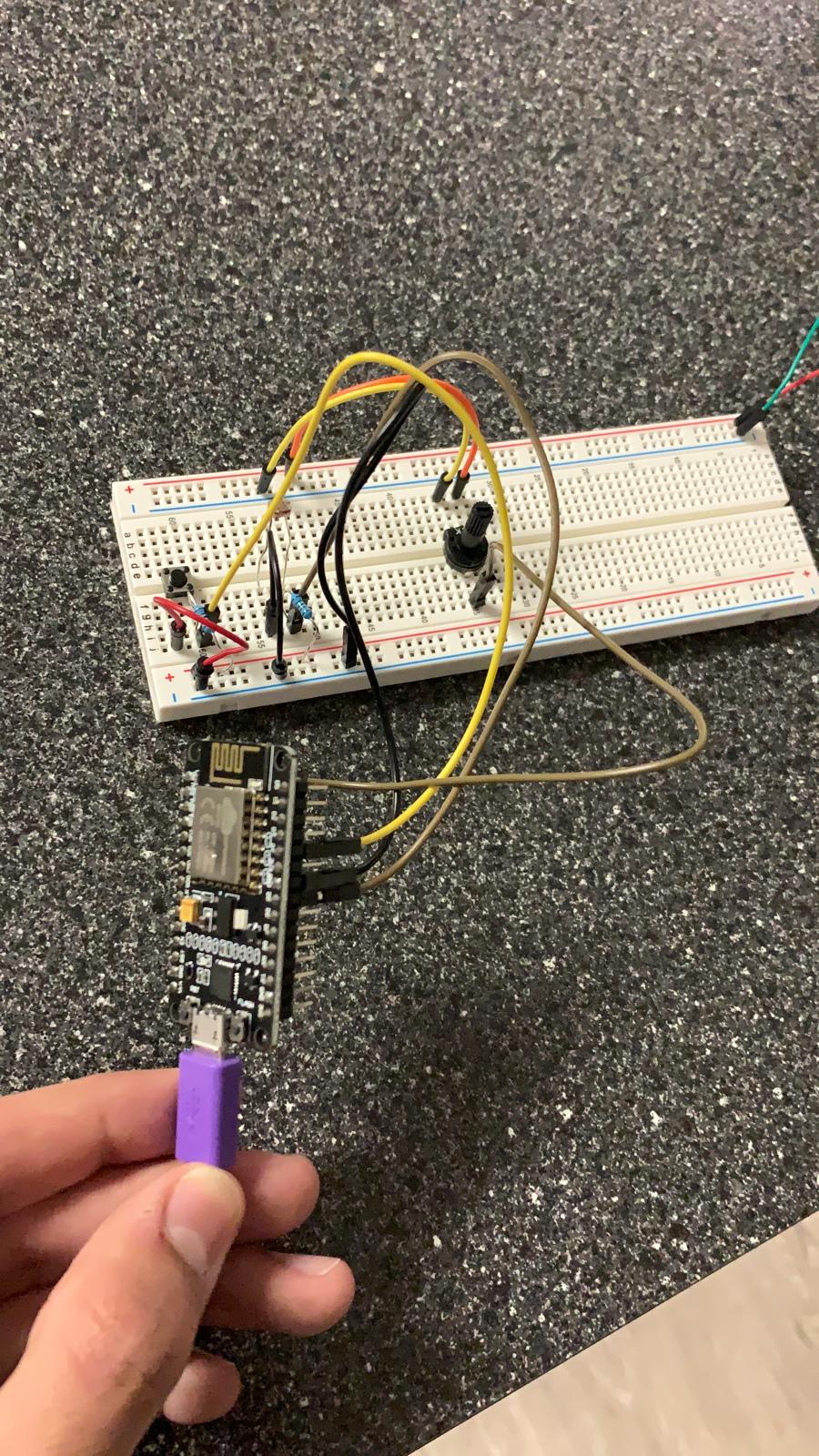
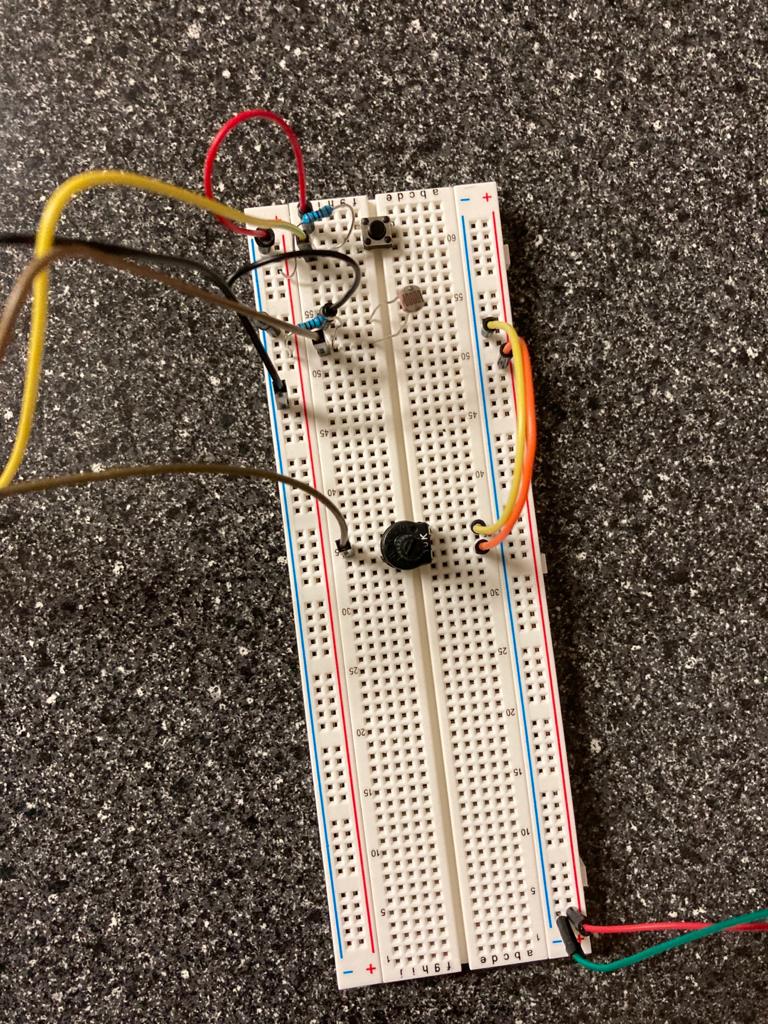
We've created the game BopIt. It has 3 sections
A ‘cover it’ (photoresistor) A ‘press it’ (button) A ‘twist it’ (potentiometer)
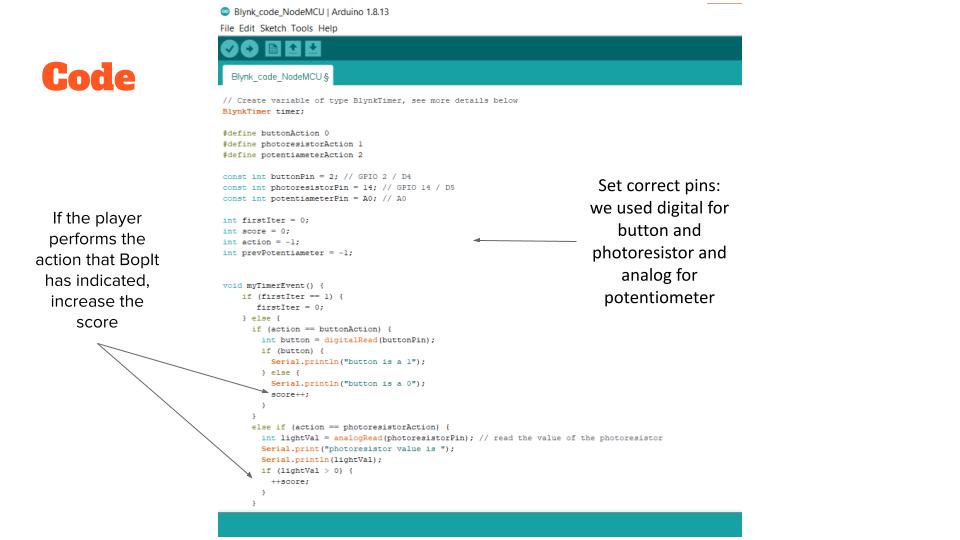
We've written code that randomly chooses which action the player should perform. The player will have a certain amount of time to perform the action. If the player performs the correct action in time, the score increases and the game continues.
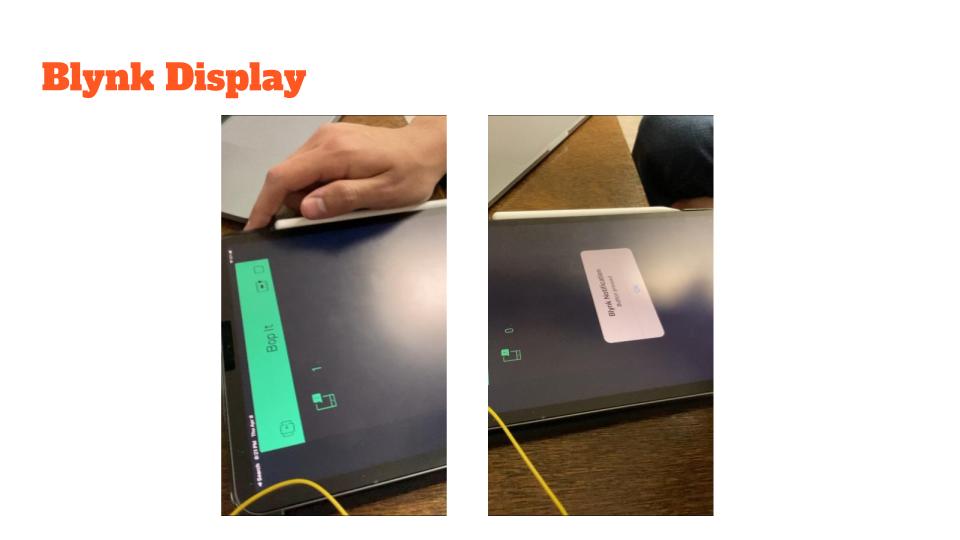
For our WiFi component, we display the player's current score using Blynk.
How we built it
We began by wiring just the button and trying to get a Blynk notification whenever the button was pressed. Once we had the button working, we wired the photoresistor to the breadboard. Then we wrote the code that randomly chooses one of the actions and checks to see if that action was performed. Finally, we added in the potentiometer. This took us a while to figure out, but we finally got it working using the analog pin. We wrote the code to increase the score every time the user correctly performs an action, and we figured out how to send it to Blynk to display.
Challenges we ran into
At first, we had a lot of trouble with our NodeMCU. Sometimes it worked, and other times the correct port would not show up. The WiFi part of the project was the most difficult part, but it was also the coolest when we finally got it working! Thanks to all the TAs in office hours who helped us with the project and to Kate for answering all our questions!
Built With
- arduino
- blynk
- cloud
- wifi

Log in or sign up for Devpost to join the conversation.