-
-
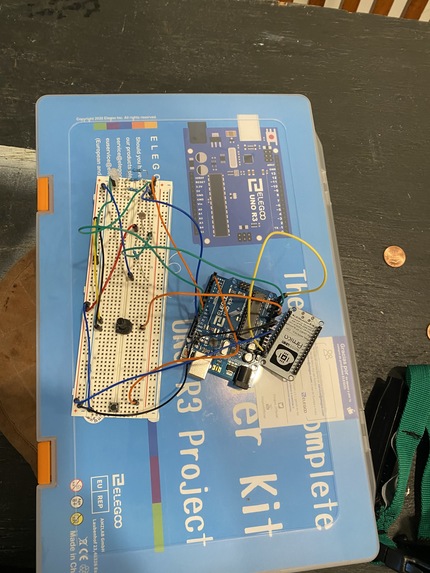
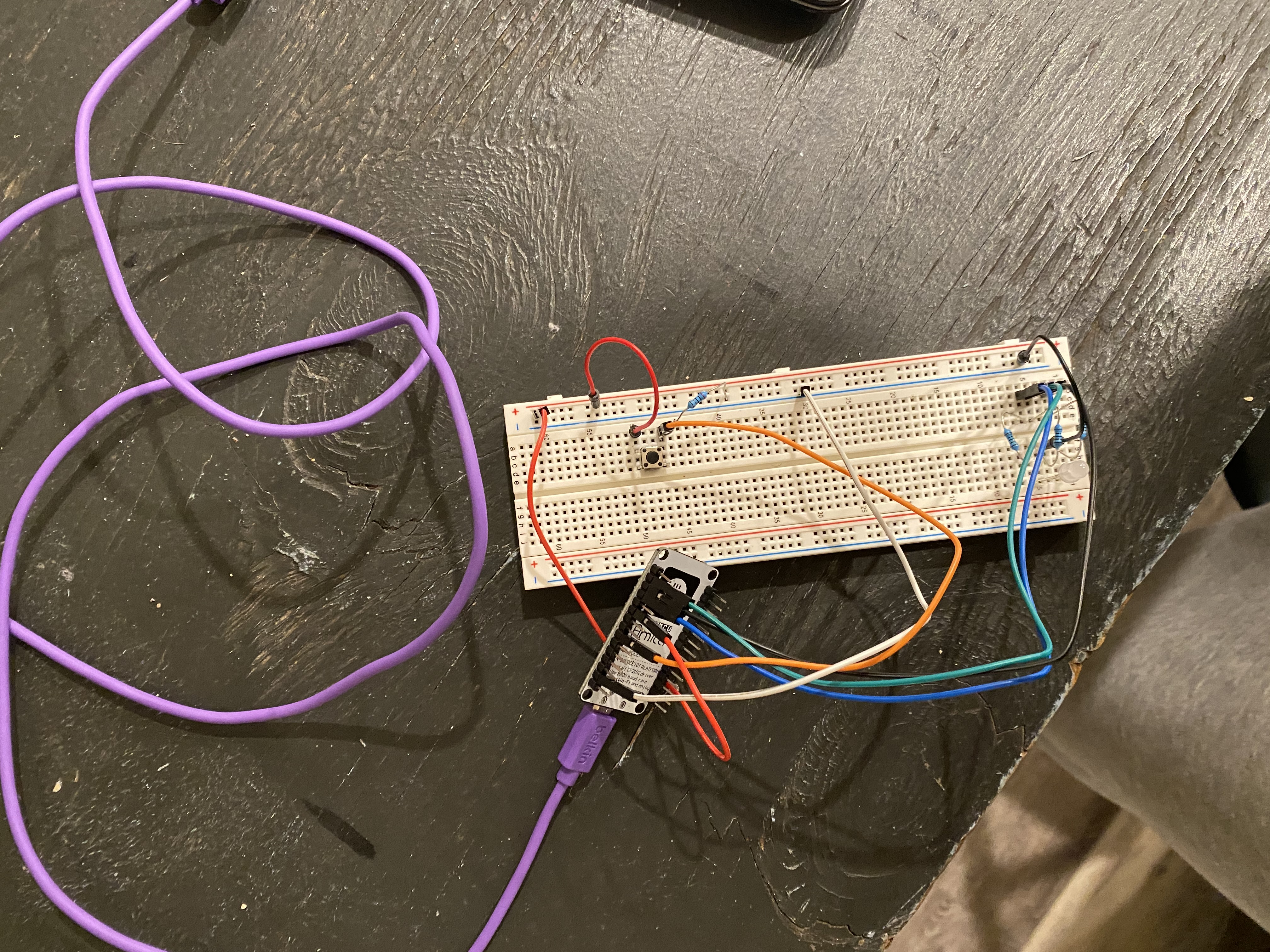
Our first edition of Bop It
-
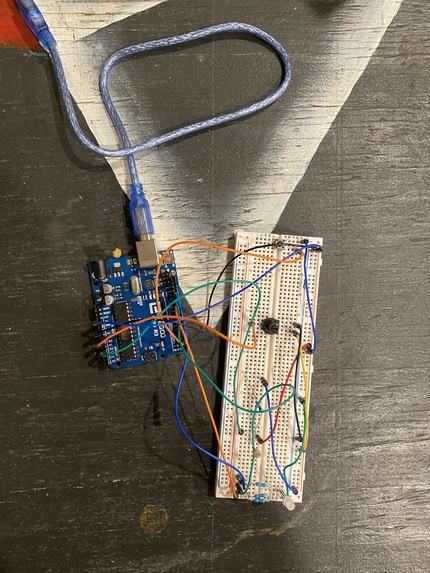
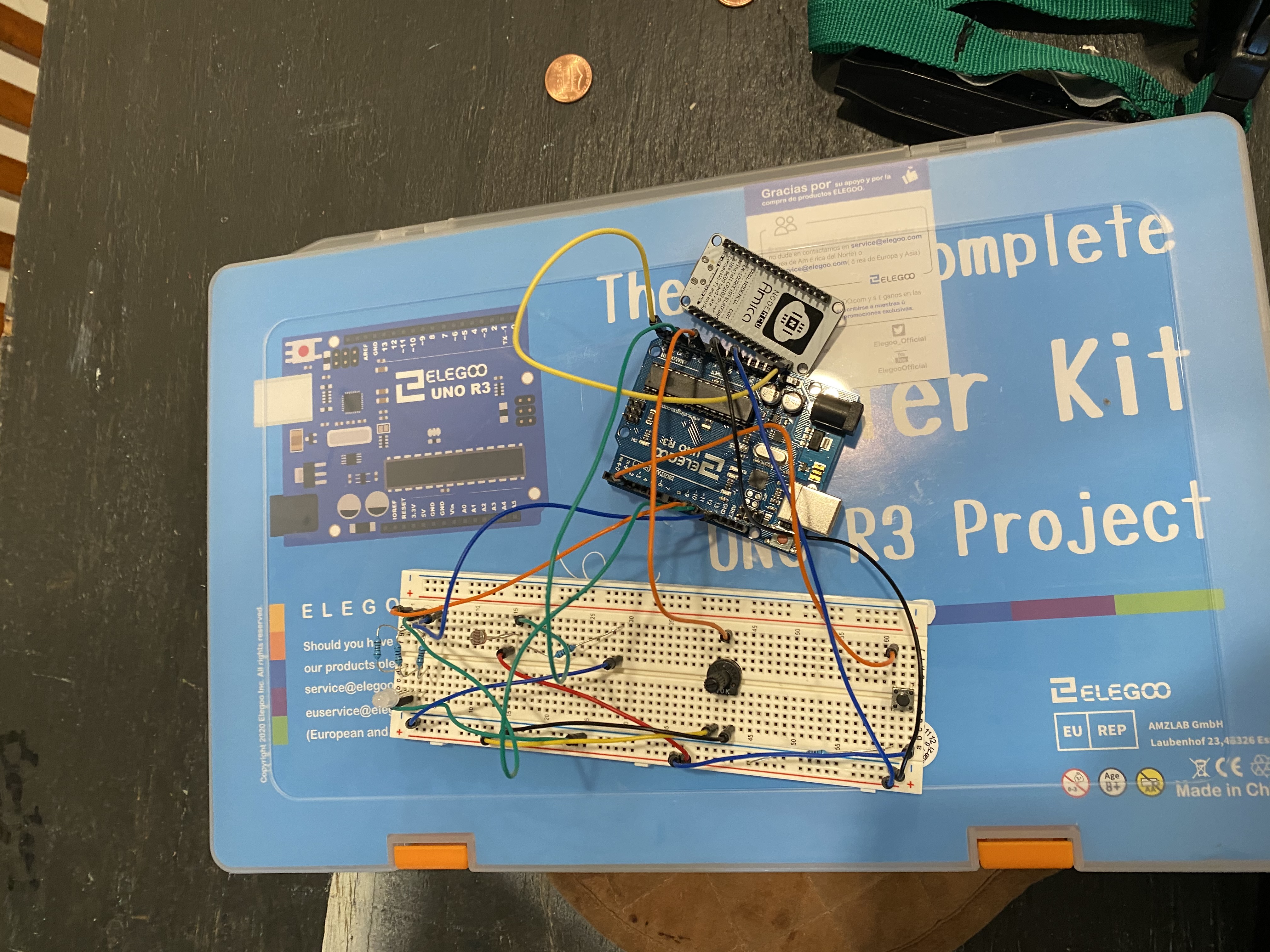
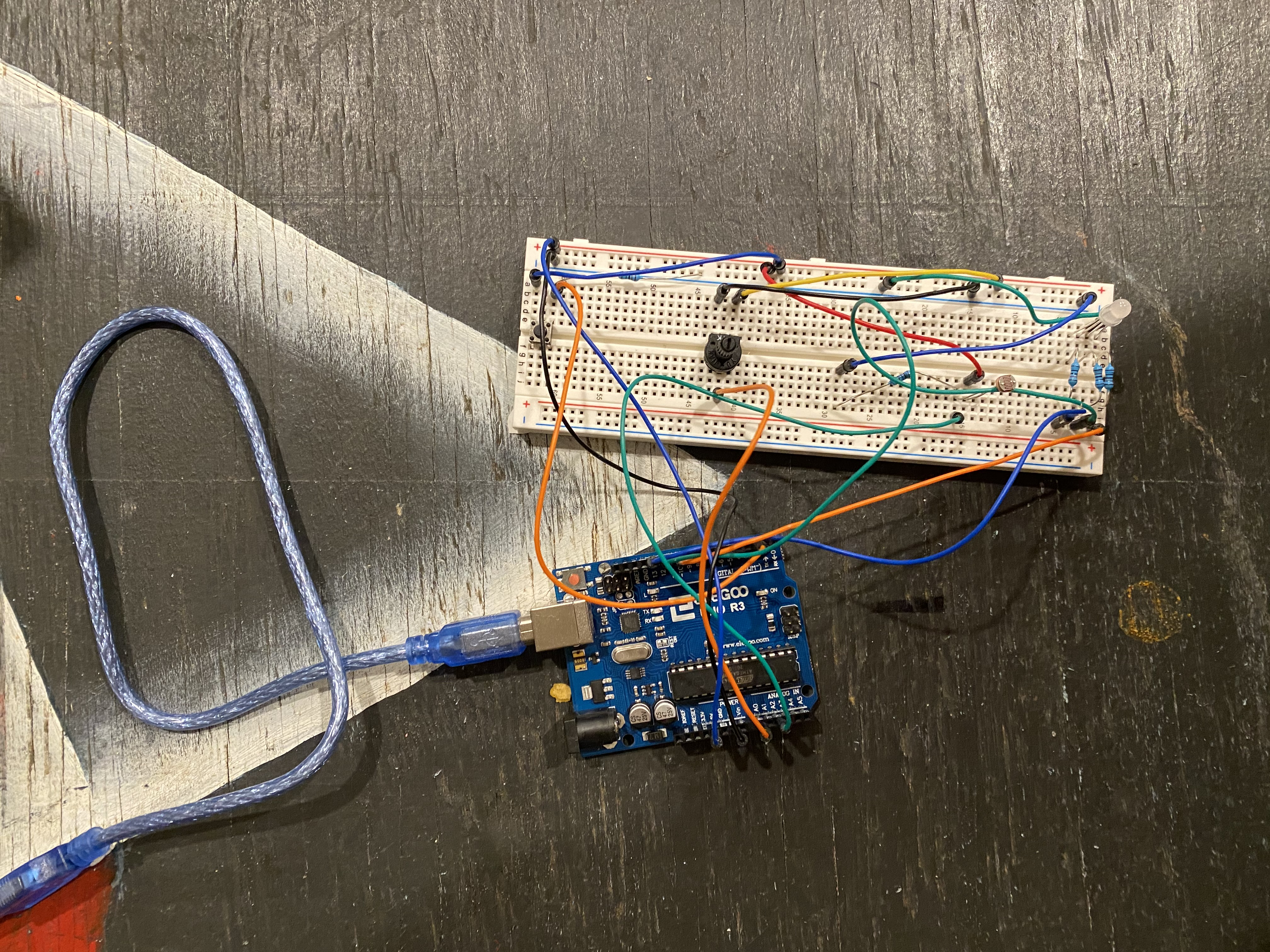
Bop It finished product!
-
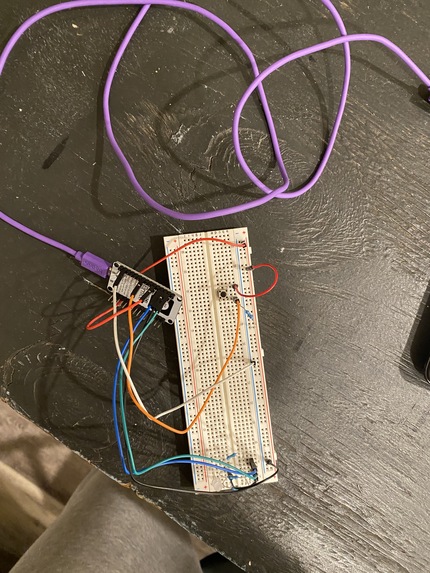
Bop It Notifier finished product!
-
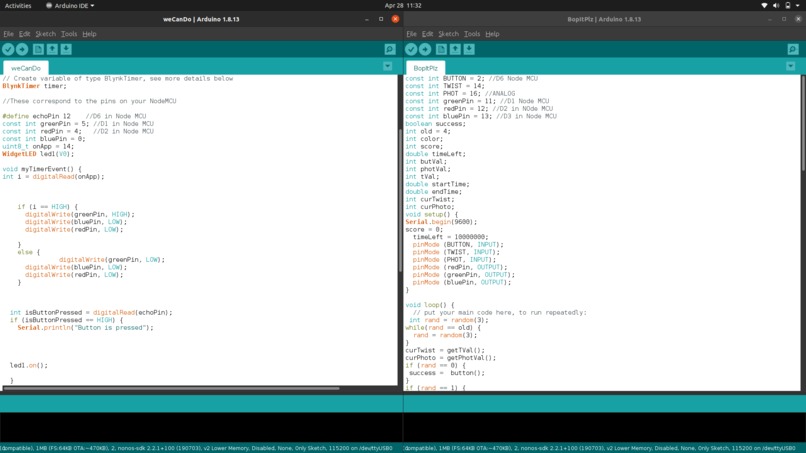
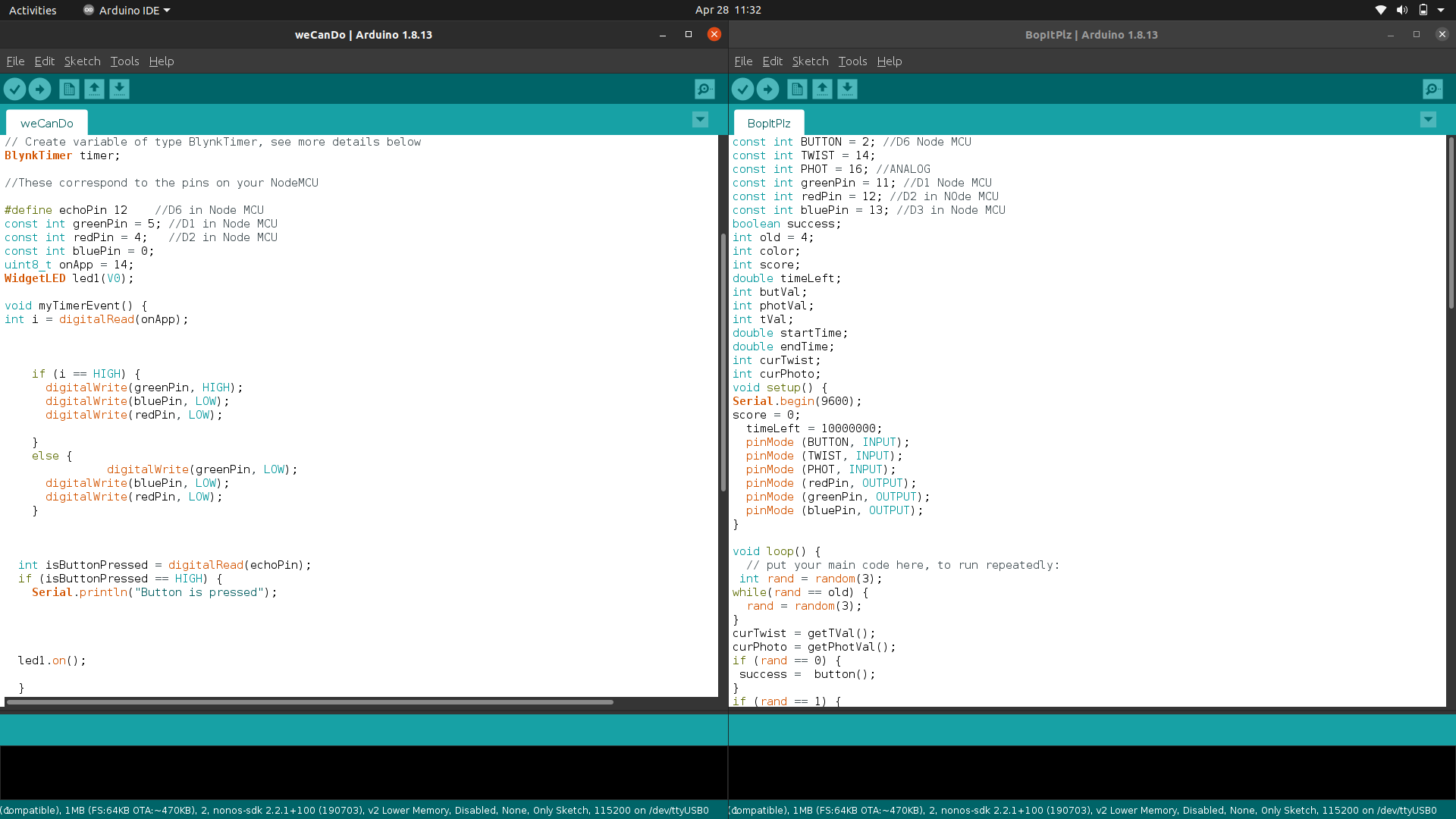
Left is Bop It notifier and we can see a timer event for the lights and right is the setup code for Bop It
-
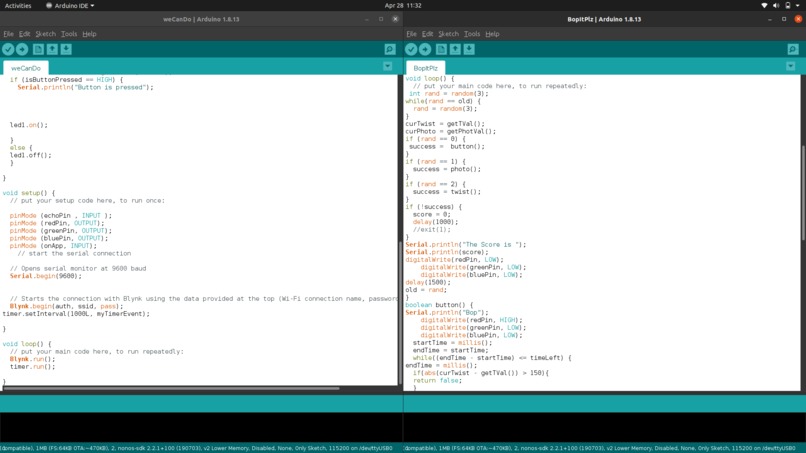
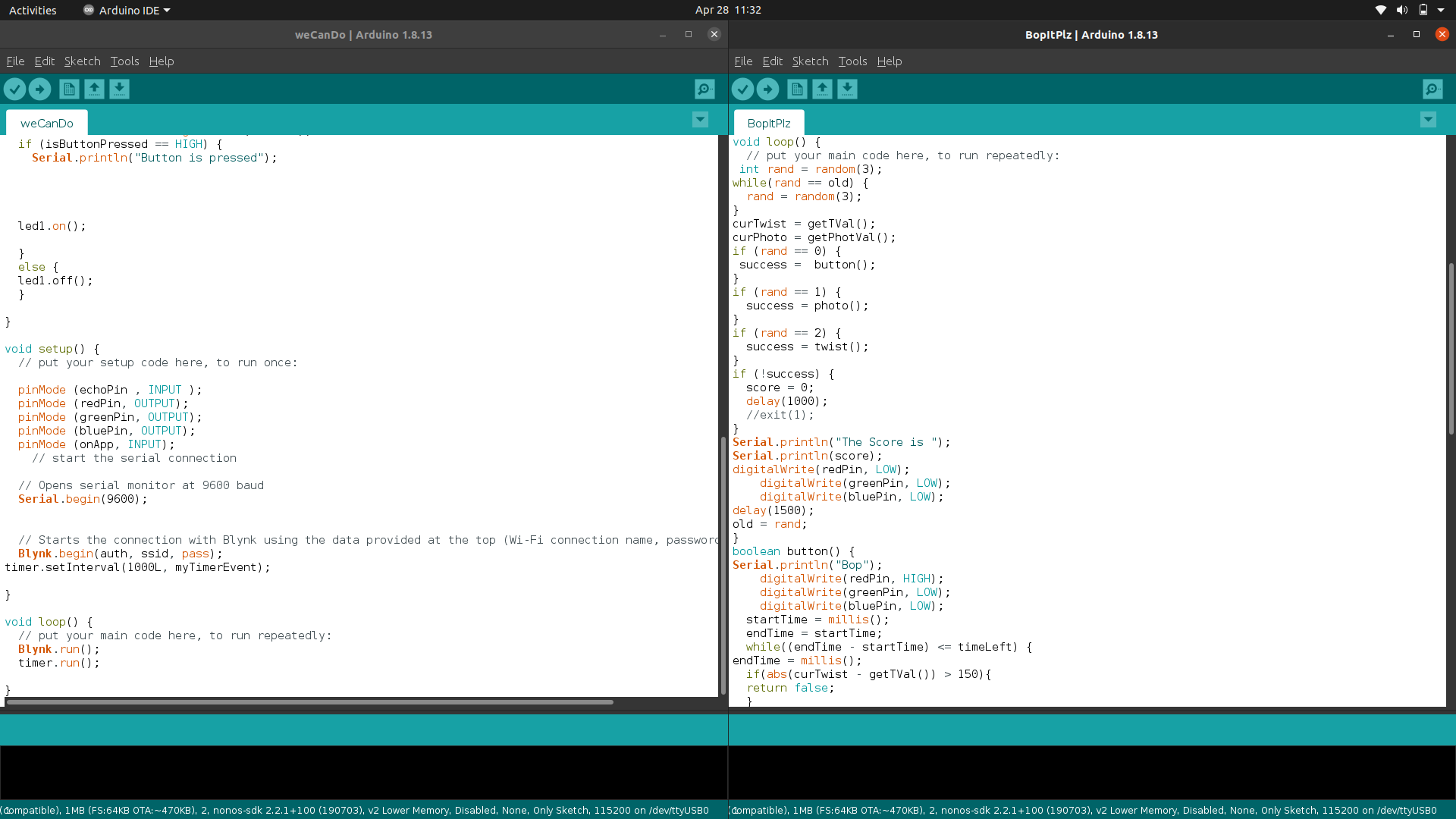
Left is the rest of the code of Bop It Notifier, to the right is the loop of BopIt which has a random number and calls functions accordingly
-
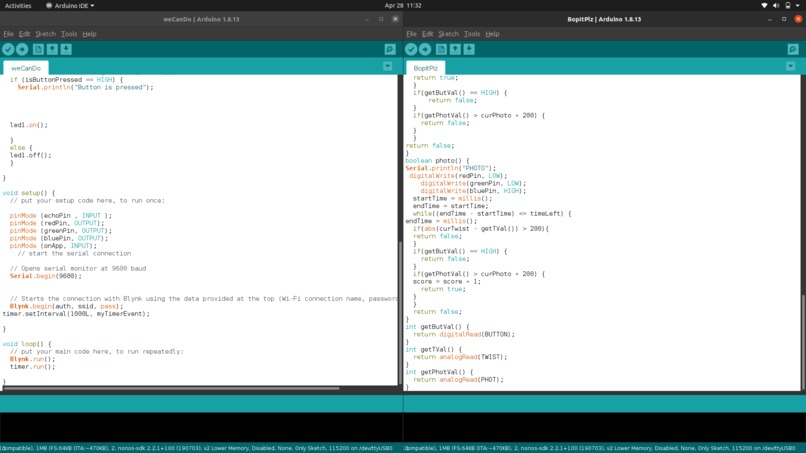
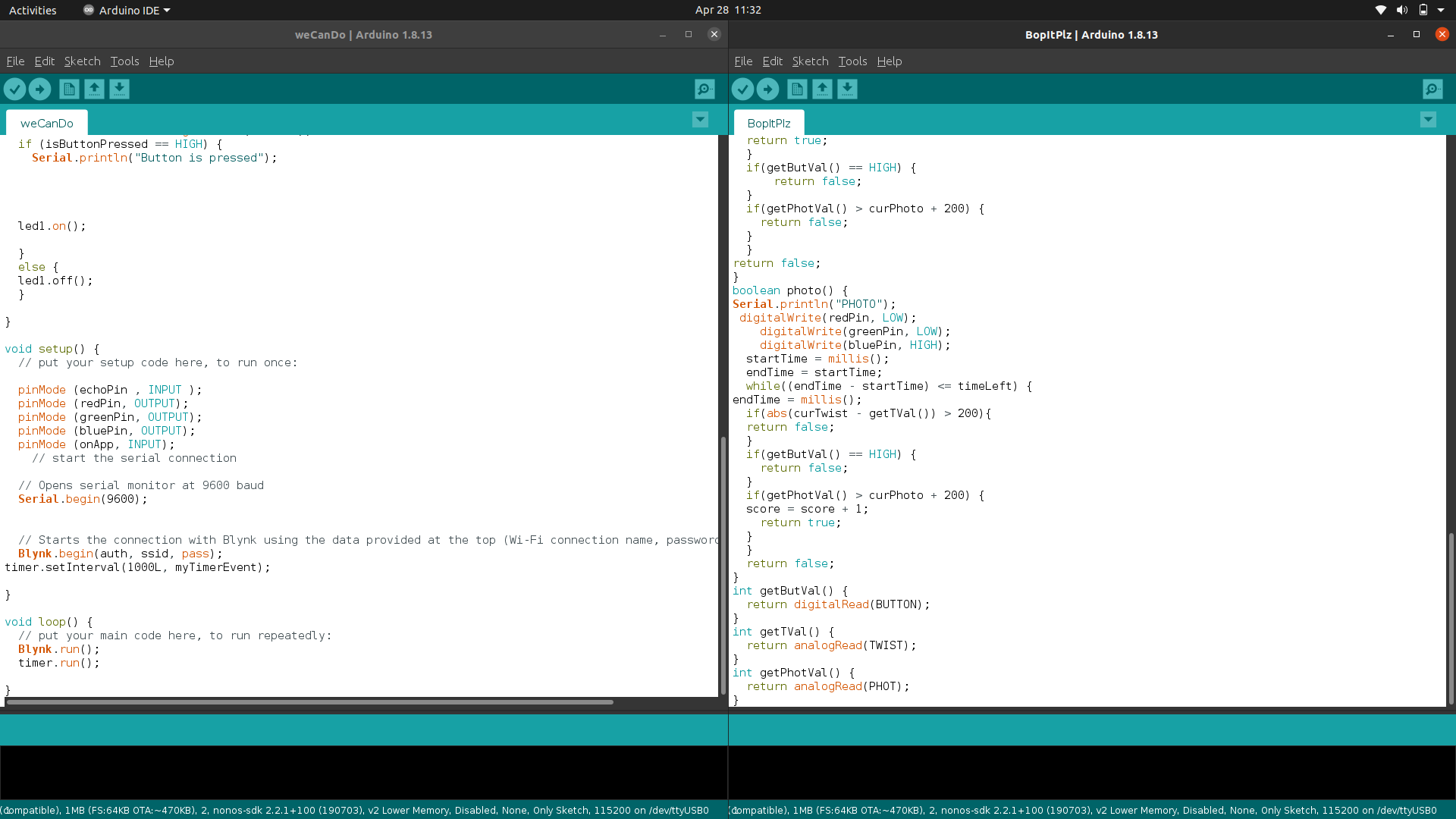
The right shows the bottom of the Bop It code.
Inspiration
Bop it is a very fun game that translates well into the Arduino set up! And it needed a notifier!
What it does
Depending on what color the light flashes, either bop it (press the button), shine it (flashlight on the photo resistor), or twist it (twist the twist sensor)! For the notifier you either press the button on your phone to light it up, or press the button on the breadboard to light up the light on your phone!
How we built it
Using the Arduino Uno and varying sensors!
Challenges we ran into
Trying to make the score go over wifi!
Accomplishments that we're proud of
Bop It!
What we learned
How much fun Bop It could be!
What's next for Bop It
Making a more sophisticated Bop It!
Design
For bop it notifier, our design was to have one LED and one button. We used Blynk because it was interactive. The wiring was not too bad. All the code really does is loop and check to see if the button on the app was pressed or on the breadboard and it updates the state accordingly.
For bop it, we decided on the photo resister sensor, twist sensor, and button since those seemed pretty interactive. The light seemed like a good way to notify which action to do. The lights are blue for shining a light on the photo resister, red for twist, and green for bopping (the button). For coding, we basically just loop through bop it. Every loop a new random number is generated that is different than the previous number. Then given the number, it either runs the photo resister function, twist function, or button function. Within every function they are checking to see if the player does any of the actions, but only if a player does the right action will they get points, otherwise the score will go to 0.
Also, we have a quick second part of the video demo demonstrating score here: https://vimeo.com/542695759
Built With
- arduiono
- nodemcu


Log in or sign up for Devpost to join the conversation.