Inspiration
It all started with my likeness towards the Danbooru API. Which is easy and very user friendly, by using JSON in order to retrieve data off their servers.
I'm a BIG fan of anime and the Japanese culture, so I decided to do something just because I thought it would be fun, and it was indeed, very fun to develop.
What it does
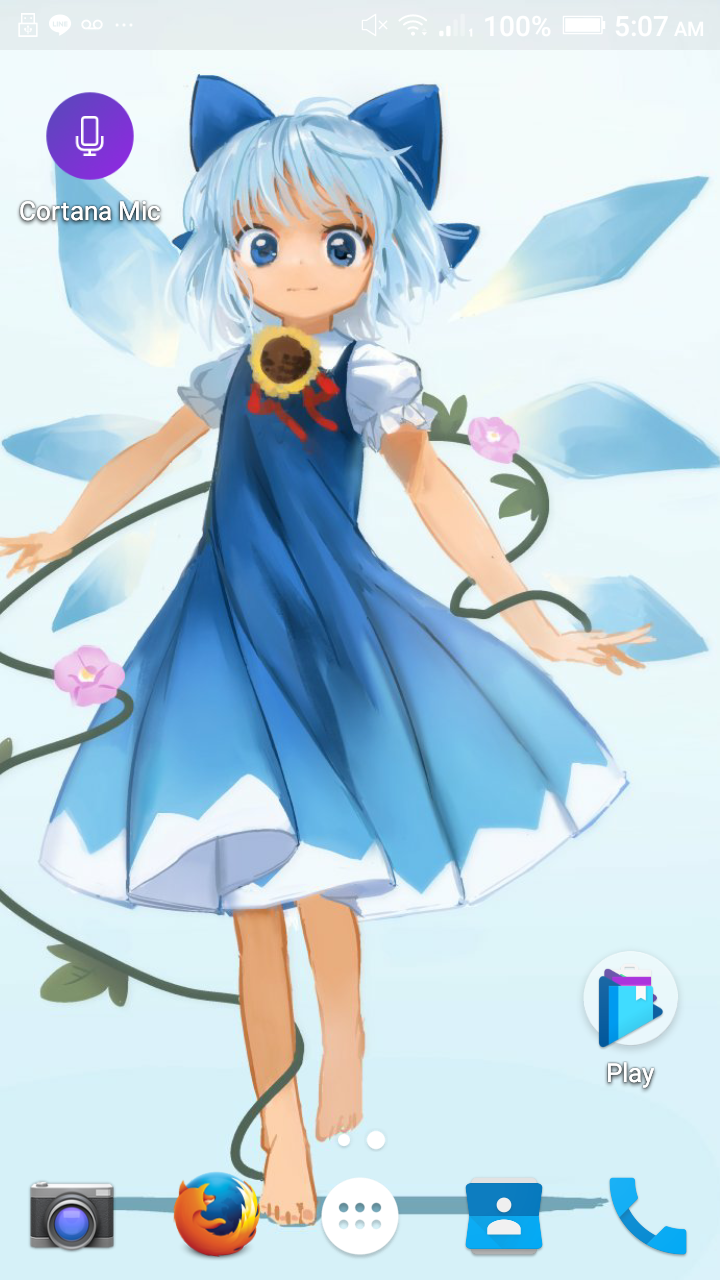
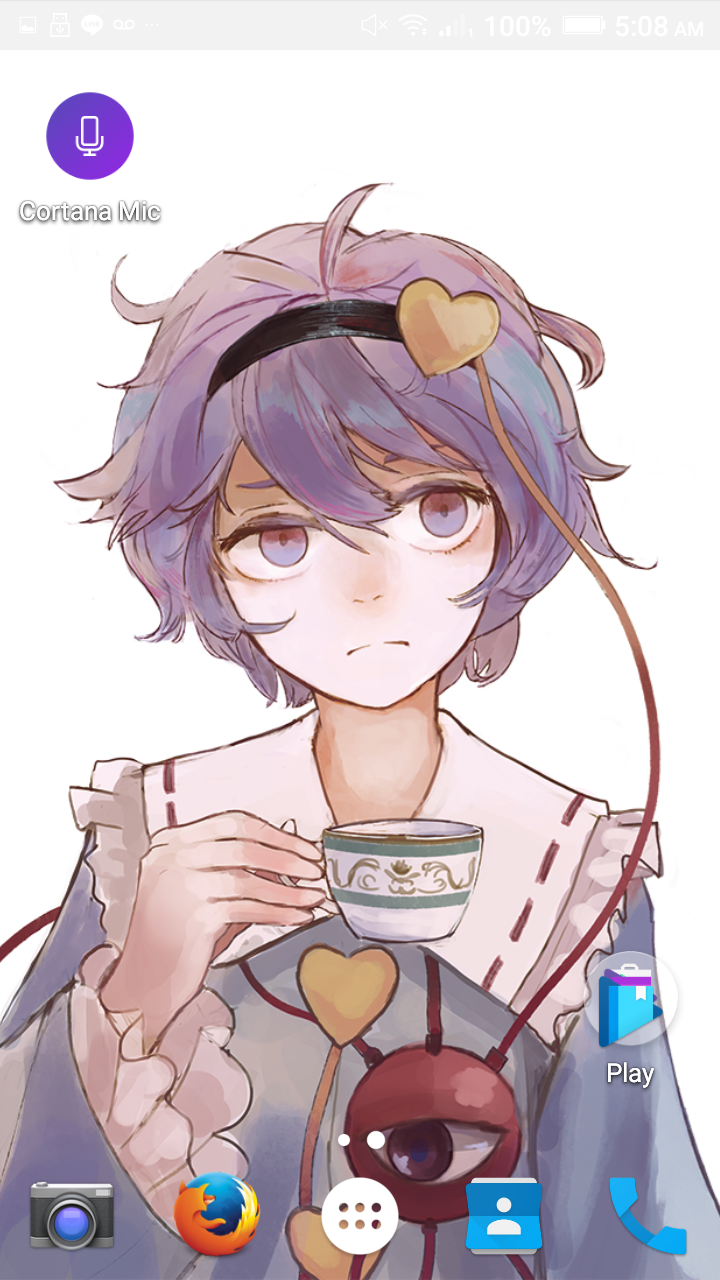
This is an application that searches in the Danbooru Image board, searching for Images with the corresponding tags provided by the user in the application. The user has the option to turn on/off the application. When the app is on, it will start downloading from random pages in Danbooru for good images and set them as the Phone Wallpaper for a Interval that the user can also set inside the app.
How To Use
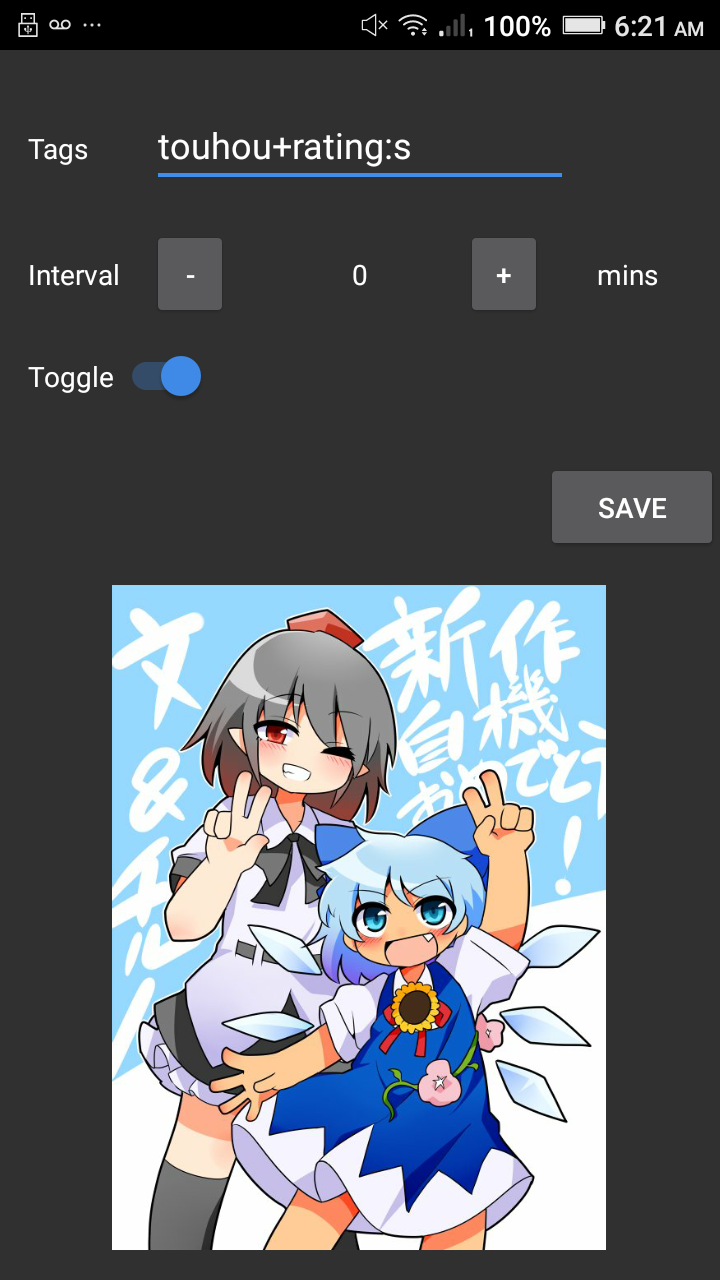
- Put tags in bar, if you're not familiarized with Danbooru. It is an Image Board which searches in it's server using tags. Spaces don't exist in Danbooru's search system so use "+" instead: E.g.: long hair 1 girl = long_hair+1girl E.g.: touhou+rating:s (rating:s will assure that you'll always get SFW posts.)
Please, take your time to get familiarized with Danbooru's search system. More on that at: http://danbooru.donmai.us/wiki_pages/43037 http://danbooru.donmai.us/wiki_pages/43043 Cheat sheet: http://danbooru.donmai.us/wiki_pages/43049
Select an interval to let the app know when you want Wallpapers to change.
Press save button to save Tags and Interval.
Toggle button can be pressed at anytime to turn on/off the app.
Optional: Press on the image to go to the post of the actual wallpaper.
How I built it
I built it using Android Studio and utilizing the Danbooru API which provided me with the Data (JSON)
Challenges I ran into
Many... Although it was fun, I can remark the following:
Getting timers to work properly was kind of a hard challenge. As I would have to check that only one timer is alive at each time, to avoid errors and possible confusions by the program.
Arranging and organizing the layout using Android Studio. I think if there was a less messy way to design in Android Studio, the experience when designing the GUI would have been a lot better. Still, no regrets, pretty nice for a first release.
Creating and Updating Notification Tasks. Although it wasn't the biggest challenge. The complexity and difference of Notifications did have an impact in many approaches I wanted to take as for Notifications, still, everything went as planned.
Accomplishments that I'm proud of
- We could make an app in less than 2 days!!
- We got to share experience with other programmers
- We created a fun application of which we felt like programming and enjoyed doing it.
What I learned
- How to create and update Notifications.
- How to use a few animations in Android.
- How to save advanced settings.
- How to efficiently reduce the size of Bitmaps for app and storage efficiency.
What's next for BooruWall
- Implement an Interactive Notification Bar
- More options to filter and help the user get the images they want the most
- Implement a Tag Blacklist
- Implement a share feature
More is to come for BooruWall, but so far, what I made, made me feel comfortable and nice with myself. I really enjoyed this small project, I will totally continue it soon!
Log in or sign up for Devpost to join the conversation.