-
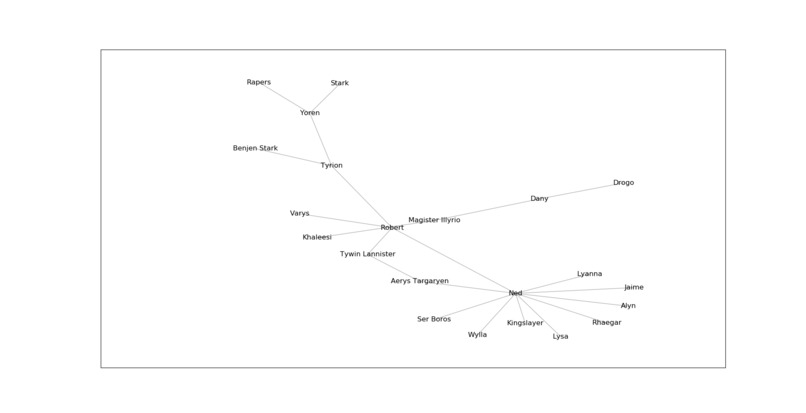
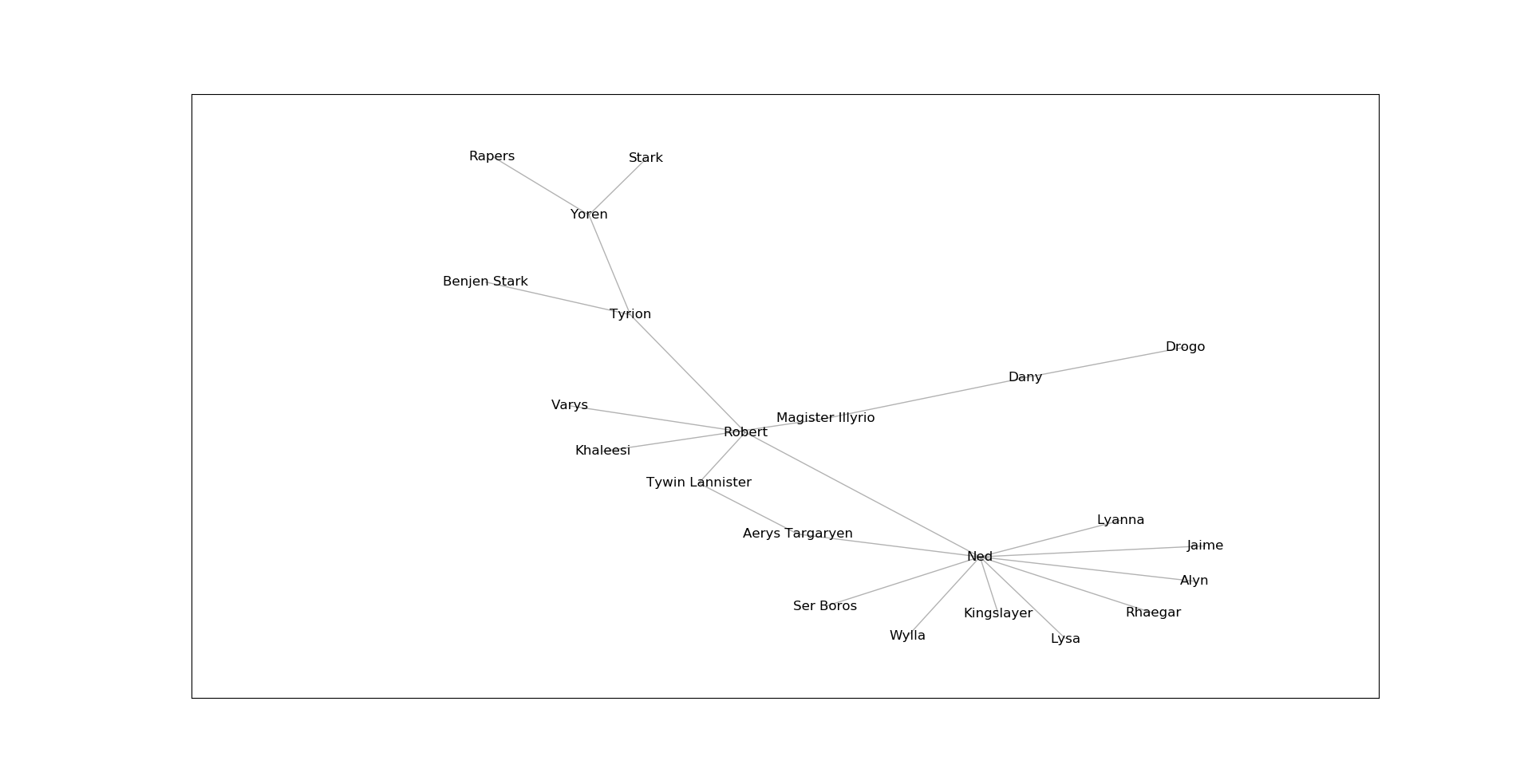
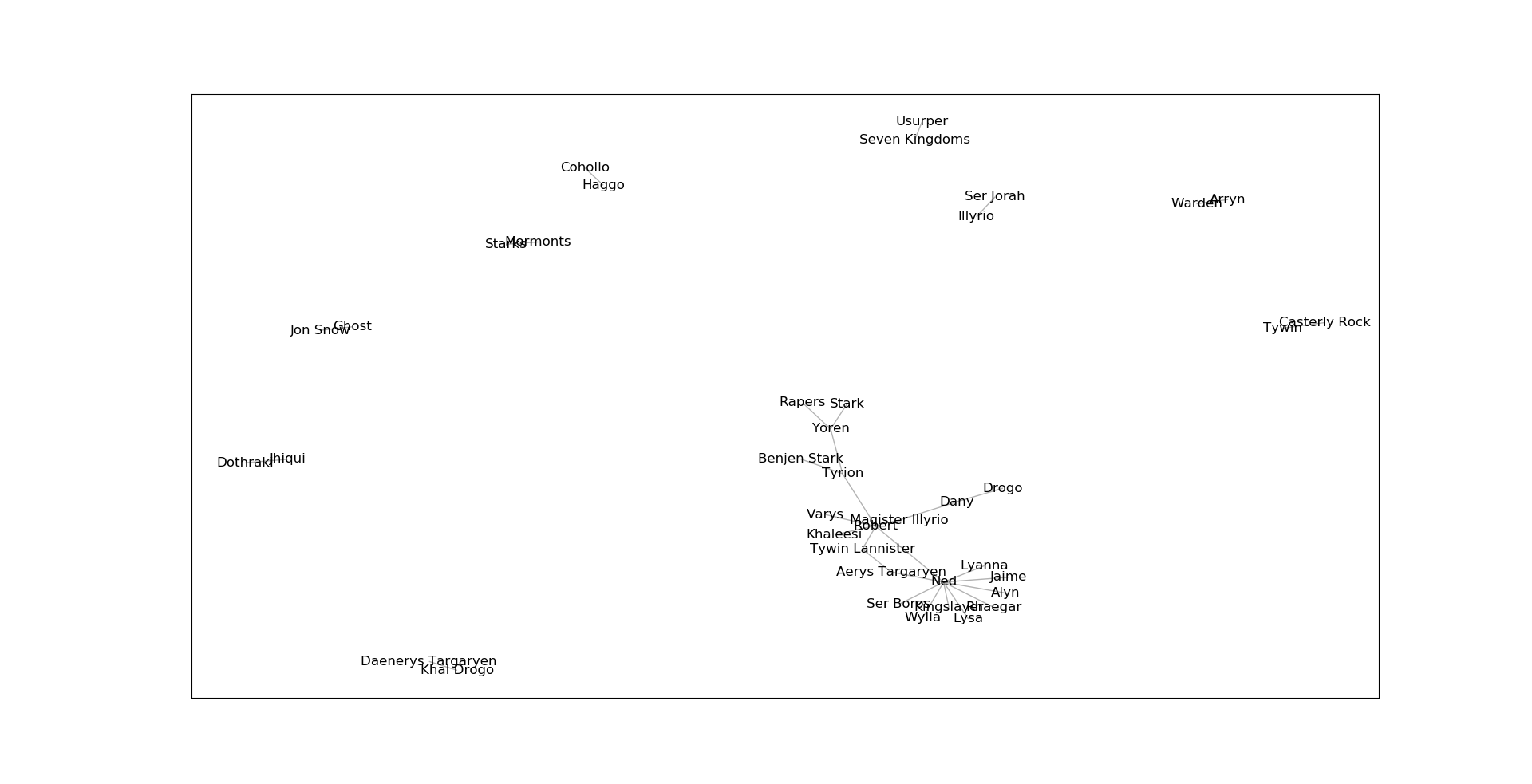
Zoomed in on a cluster from our knowledge graph of "A Game of Thrones"
-
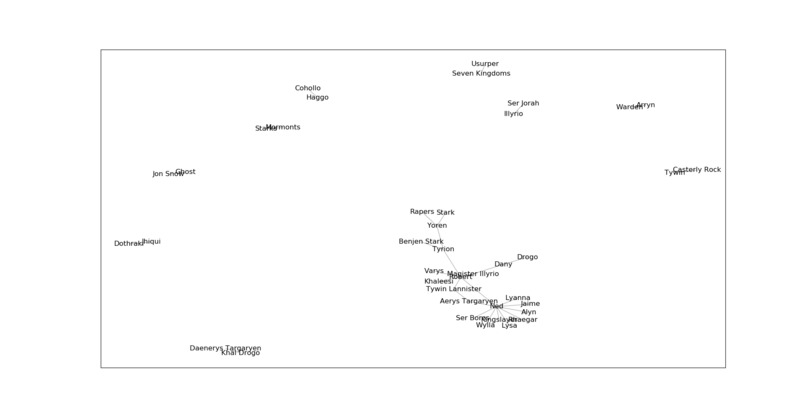
Our generated knowledge graph for a section of "A Game of Thrones" by George R.R. Martin
-
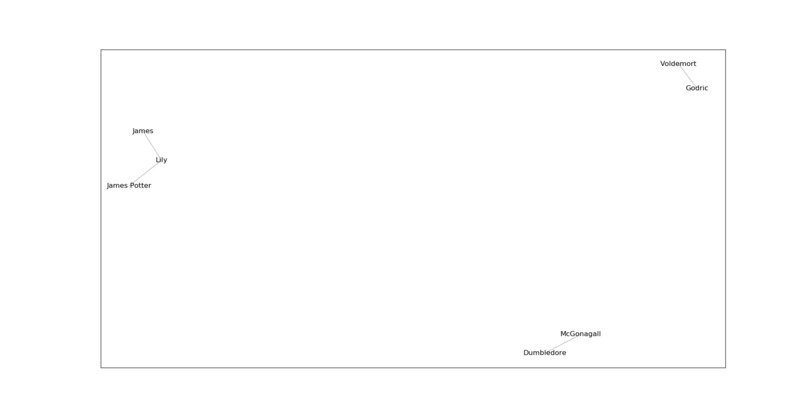
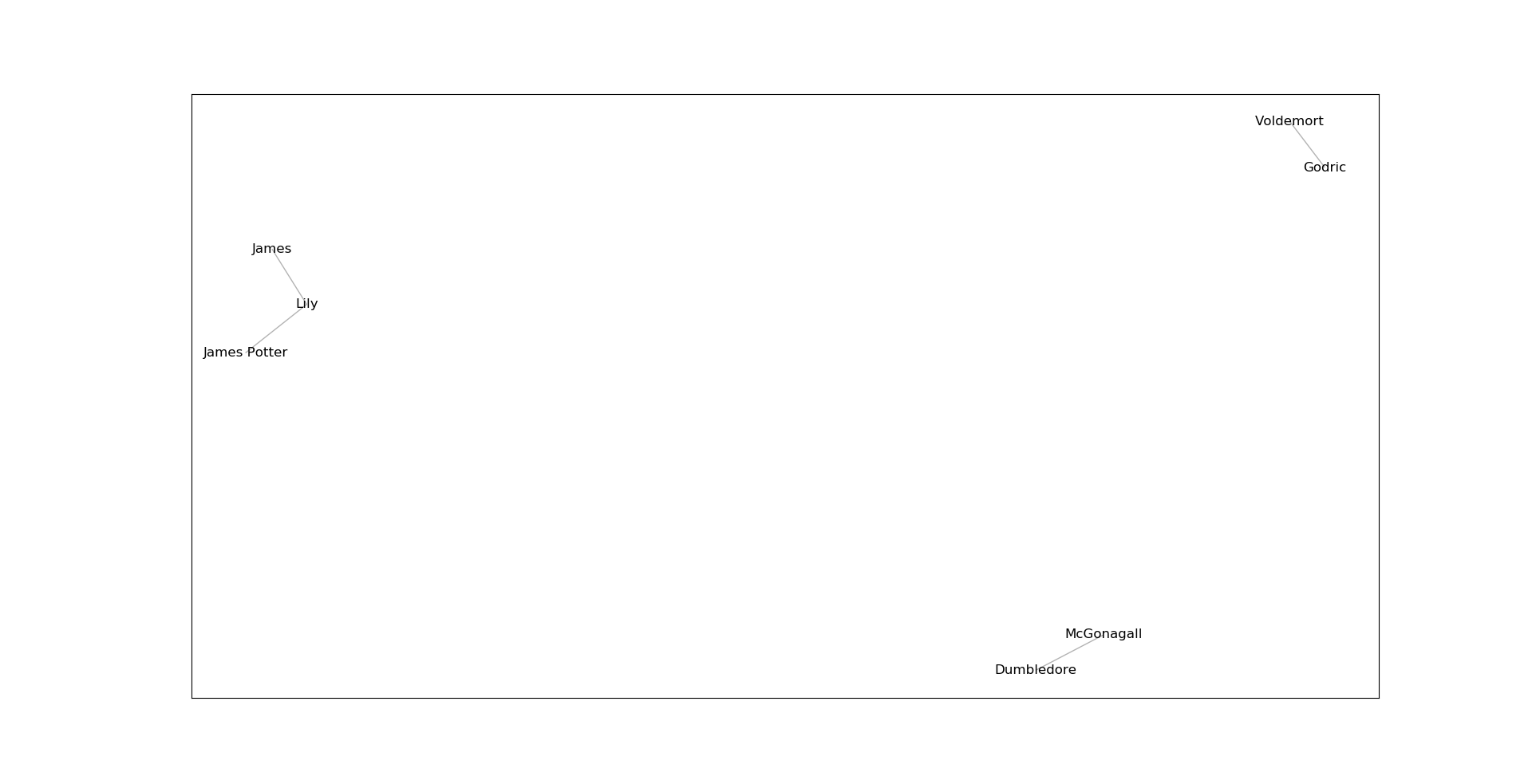
Our generated knowledge graph for a section of "Harry Potter and the Philosopher's Stone" by J.K. Rowling
Inspiration
While reading Infinite Jest by David Foster Wallace, we came across a large graph online connecting the dozens of related characters and places in the novel. We thought it would be interesting to automatically generate such a graph for any novel!
What it does
Our system takes a plain text file as input, and generates a knowledge graph that shows the relationships between entities such as people and places. Although initially designed for novels, our app can work with any plain text file. We believe our app can be used for research in literature, history, and even for analyzing legal documents. By simplifying huge amounts of text into a clear, easy-to-read graph, we believe the process of relationship discovery in documents can be greatly simplified.
How we built it
We leveraged the Google Cloud Natural Language APIs to identify entities, and distinguish common nouns from proper nouns. We built a Flask web application that takes text as input and displays the associated graph for that text. To generate our graphs, we used Matplotlib and NetworkX. We insert a relationship between entities when those entities appear together in at least one sentence.
Challenges we ran into
At first we had difficulty extracting just characters and not other human entities (such as "nobody" or "Mr."). We overcame this by using the API's mentions object, which tags a noun as either common or proper.
Accomplishments that we're proud of
We are proud of our elegant back-end code that generates knowledge graphs for any input text. We had good results using a section of Harry Potter and the Philosopher's Stone, which linked Harry's parents, Dumbledore and McGonagall, and Voldemort and Godric.
What we learned
We learned how to use the Google Cloud App Engine, Cloud Natural Language APIs, and the basics of the Flask framework. We also learned how challenging it can be to integrate complex backend code with frontend display.
What's next for BookWyrm
We would like to make the graphs visually distinguish people and places (say, with colour) and also label the semantic relationship explicitly (for instance, sisterhood, place of birth etc.).
Built With
- app-engine
- flask
- google-cloud
- matplotlib
- natural-language-processing
- numpy
- python


Log in or sign up for Devpost to join the conversation.