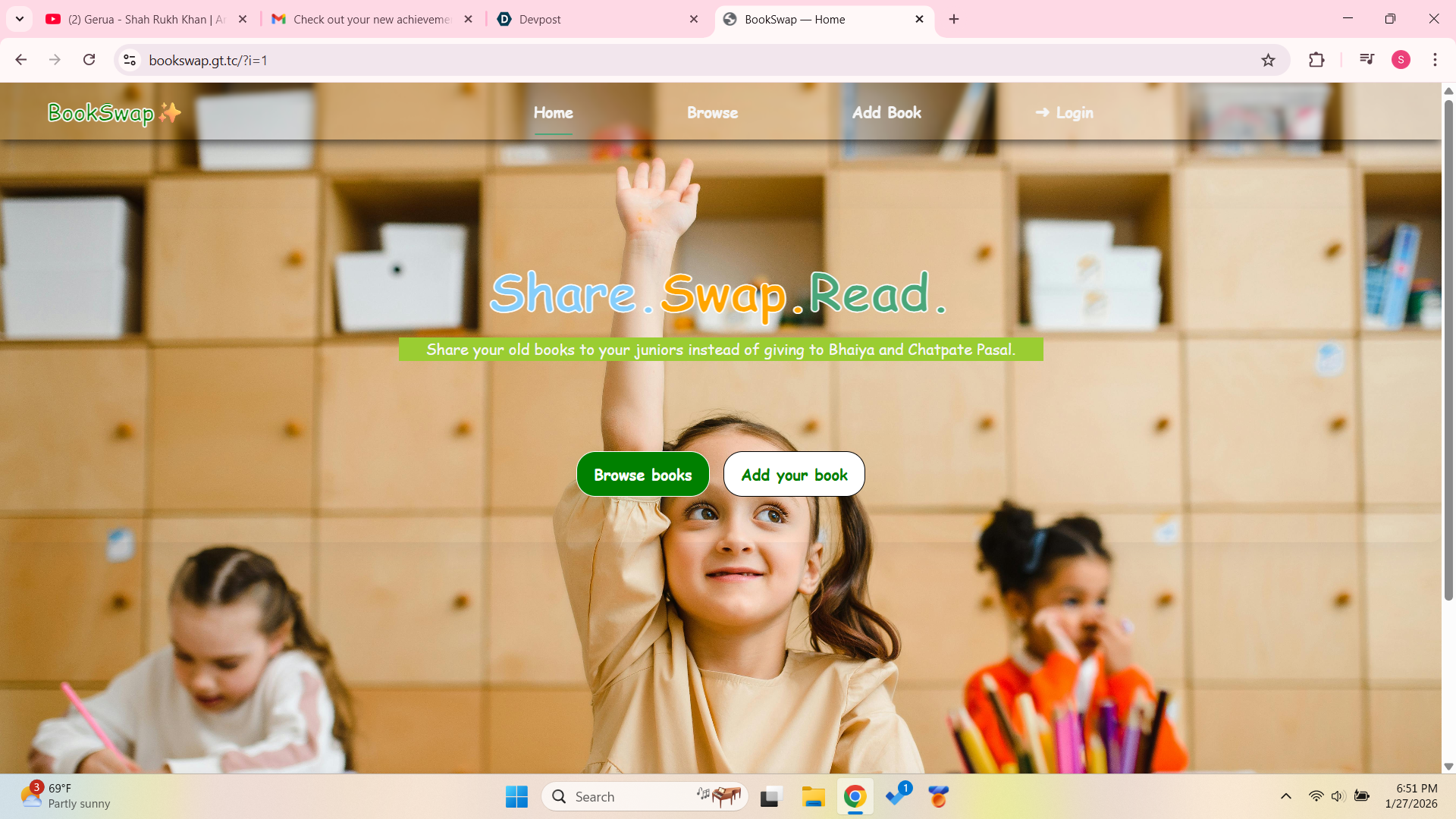
📚 About the Project — BookSwap
🌟 Inspiration
The idea for BookSwap came from observing how many students and readers own books that they no longer use, while others struggle to find affordable or interesting books. Instead of letting books sit unused, I wanted to create a simple digital platform where users can share and exchange books within a community.
This project was inspired by:
- The concept of resource sharing
- The need for cost-effective access to books
- My interest in full-stack web development
BookSwap aims to encourage reading while promoting reuse and community interaction.
🎯 What I Learned
While building this project, I gained both technical knowledge and problem-solving experience.
Technical Skills Learned
- Structuring webpages using HTML5
- Styling and layout using CSS
- Adding interactivity with JavaScript
- Handling form submissions using PHP
- Working with sessions for user authentication
- Performing CRUD operations (Create, Read) with MySQL
- Handling file uploads securely
- Understanding client-side vs server-side execution
Conceptual Learning
- How frontend and backend communicate
- Importance of input validation and security
- Separation of concerns (HTML, CSS, JS, PHP)
- Improving user experience (UX)
🛠️ How I Built the Project
The project follows a full-stack web development approach.
🔹 Frontend (User Interface)
- HTML was used to create the structure of the pages such as forms, navigation bars, and content sections.
- CSS was used to design the layout, colors, responsiveness, and animations.
- JavaScript was used for small interactions like automatically hiding popup messages to improve UX.
🔹 Backend (Server Logic)
PHP handles:
- User authentication using sessions
- Form data processing
- Input validation and sanitization
- Image upload handling
- Database insertion
MySQL stores:
- User details
- Book information (title, author, genre, description, cover image)
🔹 Data Flow
- User fills the Add Book form
- Data is sent using
POSTmethod - PHP validates and processes the data
- Image is uploaded securely
- Data is stored in the database
- Success or error message is displayed
This follows a request → process → response cycle.
⚙️ Technologies Used
- HTML5
- CSS3
- JavaScript (ES6)
- PHP
- MySQL
- XAMPP / Localhost
- Browser DOM API
🚧 Challenges Faced
🔸 1. Form Validation
Ensuring that users do not submit empty or invalid data was challenging. I solved this by:
- Using HTML attributes like
requiredandmaxlength - Adding PHP validation on the server side
🔸 2. File Upload Security
Handling image uploads safely was difficult. I learned to:
- Restrict file types
- Limit file size
- Generate unique filenames
- Prevent invalid uploads
🔸 3. Session Management
Understanding how sessions work across pages required practice, especially redirecting unauthorized users.
🔸 4. Error Handling
Displaying meaningful success and error messages without breaking the page logic was another challenge.
📈 Outcome
The final result is a fully functional book-sharing platform where:
- Users can log in securely
- Add books with images
- Browse shared books
- Experience a clean and responsive UI
The project helped me understand real-world web application development and strengthened my confidence in full-stack development.
🧠 Mathematical / Logical Perspective (Optional)
The project logic follows conditional decision making:
[ \text{If all inputs are valid} \Rightarrow \text{Insert into database} ]
[ \text{Else} \Rightarrow \text{Display error message} ]
This ensures data integrity and proper control flow.
🏁 Conclusion
BookSwap is more than just a project — it represents my journey in learning how real web applications are built. It combines design, logic, security, and usability into one complete system.
