-
-
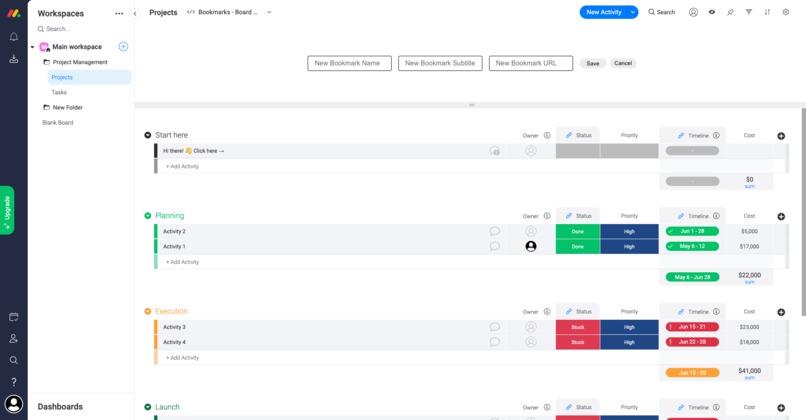
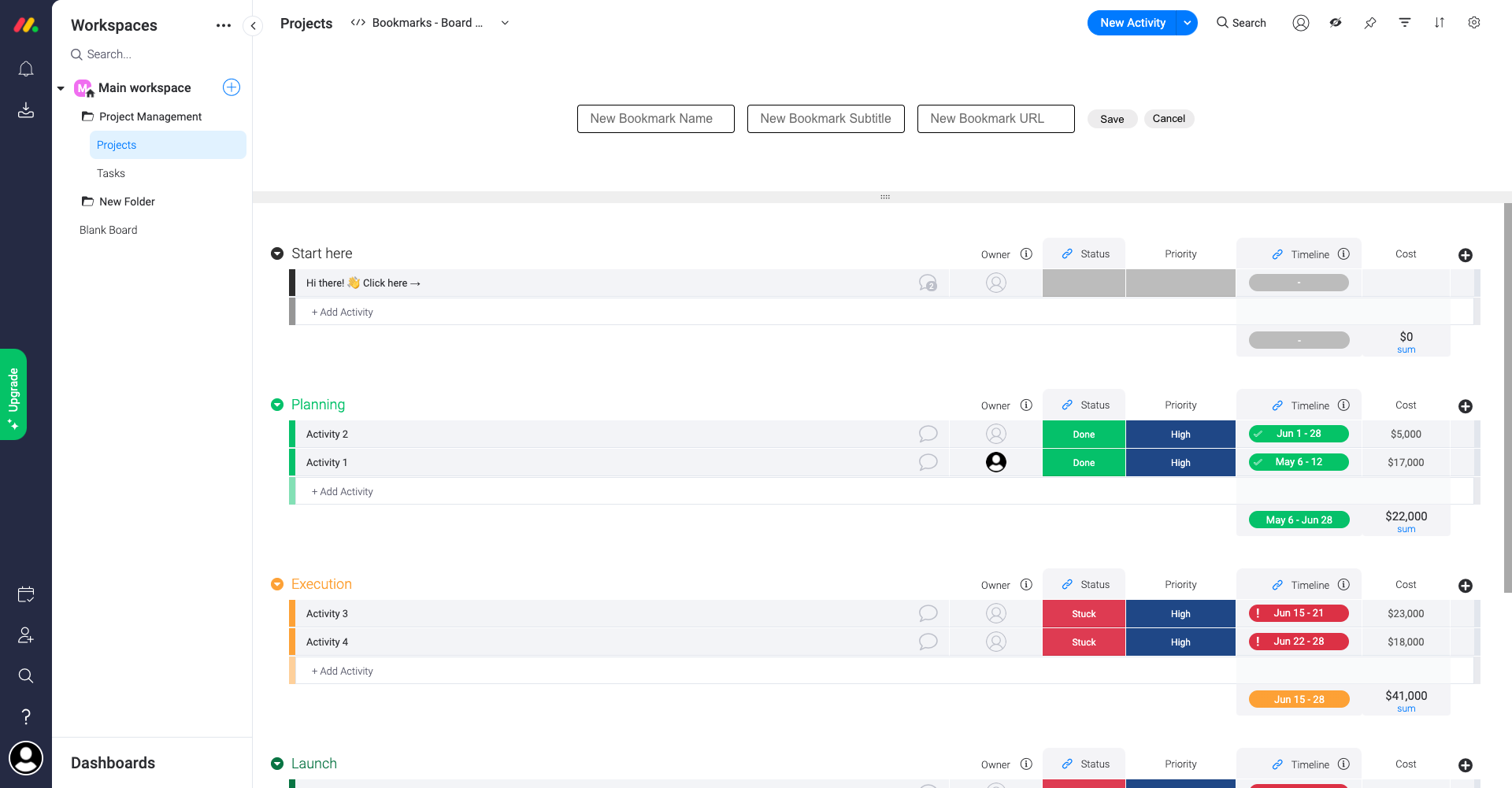
Adding new bookmarks
-
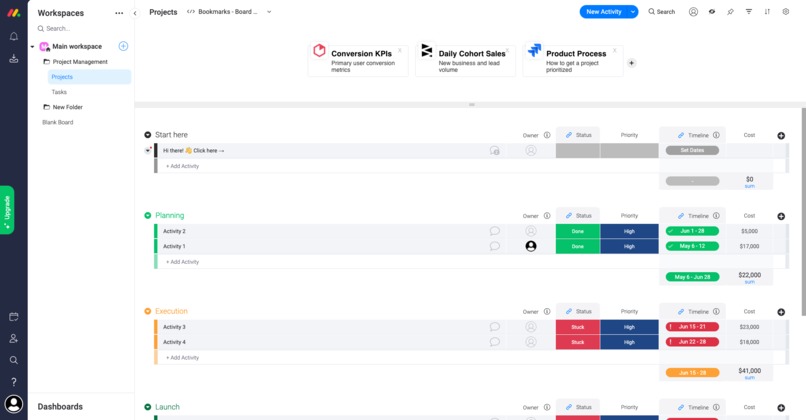
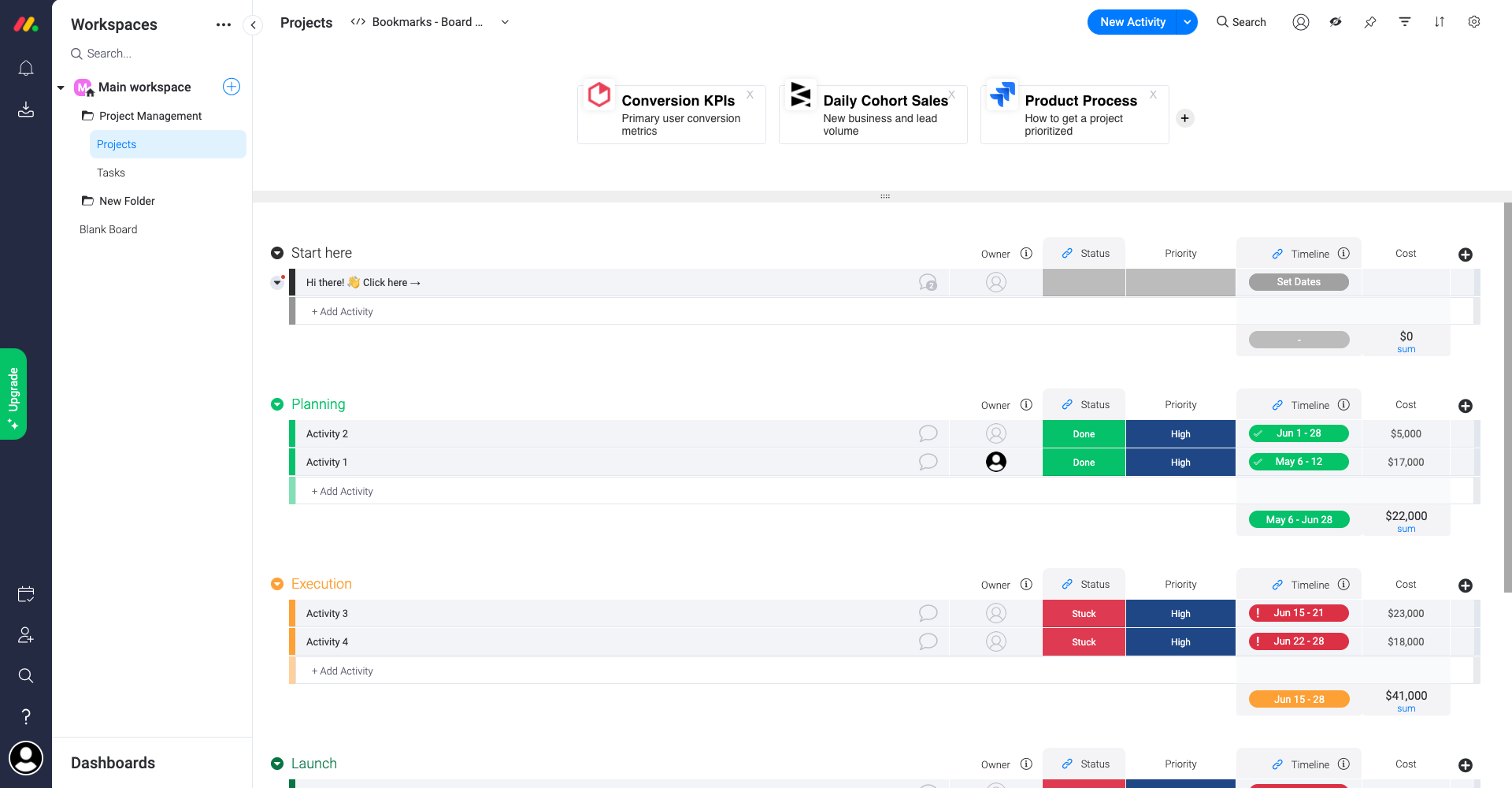
Viewing bookmarks in split view on a board
Inspiration
I use Monday a TON at my job! It is the central point for communication between all teams at my company. My role as a Product Manager relies on the effective use of Monday to clearly communicate to different teams about many different types of projects and processes. However, a problem for me has been where to prominently show important links and resources on a given board.
For Example: Our product team manages a very important Monday board for our company roadmap. Probably 50+ people have this board bookmarked and look at it like once or twice per week (our roadmap can change quickly). Each group on the board shows a quarter of the year with pulses for what we will be doing in that quarter. We want to clearly display some high-level resources/links that are not specific to a pulse but general to the entire board - examples include a link to our KPI dashboards in Heap and another in Periscope, a link to our Confluence page describing our product process, and even links to other Monday locations such as one form for new project requests and a different form for design requests. Currently, we can put this info in the description box, but frankly, no one looks there since it is pretty small compared to what else is on the page and a single long URL copied into it takes up a lot of room. This is why I wanted to make a more prominent display for important links/bookmarks that every user will clearly notice at the top of a board.
I did a bit of "user research" on this too, and other teams said they would immediately use it. Our COO was specifically excited since he loves our data/KPI tools but they are not on Monday and wants a faster way to access them.
What it does
"Bookmarks for Boards" is an app focused on boards (I am planning to add it to Dashboards, but there is something similar there already). Users can add links to it that will display cleaning on the split view of a board at the top of the page. Each bookmark can have a title, subtitle, URL and will automatically grab the site's favicon for a fresh look.
How I built it
This is my first react app! AND this is my first web app of any sort! I am not a developer but took some courses in college and work closely with developers in my day job. I also love Monday. Naturally, this felt like a great way to add to an app I love and learn to build in react.
I tried to keep my code extremely simple. I didn't add any extra libraries or save any image assets or similar. I thought simplicity was important since my app itself is fairly simple and shouldn't slow down the rest of the board view which is the key reason you are visiting the page.
I also focused on matching the Monday UI. I followed the design guidelines and tried to match components that already exists elsewhere on Monday.
Challenges I ran into
Learning React was the biggest challenge. I have done a partial course in web development but not very much, so this was a lot to learn. And I probably restructured the entire app 3-4 times to clean it up. But it was really interesting and fun!
Accomplishments that I'm proud of
I'm very proud of completing my first app and I'd say mostly making something that I know my team and others at my company will use. I was also excited to be able to match the Monday UI.
What I learned
React! Sorry this is a repeat answer but it was an important skill for me to use.
I also learned from the reverse engineering parts of Monday. I saw and learned better ways to connect CSS to elements, and abstracting pieces of components.
What's next for Bookmarks for Boards
As it is now, the app is functioning and ready for the community to use! In the future there is still a lot I can add but unfortunately ran out of time. Some features I would like to add include: a board setting to choose if you want only Owners of a board to be able to edit the bookmarks, the ability to edit bookmarks instead of deleting and then adding a new one, and error handling on the "add new bookmark" form to force proper formatting of URLs.
Built With
- monday
- react


Log in or sign up for Devpost to join the conversation.