Book Voice
Book Voice is a web application that allows users to upload, manage, and read books, with the added feature of generating and listening to audio versions of their books using text-to-speech.
Features
- User Authentication: Secure login and user management.
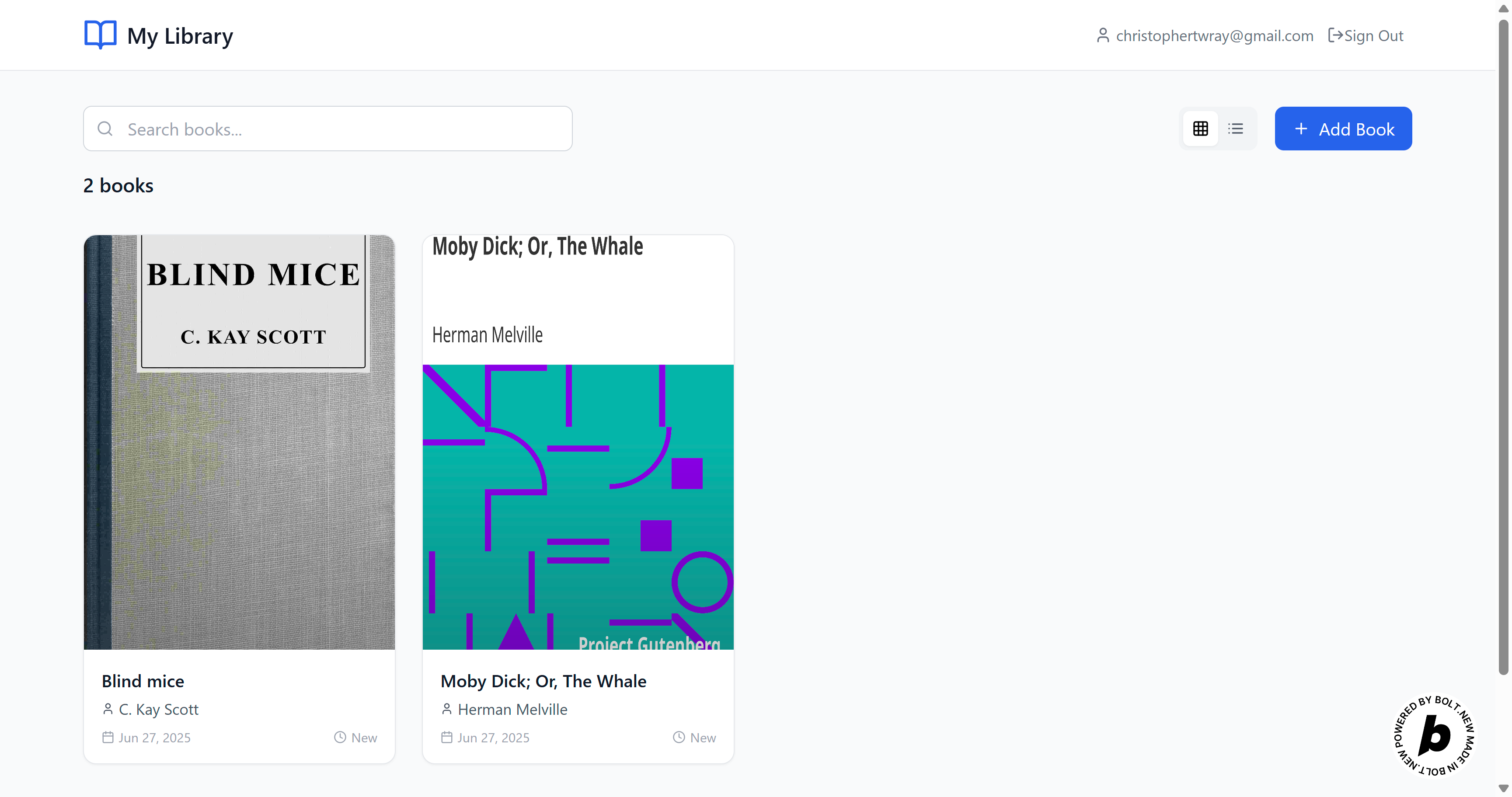
- Book Library: Upload, organize, and browse your personal collection of books.
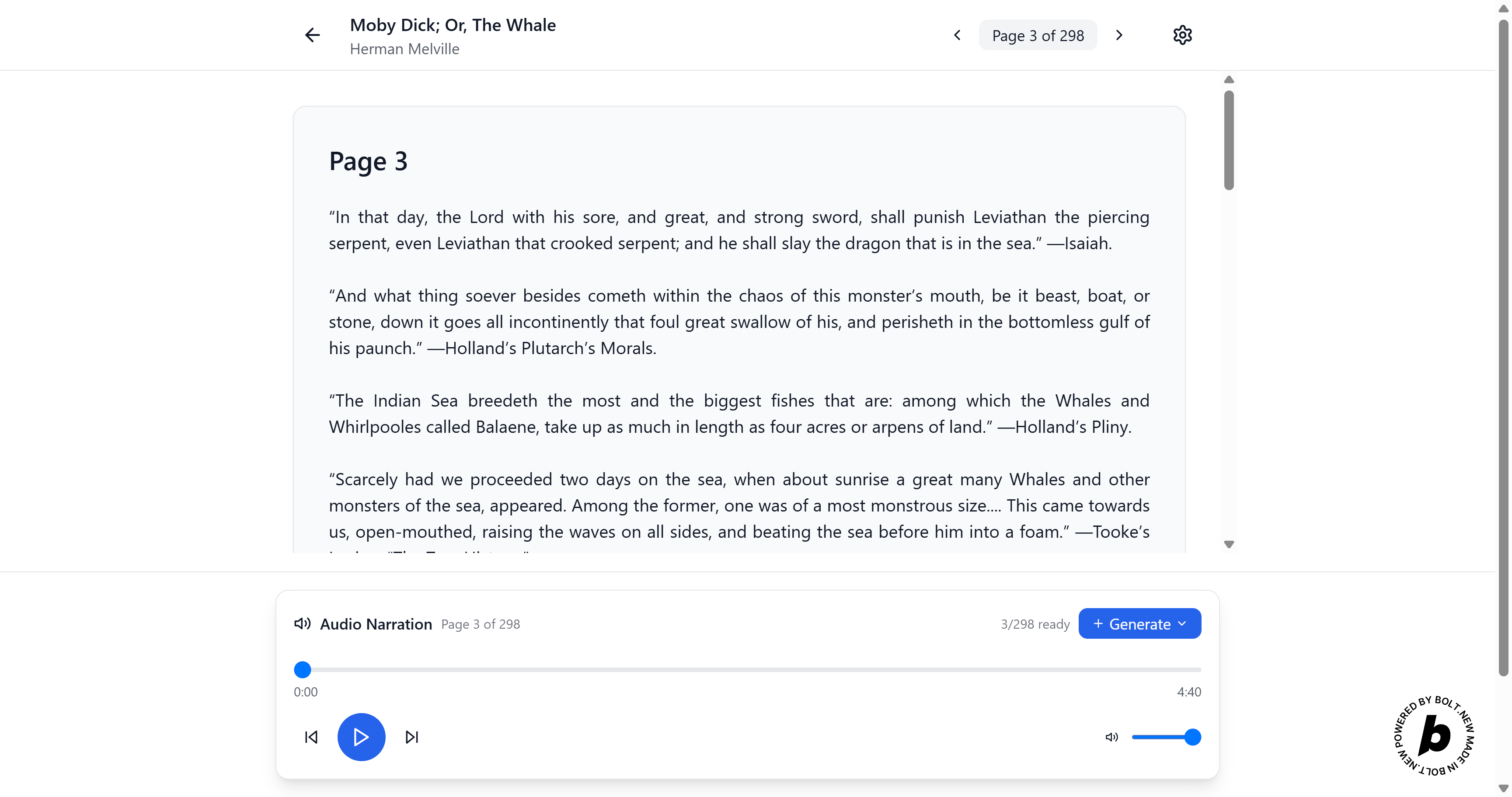
- Reader View: Read the content of your books within the app, with automatic progress tracking.
- Audio Generation: Select sections or entire books to generate audio using AI-powered text-to-speech (via ElevenLabs integration).
- Background Tasks: Audio generation runs in the background, with real-time progress indicators and history of recent tasks.
How to Use
Test Credentials: Email: [email protected] Password: BLYh6k2MSfVLbYS
Sign Up / Log In
- Visit the app and log in or create a new account.
Upload a Book
- Go to your library and upload a new book file.
Read a Book
- Click on a book in your library to open it in the reader view.
- The app remembers your reading progress automatically.
Generate Audio
- In your library, select a book or specific sections.
- Start an audio generation task.
- Track the progress in the “Audio Generation” panel, which shows both active and completed tasks.
Listen to Audio
- Once audio generation completes, listen to the generated audio directly in the app.
Technologies Used
- TypeScript (React)
- Supabase (for authentication & data)
- ElevenLabs (for AI text-to-speech)
- Framer Motion & Lucide React (UI & icons)
Enjoy reading and listening to your books!
Built With
- bolt
- react
- supabase
- vite

Log in or sign up for Devpost to join the conversation.