-
-
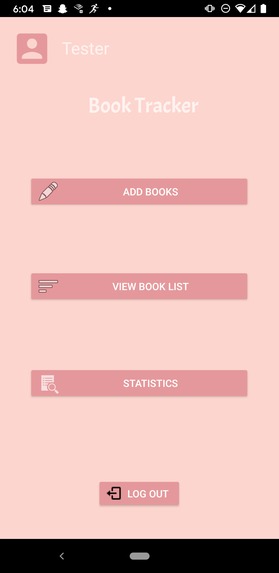
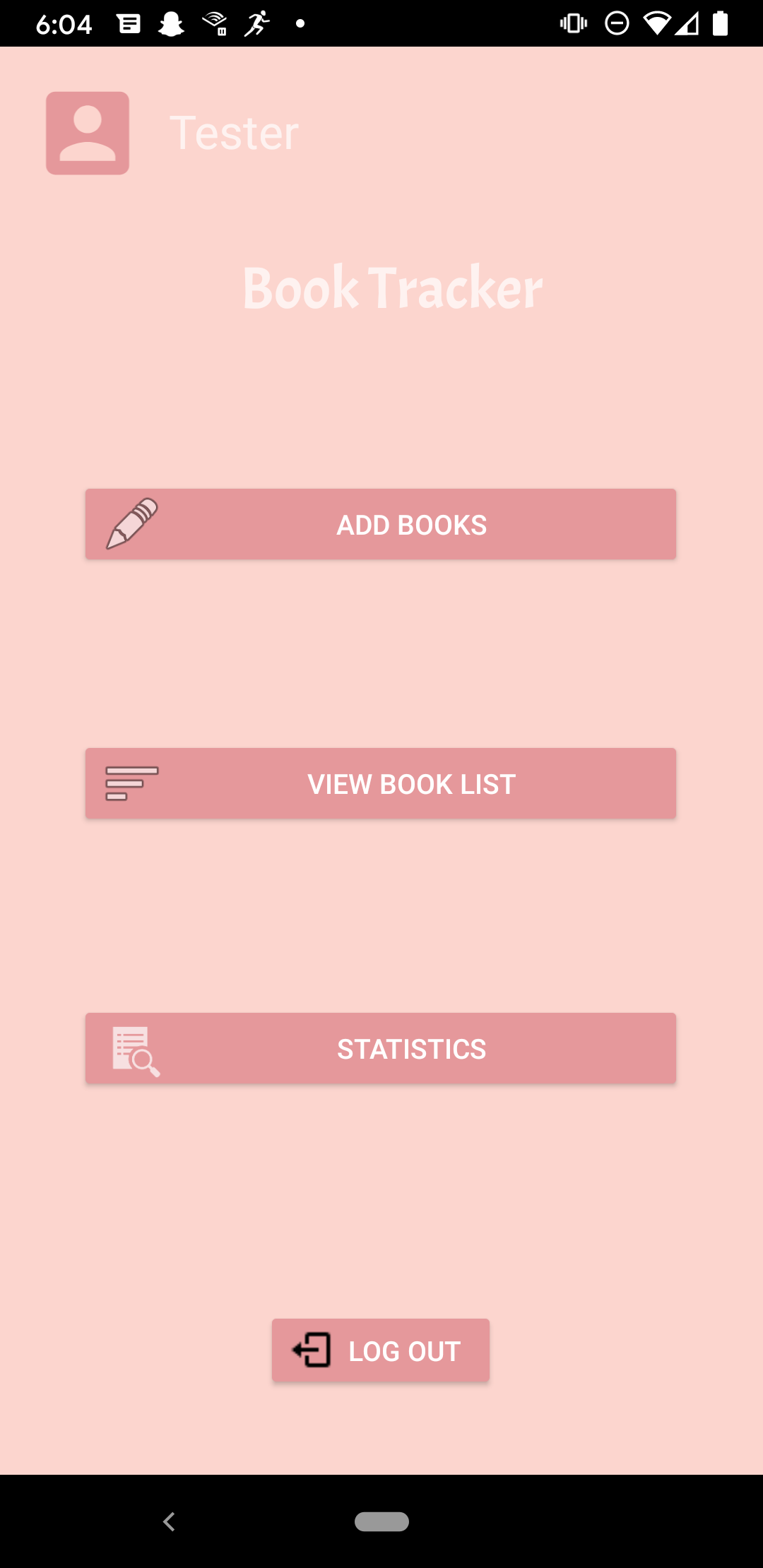
Main menu screen!
-
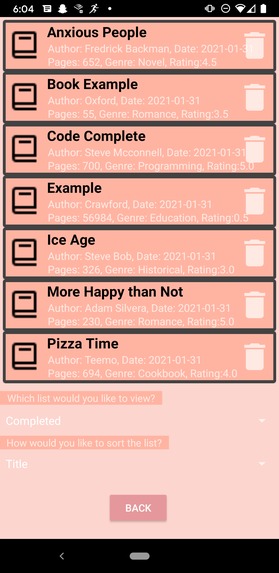
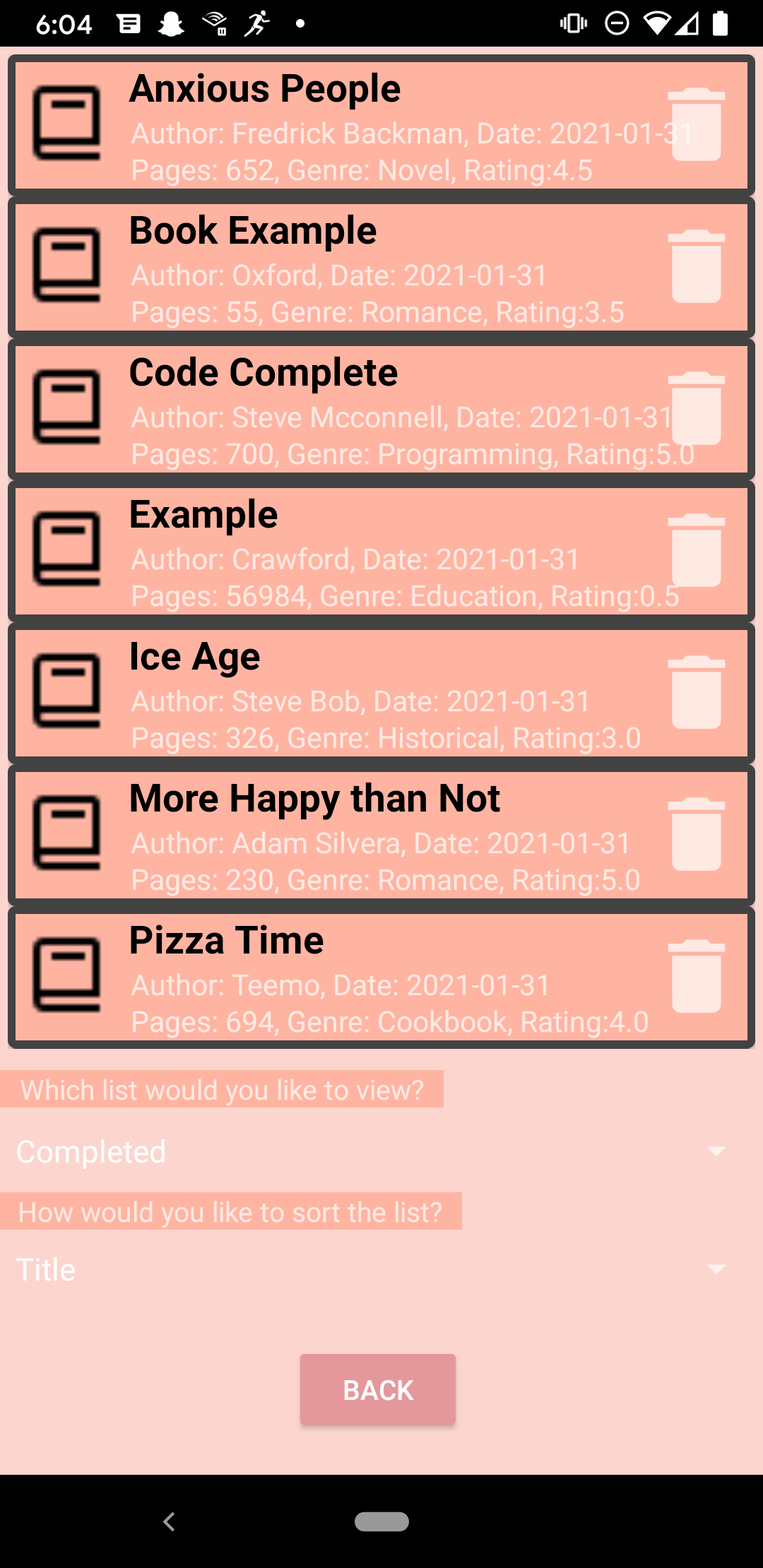
Book viewing screen!
-
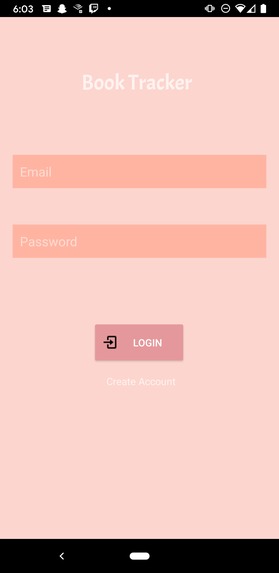
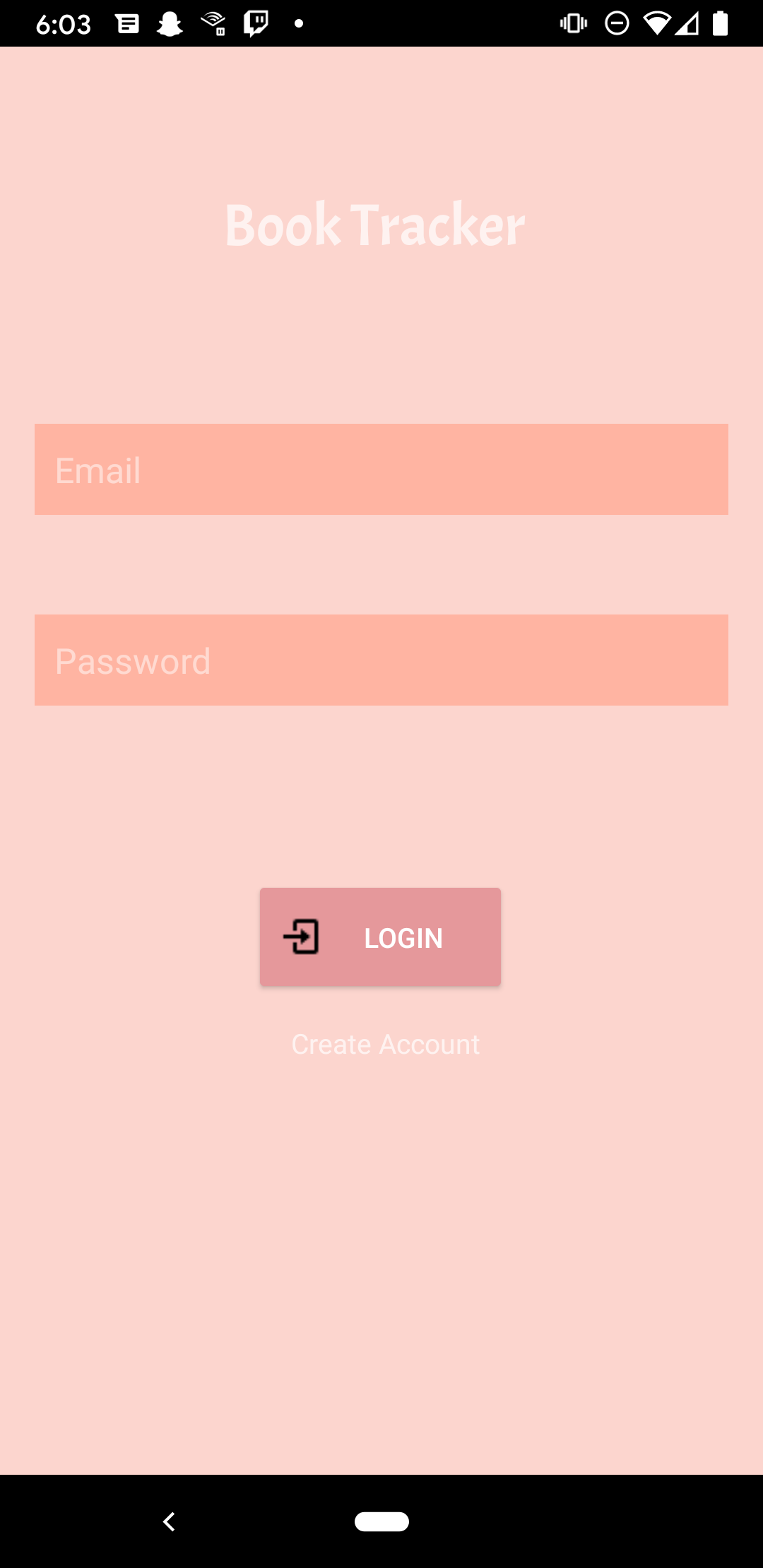
Log in
-
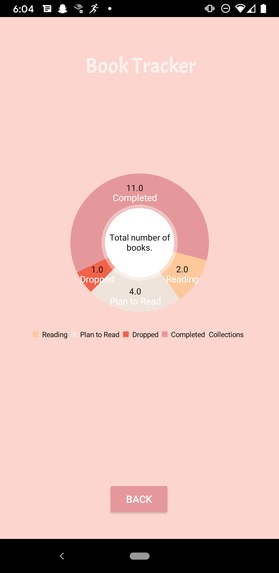
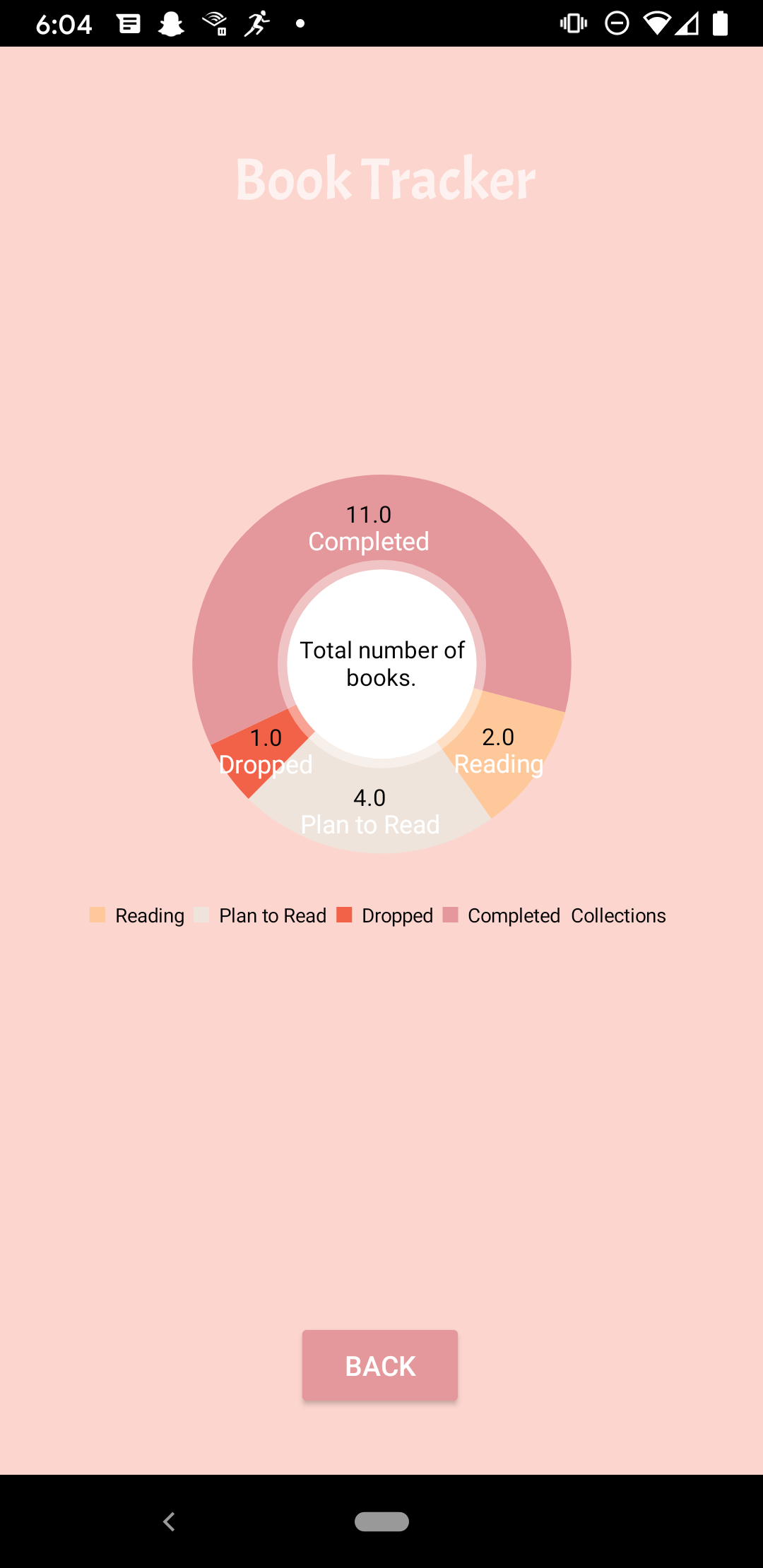
Statistics of total books in each category
-
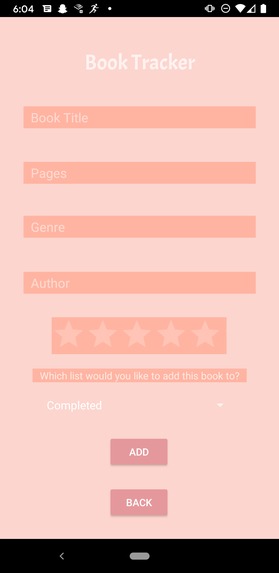
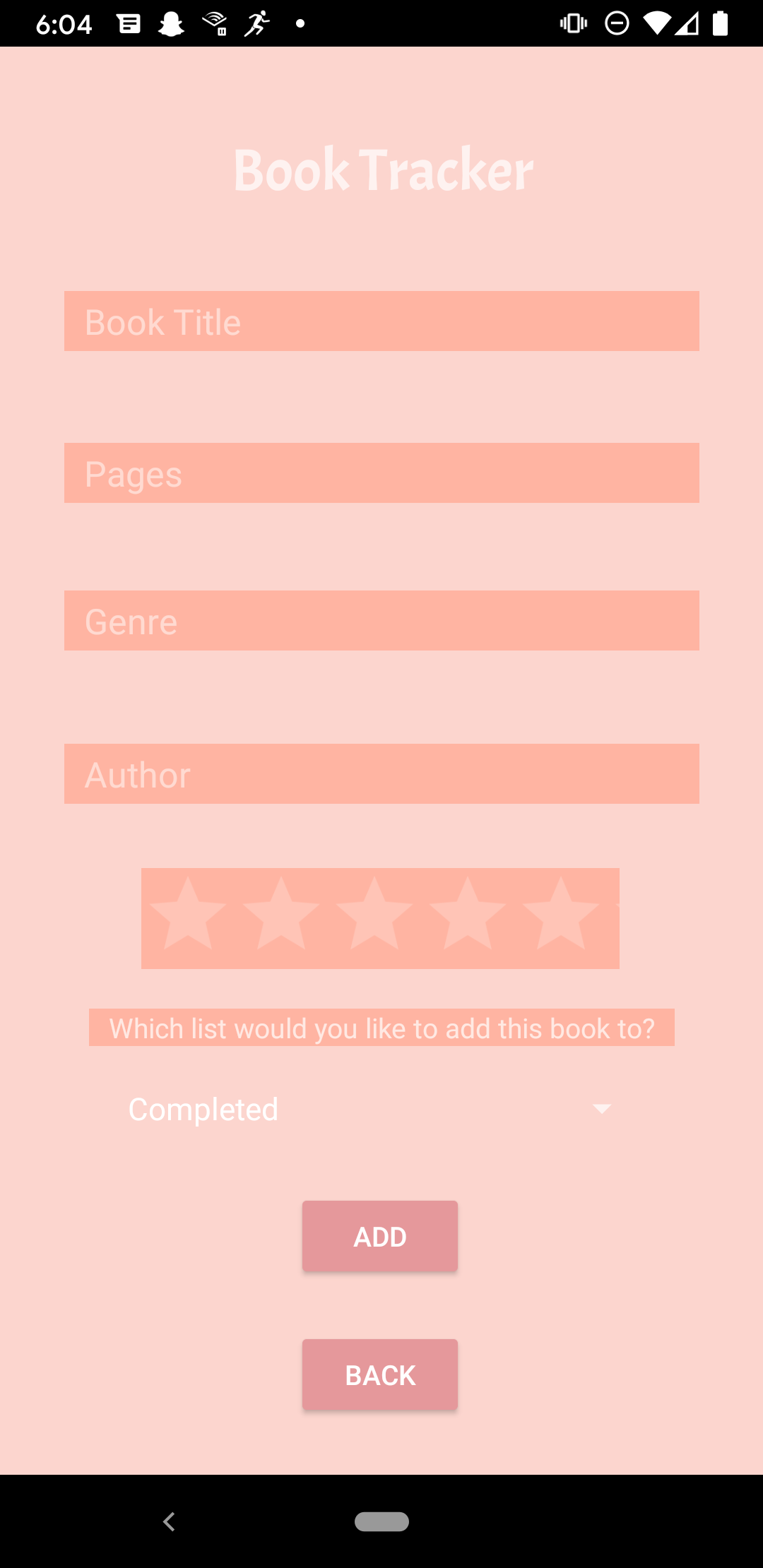
Adding a book
Inspiration
I wanted to make an application that reflected a part of who I was, and as someone who loves reading, I knew I wanted to make an app about books. Books have influenced me in many positive ways, but I frequently forget books that I have read in the past or books that I plan to read. Especially during the pandemic, I've personally found it difficult to keep track of the days and keep track of my reading schedule. I also have other friends that love reading books as well, and when it comes time to recommend books to each other, we both end up forgetting a handful of books. Taking these factors into consideration, I realized that creating a simple book organization app would be helpful. It would allow me to keep track of the books that I have read and that I plan to read, which would be great for helping me stay organized. Hopefully, it will help other people be more immersed in reading books, and also for helping them remember the books that have shaped their life.
What it does
Book Tracker is a simple Android application that allows the user to keep track of books that they have completed, dropped, planned to read, or read in the past. The users can manually enter in a book as well as any additional details such as the author or their own personal rating. The books get saved into a collection and the user can later view it at any time, provided they log onto the same account. There are a few sorting mechanisms for users to sort their book lists and they can also delete entries. Lastly, there is a small Statistics section that allows the users to see the total number of books for each collection.
How we built it
I used Java, Android Studio, and Firebase. Firebase was used for the authentication (logging in) and storing the book data.
Challenges we ran into
It was difficult for me to implement a scrolling screen on the book list to allow users to see an infinite number of books. There was a video tutorial on it, but I needed to understand more than the surface level so that I would be able to edit it to fit my application. Additionally, I struggled with the statistics section. I had no idea about how to work with the graphs and adding in the pie chart values by looping the Firebase database was quite complicated. I wanted to add a bar graph to symbolize average ratings per category, however it ended up taking too much time and I had to delete it. Working with the dropdown menu's (Spinners) was also new for me, and that posed some problems initially.
Accomplishments that we're proud of
I'm proud that I made an Android application that accomplishes it's job well. It's a simple app, but it does everything that it is supposed to do and there are not too many bugs. I'm also proud that I managed to learn Firebase and implement it so heavily in my project. This is the first application I've ever created on my own that is able to function decently, so I'm proud of that.
What we learned
I learned how to use Firebase. Learning the authentication was hard, but storing the data and doing sub collections inside documents was even harder. I also learned a lot more about Java and Android Studio: I learned how to utilize the dropdown menu's, scrolling menus, and graphs. I learned about how to make my app presentable as well. I also learned more about debugging; I ran into several errors along the way but I used the debug tool in Android Studio to slowly solve any code issues.
What's next for Book Tracker
There's a lot I would like to add. I'd like to add more statistics: perhaps a way for users to see how much they've read over a specified time frame. I would like to make it possible for users to search each other up and compare their lists and ratings. I think it would be great to also allow the user to edit any entries they have in their book list.

Log in or sign up for Devpost to join the conversation.