-
-
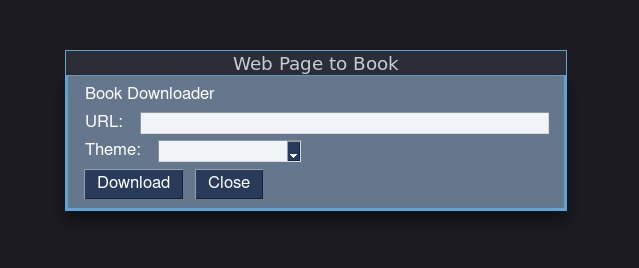
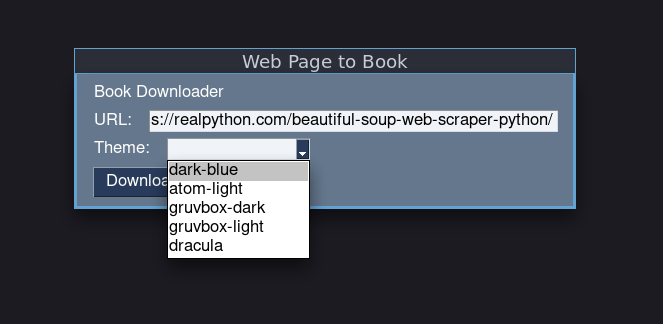
User Interface
-
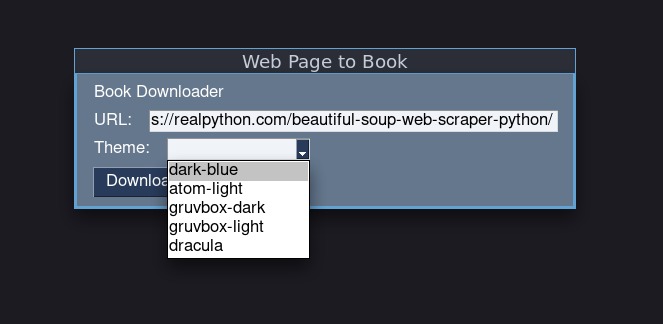
Theme Selection
-
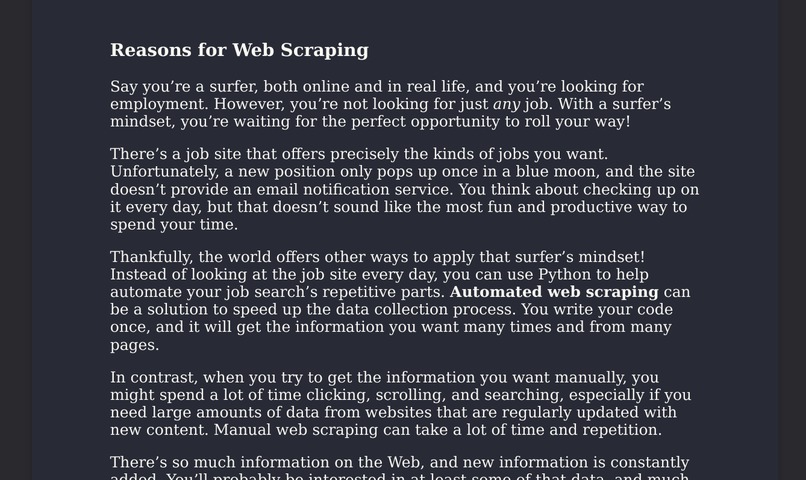
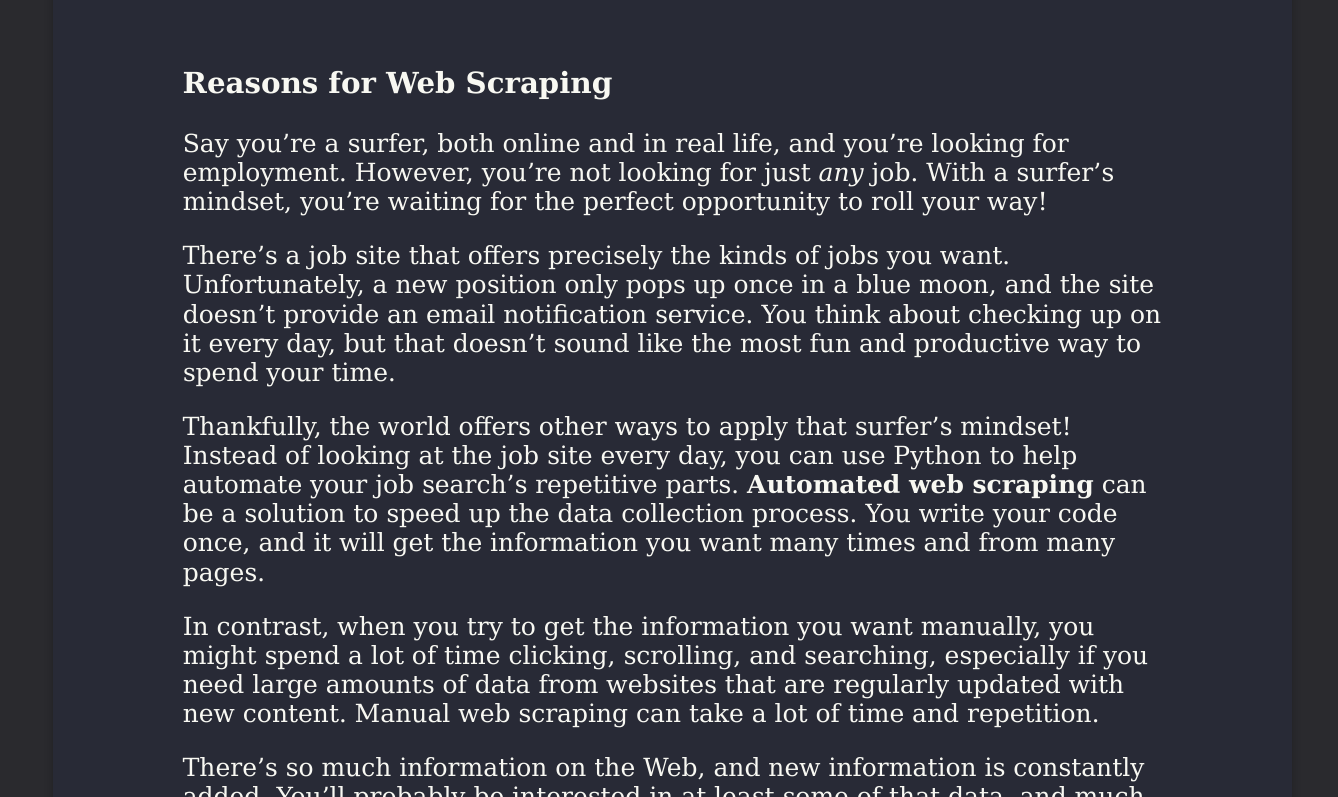
Output/Resulting PDF
Note: You can find the original input website that was used in the video here: https://realpython.com/beautiful-soup-web-scraper-python/
Inspiration
Whenever I go on summer vacations, I always need to carry around a book with me for times where there isn't much going on. For example, while on the plane or before going to bed. So I decided to create this app for online readers to save articles and websites as an ebook to read later.
What it does
Given any url it transforms the website into a beautiful and distraction free PDF to read throughout the summer without internet. There is a wide selection of color schemes ranging from light to dark themes.
How I built it
I built it using the python programming language. The user interface is native using a tkinter backend. I then linked the UI, to the pdf and parsing library. Next, I fetched popular color shemes online and integrated them to the app.
Challenges we ran into
One of the challenges I ran into was the lack of time to implement a PyQt5 UI. I was starting to built the UI using Qt but then due to the lack of time I had to use another gui library called pysimplegui. Furthermore, another challenge was figuring
Accomplishments that I am proud of
I am proud to have successfully make a program to parse online website to pdfs and integrate color shemes as well.
What I learned
I learned how to use a new GUI library called pysimplegui, before I always used qt, but the lack of time in such a hackathon forced me to get out of my comfort zone and try other libraries. I also learned how to link the Firefox's readabilty library to the pdf library and produce clean, clutter free, output.
What's next for Book Downloader
I plan on adding more features such as a table of contents by parsing headers in the html, and adding the table of contents at the beginning of the pdf. Furthermore, I can perhaps expand the idea by making audio books using AI synthesized voice.

Log in or sign up for Devpost to join the conversation.