-
-
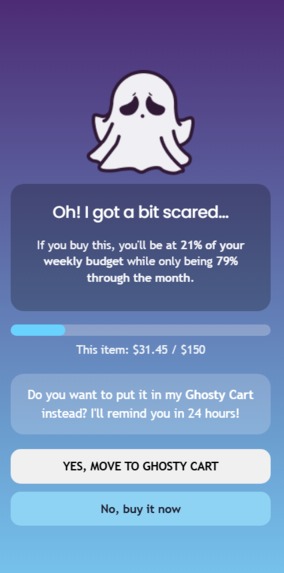
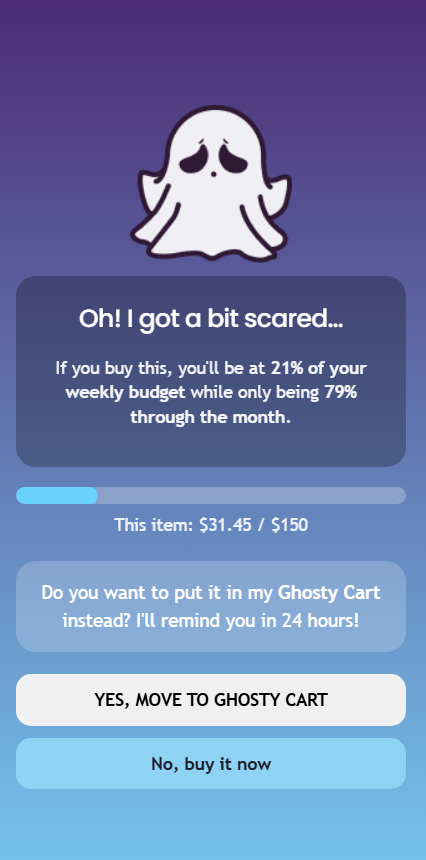
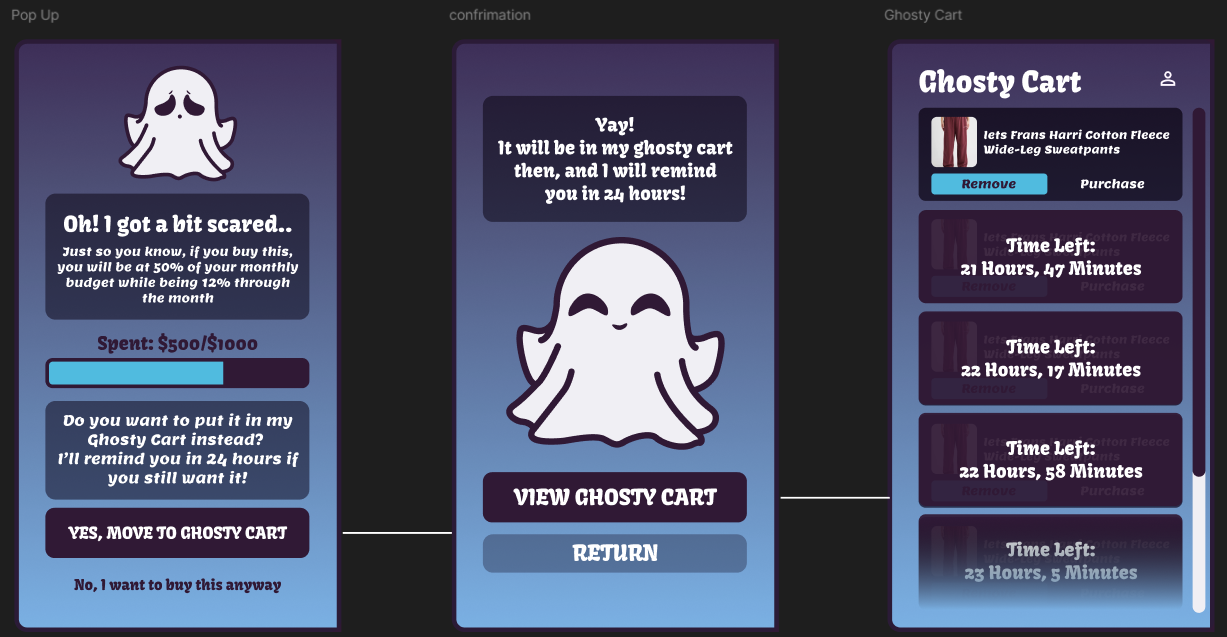
Ghosty Pop Up when Adding to Bag
-
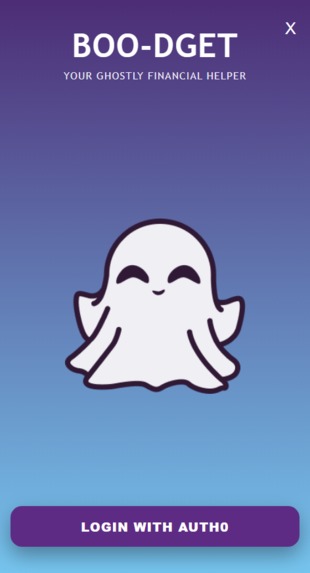
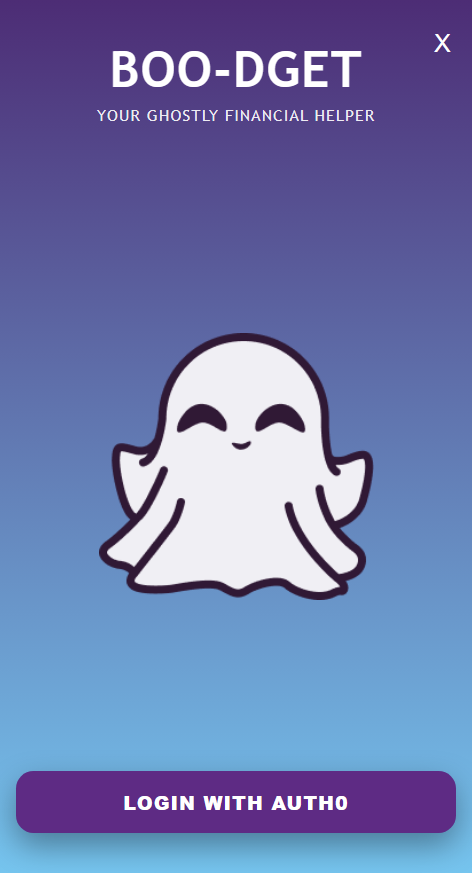
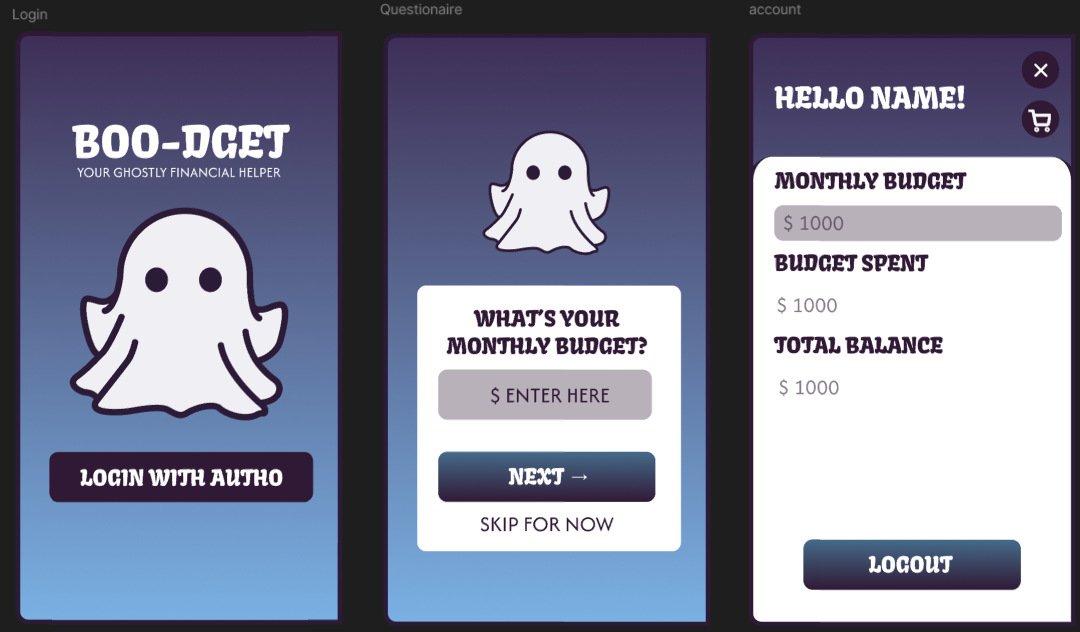
Login
-
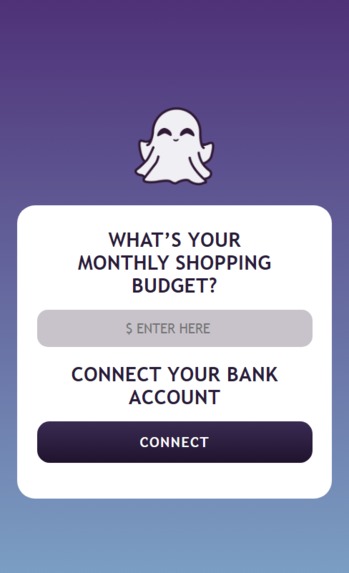
Questionaire
-
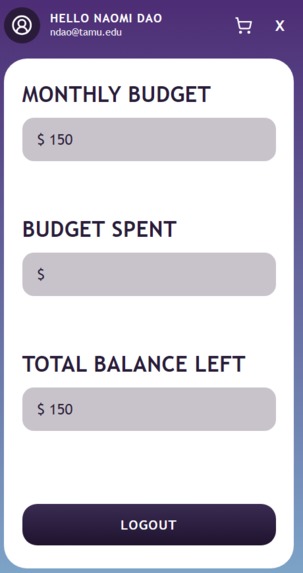
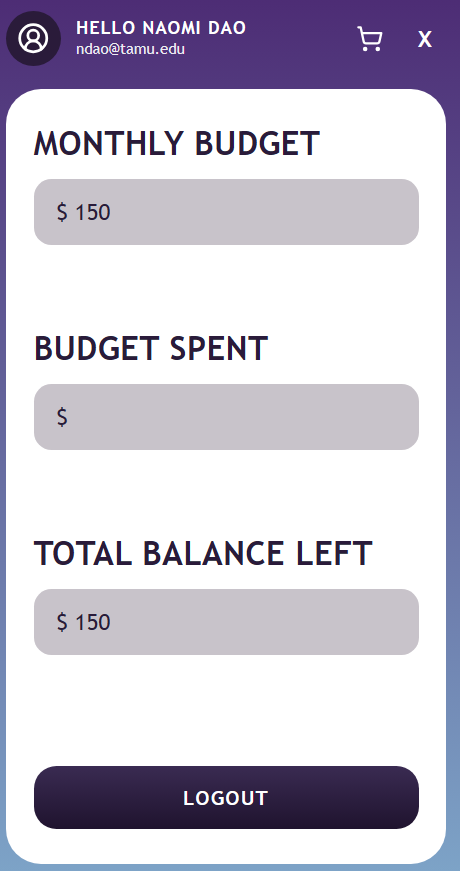
Profile
-
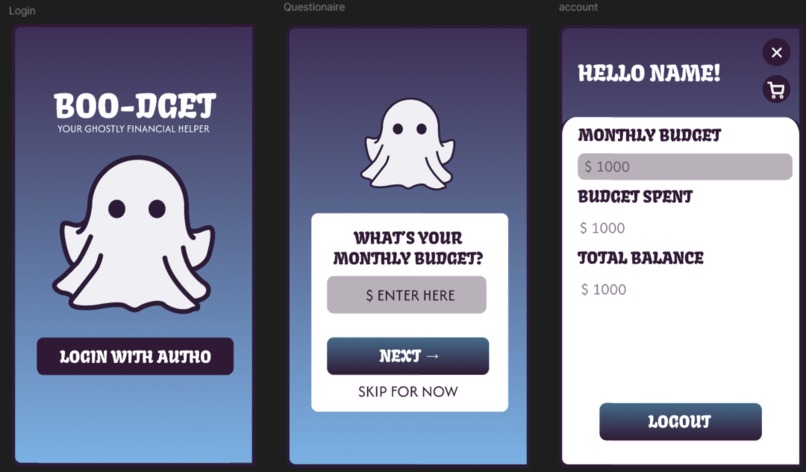
Figma Wireframing
-
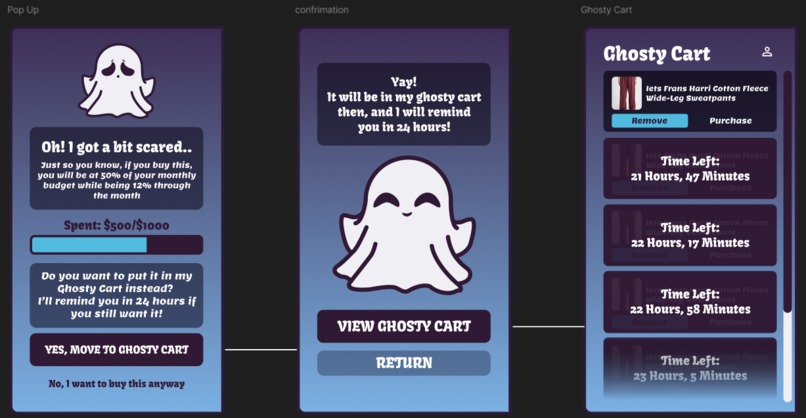
Figma Wireframing
Inspiration
We were inspired by all the times we went on an online shopping spree… and only realized the damage when we checked our bank accounts later. Impulse purchases happen fast, especially online, so we wanted to build something that helps users pause and reflect before hitting checkout.
What it does
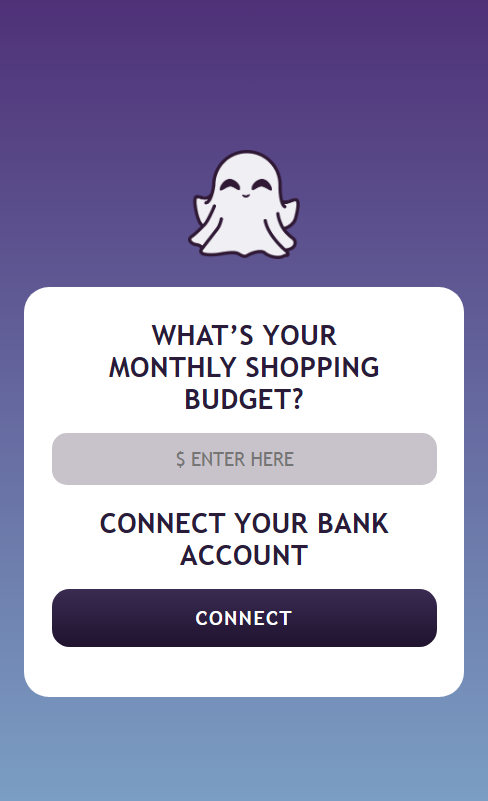
Boo-dget is a Chrome extension that interrupts the “Add to Cart” moment and asks users if they really need the item right now. It compares the item’s price to the user’s budget to put the purchase into perspective.
If the user doesn’t want to buy immediately, they can move the item into a Ghosty Cart, where it becomes “ghosted” for 24 hours. During that time, Boo-dget prevents the user from purchasing it, creating a built-in cooldown period. After the timer ends, the user can decide whether they still want it, encouraging more mindful spending.
How we built it
We built Boo-dget using HTML, CSS, JavaScript, Express.js, Manifest V3, Auth0, supabase and the Nessie API. Our team split responsibilities across design, extension functionality, and backend/database integration. One teammate focused on UI/UX design, wireframes, and front-end styling, another worked on extension layout, debugging, and front-end implementation, while the third built the backend, authentication flow, and database integration.
Challenges we ran into
We faced several technical challenges during development, including integrating with the Nessie API and handling data retrieval, implementing authentication with Auth0 since it doesn’t directly support Chrome extensions and finding a workaround, and refining the extension UI layout to make the sidebar experience feel smooth and polished.
Accomplishments that we’re proud of
None of us had built a Chrome extension before, so we’re proud of how much we learned and how far we pushed the idea in a short amount of time. We also implemented functionality beyond our original scope, like making ghosted items temporarily unpurchasable to truly enforce a cooldown period.
What we learned
We learned how to build a Chrome extension using Manifest V3 and Chrome extension APIs, including storage, background logic, and iFrame-based UI. We also gained experience working with authentication flows, database integration, and building a full-stack project under hackathon time pressure.
What’s next for Boo-dget
We have lots of ideas we’d love to expand on, including a “spending personality” quiz so users can understand their habits and share results with friends, a monthly budgeting dashboard with spending insights and summaries, and reward systems like streaks, achievements, or leaderboards to encourage smart saving. We feel as though we could build this idea very far.
Built With
- auth0
- css
- express.js
- html
- javascript
- manifestv3
- nessiapi
- supabase
- vite


Log in or sign up for Devpost to join the conversation.