-
-
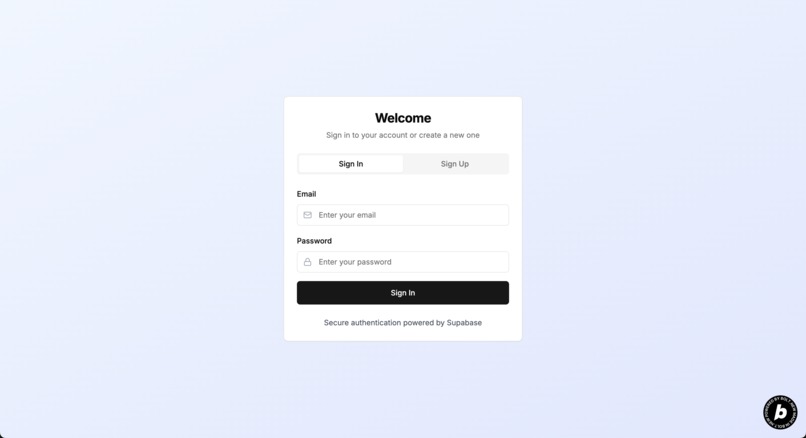
boltwire-login
-
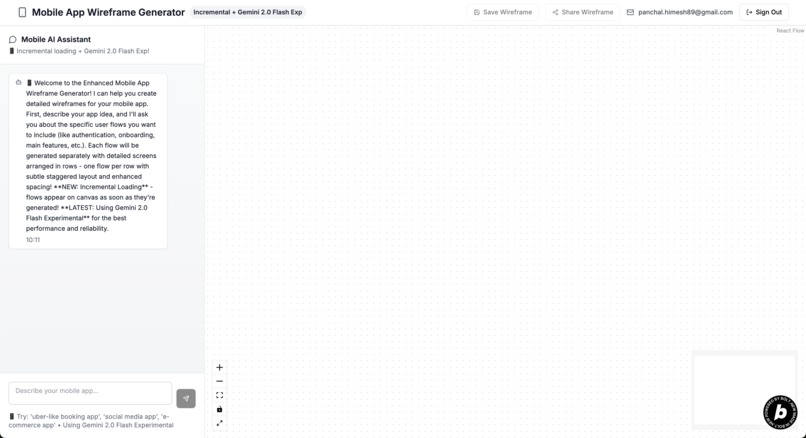
boltwire-chat
-
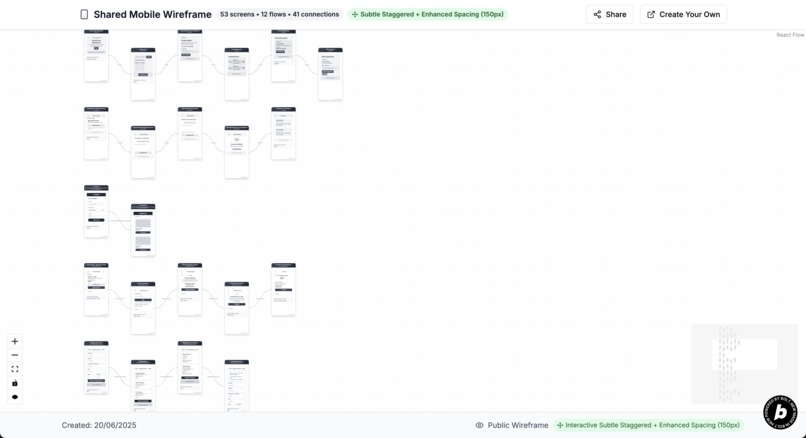
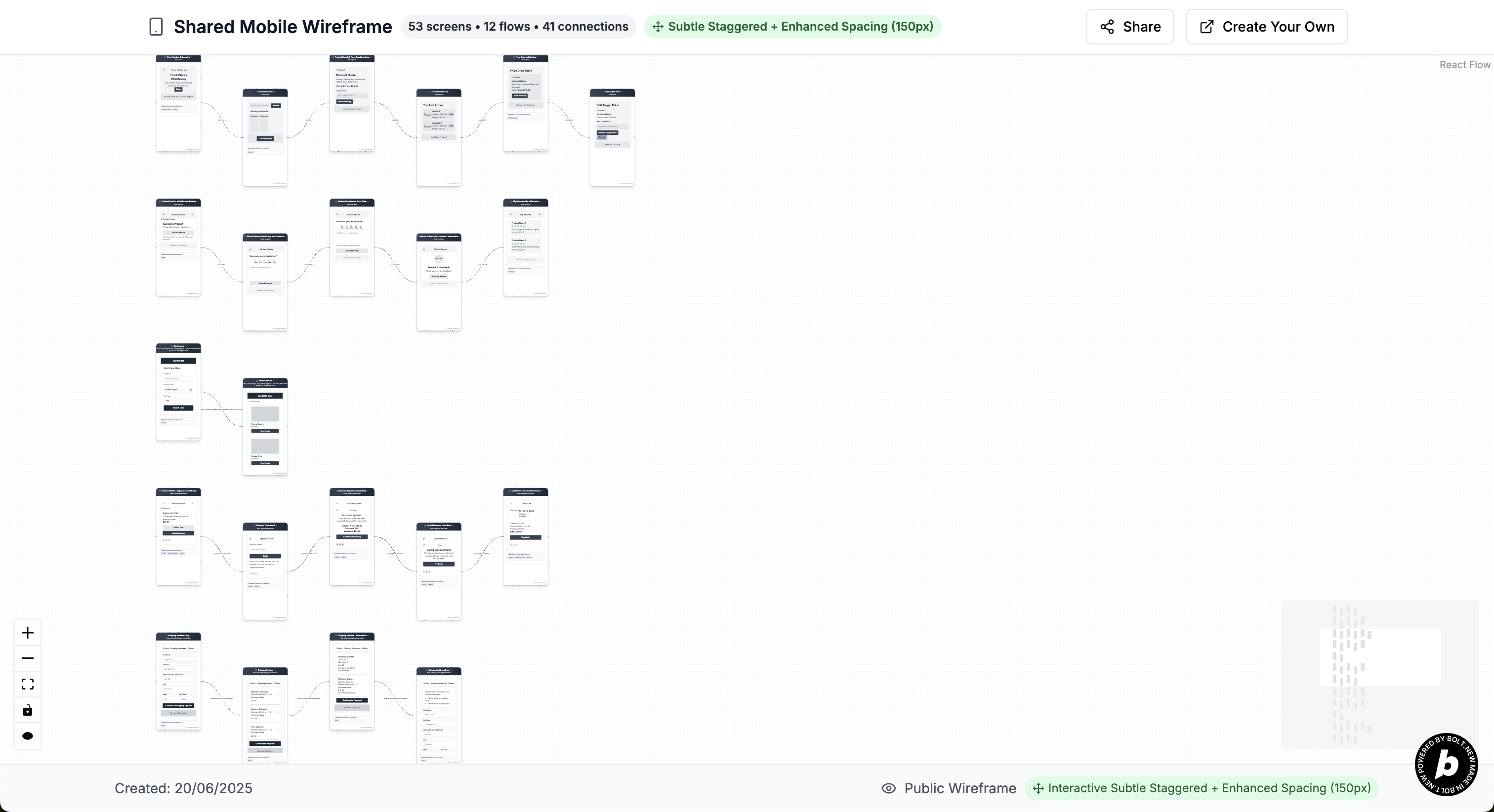
boltwire-ai-generation
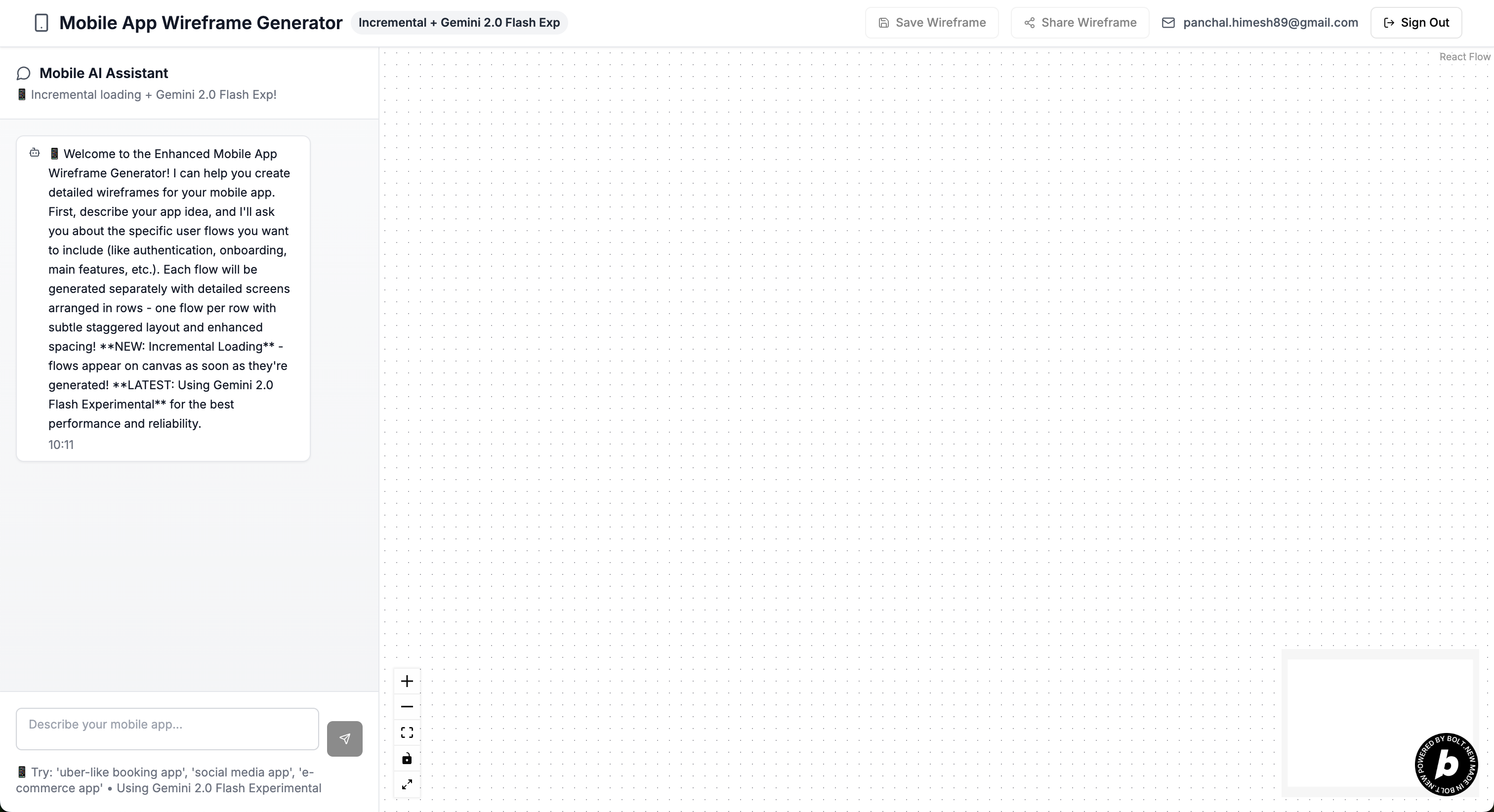
BoltWire
AI-powered mobile-app prototyping on an infinite canvas
Inspiration
Design teams spend too much time turning ideas into “just-enough” wireframes, then manually stitching those screens together to tell a coherent story. Existing AI tools can spit out single mocked-up screens, but they rarely:
- Understand complete user journeys
- Link screens into logical flows
- Deliver something interactive that’s easy to share
BoltWire closes that gap—turning a sketch of an idea into a browsable, flow-aware prototype in minutes.
What BoltWire Does
| Stage | How BoltWire Helps |
|---|---|
| 1 · Idea → Clarified Flows | Asks clarifying questions and auto-extracts key journeys (e.g., Authentication, Car Booking, Social Feed). |
| 2 · Flow-Specific Wireframes | Generates 3–6 grayscale mobile screens per flow—no color distractions, pure structure. |
| 3 · Interactive Journey Map | Drops the screens onto an infinite canvas (React Flow) and auto-connects them to show transitions. |
| 4 · One-Click Sharing | Saves projects to Supabase and hands out a URL—anyone can explore the clickable flow, no signup needed. |
Result: designers, devs, and stakeholders align faster, iterate sooner, and skip the “draw-arrows-in-Figma” phase.
How We Built It
- Stack – Next.js (API routes + React), Tailwind, React Flow, Supabase (Postgres + Auth)
- AI workflow
- Clarification endpoint –
/api/generate-clarification(Gemini picks out flows & questions) - Wireframe endpoint –
/api/generate-wireframe(Gemini returns HTML snippets in JSON) - Frontend rendering – Custom
MobileWireframeNodecomponents inside React Flow
- Clarification endpoint –
- Data & Auth – Projects and sharing links live in Supabase with Row Level Security
- Layout algorithm – Subtle staggered auto-placement keeps big flows readable out of the box
Key Challenges & Fixes
| Challenge | Solution |
|---|---|
| Inconsistent AI JSON / stray Markdown | Multi-strategy parser cleans and validates responses before use. |
| HTML classes breaking node size | Sanitize/replace positional classes; enforce strict grayscale palette. |
| Overlapping nodes | Custom layout function spaces nodes with “stagger + padding” logic. |
| Secure yet public sharing | Supabase RLS lets owners edit while allowing read-only public links. |
Wins We’re Proud Of
- Reliable AI parsing – Extracts usable HTML/JSON even from messy LLM output.
- Auto-linked flows – Handles appear on UI elements so journeys feel “alive.”
- Zero-setup sharing – Stakeholders open a URL and immediately explore the flow.
- Consistent aesthetic – Grayscale enforcement keeps focus on UX, not UI polish.
What We Learned
- Prompt precision is everything for structured AI output.
- React Flow can model complex UX journeys if you master node/edge state.
- Layout automation is as important as generation—users judge clarity in seconds.
- Supabase RLS offers a sweet spot between security and friction-free sharing.
What’s Next
- Granular AI controls – Let users specify components, layouts, or upload sketches.
- Clickable hotspots – Define tappable areas and simulate real navigation.
- Inline comments – Bring feedback directly onto the canvas.
- Version history – Track, compare, and roll back iterations.
- Export options – PNG, PDF, or starter HTML/CSS bundles.
- Broader model support – Plug in additional AI models or design systems.
BoltWire turns raw ideas into interactive, shareable prototypes—so teams can focus on solving problems, not redrawing boxes.
Built With
- ai-sdk
- bolt
- gemini
- nextjs
- reactflow
- shadcn
- supabase
- tailwind
- typescript
- vercel


Log in or sign up for Devpost to join the conversation.