-
-
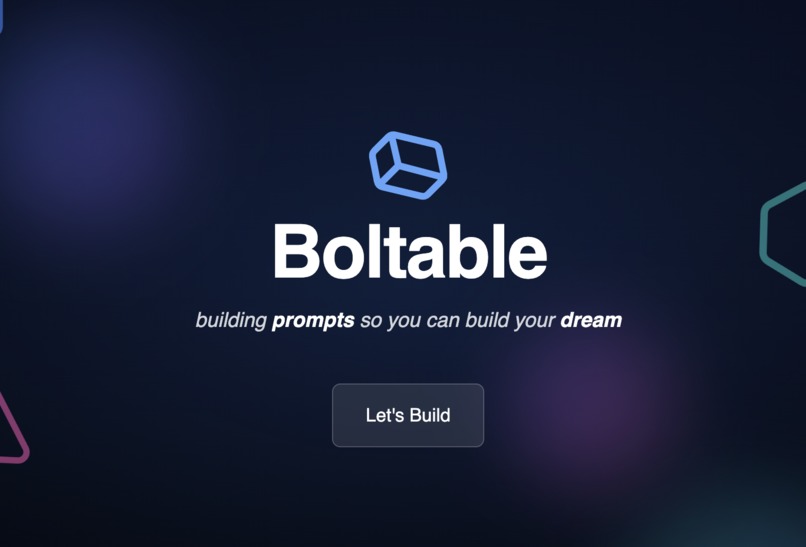
Boltable
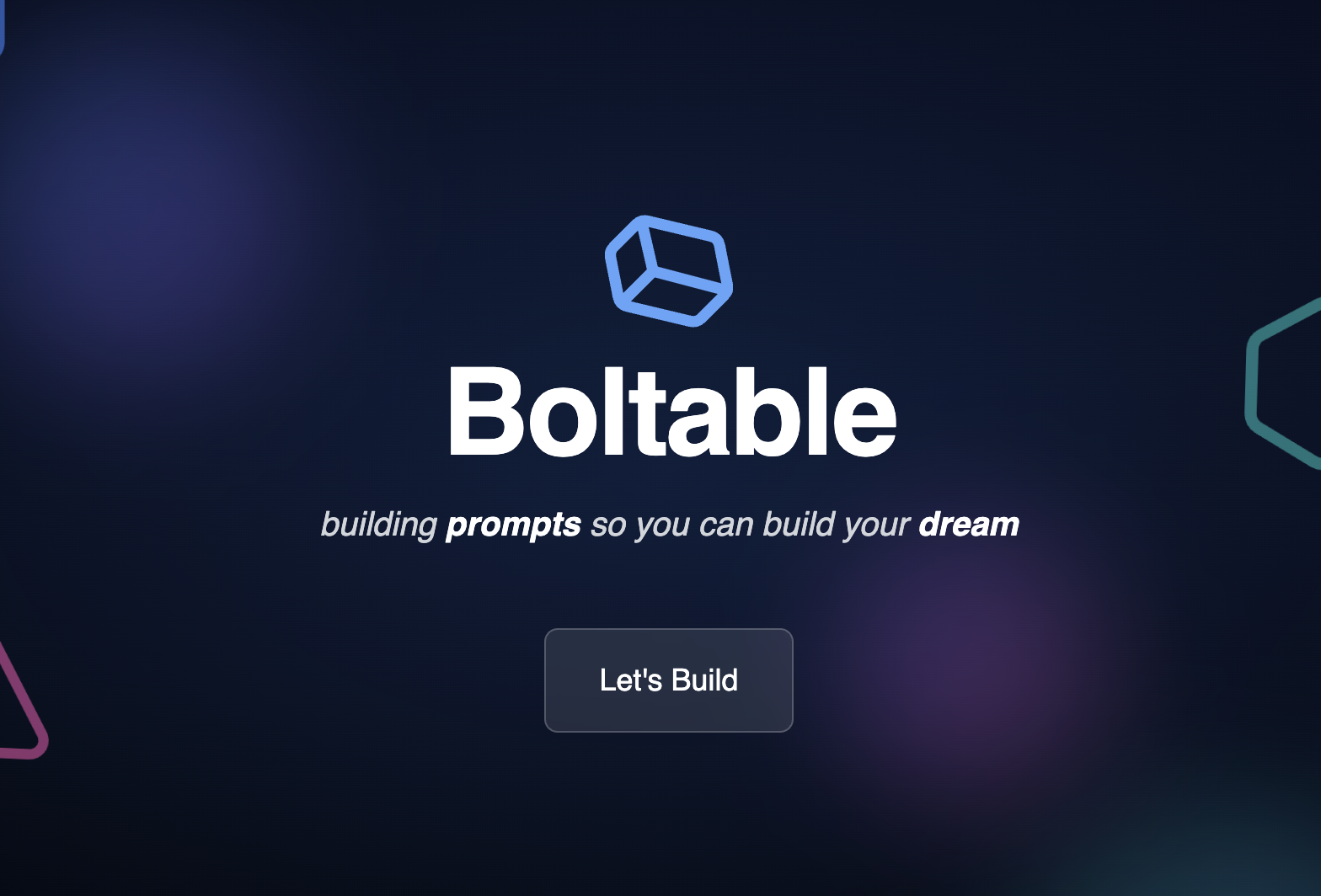
Inspiration
Building websites with AI is powerful, but most beginners don’t know how to phrase the right prompt. We wanted to make that step exciting, interactive, and educational, turning abstract design choices into tangible prompt building blocks.
What it does
Boltable is an interactive website prompt generator. Users select layouts, colors, typography, and components like hero sections or footers. The app then creates a polished prompt string they can copy and paste into any external AI web code generator to instantly scaffold a site.
How we built it
Boltable+ was built with TypeScript and React for the core application logic and UI components. We used Next.js 14 as the framework for routing and structure, with Tailwind CSS to handle styling and responsive design. The app renders in standard HTML for the page structure and leverages CSS utilities for presentation. A few lightweight configuration and build scripts are written in JavaScript. All state persistence runs in Demo Mode with LocalStorage, ensuring the app works offline and without external setup.
Challenges we ran into
- Balancing simplicity (for first-time users) with enough control to make prompt generation meaningful.
- Designing a sharp, minimal interface that feels polished but still playful.
- Keeping everything fully functional while ensuring a smooth export flow.
Accomplishments that we're proud of
- Built a frictionless workflow: idea to component selection to usable AI prompt in under a minute.
- Designed a tool that is both educational (teaches design concepts) and empowering (gives real output).
- Created a polished, hackathon-ready MVP that feels more like a product than a prototype.
What we learned
- Good UX in AI tools comes from guiding the user’s imagination, not overwhelming them with endless choices.
- Prompt engineering is easier when broken down into visual components instead of abstract text.
- Accessibility and clarity are key, sharp UI + clear language builds user trust.
What's next for Boltable
- Introduce a community gallery of shared prompt templates.
- Expand the Learn panel with deeper lessons on layout, accessibility, and responsive design.
- Explore a “one-click generate” integration with external web builders for seamless workflows.

Log in or sign up for Devpost to join the conversation.