-
-
bob
-
cad
-
cad
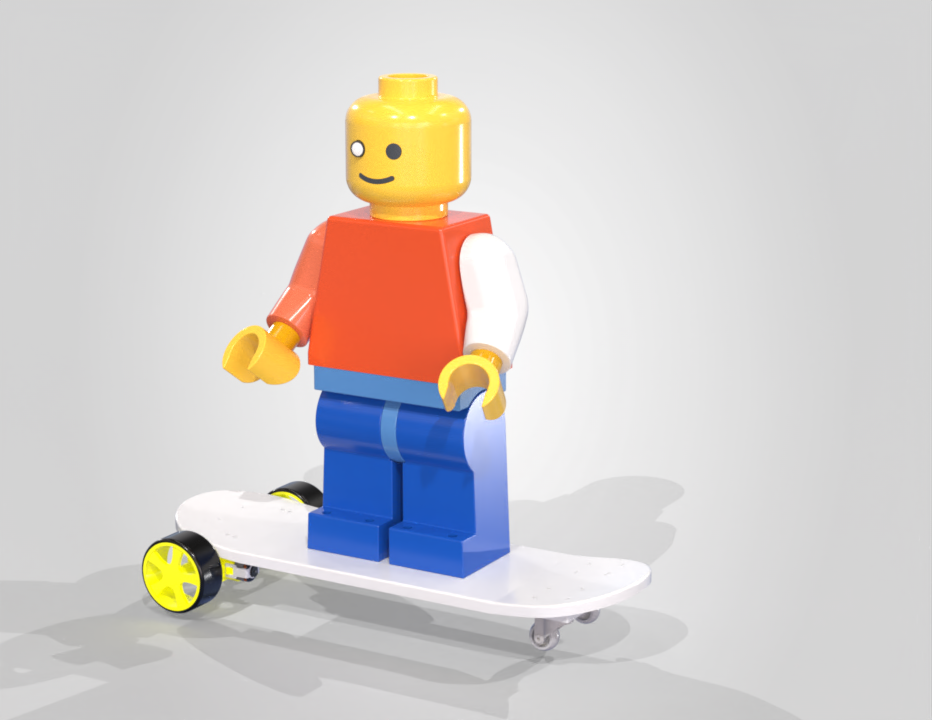
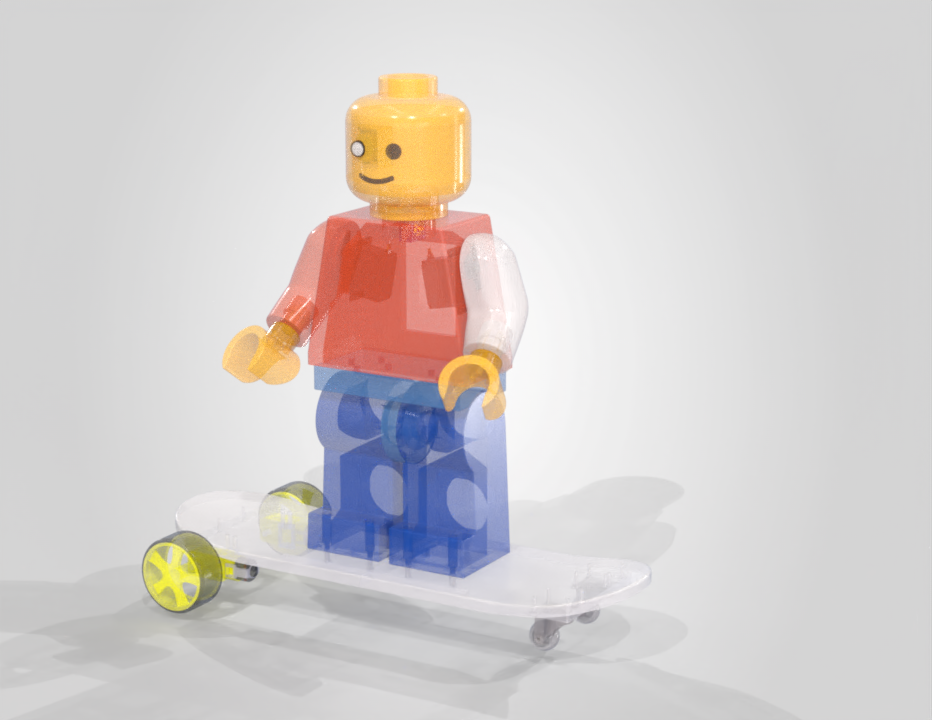
B.O.B. - BRICK ON BOARD
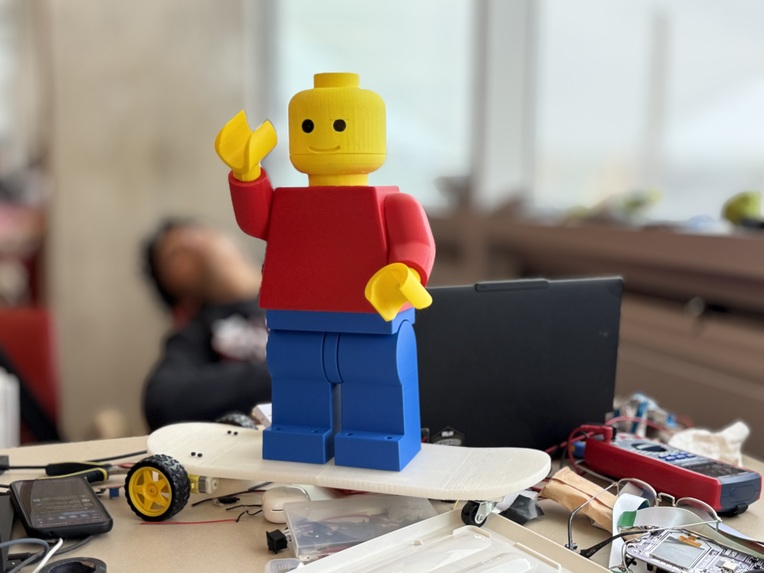
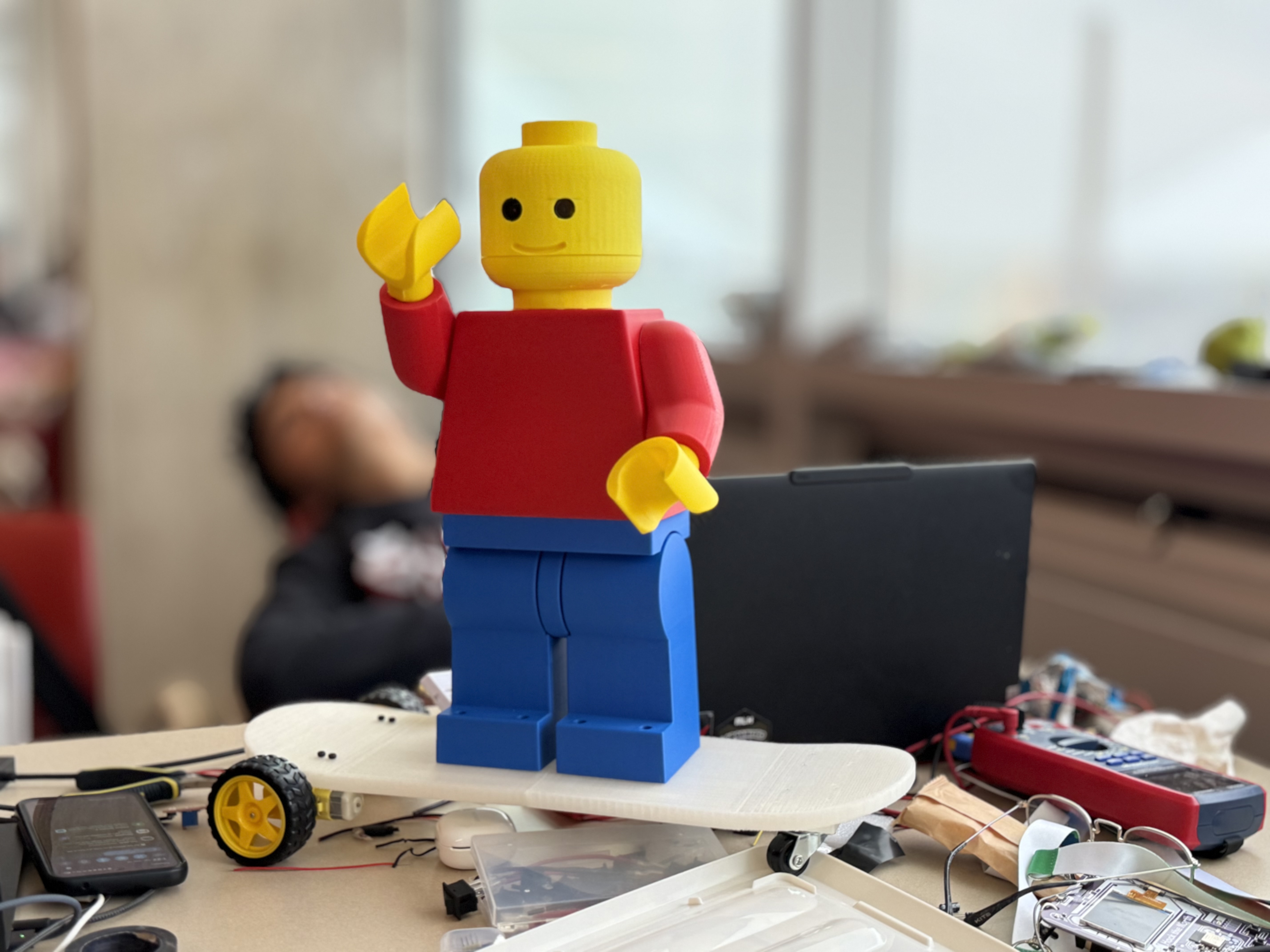
A 3-foot 3D-printed Lego minifig that can understand natural-language commands, move its arms and head, drive around, dance, and tell stories. Built at Hack the North 2026 to explore how simple robots can feel like characters instead of machines.
Inspiration
Most robots are designed around a task: clean something, move something, or deliver something. We wanted to build something different.
BrickBot is a giant Lego minifigure built to feel more like a character. Instead of controlling every motor directly, you can talk to it using simple natural-language commands and let its onboard intent classifier figure out what you mean.
The goal was simple: make a robot that feels like something you can interact with, not just something you operate.
What it does
BrickBot can interpret natural-language commands and turn them into physical actions:
- Moves its arms with commands like "raise your left arm" or "wave your right arm"
- Moves its head with commands like "look left", "look right", "nod", and "shake your head"
- Drives forward, backward, left, and right
- Dances using predefined motion sequences
- Stops immediately when given commands like "stop" or "freeze"
- Understands variations in phrasing, including polite commands, synonyms, short commands, and common speech-to-text errors
- Handles sequences, allowing multiple actions to be combined into a single command
- Understands parameters, such as "turn left 45 degrees" or "move your arm a lot"
- Tells stories using a separate TinyStories-based story system
For example:
"Wave your left arm"
        ↓
LEFT_ARM(160)
WAIT
LEFT_ARM(20)
The robot does not need a rigid list of exact phrases. Its command system converts language into a small set of physical intents that the robot knows how to execute.
How we built it
BrickBot uses an ESP32-S3 as its onboard command and motion controller.
Instead of sending individual servo commands from a laptop, the ESP32 receives natural-language text, tokenizes it, runs a small TensorFlow Lite Micro model, and converts the result into a physical action.
Command pipeline
Natural-language command
        ↓
Text normalization
        ↓
Tokenization
        ↓
On-device neural network
        ↓
Intent + confidence
        ↓
Motion planner
        ↓
Command queue
        ↓
Servos / motors
The intent classifier recognizes 14 actions:
ARM_UP
LEFT_ARM
RIGHT_ARM
MOVE_FORWARD
MOVE_BACKWARD
HEAD_SHAKE
HEAD_NOD
HEAD_LEFT
HEAD_RIGHT
TURN_LEFT
TURN_RIGHT
DANCE
STOP
INTRO
The model is intentionally small enough to run locally on the ESP32-S3 using TensorFlow Lite Micro. It uses an embedding layer, global average pooling, and two dense layers to classify commands into the supported intents. The firmware rejects predictions below a confidence threshold rather than blindly executing uncertain commands.
Motion planning
The classifier is only the first step. BrickBot also has a lightweight command planner that turns intents into timed motor actions.
For example:
"Wave your left arm"
becomes:
LEFT_ARM(160, 500ms)
WAIT(300ms)
LEFT_ARM(20, 500ms)
The planner also supports explicit parameters such as:
"Turn left 45 degrees"
"Move your arm a little"
"Move your arm a lot"
"Wait 2 seconds"
Commands are placed into a bounded queue on the ESP32, allowing BrickBot to execute multi-step sequences without blocking its main loop.
On-device AI
One of the main parts of the project is that the command classifier runs directly on the ESP32-S3.
The model takes eight integer word-token IDs as input and produces 14 intent scores. The current firmware allocates a 256 KiB TensorFlow Lite Micro tensor arena, using PSRAM when available.
We trained the classifier with natural variations of commands and built a regression test suite covering 225 cases. The latest test run passes all 225 cases, including command sequences, synonyms, casing, punctuation, modifiers, and numeric parameters.
Storytelling
BrickBot also has a separate story system.
Story requests such as:
"Tell me a story"
are routed separately from motor commands. The ESP32 selects a story starter that can then be passed into the TinyStories runtime for generation.
This keeps storytelling separate from the motor-control system, so a request for a story never gets mistaken for a movement command.
Vision
Bob sees through a wide-angle USB camera and a YOLO object-detection model, and the whole vision system runs locally on the Raspberry Pi, with no cloud APIs. When you ask "what do you see?", "do you see a chair?" or "how far away is the person?", Bob's speech recognition catches the question and routes it to the camera instead of the motor brain. The Pi grabs a frame, corrects the lens distortion, and detects any of 80 common object types, such as people, chairs, cups and laptops. It estimates each object's distance by comparing its size in the image to its known real-world size, then answers out loud in Bob's own voice: "I see a person and a chair. The person is about 1.5 meters away." Everything else you say still goes to the ESP32, which controls the motors, so the camera adds sight without touching the working movement code.
Hardware
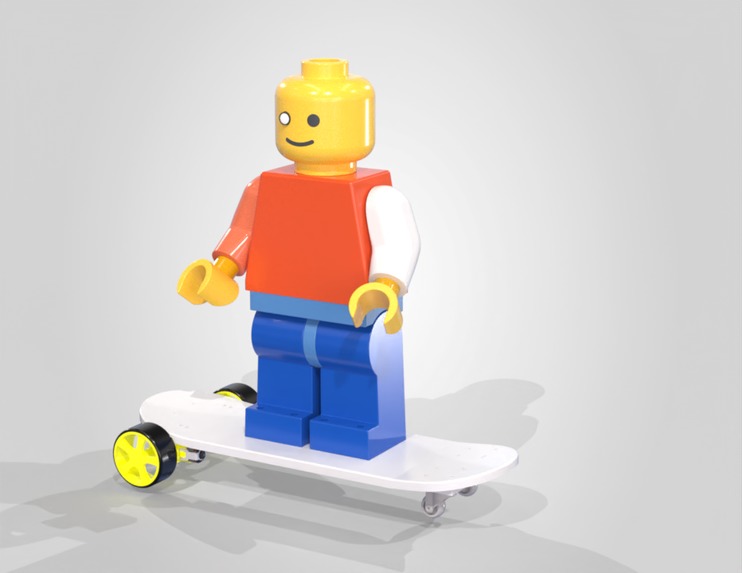
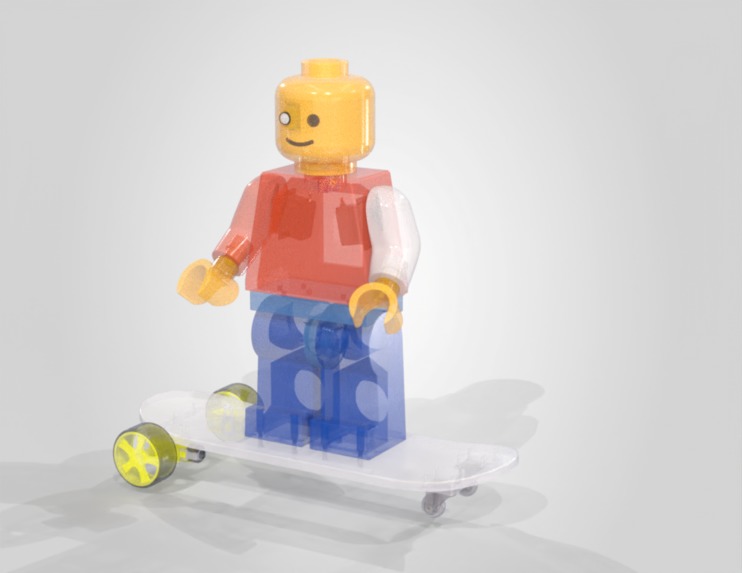
The physical robot is a roughly 3-foot-tall 3D-printed Lego minifigure mounted on a skateboard-style mobile base.
The main hardware includes:
- ESP32-S3 for onboard command classification and real-time control
- MG996R servos for arm movement
- SG90 servo for head movement
- TT gearmotors for driving
- 3D-printed mechanical structure and mounts
- Skateboard-style mobile base
The electronics and mechanisms are designed around keeping the robot stable while giving the arms, head, and base enough range of motion to make simple actions feel expressive.
Challenges we ran into
Running AI on a microcontroller
The biggest software challenge was getting a useful language interface onto a device with far fewer resources than a laptop or Raspberry Pi.
We had to keep the model small, manage the TensorFlow Lite Micro tensor arena, generate the vocabulary and model data for the firmware, and verify the tensor types and dimensions at startup.
Turning language into motion
A classifier output like LEFT_ARM is not enough to make a robot behave naturally.
We built a small planning layer that handles motion parameters, sequences, waits, confidence thresholds, and human-friendly commands such as waving and raising or lowering an arm.
Reliable motion control
We separated language understanding from motor execution. The ESP32 receives a command, decides what intent it represents, queues the resulting actions, and executes them without blocking serial input.
This means the robot can handle multi-step actions while keeping the motion system responsive.
What we learned
The most interesting part of BrickBot was not making individual motors move. It was figuring out how to translate something as messy as human language into a small, reliable set of physical actions.
We also learned that a tiny model can be surprisingly useful when the problem is constrained. Instead of trying to make an ESP32 understand everything, we gave it a small vocabulary of things BrickBot actually knows how to do.
That made it possible to run the entire intent-classification step locally on the robot.
What's next
- Add more physical actions and gestures
- Improve the motion planner for longer sequences
- Add richer story generation
- Connect speech recognition to the existing text-command interface
- Add vision and person tracking
- Give BrickBot longer-term memory and a more consistent personality
Built with
esp32-s3 tensorflow-lite-micro c++ python tiny-stories 3d-printing mg996r sg90 tt-motors embedded-ai robotics natural-language-processing
Built With
- c++
- esp32
- llama
- python
- raspberry-pi
- yolo


Log in or sign up for Devpost to join the conversation.