-
-
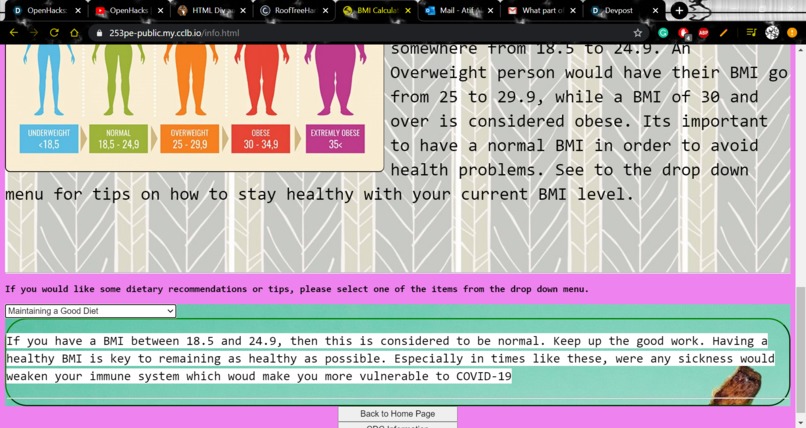
There are tips on how to improve BMI and links to the CDC and home page.
-
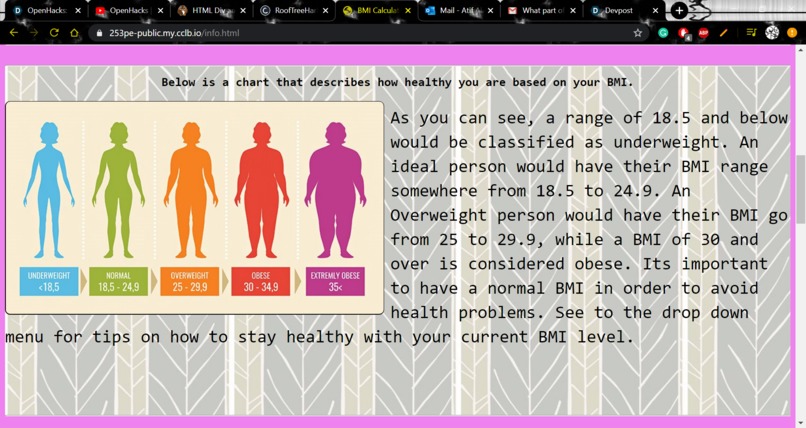
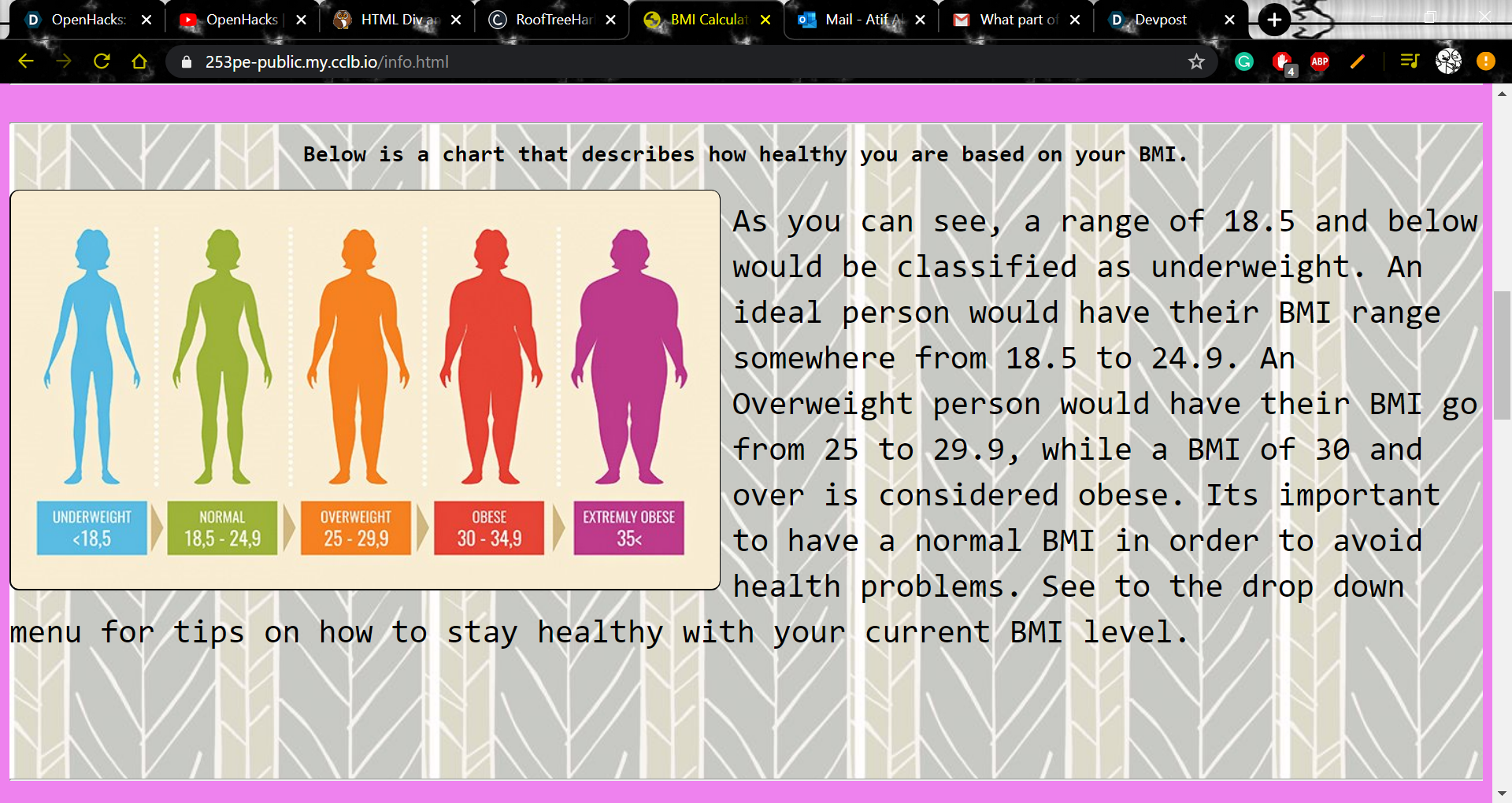
This is the scale in more detail, and it provides more insight on whether the user is healthy or not
-
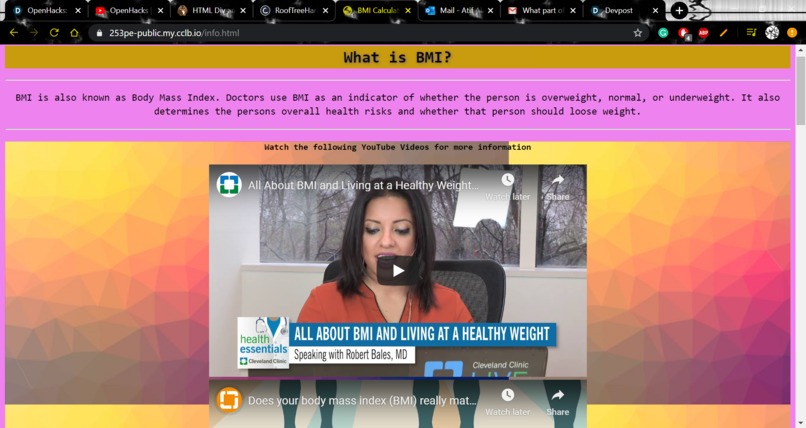
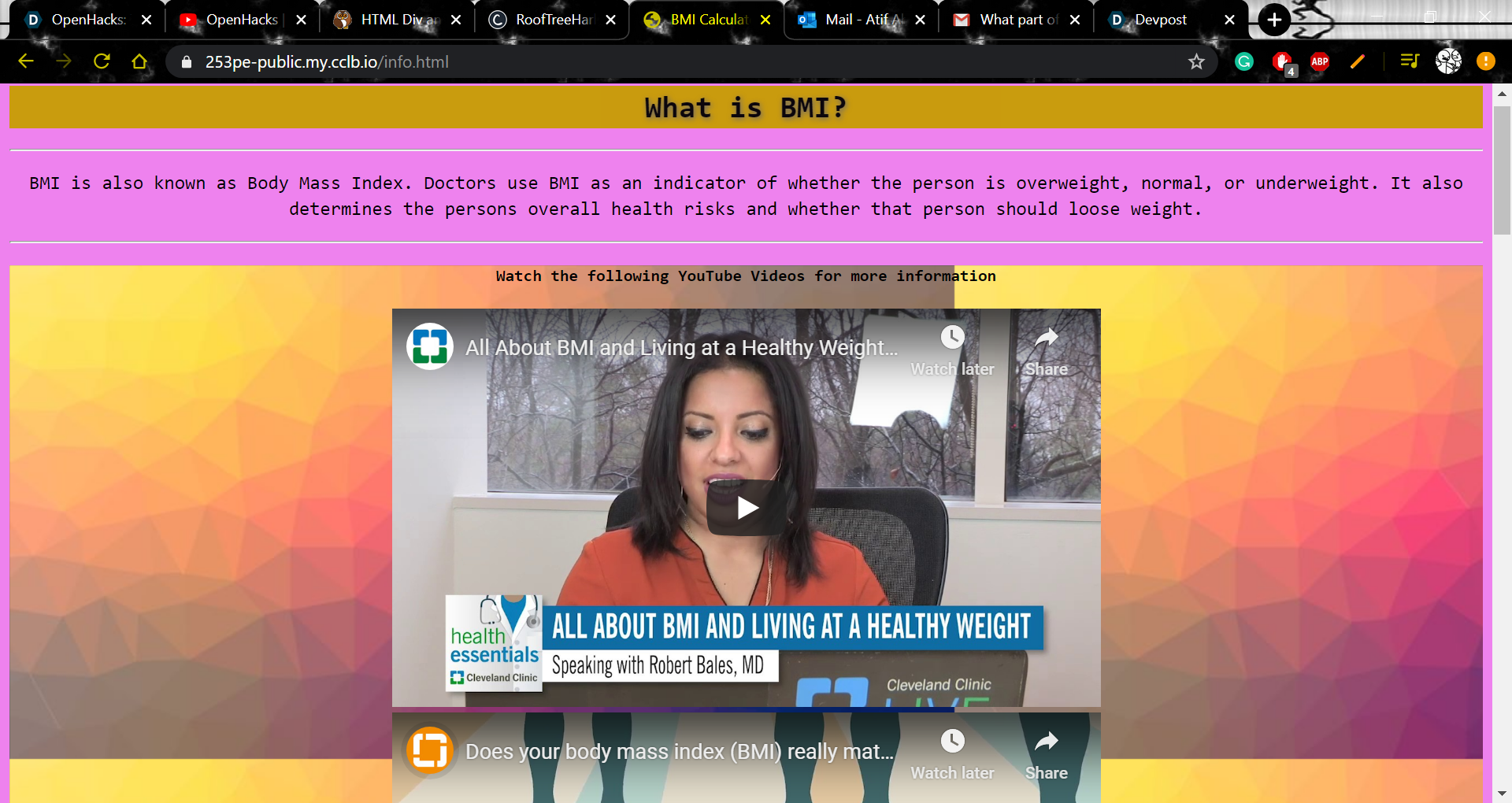
The second page defines BMI and gives the user more information on what it is.
-
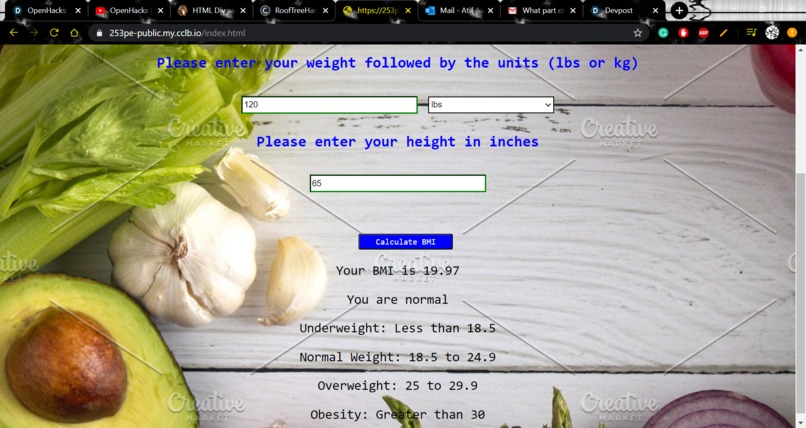
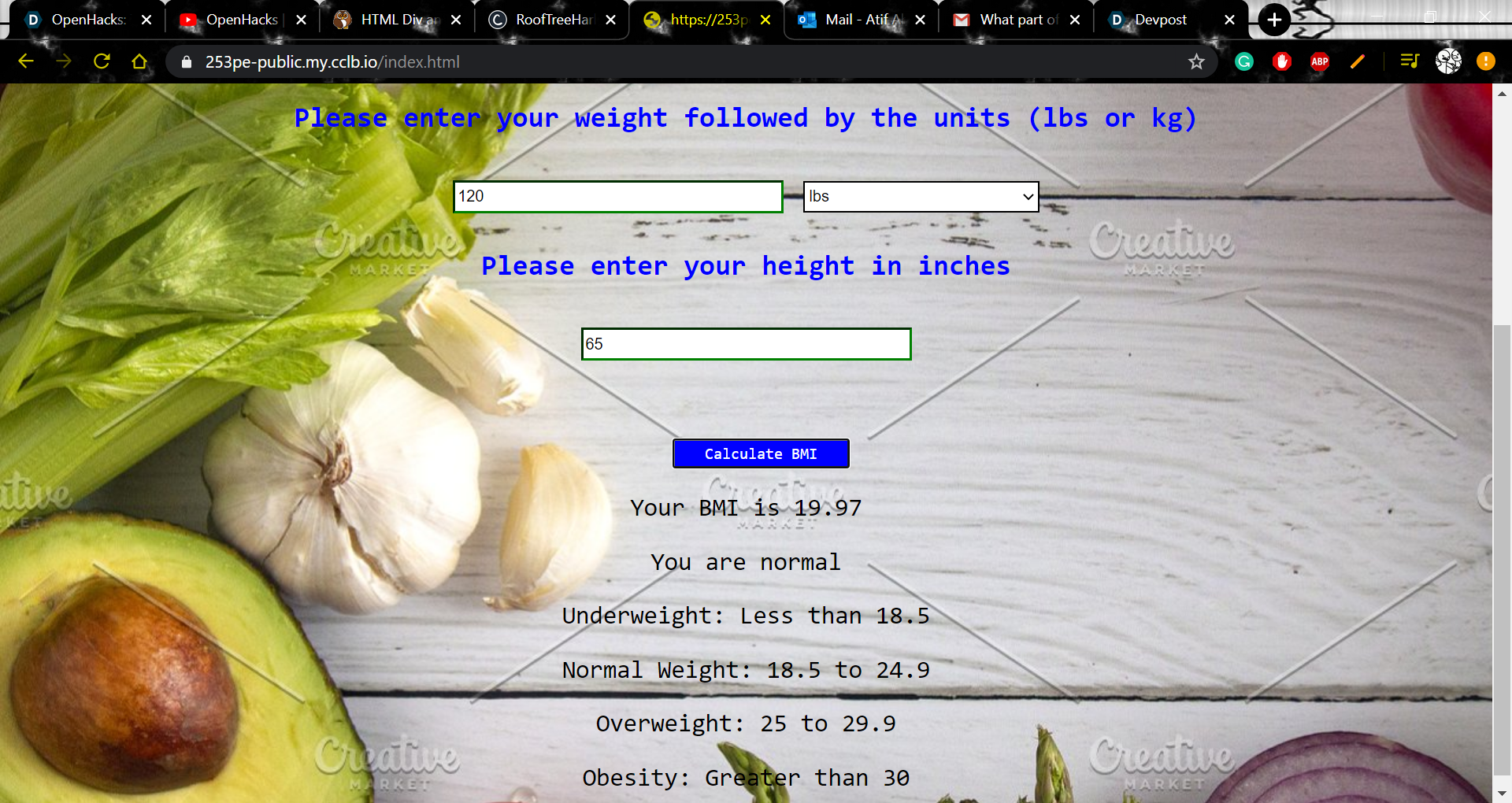
The calculator will tell your BMI and also display what category you are in.
-
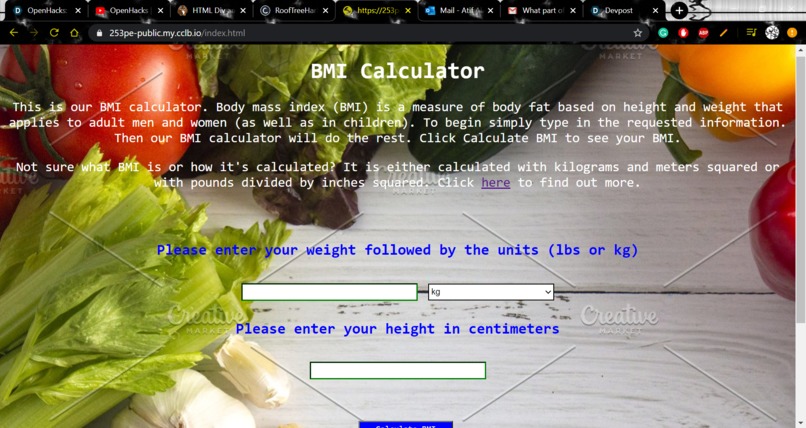
This is the first page that shows the calculator along with instructions.


Inspiration
In health class, we learned that one of the leading causes of death in America was obesity. Curious as to why this could be, we researched and we found out that many people are not aware that they are obese.
What it does
Our website has two pages. The first page will calculate BMI and tell the user how healthy he or she is. The second page will tell the user how they can improve their condition or maintain their BMI.
How I built it
We created the BMI calculator using Javascript, CSS, and HTML. There were lots of javascript on the first page because of calculating and comparing to see under which category the user falls in. My teammate, Rushil Shah, made the other page with all the information on it, which includes two youtube videos and a dropdown menu containing lists on how the user can improve their health. There is a link to the Center of Disease Control page for more information.
Challenges I ran into
Some challenges with the BMI calculator included error messages, choosing the correct corresponding units to calculate the BMI, ensuring that only numerical values above 0 were entered, and using the scale to tell the user what category they fall in. Some challenges with the information page included making sure that only one item at a time was present and there were no gaps when the user selected the dropdown menu, and matching the correct tips with the correct category.
Accomplishments that I'm proud of
The page itself looks great from a first timer's perspective. The BMI calculator page seems organized and easy to read and use, with both imperial and metric options available. The informational page is very helpful in understanding what BMI exactly is. The tips are given in a format that is very easy to read and understand.
What I learned
I learned more javascript, such as conditions and if statements, and how to check to see if both conditions are met using the && symbol. I also learned how to check to see if there are errors and I figured out how to edit the text using javascript. My teammate Rushil learned javascript and he learned a lot of CSS. He learned how to create a function and he learned more about the properties of functions. He figured out how to create an adequately working dropdown menu that corresponds to the correct category.
What's next for BMI Calculator
The home page could be better, with more information rather than just instructions. Both pages could be organized a bit better. We should also add more links to other websites such as NIH, Child Health Insurance Program, and cancer.org.


Log in or sign up for Devpost to join the conversation.