-
-
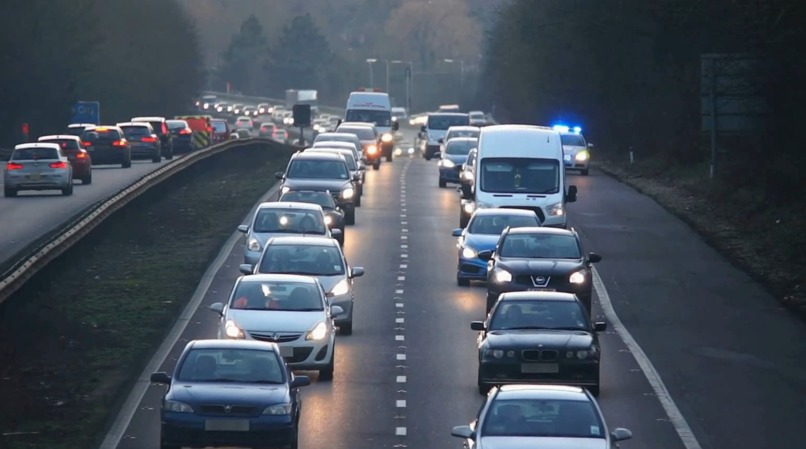
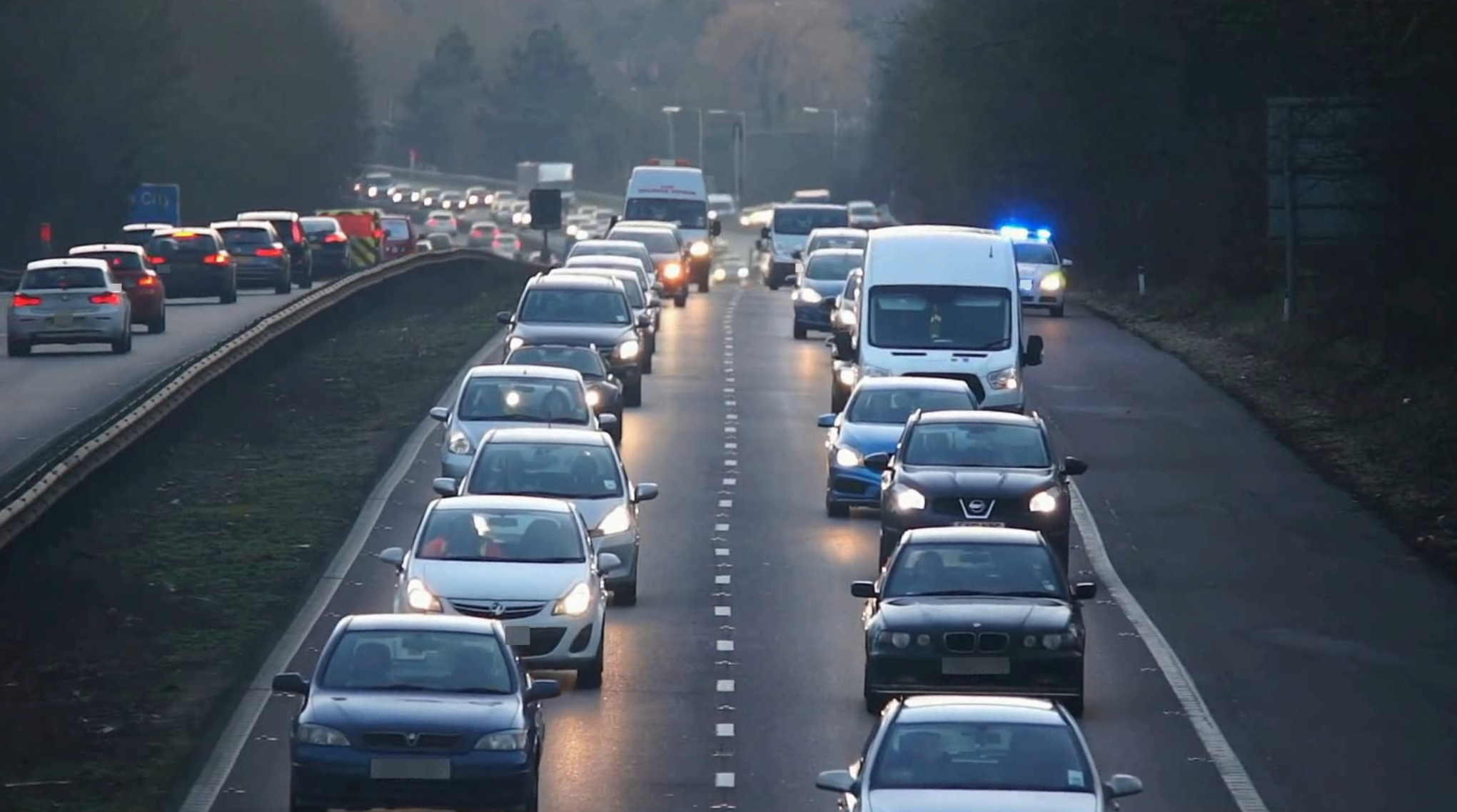
Sample of blurring MLM on traffc
Inspiration
Our idea to create Blurify came from a common challenge faced by content creators, journalists, and educators: protecting sensitive information in videos quickly and effectively. We noticed that existing solutions were either too complicated, expensive, or lacked the flexibility to blur specific areas. Blurify aims to solve that by offering a simple, web-based platform for fast, targeted video blurring using machine learning.
What it does
Blurify allows users to upload a video and automatically detects and blurs sensitive areas such as faces, license plates, credit cards and phone screens using machine learning. The processed video can then be downloaded securely, ensuring privacy and compliance in just a few clicks.
How we built it
We built the frontend of our project using HTML, CSS, and JavaScript to create a sleek yet user-friendly interface where users can easily upload their media files and download the processed outputs. We aimed for a minimal design to ensure focus remains on the functionality: fast, private, and effective blurring.
The backend, on the other hand, uses Python with the Flask framework to handle file uploads, processing requests, and sending results back to the client. For the core functionality, we leveraged a Hugging Face license plate detection model, powered by PyTorch, to identify license plates in both images and videos.
Challenges we ran into
One of the first challenges we faced was testing our machine learning model. We began by using Google Colab for initial development and testing, which allowed us to leverage free GPU resources and quickly prototype the blurring model using Python and OpenCV. However, once the model was working in Colab, transferring it to our local environment for integration with the backend turned out to be much more difficult than expected.
We ran into issues with library version mismatches, dependency conflicts, and performance bottlenecks during local inference. Colab’s environment was optimized for quick experimentation, but replicating that performance locally, especially with larger video files and limited hardware, required reworking parts of the pipeline. Additionally, integrating the model into a production-ready backend where it could reliably handle user uploads and video processing in real time introduced further challenges in memory management and execution time.
Accomplishments that we're proud of
One of the biggest accomplishments we're proud of is that this was our first-ever hackathon. Despite being new to the environment and under tight time constraints, we were able to plan, develop, and deploy a fully functional web app that solves a real-world problem.
We successfully integrated a machine learning model into a video processing pipeline, built a clean and responsive frontend, and connected everything through a working backend all in a day! We overcame the steep learning curve of deploying ML models, handling video files, and ensuring the user interface was smooth and intuitive made this an incredibly rewarding experience.
What we learned
One major takeaway was how critical it is to plan for deployment from the start. We initially underestimated how difficult it would be to move a machine learning model from Google Colab to a local or cloud-based backend. In the future, we would prioritize testing our models in an environment closer to production earlier on to avoid last-minute issues.
What's next for Blurify?
We're excited about the future of Blurify and have several features and improvements in mind to take it to the next level. One of our biggest goals is to extend Blurify’s capabilities to livestreams by developing a browser extension. This would allow users, especially streamers, educators, and journalists, to blur sensitive information in real time directly from their browser, without needing to upload or edit videos afterward.


Log in or sign up for Devpost to join the conversation.