-
-

Night Gleam Music Reactive LED
-

LED strip in action
-
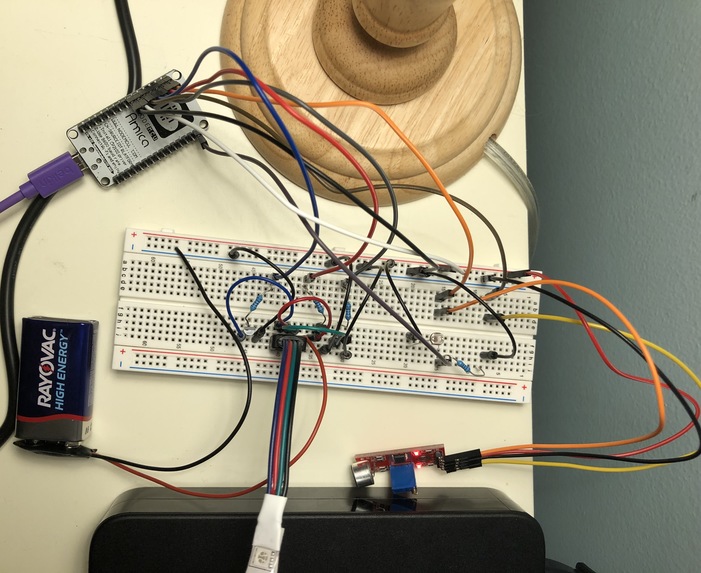
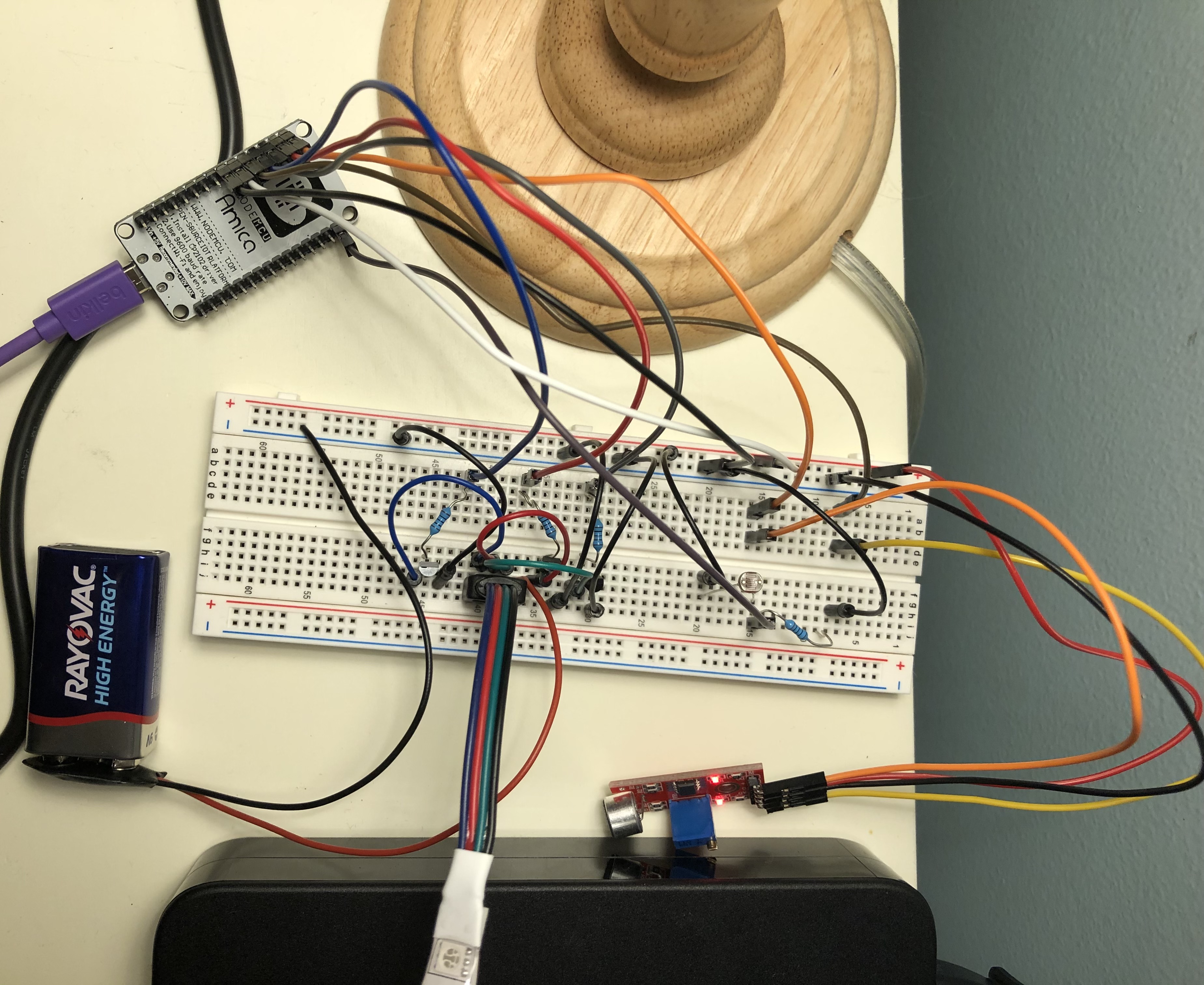
Overall Circuit (LED strip is off even though sound sensor is on - there is music - due to bright light)
-
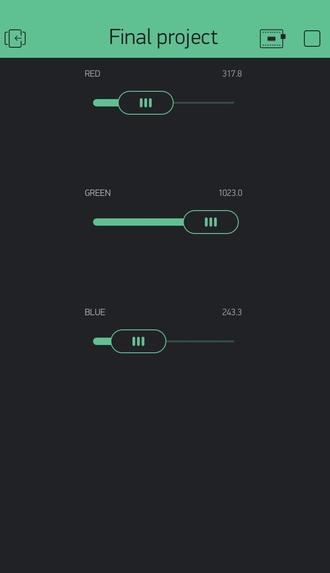
Blynk widgets to control the color of the LED strip
-
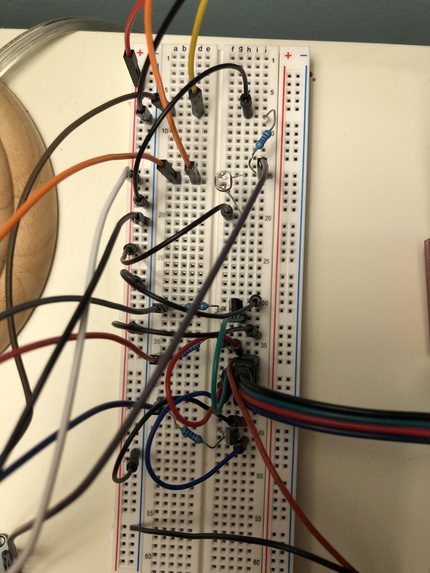
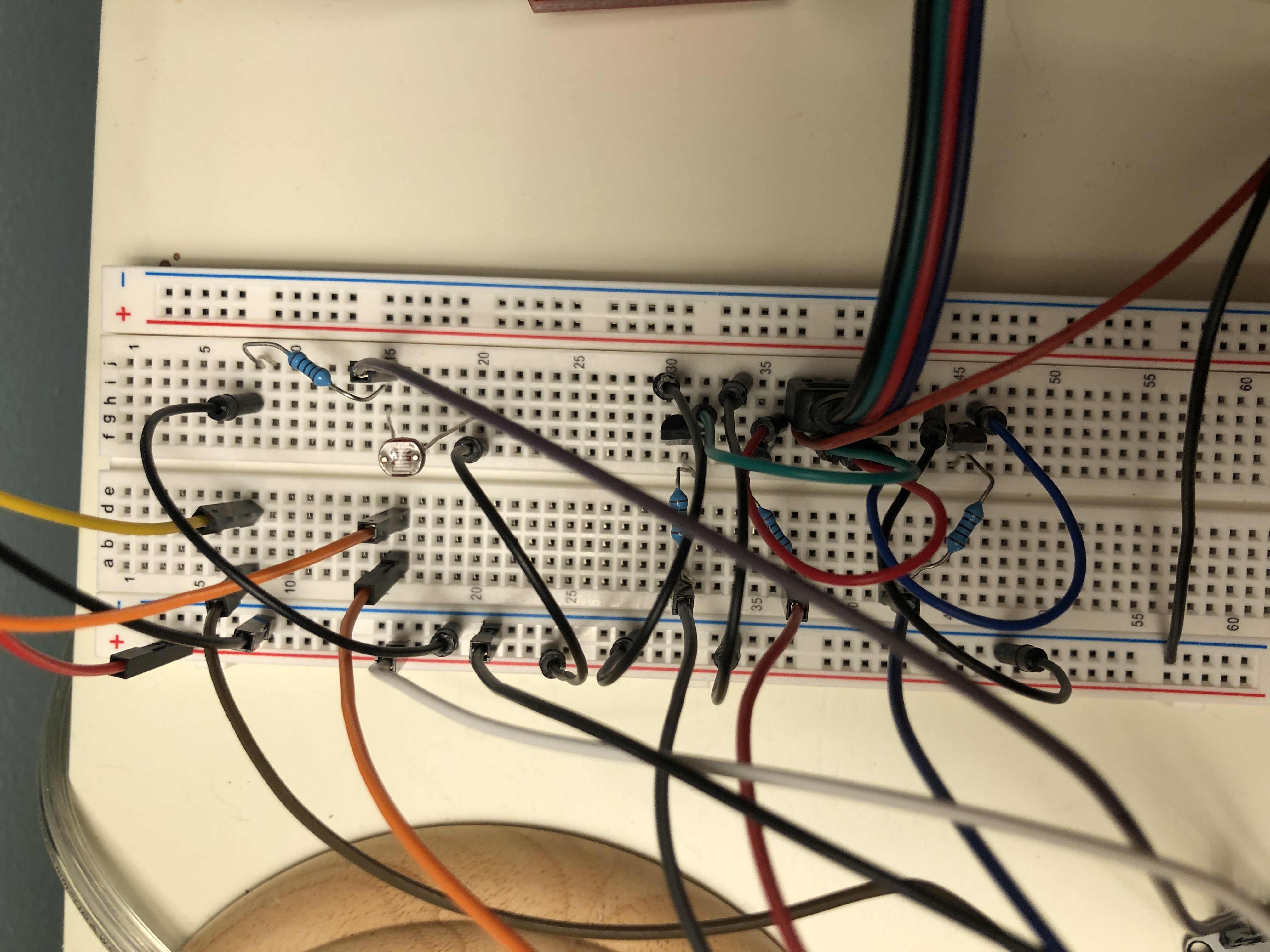
Close up view
-
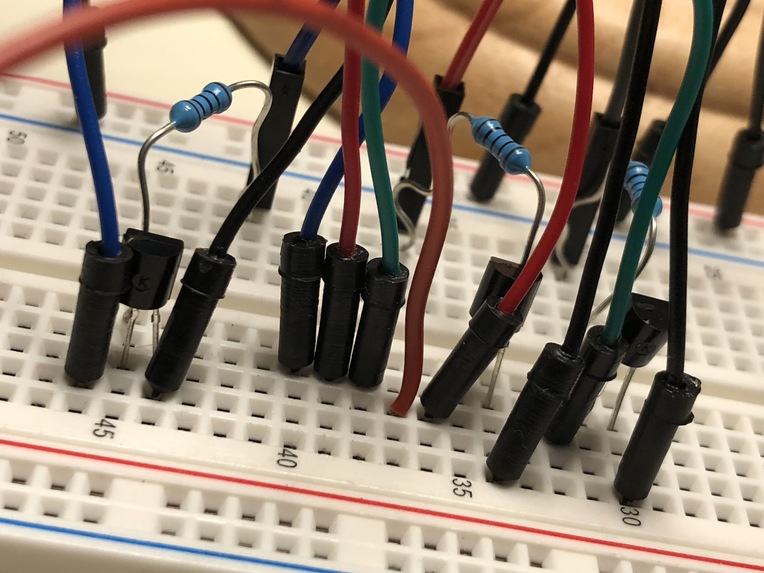
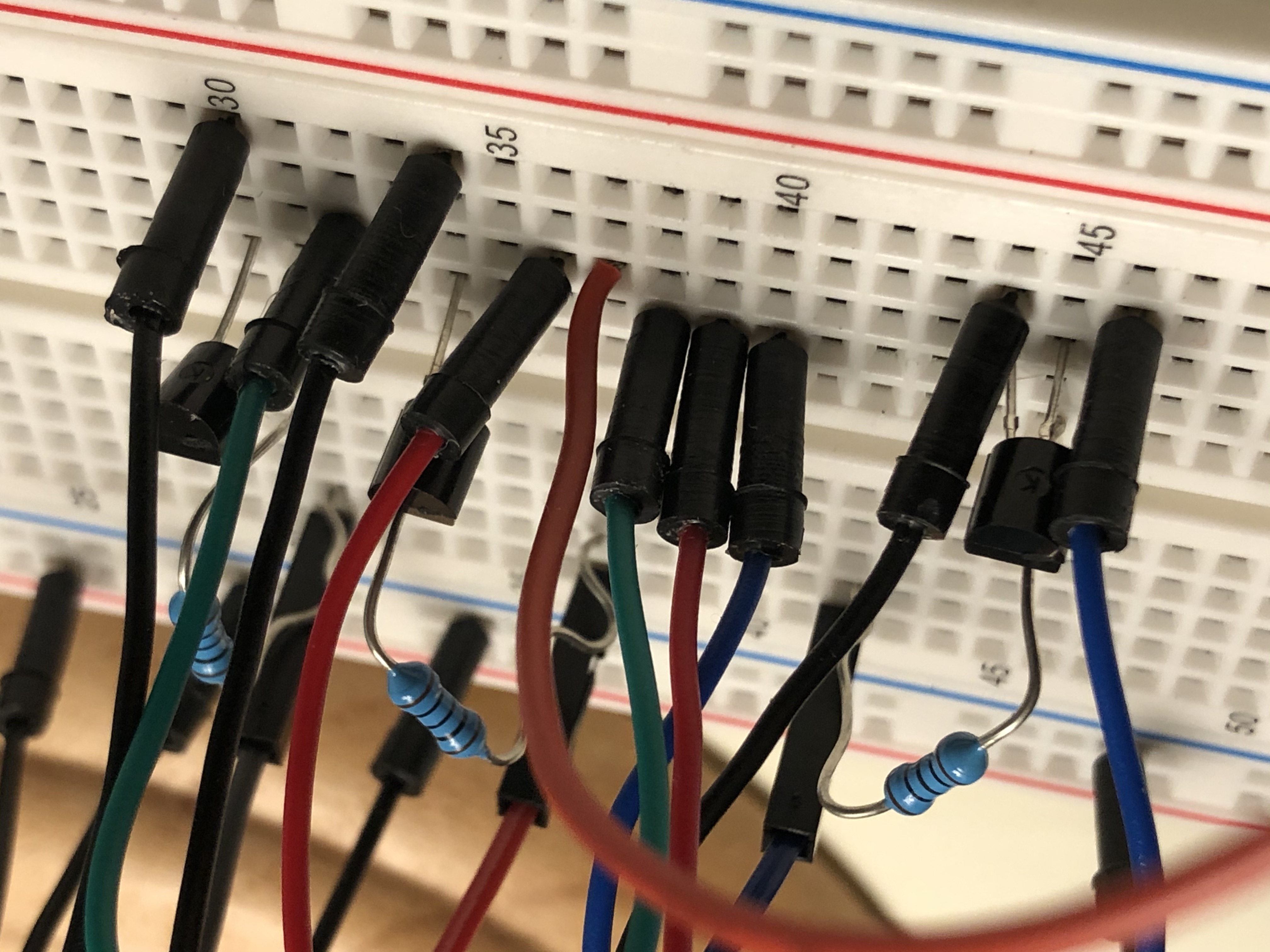
LED strip removed for closer view



Inspiration
We decided on creating LED lights that change based on the rhythm/beat of the song. We thought it would be fun and enjoyable for you and your roommates if your dorm room lights could change depending on the music you listen to. Furthermore, you could set the light to any color you want to go with your dorm theme. Also, the lights only come at night when it is dark to save energy.
What it does
We integrated LED light strips with a sound sensor that one can put in front of a speaker in their room. We calibrated the sensitivity of the sensor such that the LED strip turns on based on the rhythm and intensity of the song. We used Blynk to control the color of the LED lights from our phones. Additionally, if our lights are in a bright environment, the LEDs are off, but if it is in a dark environment, the LEDs are on; basically, it acts as a night light.
How we built it
We connected the LED strip into the breadboard and connected it to a 9V battery. We used three transistors and three resistors, one for each color of the LED strip (red, green, and blue). For each color, we attached it to a transistor and a resistor that connected to different pins on the NodeMCU. We also added a photoresistor to measure brightness of the room. Finally, we connected the NodeMCU to our laptops as the power supply.
In regards to our code, we determined the values that correlate to the pins in the NodeMCU and linked it to the Blynk app. If the value from the sound sensor is equal to 1 (the sound sensor is on) and the photoresistor value was below 900 (meaning it is not extremely bright in the room), we set the red, green, and blue colors to the value of each respective slider in the Blynk App. Else the colors were set to “LOW”, which meant they were off.
Division of tasks
For this project Katelyn figured out the software aspect of the project. She determined how to code the sound sensor and incorporate it with the code for changing the color of the LED strip with Blynk. Lara mainly worked on the hardware, figuring out how to calibrate and use the sound sensor, as well as integrating the LED strip into the circuit, making sure it received the necessary amplification from the transistors.
Challenges we ran into
We had trouble getting the sound sensor to work with the Node MCU. We had to adjust the sensitivity and make sure our circuit was connected properly. Furthermore, we had trouble transitioning from the RGB led to the RGB led strip. Even though we had everything connected properly, we had trouble uploading the code to the Node MCU while using the strip. We also had trouble integrating the color changing with the sound sensor (as we got each working separately, but we had to put them together).
Accomplishments that we're proud of
We are proud that the LED lights react to the beat of the music, and we are especially happy with the fact that we can control the color from our phone! Integrating the sound sensor with Blynk took a lot of time and effort, and we are extremely proud that our hard work paid off. The LED strip will be a nice decoration for our dorm rooms next semester!
What we learned
We learned how to use and code the sound sensor and how to write code for it. Additionally, learned how to use transistors, as we needed them to control the flow of power and amplify the signals sent to the LED strip. This project was very informative in that it gave us exposure to IoT platforms, as we learned how to use Blynk to control the color of the lights from our phone. The entire project was quite the learning experience, as we had a lot of practice trouble-shooting and improvising, as we had to find new solutions through online research when unexpected issues arose.
What's next for Music-Reactive LEDs
We would add a speaker so that the sound sensor could be consistently located next to an audio source. Also, we would make a setting that would allow for the LED color to change based on the music if you did not have any color in mind that you would like. For example, there could be a setting that went through rainbow colors over time. In addition, we could add a multicolor mode or a warm color code that set the lights automatically.
Built With
- arduino
- blynk

Log in or sign up for Devpost to join the conversation.