Inspiration
I've owned a Bluetooth sleep mask for years because I like listening to audiobooks while I fall asleep. The audiobook apps already have sleep timers, so stopping the audio was never the problem.
The problem was what happened afterward.
My sleep mask would stay connected to my phone for the rest of the night, draining its battery even though nothing was playing. What I wanted was a sleep timer that could finish the whole routine for me: let me fall asleep listening, stop the audio, disconnect the Bluetooth device, and allow the headset to naturally power itself down once it realizes the connection is gone.
It was a small problem, but one I had almost every night — and for a long time, Android didn't give a normal third-party app a supported way to solve the Bluetooth part of it.
Then Android 17 changed that.
What it does
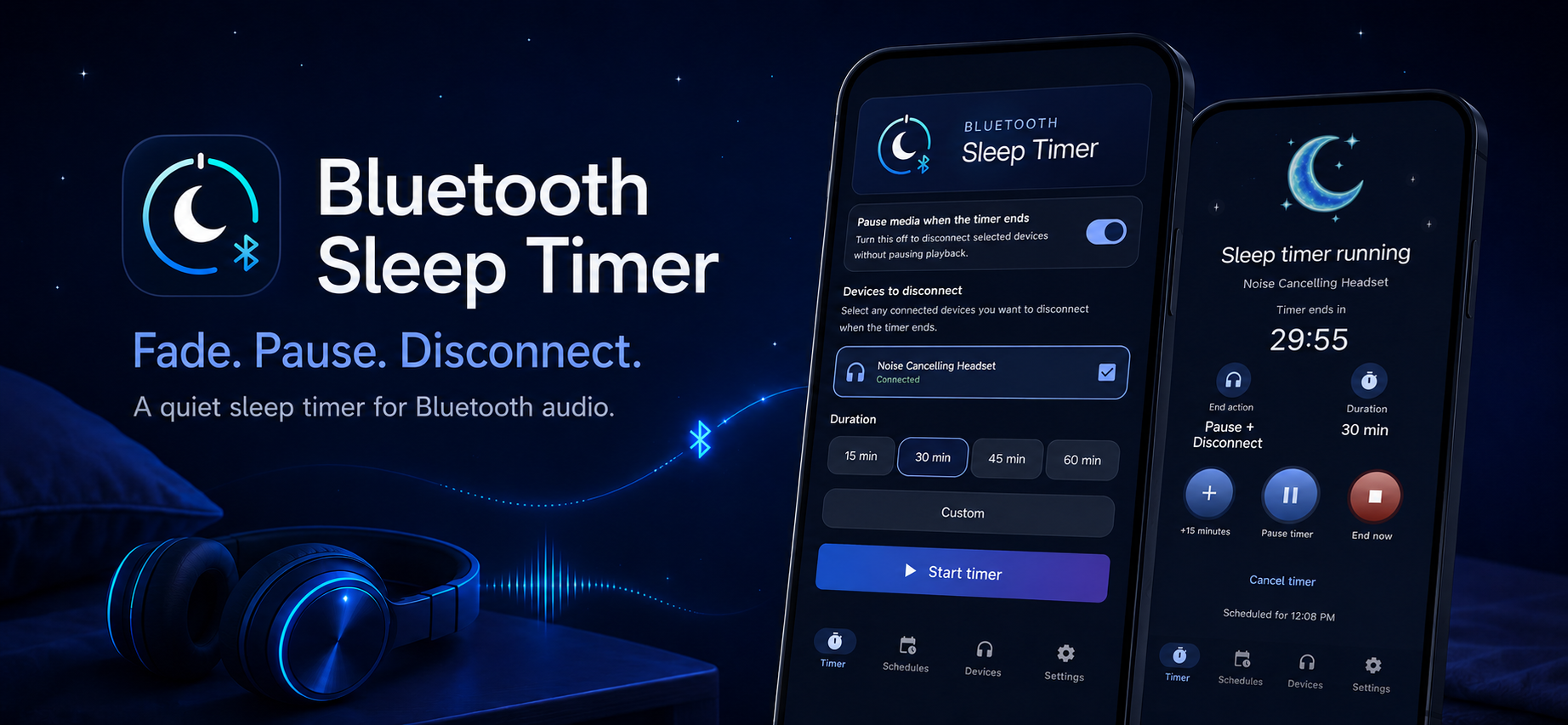
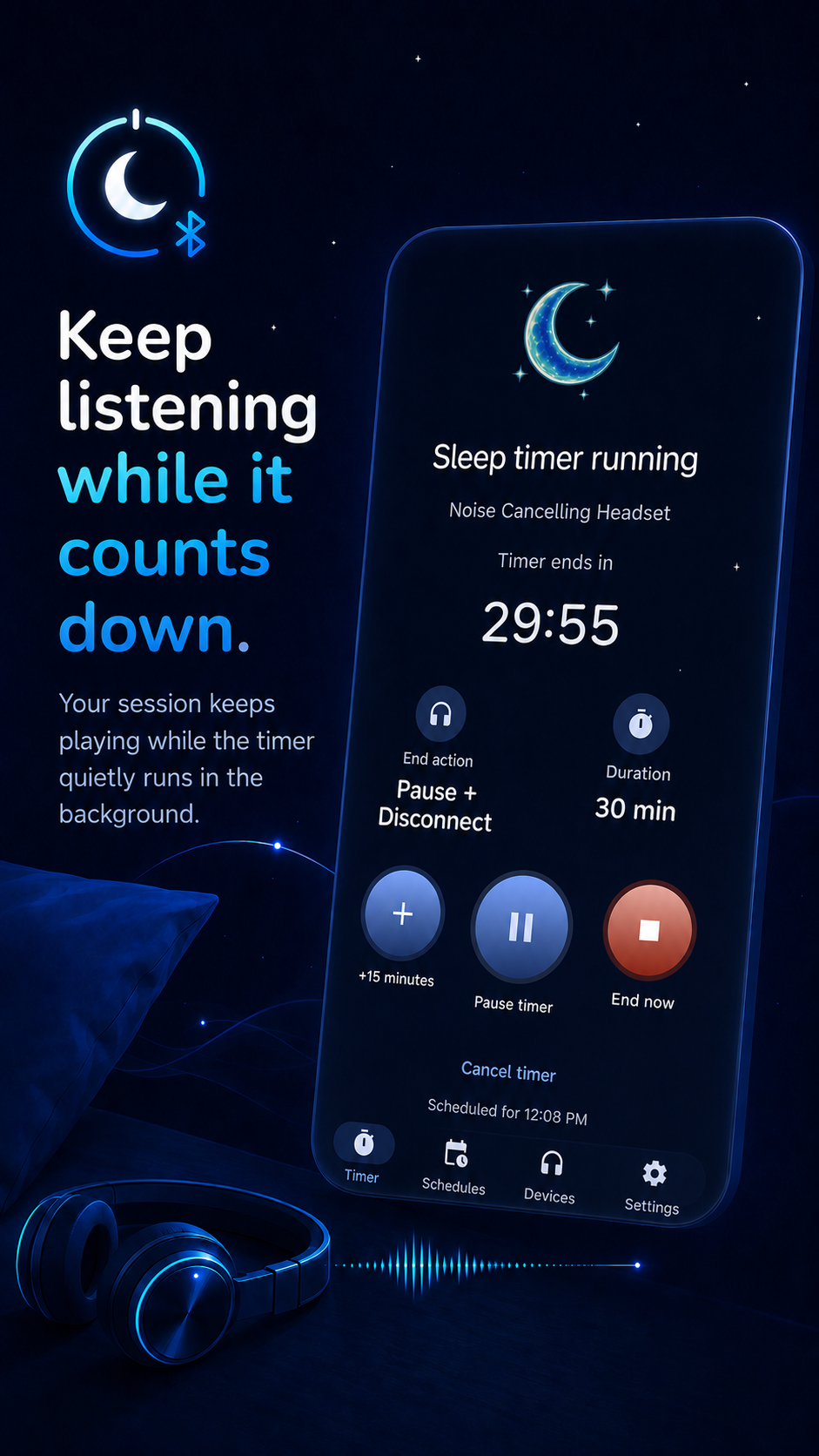
Bluetooth Sleep Timer is a sleep timer built specifically around Bluetooth audio.
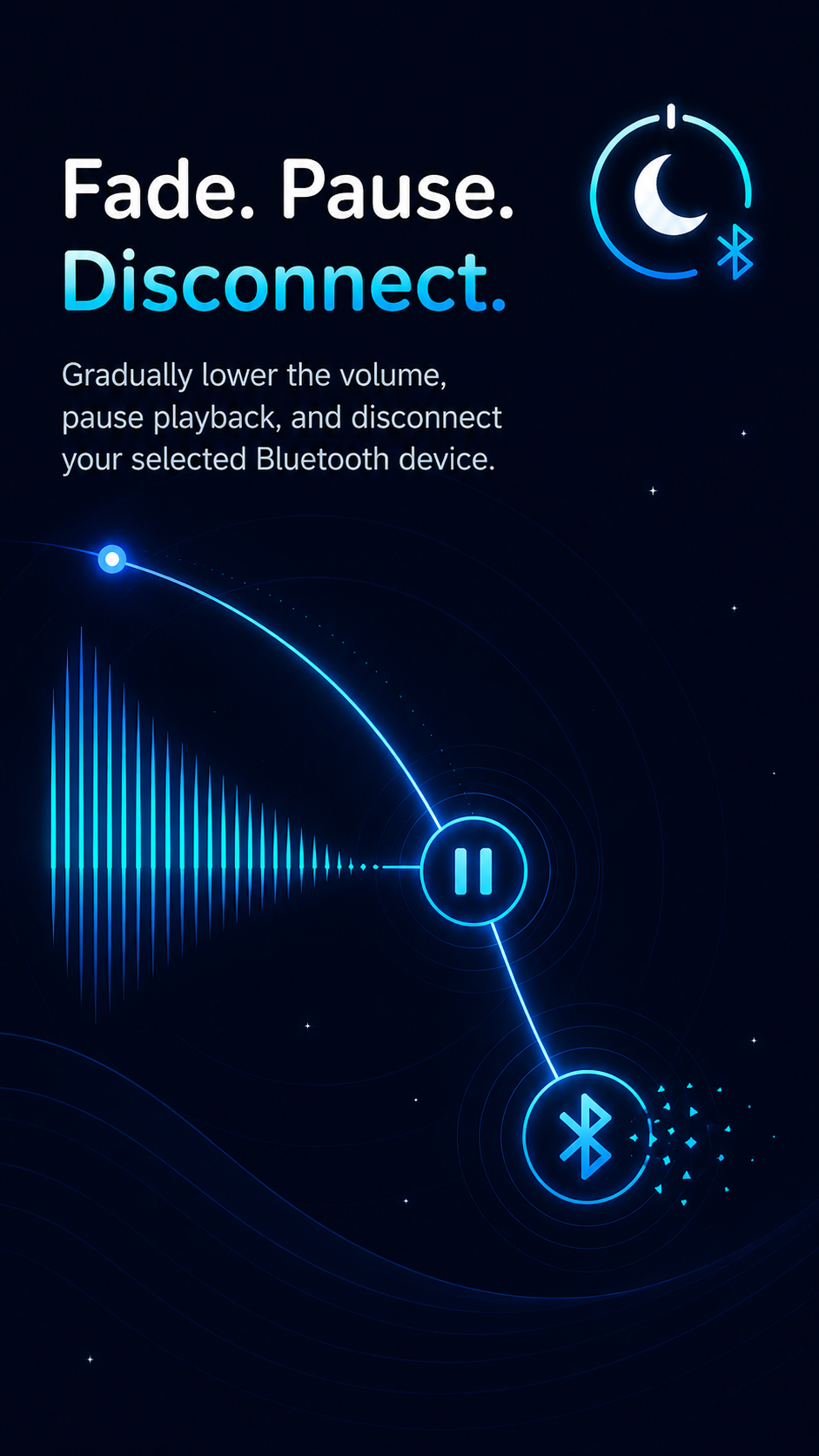
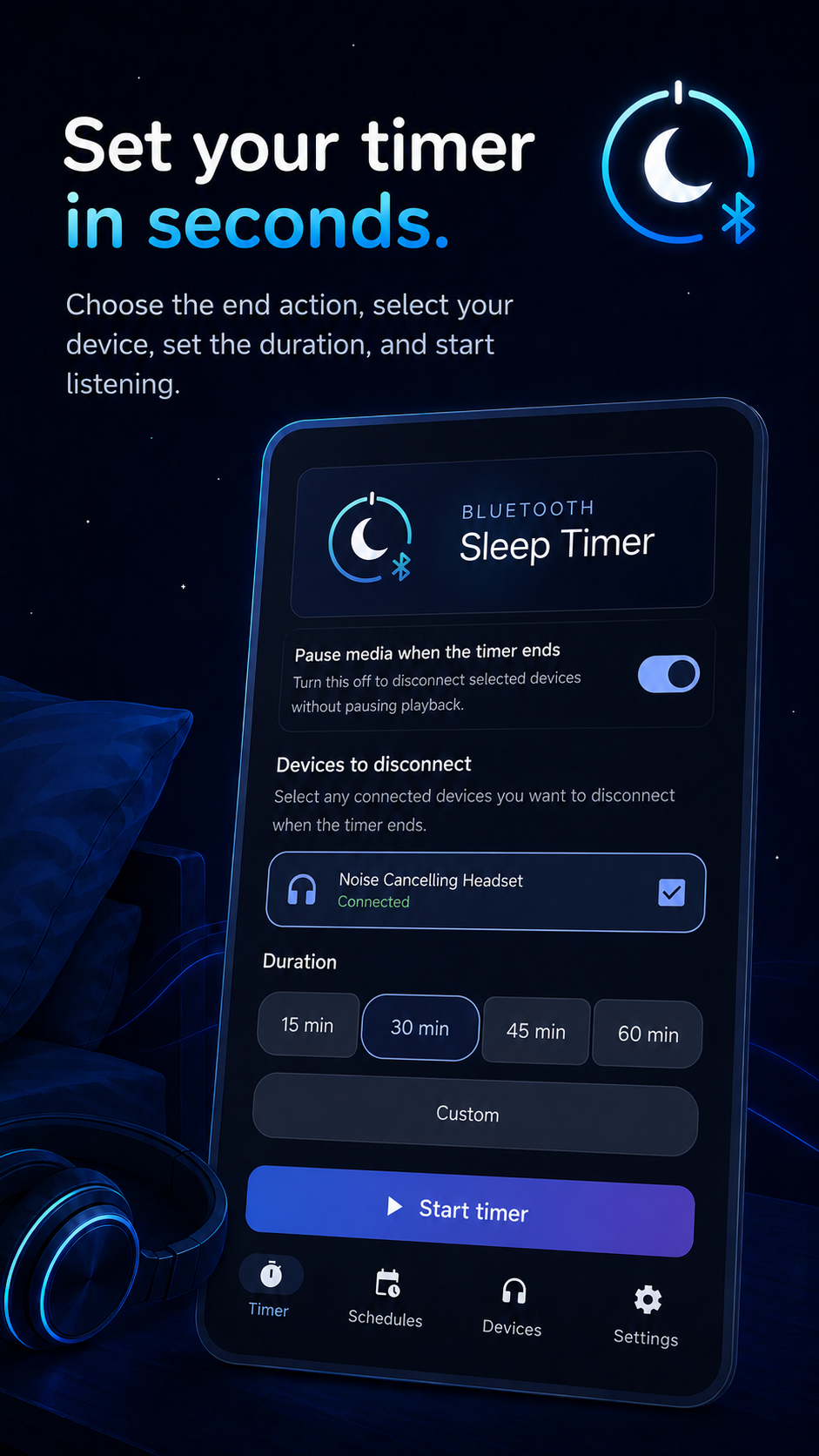
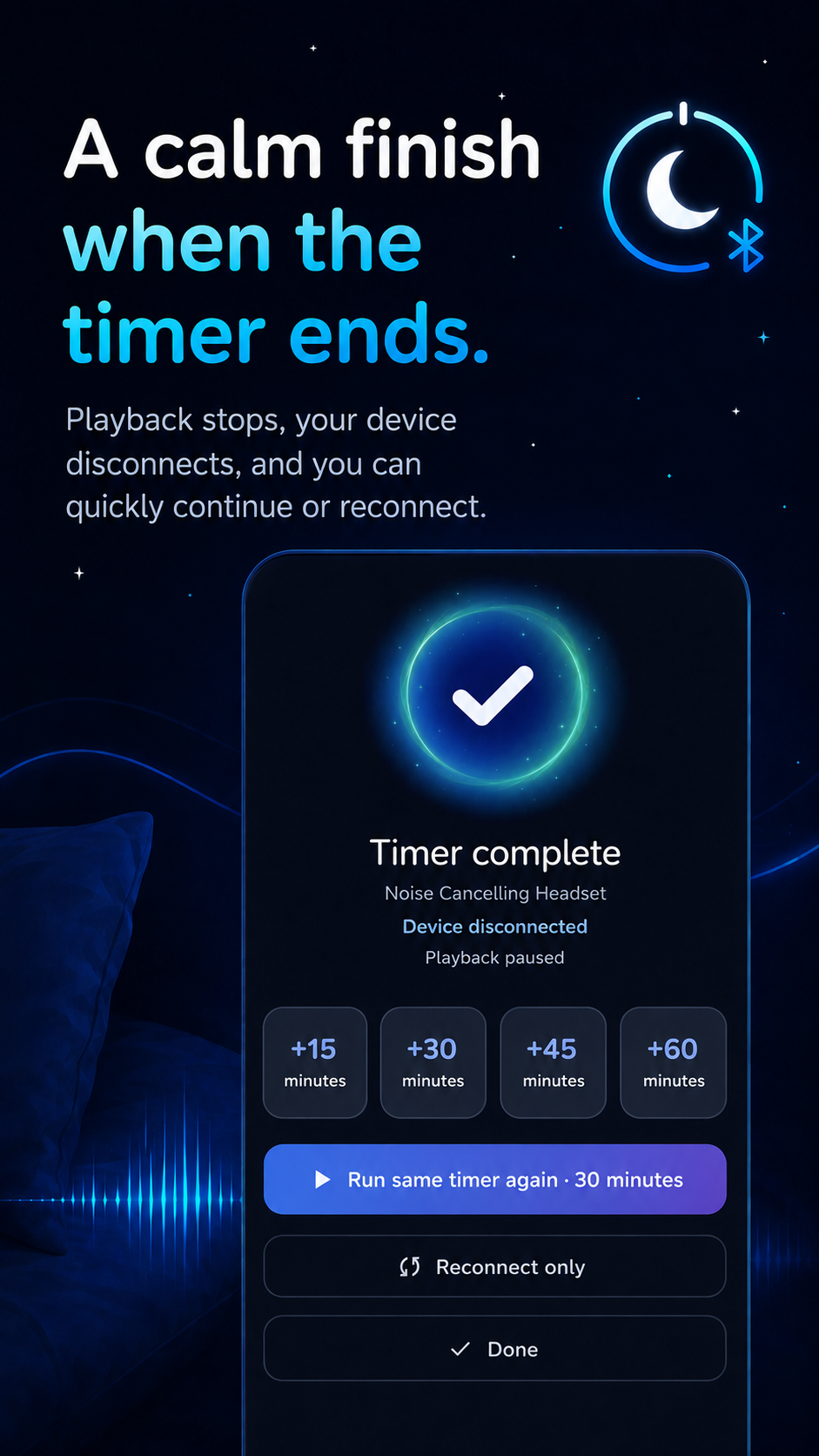
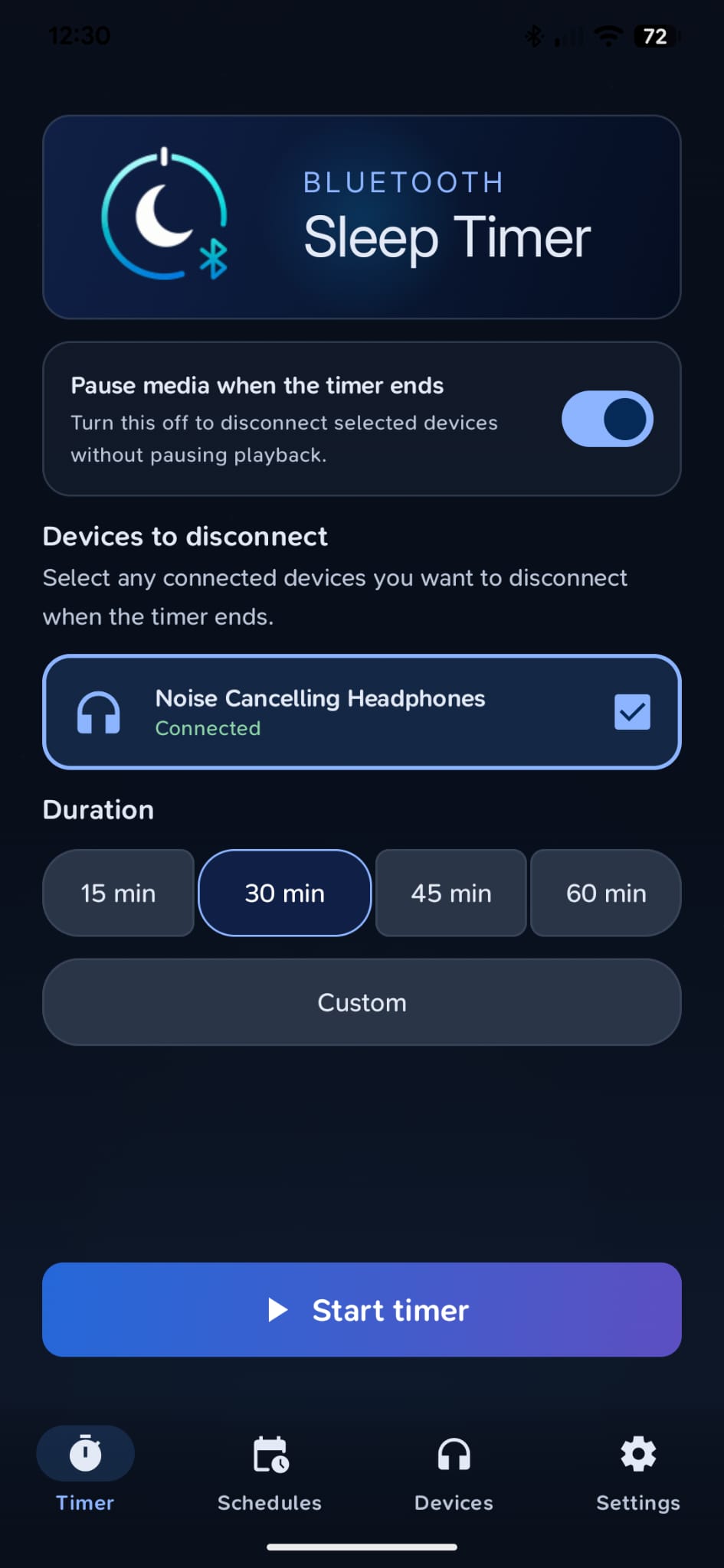
You can start a one-time timer or create recurring schedules for headphones, earbuds, speakers, sleep masks, and other Bluetooth audio devices. When the timer ends, the app can fade the volume, pause the active media, disconnect the selected Bluetooth device, or combine those actions.
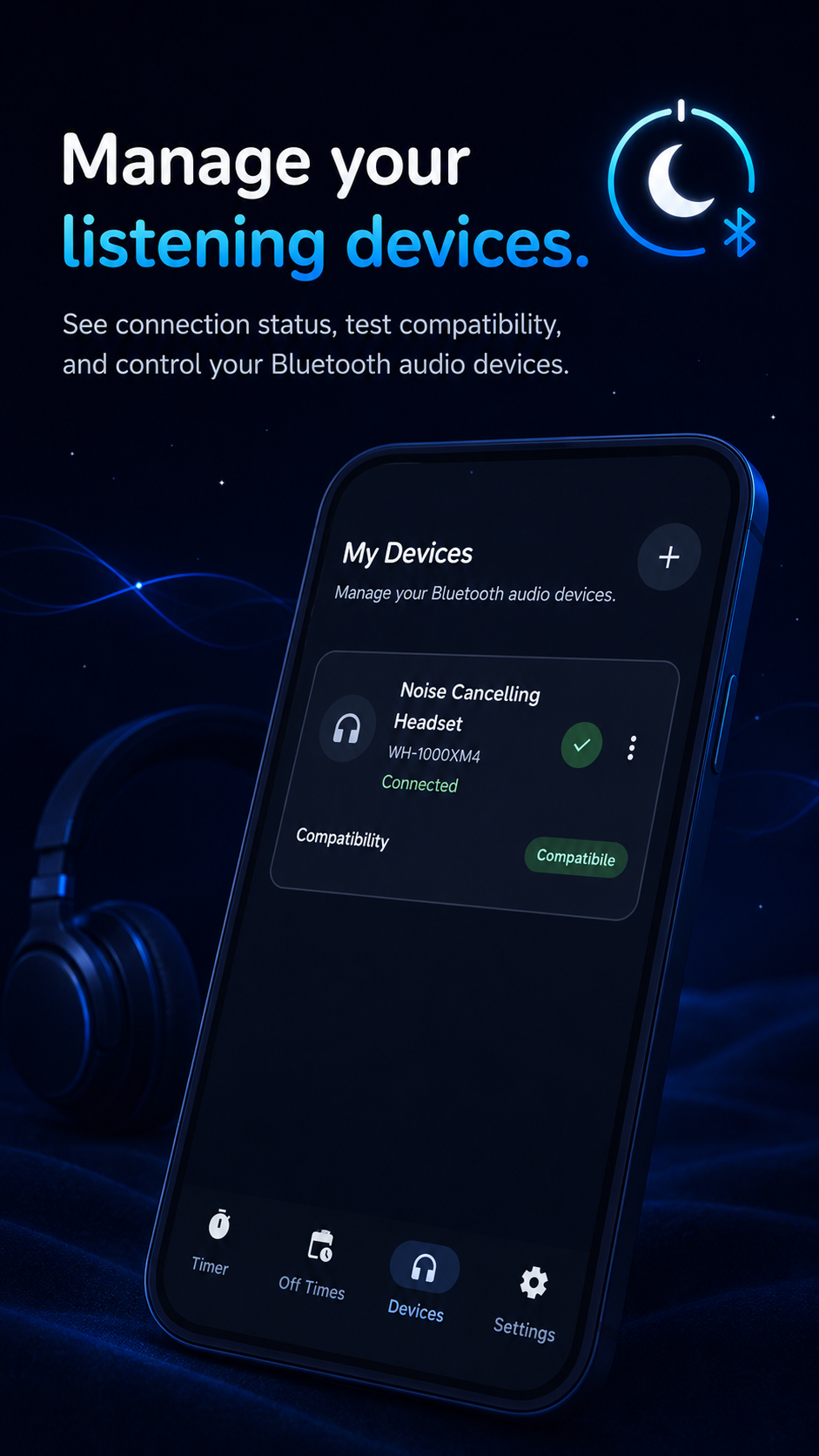
The free version includes the core use case that made me want the app in the first place: running a sleep timer with one managed Bluetooth device.
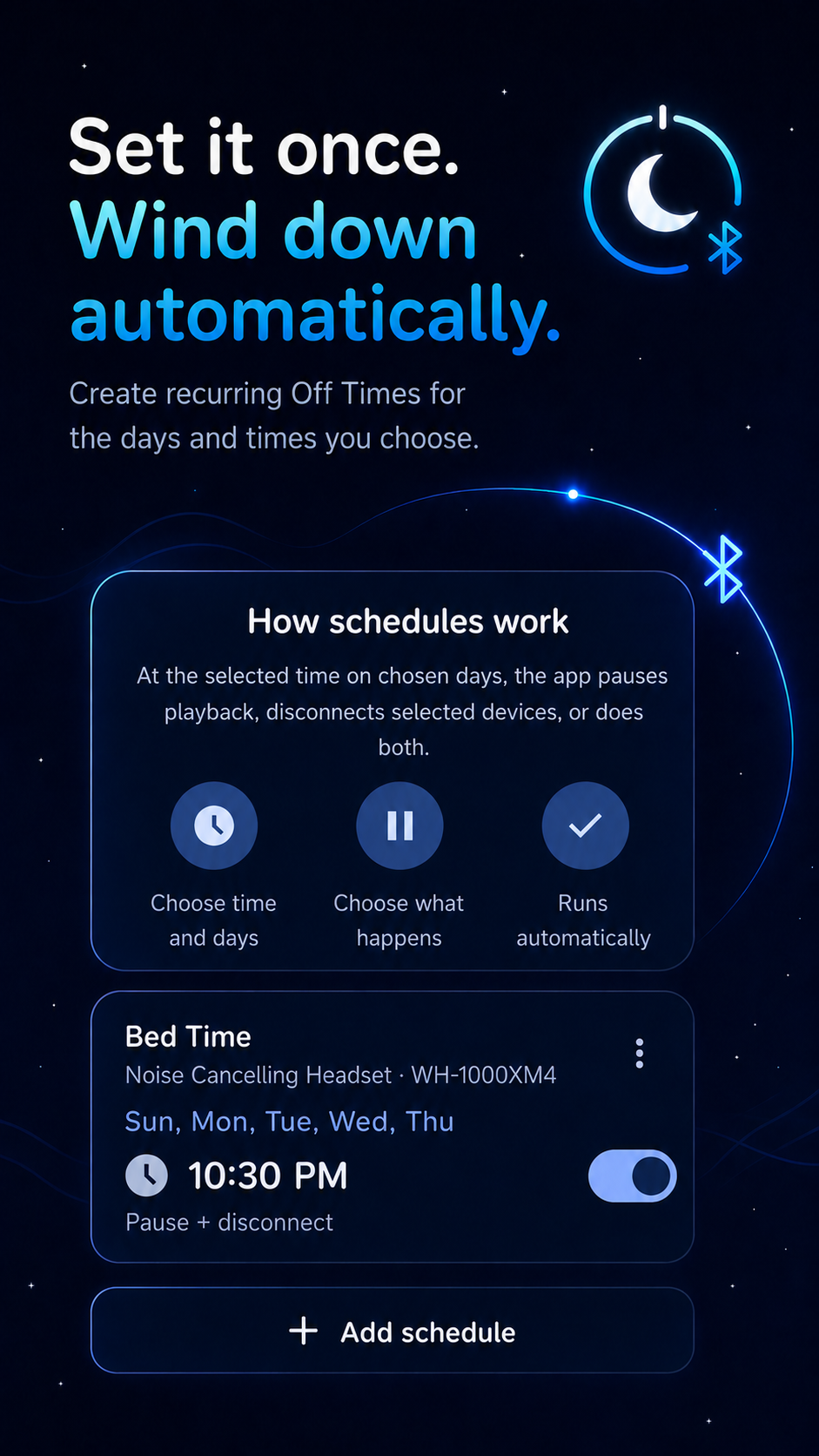
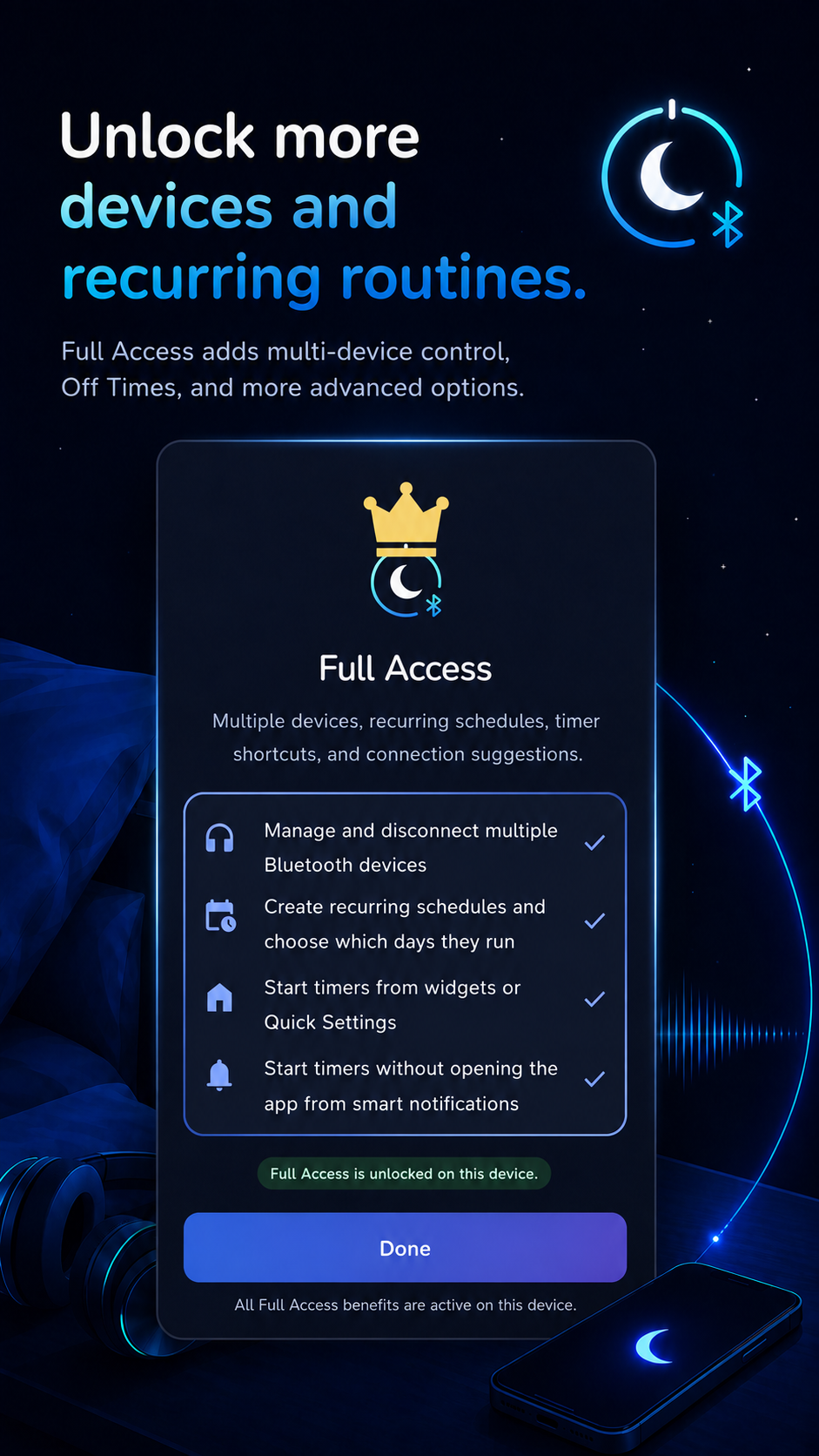
Full Access expands that into more of an automation tool with multiple managed devices, recurring schedules, timer shortcuts, and connection suggestions. It's a one-time purchase rather than a subscription, with no ads and no account required.
How we built it
I started Bluetooth Sleep Timer as a Kotlin / Compose Multiplatform project, which is how I tend to structure my apps now. My original intention was to leave a path open for Android and iOS.
Bluetooth control quickly became the deciding factor.
iOS currently doesn't expose the control needed for the core feature, while Android 17 introduced a supported way for companion-associated apps to request that a Bluetooth device disconnect. Once that became available, I kept the multiplatform structure of the project but focused the actual product on Android.
That means I'm not forcing a compromised iOS version today, while still having a project structure that can accommodate one if Apple's Bluetooth capabilities change in the future.
I built the app around Android's supported Bluetooth and companion-device APIs rather than relying on accessibility tricks or other brittle workarounds. From there, the project grew into the surrounding pieces needed to make the core action dependable: media control, volume fading, schedules, notifications, reconnection handling, widgets, Quick Settings integration, and purchase state.
I used ChatGPT and Codex throughout the project to help with development, debugging, product exploration, and asset creation.
Challenges we ran into
The first challenge existed before I wrote any code: for a long time, the app I wanted wasn't really viable through Android's public APIs.
Android 17 introduced BluetoothDevice.disconnect(), which made it possible for an appropriately associated companion app to request a real Bluetooth disconnection. That immediately turned an idea I had been sitting on into something I could actually build.
The more nuanced challenge was figuring out what the product should become beyond my own very specific use case.
That's something I run into fairly often because I tend to start projects from problems I personally have. My philosophy is usually that the simple solution I originally wanted should be the free part of the app. That's the thing I would have searched for and downloaded myself.
The harder question is: what does someone who likes that solution want next?
For Bluetooth Sleep Timer, that led to recurring per-device schedules, multiple devices, shortcuts, reconnection protection, connection-aware suggestions, widgets, and Quick Settings. The goal was to add meaningful convenience around the original idea without turning a very simple utility into something complicated.
There were also a lot of edge cases hidden inside an action that sounds as simple as “disconnect my headphones.” Bluetooth devices behave differently, media apps react differently to pause requests, devices may immediately try to reconnect, and the app has to avoid interfering with things like active communication audio. A lot of the work became making that simple button feel predictable.
Accomplishments that we're proud of
I'm most proud that the app takes a brand-new Android capability and turns it into something understandable and useful rather than just demonstrating the API.
The original use case now works the way I wanted it to: I can put on my sleep mask, start my audiobook, set the timer, and stop thinking about it.
I'm also proud of how little I need to interact with the app once it is configured.
Timers can be started through home-screen widgets and Quick Settings, recurring schedules can handle the routine automatically, and connection-aware notifications can surface the action when I pair a managed device. Full Access can make the main feature of the app useful without requiring me to open the app itself.
For a utility like this, that feels like success. The interface should get out of the way of the thing I was trying to automate.
What we learned
One of my biggest lessons from this project was to keep paying attention to platform changes.
Bluetooth Sleep Timer is an idea I could have dismissed years ago as technically impossible and never reconsidered. A new Android API changed the answer. It reminded me that sometimes an old product idea becomes a new opportunity simply because the platform finally catches up to it.
I'm also continuing to learn what it means to own the entire software development lifecycle myself. Coding is only one part of shipping a real product. I'm moving between product design, UX, development, testing, monetization, store publishing, localization, marketing, support, and all the smaller decisions between them.
Localization was another particularly useful lesson. AI makes translating an app much faster, but it doesn't eliminate the need to understand what you're translating. Short UI phrases can be surprisingly difficult when an English word has several literal meanings. I got better results by giving the model the exact product and UI context and, when possible, simplifying the original English so the intended meaning was less ambiguous before translating it.
What's next for Bluetooth Sleep Timer
There isn't a giant feature roadmap right now, and that's intentional.
I tried to put the things that made sense into the first version instead of shipping an intentionally incomplete product and immediately planning another dozen features.
The next stage is growth, monitoring, and listening.
I want to see which devices people actually use it with, where compatibility issues appear, which shortcuts and schedules people find useful, and whether other people had the same oddly specific problem that started this project.
From there, I'll keep improving reliability, compatibility, localization, and the parts of the experience that real usage tells me need attention.
For now, I'm mostly excited that the little utility I wanted for myself finally exists.
Built With
- android
- chatgpt
- codex
- compose
- kotlin
