-
-
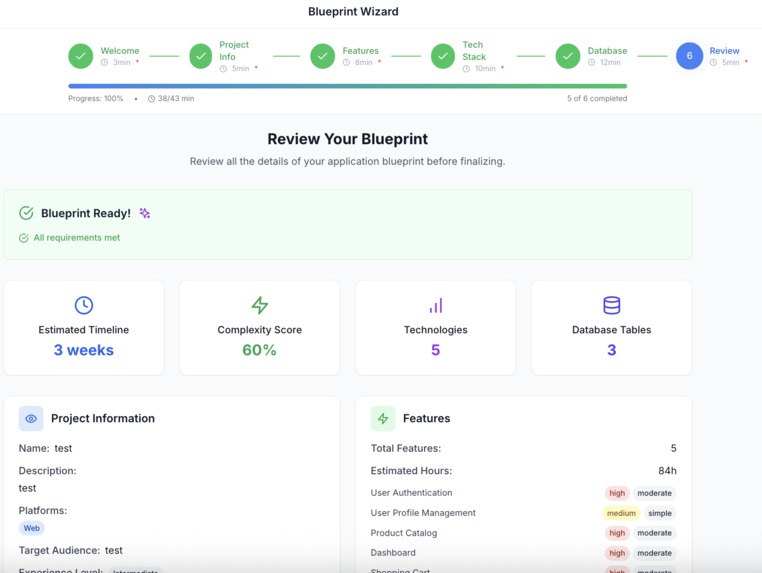
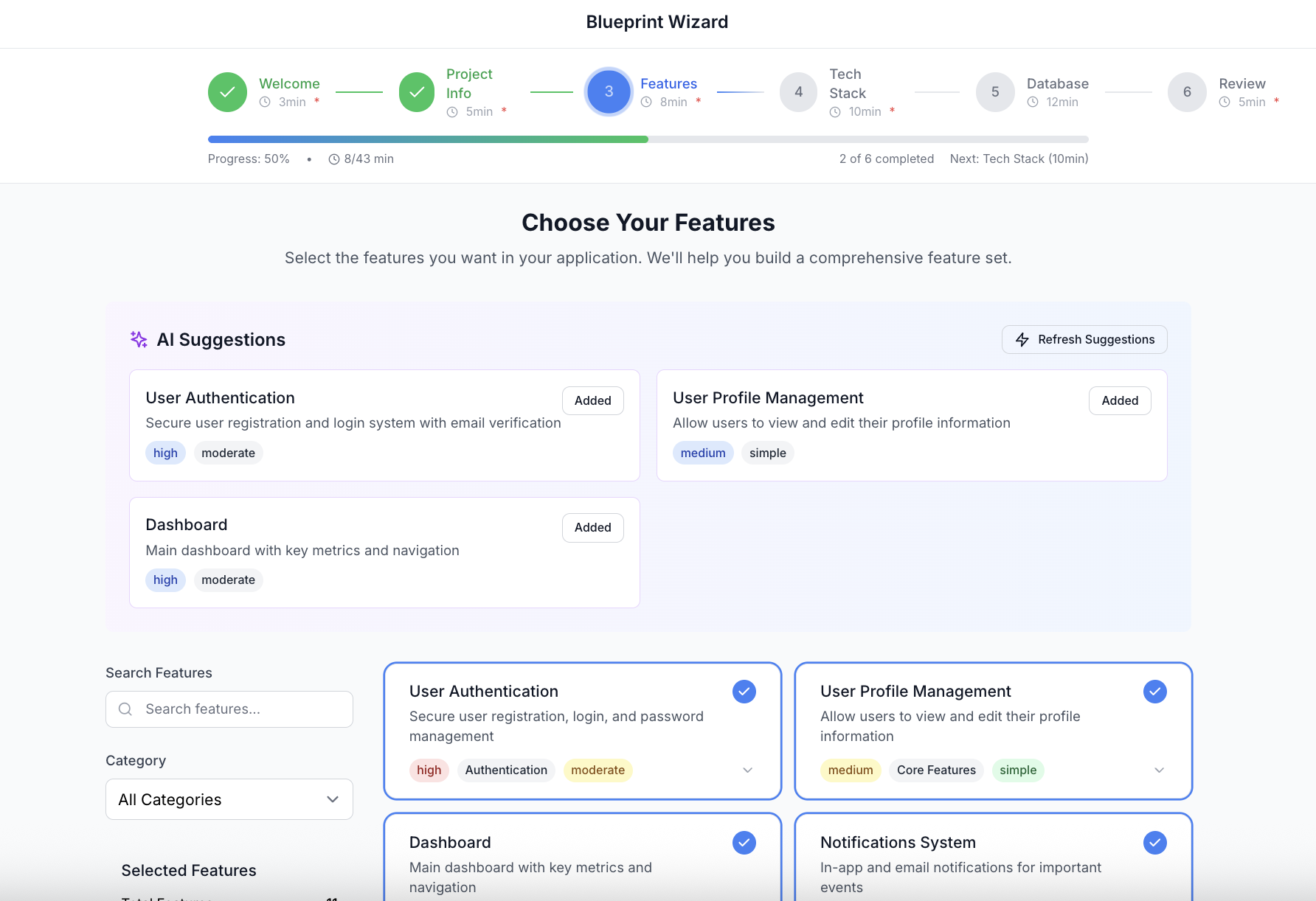
Wizard
-
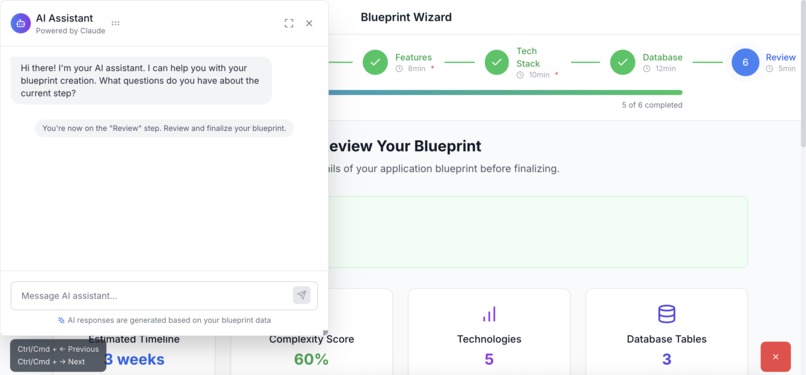
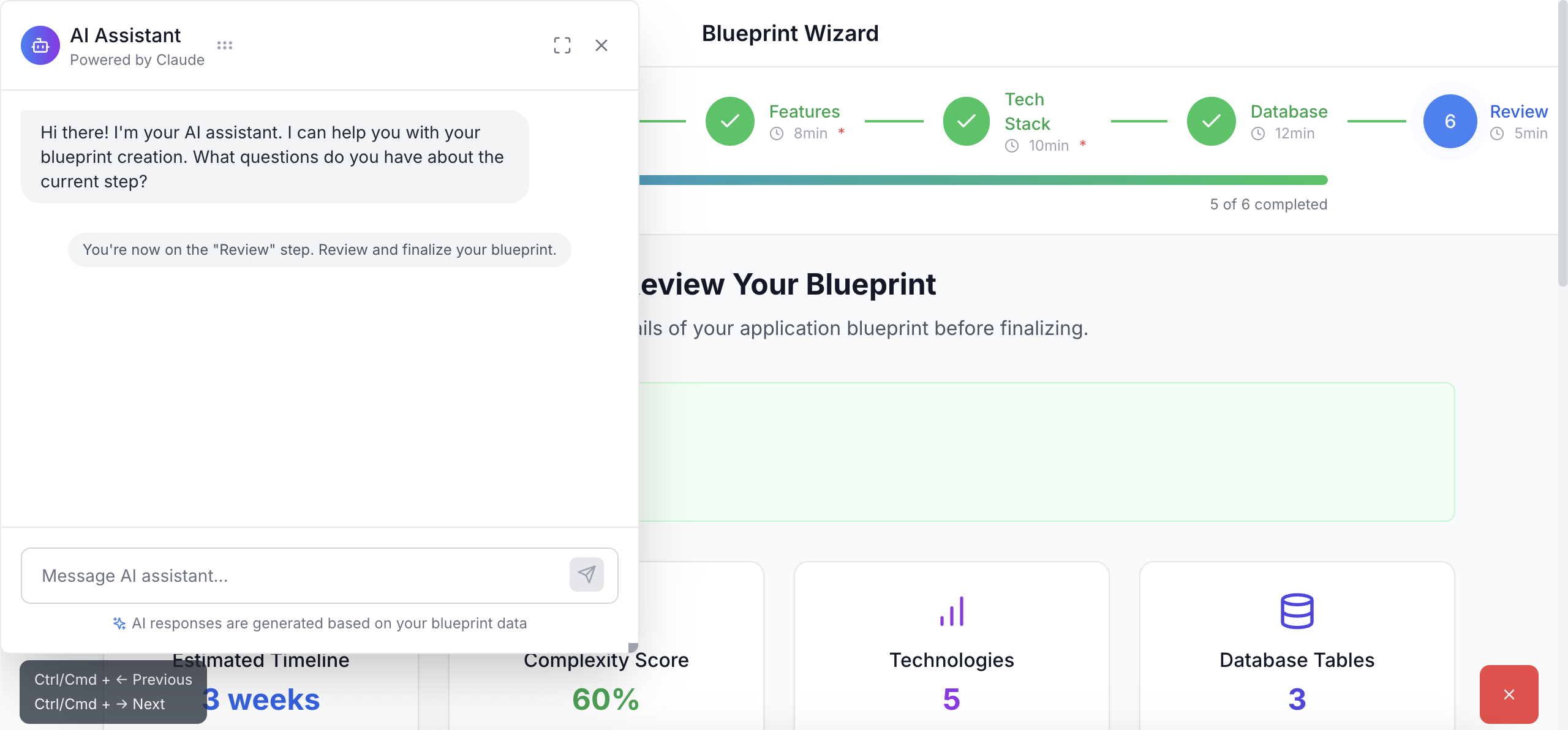
Ai chat
-
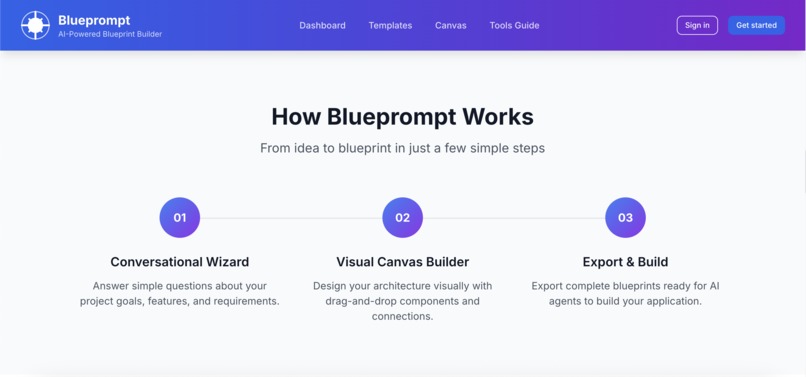
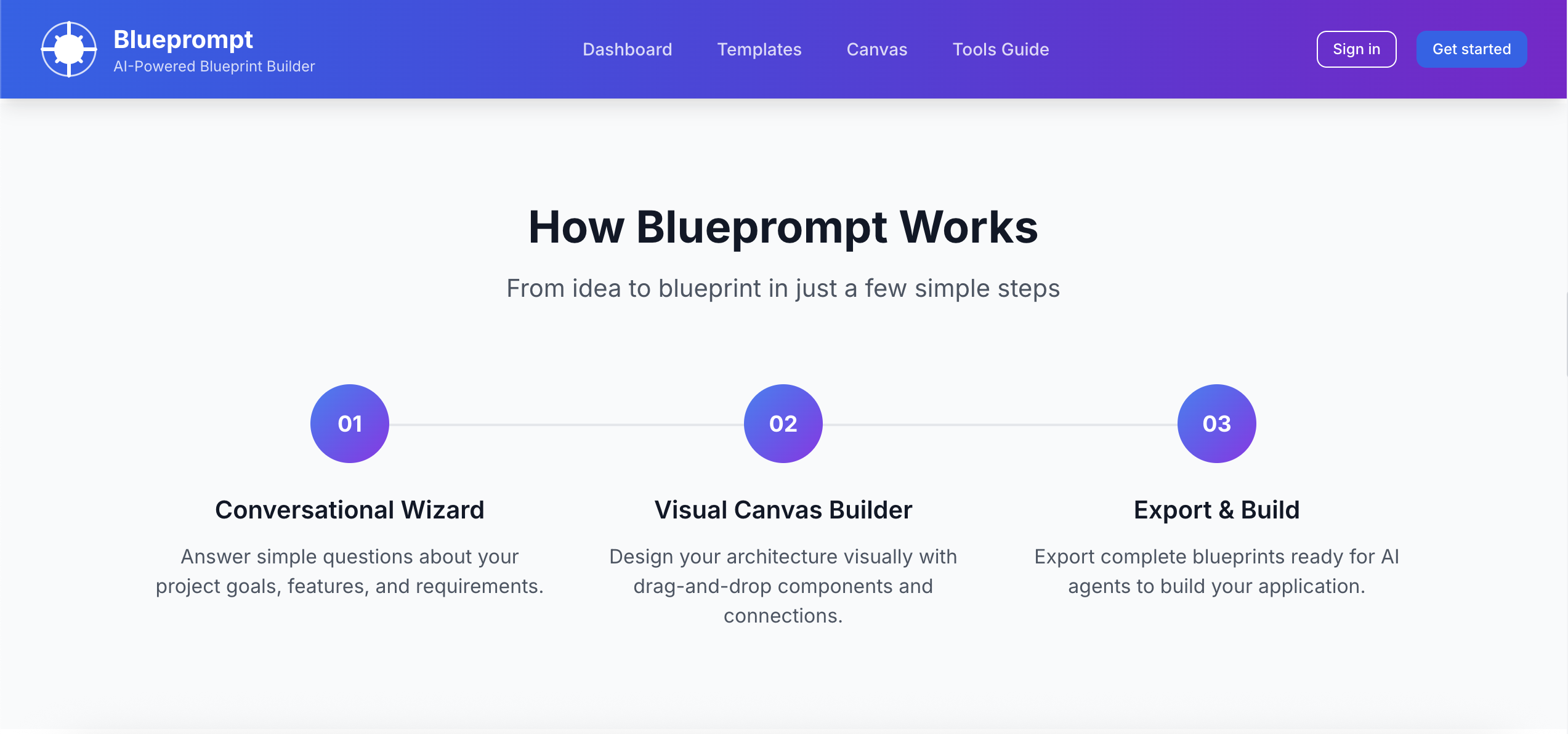
How it works
-
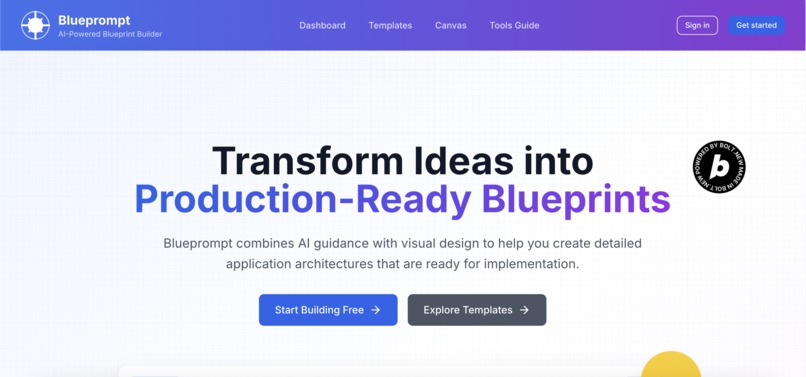
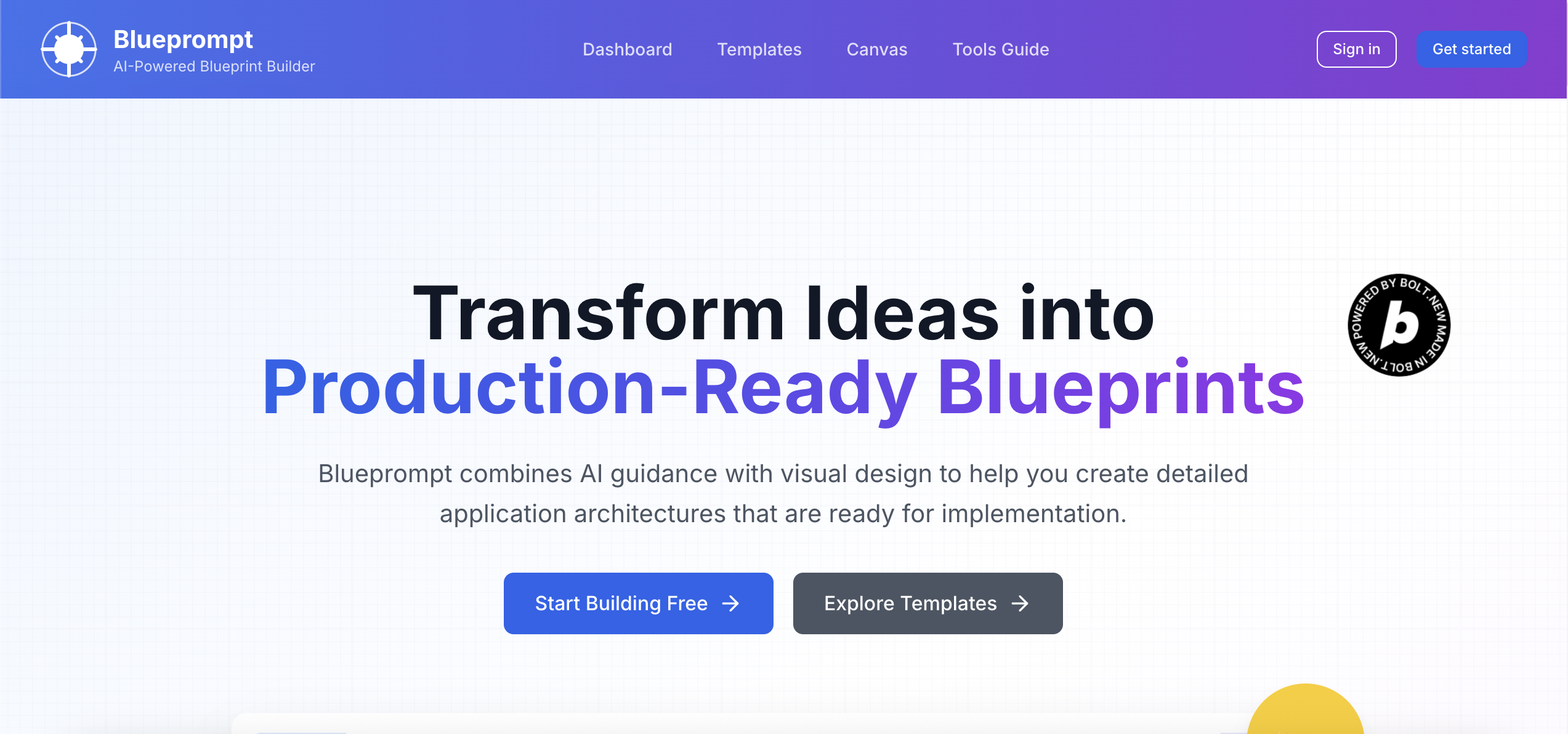
Home Page
-
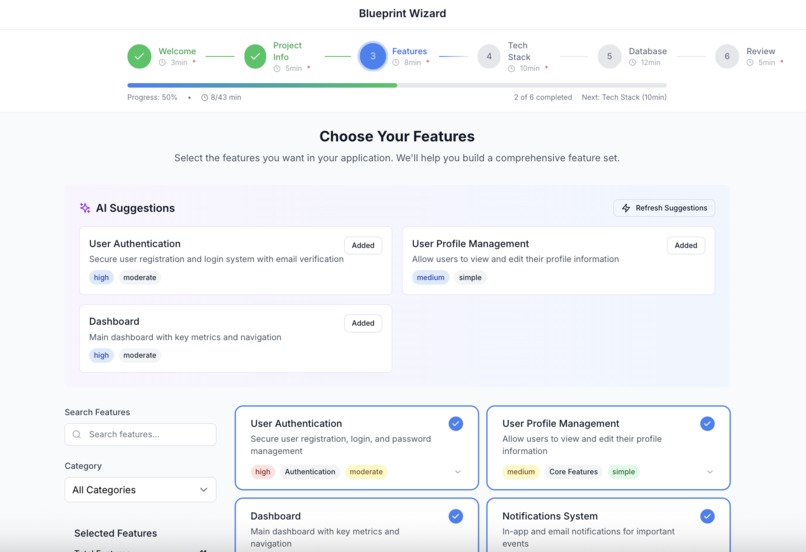
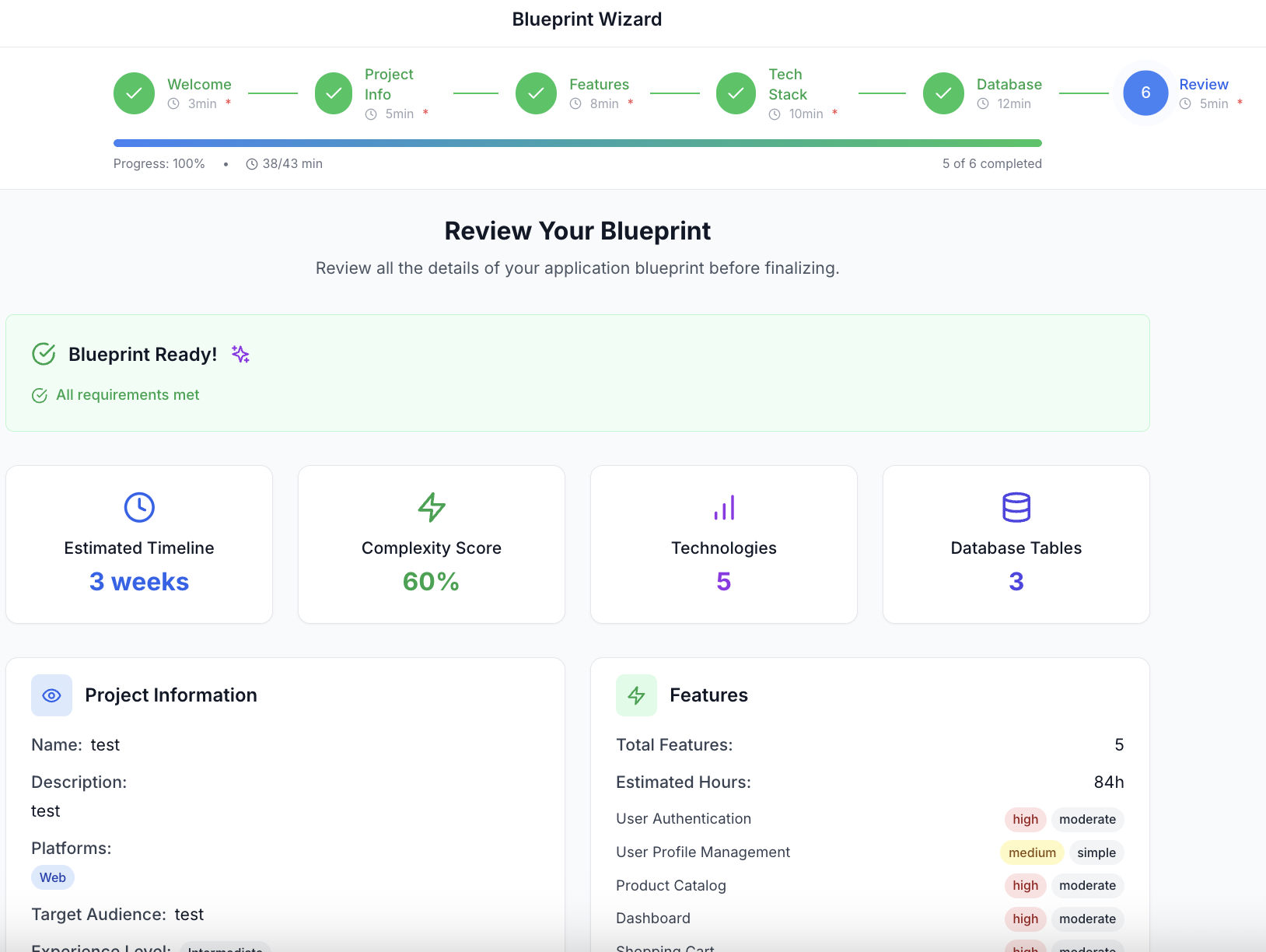
Ai powered Wizard
-
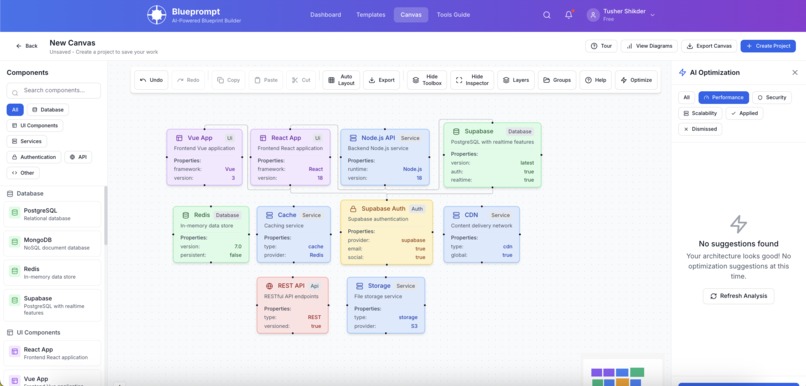
Canvas
-
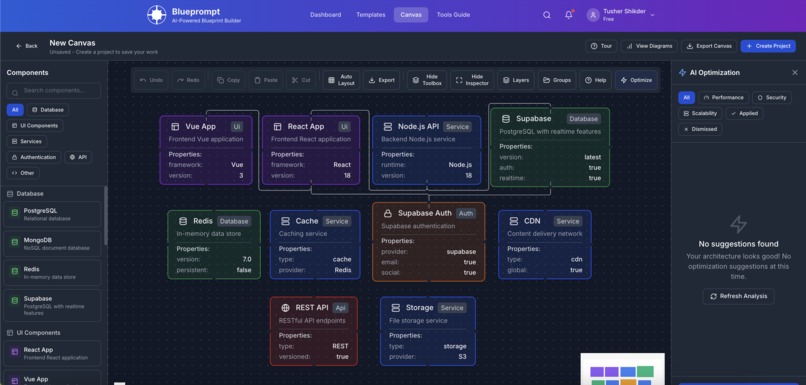
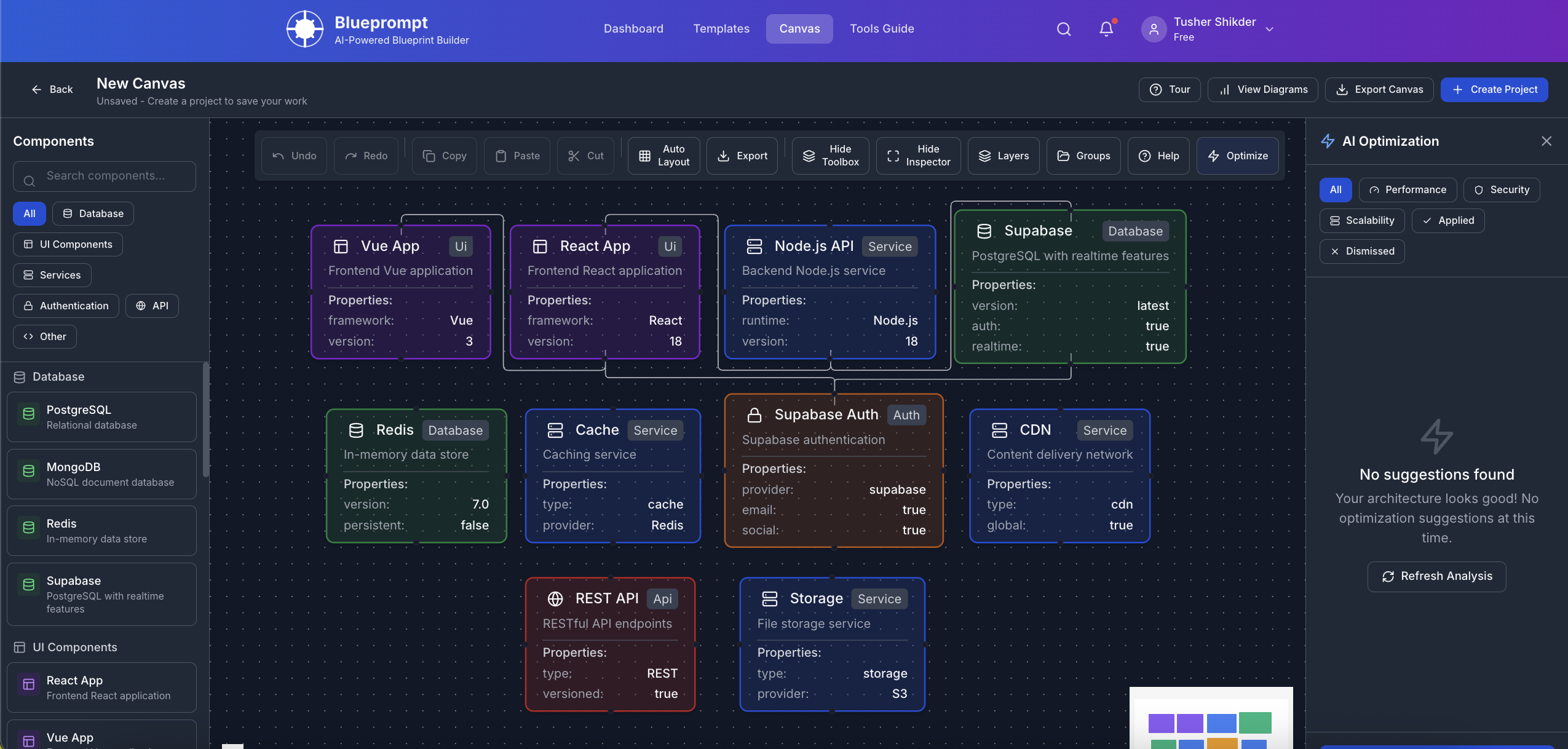
Cavas in Black mode

Blueprompt: AI-Powered Blueprint Builder
Inspiration
The inspiration for Blueprompt came from a common challenge faced by both technical and non-technical stakeholders in software development: effectively communicating and documenting application architecture. We noticed that there was a significant gap between having an idea for an application and translating that into a comprehensive blueprint that developers could implement.
Many existing tools were either too technical for non-developers or too simplistic for complex architectures. We wanted to create a solution that would bridge this gap by combining the power of AI with intuitive visual design tools, making it accessible to everyone regardless of their technical background.
The rise of AI agents capable of generating code from detailed specifications further motivated us. We realized that with the right blueprint, these AI systems could potentially build entire applications, but the missing piece was a tool to create these blueprints in a structured, comprehensive way.
What it does
Blueprompt is an AI-guided visual blueprint builder that transforms application ideas into detailed, implementation-ready blueprints. It offers:
Conversational Wizard: A step-by-step guide that adapts to user inputs, asking relevant questions about project requirements, features, and technologies.
Visual Canvas Builder: An intuitive drag-and-drop interface where users can design their application architecture visually, connecting components and defining relationships.
AI-Powered Recommendations: Smart suggestions for features, technologies, and architecture optimizations based on the project requirements.
Comprehensive Export System: The ability to export blueprints in multiple formats (YAML, JSON, Markdown) that can be used by AI agents or human developers to implement the application.
Template Marketplace: A collection of pre-built templates for common application types that users can customize to their needs.
Real-time Collaboration: Tools for teams to work together on blueprints, with features like collaborative editing and commenting.
Mermaid Diagram Generation: Automatic generation of various diagram types (architecture flowcharts, ER diagrams, sequence diagrams) for documentation.
How we built it
We built Blueprompt using a modern tech stack focused on performance, scalability, and user experience:
Frontend
- React 18 with TypeScript: For type-safe, component-based UI development
- Vite: For fast development and optimized builds
- Tailwind CSS: For responsive, utility-first styling
- Zustand: For global state management with minimal boilerplate
- React Flow: For the interactive canvas builder
- Framer Motion: For smooth animations and transitions
- Mermaid.js: For diagram generation and visualization
Backend & Database
- Supabase: For PostgreSQL database, authentication, and real-time features
- Row Level Security: For fine-grained access control
- Supabase Storage: For file storage and exports
AI Integration
- OpenAI GPT-4: For primary AI recommendations and assistance
- Anthropic Claude: As a fallback AI provider
- Custom AI Service Layer: For managing providers, rate limiting, and caching
Additional Tools
- JSZip & js-yaml: For export functionality
- DOMPurify: For security and input sanitization
- Vitest & Testing Library: For comprehensive testing
We implemented a modular architecture with clear separation of concerns, allowing for easy maintenance and future extensions. The application is fully responsive, works offline with PWA capabilities, and follows accessibility best practices.
Challenges we ran into
Building Blueprompt presented several significant challenges:
AI Integration Complexity: Integrating multiple AI providers with fallback mechanisms and ensuring consistent, high-quality responses was technically challenging. We had to develop a sophisticated AI service layer that could handle rate limiting, caching, and provider switching seamlessly.
Canvas Performance: The visual canvas builder needed to handle complex diagrams with many nodes and connections while maintaining smooth performance. Optimizing React Flow for large blueprints required careful state management and rendering optimizations.
Real-time Collaboration: Implementing conflict-free real-time collaboration on the canvas was particularly difficult. We had to develop custom solutions for cursor tracking, change synchronization, and conflict resolution.
Export Format Standardization: Creating a standardized blueprint format that could be consumed by various AI agents and development tools required extensive research and iteration.
Dynamic Wizard Logic: Building a wizard that adapts to user inputs with conditional steps and validation required complex state management and logic.
Accessibility: Ensuring that a highly visual, interactive application remained accessible to users with disabilities required careful attention to keyboard navigation, screen reader support, and color contrast.
Cross-browser Compatibility: Ensuring consistent behavior across different browsers, especially for the canvas functionality, required extensive testing and workarounds.
Accomplishments that we're proud of
Despite these challenges, we achieved several significant accomplishments:
Intuitive UX for Complex Tasks: We managed to simplify the complex process of application architecture design into an intuitive, guided experience accessible to both technical and non-technical users.
Sophisticated AI Integration: Our multi-provider AI system provides intelligent suggestions while gracefully handling API limits and failures.
High-Performance Canvas: Our optimized canvas can handle complex architectures with hundreds of components while maintaining smooth interactions.
Comprehensive Export System: The ability to export blueprints in multiple formats makes Blueprompt a versatile tool that integrates with various workflows and tools.
Production-Ready Quality: We built a fully responsive, accessible, and performant application with comprehensive error handling and monitoring.
Template Marketplace: Our template system allows users to quickly start with pre-built blueprints for common application types, significantly reducing the time to create new projects.
Real-time Collaboration: The collaborative features enable teams to work together effectively, breaking down silos between technical and non-technical stakeholders.
What we learned
The development of Blueprompt taught us valuable lessons:
AI Integration Best Practices: We learned how to effectively integrate AI services with proper error handling, rate limiting, and fallback mechanisms.
Advanced React Patterns: We deepened our understanding of React performance optimization, state management, and component design.
Canvas Rendering Optimization: We gained insights into optimizing complex interactive visualizations in the browser.
Real-time Synchronization: We learned techniques for implementing real-time collaboration with conflict resolution.
Accessibility in Complex UIs: We discovered approaches to make highly interactive interfaces accessible to all users.
User-Centered Design: We learned the importance of continuous user feedback in designing complex workflows.
TypeScript at Scale: We experienced the benefits of strict typing in a large-scale application with complex data structures.
What's next for Blueprompt
We have an exciting roadmap ahead for Blueprompt:
AI Code Generation: Direct code generation from blueprints, allowing users to not just design but also implement their applications with AI assistance.
Enhanced Collaboration: More advanced collaboration features including commenting, approval workflows, and version control.
Integration Ecosystem: Connectors for popular development tools, project management systems, and version control platforms.
Mobile App: A dedicated mobile application for on-the-go blueprint creation and review.
Advanced Analytics: Insights into blueprint complexity, estimated development time, and potential bottlenecks.
Enterprise Features: Enhanced security, compliance, and management features for large organizations.
Community Platform: A platform for sharing blueprints, best practices, and knowledge among users.
Blueprint Testing: Automated validation and testing of blueprints against best practices and potential issues.
Expanded Template Library: More industry-specific and use-case-specific templates to accelerate project creation.
AI-Powered Documentation: Automatic generation of comprehensive documentation from blueprints.
Blueprompt represents a significant step forward in bridging the gap between idea and implementation in software development. By combining AI guidance with visual design tools, we're making application architecture accessible to everyone and accelerating the development process from concept to production.
Built With
- anthropic-claude
- bolt
- date-fns
- dompurify
- entri
- framer-motion
- js-yaml
- jszip
- lucide-react
- mermaid.js
- netlify
- openai-gpt-4
- playwright
- react-18
- react-flow
- react-router-dom
- supabase-(postgresql)
- supabase-auth
- supabase-storage
- tailwind-css
- testing-library
- typescript
- uuid
- vite
- vitest
- zustand

Log in or sign up for Devpost to join the conversation.