BlueprintAI Navigator — Hackathon Submission
Inspiration
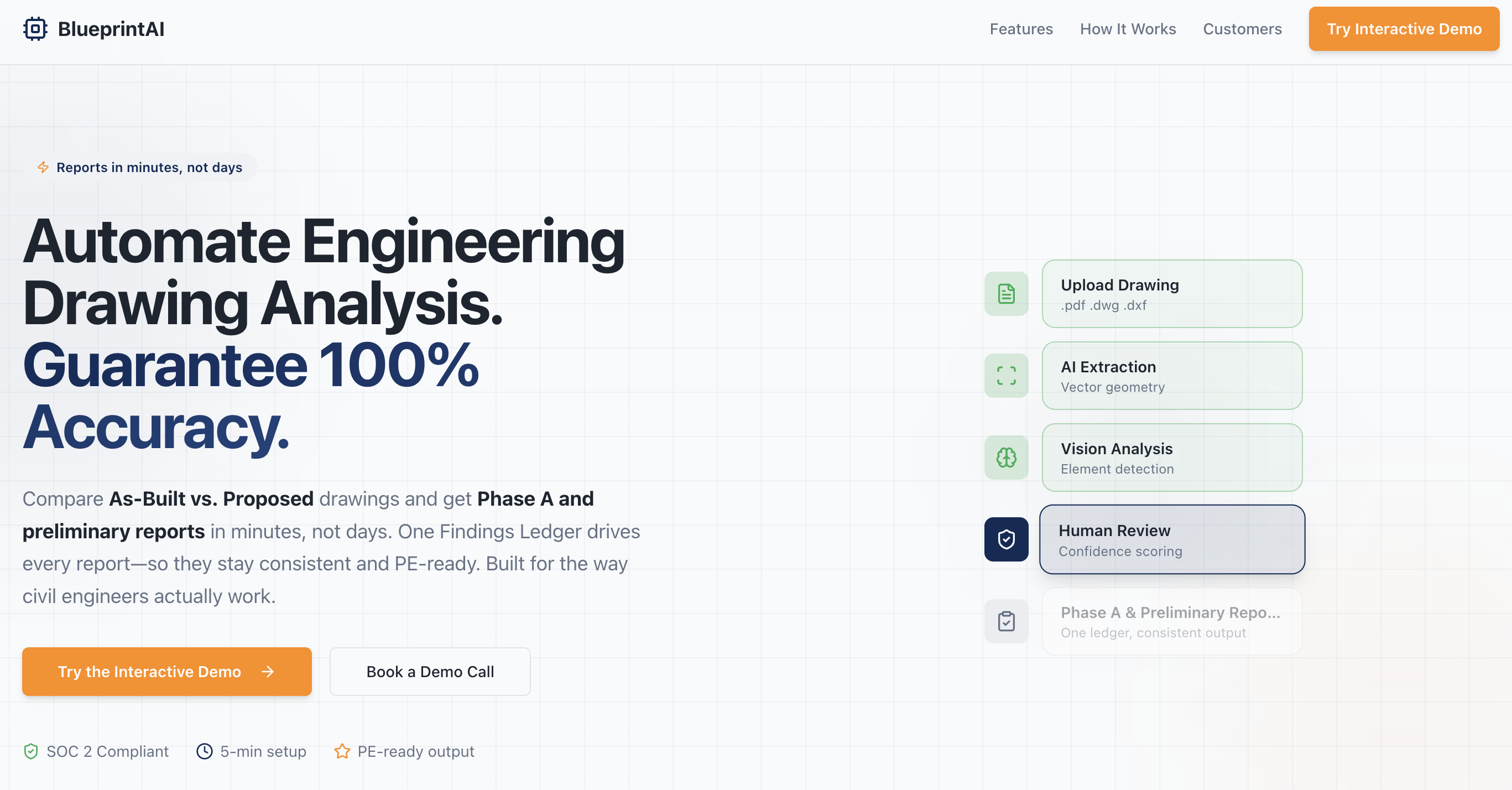
Civil engineers spend days manually comparing old vs. new building drawings and writing reports. Most tools can open CAD files but don't understand what's in them or how they changed. We wanted a system that could read drawings, understand what they mean, compare them, and generate reports automatically—so we turned to Google's Gemini to power the brain of the system.
What it does
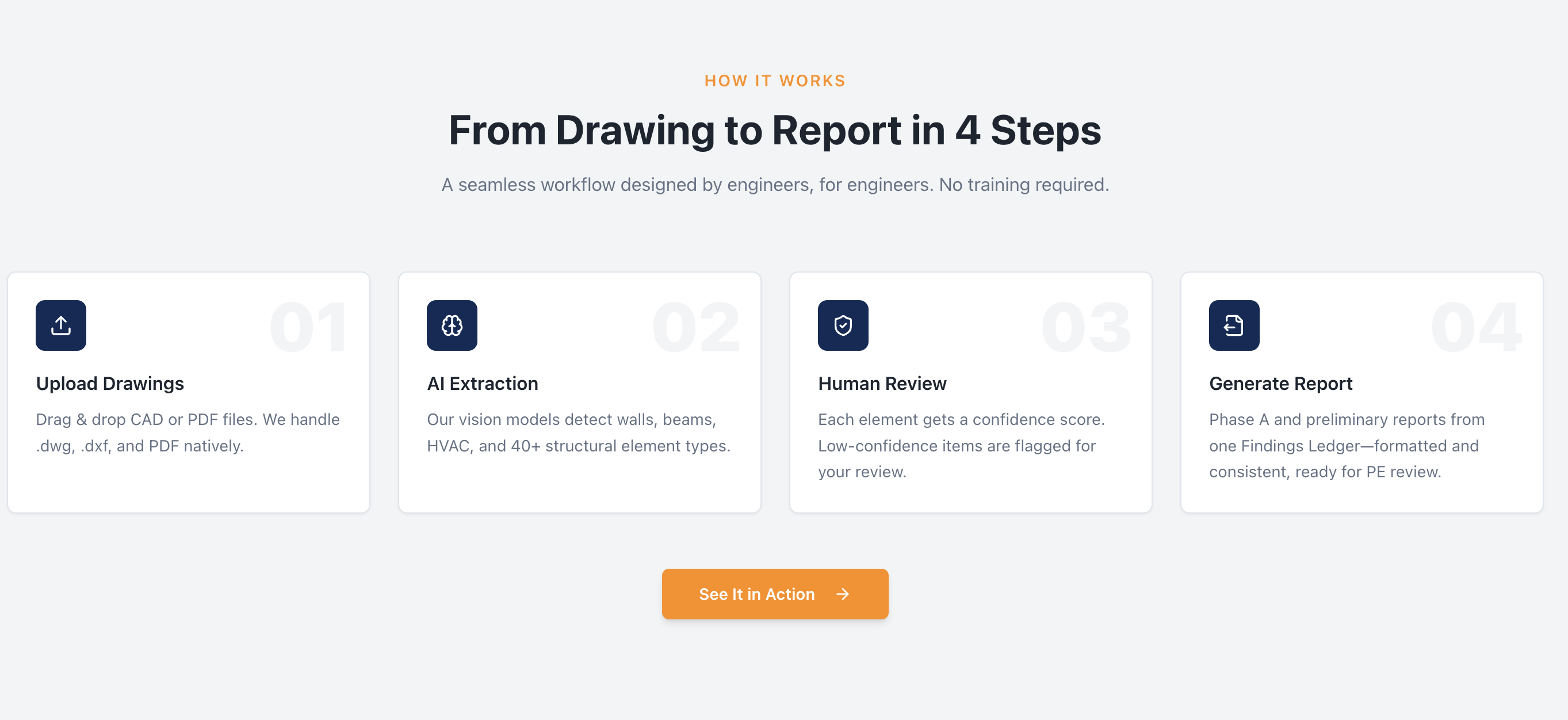
BlueprintAI Navigator turns CAD drawings into engineering reports:
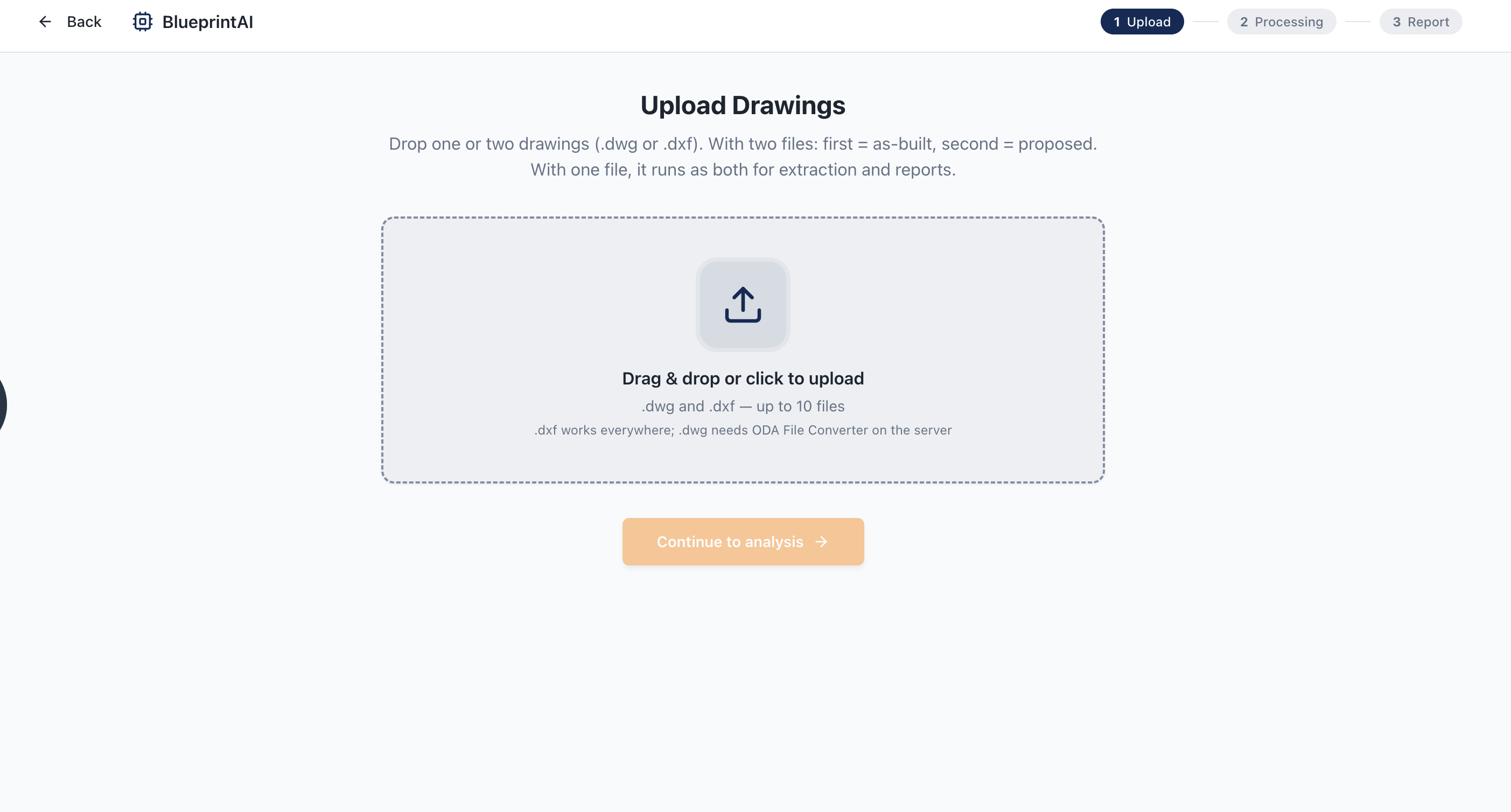
- Upload — Users upload two drawings: the as-built (current) and the proposed (planned).
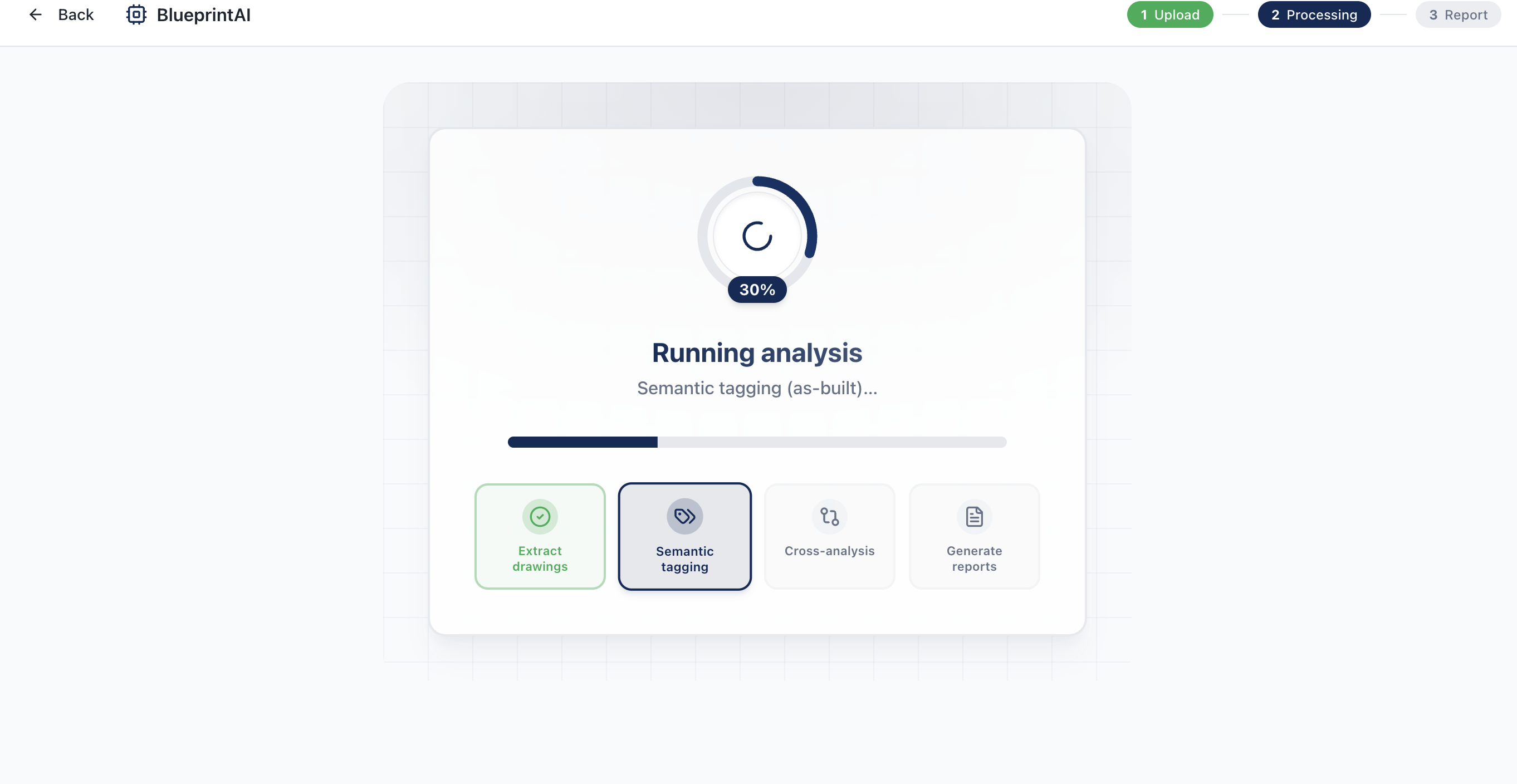
- Extract — The system reads the files and turns layers, blocks, text, lines, and shapes into structured data.
- Semantic tagging — Gemini labels what each part represents (walls, HVAC, plumbing, electrical, etc.).
- Cross-analysis — Two Gemini-powered agents work together: one finds what was demolished, added, or moved; the other checks for conflicts and code issues.
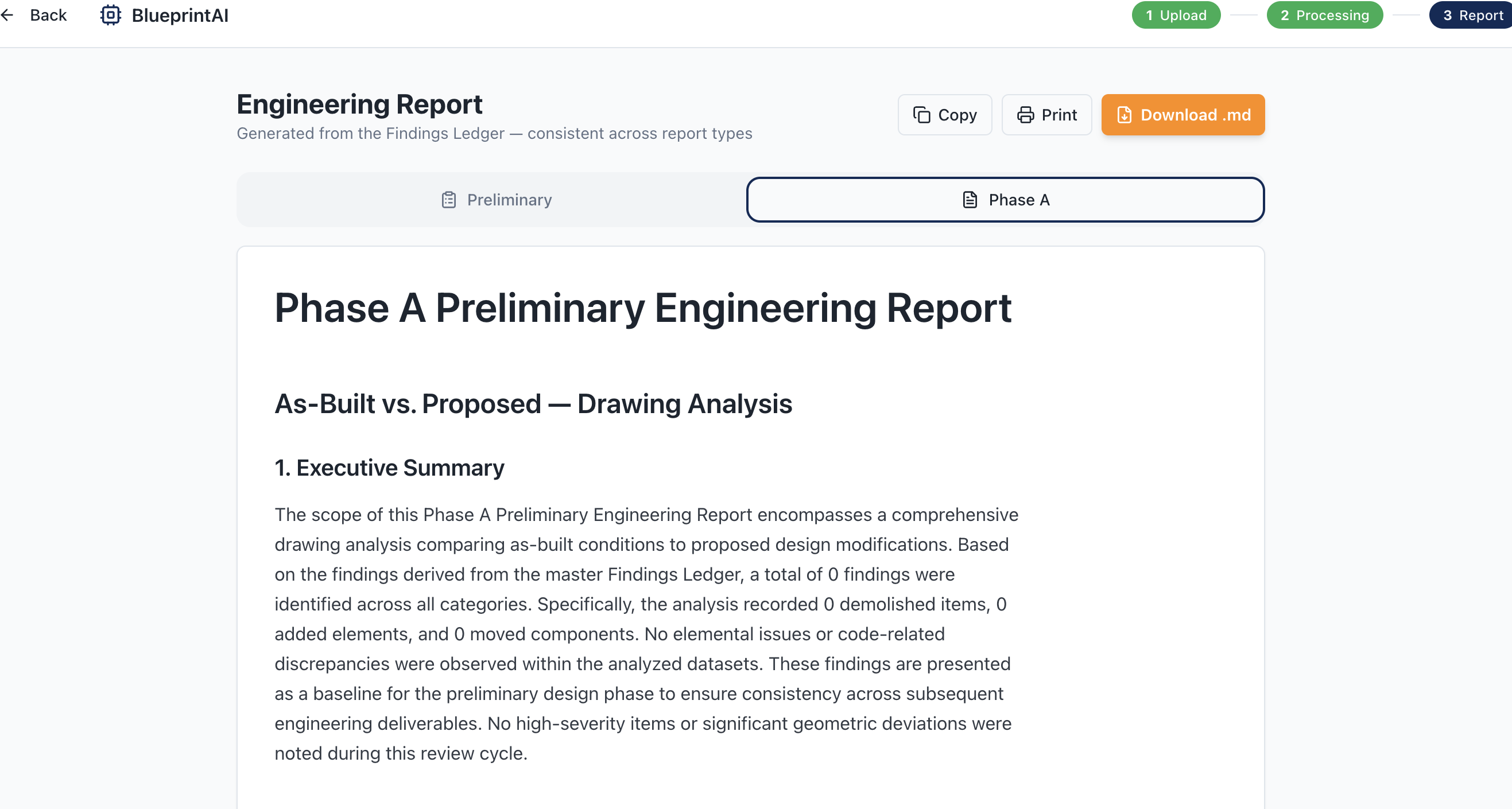
- Reports — Gemini generates Preliminary and Phase A reports from those findings.
The app streams progress live and lets users copy, print, or download reports.
How we built it
- Backend: Python with FastAPI. The first step parses drawings with no AI. Then Gemini powers semantic tagging, analysis, and report writing. A graph coordinates the two analysis agents, both driven by Gemini.
- Frontend: React with Vite and Tailwind. It streams progress and displays the reports.
- Design: Every report is generated from a single Findings Ledger so outputs stay consistent and accurate.
Challenges we ran into
- AI availability — The initial model was deprecated. We added retries and switched to newer Gemini models (including Gemini 3 Flash and fallback to Gemini 2.5 Flash) so the pipeline keeps running under load.
- Keeping the UI responsive — Long backend runs blocked updates. We refactored the backend so the frontend receives progress in real time.
- Drawing formats — CAD files have many element types. We built logic to handle each one reliably.
- Report quality — Early reports were too short. We improved prompts so Gemini uses every finding and fills full, detailed tables.
- Display — Tables rendered as raw text. We fixed that with better markdown rendering and styling.
Accomplishments that we're proud of
- End-to-end pipeline from raw drawings to PE-ready reports.
- Two Gemini-powered agents working together: one for changes, one for conflicts and code checks.
- One shared Findings Ledger feeding all reports so they stay consistent.
- Real-time progress so users see each step as it runs.
- Phase 1 extraction is deterministic, giving the rest of the pipeline a solid foundation.
What we learned
- How to coordinate multiple Gemini steps so they share context and build on each other.
- How to handle long-running backend jobs while streaming updates to the frontend.
- How to prompt Gemini so it uses all findings instead of summarizing.
- How CAD drawings are structured (layers, blocks, entity types).
What's next for Blueprint
- Enterprise licensing — Offer paid plans for civil engineering firms and AEC companies.
- Team workspaces — Shared dashboards, project folders, and role-based access for firms.
- API access — Let firms integrate Blueprint into their own tools and workflows.
- White-label options — Let larger firms brand the tool as their own.
- SOC 2 and compliance — Build security and audit controls for enterprise adoption.
- Usage analytics — Dashboards for managers to track usage and ROI.
- Enterprise support & SLAs — Dedicated support, onboarding, and uptime guarantees for paying customers.
- Integrations — Connect with Autodesk, Revit, and other design tools firms already use.
Gemini made it possible to go from raw drawings to professional reports in minutes instead of days. We're excited to keep building on top of it.
Log in or sign up for Devpost to join the conversation.