-
-
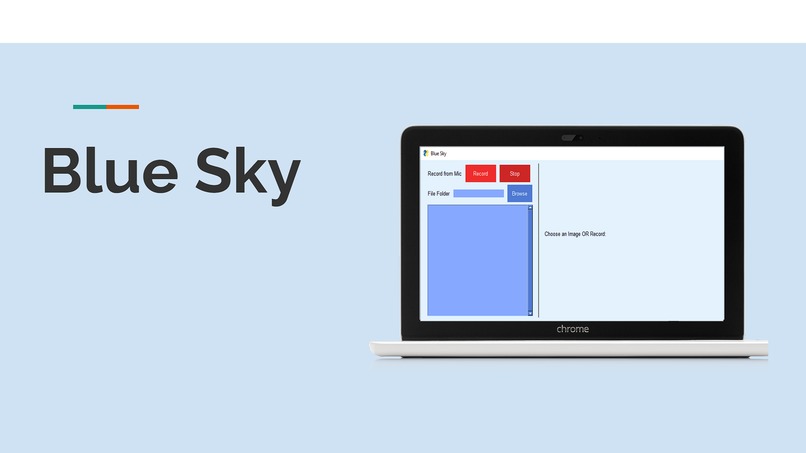
Title
-
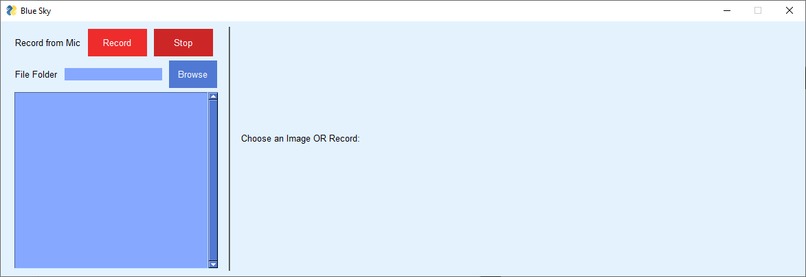
PySimpleGUI
-
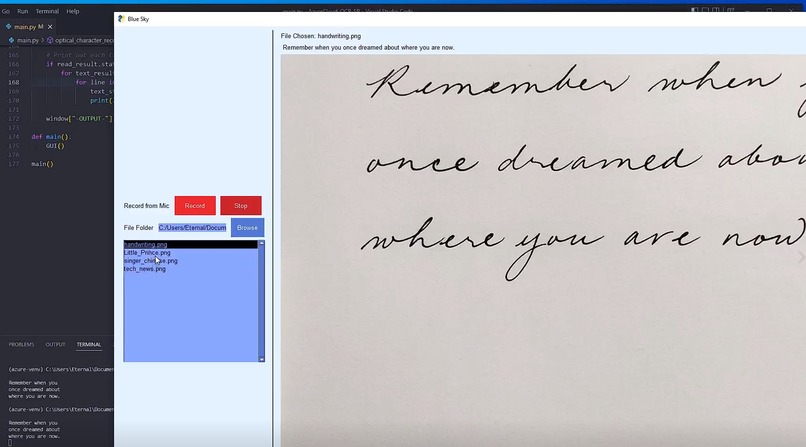
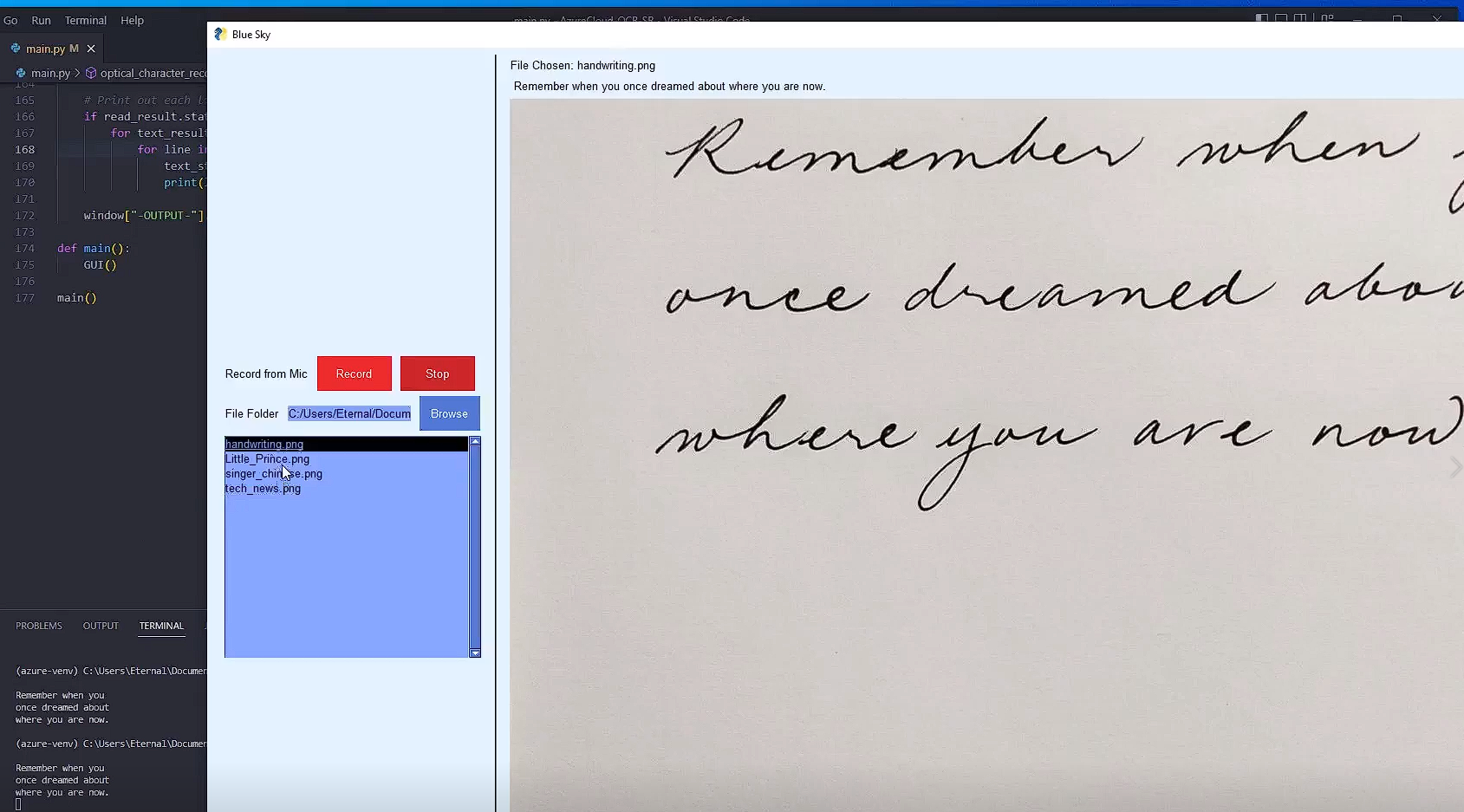
Handwriting
-
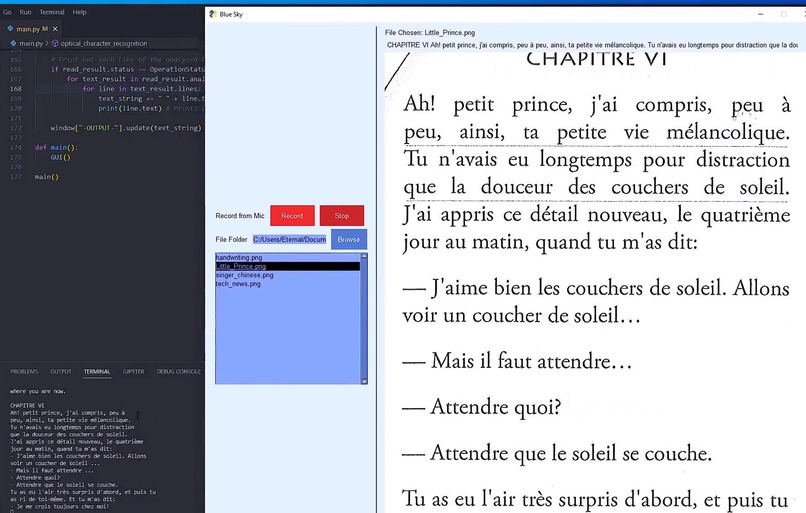
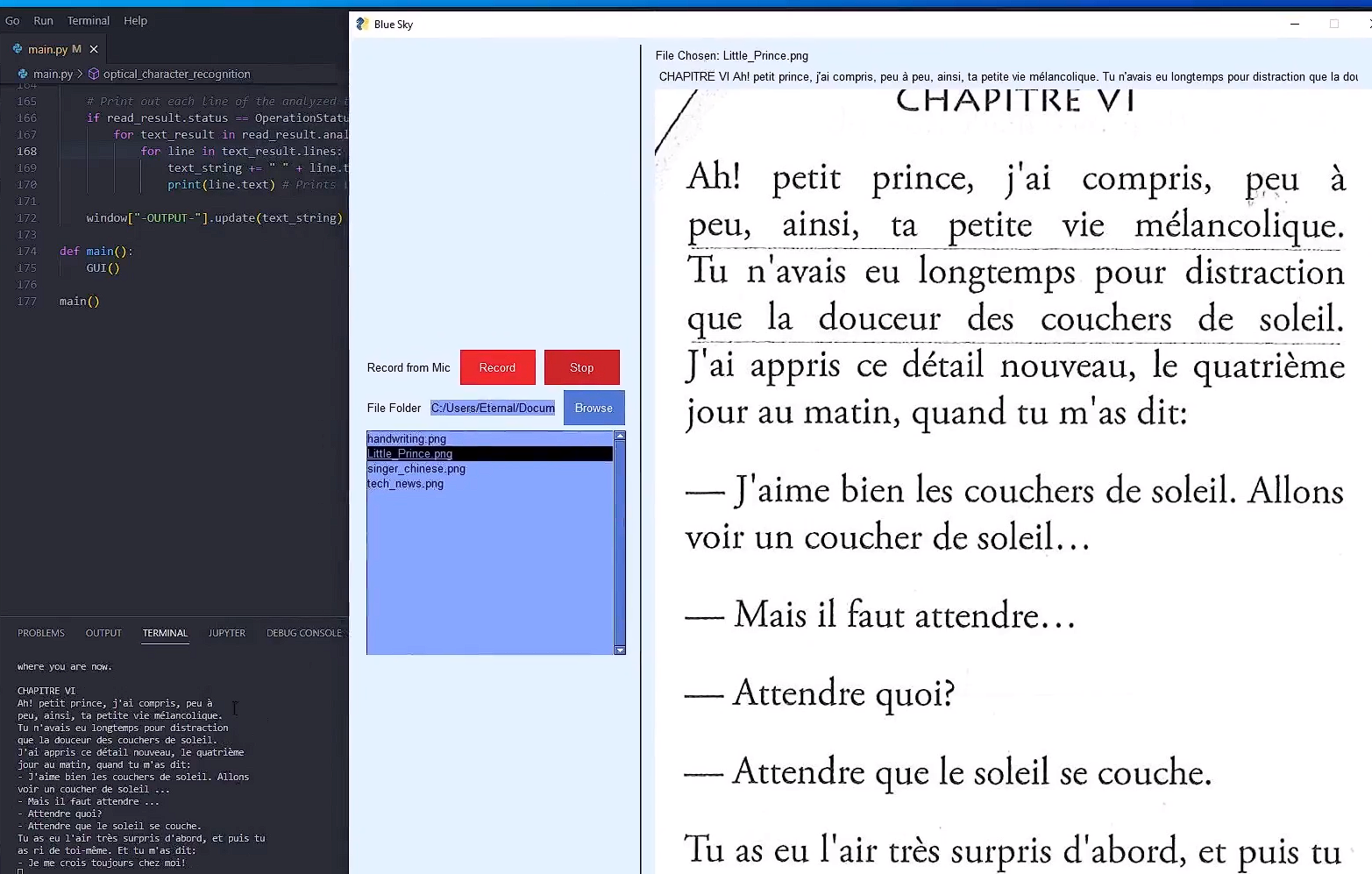
The Little Prince (French)
-
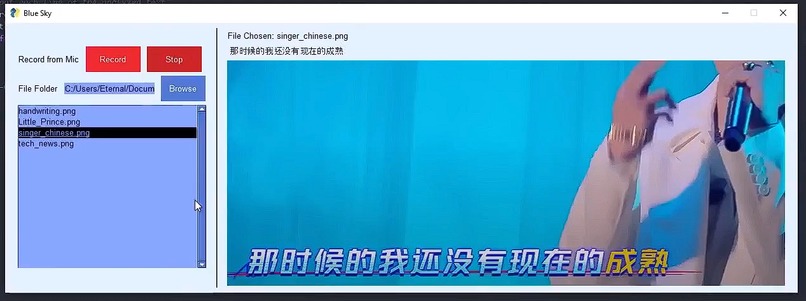
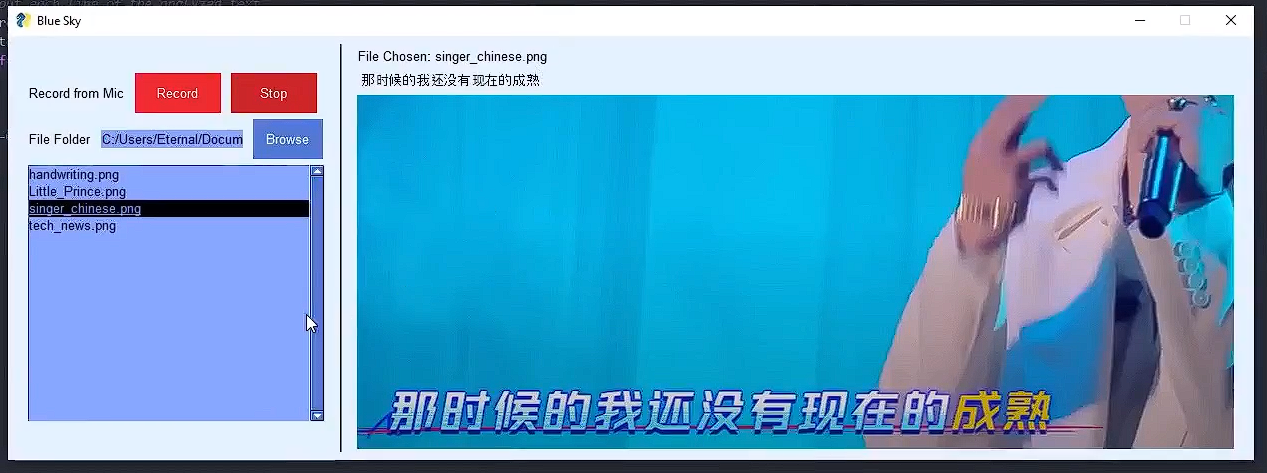
Music Artist (Chinese)
-
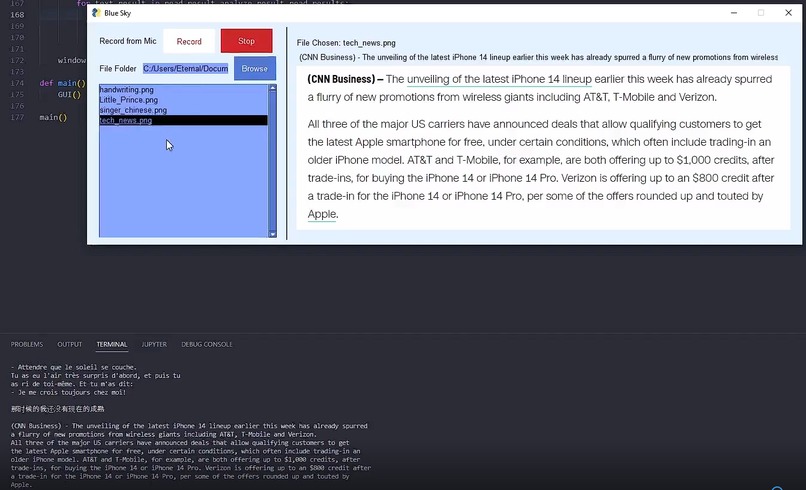
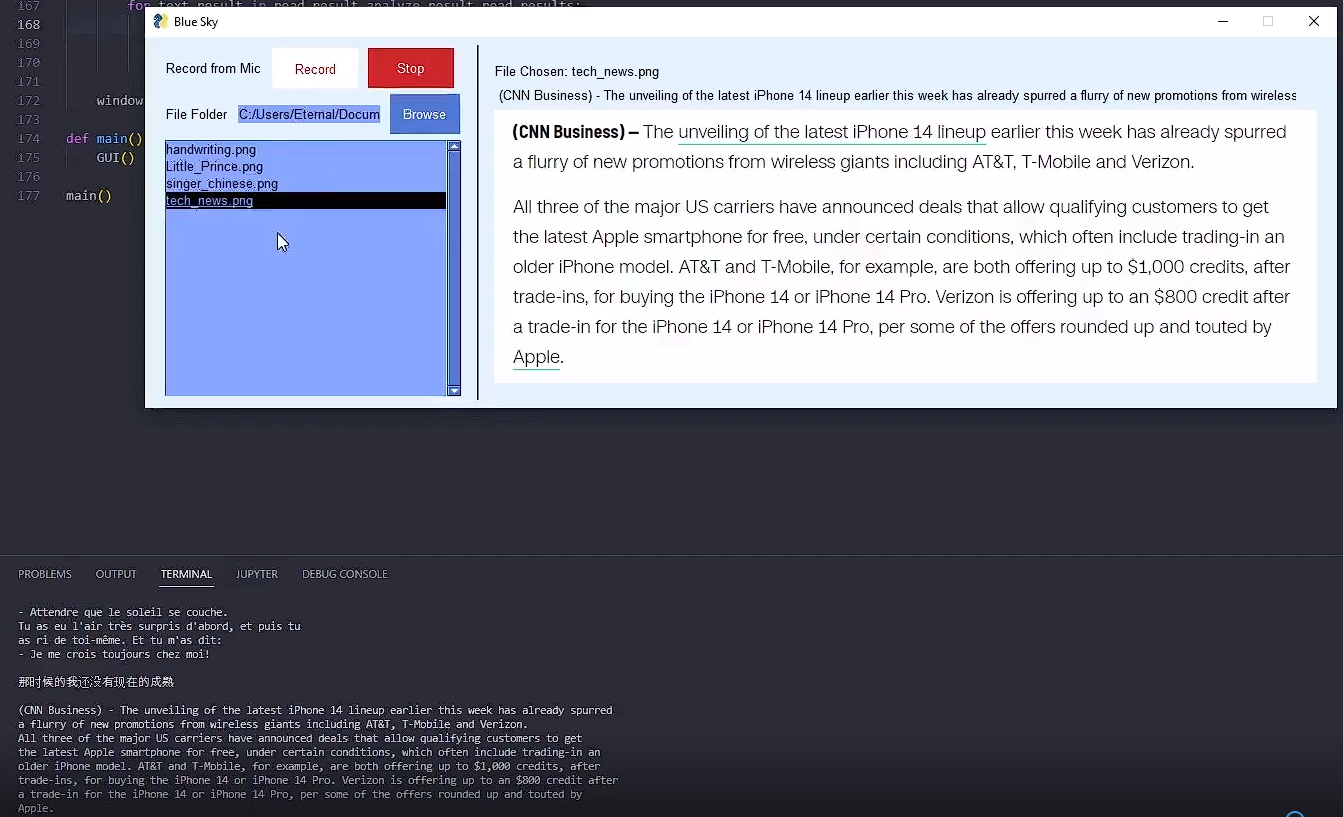
Tech News Article
-
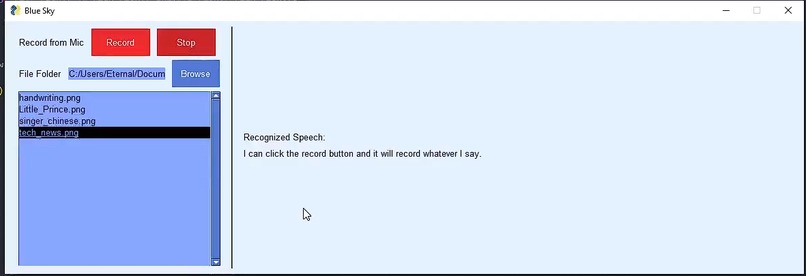
Speech Recognition

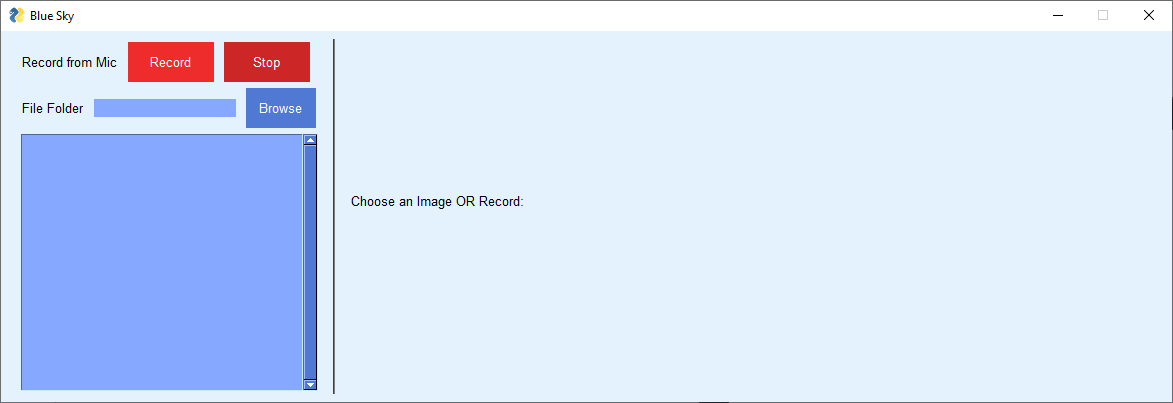
Inspiration
According to the World Health Organization, there are around 250 million people worldwide who have a severe visual impairment. Of that group, over 40 million have blindness. As well, there are over 430 million people who are hard of hearing or deaf.
One of the schools that I previously attended had a Deaf & Hard of Hearing (DHH) program. I met lots of amazing people at that school and had the pleasure of meeting two of my now-closest friends, who are DHH. I have always wanted to create an application that would help individuals who have impairments, whether it be visual or auditory. Although this is still a developing project with many planned (upcoming) features, I believe I am headed in the right direction.
What it does
This project aims to help individuals with visual or auditory impairments worldwide.
One feature is that it will let the user upload an image, and extract text from the image. Future plans are to make it a mobile app where the user can use the camera to extract text. Then, it will use text-to-speech to make it more accessible. For worldwide functionality, a translation feature can be added.
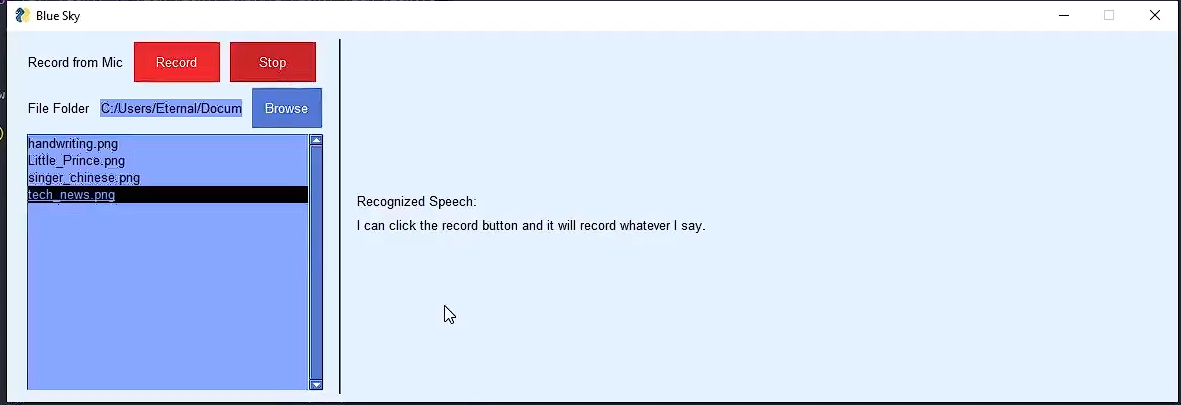
The second feature is that it will allow someone to speak into the microphone, which will display it as text. Similar to the above, a future plan would be to make it a mobile app so that it can be used outside. This is aimed to help strangers or other individuals communicate with people who have severe auditory impairments.
How we built it
The main programming language used was Python. This project mainly utilized the Cognitive Services product from Microsoft Azure. Specifically, it uses Computer Vision / Optical Character Recognition (OCR) to extract text from images, as well as Speech Recognition to convert audio to text. To create a visual application, I created the GUI using PySimpleGUI.
Challenges we ran into
1) When using the Optical Character Recognition product from Microsoft Azure, I came across a problem in regards to "OperationStatusCodes.running". I could not get a result back from the OCR function. Essentially, I had to continuously call the function until a response is received - which was done by putting it in a while loop and using time.sleep(1).
2) I had initially tried to make it a Webpage, since I am most familiar with React and web development. Since I was working with python, I decided on Flask. The plan was to take a microphone input from the browser and pass it to the server. However, I searched "microphone input flask" to no avail. The best way would have been to use a WebSocket, which I was not familiar with and did not have the time to learn. From there, I found out how to use PySimpleGUI
3) Minor problems with my virtual environment. Even though I would use 'pip install [module]', sometimes I received an error saying [module] was missing. I had to create many venv's to make it work.
Accomplishments that we're proud of
It was my first time using Microsoft Azure, and it took a lot of time to go through the documentation and tutorials to figure it out. However, I was successful in figuring out the main bulk of the project (OCR and Speech Recognition).
Although I have coded previously in Python, it was my first time actually creating an application for a hackathon using it. It was also my first time using PySimpleGUI.
What we learned
-Microsoft Azure, particularly Computer Vision and Speech Recognition
-PySimpleGUI
-Project ideation, design, and implementation
-Time management
What's next for Blue Sky
Transitioning the application from a desktop GUI application to a mobile application would be the #1 priority. Adding text-to-speech, translation, and an improved text display would be next on the list.


Log in or sign up for Devpost to join the conversation.