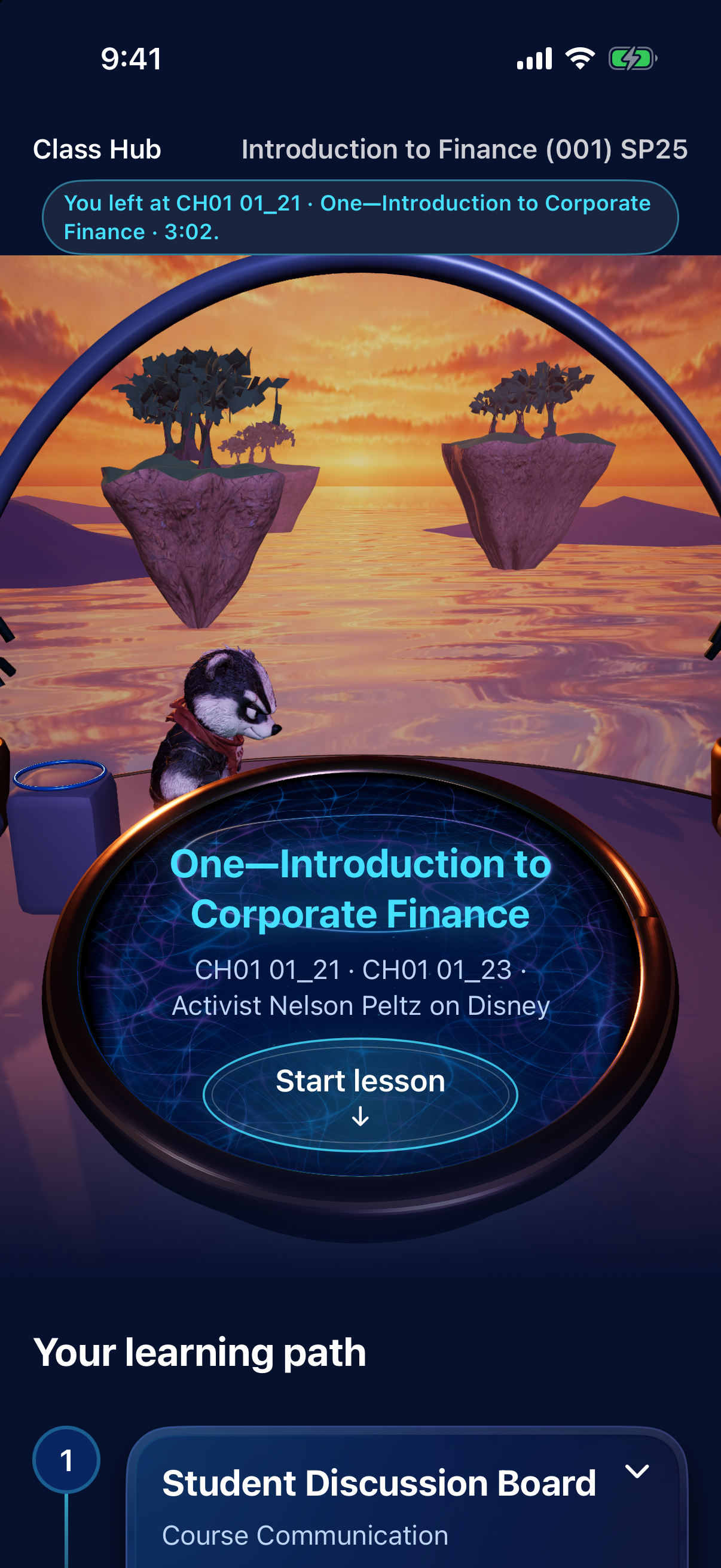
BluClass transforms Canvas into a place you actually want to study, not another tab of PDFs and frozen lecture embeds.
Inspiration: UW–Madison already has the materials. But sometimes it can feel like you are alone in your learning journey. BluClass is like the students personal guide, helping them through the class ensuring they don't get left behind, while also making it more fun to learn.
It guides them through the class, helps them feel oriented and not alone.
BluClass makes learning in the class feel like a quest, not a chore.
What it does
You find your class, land in a Class Hub and are meeted with a beautiful space where you can ask questions, take notes, and find study groups. When you tap Study the class a portal opens onto Sunset Terrace with Bucko. From there you enter the learning feed, built around your class presenting you with the lecturres and class materials needed to keep you on track.
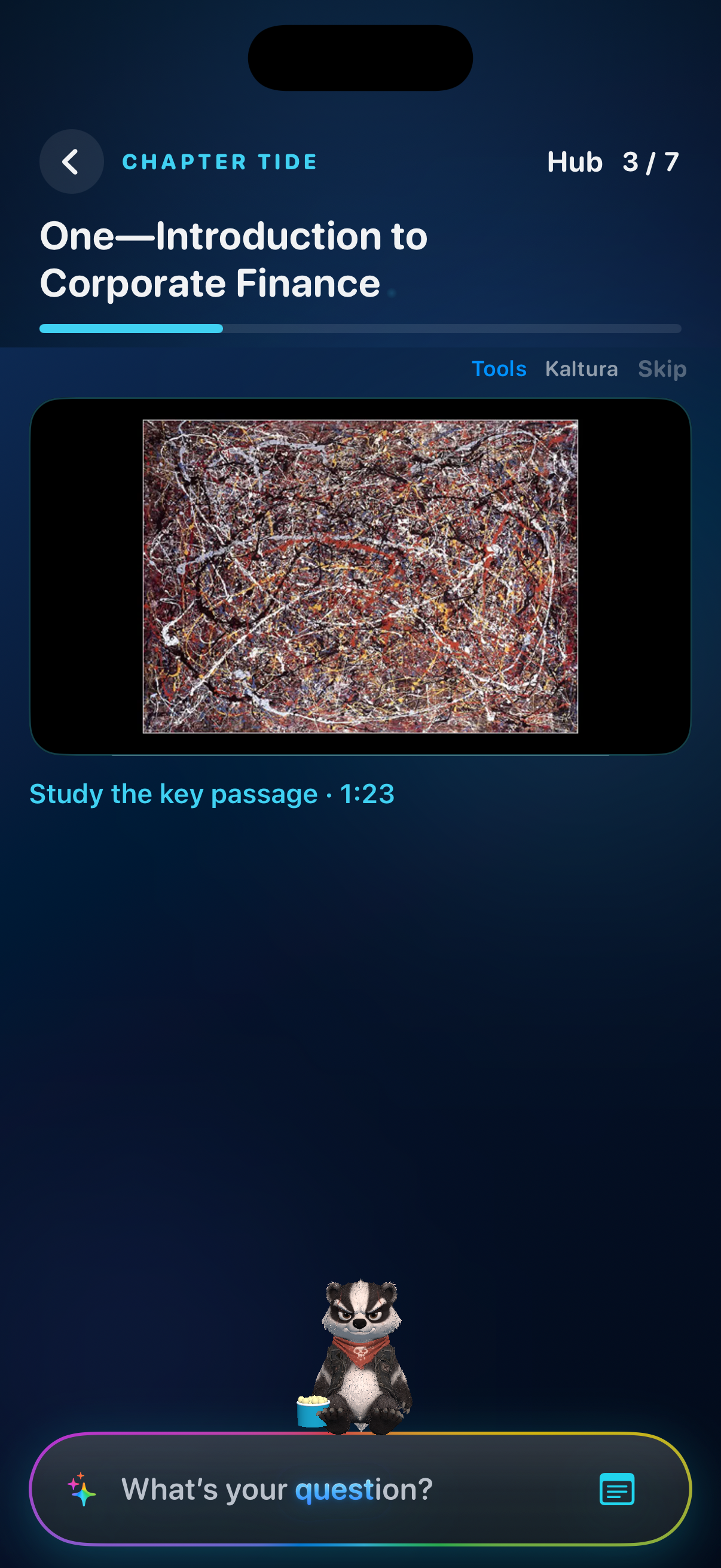
Students can watch the lecture and ask a question at the exact moment they have a question about what the professor said.
The students can easily schedule study sessions with other classmates and learn together on BluClass.
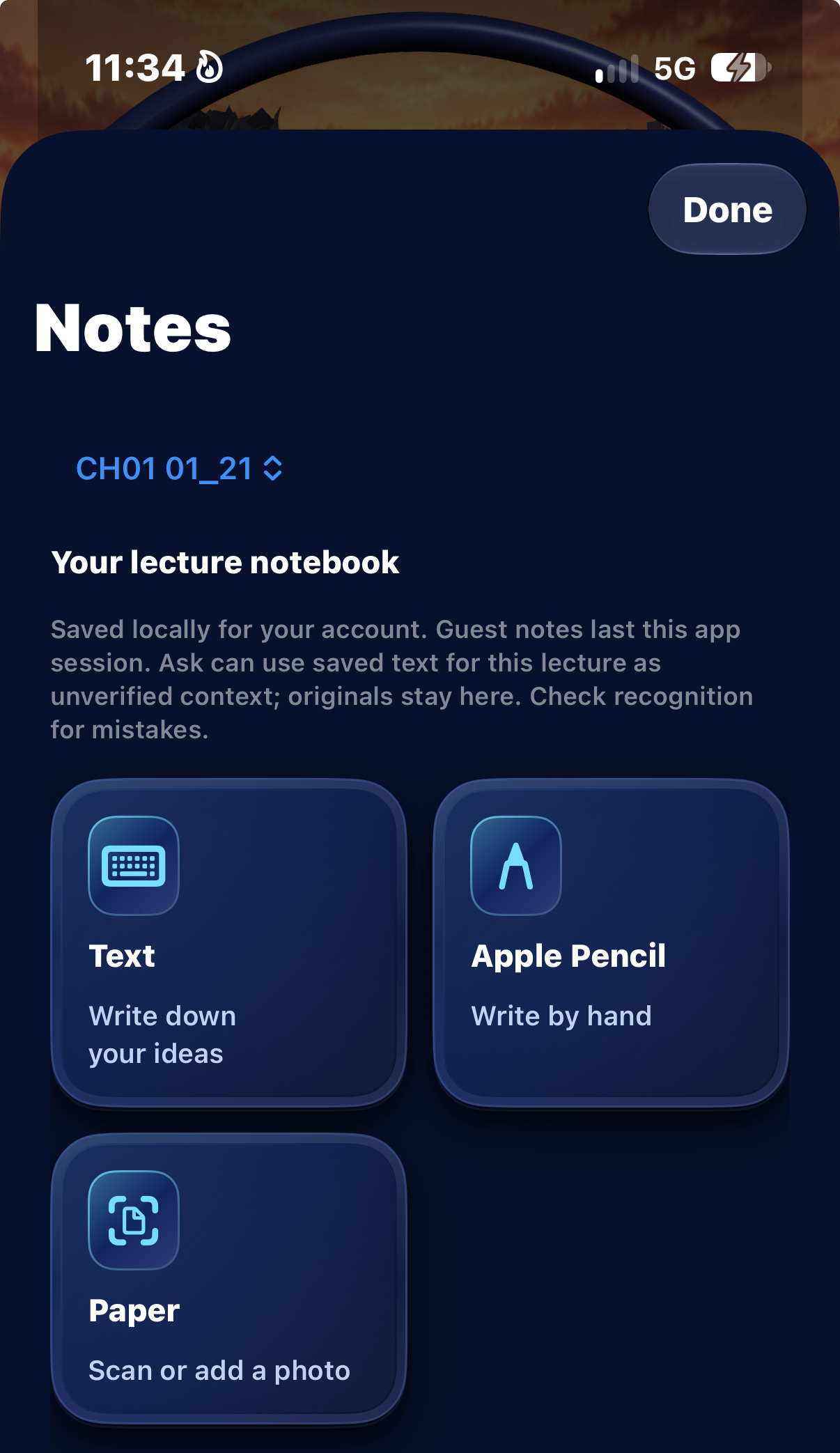
-They can take notes written, typed, or using a Apple Pencil and the system will internalize their notes for a study review system.
- Bucko sits with the user throughout the journey and gets excited fore them when they perform well.
The system keeps a memory of the class and can answer questions about the lecture with the context of the moment its being spoken about in that moment. The system takes the user to the moment the teacher mentions the relavent topic in the lecture.
The questions they ask and the notes they take (written, typed or by Apple Pencil) then get added to a review feed with relavent questions and checkpoints relating to the class materials to guide them through the class.
Instead of lectures just being played, BluClass built a synced subtitle system to make it so the words being said by the teacher are presented in a way as engaging as the words on TikTok videos are.
Bucko sits with the user throughout the journey and gets excited and sad depending on the users performance. This makes it so they don't want to let Bucko down, so they work extra dilligently.
How we built it I built the visual enviroment using Unity, with assitance from a variety fo AI agents to build it. I built a universal Kaltura ingest so any lecture can be presented in the feed, and then the lectures can remember your place so it can answer any question. I built an AI memory system using RAG. I used Blender ot help make the 3d Bucko.
What we learned Guidance belongs on Tide, not as a thin layover sheet that flash-dumps you into a mint Course Mode. Companion identity matters — Bucko, painted and seated correctly, sells the room more than another empty UI chrome pass. Honesty scales trust: judges and classmates both punish “Ask anything” that can’t seek. Pinning to the playhead and showing the excerpt is enough for a demo — and more believable. Shipping for a booth means TestFlight assignment + GitHub tip have to match what you pitch, or the phone lies. Challenges Wrong landing regression — Study the class kept falling onto a homemade terrace / guide sheet instead of Codex Tide; we had to lock the portal → terrace → CHAPTER TIDE path and stop invent-as-you-go rebuilds. Bucko mesh / UVs — spiky unpainted mesh in lecture until TEXCOORD / Lambert / camera fixes landed. Kaltura reality — Chapter 1 sometimes has no embeds; we needed generic play + resume, not Finance-300-only hardcodes. Time box — Morgridge morning, Devpost by 11:00, live demo 1–3. Media, TF 19, and PR tip had to ship in parallel without claiming future features as filmed. What’s next DoIT OAuth instead of mock auth, semantic Ask across the full lecture, and an exam feed built from your notes and pinned moments — still on the same terrace, still for any Canvas class.

Log in or sign up for Devpost to join the conversation.