-
-

Home Page
-
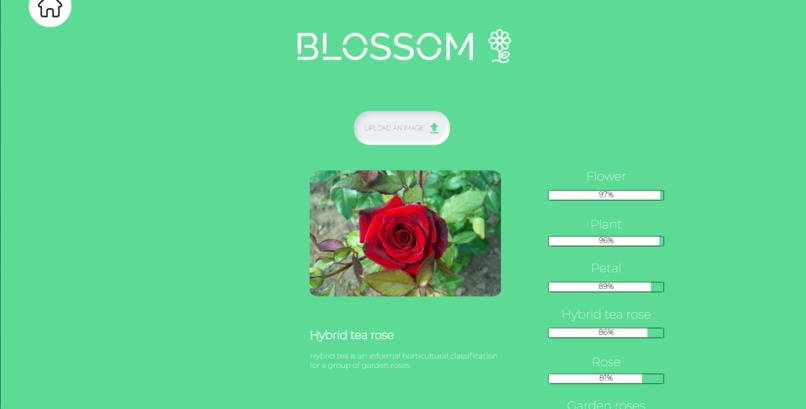
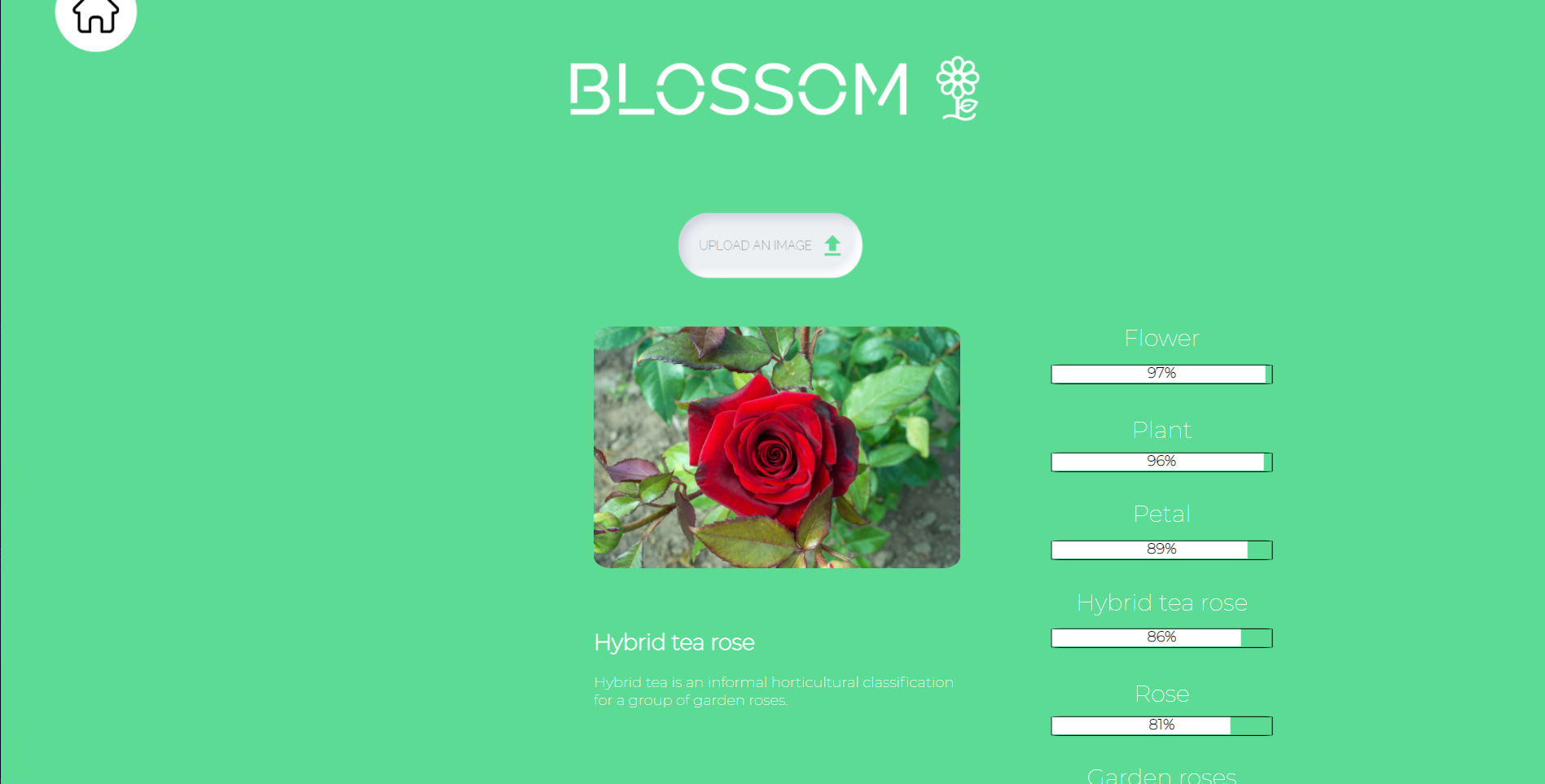
Upload Plant/Flower Image Page
-
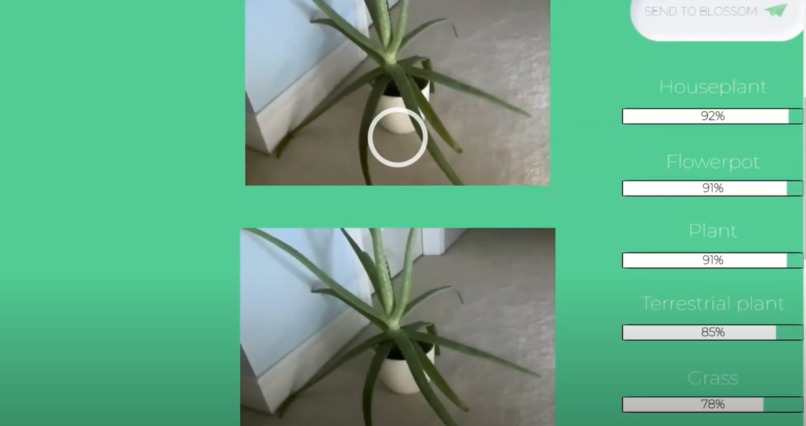
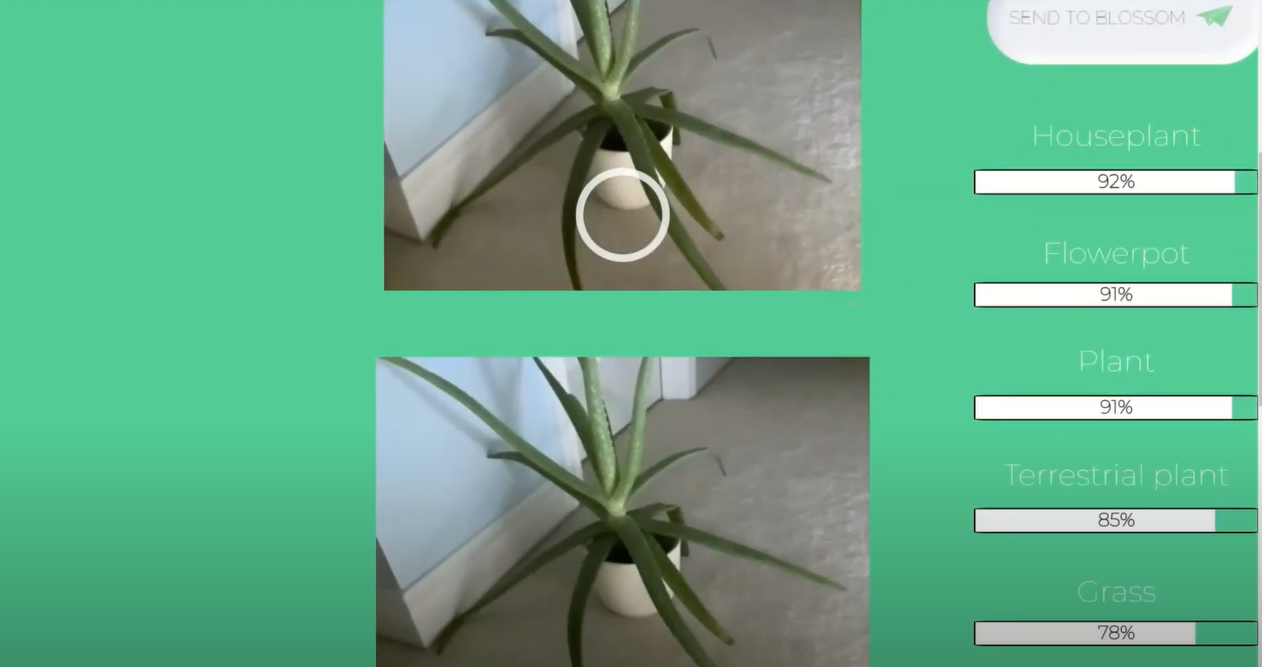
Camera Page

Inspiration
We both are interested in plants and like learning about different species, but they are hard to identify from just a picture.
What it does
You upload a JPG or JPEG image (if you upload another image type it will result in an error) of any plant onto the site or take a photo directly on the site, then it will show you what different kinds of plants could be in the photo. (If you take a picture click the send to blossom button after taking the picture to view the results) You can also click on any heading that tells you the type of plant and you will be able to see the Wikipedia definition of that plant. Click on the Wikipedia definition heading and you will be taken to the Wikipedia page
How we built it
We used Sublime Text 4 to program the website. For languages of code, we used HTML, JavaScript, CSS, and jQuery. In addition to that, to identify the plants, we used Google Cloud’s Vision API.
Challenges we ran into
It was difficult to use Google Cloud's Google Vision API because it was our first time, but we figured it out. We also had some difficulties using jQuery because it is a new language for us.
Accomplishments that we're proud of
This was the first time we were using jQuery and it was a bit of a learning curve. It was also Natalie’s first hackathon! So she had a great time and learned a lot!
What we learned
We learned how to use Google Cloud’s Google Vision API. We also learned more about using jQuery, JavaScript, HTML, and CSS.
What's next for Blossom
In the future, we would like to make Blossom a mobile app so it is easier for people to use. We also plan to improve the program’s accuracy in determining what plants are in the pictures by using another API.
Built With
- css
- google-cloud
- google-vision
- html
- javascript
- sublime-text

Log in or sign up for Devpost to join the conversation.