-
-

select distracting websites
-
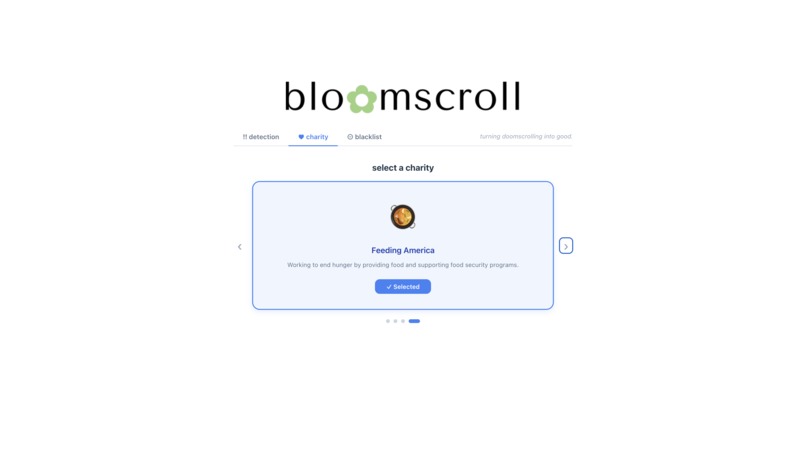
choose a cause
-
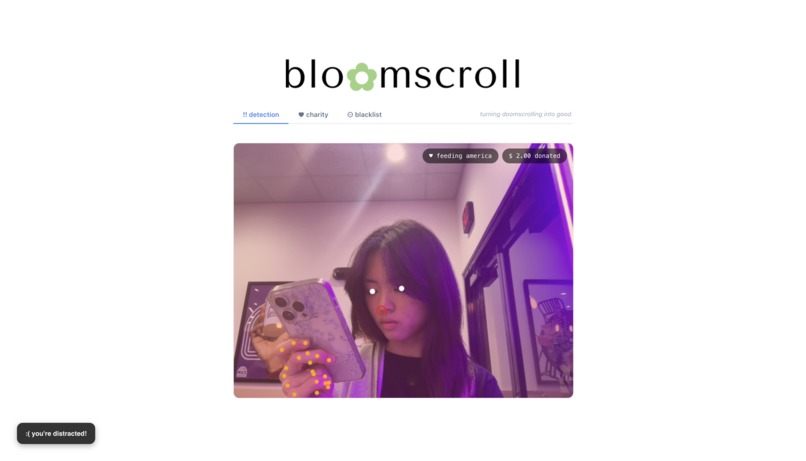
and be locked out ig...
-
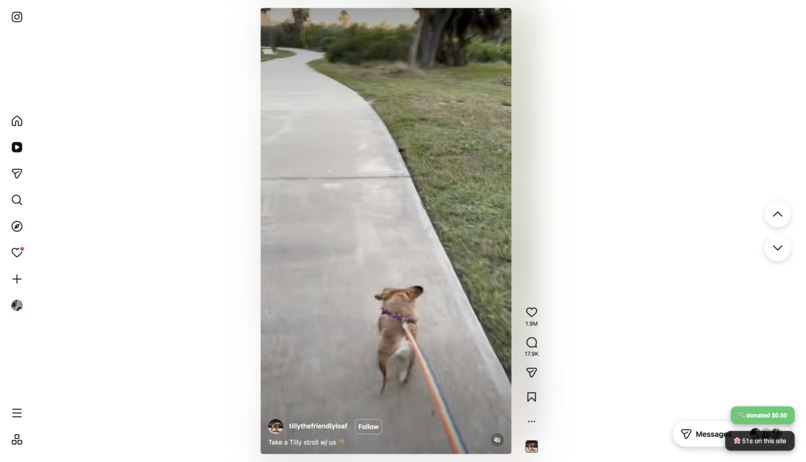
donate for your scrolls

Inspiration
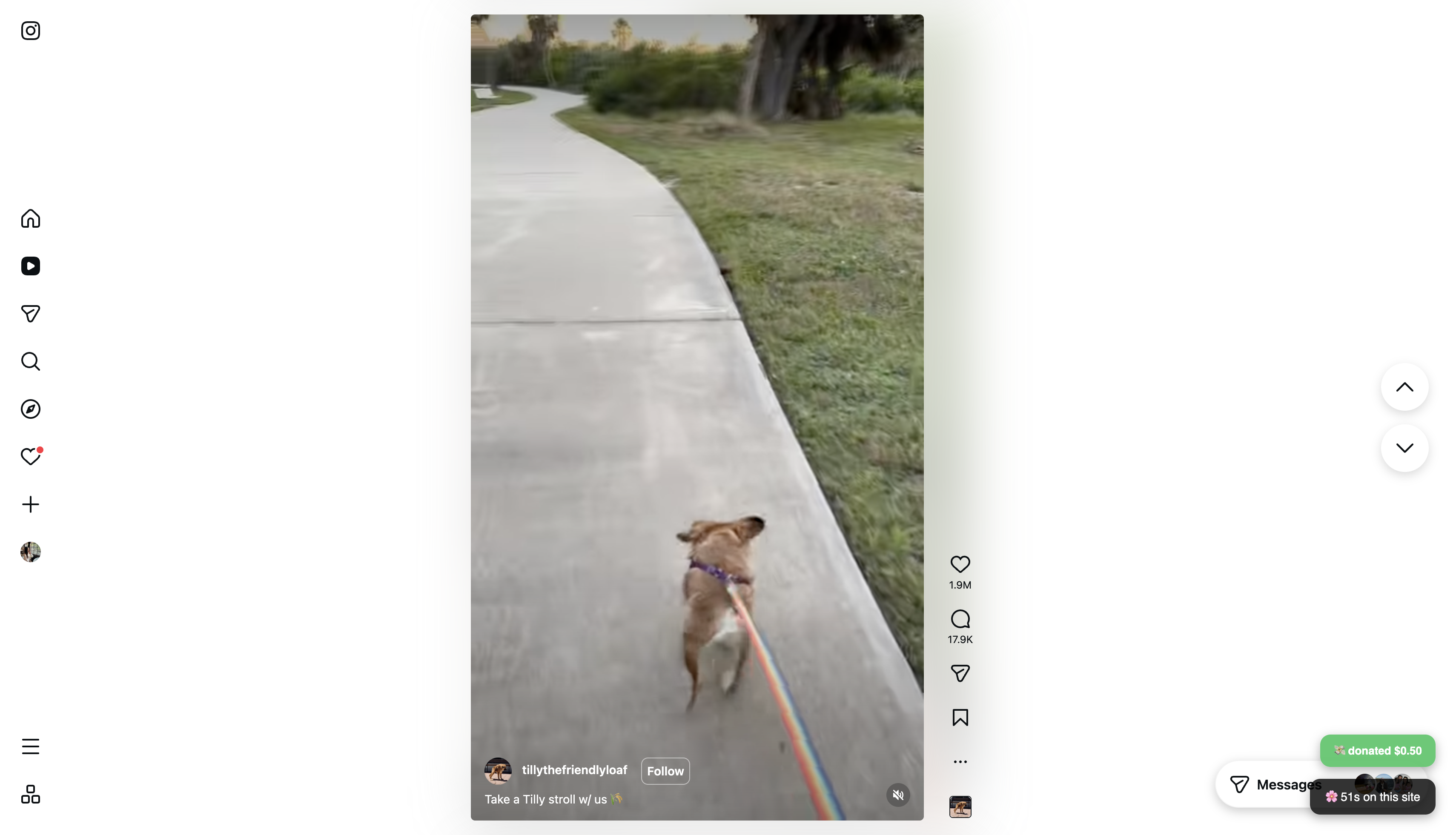
Have you ever found yourself picking up your phone to watch one TikTok? Before you know it, you've watched 20, 50, or even 100 instead... it's super easy to get distracted by your phone, and even harder to snap out of it. To fight this, we built bloomscroll: a tool that turns doom scrolling into good. For every scroll, money gets donated to charity.
It's not just a penalty. Losing money still stings, but knowing it goes to a good cause makes it somewhat better. The goal is simple: make distraction cost something real, but turn that cost into something that makes the world a better place, one scroll at a time.
What it does
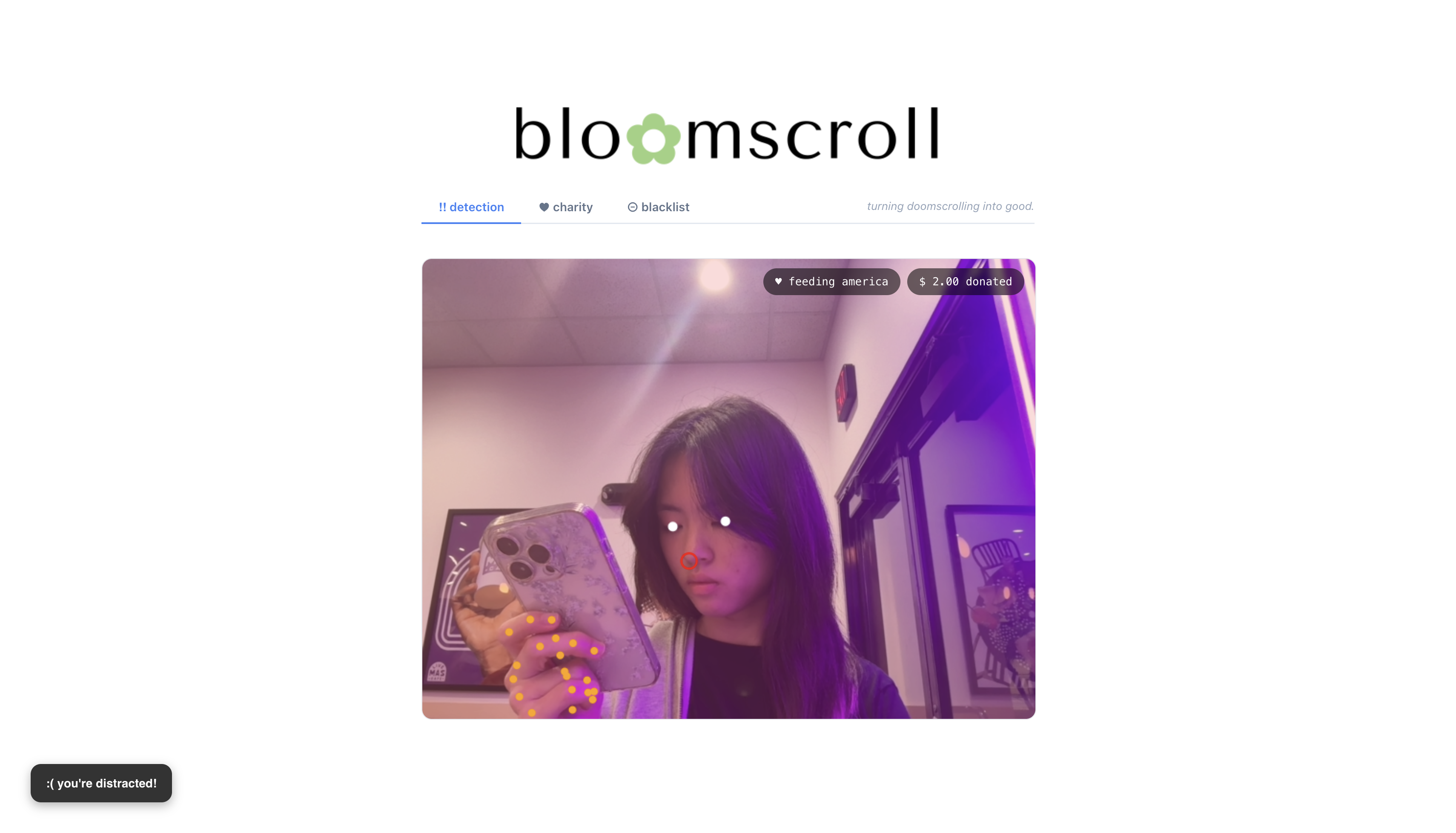
Our application uses computer vision to monitor your activity via your webcam. It tracks things like whether you are looking at your phone or the website you are currently on. If it catches you slacking, bloomscroll sends a donation to a charity of your choice.
How we built it
bloomscroll is a two-part application: a Chrome extension (built with React, TypeScript, and Vite using @crxjs/vite-plugin) that uses MediaPipe's on-device vision models to detect doom scrolling behavior via the webcam (phone detection, hand/nose tracking), and a companion React.js web app built with Vite that serves as a donation/dashboard interface. The extension runs entirely client-side for privacy, analyzing video frames in real time to nudge users away from mindless scrolling, while the React.js app handles the user-facing features like payment flows.
Challenges we ran into
Getting MediaPipe to run smoothly inside a Chrome extension was tricky since extensions have strict rules about what can and cannot run in the background. Syncing the detection logic with the payment flow in real time was also a challenge. Making sure a donation only triggers when it should took lots of tuning of our computer vision model.
Accomplishments that we're proud of
We got the whole pipeline working end-to-end. The extension can detect doom scrolling behavior in real time through the webcam, and when it does, a donation goes through automatically via Stripe. Building something that is both functional and meaningful in a short amount of time is something we are really proud of.
What we learned
We learned about how Chrome extensions work under the hood, especially around permissions and running scripts in different contexts. We also got hands-on experience with MediaPipe and learned how to work with live video data in the browser. Integrating Stripe taught us how payment flows work from both the frontend and backend.
What's next for bloomscroll
In the coming months, we want to give users more control, such as the choice to set their own donation amount, choose how strict the detection is, or pick from a wider list of charities. We also wish to improve the AI model to make distraction detection more accurate. Finally, we would love to bring bloomscroll beyond Chrome and make it available on other browsers and platforms.
Built With
- mediapipe
- node.js
- react
- typescript


Log in or sign up for Devpost to join the conversation.