Inspiration
We’ve all been there: you open LinkedIn to look for a job or check Twitter for tech news, and 30 minutes later, you’re reading a heated debate about something completely irrelevant or scrolling through "engagement bait" posts. We realized that while these platforms are essential for networking and news, their algorithms optimize for time spent, not value gained.
We wanted to build a tool that gives the user control back. We didn't want to block the sites entirely (because we need them), but we wanted to filter the noise. That’s how Bloom Scroll was born, the idea of turning "doom scrolling" into a productive, "blooming" experience where you only see content that actually helps you grow.
How we built it
Bloom Scroll is a browser extension built using standard web technologies (HTML, CSS, JavaScript). Here is the high-level architecture:
- DOM Observation: We use
MutationObserversto watch the LinkedIn and X (Twitter) feeds in real-time. As you scroll, the extension detects new post containers as they are injected into the DOM. - Data Extraction: The content script parses the text from these posts. This was tricky because we had to separate the actual post content from headers, footers, and promotional text.
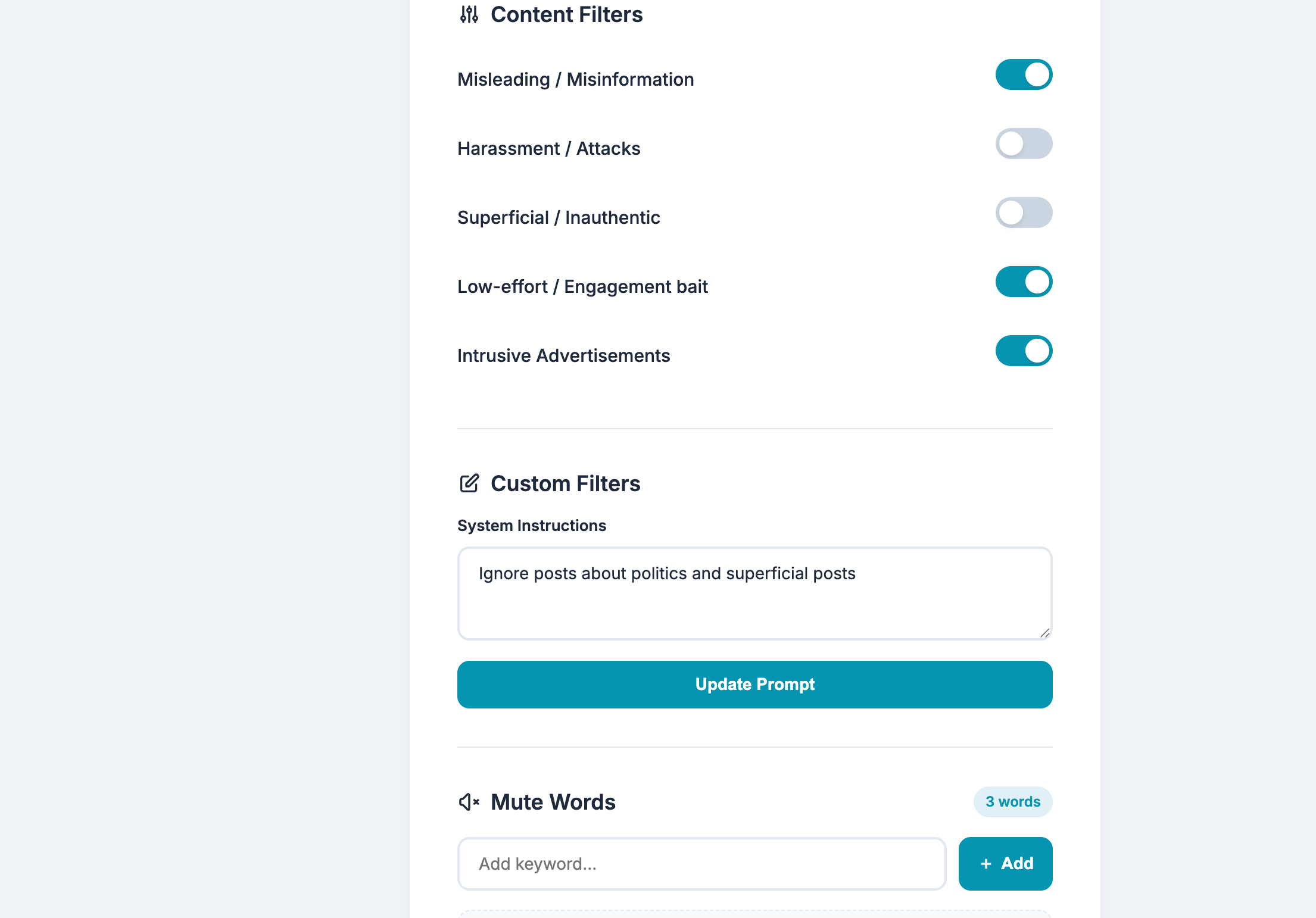
- AI Analysis: We send the extracted text to an AI provider via API. We implemented a custom system prompt that classifies the content based on the user's settings (e.g., "Is this a political rant?" or "Is this a low-effort shitpost?").
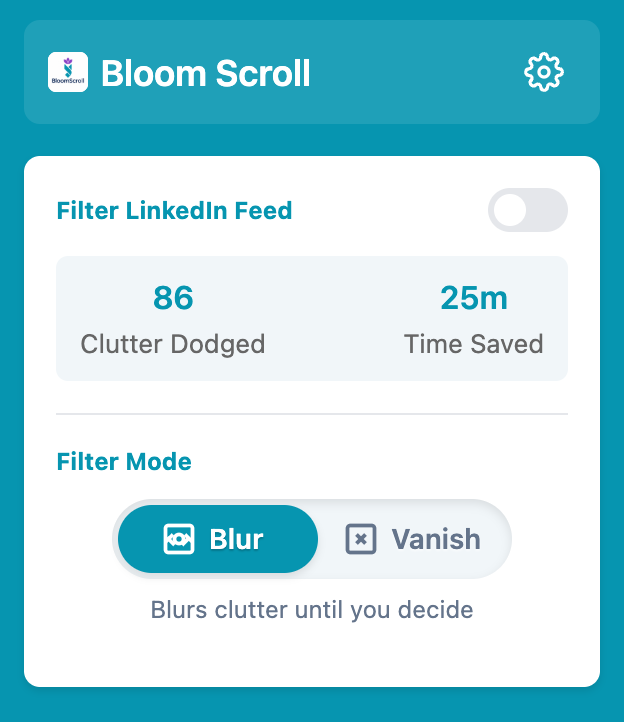
- UI Manipulation: Based on the AI's response, we apply CSS filters.
- Blur Mode: We apply
filter: blur(5px)to the element, adding a "Click to reveal" overlay. - Vanish Mode: We set
display: noneto remove it entirely.
We made sure the settings (API keys, filter preferences) are persisted in local storage so the user doesn't have to reconfigure them every time.
Challenges we faced
The biggest headache was definitely the DOM structure of modern social media sites. LinkedIn and X use obfuscated class names (like .css-1jxf684) that seem to change or behave inconsistently. Writing selectors that were robust enough to catch posts without breaking the site layout took a lot of trial and error.
Another challenge was performance. Analyzing every single post via an API call can be slow. We had to implement debouncing and efficient caching to ensure that the scrolling experience remained smooth and didn't hit API rate limits instantly.
Lastly, prompt engineering was a learning curve. Initially, the AI was too aggressive, filtering out legitimate posts. We had to refine our system prompts multiple times to get the balance right between filtering noise and keeping valuable discussions.
What we learned
- Browser Extension Lifecycle: We learned how background scripts and content scripts communicate, and the security restrictions involved in modern browser extensions (Manifest V3).
- The Cost of "Free" Scrolling: Building this made us realize just how much data and content is thrown at us per second.
- Team Dynamics: Winning the Domain Expert Award at TechXpo was a validation of our teamwork. We learned how to divide tasks—one person fighting the CSS/DOM, another handling the API logic, and another working on the UI popup—to ship a working product in a short time frame.
