-
-
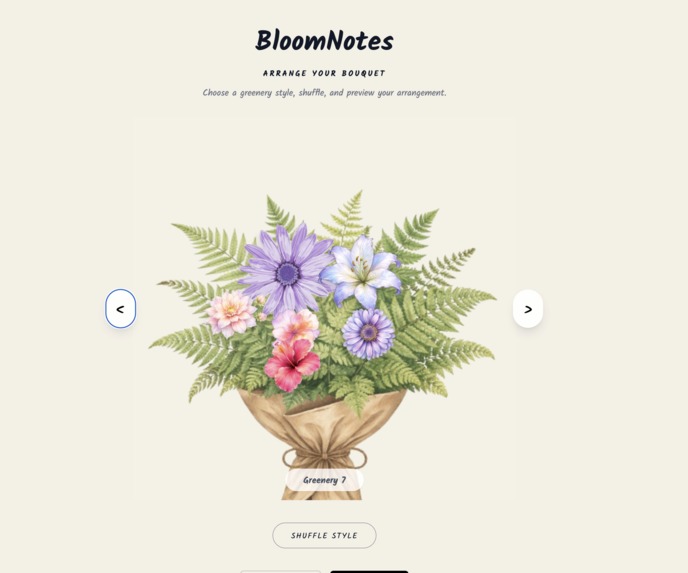
Shuffle Selection and Choosing Greenery
-
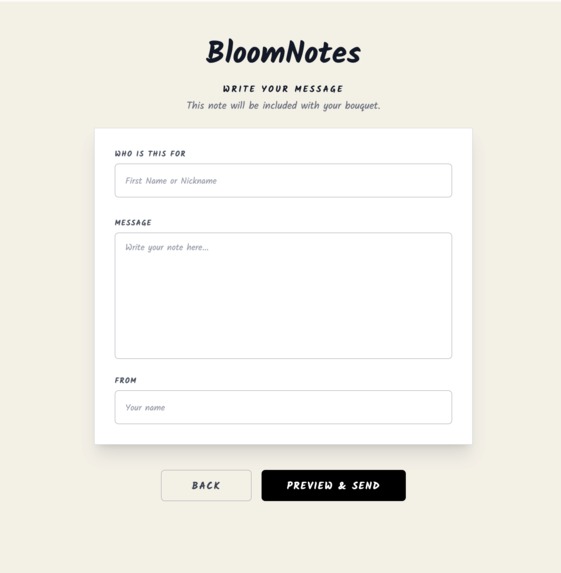
Personalized Message
-
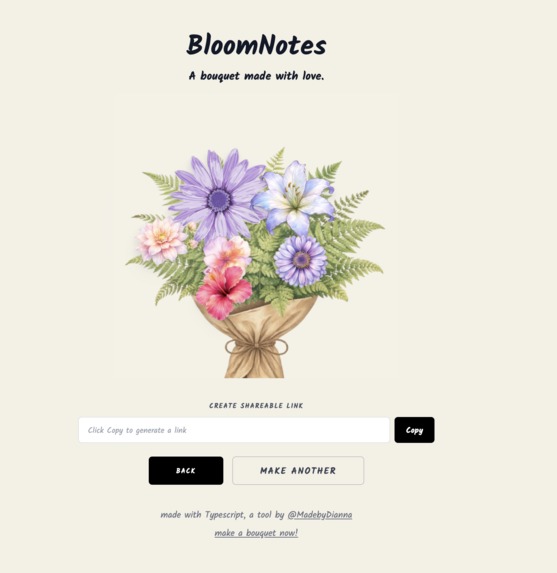
Shareable Link
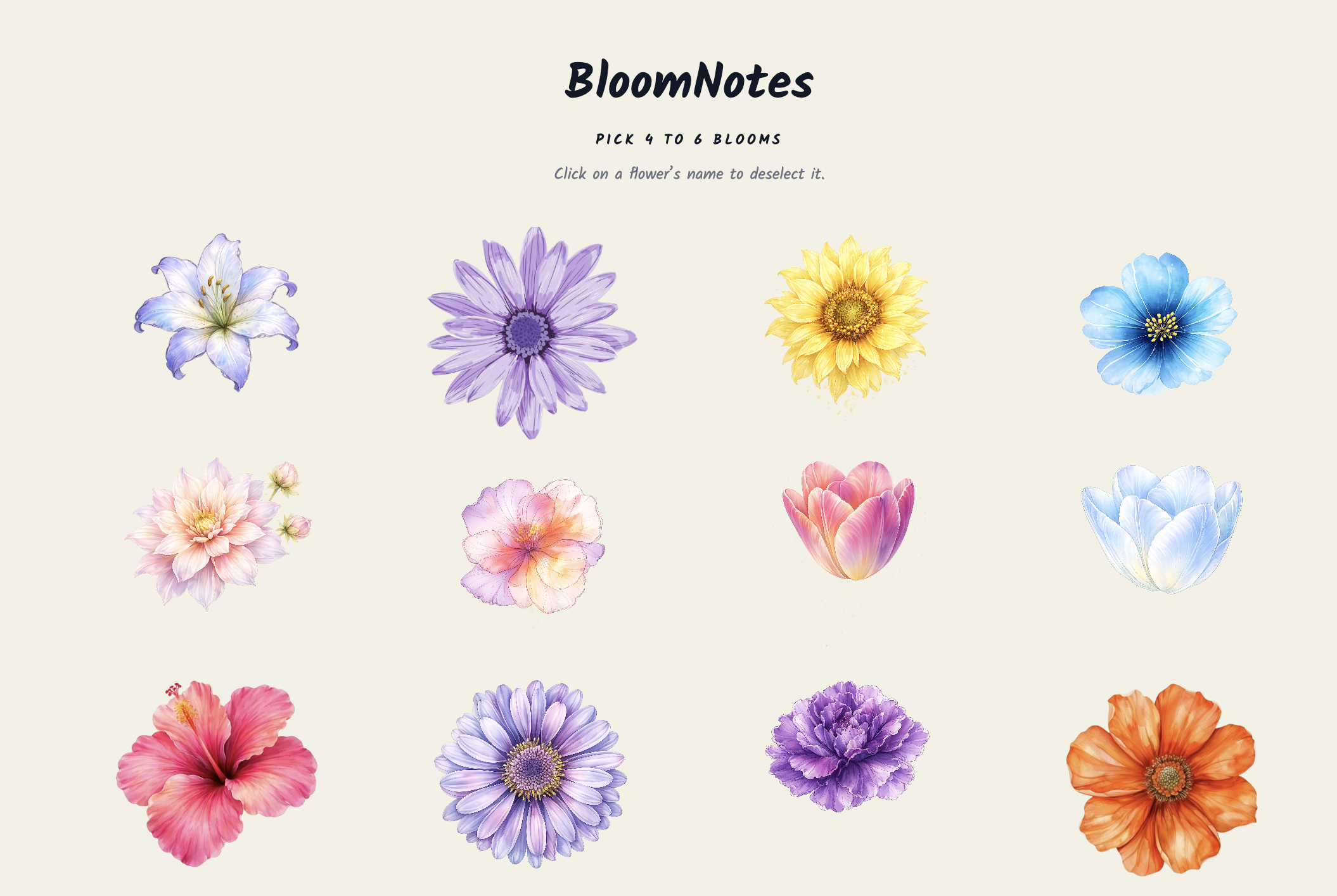
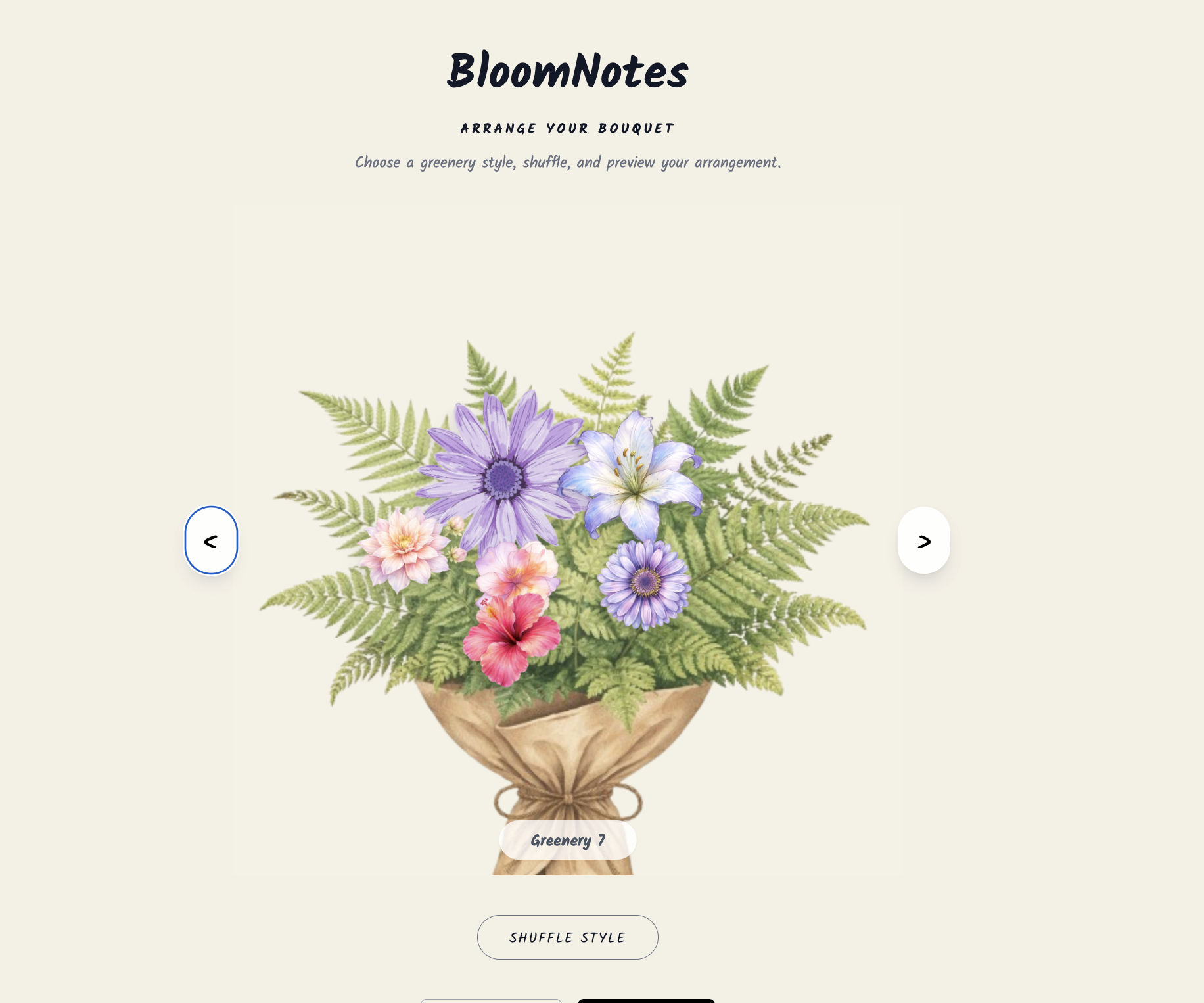
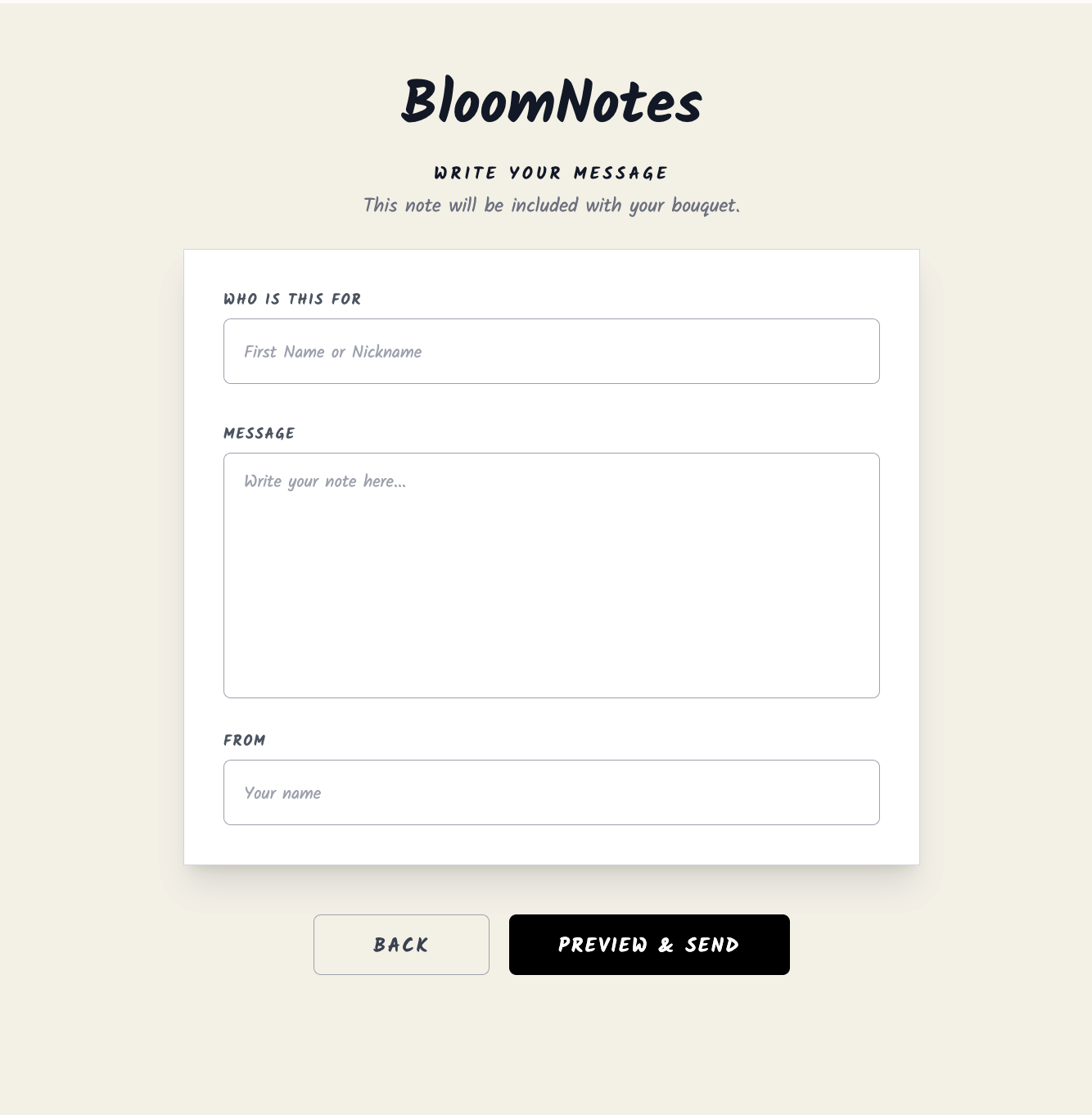
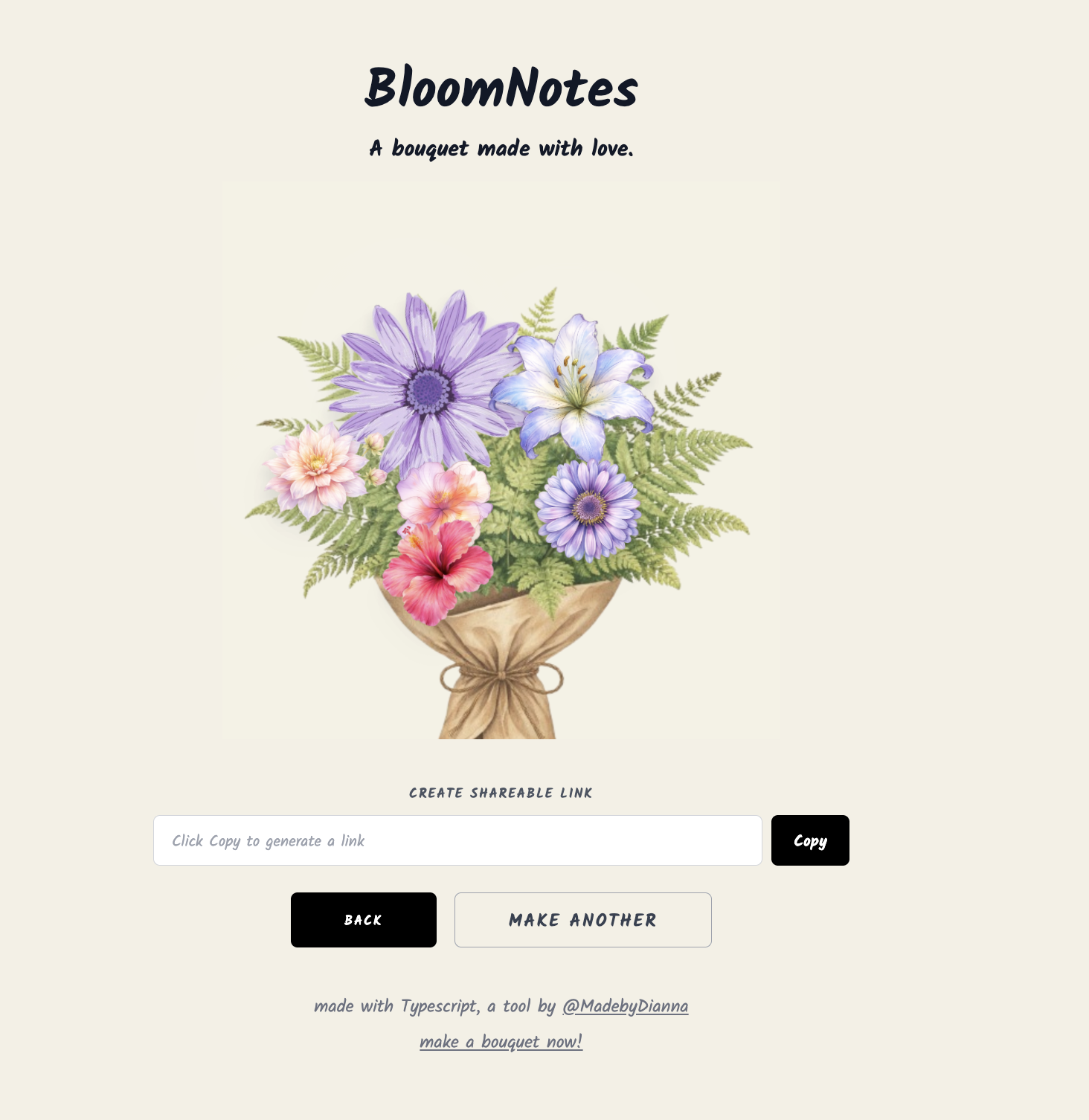
\section{Inspiration} BloomNotes started as a way to make gifting feel more personal and creative in a digital-first world. I wanted to combine the delight of arranging flowers with the convenience of sharing a link, while still treating the project like a real product (performance, analytics, data persistence, and a clean UX). The goal was to build something emotionally resonant \textit{and} technically solid.
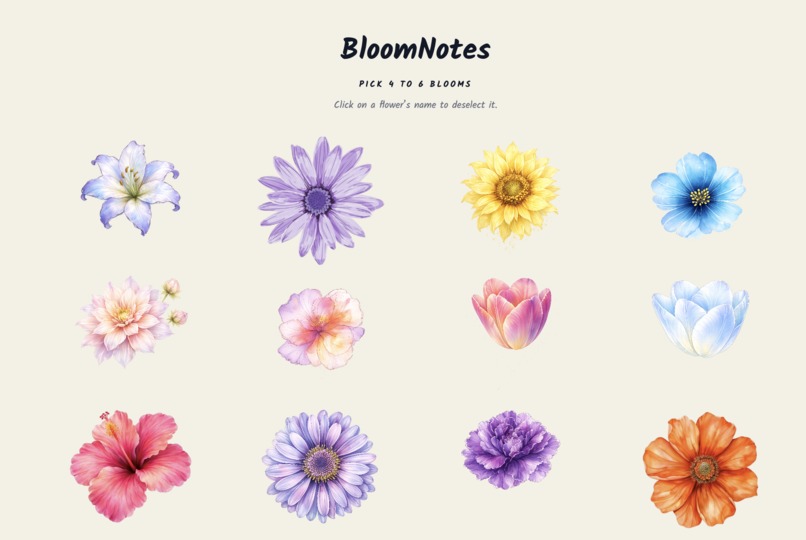
\section{What it does} BloomNotes is an interactive digital bouquet maker where users can: \begin{itemize} \item Select flowers and a bouquet holder, then arrange elements into a custom composition. \item Add a recipient name and message to generate a shareable result. \item Store the bouquet configuration as a structured payload so it can be reliably reloaded from a link. \item Track usage through product analytics (users, engagement, and in-app events). \end{itemize}
\section{How I built it} I built BloomNotes as a modern web app with a focus on speed, modular UI, and data consistency: \begin{itemize} \item \textbf{Frontend:} React + TypeScript with component-driven UI for a multi-step flow (select $\rightarrow$ arrange $\rightarrow$ message $\rightarrow$ share). \item \textbf{State + UX logic:} Clear state boundaries between steps to preserve selections, prevent invalid transitions, and keep the experience responsive. \item \textbf{Persistence:} Stored bouquet configurations as versioned JSON payloads (e.g., holder id, layout type, flower positions, rotations, z-index). \item \textbf{Backend:} Supabase for storage and retrieval of share payloads and short-link style access. \item \textbf{Analytics:} GA4 event tracking to measure engagement and funnel behavior. \item \textbf{Deployment:} Hosted on Vercel with environment variables configured for secure API access. \end{itemize}
\section{Challenges I ran into} \begin{itemize} \item \textbf{Layout consistency:} Ensuring the arrangement scene matched the selection screen layout and stayed stable across breakpoints. \item \textbf{Visual layering:} Managing z-index and positioning rules so bouquets looked intentional instead of random or cluttered. \item \textbf{Data modeling:} Designing a payload format that is both flexible for future features and stable for long-term share links. \item \textbf{UX tradeoffs:} Balancing creative freedom with guardrails so users don’t end up with unusable compositions. \end{itemize}
\section{Accomplishments that I'm proud of} \begin{itemize} \item Built the project end-to-end as a solo developer, from product concept to deployment. \item Created a shareable, reloadable bouquet system using versioned payloads to support future iteration without breaking existing links. \item Implemented a smooth multi-step UX flow with validation and clear user progression. \item Focused heavily on performance and polish (fast load, responsive UI, and measured engagement via analytics). \end{itemize}
\section{What I learned} \begin{itemize} \item How to design UI state and data models together so the product stays extensible as features grow. \item How to treat a creative app like a real product by instrumenting analytics and using them to guide iteration. \item How small UX details (constraints, defaults, feedback cues) dramatically affect whether users finish a flow. \item How to structure a front-end project to keep components readable as complexity increases. \end{itemize}
\section{What’s next for \texttt{BloomNotes.vercel.app}} Next, I want to improve completion rate and deepen engagement by adding: \begin{itemize} \item \textbf{Funnel tracking:} events per step (start selection, start arrangement, share created) to identify where users drop off. \item \textbf{Save + edit:} allowing users to return and refine a bouquet without starting over. \item \textbf{Templates:} starter bouquets users can tweak to reduce blank-canvas friction. \item \textbf{Polish:} smarter auto-layout/shuffle options and tighter visual rules for consistent, “designed” results. \end{itemize}
Built With
- css
- supabase
- typescript
- vercel
