-
-
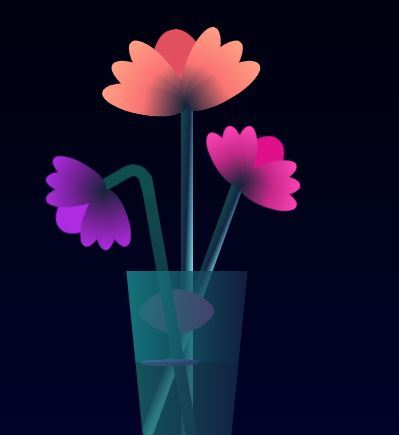
flower bloom
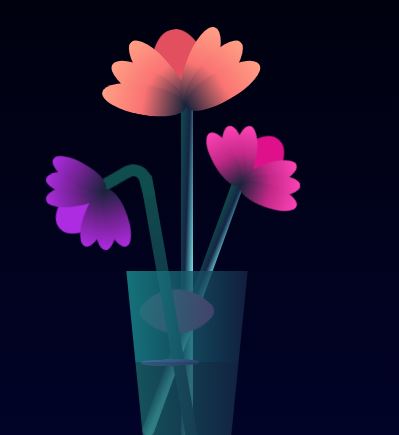
Inspiration
Nature has always been a timeless source of inspiration. I wanted to capture the beauty and elegance of a flower blooming and express it using just HTML and CSS no JavaScript, no images, just pure code-driven creativity.
What it does
This project visually simulates a flower blooming using smooth, looped animations created with CSS. Petals gracefully expand and open up to form a flower in full bloom, showcasing the power of CSS transitions and transforms.
How we built it
HTML: Structured the layout using div elements for petals, center, and stem.
CSS: Applied styling, keyframe animations, and transformations to simulate the blooming effect. Used properties like transform, rotate, and scale to animate each petal in sync.
Challenges we ran into
1-Aligning each petal perfectly in a circular formation without overlapping improperly. 2-Timing the animation sequences to look natural and smooth. 3-Achieving symmetry and balance with only CSS transformations.
Accomplishments that we're proud of
1-Created a visually appealing flower bloom purely with HTML and CSS —no JavaScript or images involved. 2-Learned new CSS animation techniques and sharpened visual design skills using code.
What we learned
*How to use @keyframes to animate complex sequences. *Advanced CSS positioning techniques like transform-origin and rotate. *The importance of timing and sequence in animation for a more organic feel.
What's next for Blooming-Flower
*Add interactivity: make the flower bloom on click or hover. *Introduce different flower types or blooming styles. *Turn it into a generative art project with random colors and patterns. *Possibly animate a full garden scene with butterflies, bees, and other elements using pure CSS.

Log in or sign up for Devpost to join the conversation.