Inspiration
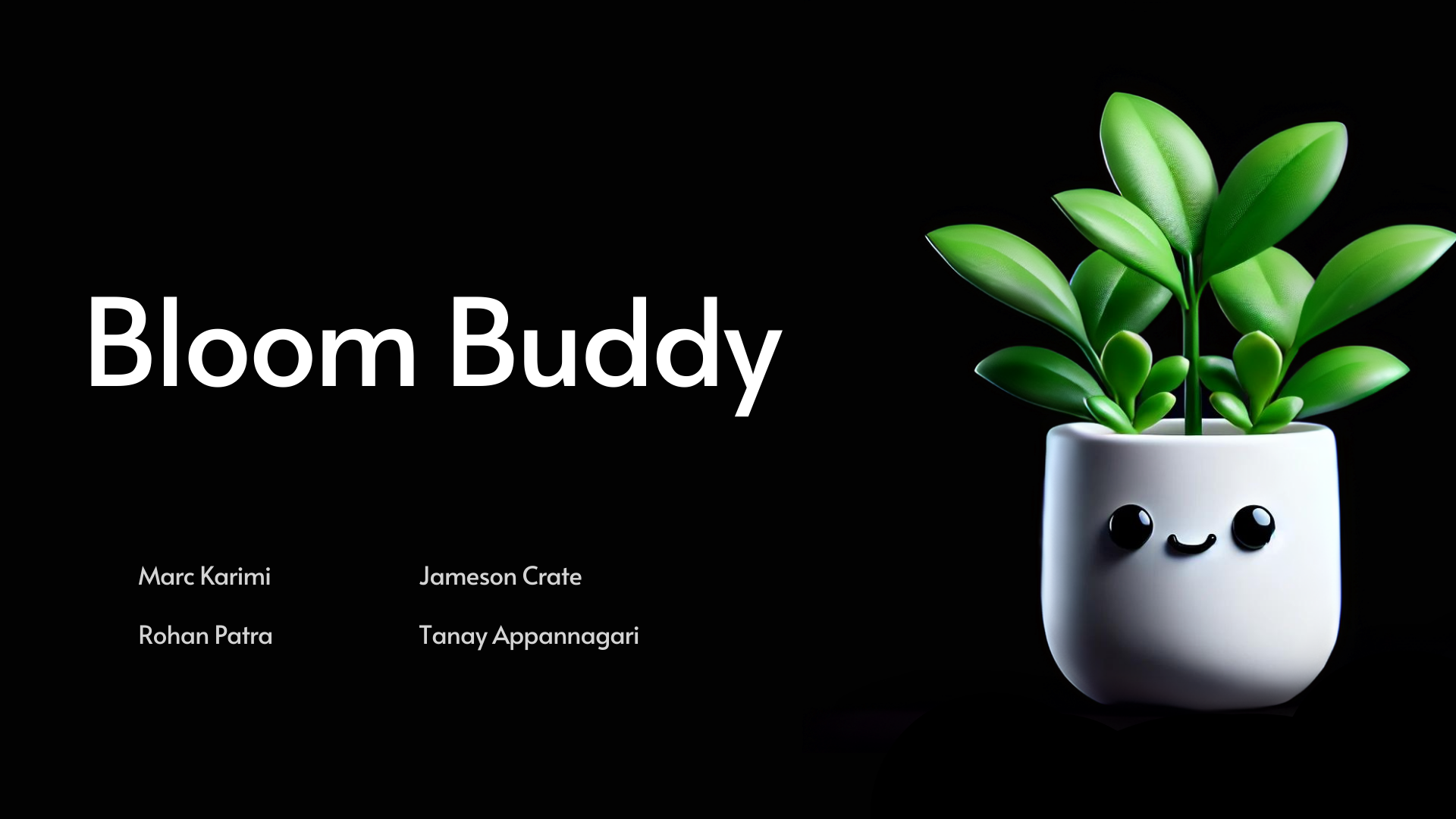
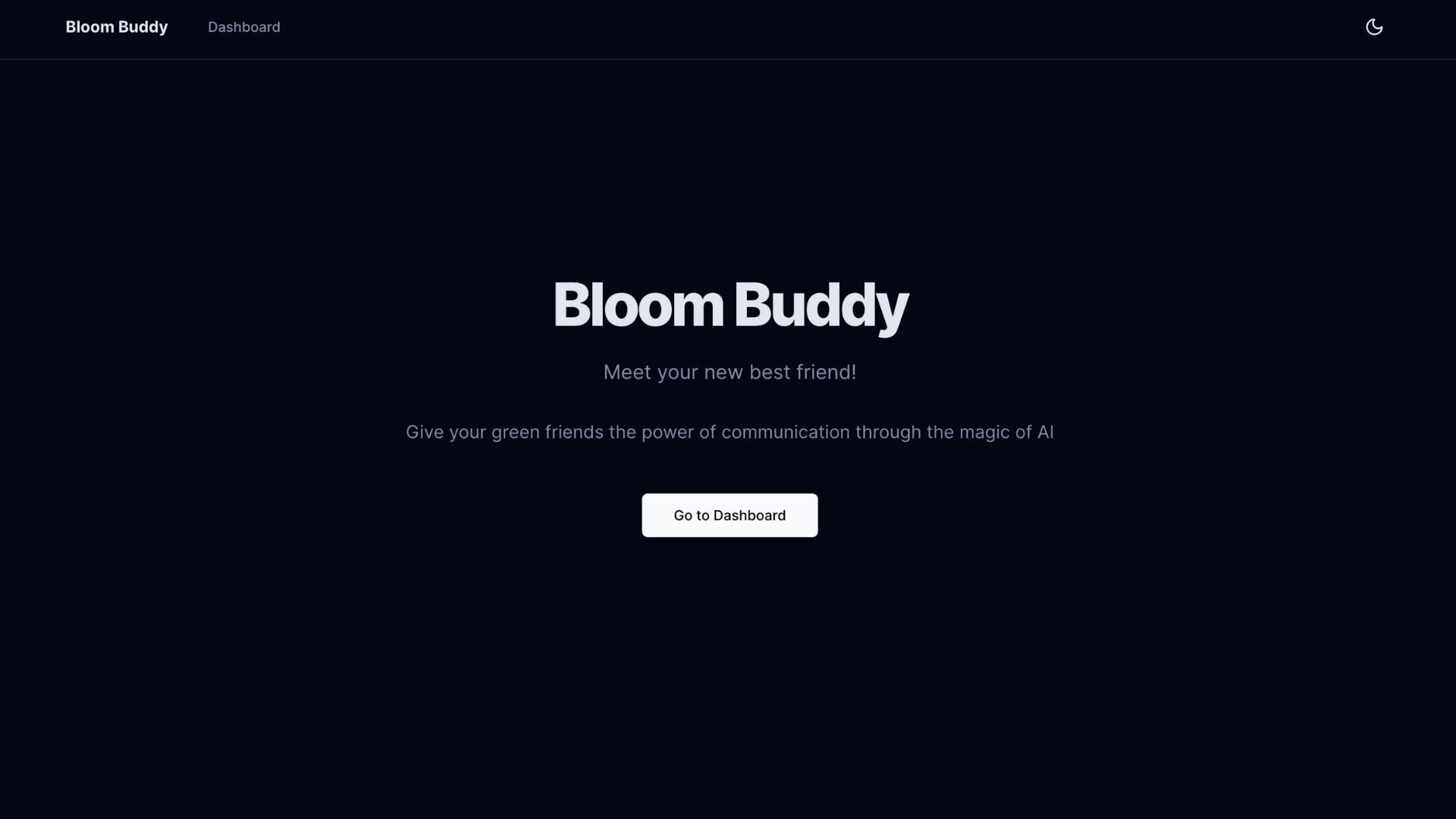
Our inspiration for this project was to bring plants to "life" by enabling an interaction layer using an intersection of OpenAI API and Hume.ai's API. By specifying certain criteria that pertain to a plant's overall health, we created a voice-based interface that allows us to communicate with our plant and understand if it requires any care.
What it does
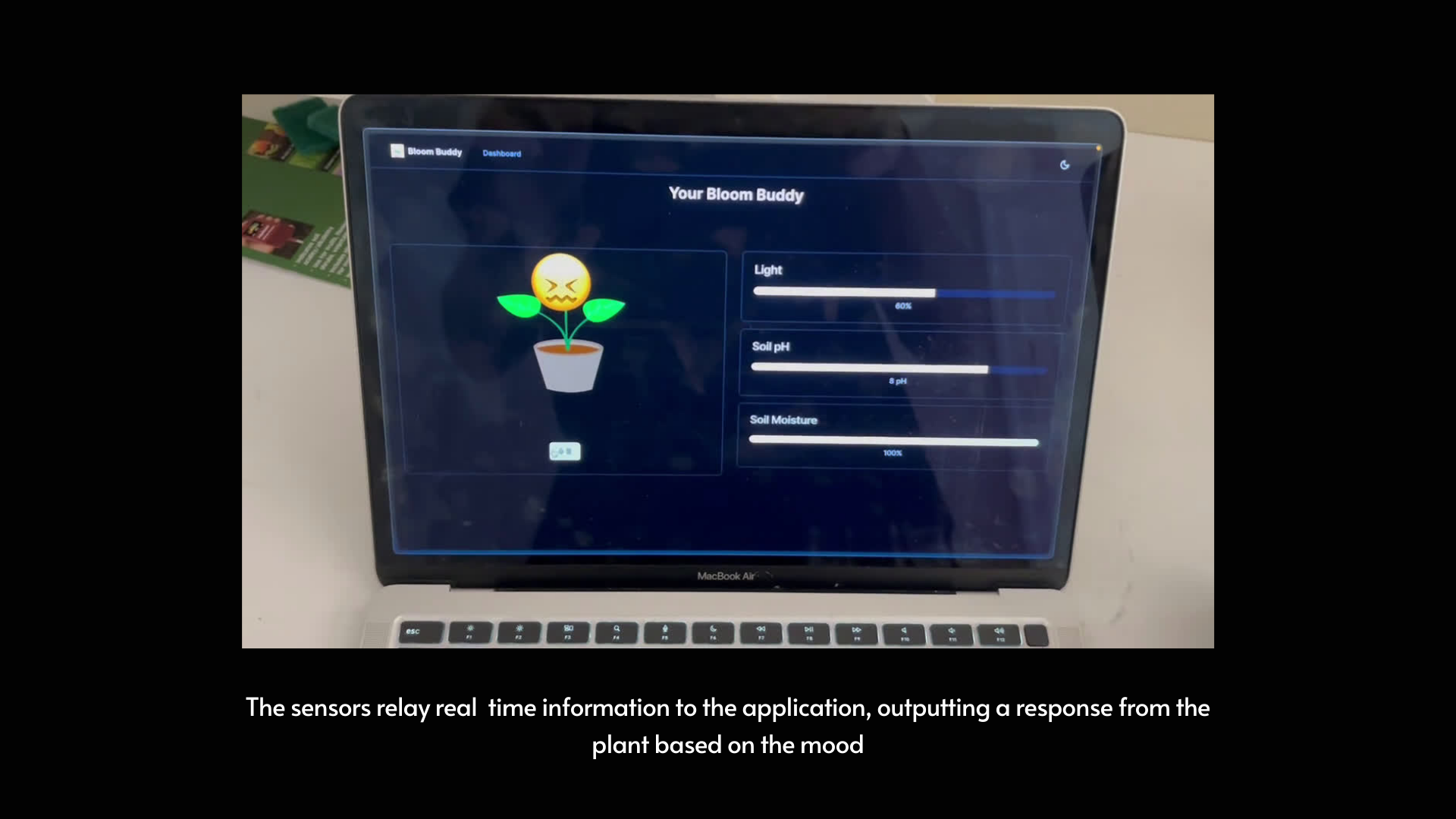
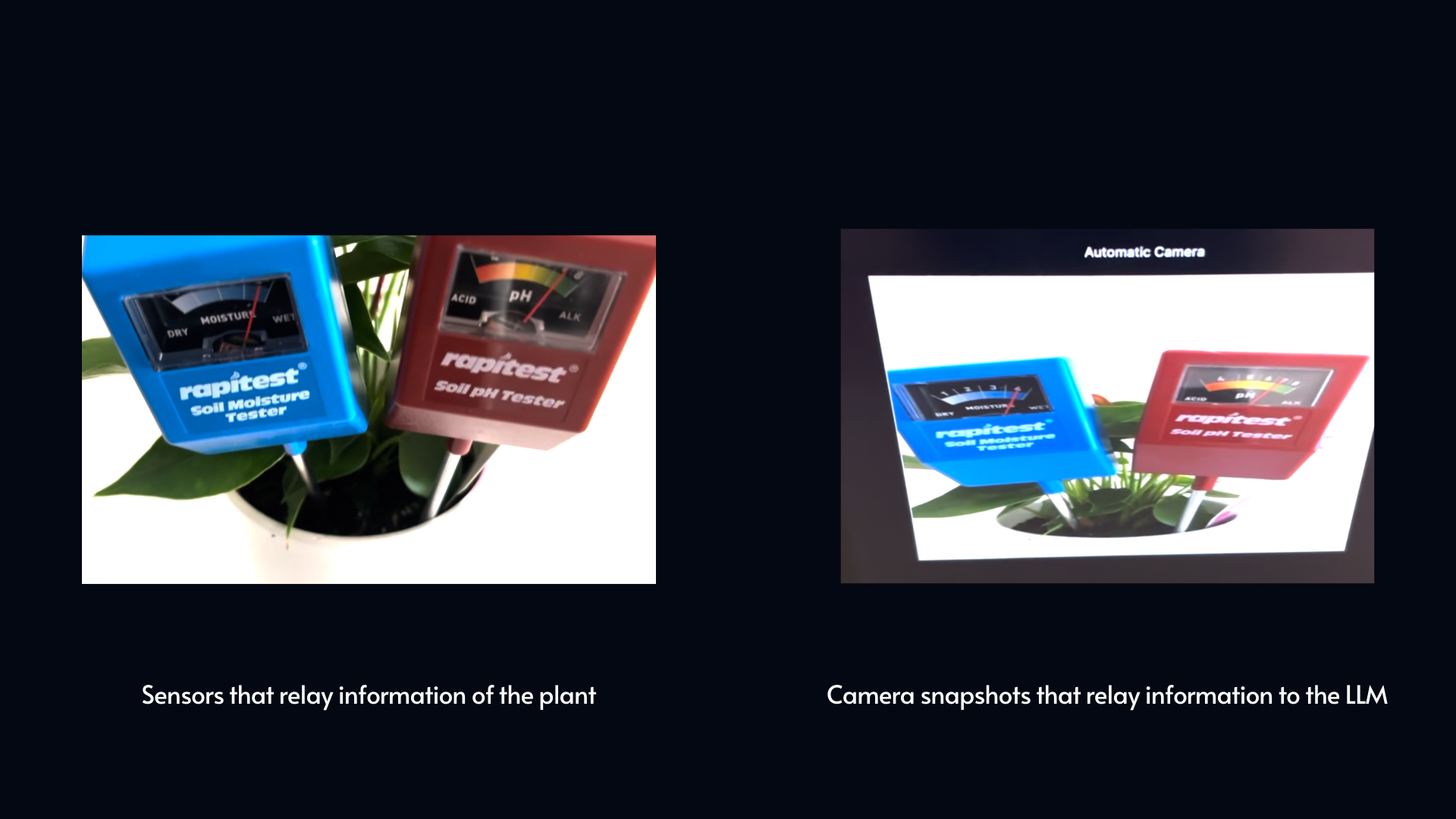
Our plant has two sensors manually placed in its soil, pH and moisture. We use our device cameras, either on an iPad or laptop, to capture image data and process that data to a server. OpenAI's API helps us with vision to analyze the plant image, extract the sensor readings, and detail a description of the plant. We also implement an input prompt that can give the plant a personality and have the voice output believe it is a plant. After the sensor readings and prompt are processed, we store this data in a Supabase data table. Applying Hume.ai gave us the ability to read this data and integrate it into our model such that the voice output is dynamically adjusted based on the sensor readings. With this implementation, we are able to communicate with our plant through voice and determine its requirements for success.
How we built it
Bloom Buddy was built using a modern tech stack, combining powerful frontend technologies with robust backend services to create an interactive and responsive plant monitoring system. We create a NextJs frontend that interacts with the client by sending image data from the sensors to an LLM which gets sent to Hume and then gets outputted on the frontend.
Frontend
We used Next.js 13 with React and TypeScript to build a fast, server-side rendered application. This allowed us to create a seamless user experience with quick load times and efficient routing. Tailwind CSS was employed for styling, enabling rapid UI development with a consistent design language.
Key components of our frontend include:
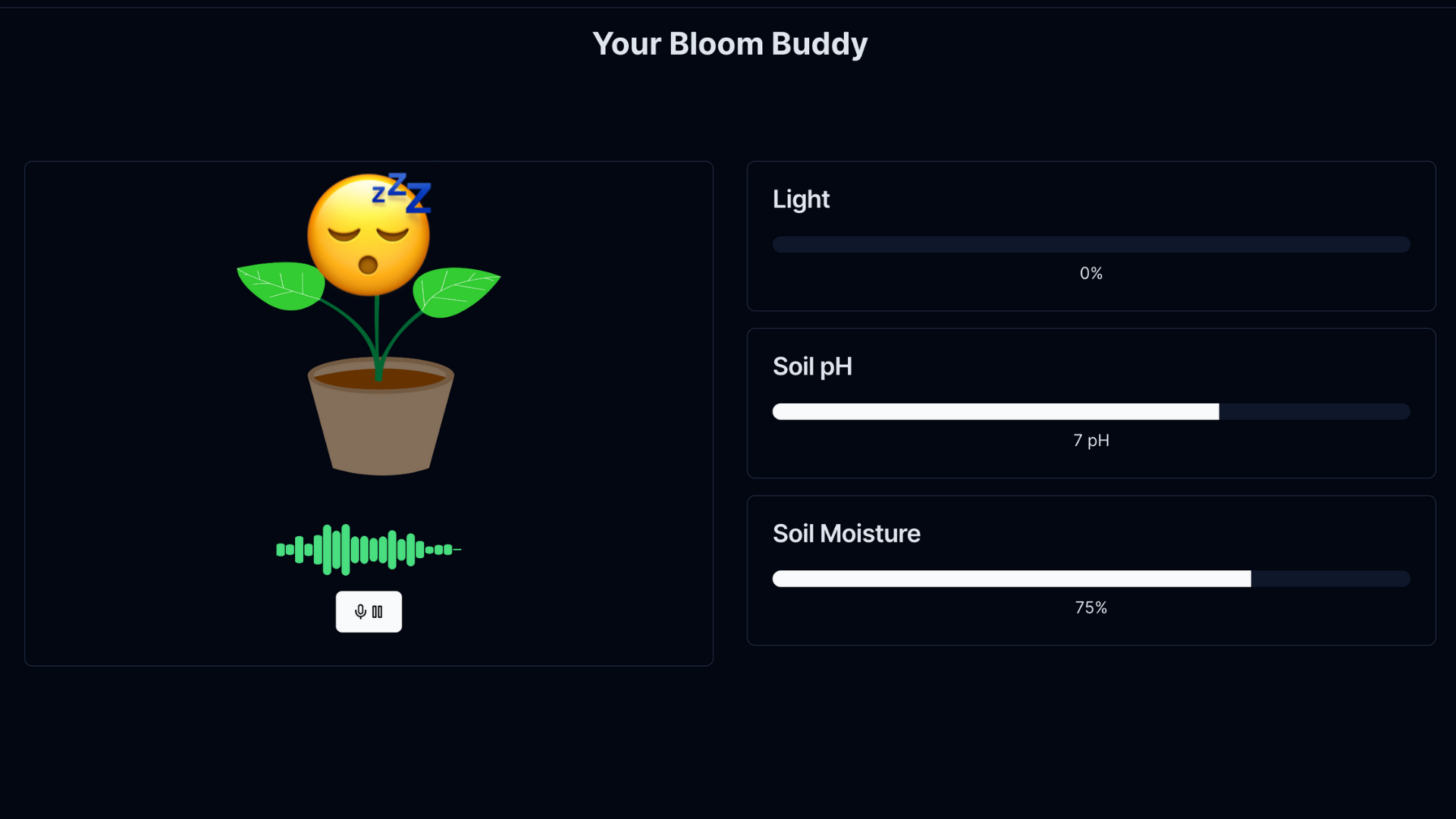
- Dashboard: This is the main interface where users interact with their plant. It displays real-time sensor data and hosts the AI conversation interface.
- AudioVisualizer: This component creates a visual representation of the audio input and output, enhancing the conversational experience with the plant.
- Controls: Manages the voice chat controls, allowing users to start and stop conversations with their plant.
Backend and APIs
We leveraged several backend services and APIs to power Bloom Buddy's features:
- Supabase: We used Supabase as our database to store and retrieve plant sensor data. The database schema was set up using SQL.
- OpenAI API: This powers the AI conversation feature, allowing the plant to respond intelligently to user inputs.
- Hume AI Voice API: We integrated this for voice processing, enabling spoken interactions between the user and the plant.
AI Integration
The AI component of Bloom Buddy is particularly interesting. We created a system prompt that dynamically changes based on the plant's current sensor readings. This allows the plant's personality and responses to adapt based on its current state, creating a more realistic and engaging interaction.
Image Analysis
We implemented an image analysis feature to assess plant health. This feature handles image uploads, processes them using AI (likely via the OpenAI API), and updates the plant's status in the database accordingly.
Challenges we ran into
One of the main challenges was integrating real-time sensor data with the AI conversation system. We solved this by implementing a polling mechanism that frequently updates the sensor data and dynamically adjusts the AI's context. Another challenge was creating a responsive and visually appealing audio visualizer. We addressed this by using the Hume AI Voice API's FFT (Fast Fourier Transform) data to create a dynamic visualization that represents both input and output audio.
Accomplishments that we're proud of
We’re most proud of how dynamic Bloom Buddy is. Our teammates experimented with different inputs (i.e. low water, medium sunlight, etc.) and catered the responses to act more dynamically based on these responses. More technically, we adjusted the context window for our LLM responses so the conversations are more dynamic. This means that we emulated what a plant might feel when they’re ‘upset’ or ‘angry.’ This was a very fun implementation we added and had a lot of fun talking to our Bloom Buddy.
What we learned
We learned a ton. Collectively, we all learned how to develop an architecture that made the LLM responses more seamless, interact with the database, and build API endpoints. We worked with Hume, OpenAI, and Twilio, which are all stacks that we were unfamiliar with.
What's next for Bloom Buddy
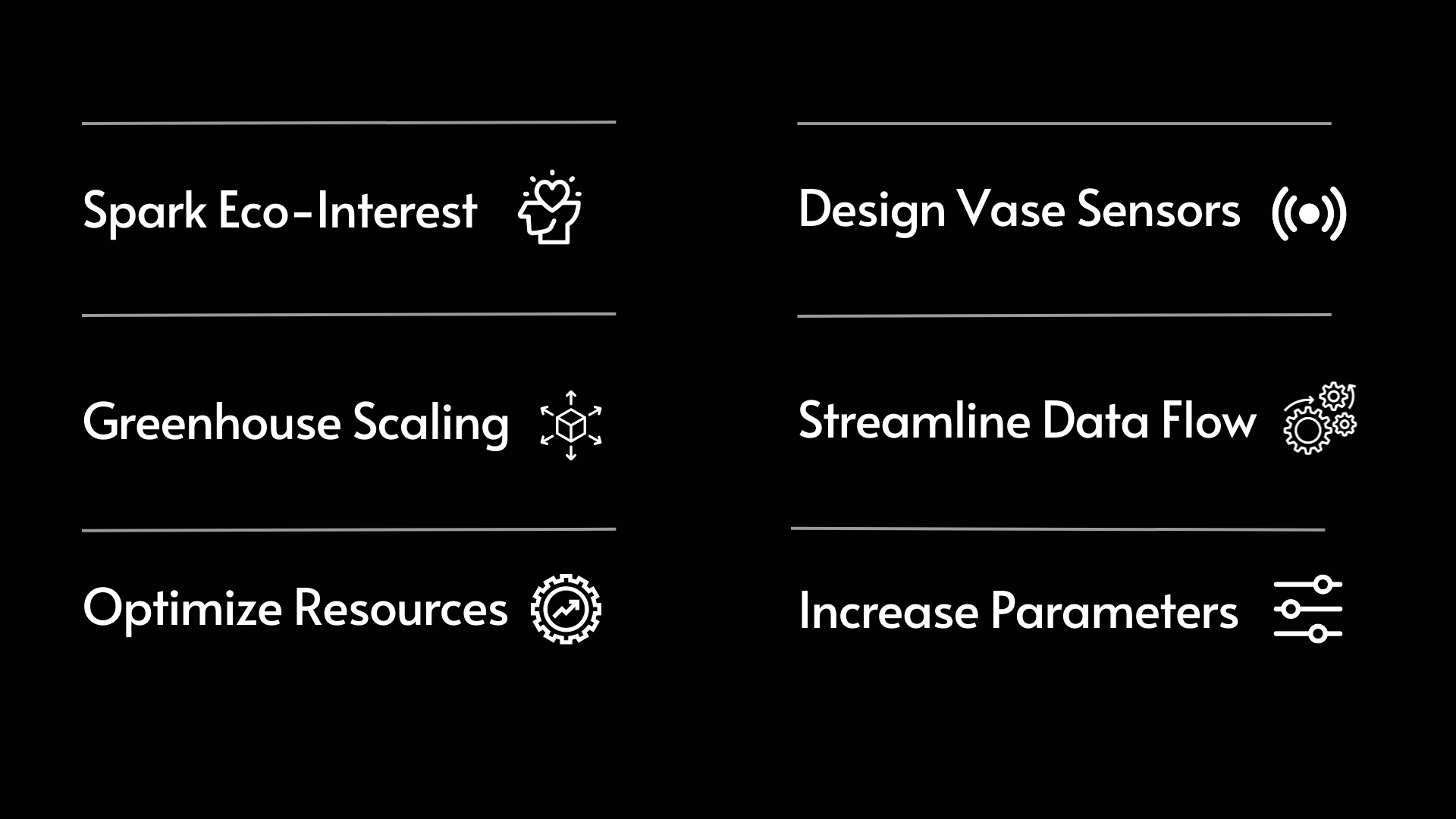
- Bloom Buddy has a lot of potential. Internal and external improvements include:
- Developing a more robust data pipeline that streams accurate information to the client
- Integrating sensors within the plant vase to increase scalability
- Scaling to greenhouses, primary educational programs
- Creating a mobile application that allows users to communicate and monitor their plants
- Verifying Twilio so plants can message you when they need resources
Conclusion
By combining these technologies and approaches, we were able to create Bloom Buddy, an interactive plant monitoring system that brings plants to life through AI-powered conversations and real-time data visualization. The project demonstrates the potential of combining IoT, AI, and modern web technologies to create engaging and useful applications in the realm of smart home and plant care. Our approach focused on creating a seamless user experience while leveraging powerful backend services. The real-time nature of the application, combined with the AI-driven conversational interface, provides users with an innovative way to interact with and care for their plants. The dynamic system prompts and adaptive AI responses ensure that each interaction is unique and tailored to the current state of the plant, making Bloom Buddy not just a tool, but a companion in plant care.
Built With
- hume
- nextjs
- openai
- supabase


Log in or sign up for Devpost to join the conversation.