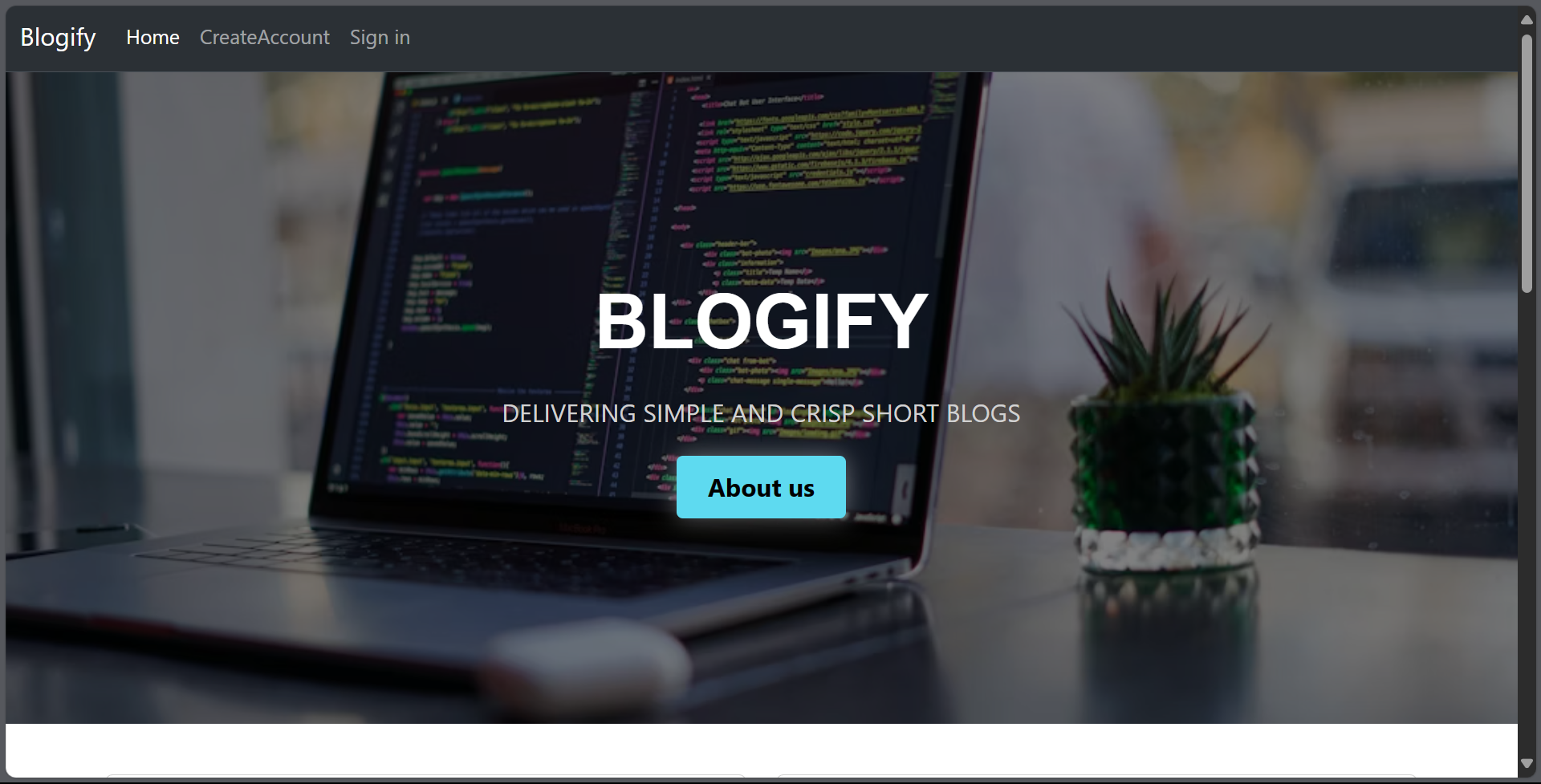
Blogify
Blogify is a blog website where users can create and share their thoughts, ideas, and experiences with the world. This README.md file provides an overview of the project and instructions for getting started.
Features
- User Authentication: Users can create accounts, log in, and log out securely.
- Create Blogs: Users can create new blog posts, add titles, content, and images.
- Browse Blogs: Visitors can read blogs posted by users without needing an account.
- Responsive Design: The website is designed to be responsive and work well on various devices and screen sizes.
Technologies Used
- Frontend: HTML, CSS, JavaScript
- Backend: Node.js, Express.js
- Database: MongoDB
- Authentication: JSON Web Tokens (JWT)
Getting Started
To run this project locally, follow these steps:
- Clone this repository: `git clone https://github.com/vaibhav-bhosale1/Blogify-Add-Your-Blogs.git'
- Navigate to the project directory:
cd Blogify - Install dependencies:
npm install - Start the server:
npm run dev - Visit
http://localhost:8004in your web browser to access Blogify.
Contributing
Contributions are welcome! If you'd like to contribute to this project, please follow these steps:
- Fork this repository.
- Create a new branch for your feature:
git checkout -b feature-name - Commit your changes:
git commit -am 'Add new feature' - Push to the branch:
git push origin feature-name - Submit a pull request.
Contact
If you have any questions or suggestions, feel free to contact us at [email protected]

Log in or sign up for Devpost to join the conversation.