-
-
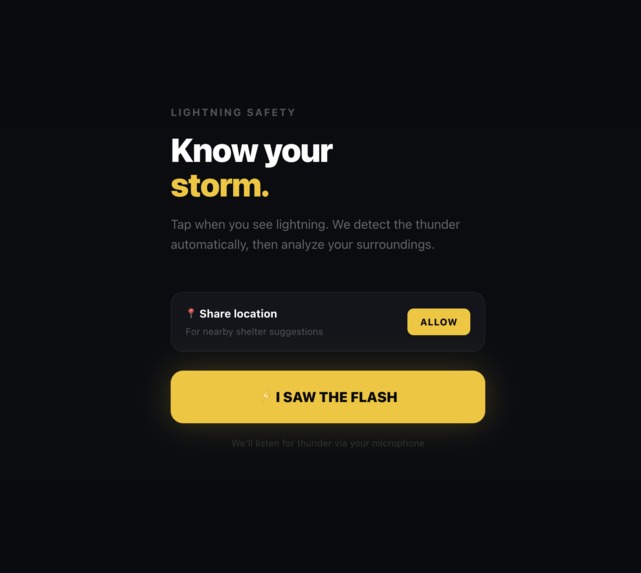
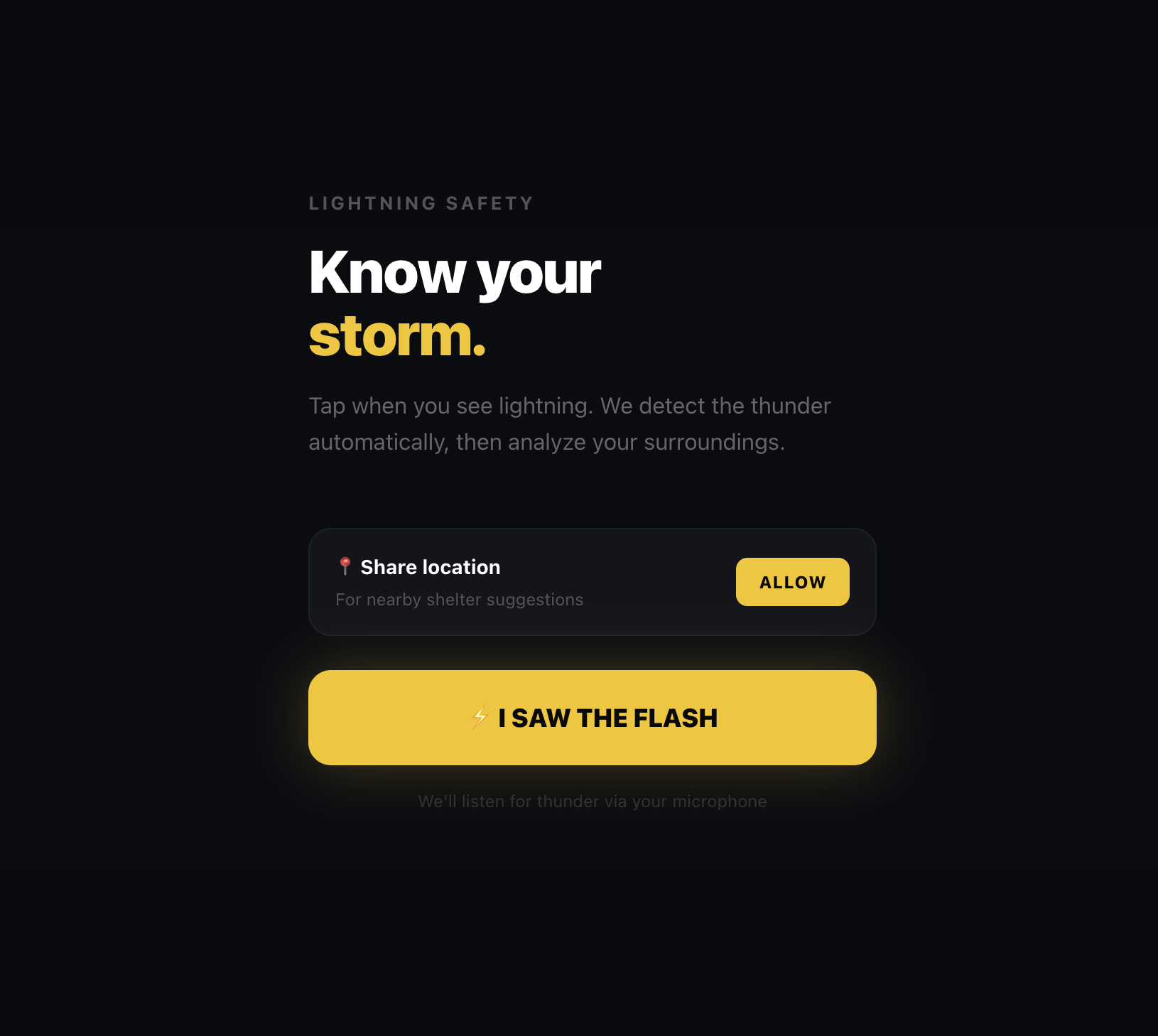
Landing page
-
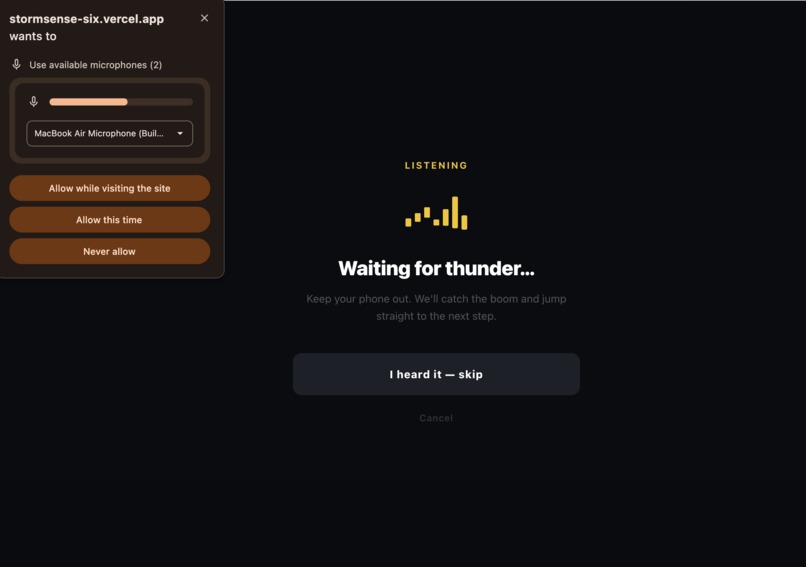
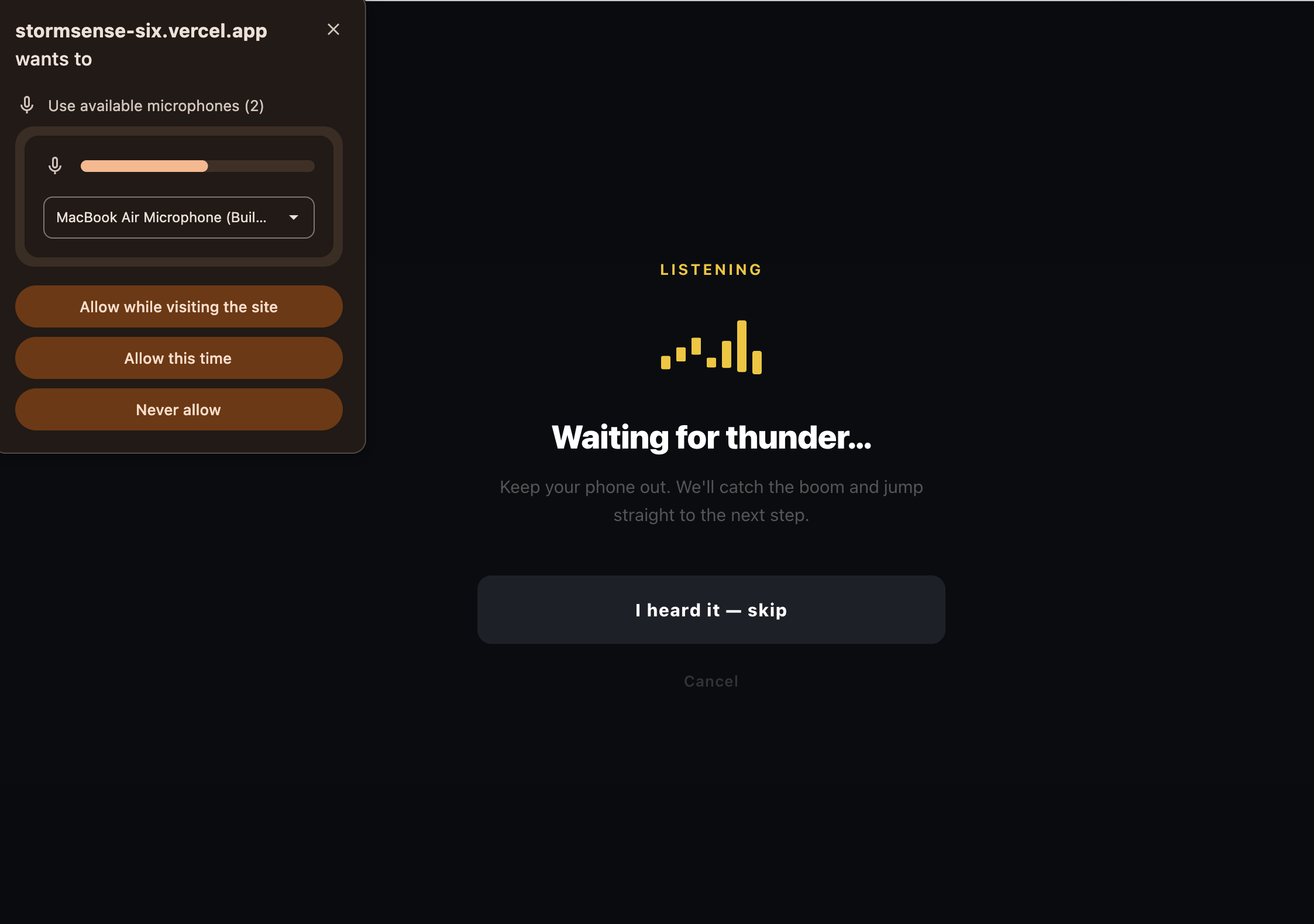
Audio
Inspiration
As Texans, we have experienced harsh thunderstorms, especially during the early summer months. When someone hears loud and consistent thunder combined with harsh rainfall, it is easy to panic and not know what to do next. Sometimes people hear storm sounds outside, see dark clouds or flooding, or notice dangerous weather conditions, but they may not know how serious the situation actually is.
That inspired us to create StormSense. We wanted to build a project that could use AI to help people understand storms through more than just typed information. Since storms are often experienced through sound and visuals, we wanted our project to analyze audio and images so users could get a better idea of what may be happening around them. Our goal was to minimize panic during severe-weather by creating individualized action plans to ensure safety.
What it does
StormSense uses AI to help users understand storm conditions through audio and images. Users can provide storm-related audio, such as thunder, heavy rain, or other loud weather sounds, and the project can analyze it to help identify what kind of weather situation may be occurring. This is useful because people often experience storms first by hearing them before they fully understand what is happening outside.
The project also works with images, allowing users to upload or provide storm-related visuals. These images could include clouds, rainfall, flooding, dark skies, or other severe-weather signs. StormSense uses AI to interpret the visual information and give users a plan to maximize their safety, turning a time of crisis into an action plan.
How we built it
We built StormSense by combining AI, audio processing, image analysis, and a user-friendly interface. First, we focused on the main idea: storms are not only something people read about in forecasts, but something they hear and see in real time. Therefore, we wanted our project to accept different types of input instead of relying on only text or weather related metrics
For the audio part, we worked on allowing the project to handle sound input related to storms. This meant thinking about how thunder, rain, and other storm sounds could be processed and used by the AI. For the image part, we added the ability to work with visual input so the project could respond to pictures connected to storm conditions. We then connected these features to AI so the app could generate useful feedback and an action plan based on the information the user provides.
We also designed the project so that the results would be easy to understand. Since the app is meant to be used during stressful weather situations, we wanted the interface and responses to feel clear instead of overwhelming. Throughout the building process, we tested different parts of the project, fixed issues, and improved how the audio, image, and AI features worked together.
Challenges we ran into
One of the biggest challenges we ran into was combining multiple types of input in one project. Working with audio and images is more complicated than only working with text because each type of data has to be handled differently. We had to figure out how to process storm sounds, how to use image input, and how to connect both of those parts to AI in an efficient way.
Another challenge was making sure the AI responses were helpful and understandable. Since severe weather can be stressful, we did not want the project to give confusing or overly technical explanations. We had to think carefully about how to present information in a way that would help users stay calm and make safer decisions.
We also ran into coding and integration challenges. Connecting the interface, the AI, the audio features, and the image features took a lot of testing and debugging. Sometimes one part would work by itself, but it was harder to make everything work smoothly together. While this was challenging, it helped us learn more about building projects that use multiple inputs at the same time.
Accomplishments that we're proud of
We are proud that StormSense is more than a simple weather app. It uses AI, audio, and images to create a more interactive and useful storm-safety crisis-to-action tool. We are especially proud that our project solves the real world problem of not knowing how dangerous a storm is or what to do when the weather suddenly becomes intense.
We are also proud of being able to combine different technologies into one project. Adding both audio and image input made StormSense more complex, but it also made the project more meaningful. Instead of only asking users to type something, the app can work with the actual sounds and visuals of a storm. That makes the experience feel more realistic and useful.
Another accomplishment is that we built something with the potential to help people. Severe weather can be scary, especially for students, families, or anyone who is alone during a storm. Creating a tool that could help users understand their surroundings and respond more calmly is something we are proud of.
What we learned
While building StormSense we learned a lot about how AI can be used with different types of data. We learned that audio and images each require different approaches, and that building a useful AI project means thinking carefully about how information is collected, processed, and explained to the user.
We also learned that technology should be designed around real human needs. During a thunderstorm, people may not want a complicated explanation; they want clear, digestible, and useful guidance. This helped us understand the importance of user-centered design and why the way information is presented matters just as much as the technology behind it.
On the technical side, we learned more about connecting different parts of a project together, debugging problems, and improving our code as we built. We also learned how challenging but rewarding it can be to combine AI with real-world inputs like sound and images. Overall, StormSense taught us how to turn a personal experience into a project that uses technology to solve a practical problem.
In addition, building StormSense taught us lots about thunderstorms and rain. We read these articles/papers:
https://electricalsafetyworkshop.org/wp-content/uploads/sites/255/ESW2024-19.pdf https://www.cdc.gov/lightning/data-research/index.html https://www.weather.gov/mqt/lightningtips and more!
What's next for StormSense
Next, we would like to improve StormSense by making the AI analysis more accurate and expanding what kinds of audio and images it can understand. For audio, we would like the project to better recognize different storm sounds, such as thunder intensity, heavy rain, wind, or other warning signs. For images, we would like StormSense to better analyze storm clouds, flooding, dark skies, and other severe-weather visuals.
We would also like to expand the concept of StormSense to natural disasters and dangers beyond thunderstorms. This concept could be expanded to floods, tornados, and the audio and image based technology may even be useful for identifying dangers vs non dangerous sounds such as a gunshot vs a firework.
Built With
- api
- javascript
- web-audio

Log in or sign up for Devpost to join the conversation.