 |
Storyblok SDK for React Native & Flutter - Leading Mobile Frameworks
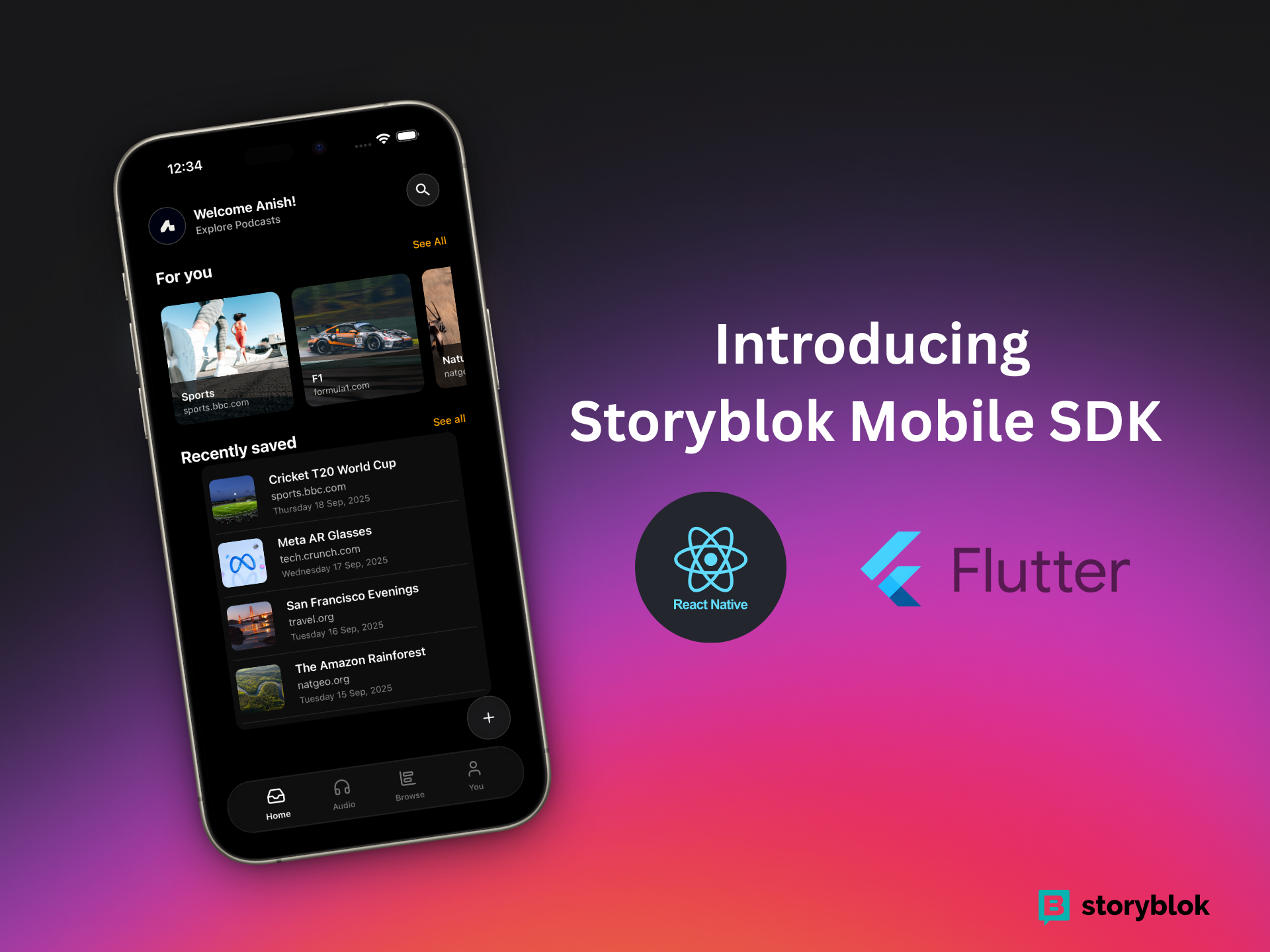
A powerful, cross-platform Storyblok SDK built for the Storyblok x Code and Coffee Hackathon 2025. This SDK enables seamless Storyblok CMS integration in React Native and Expo applications and Flutter with full visual editing support.
Features
- Cross-platform: Works on Web, iOS, and Android
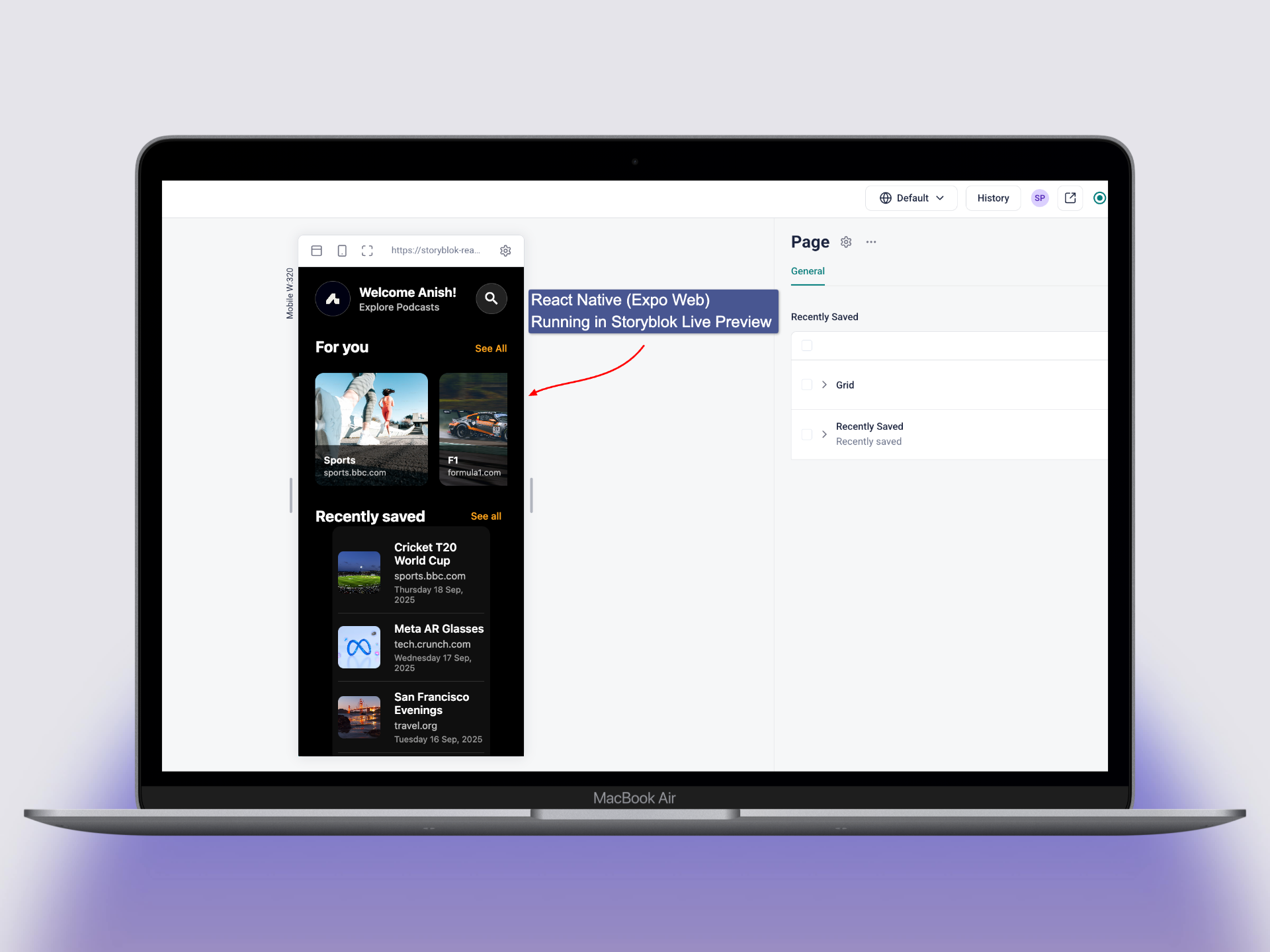
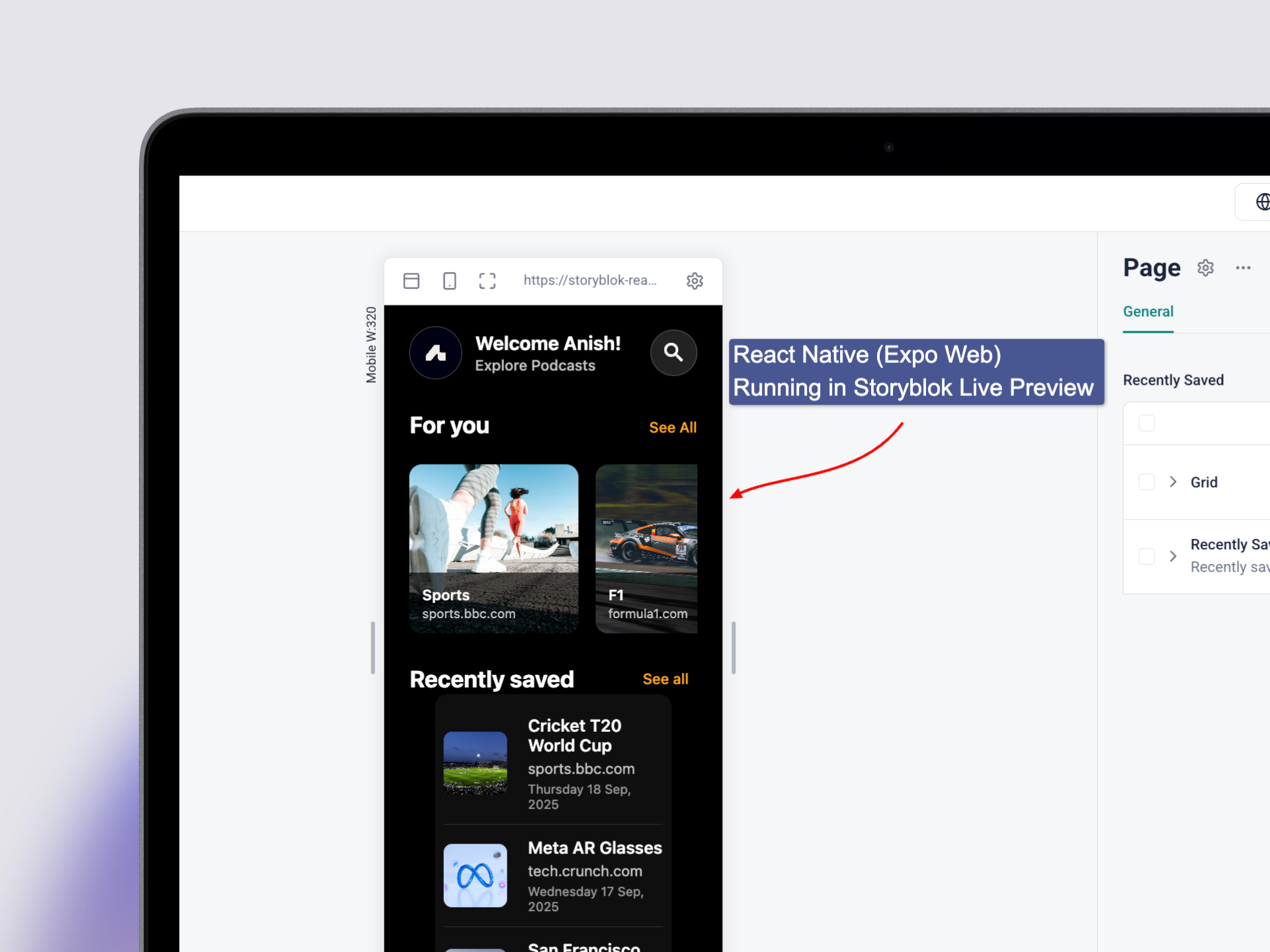
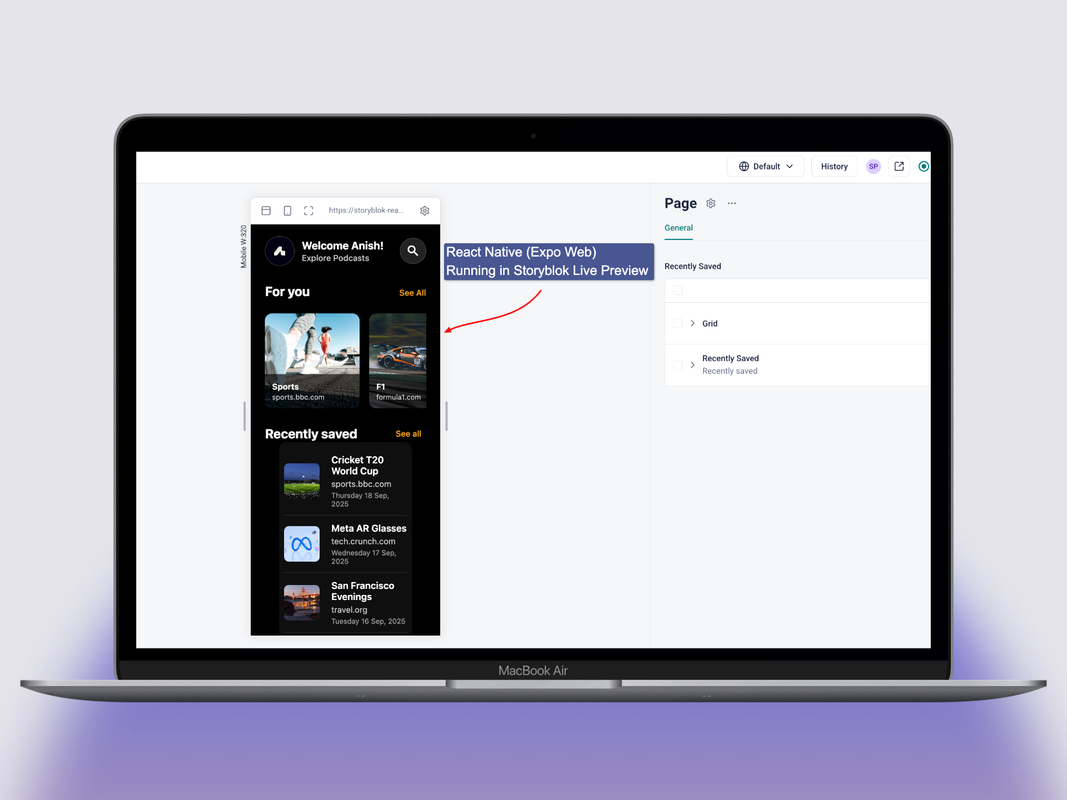
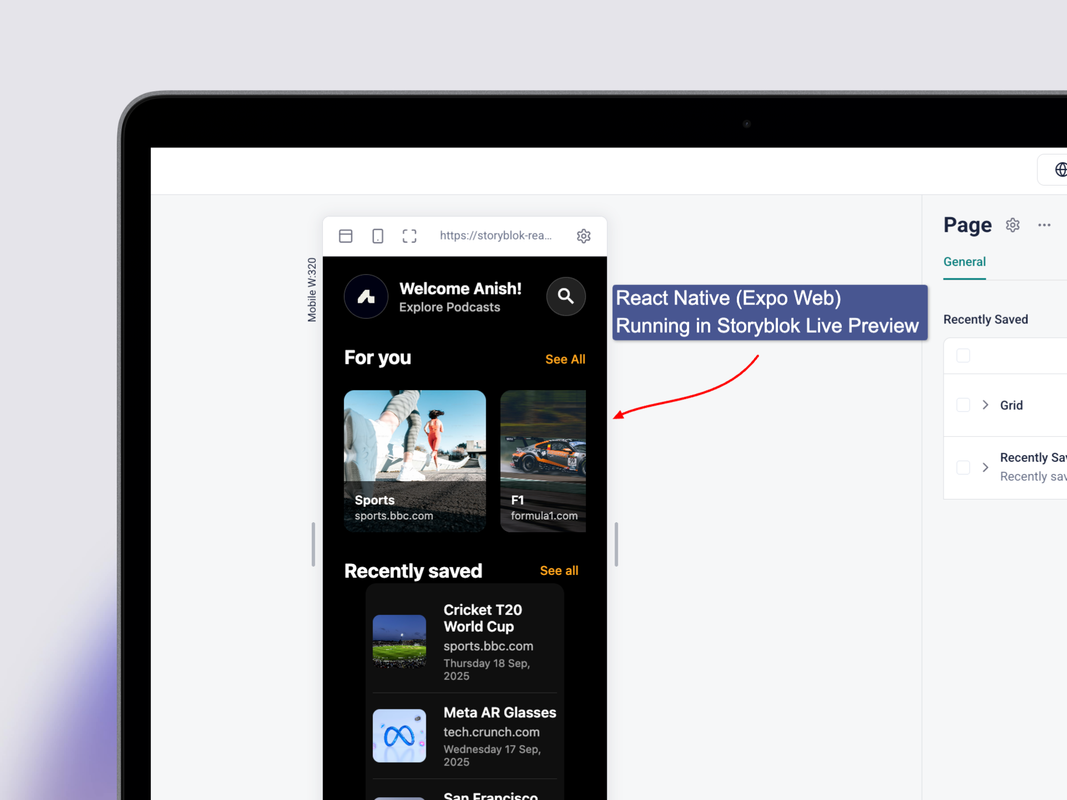
- Visual Editing: Real-time preview in Storyblok's Visual Editor (RN-WEB) and Flutter Web
- Live Updates: Instant content updates during editing
- Component System: Register and render custom components
- Expo Router Integration: Seamless navigation and routing
- React Native Support: Full compatibility with React Native apps
- Draft & Published Modes: Separate content versions for editing and production
- TypeScript Support: Fully typed for better developer experience
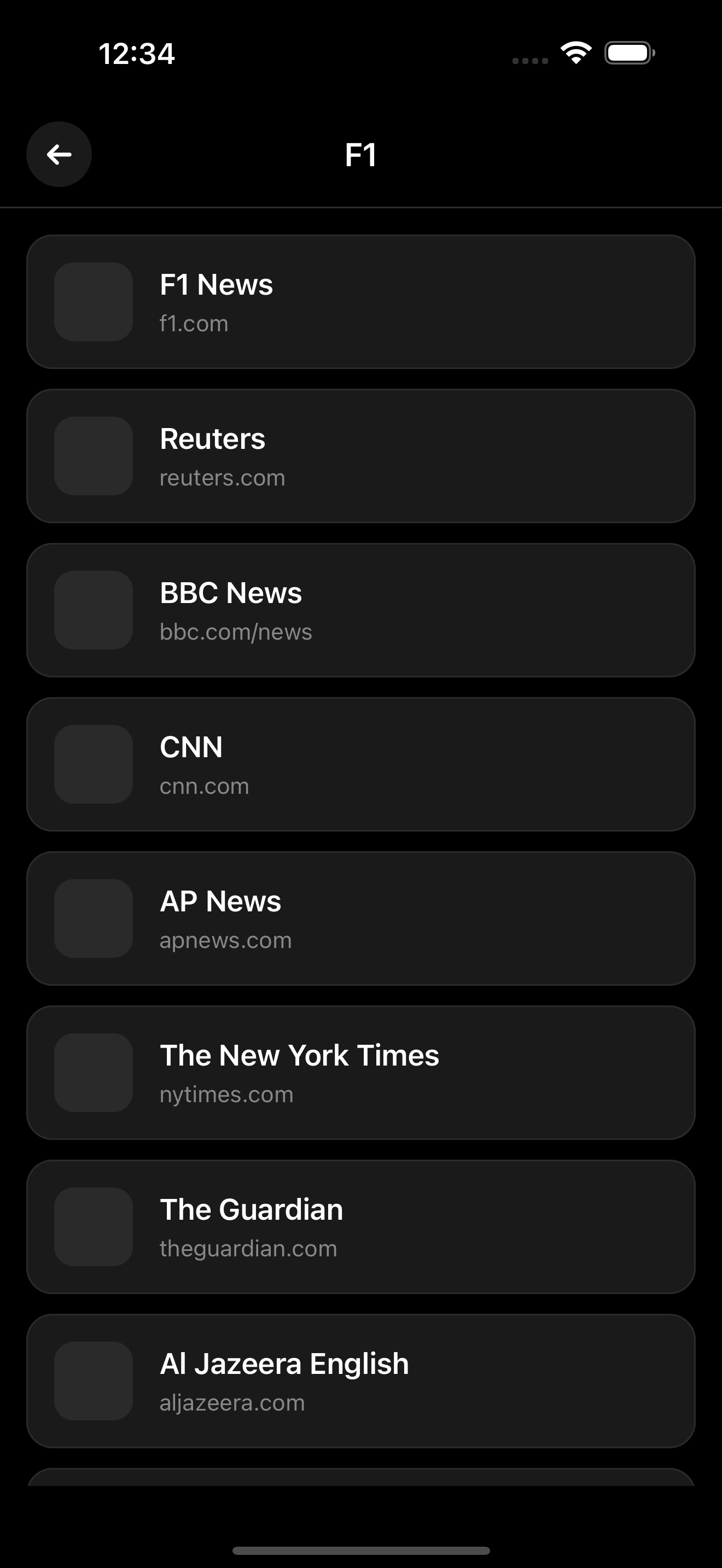
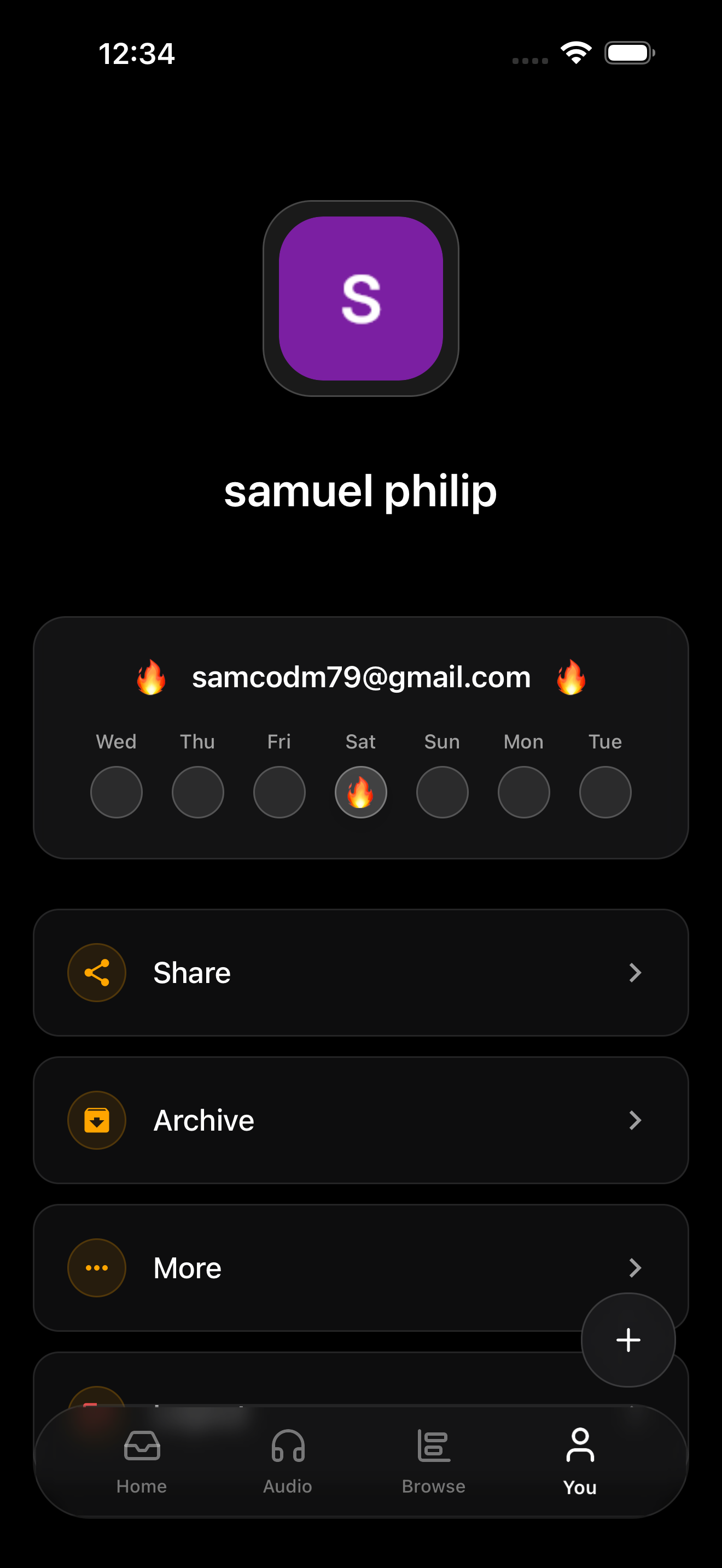
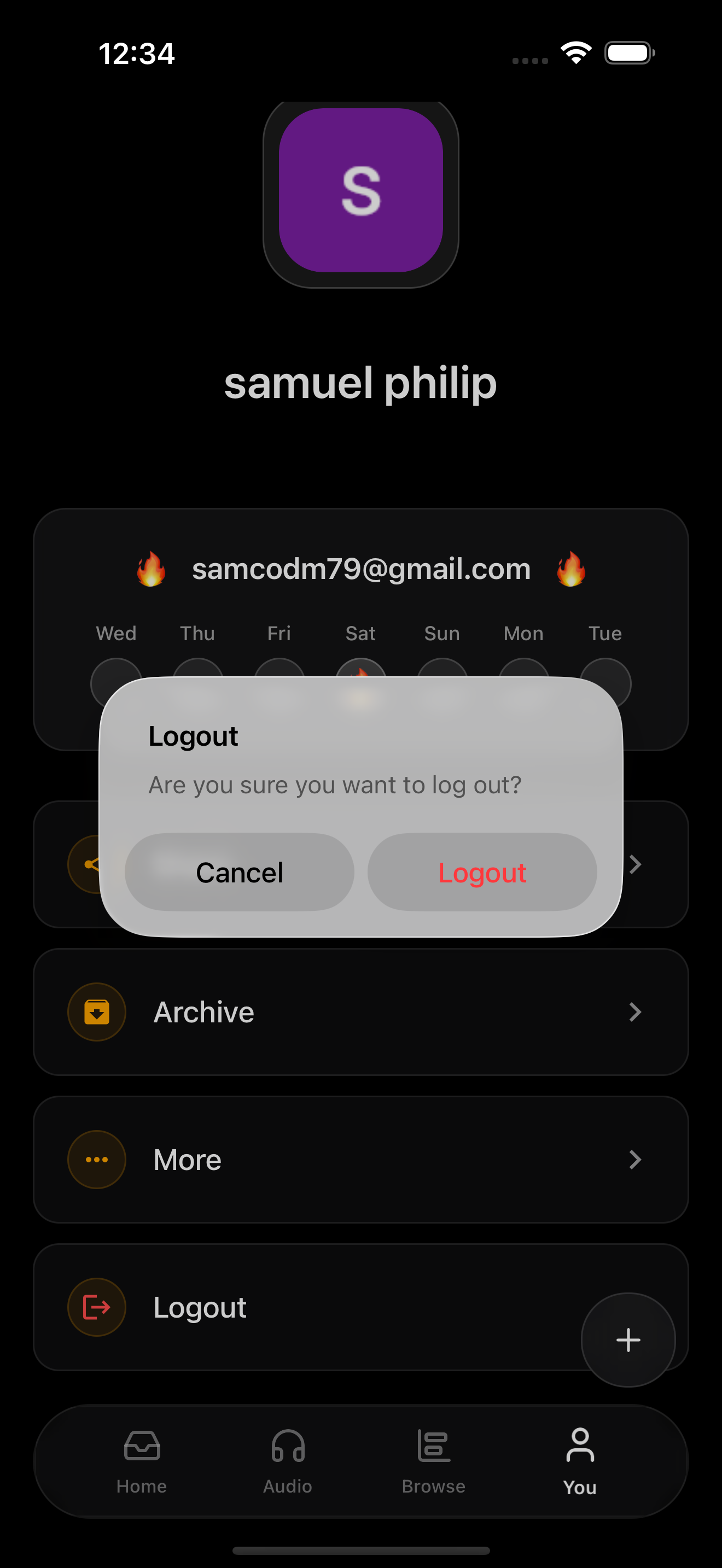
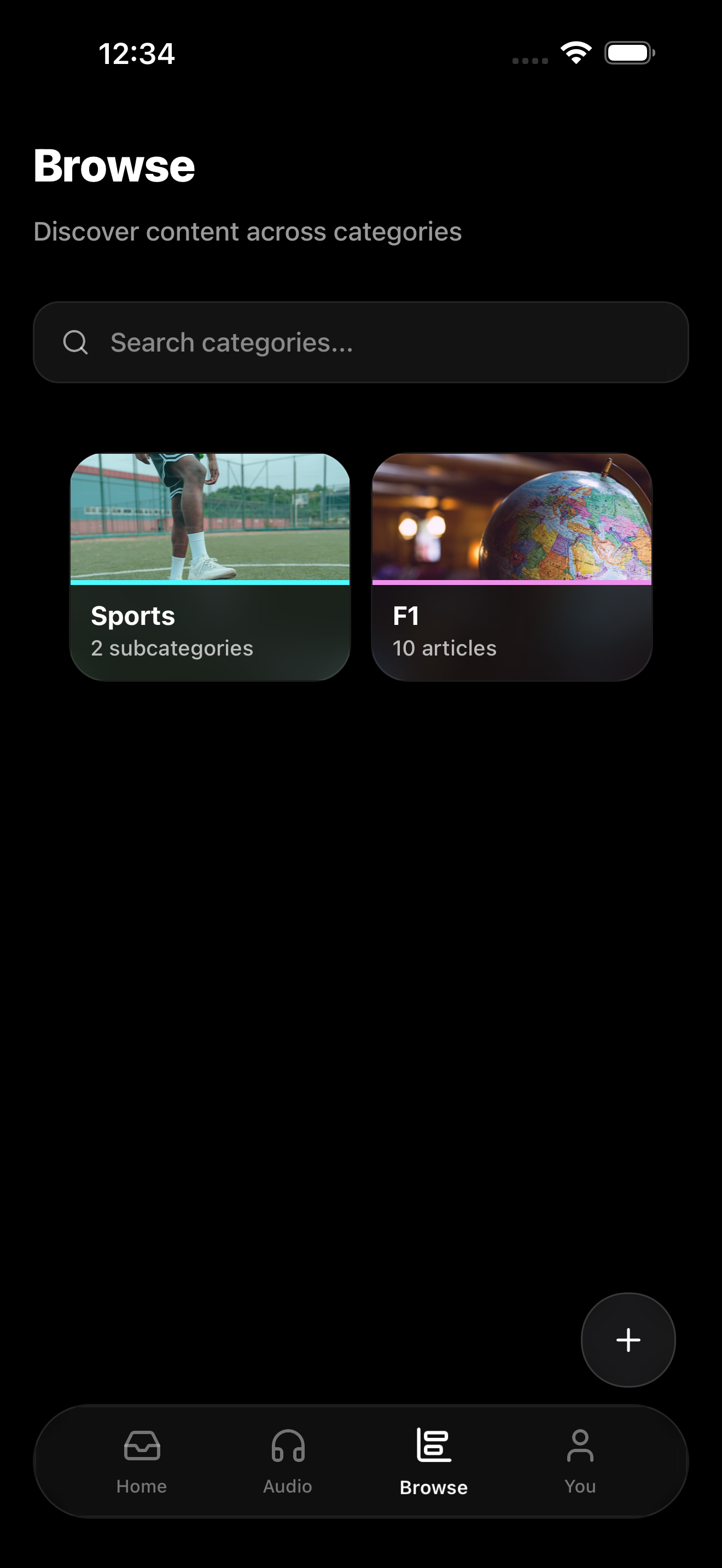
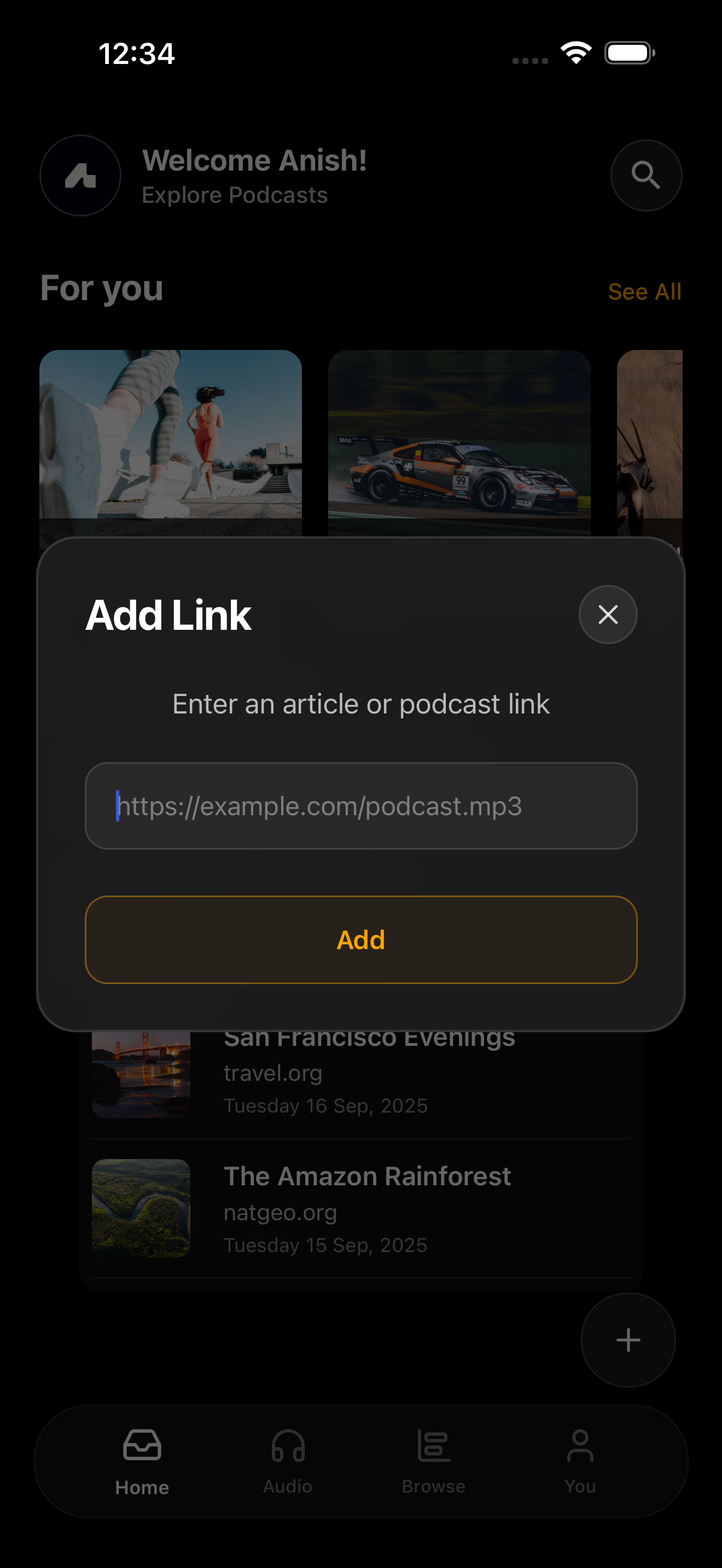
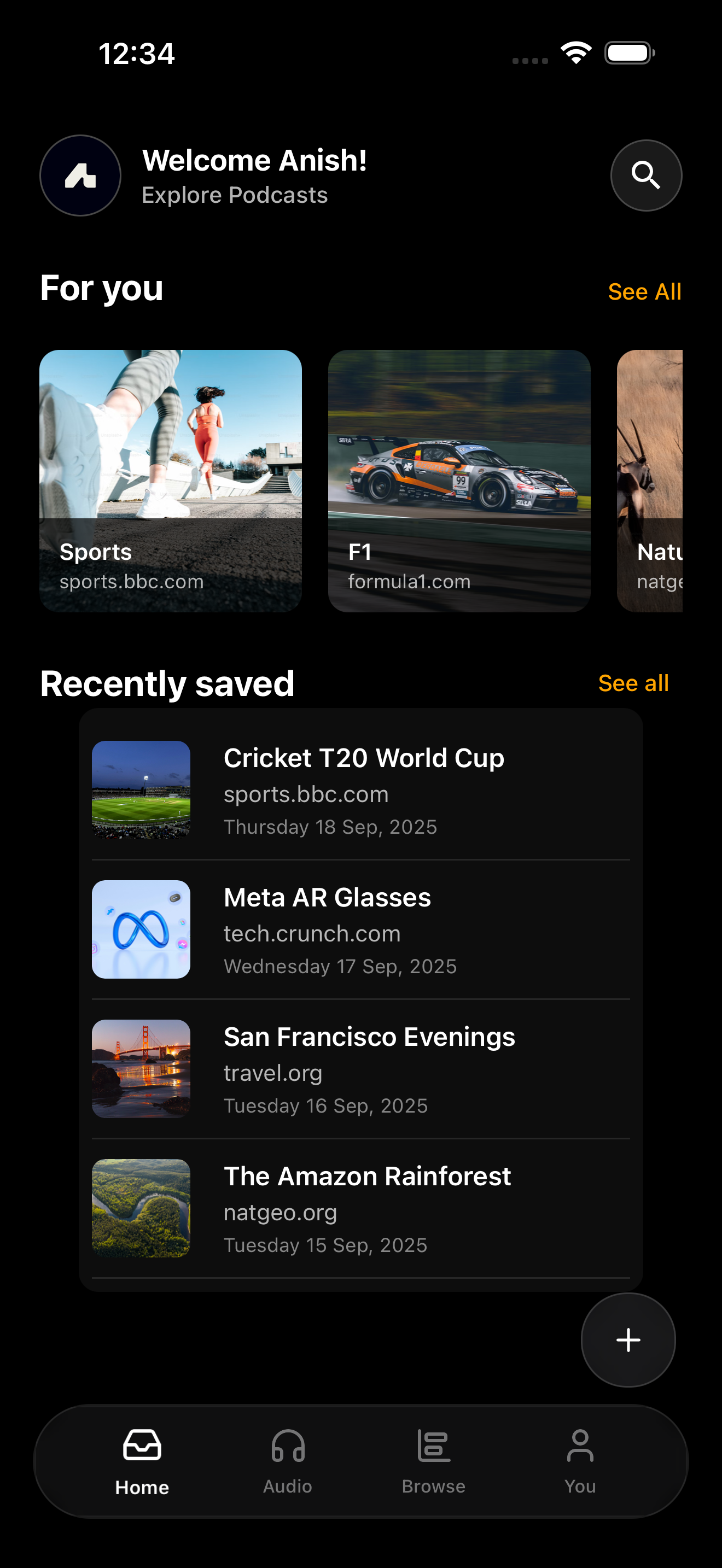
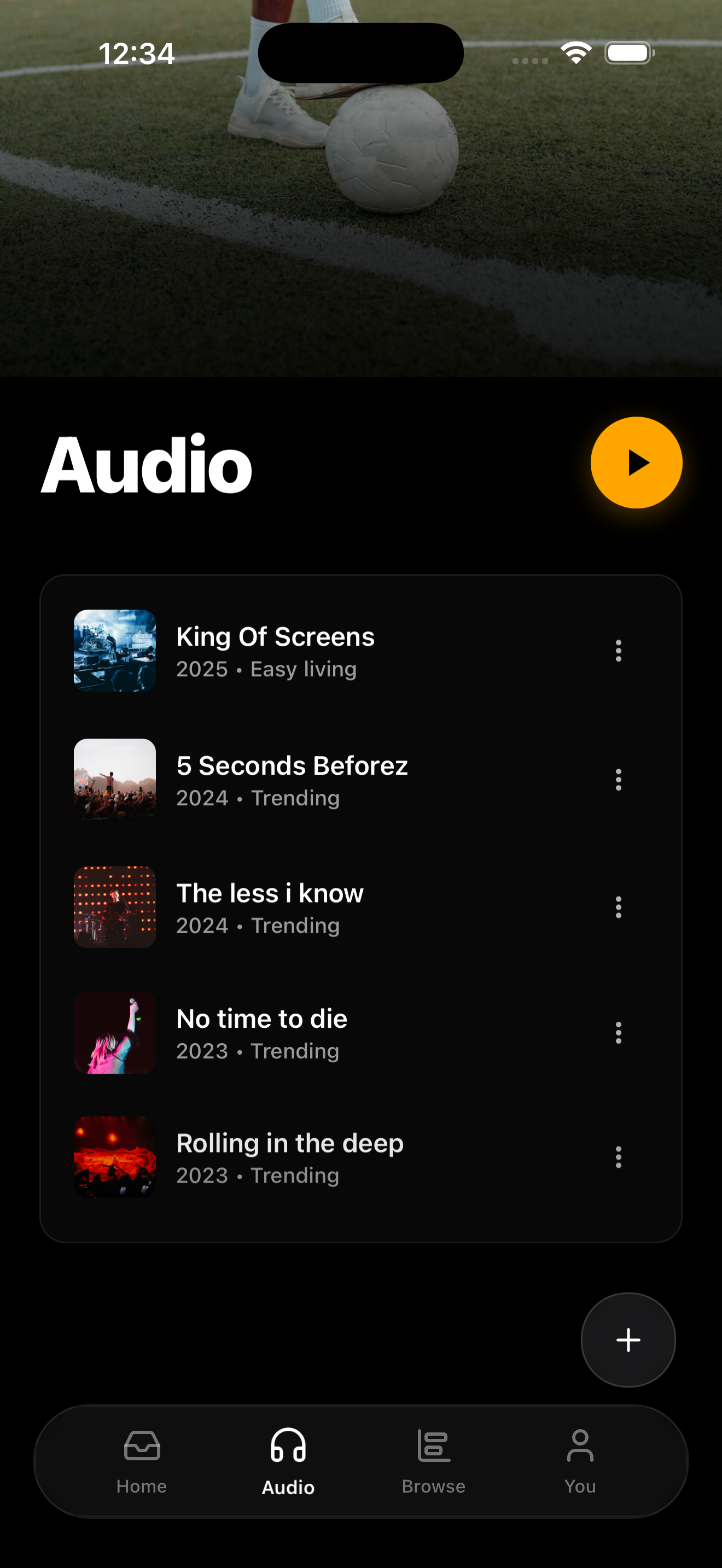
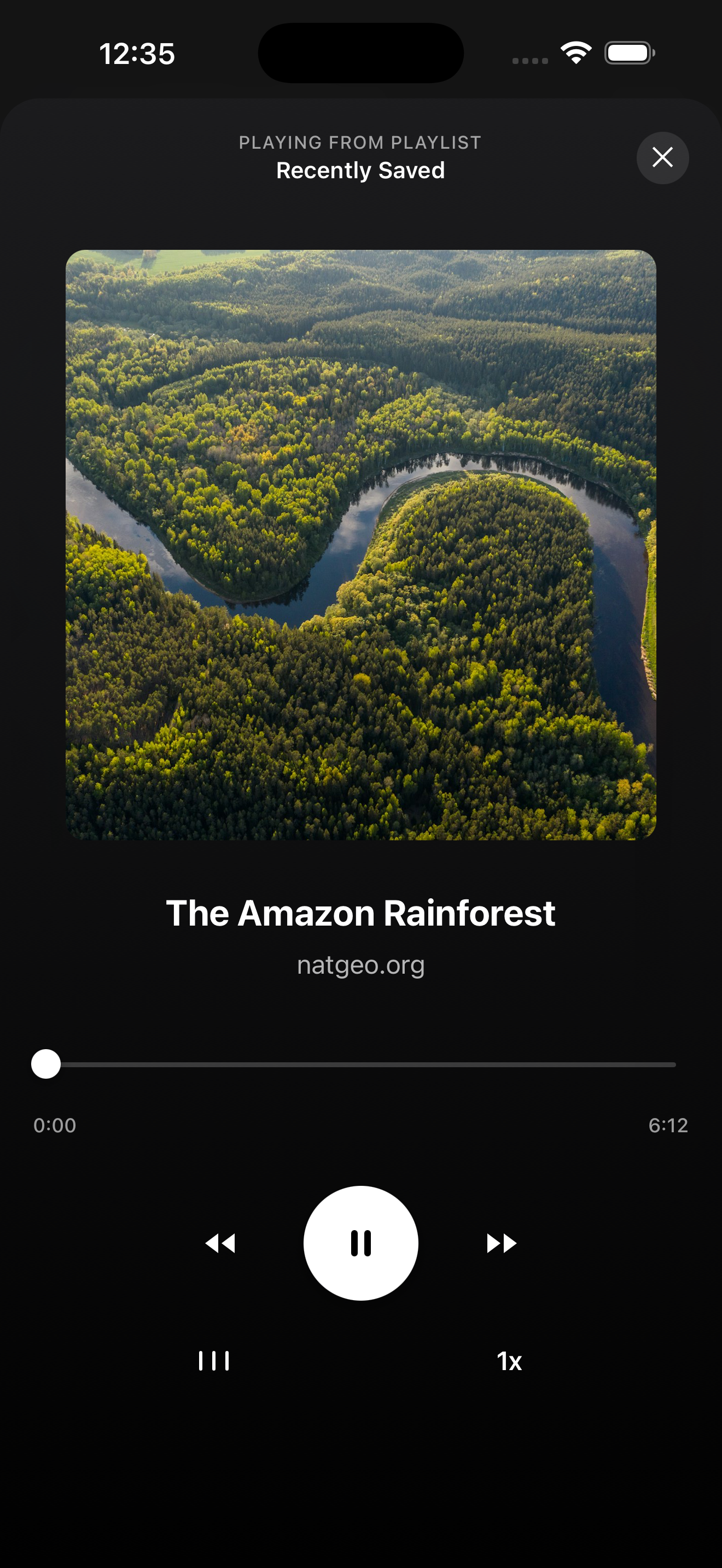
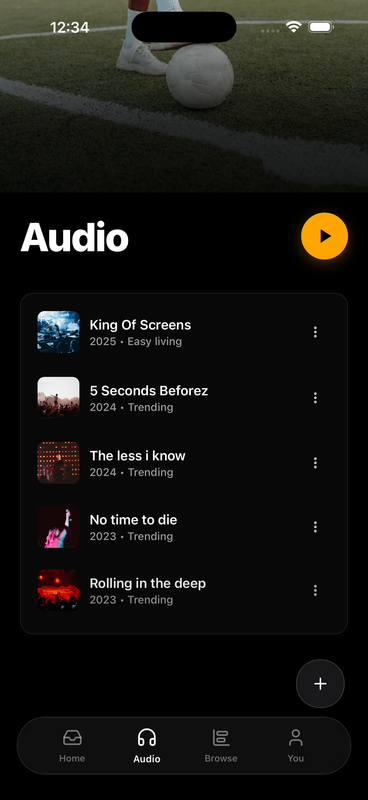
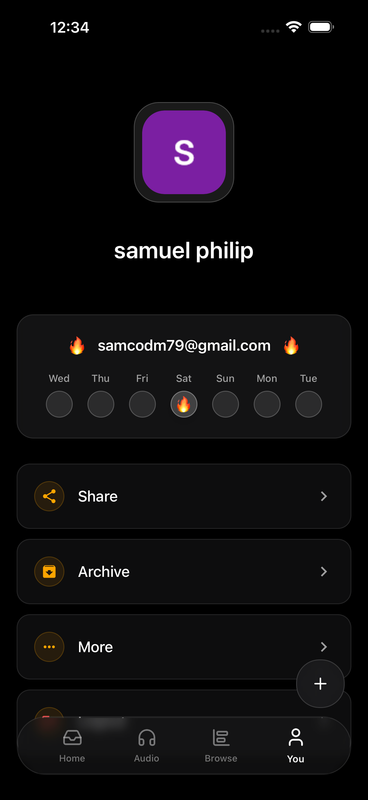
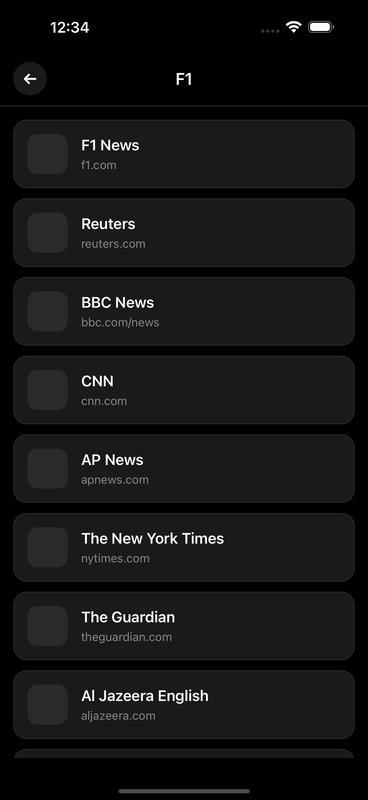
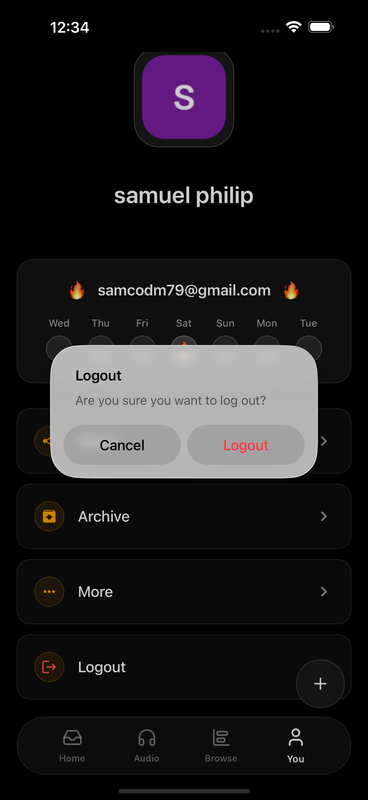
📸 Screenshots
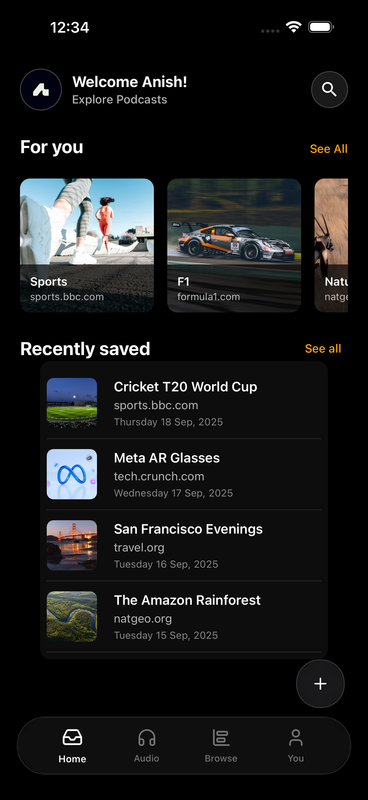
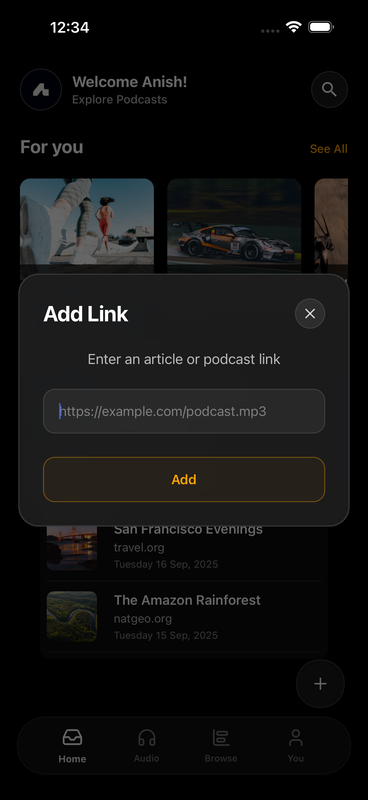
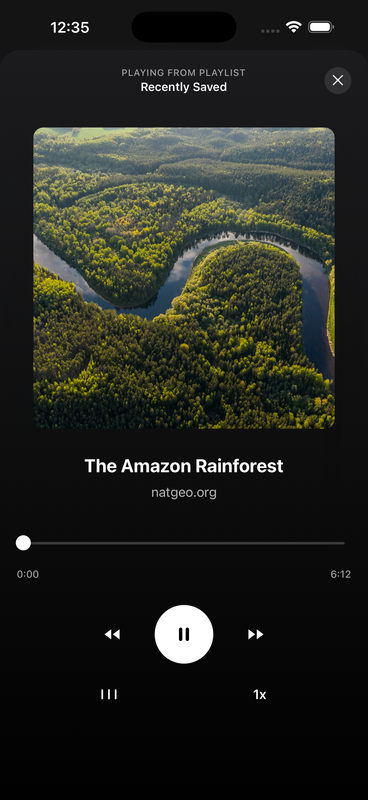
Blipod App Interface - React Native
 |
 |
 |
 |
 |
 |
 |
 |
Storyblok Visual Editor Integration
 |
 |
Also We have Introduced the All New Flutter Storyblok SDK
- Github Repository: https://github.com/ineffablesam/Storyblok-Flutter-SDK-Blipod-App
🎬 Live Demo
Try Blipod App
- Web Demo: https://blipod-app.vercel.app
- Expo Go: Scan QR code with Expo Go app
Video Walkthrough
Installation
Prerequisites
- Node.js 16+
- Expo CLI or React Native environment
- Storyblok account with API token
Peer Dependencies
Make sure you have React and React Native (or Expo) installed:
npm install react react-native
# or for Expo
npx create-expo-app my-app
Install the SDK
# Clone the repository
git clone https://github.com/ineffablesam/Storyblok-React-Native-Expo.git

# Copy the SDK folder into your project
cp -r Storyblok-React-Native-Expo/src/storyblok-expo-sdk ./your-project/src/
🚀 Quick Start
1. Initialize Storyblok
import { storyblokInit } from '@src/storyblok-sdk';
import Hero from './components/Hero';
import Article from './components/Article';

storyblokInit({
  config: {
    token: 'YOUR_STORYBLOK_TOKEN',
    region: 'eu', // or 'us'
    debug: true
  },
  components: {
    hero: Hero,
    article: Article,
    // Add all your Storyblok components here
  }
});
2. Wrap Your App with StoryblokProvider
import { StoryblokProvider } from '@src/storyblok-sdk';
import { useRouter } from 'expo-router';

export default function App() {
  const router = useRouter();

  return (
    <StoryblokProvider
      config={{
        token: 'YOUR_STORYBLOK_TOKEN',
        region: 'eu',
        debug: true
      }}
      storySlug="home"
      router={router}
      components={{
        hero: Hero,
        article: Article,
      }}
    >
      {/* Your app content */}
    </StoryblokProvider>
  );
}
3. Use Storyblok Content
Here the "home" is the slug of the Storyblok story
import { useStoryblok } from '@src/storyblok-sdk';

export default function HomePage() {
  const { draftContent, publishedContent, isInEditor, renderContent } = useStoryblok("home");

  const content = isInEditor ? draftContent : publishedContent;

  return (
    <View>
      {renderContent(content?.content)}
    </View>
  );
}
📱 Blipod AI Podcast App Installation
Blipod is an AI-powered podcast application built with Expo and Storyblok CMS, showcasing the SDK's capabilities.
Clone the Repository
git clone https://github.com/ineffablesam/Storyblok-React-Native-Expo.git
cd blipod-app
Install Dependencies
npm install
# or
yarn install
Configure Environment Variables
Create a .env file in the root directory:
STORYBLOK_TOKEN=your_storyblok_preview_token
Run the App
# Start Expo development server from custom built script as storyblok supports only https to be loaded in iframe
./start.sh //Then use the https:// url from the terminal
Build for Production
# Web
npx expo export:web

# iOS
eas build --platform ios

# Android
eas build --platform android
🎨 Component Registration
Creating a Storyblok Component
// components/Hero.jsx
export default function Hero({ blok }) {
  return (
    <View style={styles.hero}>
      <Text style={styles.title}>{blok.title}</Text>
      <Text style={styles.description}>{blok.description}</Text>
      <Image source={{ uri: blok.image }} style={styles.image} />
    </View>
  );
}
Register Components Globally
import { storyblokInit } from '@src/storyblok-sdk';

const { registerComponent } = storyblokInit({
  config: { token: 'YOUR_TOKEN' }
});

// Register single component
registerComponent('hero', Hero);

// Register multiple components
registerComponents({
  hero: Hero,
  article: Article,
  footer: Footer,
});
🔌 Hooks API
useStoryblok()
Access Storyblok context and content.
const {
  draftContent,        // Draft version of content
  publishedContent,    // Published version
  isInEditor,          // True if in Storyblok editor
  isLoading,           // Loading state
  error,               // Error message if any
  eventCount,          // Number of editor events
  refreshContent,      // Function to refresh content
  sdk,                 // SDK instance
  renderContent        // Render Storyblok content
} = useStoryblok();
useStoryblokStory(slug)
Fetch a specific story by slug.
const {
  story,               // Current story (draft or published)
  draftContent,        // Draft version
  publishedContent,    // Published version
  isLoading,           // Loading state
  error,               // Error message
  isInEditor,          // Editor mode
  renderContent,       // Render function
  refreshContent       // Refresh function
} = useStoryblokStory('about-us');
useStoryblokContent()
Render content with automatic mode detection.
const {
  content,             // Current content based on mode
  draftContent,        // Draft version
  publishedContent,    // Published version
  isInEditor,          // Editor mode
  renderContent        // Render function
} = useStoryblokContent();
useStoryblokComponent(slug, componentType)
Get a specific component from a story.
const heroComponent = useStoryblokComponent('home', 'hero');
useStoryblokComponents(slug, componentType)
Get all components of a specific type.
const articles = useStoryblokComponents('blog', 'article');
🛠️ Advanced Usage
Custom SDK Instance
import { StoryblokSDK } from '@src/storyblok-sdk';

const sdk = new StoryblokSDK(
  { token: 'YOUR_TOKEN', debug: true },
  router,
  components
);

// Fetch story
const story = await sdk.fetchStory('home', 'draft');

// Register component
sdk.registerComponent('custom', CustomComponent);

// Render content
const rendered = sdk.renderStoryblokContent(story.content);
Visual Editing Wrapper
import { StoryblokEditable } from '@src/storyblok-sdk';

export default function Component({ blok }) {
  return (
    <StoryblokEditable content={blok}>
      <View>
        <Text>{blok.title}</Text>
      </View>
    </StoryblokEditable>
  );
}
🧪 Testing in Storyblok Editor
Start your development server:
npx expo start --webGet your local URL (e.g.,
https://localhost:8010) from the ./start.sh code terminalIn Storyblok, configure your app URL:
- Go to Settings → Visual Editor
- Set Location to your local URL
- Add
?_storyblok=query parameter handling
Open any story in Storyblok to see live editing!
🤝 Contributing
Contributions are welcome! Please feel free to submit a Pull Request.
- Fork the repository
- Create your feature branch (
git checkout -b feature/AmazingFeature) - Commit your changes (
git commit -m 'Add some AmazingFeature') - Push to the branch (
git push origin feature/AmazingFeature) - Open a Pull Request
🏆 Hackathon Submission
This SDK was created for the Storyblok x Code and Coffee Hackathon 2025. It demonstrates:
- Innovative cross-platform CMS integration
- Real-time visual editing capabilities
- Production-ready implementation in Blipod AI podcast app
🙏 Acknowledgments
- Storyblok for their amazing CMS platform
- Expo for the excellent React Native framework
- Code and Coffee for hosting the hackathon
📞 Support
Samuel Philip:
- Issues: GitHub Issues
- Email: samuel2k3@gmail.com
Anish Ganapathi:
- Email: anishganapathi19@gmail.com
🔗 Links
Made with ❤️ for the Storyblok x Code and Coffee Hackathon 2025 By Samuel Philip and Anish Ganapathi
Built With
- flutter
- react-native
- realtime
- sdk
- storyblok



Log in or sign up for Devpost to join the conversation.