Inspiration
Learning complex software such as VS Code, Blender, or system settings often means switching between tutorials, documentation, and the app itself. That context switching slows down students, new developers, and anyone learning an unfamiliar tool. We wanted Blinky to feel like a teacher beside you: one that understands what is on screen, shows you where to go, and can guide you by voice. We also wanted that help to stay available when you step away from your desk, through a mobile companion.
What it does
Blinky is an AI desktop tutor and computer-use assistant. Ask a question about the app in front of you and Blinky can inspect the screen, identify relevant controls, explain the next steps, and highlight where to act. Its screen understanding combines OCR, accessibility information where available, and visual element detection. Voice input and narration make the guidance hands-free.
In Agent Mode, Blinky can carry out bounded desktop tasks: open apps, press shortcuts, type, scroll, and interact with visible controls. A request router also sends tasks directly to purpose-built tools when screen automation is unnecessary.
Features
- Screen-aware tutoring: Blinky captures the active app, reads visible text and controls, then gives step-by-step guidance with highlights placed over the relevant interface.
- Voice control: Realtime speech recognition and a voice agent support natural conversation, tool calls, turn-taking, spoken replies, and synchronized readback.
- Custom wake word: The bundled
hey_blinky.onnxmodel runs locally through ONNX Runtime to detect “Hey Blinky” and start hands-free interaction. - Agent Mode: A bounded observe-and-act loop can open applications, use shortcuts, type, click, and scroll to complete desktop tasks.
- Linux desktop support: The native Hyprland-first Wayland path provides screen and window capture, OCR, app launching, input, scrolling, and system controls; support varies across desktop environments.
- WhatsApp and summaries: Link WhatsApp Web by QR code, check connection status, browse chats, and ask Blinky for concise or detailed recaps of a group or direct conversation.
- AiCut video editing: Natural-language requests trim or merge video, add music and captions, transcribe to SRT, align scripts, and apply styles using FFmpeg and faster-whisper.
- Web research: The SearXNG search pipeline retrieves relevant pages and produces synthesized answers with clickable sources.
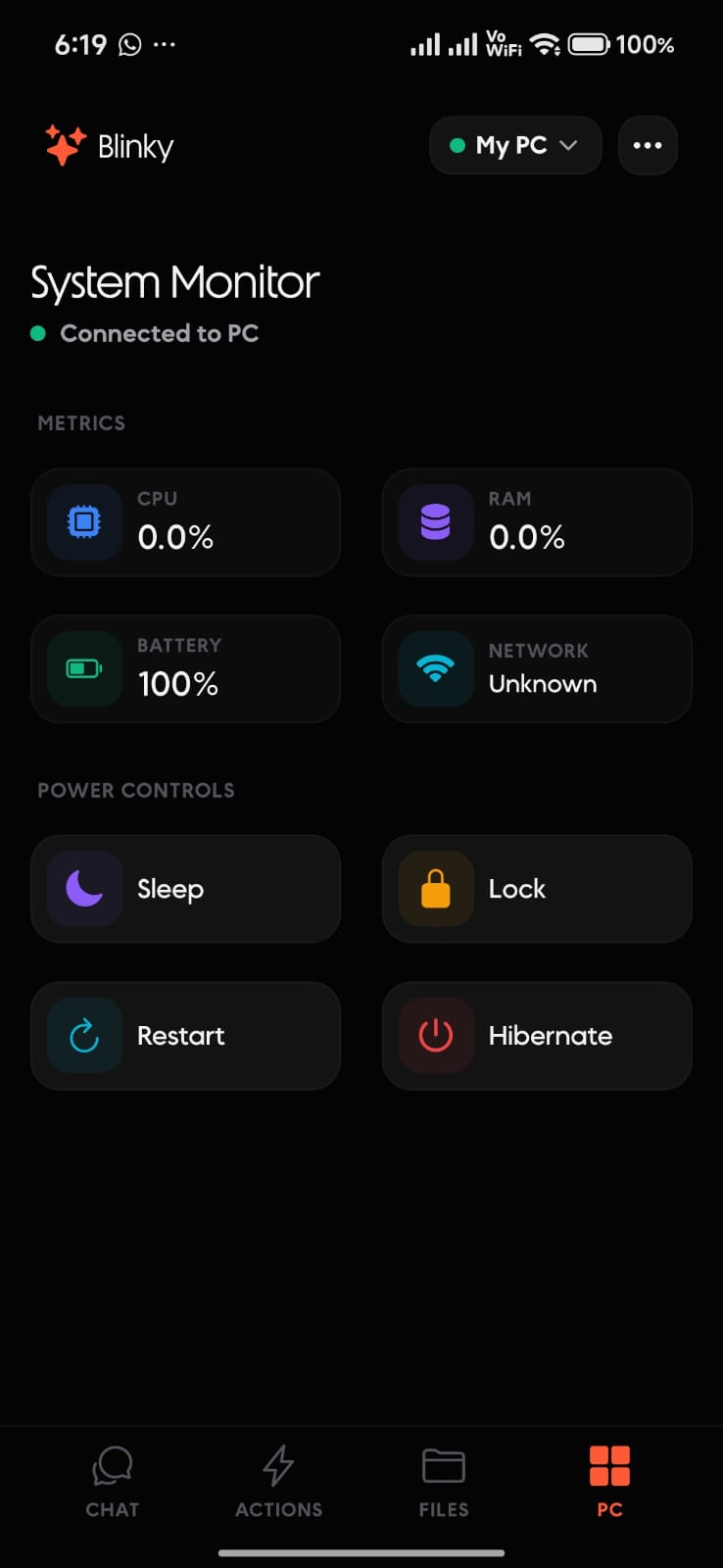
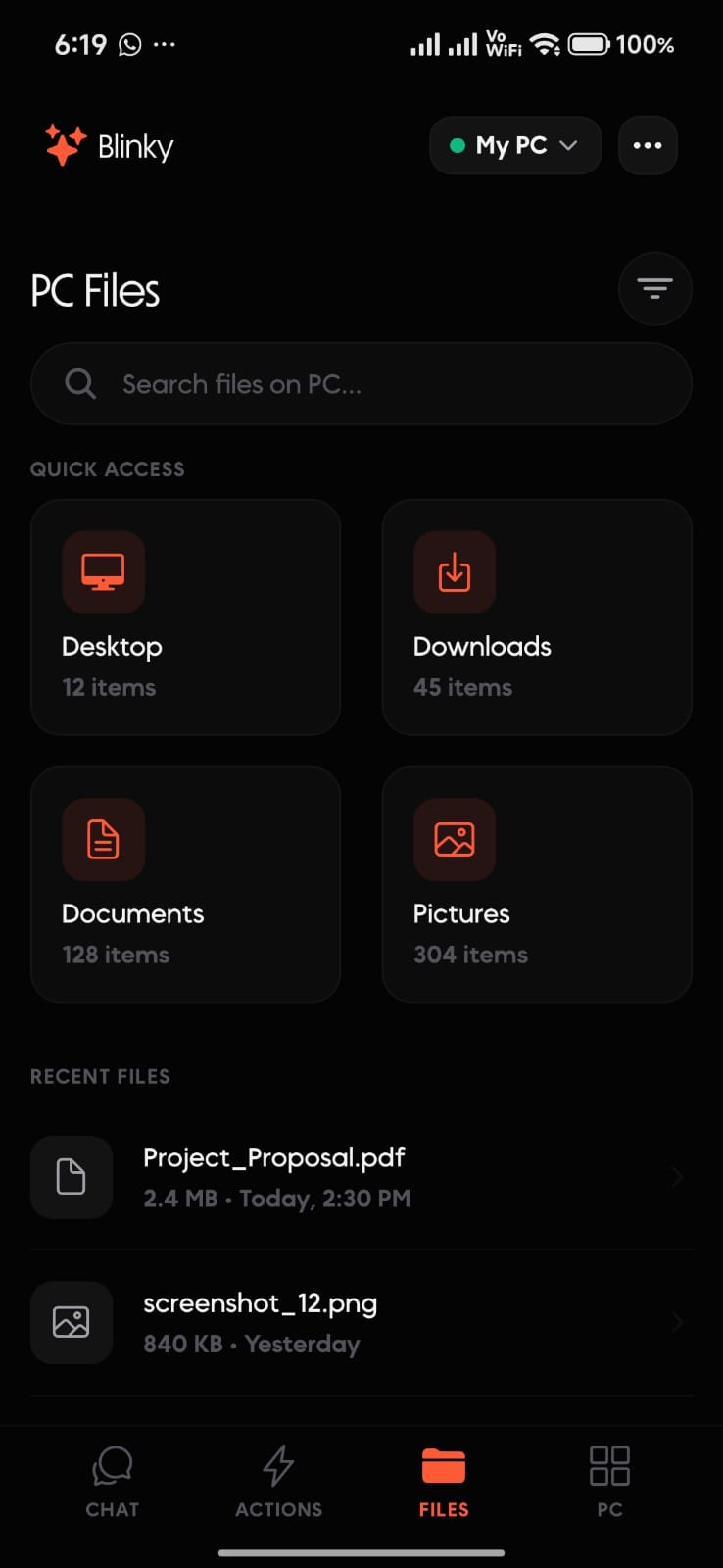
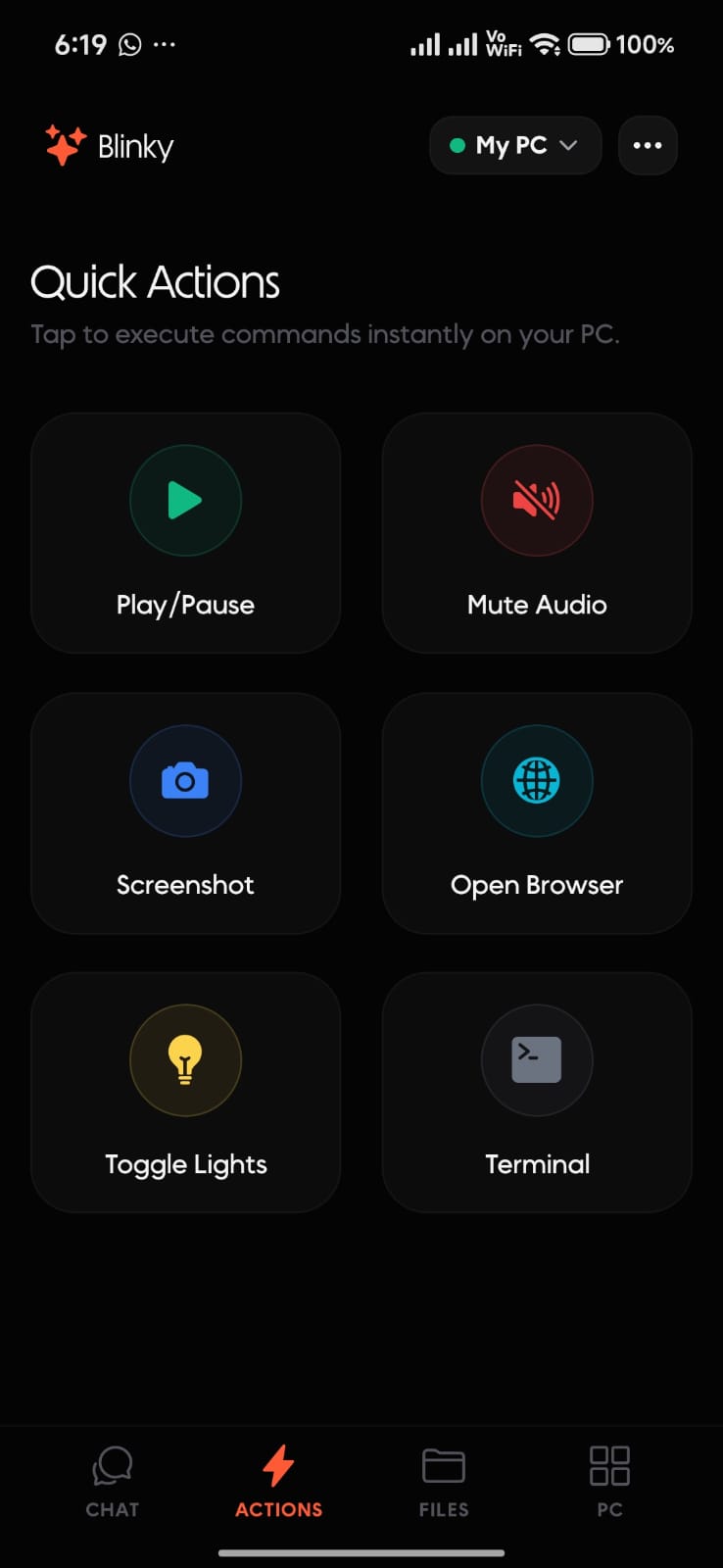
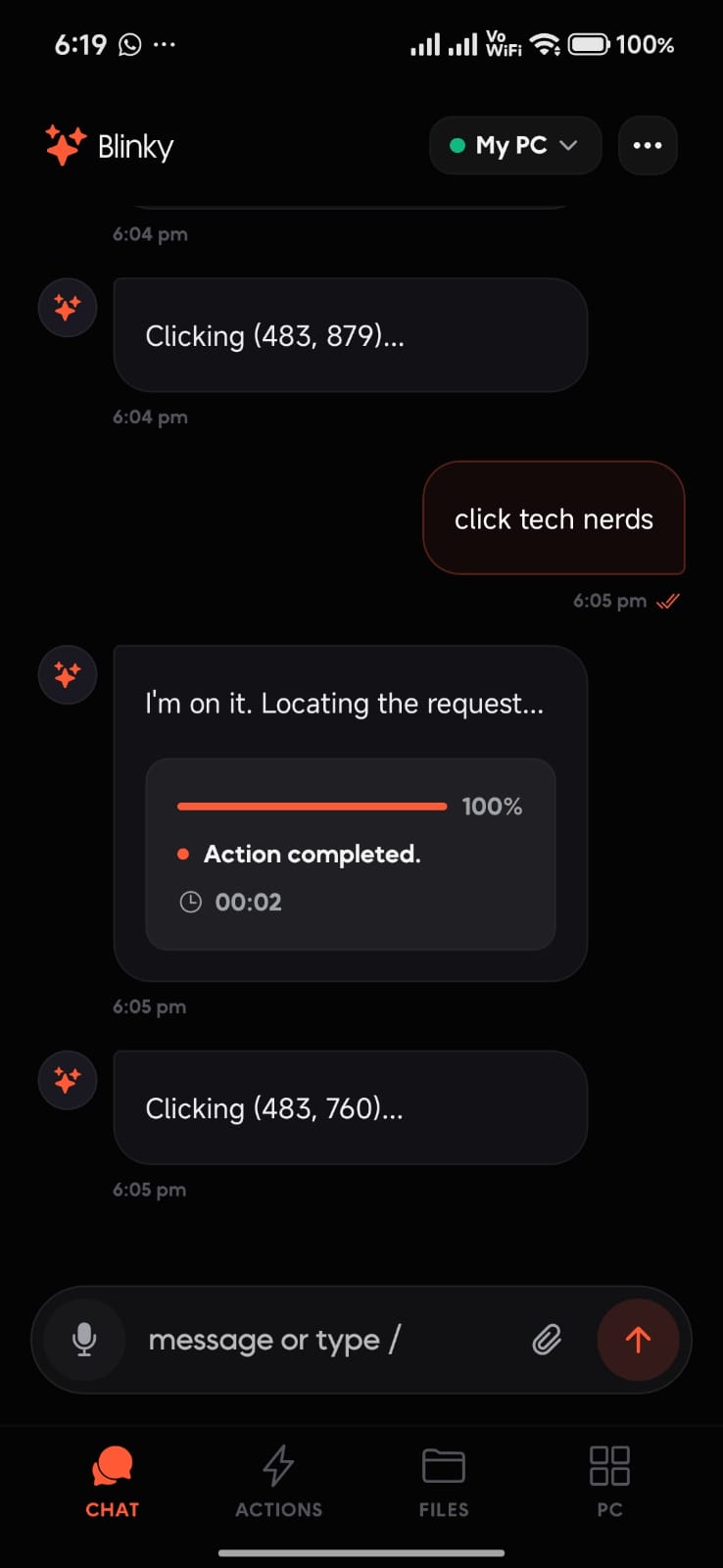
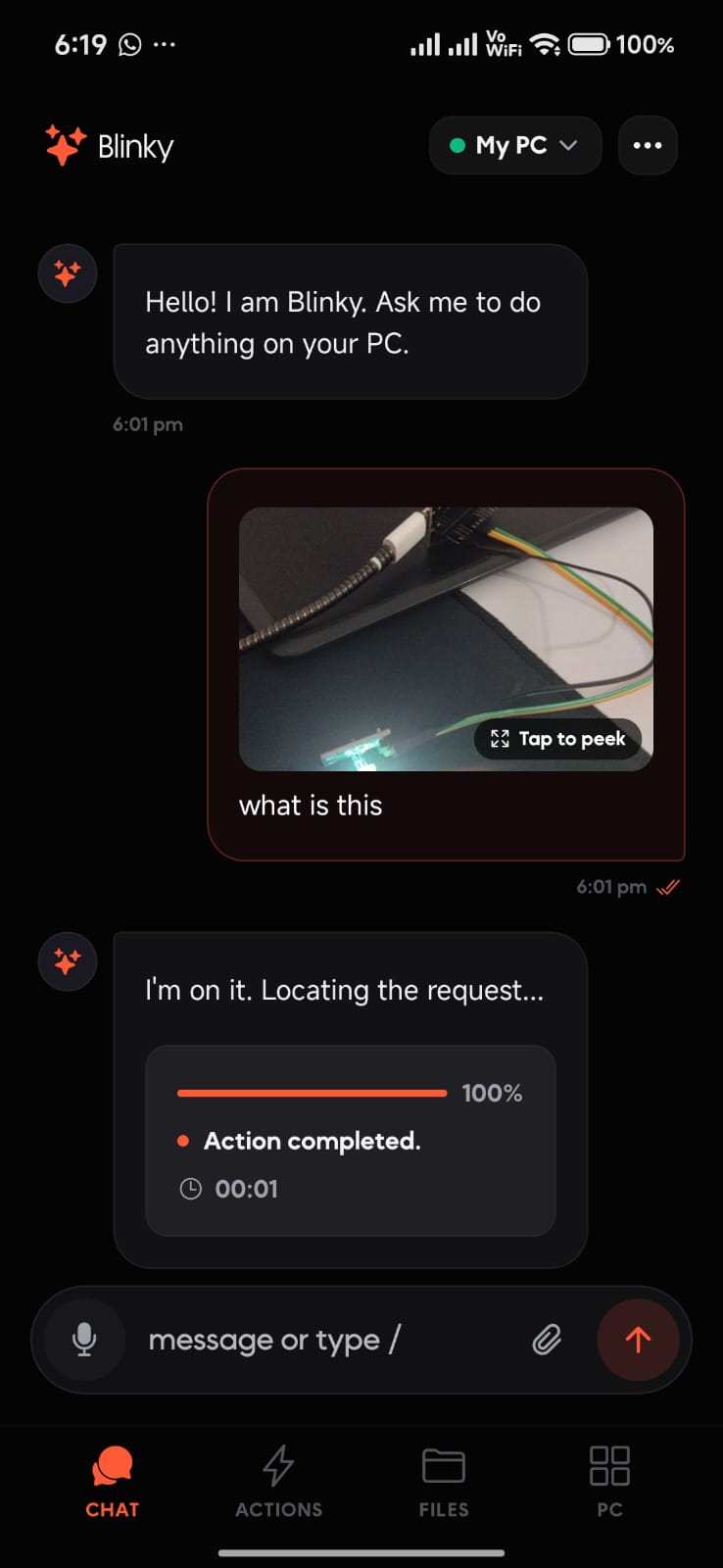
- Mobile PC companion: An authenticated companion app sends voice commands and quick actions, transfers files and camera photos, and connects over LAN, USB, Tailscale, or a tunnel.
- Power and Wake-on-LAN: View hardware telemetry and lock, sleep, hibernate, restart, or shut down the PC; Wake-on-LAN can wake a suitably configured machine.
- Antigravity IDE bridge: Send prompts from mobile, see live tool progress, and get the final response or a notification when the IDE needs input.
- ESP32 lighting: Natural-language or voice commands set RGB color and brightness through the ESP32 daemon.
- Connected tools: Blinky can play Spotify tracks, retrieve YouTube channel statistics and cryptocurrency prices, look up Wikipedia entities, research products, and automate a persistent browser.
- Android subscriptions: The companion app includes RevenueCat subscription and promotional-code flows for distribution and account access.
How we built it
- Desktop app: Tauri 2 with Rust and a React 19 + TypeScript interface.
- Assistant backend: Python 3.11+ handles request routing, screen understanding, AI orchestration, and desktop tools.
- AI: Local inference through Ollama, with optional Groq cloud inference.
- Voice: AssemblyAI realtime speech recognition and voice-agent tool calling, plus the bundled ONNX wake-word model.
- Screen understanding: Platform-specific capture and input, OCR, accessibility data where available, and OmniParser visual grounding on the Windows path.
- Video: AiCut tools built around FFmpeg and faster-whisper.
- Search: A planner and retrieval pipeline using SearXNG with public fallbacks.
- Mobile: Expo / React Native connects to the desktop over an authenticated WebSocket for remote control and file transfer.
- Integrations: A WhatsApp Web backend, Antigravity lifecycle bridge, ESP32 daemon, and Rust platform-specific system controls.
Challenges we ran into
- Reliable screen capture: Keeping Blinky's own UI out of the assistant's view while leaving it visible to the user required platform-specific capture handling.
- Accurate targeting: OCR boxes, visual detections, and physical display coordinates need to line up across scaling and compositor differences for highlights and clicks to land correctly.
- Unfamiliar apps: The assistant must interpret interfaces it has not seen before, combining visual grounding with app-specific guidance and retrieval.
- Natural voice interaction: Streaming transcription, turn-taking, and synchronized spoken guidance need to feel responsive without interrupting the user's work.
- Cross-platform desktop control: Linux Wayland input and capture vary by compositor, so the Linux path uses a native Hyprland-first backend while broader desktop support continues to evolve.
- Remote access: Supporting LAN, USB, VPN, and tunnel connections while preserving authenticated pairing required a unified mobile connection flow.
- Safe remote operations: Video edits and power actions need clear target selection and graceful handling when files or machines are unavailable.
Accomplishments that we're proud of
- Bringing screen understanding, AI guidance, and visual highlights together in a desktop tutor.
- Extending tutoring into bounded Agent Mode, voice control, and hands-free wake-word activation.
- Building a Linux-native desktop path and a remote mobile companion for working away from the PC.
- Adding practical workflows for video editing, web research, WhatsApp chat recaps, file transfer, IDE assistance, PC power, and ESP32 lighting.
- Training and shipping a dedicated
hey_blinky.onnxwake-word model as part of the product.
What we learned
An assistant that watches and acts on a desktop depends on careful coordination between screen capture, OCR, accessibility APIs, coordinate systems, input methods, and voice timing. We also learned that a useful tutor can grow into a broader assistant when its core interaction stays simple: ask naturally, understand the context, and get help where the work is happening. Supporting Windows, Linux, and mobile has made platform-specific behavior and clear capability boundaries essential.
What's next for Blinky
- Broaden and validate Linux support across GNOME, KDE, and more Wayland/X11 configurations.
- Add more developer-tool and cloud-console guidance.
- Expand safe, reviewable controls for autonomous desktop actions and remote video editing.
- Deepen Antigravity multi-session support and mobile review flows.
- Add more ESP32 home-automation devices and scheduled routines.
- Improve multi-monitor screen understanding and action targeting.


