-
-
Home Page
-
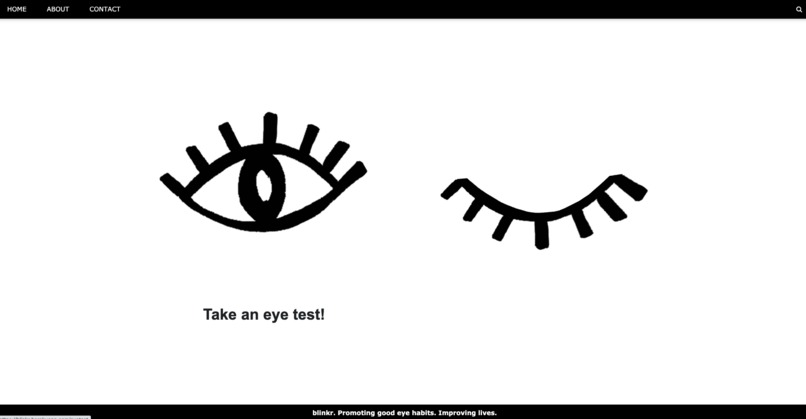
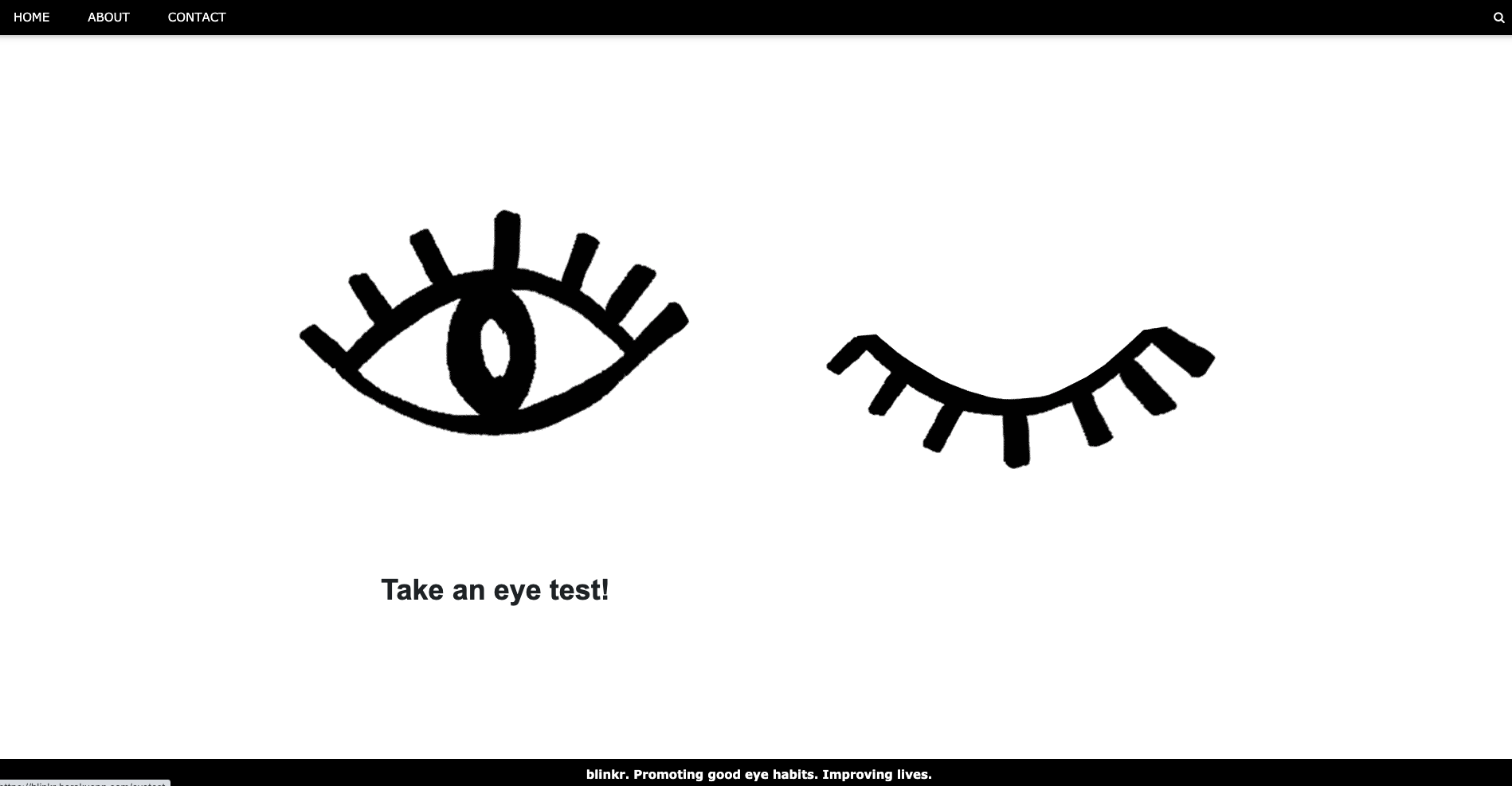
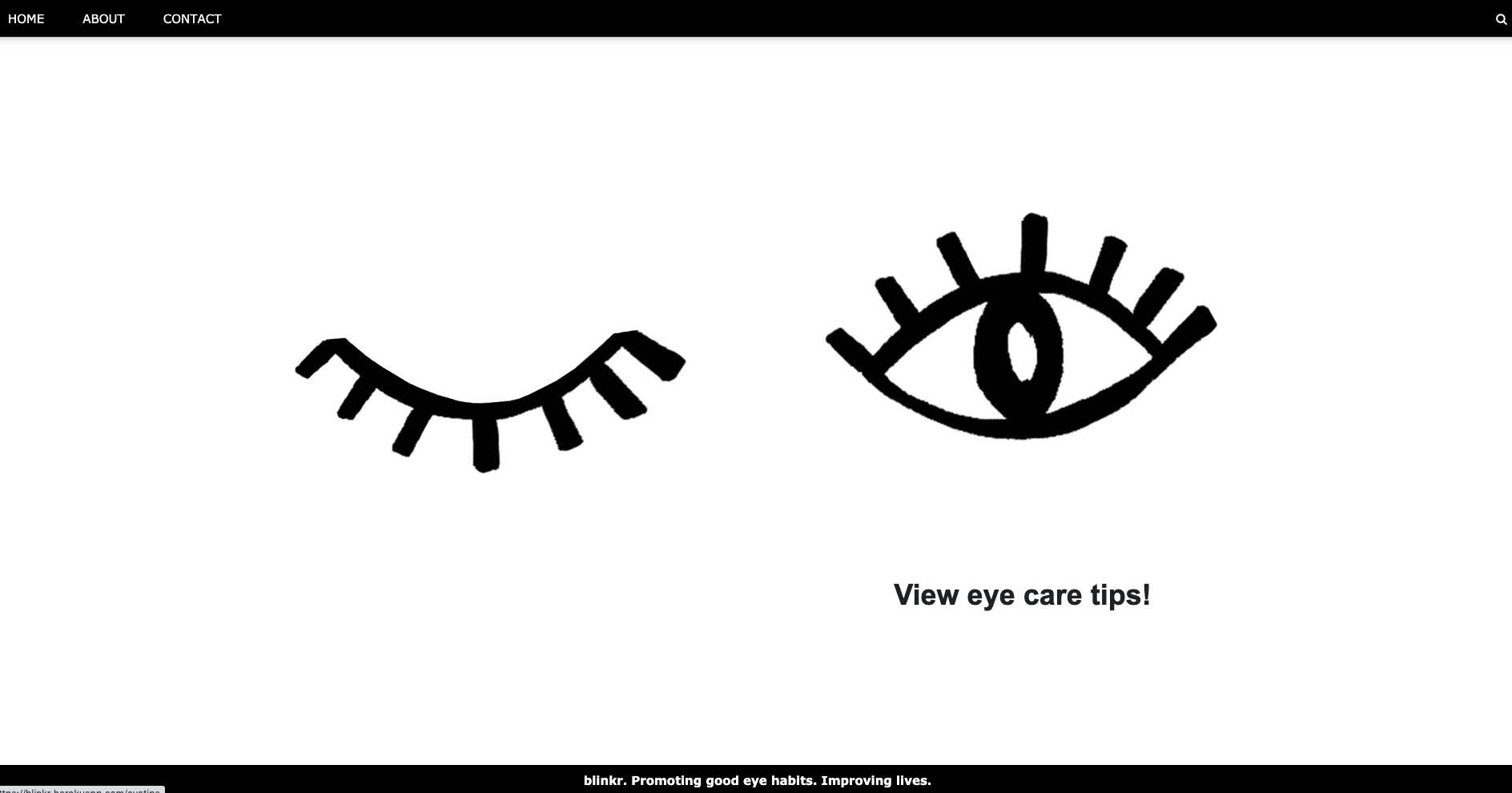
Click on the left eye to open the eye for an eye test!
-
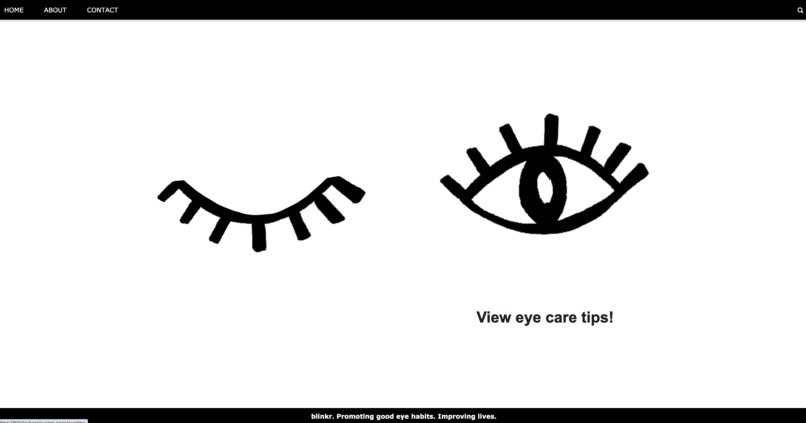
Click on the right eye to open the eye for eyecare tips!
-
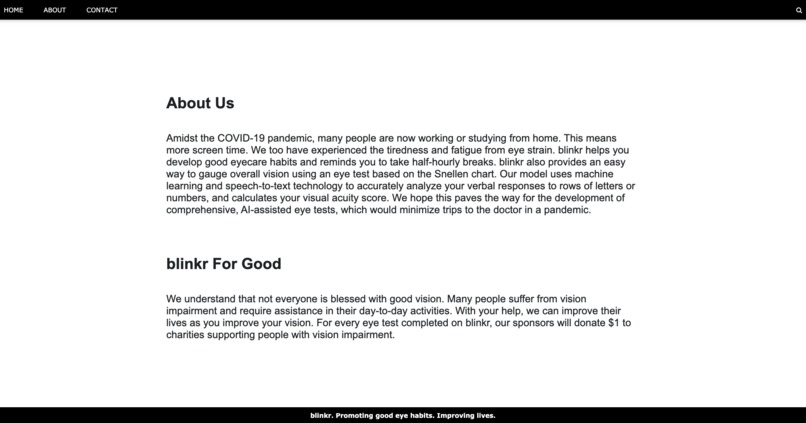
About Us and Our Motivation
-
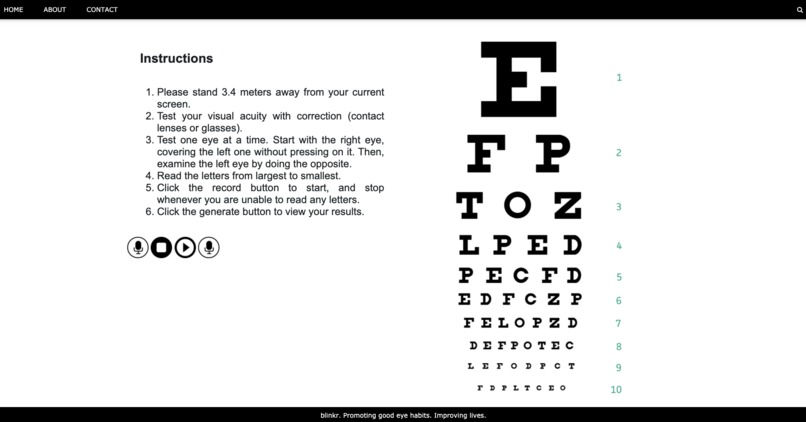
Speech-to-text technology used for visual acuity test
-
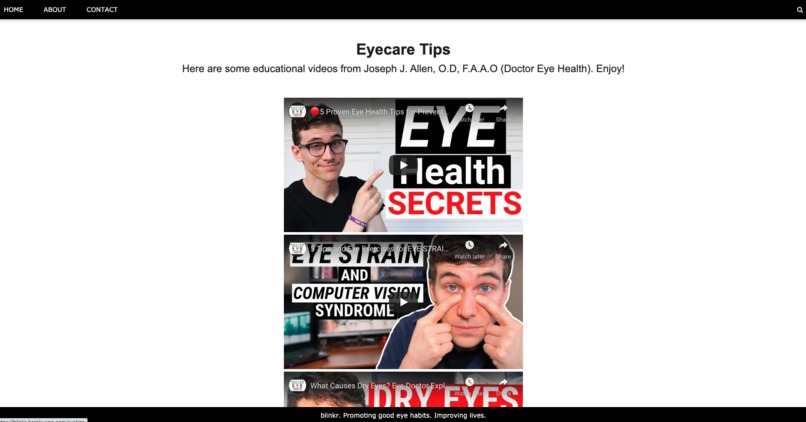
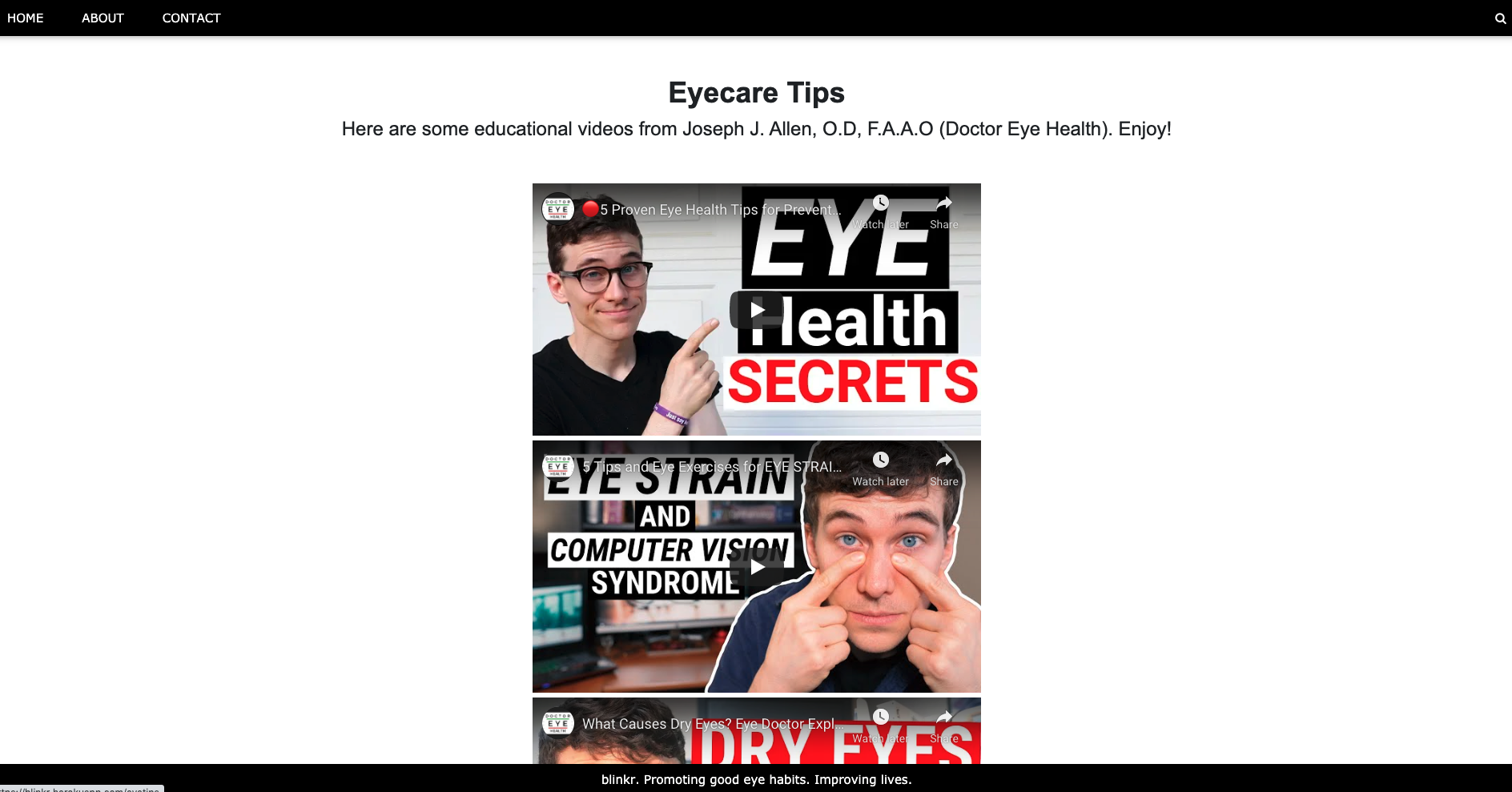
YouTube videos are generated for you to better care for your eyes!
Inspiration
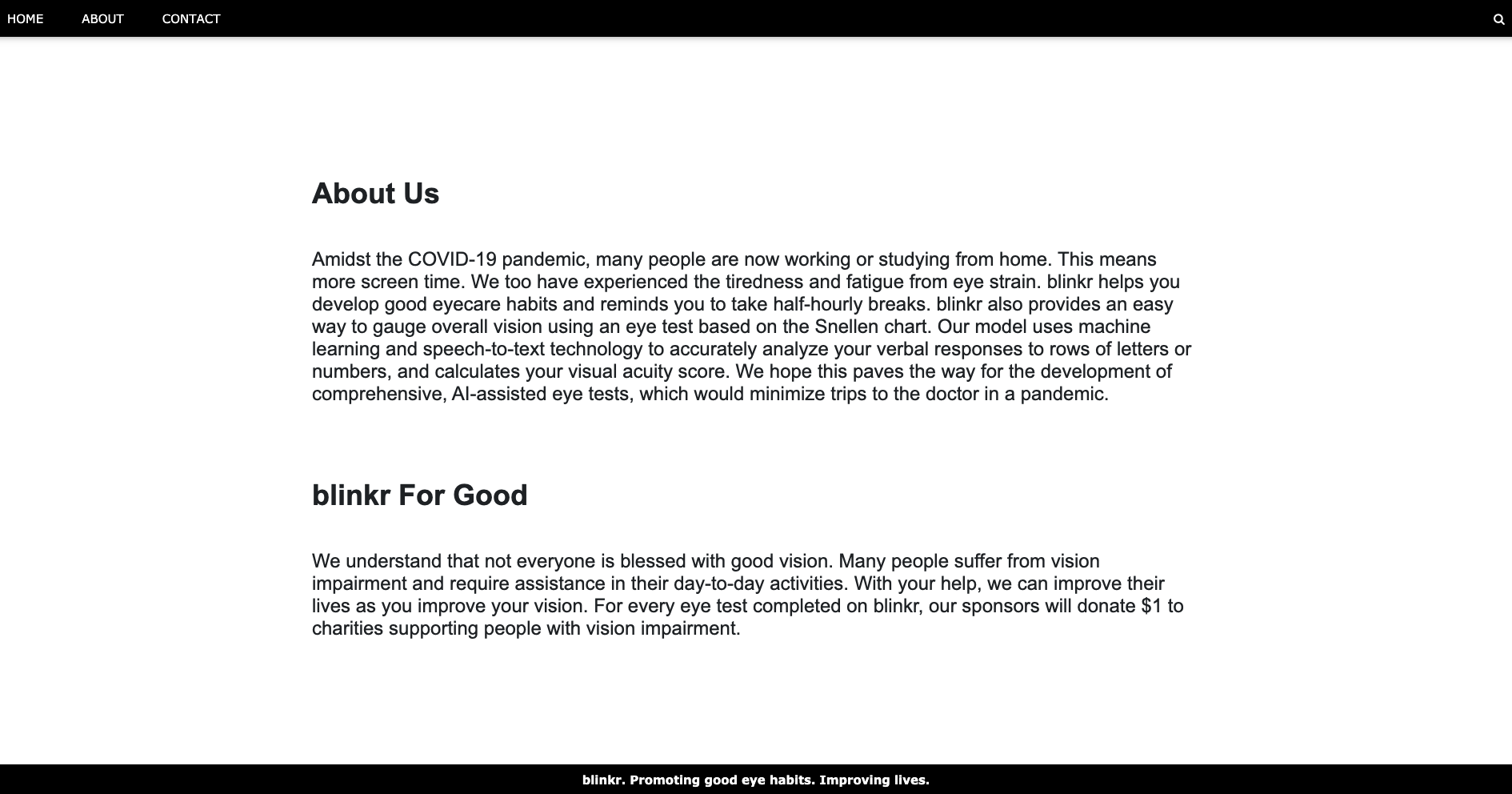
With much of the world in lockdown due to COVID-19, many people are now working and studying from home. This makes for many hours in front of the screen, and it has taken a toll on our bodies. As university students, we spend close to 8 hours on the computer every day, and it has inevitably caused much eye strain. This could have been alleviated had we known about proper eye care techniques. We thus decided to create blinkr, a web application that reminds its users to take half-hourly breaks to reduce eye strain and improve vision.
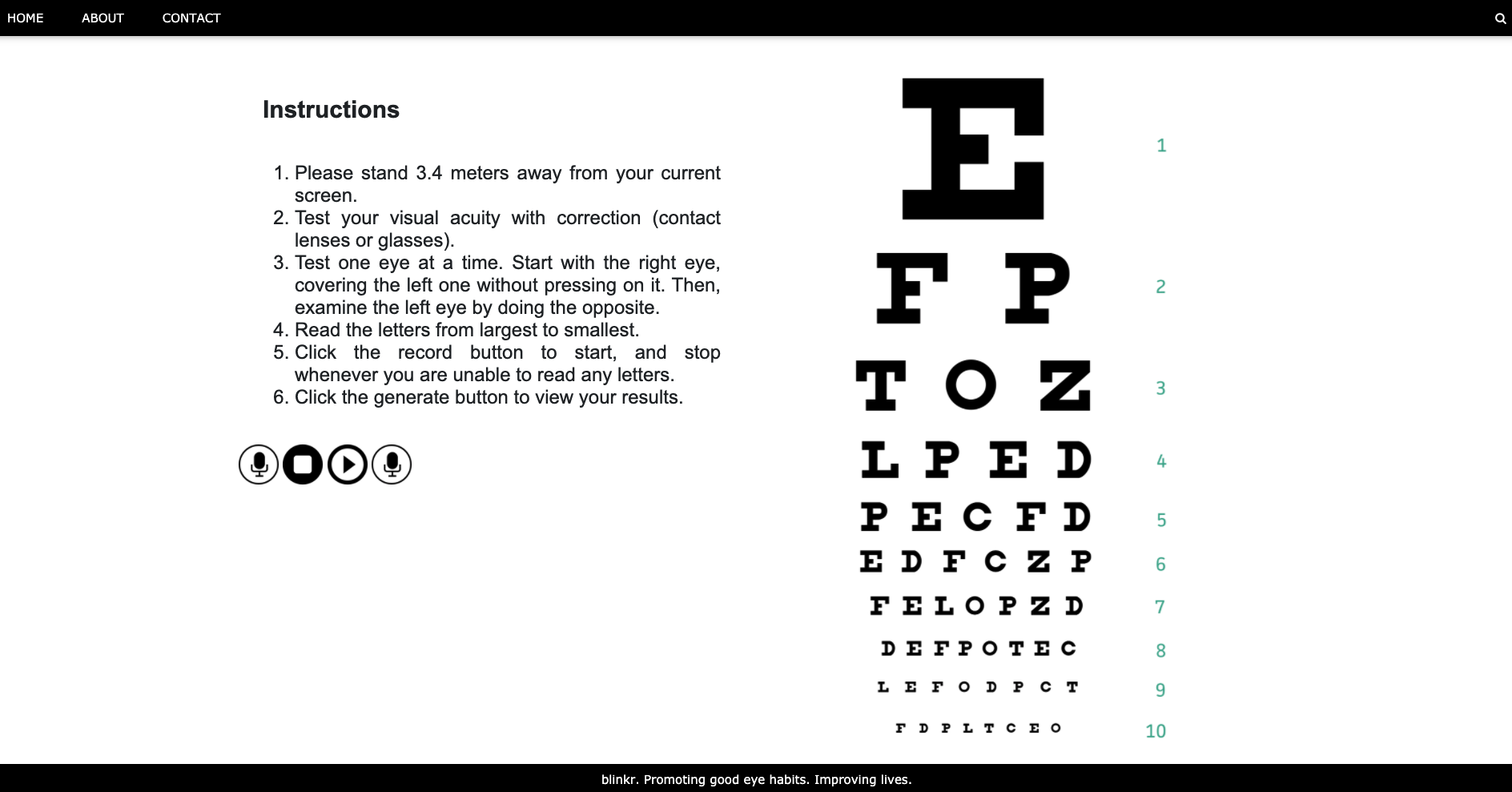
Having grown up in a country where one can easily obtain prescription glasses from an eyewear shop, we were surprised to find out that a doctor’s prescription was necessary for one to purchase proper eyewear. In the midst of a pandemic, it is important to limit unnecessary trips to the doctor. We thus included a basic eyesight tester in blinkr, which is based on the Snellen chart. Users will be shown a row of letters or numbers and asked to provide a verbal response, which will be recorded and analyzed using speech-to-text technology. The model we employed makes use of machine learning to transcribe verbal input into text with high accuracy. Although we are aware that this is not equivalent to standard eye tests, we hope that this will start a conversation about the possibility of remote, partially self-administered eye tests.
What it does
Our web application, blinkr, promotes healthy eyesight by reminding users to take half-hourly breaks from the computer screen. This is especially important during the pandemic, as many people now work or study from home and screen time has increased. blinkr also provides users with essential eyecare techniques, which will allow them to maintain good vision.
We believe in minimizing unnecessary trips to the doctor during the pandemic. As such, blinkr provides a basic eyesight test based on the familiar Snellen chart. Users will be asked to read aloud rows of letters or numbers at a specified distance. Our web application employs state-of-the-art speech-to-text technology (built using machine learning) to record and verify users’ verbal input. Though this serves as a basic, uncertified eye test, we hope that it will start a conversation about the possibility of remote, partially self-administered eye tests with the help of Artificial Intelligence (AI).
How we built it
Since Python is more suited to implement machine learning tools, we decided to build this using Flask and host it on Heroku. The frontend JavaScript deconstructs the audio data into a binary string and sends it to the backend where it is reconstructed to be used as the speech-to-text input. Some logic is used to determine the results and they are displayed on the browser.
Challenges we ran into
A couple of challenges we faced were preserving the audio quality and handling wrong outputs generated by the speech-to-text API, which could be fixed given more time. Nevertheless, we hope you enjoy this app!
Accomplishments that we're proud of
We managed to code the blinking eyes on blinkr from scratch, instead of alternating between two static images. Even though that took us some time, we believe it is worth it! It was also challenging to create an aesthetic web application from scratch. We decided not to use templates from websites like wix.com as we wanted to challenge ourselves. Furthermore, wix.com did not allow audio input, which was central to our project.
What we learned
We learnt how to build a web application from scratch and employ speech-to-text technology, as well as allowing users to input audio.
What's next for blinkr
We hope to consult with ophthalmologists and opticians to discuss the possibility of developing a remote eye testing system with the use of Artificial Intelligence (AI). We also hope to extend outreach through social media to help people who work and study from home get access to basic eyecare techniques and precautions.
Please note
blinkr currently works with screens that are 15 inches or larger. We strongly recommend using Chrome to access blinkr.tech. If you are viewing the website using a smaller screen, you may experience some issues accessing the visual acuity test.
Built With
- flask
- google-cloud
- heroku
- javascript
- python
- speech-to-text
- web-audio-api


Log in or sign up for Devpost to join the conversation.