Inspiration
As we move into the future, employers and individuals are gradually shifting into the digital world for every aspect of their lives. From work to leisure time, people are spending increasing amounts of their day looking at a screen, and optometrists are worried about users getting digital eye strain. For this, optometrists recommend following the 20:20:20 rule - every 20 minutes, focusing on something 20 feet away for at least 20 seconds.
To help users practice these guidelines, we set out to create Blink, an application that seamlessly integrates with the user's workflow, promoting healthier screen time habits.
What it does
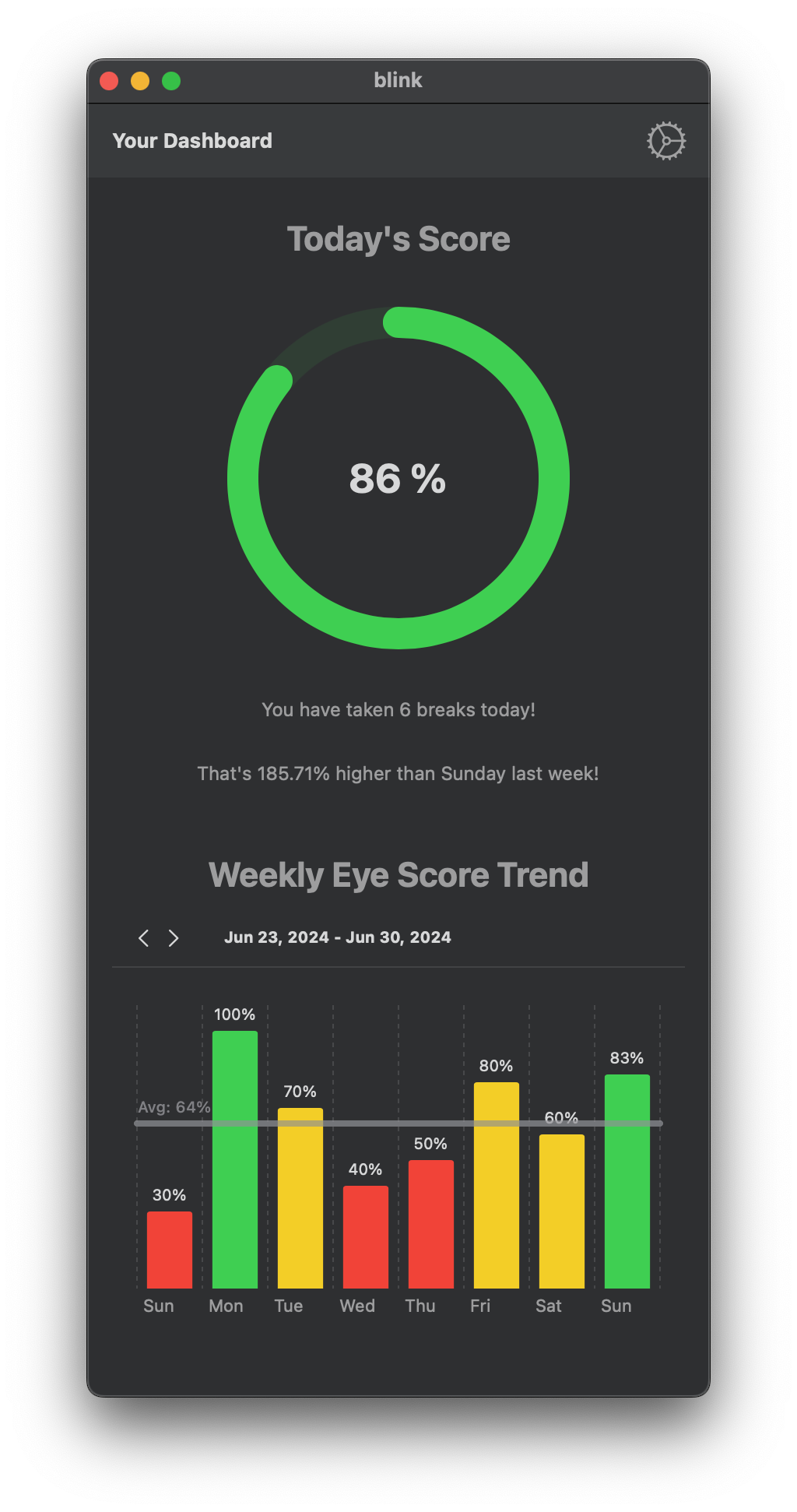
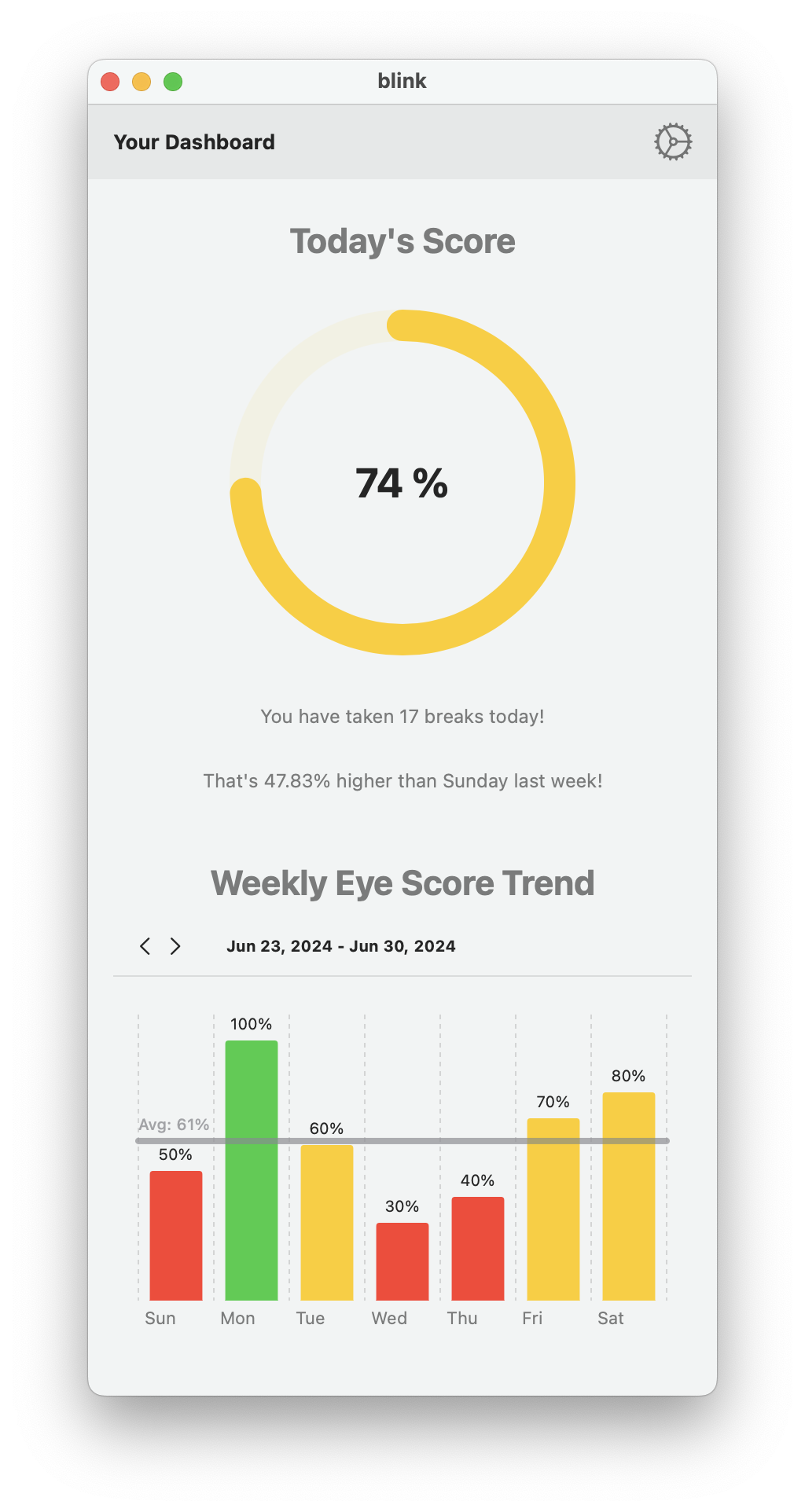
Blink is a native Mac application designed to help users manage their screen time more effectively, reducing the risk of eye strain and improving overall digital well-being. It gently reminds users to take short breaks at regular intervals, encouraging them to look away from their screens and relax their eyes. Users can customise the frequency and duration of these breaks according to their personal preferences and work needs. Blink tracks users' progress and provides statistics for insights into their digital habits.
How we built it
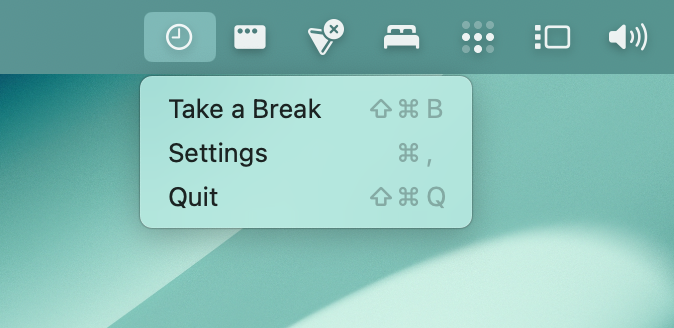
We built Blink using Swift and the SwiftUI framework, leveraging the powerful capabilities of macOS development. The application runs in the background, with keyboard shortcuts and a status bar menu for easy access to its features. We used UNUserNotificationCenter for scheduling, NSStatusBar as well as other Native UI Elements to create an accessible and intuitive user interface. We also made a conscious effort to conform to Apple's Human Interface Guidelines, ensuring accessibility, and cohesiveness with the system UI.
Challenges we ran into
State management was a significant challenge that we faced. We chose to centralise the application's state within the GlobalState class, making it the single source of truth. By using "Combine" and marking our state variables with @Published, we enabled automatic updates to the UI whenever these properties changed. This reactive approach ensured that the UI always reflects the current state without manual intervention.
Accomplishments that we're proud of
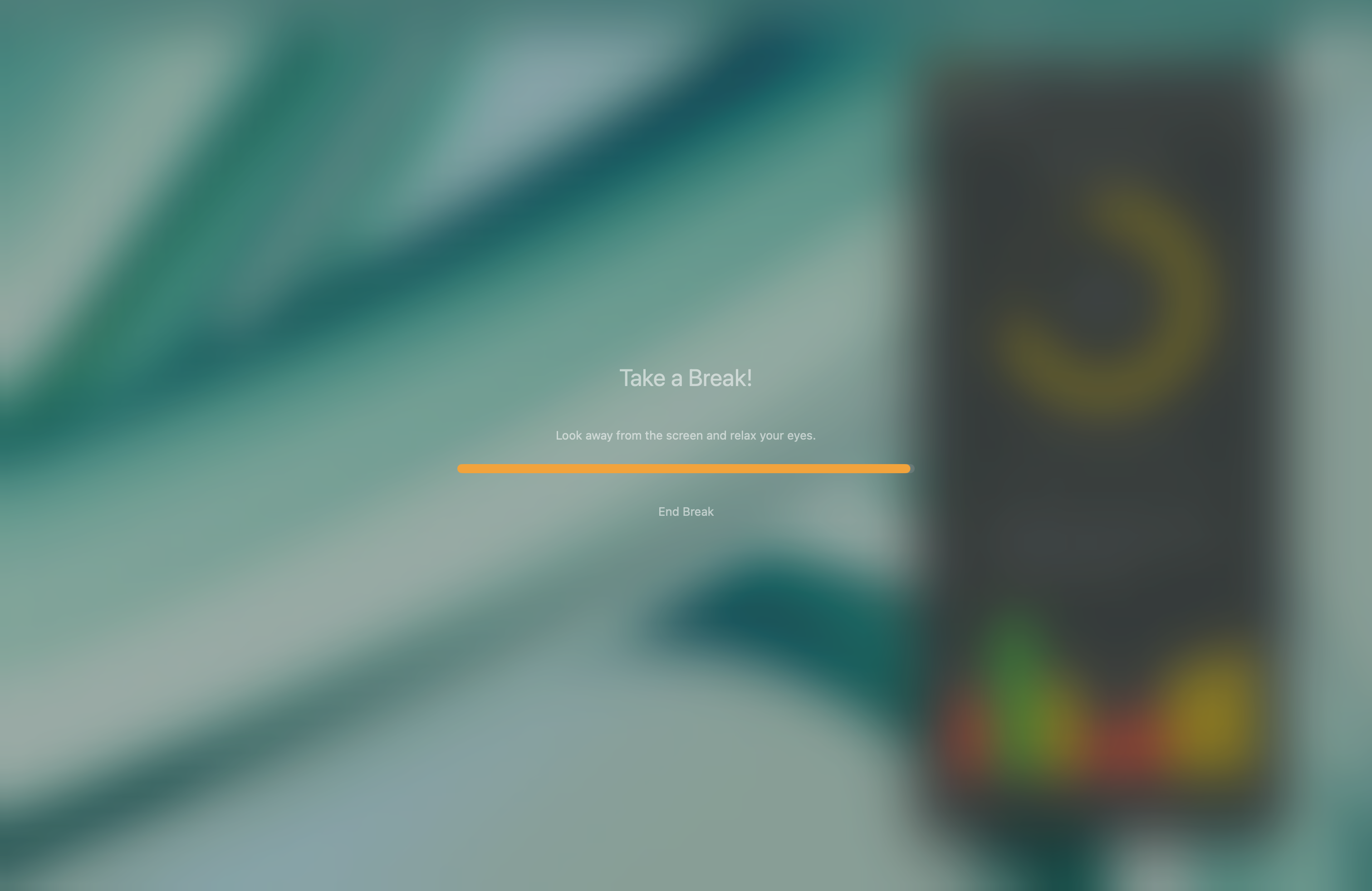
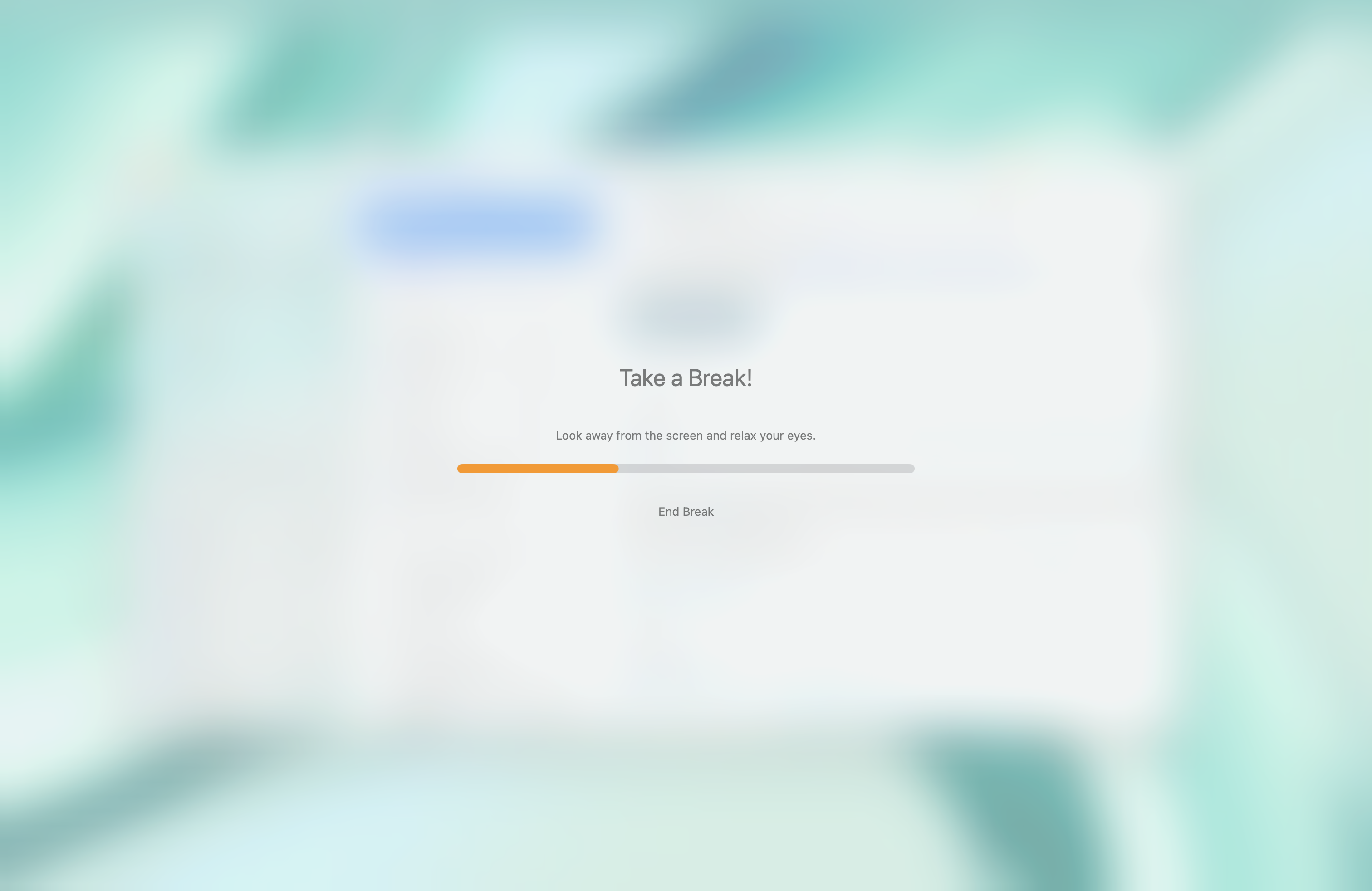
We are particularly proud of creating an application that strikes a balance between simplicity and functionality. Blink's intuitive design and customizable settings make it a versatile tool for anyone looking to mitigate the effects of prolonged screen time. We also wanted to ensure that the break notifications would not disrupt the user's workflow but still be noticeable enough to encourage action. This took a significant amount of time working with mockups, and A-B testing different implementations to reach our final blurred overlay. We're also proud of the technical implementation, including the seamless background operation and data persistence.
What we learned
For all our team members, this is our first time working in Swift and for some of us, our first time making a native desktop app. In doing so, we learnt a lot about working with a modern OS' API's and managing state. The project also taught us the importance of thoughtful architecture in managing complex state in modern applications. It also highlighted the benefits of reactive programming in creating responsive and user-friendly interfaces.
What's next for Blink
We would like to continue development to further enhance user experience. We are thinking about implementing features such as integration with the Screen Time API, and using Apple's on-device Vision framework to ensure that users actively give their eyes a break.


Log in or sign up for Devpost to join the conversation.