-
-
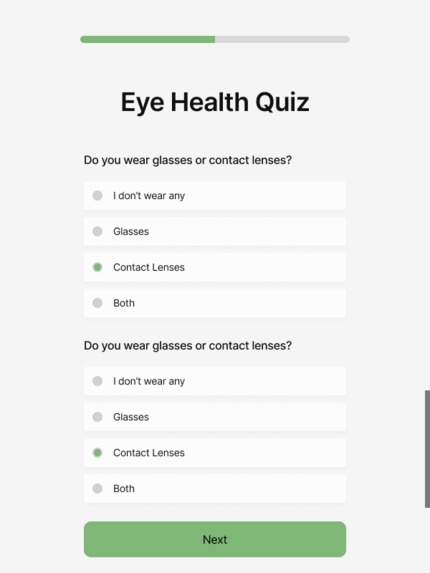
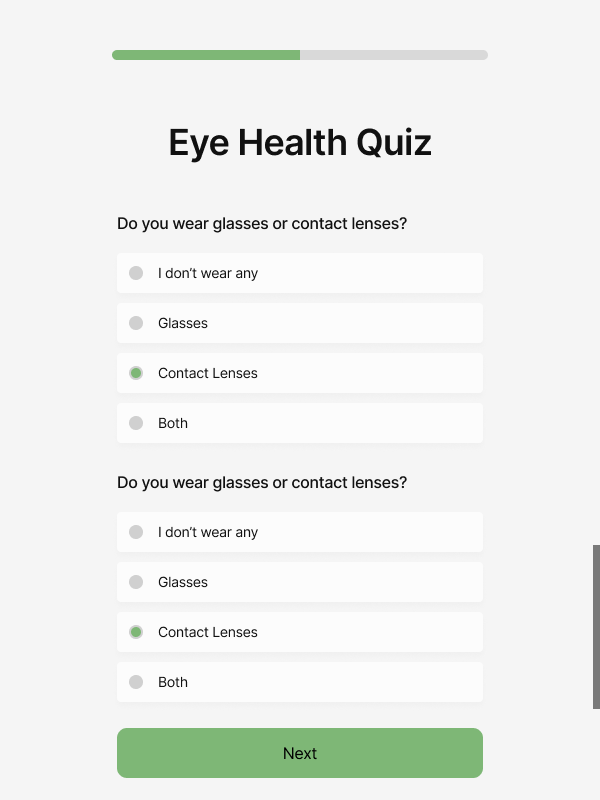
Survey Screen
-
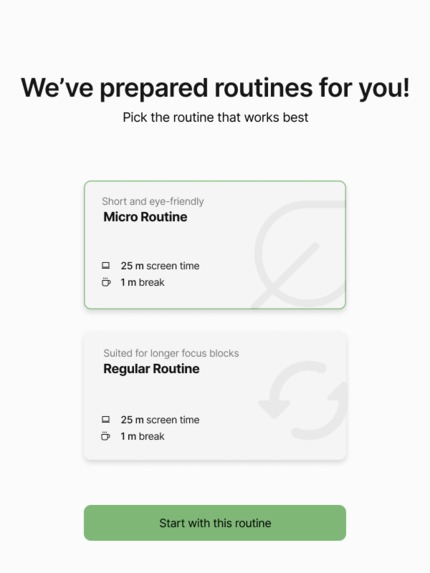
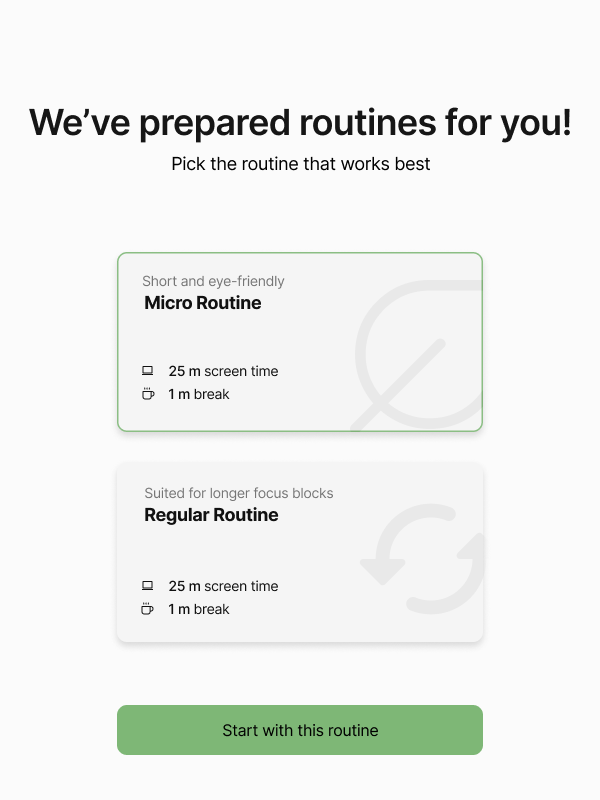
Routine Selection Screen
-
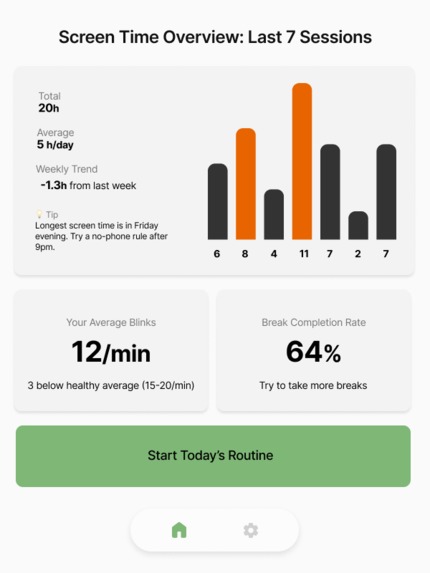
Home Screen
-
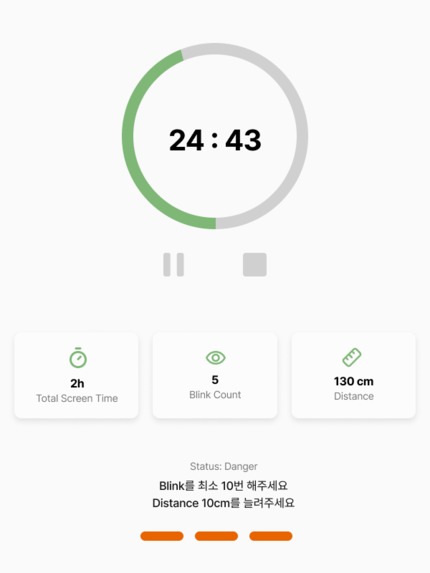
Screen Time Screen
-
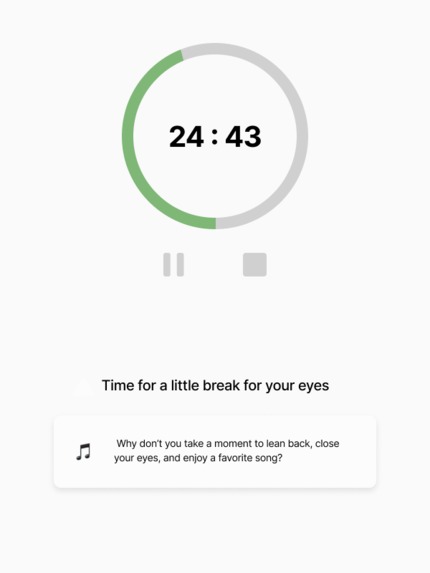
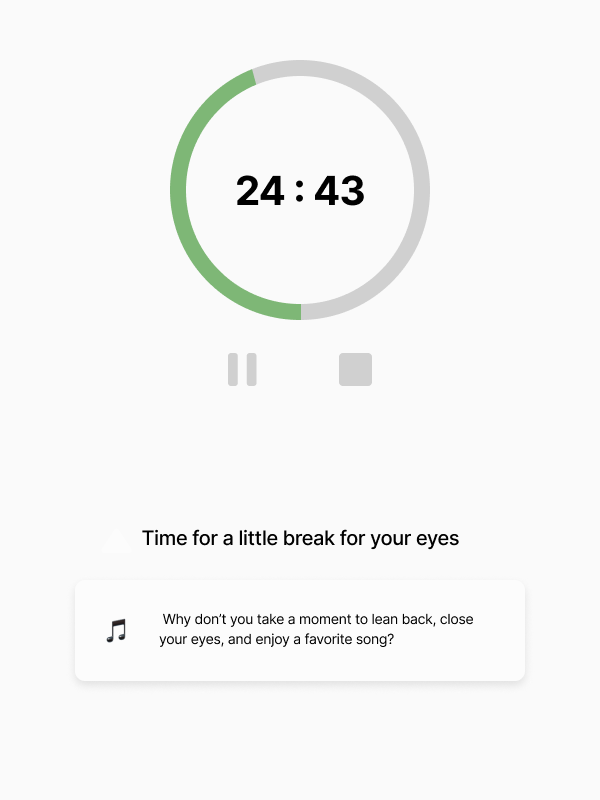
Break Time Screen
-
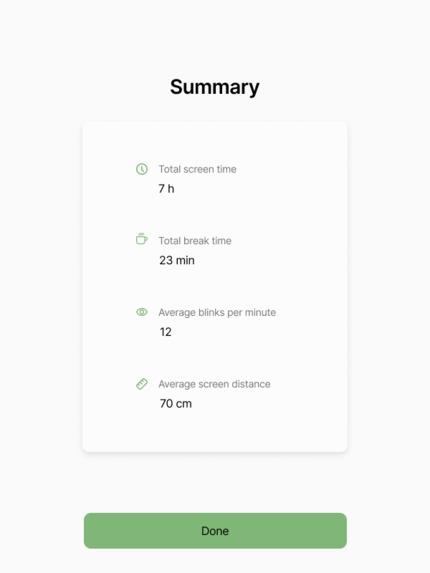
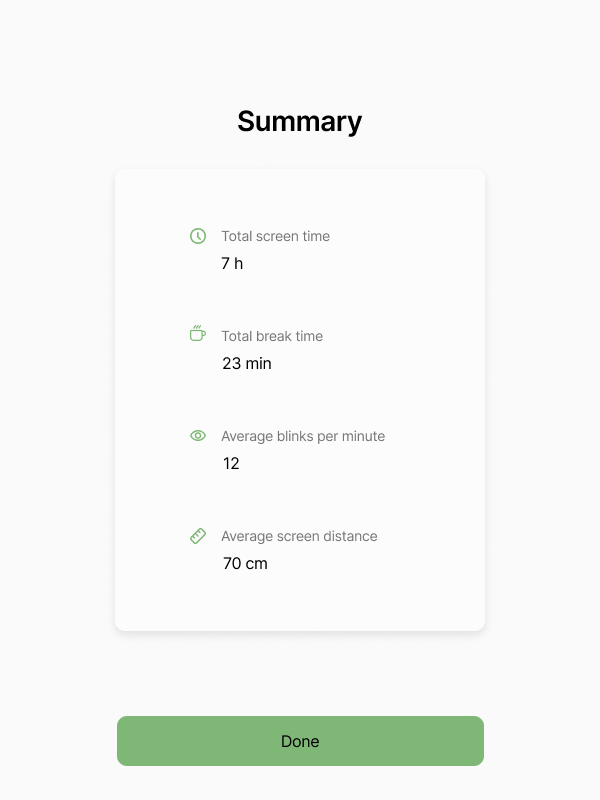
Summary Screen
-
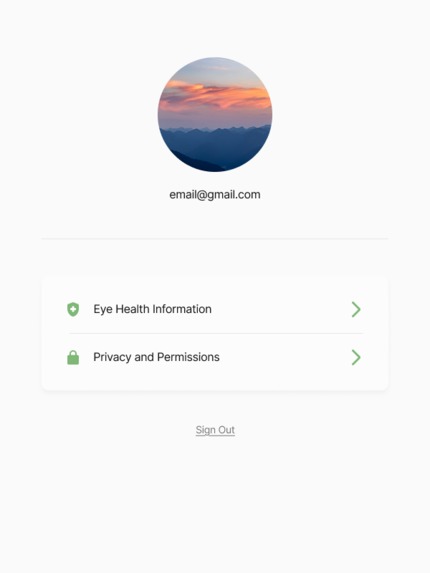
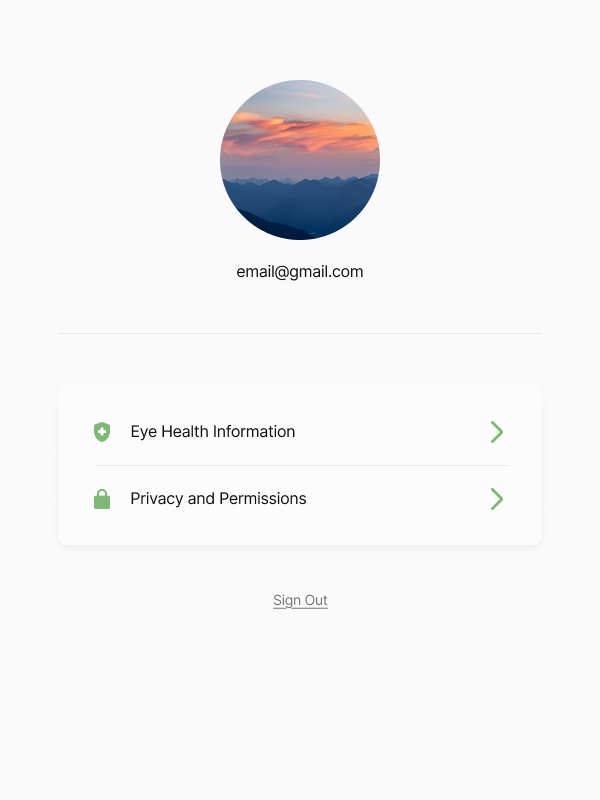
Settings Screen
🌟 Inspiration
We’ve all experienced it. Tired eyes, fading focus, and mental fatigue after long hours in front of a screen. Whether you're a student, developer, or remote worker, digital eye strain has quietly become part of modern life. We were inspired to create Blink-FIT as a subtle, smart solution to this problem. Instead of forcing users to change their routine, we wanted to build something that fits seamlessly into their workflow — gently promoting healthier habits without being intrusive. Our goal was simple: use real-time data and AI to help people blink more, take meaningful breaks, and become more aware of their screen time. We saw an opportunity to blend technology, wellness, and behavioral science into one tool that protects not just your eyes, but your productivity and well-being.
💡 What It Does
Blink-FIT is a Chrome extension that passively monitors your screen behavior and encourages healthier digital habits. It detects your blink rate, screen time, and break frequency using your webcam (with your permission) and provides personalized feedback to help reduce digital eye strain. The app uses AI-powered insights to suggest breaks, analyze your habits, and track trends.
Key Features:
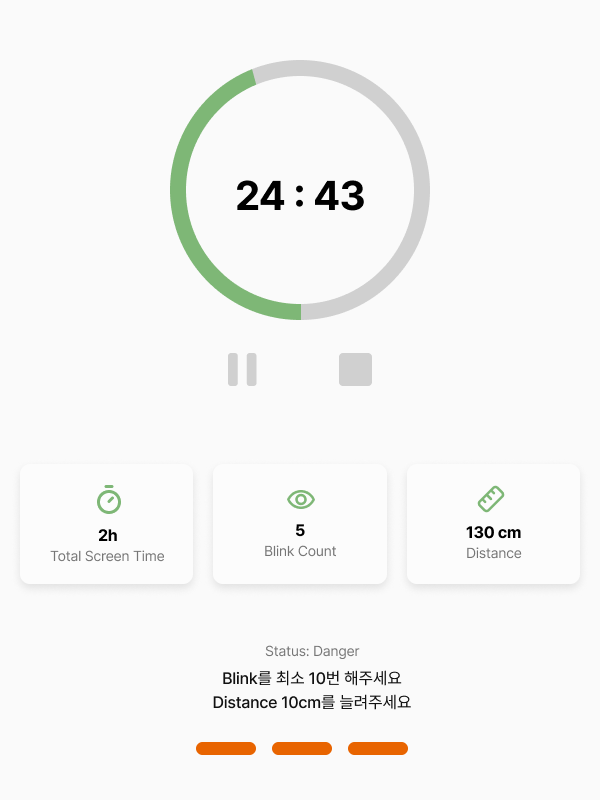
- Real-time blink detection
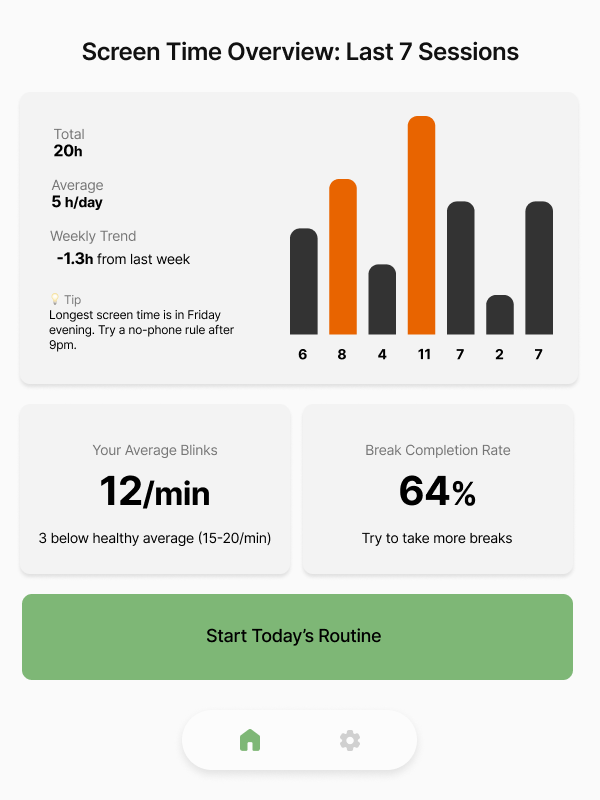
- Personal wellness dashboard with blink rate, break completion, and screen time tracking
- AI-generated tips and insights via the Gemini API
- Daily habit reports and streaks to motivate consistency
- Seamless experience as a lightweight Chrome extension
🛠️ How We Built It
🧩 Frontend
- React + TailwindCSS for a responsive, user-friendly UI
- Zustand for global state management
🧠 AI & Blink Detection
- Javascript for blink detection
- Gemini API (Google’s LLM) for smart suggestions
🌐 Backend & Data
- Express.js + Firebase for user data storage and sync
- MongoDB for flexible tracking of session history and behavior logs
- All functionality hosted and delivered as a Chrome extension, packaged with proper manifest.json, background.js, and content.js structure
🧪 Dev Tools
- GitHub Copilot was an amazing assistant for accelerating our learning curve with new APIs
🧗 Challenges We Met
Building a Chrome extension came with a unique structure that was new to us. It was challenging to connect the frontend and backend within this environment. We also explored Firebase for the first time and spent time getting familiar with its framework, configuration, and integration. One of the most difficult parts was enabling the webcam and tracking blink count in real time. It took a lot of trial and error to make it work smoothly, but once we succeeded, it was exciting and satisfying.
📚 What We Learned
Chrome Extension Structure: We gained a solid understanding of how Chrome extensions work, especially the roles of
content.jsandbackground.js. Deploying our extension with Firebase gave us valuable experience turning code into a usable product.Blink Detection with Webcam: We learned how to access webcam input and detect facial features in real time using JavaScript and Python. It was exciting to see how physical signals and code could work together to improve user health.
State Management with Zustand: We implemented global state management using Zustand, which made it easier for all team members to access and synchronize key data across the app.
GitHub Copilot: Using Copilot inside VS Code helped us accelerate development. It acted like a tutor, especially when working with unfamiliar concepts in Chrome extension development, and played a big role in completing the project successfully.
🚀 What’s Next for Blink-FIT
Gamification Layer: Add streaks, wellness scores, and micro-achievements to encourage regular use.
Anonymous Data Research Mode: Allow users to opt-in to donate anonymized data for studies on digital fatigue and attention spans.
Advanced Analytics: Weekly reports with behavioral trends, comparison to past weeks, and AI-generated health nudges.
Built With
- express.js
- firebase
- framer
- gemini
- javascript
- mongodb
- react
- tailwindcss


Log in or sign up for Devpost to join the conversation.