

Blindside — Local-Only Visual Privacy Protection
Inspiration
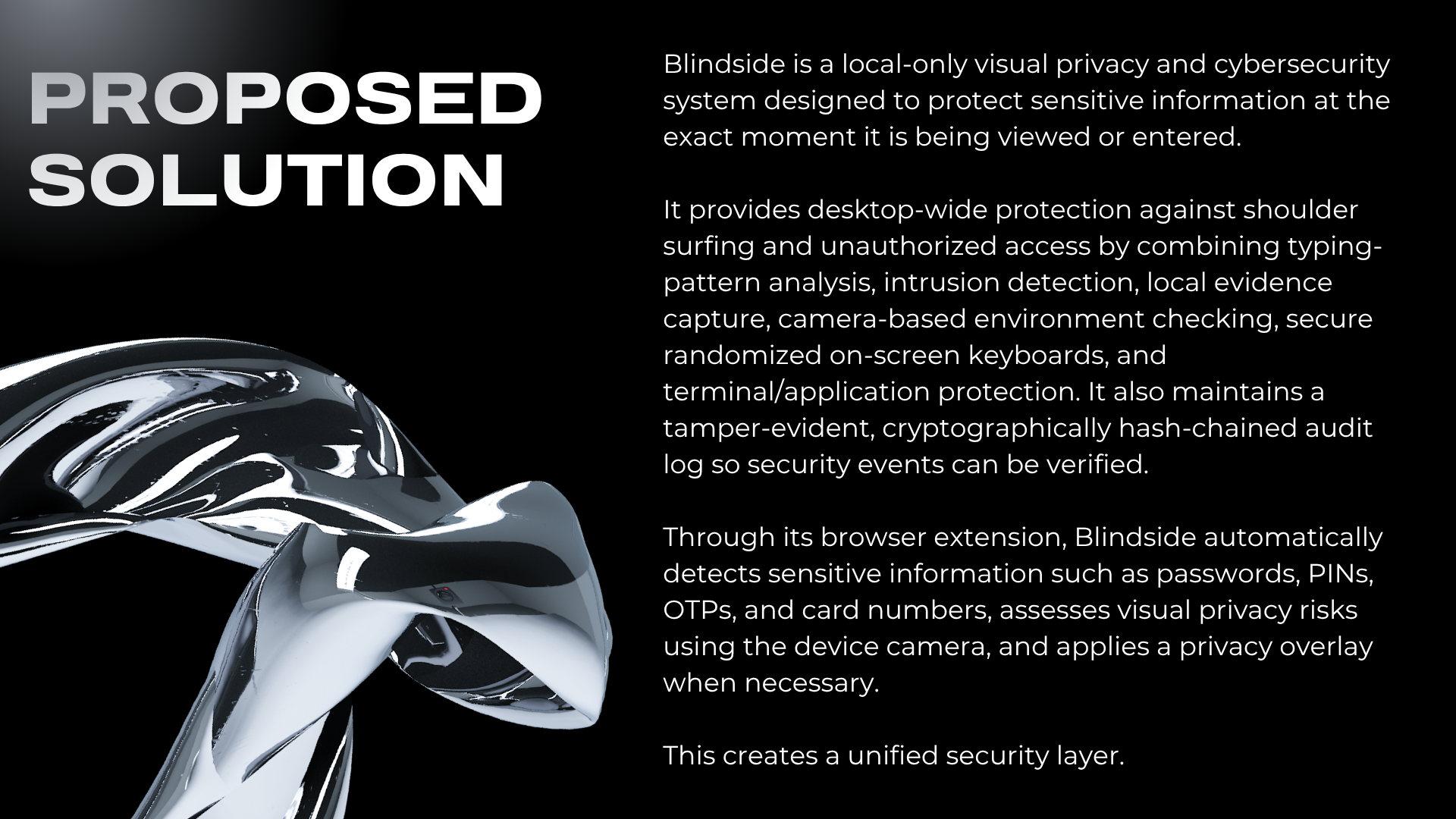
Blindside was built to protect people from shoulder-surfing, webcam-based snooping, and physical intrusion while they enter passwords, PINs, OTPs, API keys, or card details.
The main idea is simple: protect sensitive information without sending anything to the cloud. Everything runs locally on the user's device.
What it does
Blindside has two parts:
Chrome extension
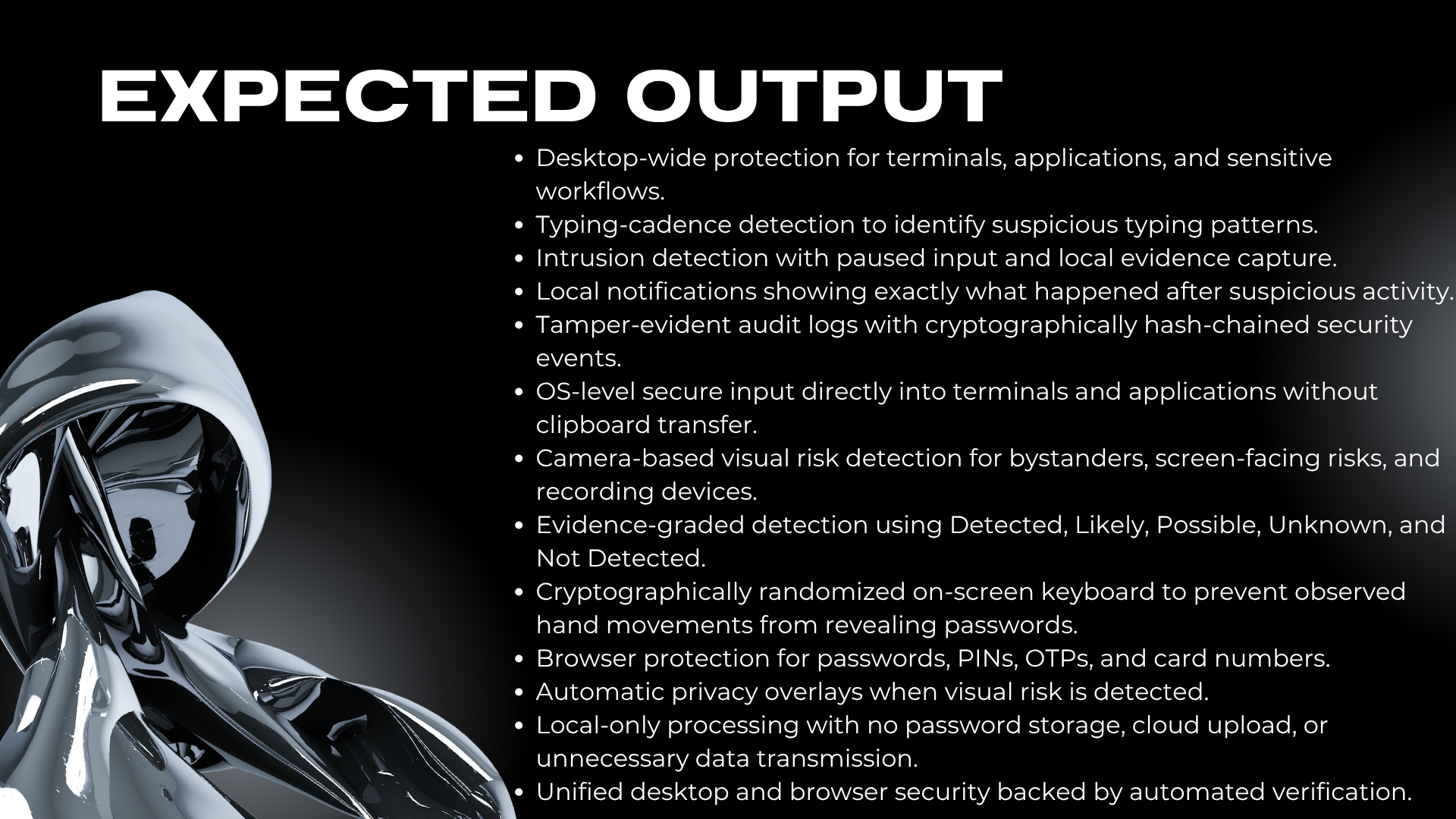
- Detects sensitive input fields.
- Checks the webcam locally for nearby people or possible recording devices.
- Shows a risk badge and privacy overlay.
- Provides a randomized on-screen keyboard.
- Adjusts screen brightness through the desktop app.
- Keeps a tamper-evident local audit log.
- Generates weekly camera-usage reports.
Desktop companion
- Can arm protection with
Win + Shift + J. - Learns the user's normal typing speed.
- Detects unusual typing patterns that may indicate someone else is entering a password.
- Locks the field when typing differs significantly from the baseline.
- Captures an intrusion photo locally for later review.
- Provides settings, audit-log viewing, reports, and intrusion-photo management.
- Can arm protection with
How we built it
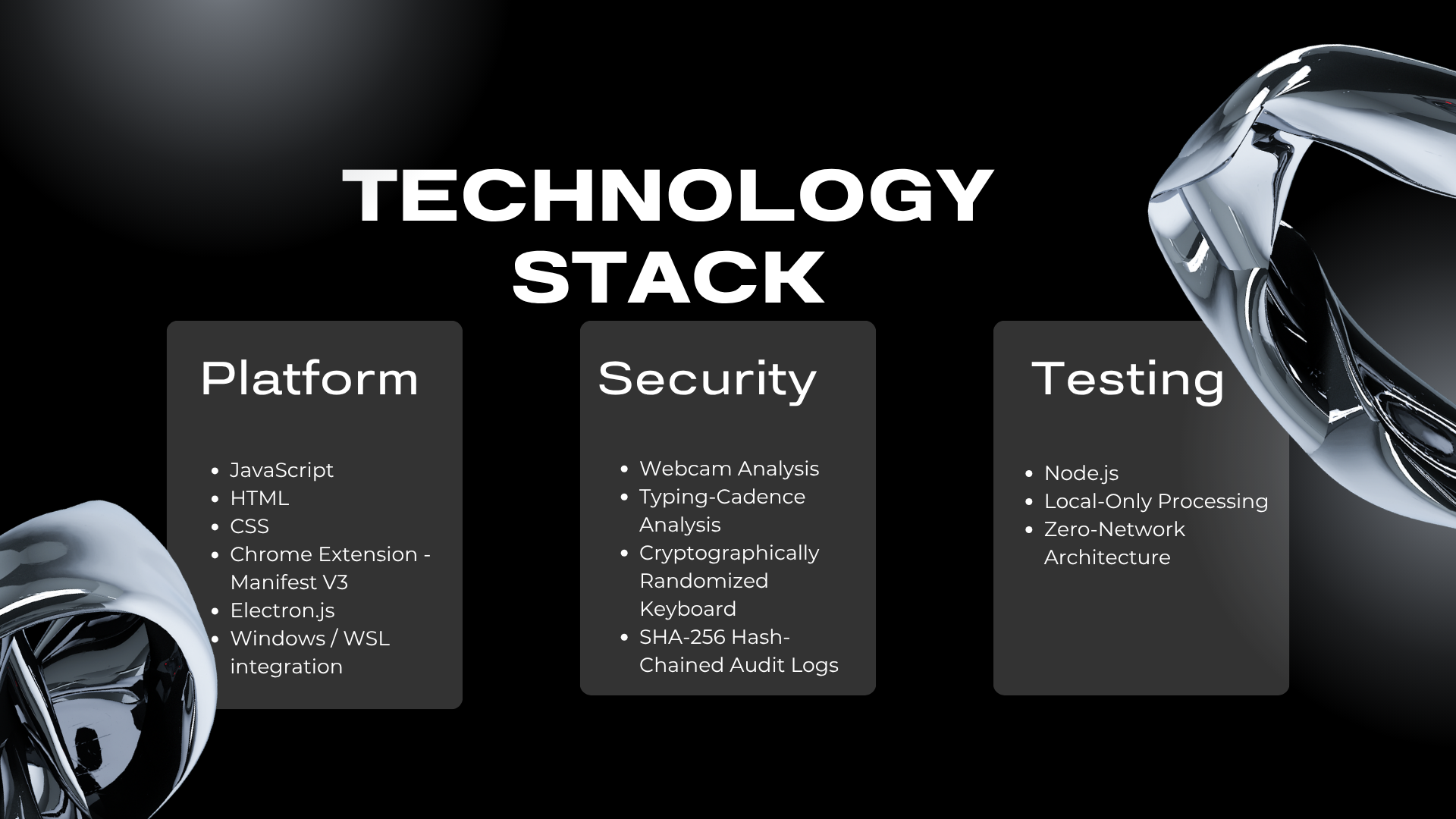
Blindside was built using:
- Chrome Manifest V3 for the browser extension.
- Electron for the desktop companion.
- JavaScript for the main application logic.
- Local webcam/pixel analysis for visual privacy checks.
- Statistical typing analysis using timing intervals, mean, standard deviation, and configurable z-score thresholds.
- SHA-256 hash chaining for tamper-evident audit logs.
- Chrome storage and local files for storing required data.
- Native messaging to connect the browser extension with desktop controls such as brightness management.
The architecture keeps the browser extension and desktop application separate while sharing common risk-scoring and audit-log logic.
Most importantly, there are no servers, accounts, cloud AI, analytics, telemetry, or remote network services.
Challenges we ran into
- Detecting sensitive fields without reading or storing the user's actual keystrokes.
- Performing webcam-based privacy checks while keeping camera frames local and temporary.
- Detecting unusual typing without recording the characters being typed.
- Connecting a Chrome extension with desktop-level functionality such as brightness control.
- Making audit records tamper-evident.
- Protecting locally stored intrusion photos.
- Keeping the entire system functional without external network access.
Accomplishments that we're proud of
- Built a complete local-only privacy protection system combining browser and desktop protection.
- Added multiple layers of protection instead of relying on a single detection method.
- Implemented randomized keyboard input to make observed key positions less useful to an attacker.
- Added statistical typing-based intrusion detection.
- Added automatic local intrusion-photo capture.
- Created a SHA-256 hash-chained audit trail with tamper detection.
- Designed the system so credentials, raw keystrokes, camera streams, and full-resolution frames are not stored.
- Added offline tests to verify that the project does not make external network calls.
What we learned
- Privacy protection requires more than simply detecting suspicious activity; the protection mechanism itself must avoid creating new privacy risks.
- Sensitive information can be protected using metadata and behavioral signals without storing the actual input.
- Statistical patterns such as typing cadence can be useful for detecting unusual behavior.
- Browser extensions and desktop applications have different security and permission models, so communication between them needs careful design.
- Local data still needs strong security controls, especially for audit logs and captured images.
- Building an offline-first system changes how features such as communication, storage, testing, and monitoring need to be designed.
What's next for Blindside
Future improvements could include:
- Expanding visual privacy detection.
- Improving typing-baseline accuracy and personalization.
- Supporting more operating systems and hardware configurations.
- Improving the native browser-to-desktop integration.
- Adding more configurable privacy controls.
- Further strengthening local security and testing.
Built With
- chrome-manifest-v3
- chrome-storage
- css
- electron
- html
- javascript
- native-messaging
- node.js
- sha-256
- statistical-analysis
- webcam-pixel-analysis

Log in or sign up for Devpost to join the conversation.