
Introduction
 Visually impaired people are vital and growing segments in the world. However, society is not always designed with this group of people in mind, making the development of better electronic tools essential in order to fulfill their own daily needs. In the past, such tools were often specialized and sometimes heavy; therefore, many visually impaired individuals had to look after for themselves and carry around.
 For the past few years, people have seen a considerable growth in the technology sector, especially computers, allowing mobile phones an ideal candidate for building useful and diverse applications. Mobile phones, in the long run, can enable fast and cheap development of applications by bringing various specialized assistive functions into one. This motivates me to develop a mobile application, which helps visually impaired people by using camera in a smartphone.
What it does, How I Built It
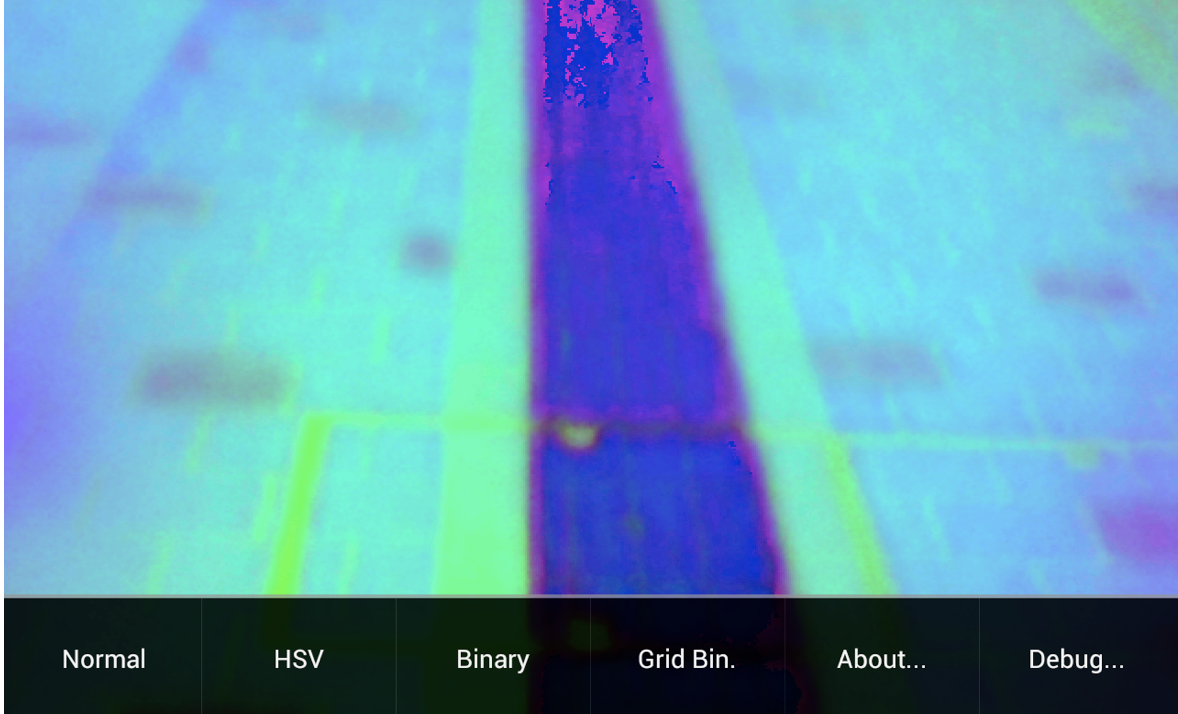
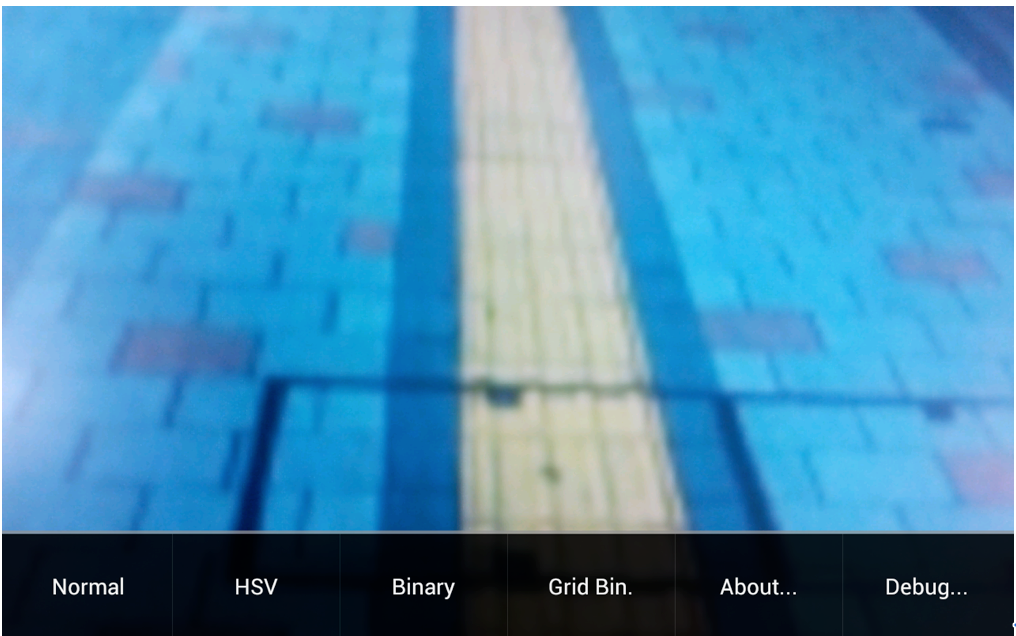
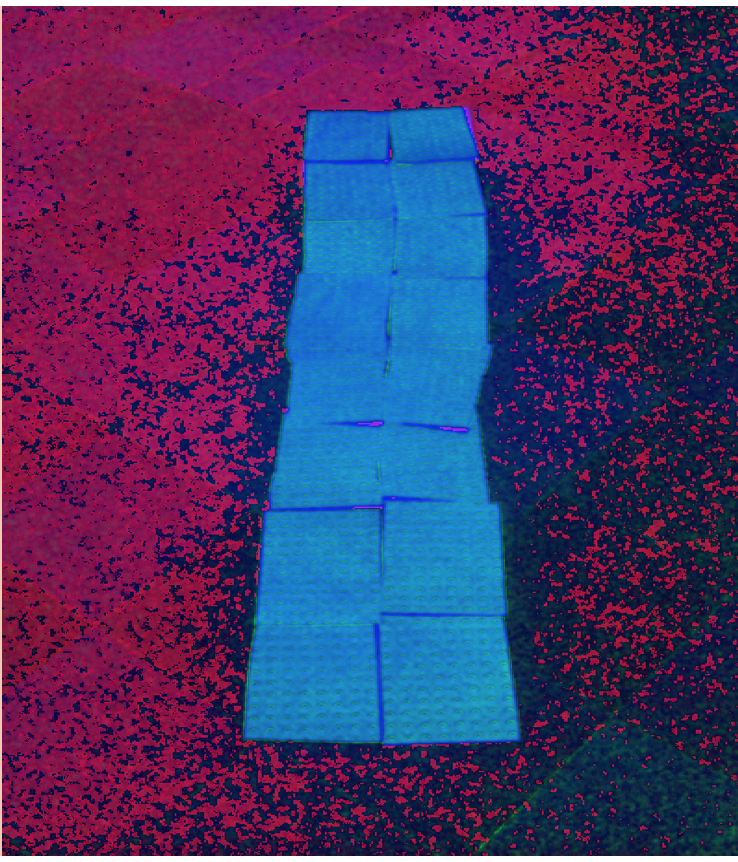
• @NooN uses a built-in camera to take a picture of road situation, an input image. • @NooN processes the input image to determine whether the user (visually impaired person) is on the right track on the pedestrian road or not. • If the user walks on the center of the visually impaired sidewalk track, @Noon produces a beep sound at one-second interval to notify the user that he/she is on the right track. • If the user walks to an incorrect direction, @NooN produces a warning beep sound from left or right earphone. For example, if he/she crosses the left edge of the visually impaired sidewalk track, then @NooN produces a warning beep sound from left earphone.
Why I name the application as @NooN: At 12 O’ Clock, the clock is pointing directly at 12:00 AM/PM. It is a straight line, not a tilted line at a time such as 1:00 PM/AM. @NooN App can serve as a helping hand for visually impaired people to go in a straight line on the street braille, not divert from it. In addition, 눈 [nu:n] in Korean language means ‘eye’. That is why I named the application as @NooN.
Challenges I ran into
  Unfortunately, due to limited resources, please note that the operation of @NooN has been verified only on Samsung Galaxy Note 2 (Android version : 4.0.4) at this moment. I believe that @NooN is a small but important effort to shows how mobile technology can improve life of visually impaired people.
 The current version of @NooN needs to be revised such that other output method (e.g., haptics) than sound should be used for better safety. If a user solely depends on sound for guidance the user can overhear the surrounding sound. Therefore, the user may be exposed to higher dangerous situation. For example, when the user does not hear the voice assistance when crossing the street, this can bring side effects such as car accidents. For a better safety of the application, haptics (e.g. vibration) instead of an earphone sound can be used. Fortunately, we could see several smart watch products with vibration output signals in the market. This is one of our future works.
What's next for Blind Helper
In the long run, this program could later be promoted by one of the biggest volunteer organizations: Red Cross. To begin with, I will try to contact the regional Red Cross organization in Pittsburgh, USA in order to introduce @NooN. In Connecticut Red Cross, the organization focuses extensively on human deficiency. Eighty-percent of the activities are mainly towards charities for the mentally or physically disabled patients. As a Korean student in Pittsburgh, this effort will be a small but significant contribution to community. Although this is a small step, I believe that this app can be used widespread in any volunteer organizations.
Additionally, I wish to continue the process of improving @NooN through Sourceforge, a site that manages open source softwares.

Log in or sign up for Devpost to join the conversation.