-
-
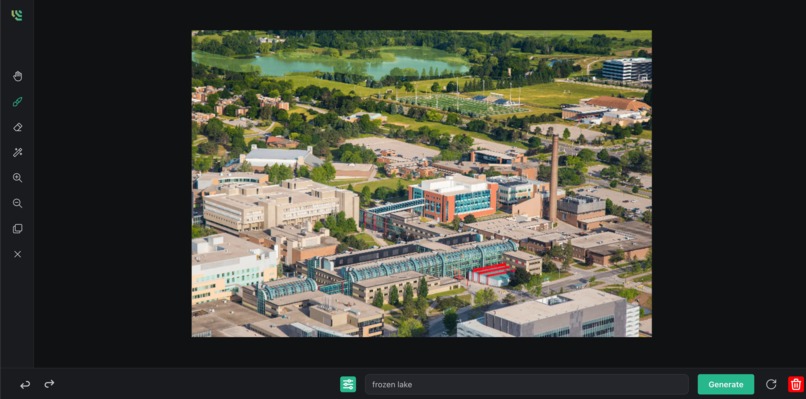
Our responsive image editing UI
-
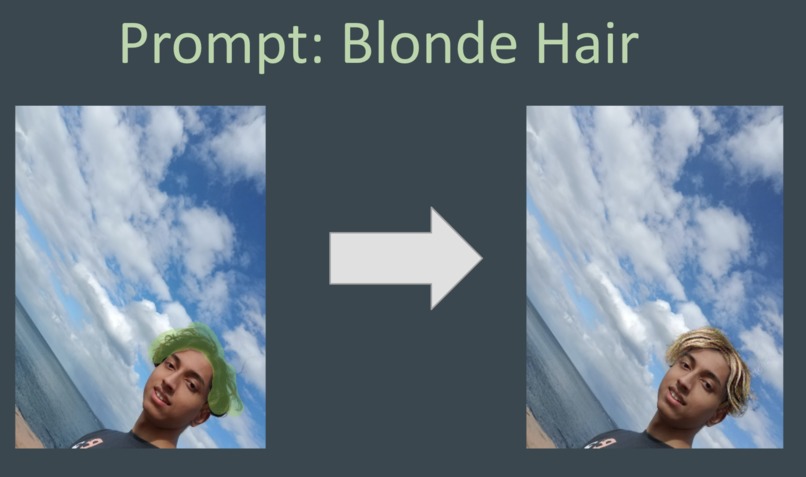
Made my hair blonde!
-
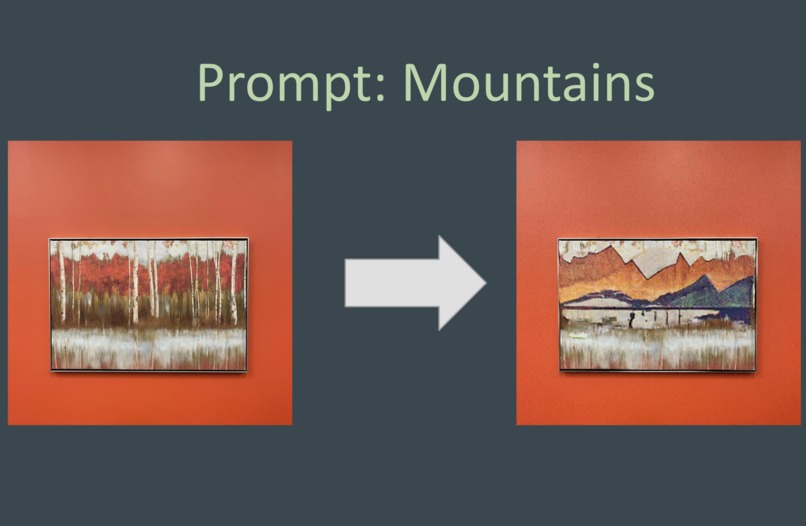
Changed painting background to mountains
-
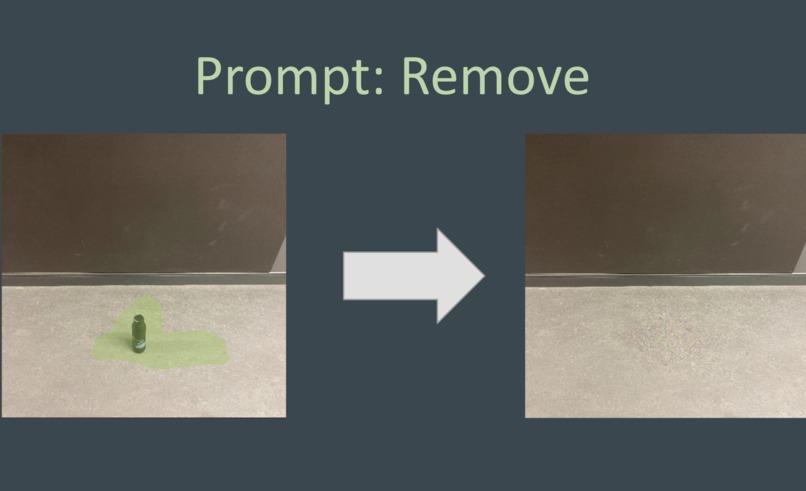
Removed a foreground object
-
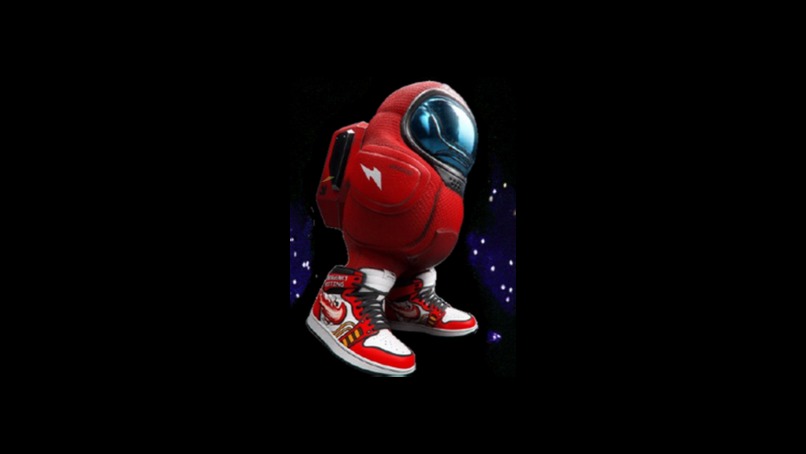
A masked, potentially suspicious individual superimposed onto a starry background.


Inspiration
With all the hype surrounding generative art after the release of Stable Diffusion, our team wanted to see if we could do something beyond the already spectacular limits of Stable Diffusion. After playing around with the model for a while, we enjoyed the creativity and expressiveness the model provided, but we wanted to find a more practical application, so we thought of photo editing. Specifically we thought it would be cool if we could use stable diffusion to change specific parts of an image while keeping the rest the same. This could let us do stuff like changing someones hair color or even their entire outfit.
What it does
Blend.ai is using machine learning to make photo editing easier than ever before. You just pick a region, pick a prompt and the machine learning model does the rest. Prompts can be anything from an empty string(which attempts to remove the selected region and preserve the background), to whole sentences describing what you want to edit into your image. The unique thing about our UI is that it is very simple since only has to focus on selecting area of the input image. The rest of the editing complexity is taken care of in the prompt. Users don't have to worry about their photo-editing skills to create the image they want.
Example
After users highlight the area they want to change using the tools provided, they can put in their request in the text box at the bottom of the page. For example, if they want to add an apple in the image, they should type "apple" or a descriptive variation of this. Users then press generate and let the model work its magic!
How we built it
For the frontend, we first built a basic front end skeleton using typescript React and Vite. We then incorporated components from Mantine.dev to construct the sections of our user interface from file upload, text input, and tool selection. Using an embedded HTML Canvas as our image editor, we also implemented front-end algorithms for our tools in order to select, move around, and fill in space to construct our blend bitmask. Finally, we sent the input data to our Flask backend to produce and display the blended image.
On the backend we initially tried using Stable Diffusion to edit images, but we discovered existing research called Blended Diffusion(https://arxiv.org/pdf/2206.02779.pdf) where the diffusion process was modified to focus on changing the regions highlighted in a mask. However there wasn't an open source and optimized version of this algorithm, so we forked of an existing implementation of blended diffusion and modified to make it usable in a Flask server environment, and added many optimizations to speed up inference on larger images.
Challenges we ran into
Creating an image editor was very hard and involved a lot of math
Accomplishments that we're proud of
We were able to improve the performance of the diffusion model on large images as it was previously optimized for 256 by 256 images. We also developed a simple, yet powerful UI that lets everyday people use the model to edit their images.
What we learned
This was, for many of us, our first time implementing a complex machine learning API into a simple and efficient web app. Learning about and creating new images with Stable Diffusion taught our team many important ideas about natural language processing and image generation.
What's next for Blend.ai
Improvements that can be made for Blend.ai include scalability and a faster running model. The diffusion model is compute intensive which limits the scalability of Blend.ai. Another improvement would be to add more editing tools, such as a lasso tool to more accurately section parts on an image. We believe that Blend.ai provides a glimpse of what the future of photo-editing will look like. People can edit their images however they want without needing to learn any photoshop skills.

Log in or sign up for Devpost to join the conversation.