-
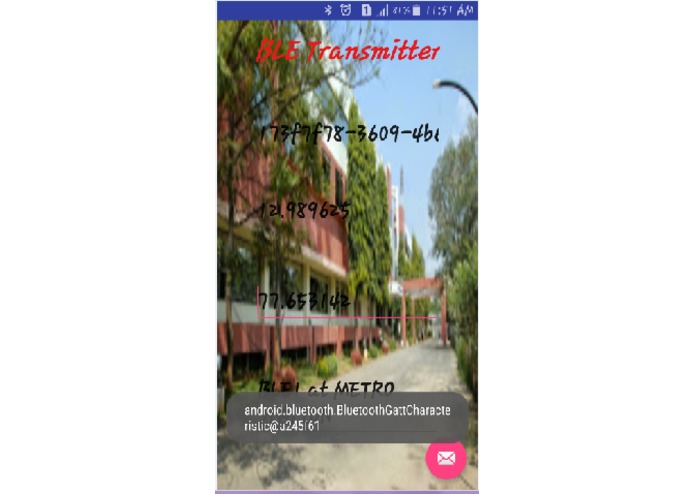
BLE transmitter
-
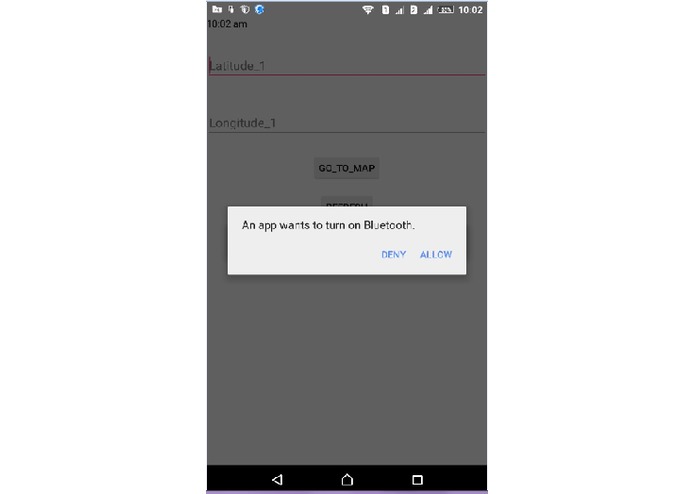
add new beacon
-
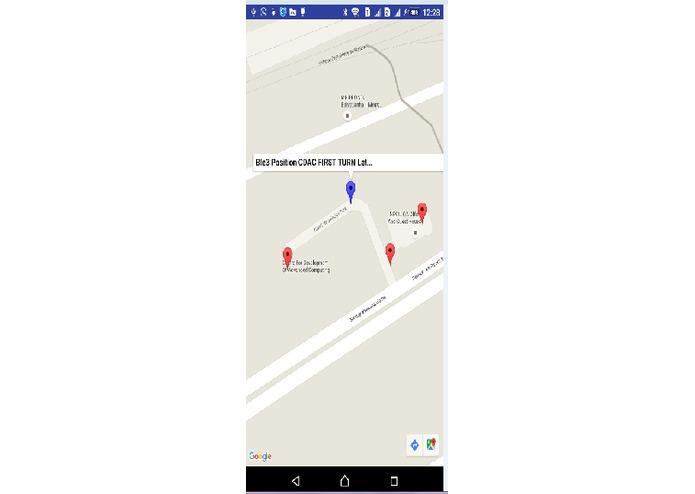
Beacon fixed postion
Inspiration
• View of Location: - A detailed perspective map that makes orienting you in the real-world quick and easy. • Destination groups: All the places you may search are neatly organized in groups.
• Offline search: Look up a place and you will find its location along with relevant info such as contact details • Pin your searches: Pin all your searches on the Navigating map as you search for multiple
locations one after other (pin remains until you exit the app).
What it does
We describe a method for determining the location of a mobile device, such as a handheld computer or mobile phone, in an indoor environment using Bluetooth beacons. Since it uses inexpensive commodity devices, this method is inexpensive to deploy. The limited range of Bluetooth reception is used to advantage. Another important advantage of this method is that it allows the mobile device to determine its location while remaining anonymous, unidentified to the beacons or other nearby devices. In such a deployment, an important design task is the placement of beacons. Signal propagation in indoor environments is complex, affected by factors such as floor plans and duct-work, varying transmission and reflection properties of building materials and furniture, and interference from other devices. Therefore, the area from which a beacon is visible is very irregular and not well approximated by simple models such as ellipsoids. Our solution permits complex reception characteristics to be accurately modeled and provides a simple method for choosing beacon locations.
How I built it
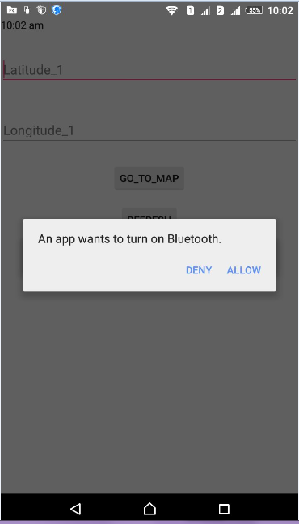
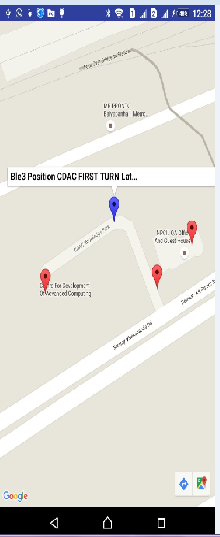
We are trying to solve the customer’s problem to find the location within a limited time. By circumspect at the GPS problems and Costly Internet Data Pack, we are targeting on Android App for navigating inside building an Internet Connection and no worry of costly Internet Data Pack. As we are planning to make an android app. So android studio is the latest IDE for making an App. The first App is transmitter App which acts as a beacon. Beacon continuously transmitting the signal. We placed a different beacon at a different position. So we get the different location by using the receiving App. The second App is receiving App. In the receiving App we get latitude and longitude of different position and according to that we easily find a location of beacon.After clicks on the Go Map Button, it will display a New Activity with the structure of that building. User can see the whole structure of that building.
Challenges I ran into
Accomplishments that I'm proud of
What I learned
Here are the roles and responsibilities that apply when an Android device interacts with a BLE device: Central vs. peripheral. This applies to the BLE connection itself. The device in the central role scans, looking for advertisement, and the device in the peripheral role makes the advertisement. GATT server vs. GATT client. This determines how two devices talk to each other once they've established the connection. To understand the distinction, imagine that you have an Android phone and an activity tracker that is a BLE device. The phone supports the central role; the activity tracker supports the peripheral role (to establish a BLE connection you need one of each—two things that only support peripheral couldn't talk to each other, nor could two things that only support central). Once the phone and the activity tracker have established a connection, they start transferring GATT metadata to one another. Depending on the kind of data they transfer, one or the other might act as the server. For example, if the activity tracker wants to report sensor data to the phone, it might make sense for the activity tracker to act as the server. If the activity tracker wants to receive updates from the phone, then it might make sense for the phone to act as the server. In the example used in this document, the Android app (running on an Android device) is the GATT client. The app gets data from the GATT server, which is a BLE heart rate monitor that supports the Heart Rate Profile. But you could alternatively design your Android app to play the GATT server role. See BluetoothGattServer for more information.
What's next for BLE Beacon for offline map
Next target is a build indoor map using BEACON device

Log in or sign up for Devpost to join the conversation.