-
-
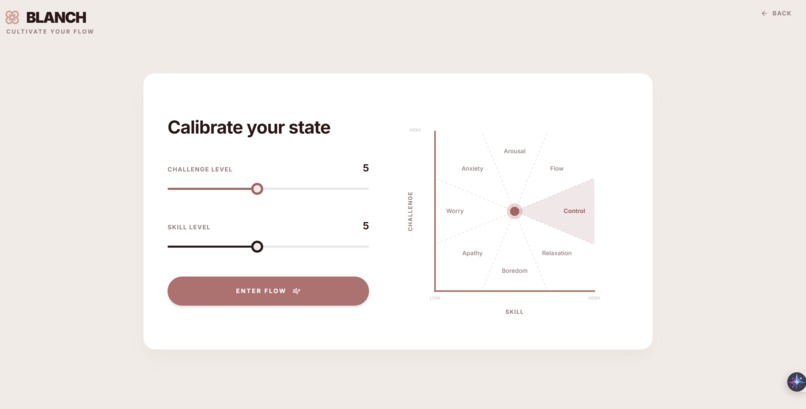
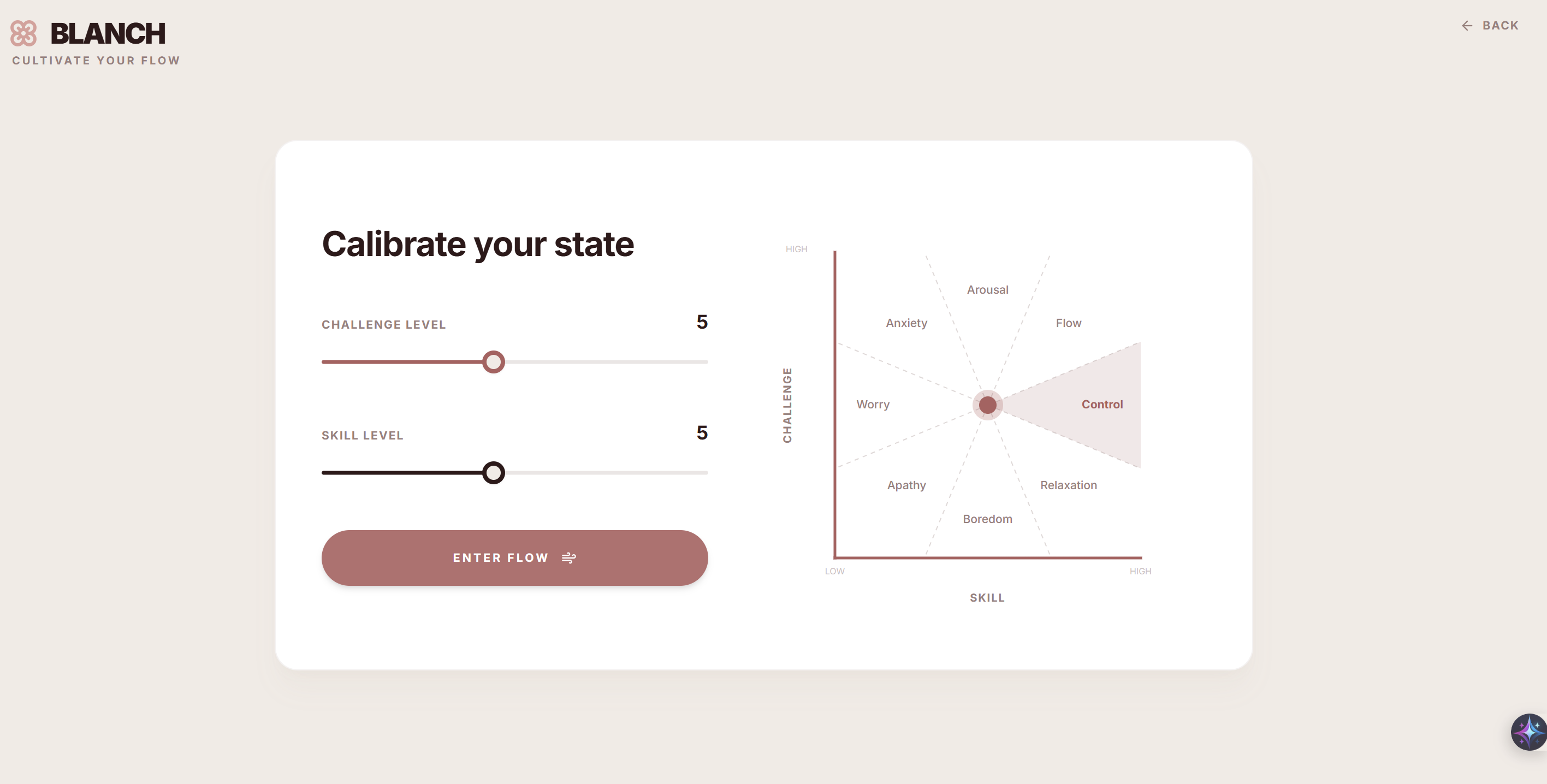
Csikszentmihalyi’s 8-Channel Flow Model
-
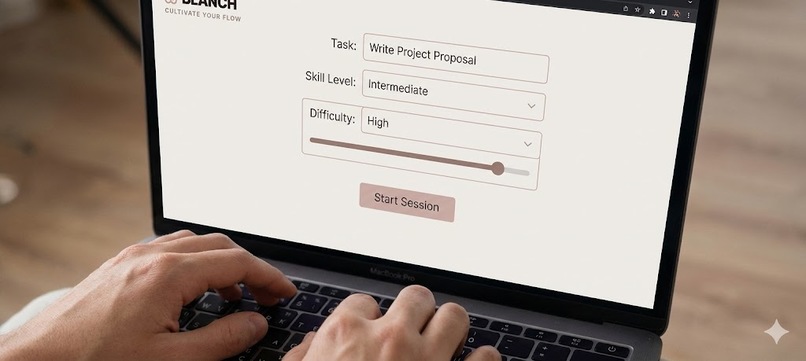
Meet Blanch: The AI focus guardian. By pairing task difficulty with your skill level, it cultivates deep work and prevents burnout.
-

Powered by Gemini Multimodal Live, Blanch visually monitors your gaze in real-time to detect distractions and gently nudge you back.
-
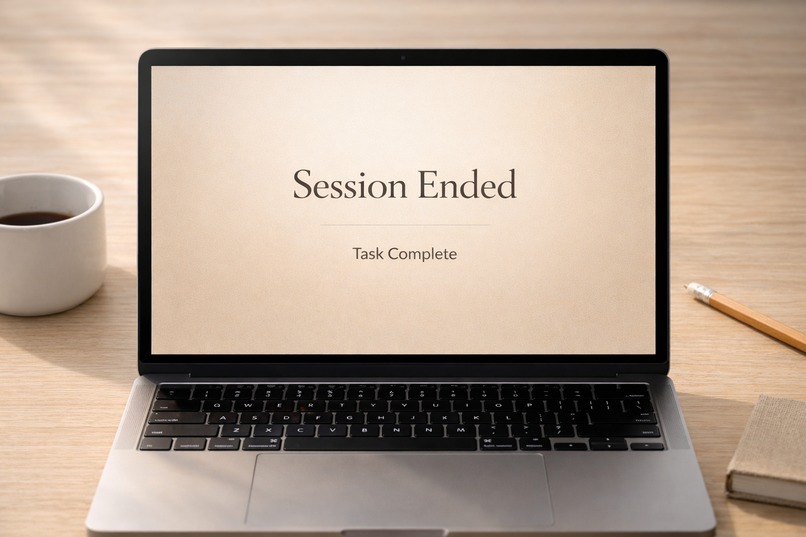
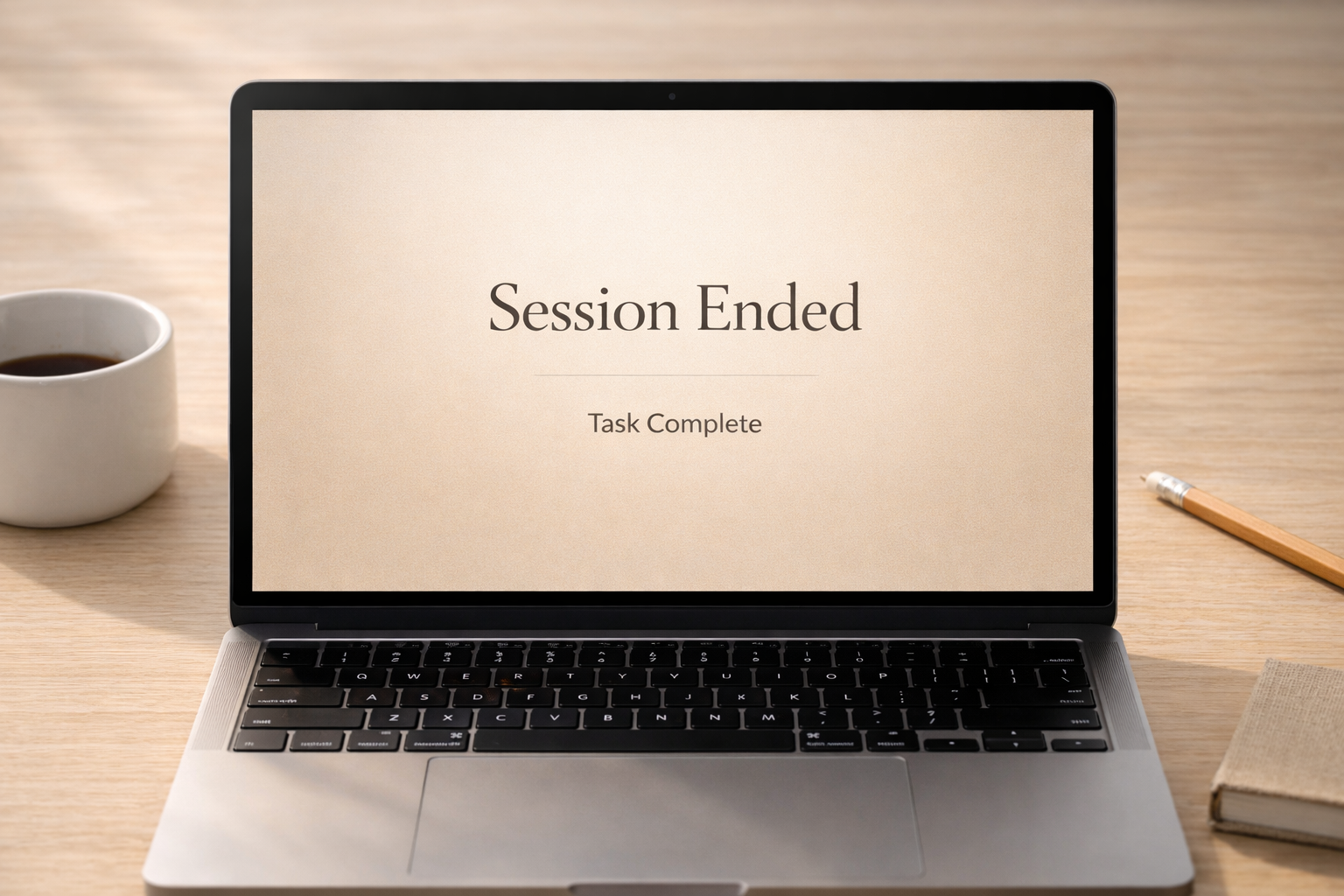
Smart Termination: Blanch detects when a task is done or if you're too distracted, ending the session to prioritize productive rest.
-
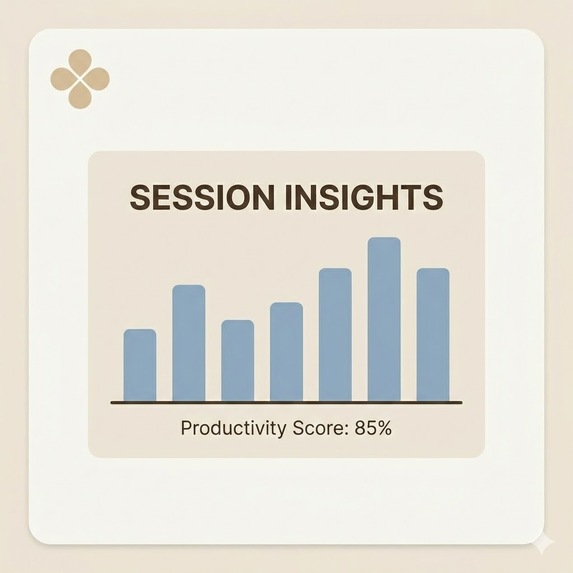
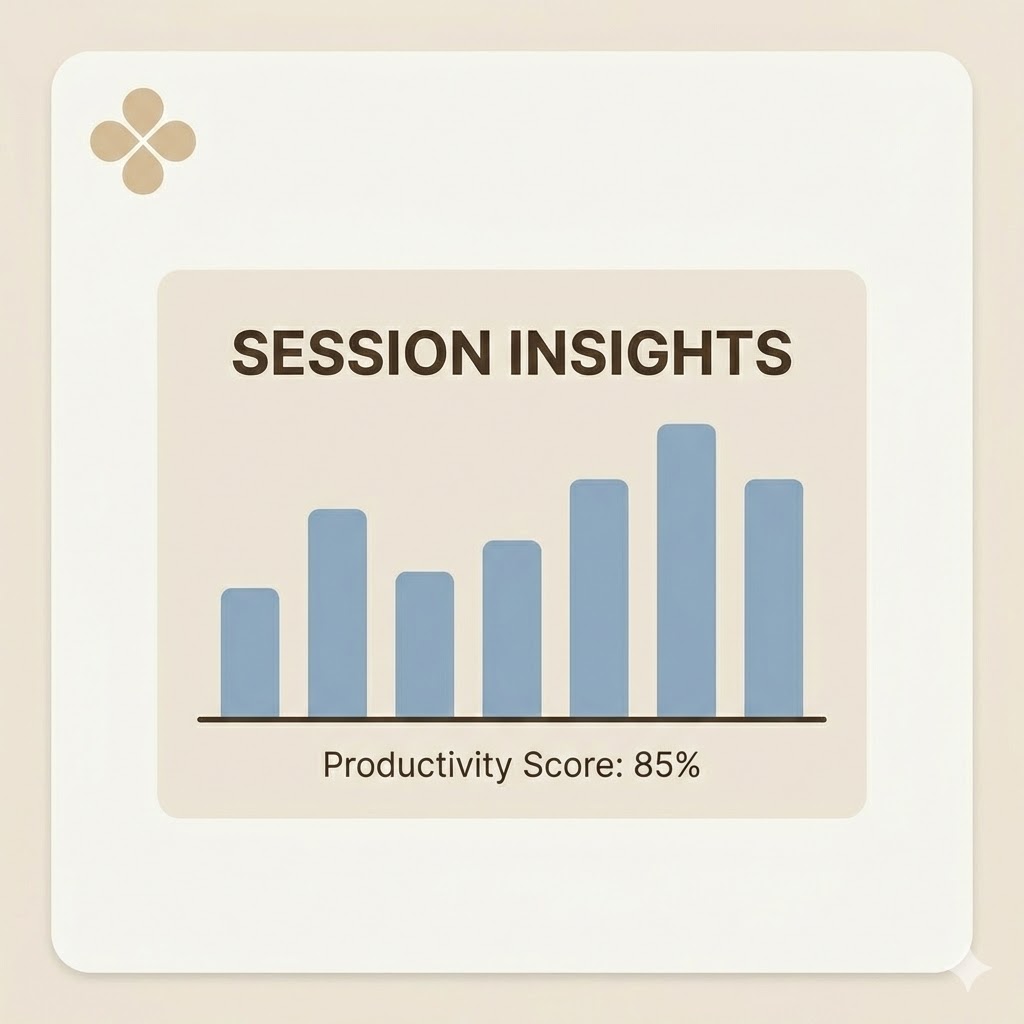
Post-session insights break down your focus metrics and provide actionable feedback to help you prepare for your next flow state.

Project Name
Blanch
Elevator Pitch
Blanch is a productivity tool that doesn't just time you, it understands you. It uses real-time video analysis to detect anxiety or boredom, proactively coaching you into the Flow state.
Inspiration
The inspiration for Blanch came from a personal struggle: the difficulty of just starting.
I realized that procrastination isn’t about laziness — it’s about the friction of the first five minutes. The activation energy required to start a hard task is massive. If a task felt too difficult, I froze (anxiety). If it was too trivial, I got bored.
I didn’t need a passive timer. I needed a ramp to get me started, and a Focus Guardian to keep me there.
Blanch is the result: A multimodal AI that lowers the barrier to entry with mental priming, then watches over you to ensure you stay in the zone.
What it does
Blanch is a multimodal AI companion backed by Csikszentmihalyi’s 8-Channel Flow Model. It dynamically identifies which of the 8 mental states (Anxiety, Arousal, Flow, Control, Relaxation, Boredom, Apathy, or Worry) a user is currently experiencing and adapts its coaching style accordingly.
It operates through a 4-step Flow Cycle:
1. Context & Mental Priming
To bridge the gap between inaction and action, Blanch starts with Mental Priming.
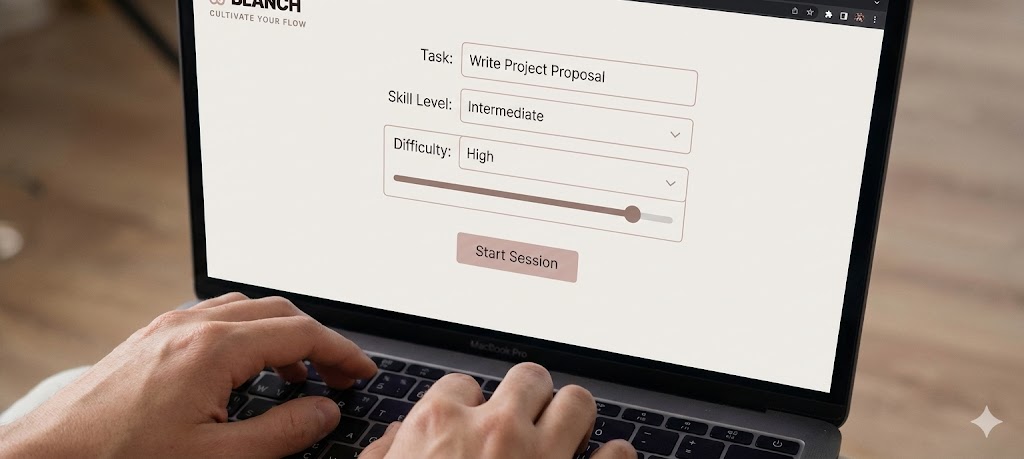
First, the user inputs their Task Description (e.g., "Study for Calculus Exam") alongside their perceived Difficulty and Skill Level.
Blanch uses this context to generate 6 custom Flashcards.
These cards act as pacing tools. If you are anxious about a big interview, the cards break the work down into non-threatening micro-steps and hints (e.g., "Read the first requirement", "What resource can I turn to immediately if I get stuck on a specific step for more than 5 minutes?").
This lowers the cognitive load to get the user into the "Flow" channel before the timer even begins.
2. Active Monitoring
Once the session starts, Blanch uses the webcam to watch for physical cues like gaze direction, phone usage, and posture. It serves as a digital body double, providing the accountability of a human study partner. Just like a friend sitting next to you, Blanch notices if you get distracted. If you pick up your phone or drift off, it speaks up instantly to nudge you back.
3. Smart Termination
Instead of forcing users to grind, Blanch detects when the session has failed. If it records 3 distractions in 15 minutes, it suggests ending the session early to prevent burnout, prioritizing long-term habit building over short-term grinding.
4. Post-Session Analytics
At the end of every session—whether successful or terminated early—Blanch generates a comprehensive Flow Report:
Flow Journey Graph:
A timeline visualization that plots exactly when you were in "Flow" versus when you became "Distracted," helping you identify patterns.Focus Score:
An aggregate metric (0–100) calculated from your attention stability.Intervention Tracker:
Displays how many times the AI had to "nudge" you back, allowing you to track your ability to sustain focus over time.
How we built it
We built Blanch entirely around the Gemini Multimodal Live API, prototyped in Google AI Studio.
Dynamic Content Generation:
We use Gemini's reasoning capabilities to analyze the "Task + Difficulty vs. Skill" vector and generate the Flashcards dynamically.
Multimodal Streaming:
We stream raw video frames and audio directly to Gemini over WebSockets. This enables ultra-low-latency reasoning without separate speech-to-text models.
Native Audio:
We used Gemini’s native audio generation (the Kore voice) to give the app personality. It can interrupt or speak instantly, making it feel like a real person in the room.
Function Calling:
We implemented a custom tool, updateUserStatus, which forces the model to categorize unstructured visual input into clear states (e.g., Flowing vs. Distracted).
Challenges we ran into
Our biggest technical hurdle was making Gemini proactive.
By default, the Gemini Live API is designed for conversation — it usually waits for the user to speak before responding. But our app is different: we needed the model to speak first based on visual cues, not audio.
If the user picked up their phone, we needed Gemini to intervene immediately, without the user saying a word. To solve this, we couldn’t rely on default turn-taking. We engineered a loop where we manually sent text prompts to the API based on the video stream. This “forced” the model to analyze the visual context and generate an audio intervention (like “Is that relevant to your task?”) even when the user was silent.
Accomplishments that we're proud of
True Presence:
By combining low-latency video analysis with the emotive Kore voice, Blanch feels less like a tool and more like a companion.
Cracking the Proactive Problem:
We found a workaround to make the Live API speak first based on vision, turning a chatbot into a real-time guardian.
Speed of Execution:
We went from a complex psychological concept (Flow Theory) to a working multimodal prototype in just a few days, thanks to Google AI Studio.
What we learned
We learned two major lessons: one about the human mind, and one about the future of development.
The Psychology of Flow:
We dug into the 8-Channel Model of Flow (Massimini, Csíkszentmihályi, 1987). Flow isn’t magic; it’s a formula where high challenge meets high skill. Blanch works because it dynamically adjusts this balance—using Flashcards to lower anxiety or gamification to cure boredom.
The Power of AI Studio:
Google AI Studio made prototyping extremely fast. Testing prompts and system instructions in real-time before writing code changed our workflow.
What's next for Blanch
Calendar Integration:
Auto-detect task difficulty based on schedule density and deadlines.
Long-term Analytics:
Plot a user’s “Flow Channel” over weeks to identify peak productivity hours.
Group Flow:
Allow multiple users to “Blanch” together in a shared virtual space, monitored by a single Gemini instance for team accountability.

Log in or sign up for Devpost to join the conversation.