


Inspiration
The inspiration came directly from the Vueling Challenge presented at HackUPC 2025. We considered the stressful scenario passengers face during airport disruptions like power outages or network failures. Digital screens go blank, online maps fail, and navigating a large, unfamiliar terminal becomes incredibly difficult, potentially leading to missed flights and anxiety. We wanted to build a tool that empowers passengers with reliable navigation information precisely when traditional systems fail, enhancing their experience and reducing stress during these challenging moments. Our goal was to create a resilient, offline-first navigation aid.
What it does
Airport Blackout Guide is an Android application designed to provide seamless indoor airport navigation, specifically during blackout or zero-connectivity situations.
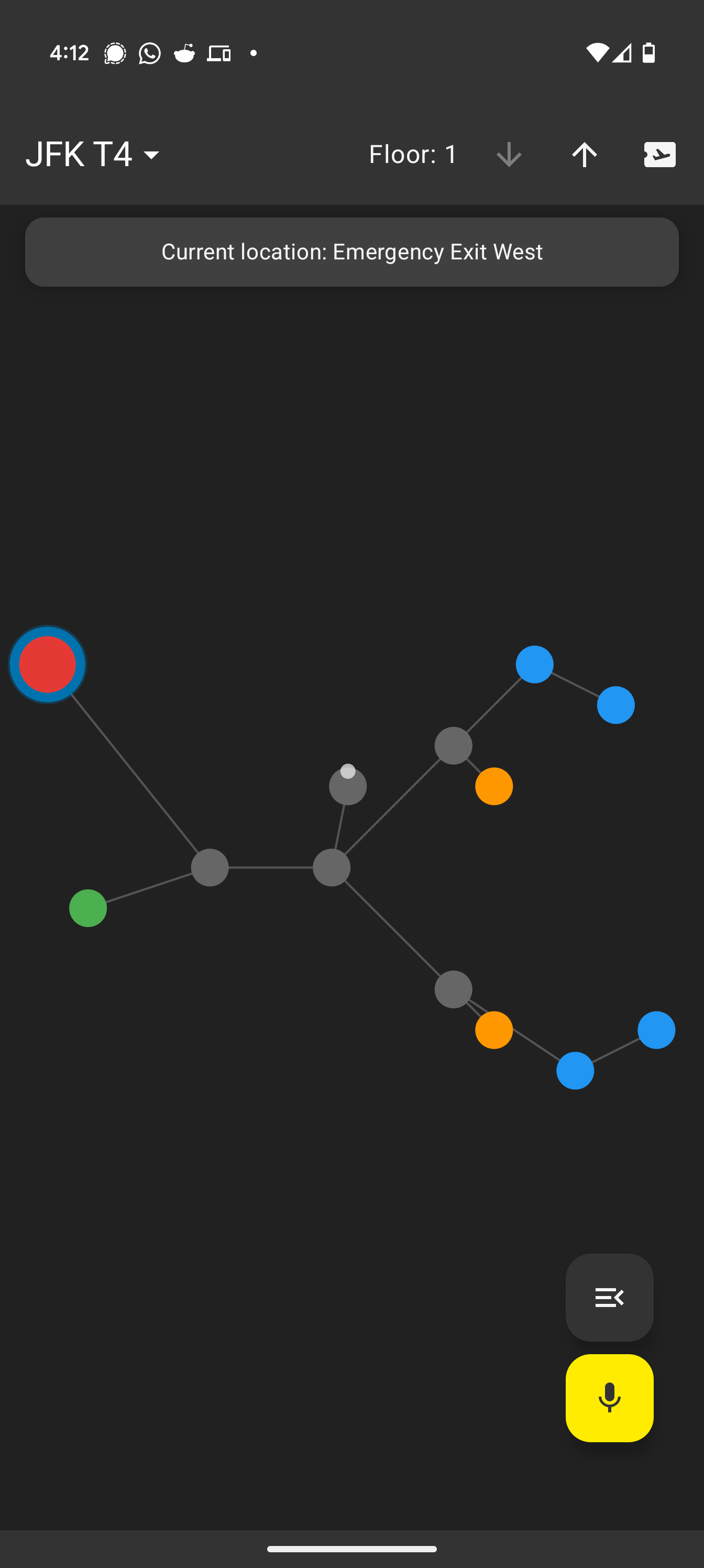
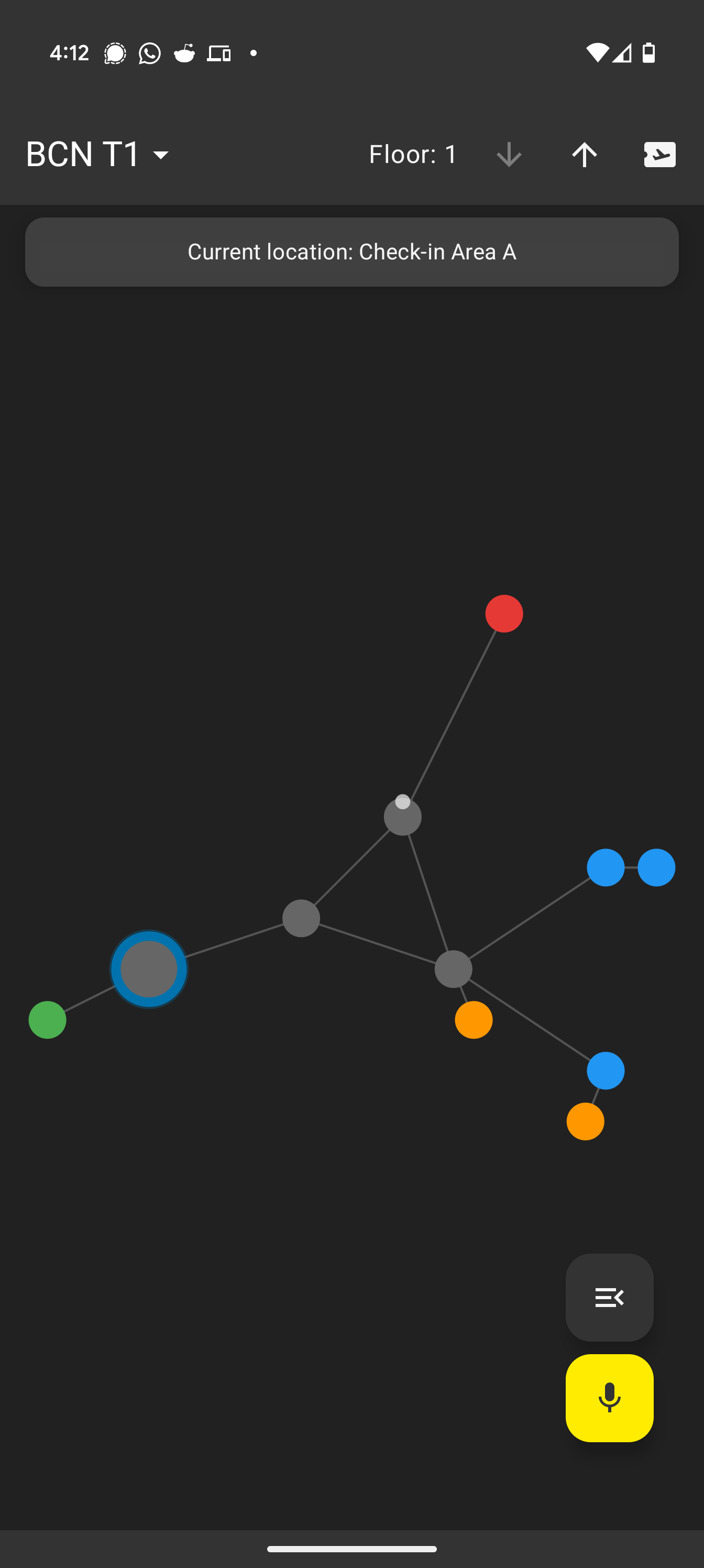
- It allows users to view offline airport maps (currently featuring BCN T1 and JFK T4 examples).
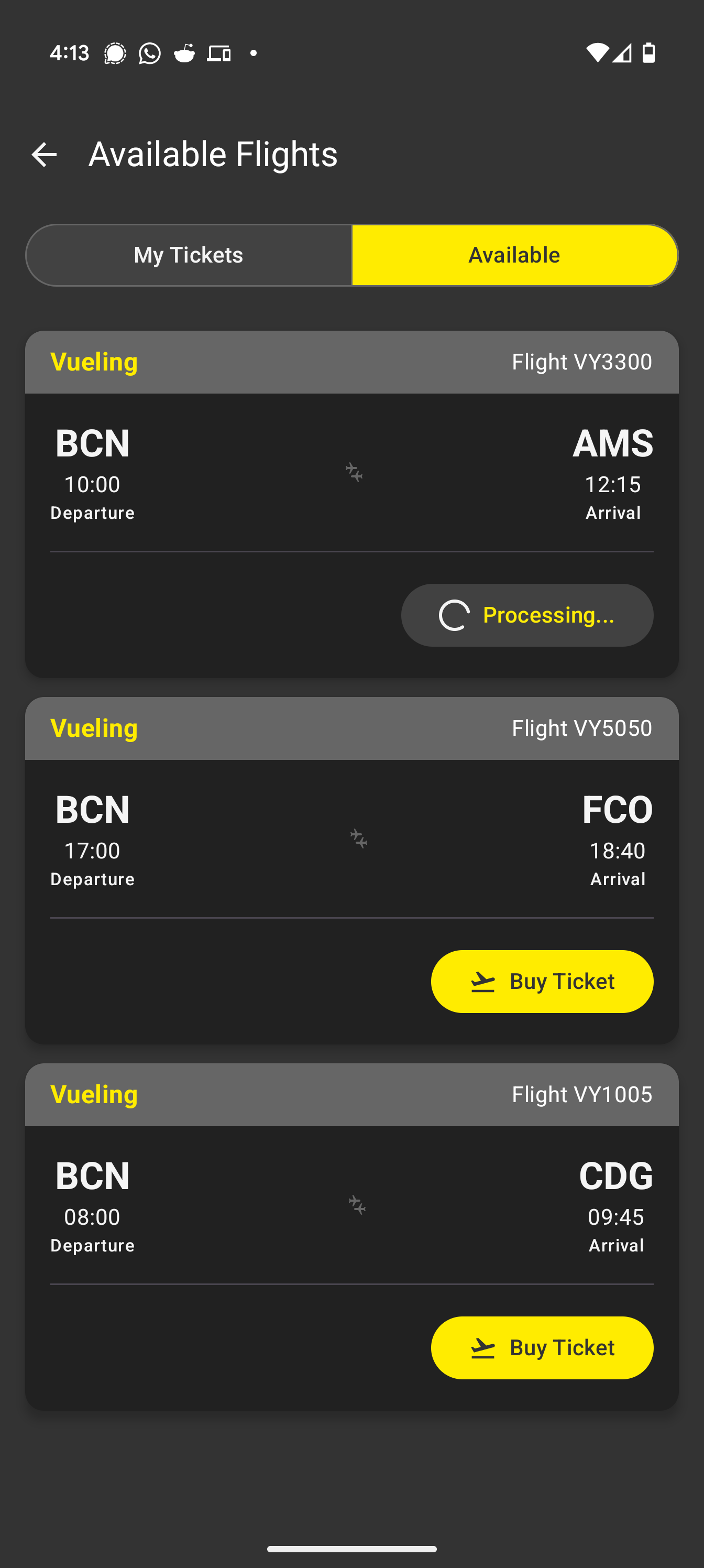
- Users can get A* pathfinding directions to key locations like their flight gate (sourced from mock ticket data), restrooms, or emergency exits.
- Navigation is initiated via voice or text commands (e.g., "Take me to my gate", "Where is the nearest bathroom?"), processed by a simulated local LLM for intent recognition and function triggering – demonstrating on-device intelligence potential.
- The app provides turn-by-turn voice guidance (TTS) to the destination.
- It uses the device's GPS to estimate the user's current location on the map.
- It automatically detects network blackouts, switches to a distinct mode, and displays the time the blackout started.
- Users can tap on map nodes (gates, points of interest) to see detailed information.
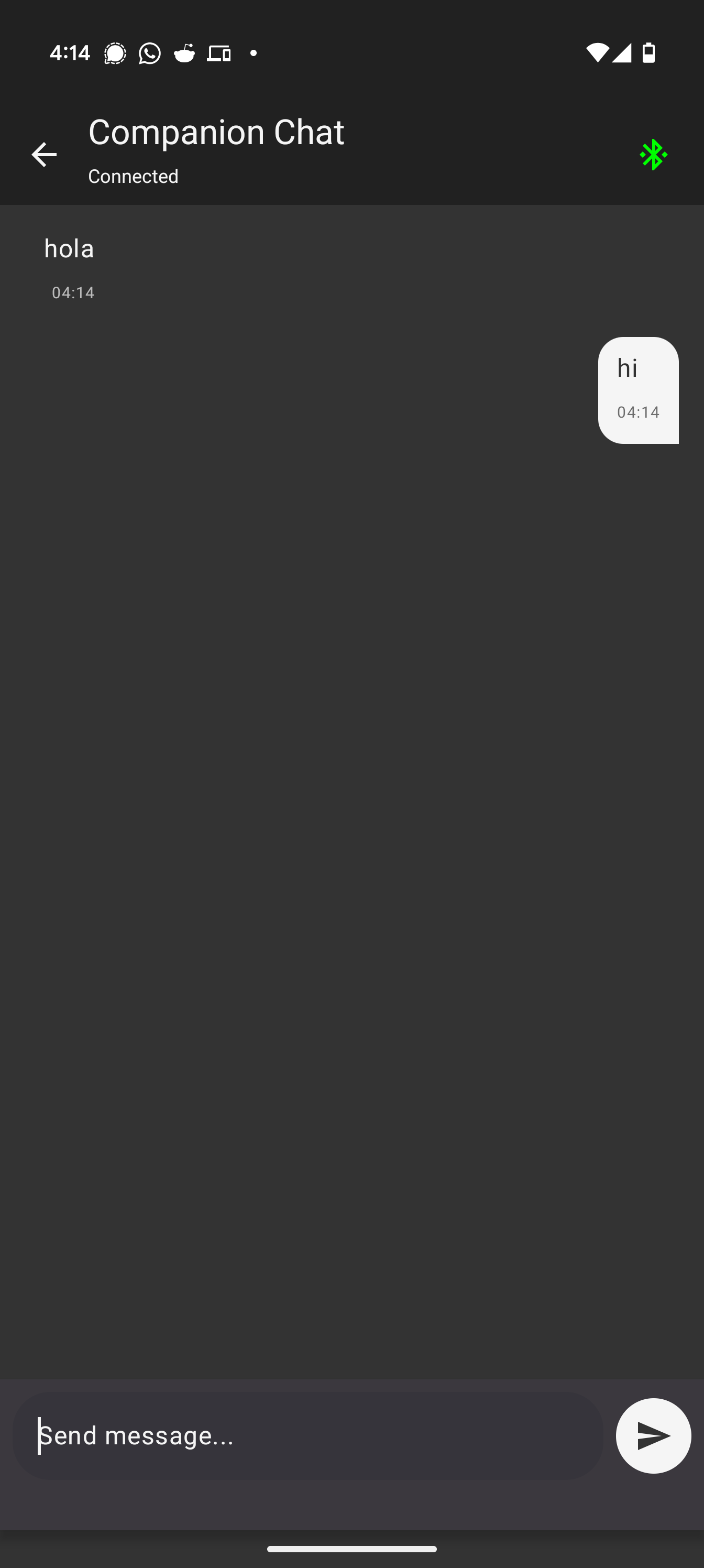
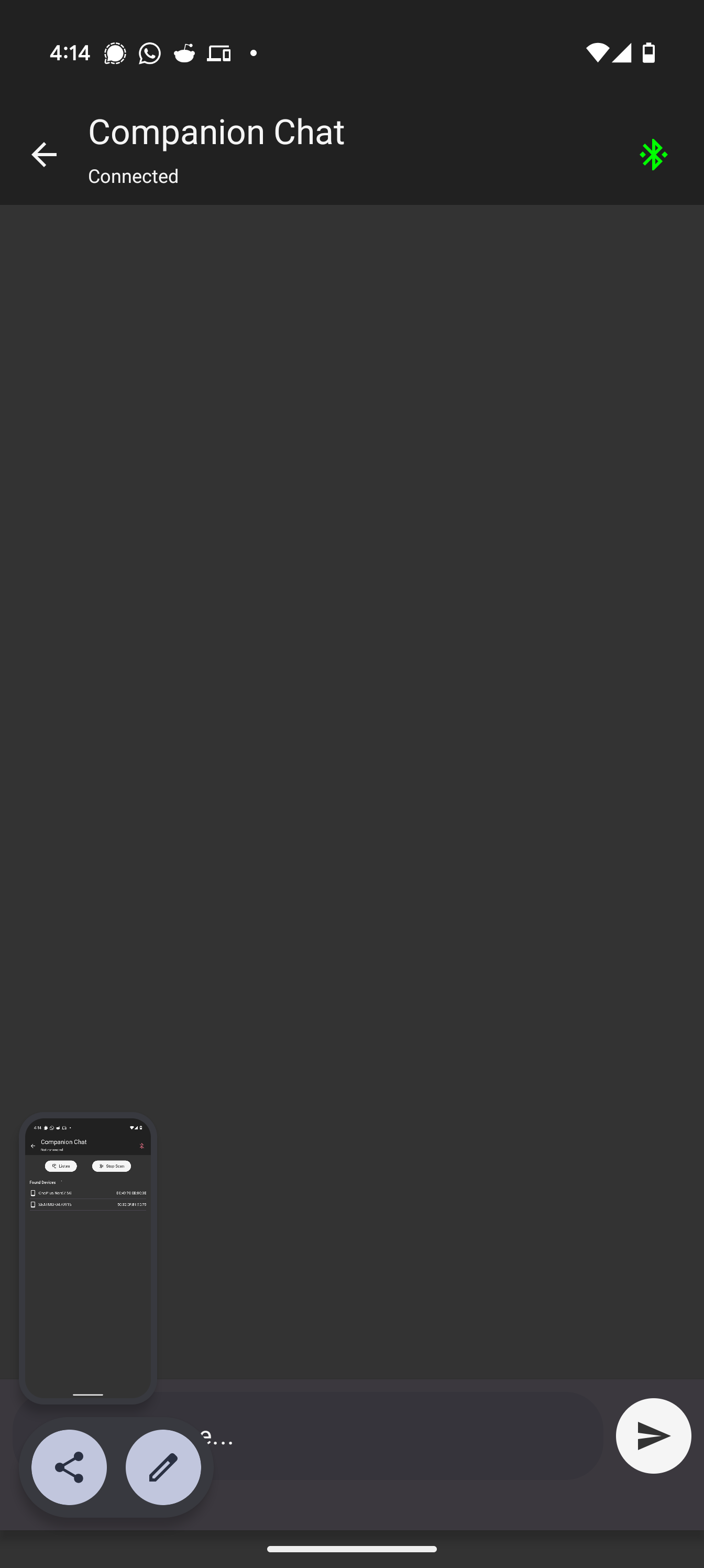
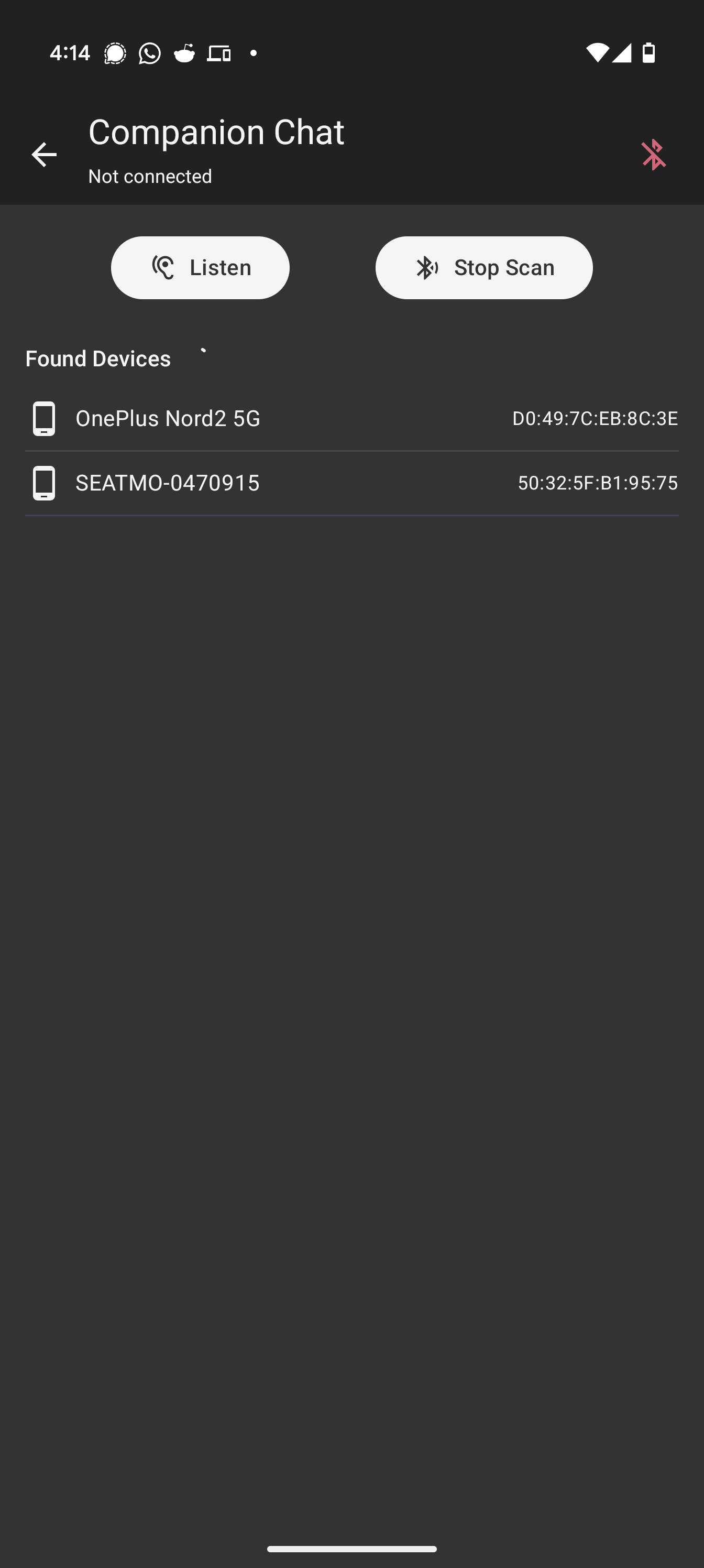
- An experimental Bluetooth Chat feature allows direct peer-to-peer text communication between companions on the same flight, using in-app device discovery and connection via Bluetooth Classic (SPP), providing a network-independent communication channel.
How we built it
We built this as a native Android application using Kotlin as the primary language.
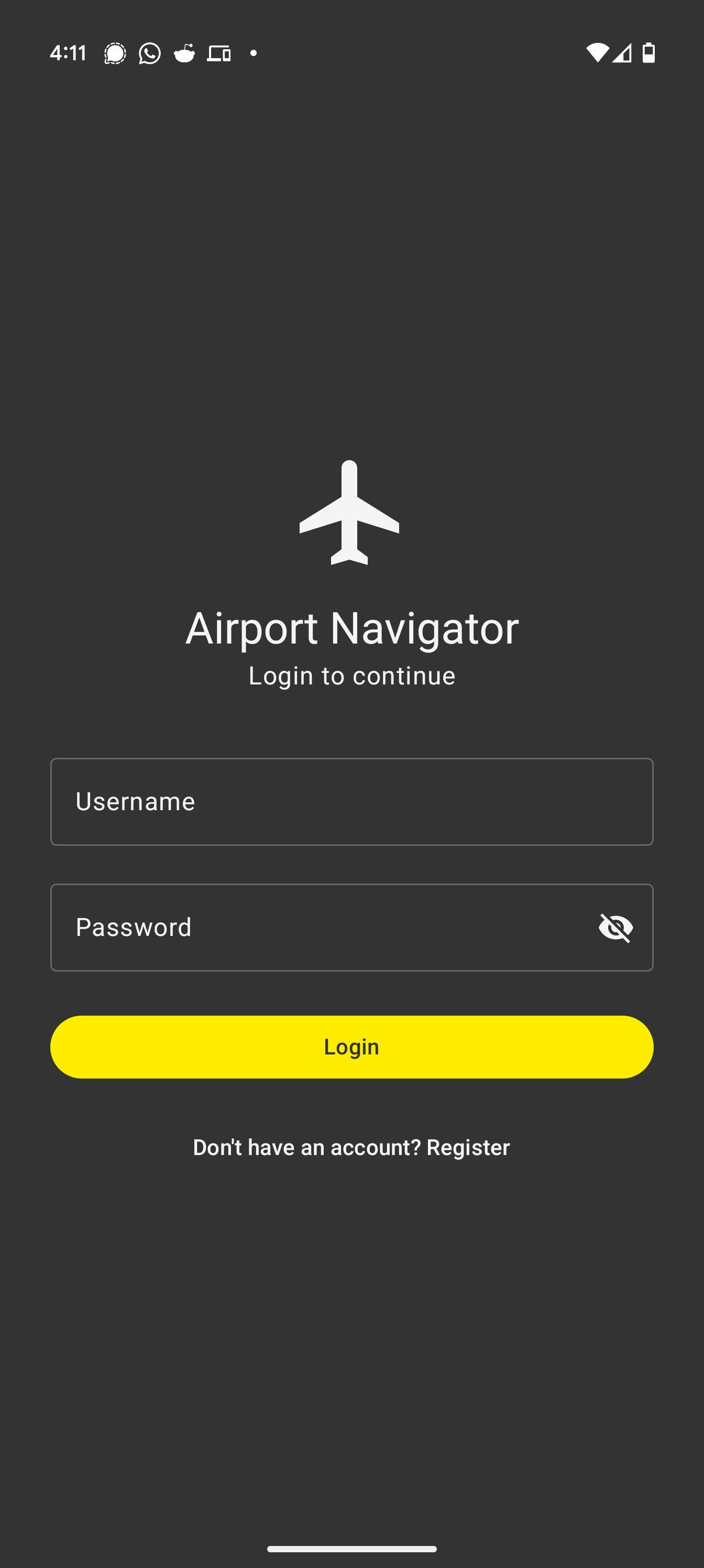
- UI: The user interface was crafted entirely with Jetpack Compose and styled using Material 3 components, incorporating Vueling's brand colors in elements like the mock Tickets screen. Custom map rendering was achieved using the Compose Canvas API.
- Architecture: We followed the MVVM (Model-View-ViewModel) pattern for a clean separation of concerns, utilizing ViewModels, Repositories (with mock implementations for User, Tickets, and Map loading), and Services.
- State Management: Kotlin Flows (StateFlow, SharedFlow) were used extensively within ViewModels to manage and expose UI state reactively.
- Navigation: Jetpack Navigation Compose handles navigation between screens (Login/Register Mocks, Tickets, Map, Chat).
- Core Logic:
- Map Data: Airport layouts are represented as node/edge graphs defined in JSON files included as raw resources.
- Pathfinding: A custom A* algorithm implementation calculates routes on the graph.
- "Local LLM": A mocked service (
MockLlmService) simulates on-device natural language processing using keyword/regex matching to parse user commands and trigger corresponding ViewModel functions (likefindPath,updateLocation). - Android Services: Integrated standard Android services for Text-to-Speech (TTS), Speech Recognition (ASR) using
SpeechRecognizer, Location usingFusedLocationProviderClient, and network status usingConnectivityManager. - Bluetooth Chat: Implemented using Bluetooth Classic (SPP sockets), managing server/client roles, connection lifecycles, device discovery (
BroadcastReceiver), and data streams within a dedicatedBluetoothChatServiceusing Kotlin Coroutines for background operations. Includes a simple protocol for exchanging usernames post-connection.
Challenges we ran into
- Real On-Device LLM: Integrating a true lightweight LLM within the hackathon timeframe proved too complex (model conversion, inference engine setup, performance). We opted for a mocked LLM service to demonstrate the intended architecture and offline AI concept.
- Bluetooth Complexity: Android Bluetooth Classic development presented several hurdles: handling the new Android 12+ permissions (
CONNECT,SCAN), ensuring reliable device discovery, managing the pairing process implicitly triggered by connection attempts, debugging socket connection errors across different devices, and managing the lifecycle of sockets/streams correctly within coroutines. - Indoor Localization: Accurately mapping device GPS coordinates (which lack floor information and have limited indoor accuracy) to specific nodes on our 2D/multi-floor maps required significant simplification.
- Time Constraints: Balancing the implementation of core offline navigation, the LLM simulation, UI polish (including map rendering and interactions), map switching, and the experimental Bluetooth chat feature within the tight HackUPC schedule was demanding.
Accomplishments that we're proud of
- Developing a functional end-to-end prototype that directly addresses the Vueling challenge use case within 24 hours.
- Successfully implementing fully offline map rendering and A* pathfinding.
- Integrating voice commands (ASR) and voice guidance (TTS) for a hands-free experience.
- Creating the architecture for on-device command processing via the mocked LLM, proving the concept for privacy and offline use.
- The automatic blackout detection with visual indication and start-time logging works reliably.
- Implementing map switching and interactive node information popups.
- Getting the Bluetooth peer-to-peer chat working using discovery and SPP, allowing basic communication without internet – a valuable feature during network outages.
What we learned
- The significant intricacies and required permissions (especially post-Android 12) involved in Bluetooth Classic (SPP) development on Android.
- Techniques for designing offline-first applications and handling potential connectivity state changes gracefully.
- A practical appreciation for the current challenges and potential of on-device AI/ML on mobile platforms.
- Advanced Jetpack Compose usage, including custom drawing with Canvas and managing complex UI state with Flows.
- The importance of clear scope definition and strategic mocking (like the LLM) to deliver a functional prototype during a time-constrained hackathon.
What's next for Blackout Airport Guide
- Integrate a Real Local LLM: Replace the mock service with a lightweight model (e.g., Phi-3 Mini, Gemma via ONNX Runtime or MediaPipe) for genuine on-device NLU.
- Real Data: Connect to Vueling APIs for real-time flight status, gate updates, and potentially integrate ticket purchasing/loading.
- Dynamic Maps: Load origin/destination airport maps based on the user's actual ticket data.
- Accurate Indoor Positioning: Explore integrating Wi-Fi RTT, BLE beacons, or platform-specific VPS (Visual Positioning Systems) for vastly improved indoor location accuracy.
- More Airports: Expand the library of available offline airport maps.
- Chat Enhancements: Improve Bluetooth chat stability, potentially explore BLE for lower energy consumption.
- Accessibility & UI Polish: Conduct user testing and improve accessibility features and overall user experience.
Built With
- android-studio
- jetpack-compose
- kotlin

Log in or sign up for Devpost to join the conversation.