Inspiration
As AI systems become more integrated into everyday workflows, people are constantly uploading PDFs, screenshots, support tickets, resumes, and documents into LLM-powered tools. While most conversations around AI focus on productivity, I noticed that AI security and trust are often overlooked. Prompt injection attacks hidden inside files can manipulate AI systems into leaking sensitive information, ignoring instructions, or behaving unexpectedly. I built Blacklight to expose these hidden threats before they ever reach an AI model.
What it does
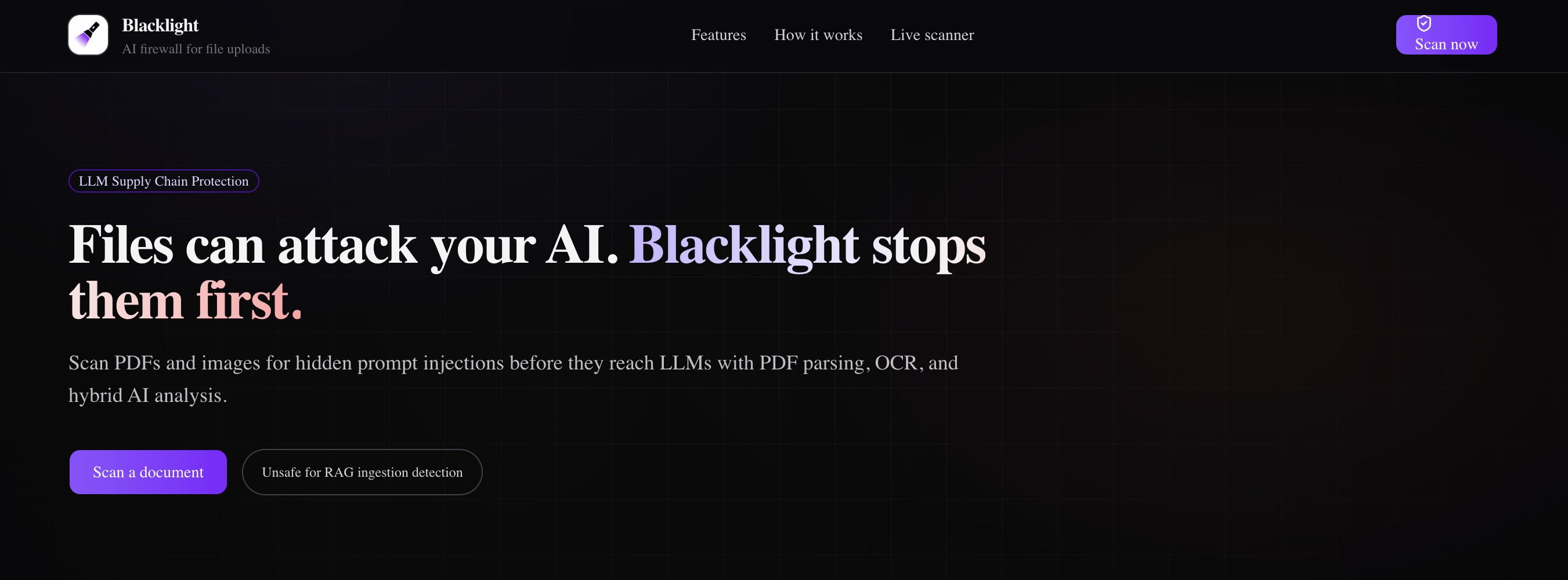
Blacklight is an AI firewall for uploaded files.
Users can upload documents, text files, PDFs, or images, and Blacklight scans them for hidden prompt injections and malicious instructions targeting LLMs. The platform extracts content, analyzes it using AI-assisted threat detection, highlights suspicious instructions, assigns a risk score, and generates a sanitized version that is safer for AI ingestion.
Blacklight can detect:
- Hidden prompt injections
- Jailbreak attempts
- System prompt extraction attacks
- Malicious hidden instructions
- Unsafe AI/RAG ingestion content
- Obfuscated text hidden behind white overlays or visual masking techniques
The platform also uses OCR to identify text embedded inside images or visually concealed elements that traditional parsers may miss.
How I built it
I built Blacklight using:
Next.js for the frontend and API routes TailwindCSS + shadcn/ui for the interface OpenAI APIs for AI-powered threat analysis and classification pdf-parse for PDF text extraction OCR tooling for image and hidden-text detection
The workflow:
User uploads a file Blacklight extracts visible and hidden text from documents and images OCR scans for visually obscured or masked text, including content hidden behind white overlays OpenAI classifies suspicious instructions and prompt injection attempts Threats are highlighted with severity scores and explanations A sanitized output is generated for safer AI consumption
I focused heavily on creating a polished, cybersecurity-inspired UI with scanning animations, threat indicators, visual highlighting, and threat analysis panels to make the experience intuitive and impactful.
Challenges I ran into
One of the biggest challenges was balancing speed and reliability within the short hackathon timeframe. Parsing different file types consistently while keeping the UX smooth required careful prioritization.
Another challenge was making prompt injection detection feel intelligent and explainable rather than simply keyword matching. I experimented with combining parser-based extraction, OCR analysis, and AI-powered classification to improve realism and flexibility.
Detecting visually obfuscated text was also challenging because hidden instructions can be masked using overlays, low-contrast colors, or document layout tricks that traditional parsing tools often ignore.
I also spent significant time refining the demo experience to ensure malicious instructions could be clearly visualized in an engaging and understandable way.
Accomplishments that I'm proud of
I’m proud that Blacklight turns a complex AI security problem into something visual and easy to understand in seconds.
Some highlights:
- Built a functional AI security scanning workflow in only a few hours
- Successfully detected hidden prompt injections inside uploaded files
- Added OCR-based detection for visually obscured and masked text
- Combined PDF parsing, OCR, and AI classification into a single workflow
- Created a polished cybersecurity-style interface and demo flow
- Designed a realistic AI threat model around file ingestion and RAG systems
- Built a project that feels like a real future AI infrastructure product rather than just another chatbot wrapper
What I learned
I learned how vulnerable AI systems can be when ingesting untrusted external data, especially in RAG pipelines and enterprise AI workflows.
I also learned that prompt injection attacks are not limited to plain text. Attackers can hide malicious instructions using formatting tricks, overlays, OCR manipulation, and visual obfuscation techniques that many AI systems would still process.
I also learned that for hackathons, storytelling and UX matter just as much as technical implementation. Making the threat visible and understandable dramatically improved the impact of the project.
Finally, I learned how quickly modern AI tooling allows solo developers to prototype ambitious ideas that previously would have required much larger teams.
What's next for Blacklight
Future plans for Blacklight include:
Browser extensions for scanning uploads before they reach AI tools Enterprise integrations for Slack, Notion, Google Drive, and support systems Real-time protection for RAG pipelines and AI agents More advanced detection for obfuscated and multi-modal attacks AI-powered document trust scoring Team dashboards, audit logs, and security analytics Fine-tuned models specifically trained on prompt injection and AI supply chain attacks
Built With
- next.js
- node.js
- openai-api
- pdf-parse
- react
- tailwindcss
- tesseract.js-ocr
- typescript
- vercel

Log in or sign up for Devpost to join the conversation.